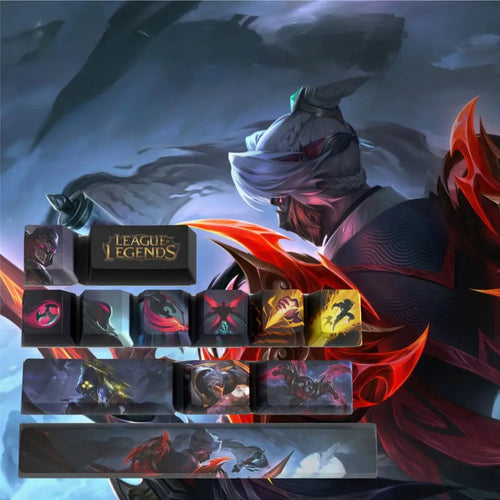
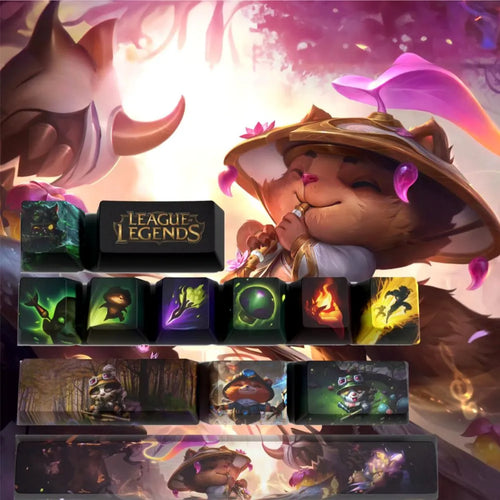
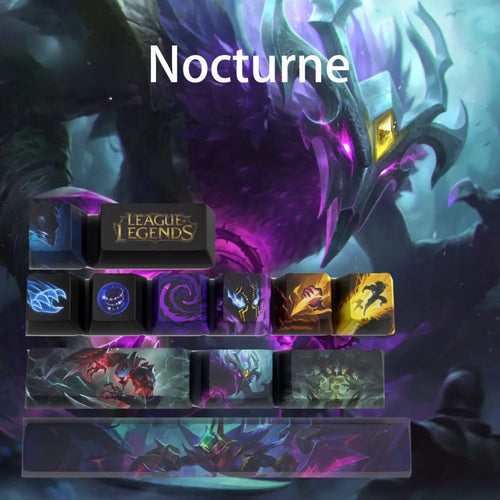
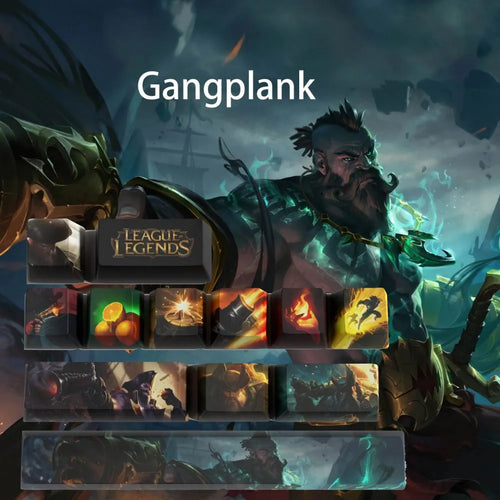
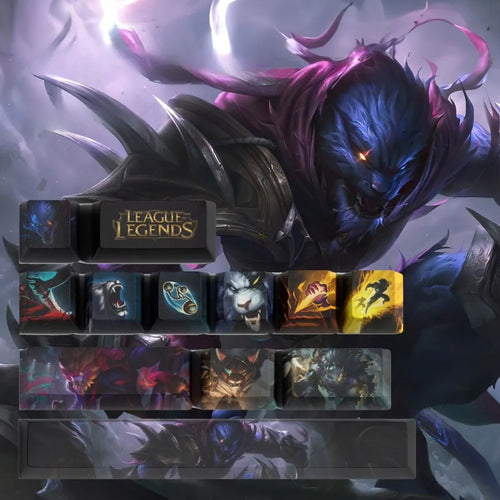
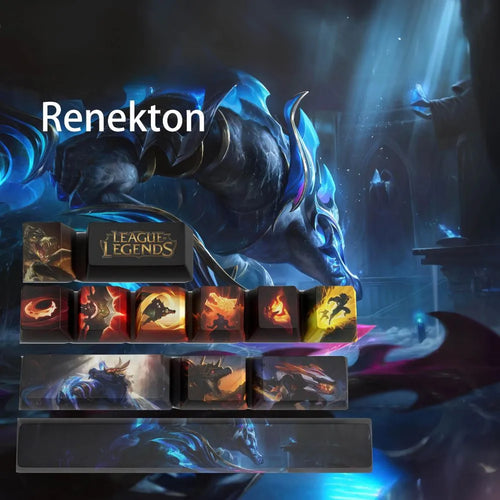
League of Legends Keycaps (LoL)

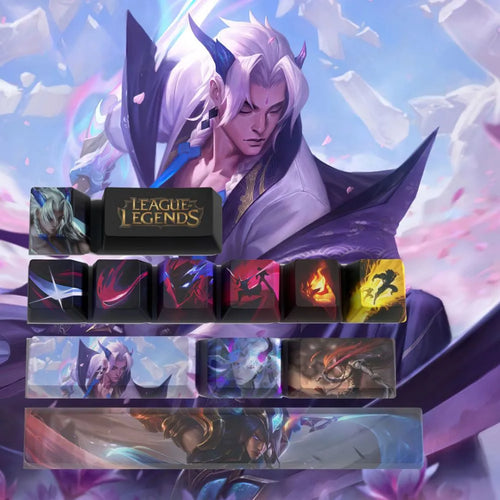
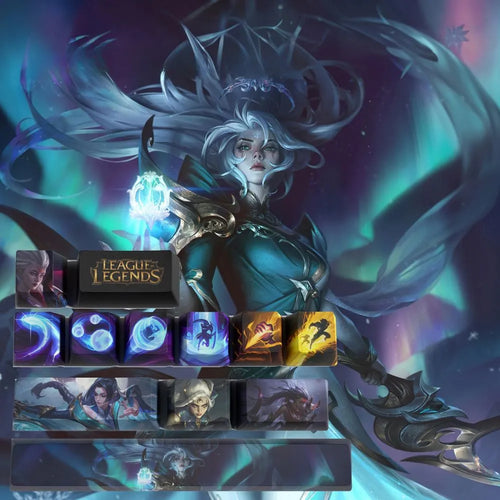
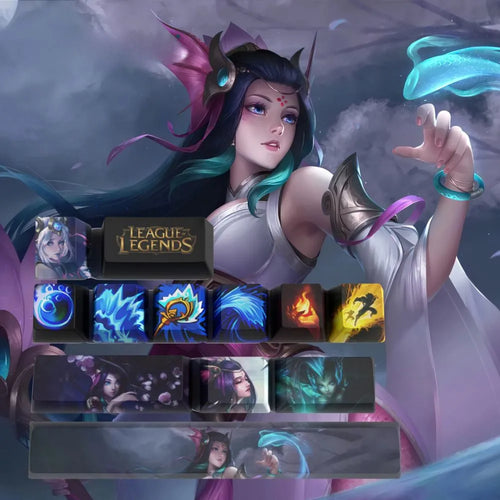
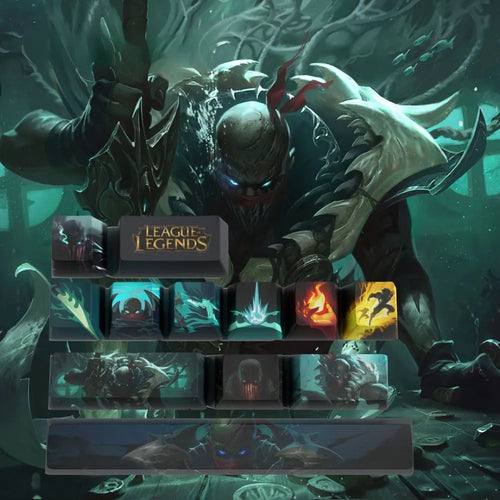
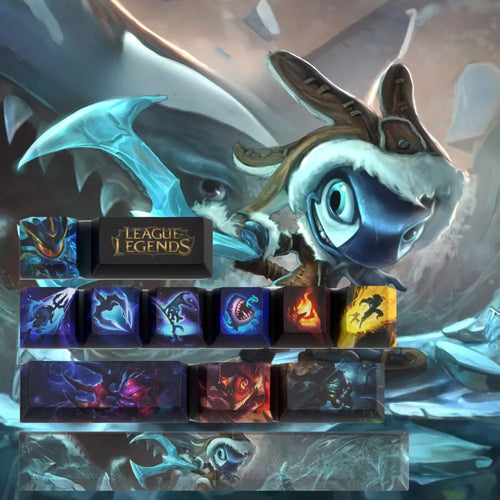
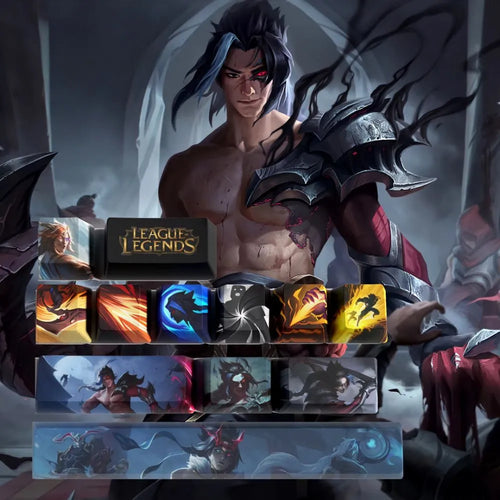
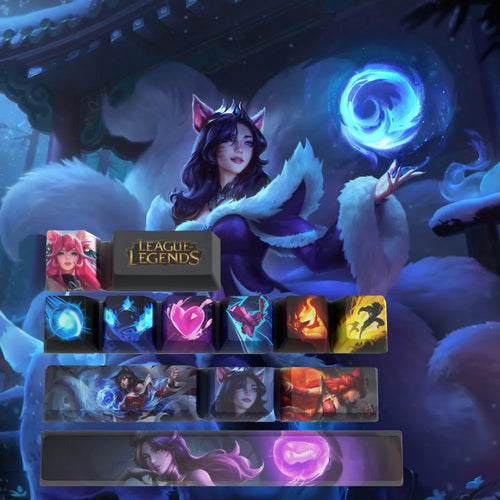
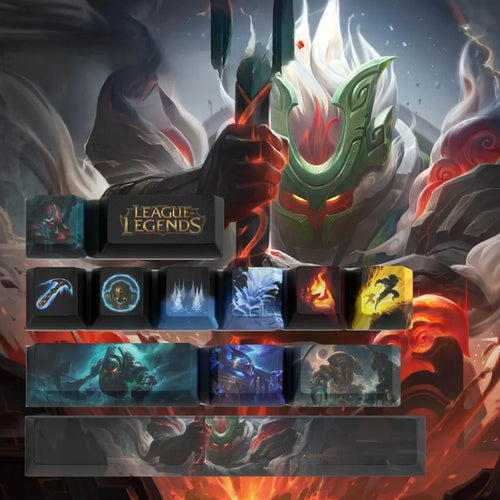
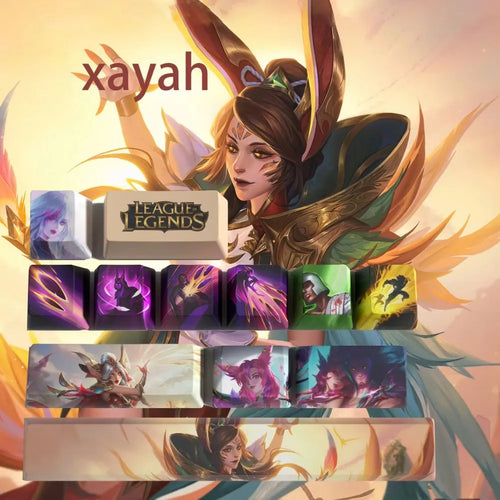
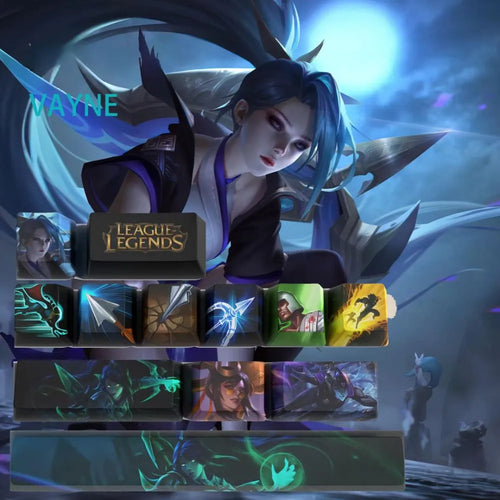
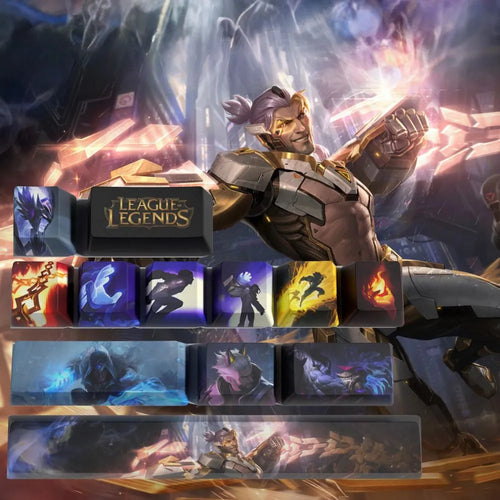
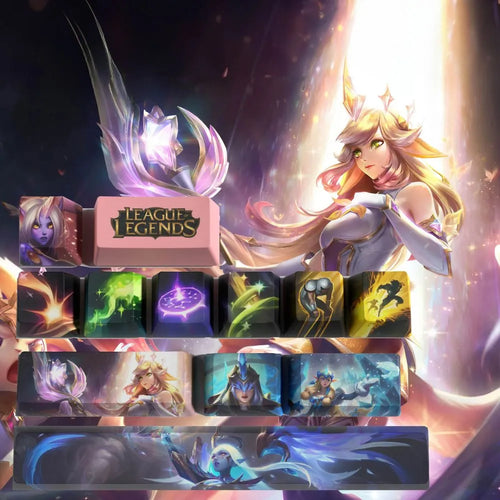
One champion, twelve keys, and your keyboard finally says something. This League of Legends keycaps collection brings together sets broken down champion by champion, from top laner to support, most of them listed as 12 keys in PBT for mechanical keyboards. The idea is not to replace everything, but to add a visual accent exactly where your fingers spend their time: the movement cluster, the ability keys, the summoner spells. All that is left is choosing the right champion, matching the colours to the rest of the setup and checking compatibility.

What you should know before buying keycaps

The profile, so the key does not stick out

The profile describes the height and curve of each row. OEM ships as standard on most gaming keyboards, with a tilt specific to each row. Cherry resembles it, lower and flatter. SA is tall, spherical, very retro, and noticeably raises the hand. XDA is uniform from one row to the next, which makes it ideal for a partial set.

ABS or PBT, the question of shine

ABS allows very vivid colours, which explains its popularity on illustrated sets, but it polishes under your fingers and turns shiny on the most used keys, ZQSD first of all. PBT is denser, grainier, far more resistant to that shine and to yellowing. Most of the champion sets in this collection state PBT in their name.

How the champion artwork is applied

  • Double-shot: the legend is a second plastic injection, indestructible in use, but incapable of rendering an illustration with gradients.
  • Dye-sublimation: the dye penetrates the PBT under heat. Nothing sits on the surface, so nothing wears off, but you can only print dark on light.
  • Screen or pad printing: the only affordable technique that does justice to a full-colour splash art. Its lifespan depends on the protective coating applied over it.
  • Laser engraving: durable and precise, but limited in palette.

RGB: what backlighting will really give you

An illustrated set is opaque almost by definition, since the artwork covers the whole surface. Your backlighting will then light the edge of the key and the keyboard plate, not the artwork itself. For the legend to glow, you would need a translucent shine-through key, which is incompatible with a full-colour illustration.

MX stem: compatibility in ten seconds

Pull off a key and look at the mechanism. A four-armed cross means MX stem, the standard shared by Cherry, Gateron, Kailh, Outemu, Akko, TTC and most optical switches in gaming keyboards. Anything that is not a cross — membrane, laptop scissor, Topre, Alps or low-profile Choc switch — will not accept these keycaps.

AZERTY: why partial sets save you

Keycap sets are designed for American ANSI keyboards in QWERTY. Three differences matter for a French player. First, the accented characters é, è, ç, à and ù appear in no American set, whereas on AZERTY they occupy the number row and the key next to M. Second, the M sits to the right of L here, and not at the end of the bottom row as in QWERTY: any imported letter row ends up offset. Third, an ISO keyboard has an L-shaped Enter key and an extra key next to the left Shift, both absent from ANSI sets. A set of 12 illustrated keys escapes all of that: it goes on the keys of your choice and makes no claim to replace a layout.

How many keys to choose

  • Twelve keys cover exactly what a player looks at: the champion's four abilities, the two summoner spells, the recall key, the shop key and a camera movement cluster. It is the dominant format in this collection.
  • Fourteen keys add enough to dress up active items or a complete number row.
  • A full set brings total consistency, at the cost of the ISO constraints mentioned above and a much longer install.

What you really customise is the look, never the behaviour: a keycap does not remap any key, the layout remaining handled by the system. On the other hand, a colourful, well-placed cluster is spotted out of the corner of your eye and gives a real visual landmark in the middle of a teamfight.

For a consistent setup, take a dominant colour from the champion and echo it elsewhere: keyboard lighting in a similar shade, a matching mouse pad. Two shades are enough, one dominant and one accent, on a neutral black or white base.

Our selection

Top lane and fighters

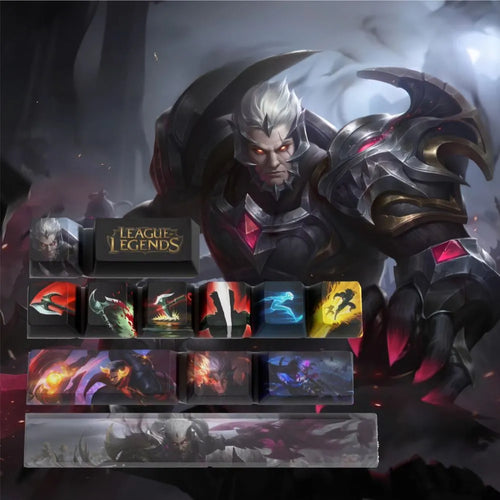
Mordekaiser, Darius and Jax are listed as 12 keys in PBT. Garen is given in PBT, with Nasus and Illaoi as reinforcements.

Jungle and assassins

Khazix and Kayn are among the 12 key sets, along with Rengar, Zed, Graves and Nocturne.

Mid lane

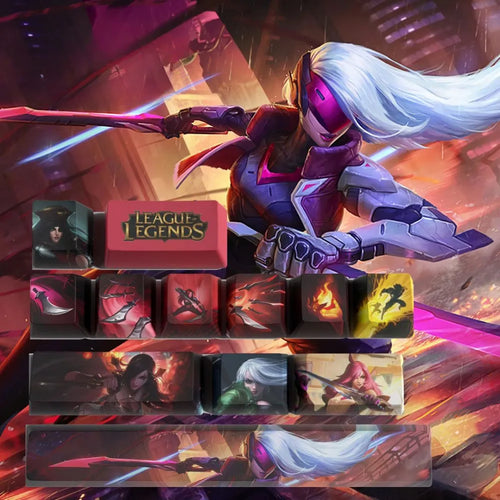
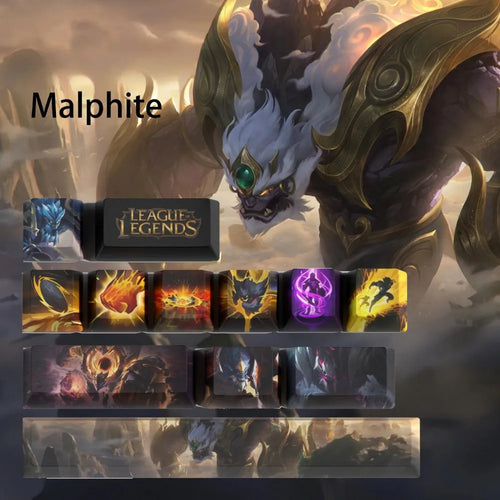
Ahri and Katarina, Azir and Diana are listed as 12 keys in PBT. Syndra, Yone and Malzahar widen the choice.

Marksmen

Jinx, Kaisa and Kalista use the 12 key PBT format, Ezreal the 12 key format. Caitlyn, Vayne and Twitch round things off.

Support

Nami, Janna and Nautilus are listed as 12 keys in PBT, ahead of Soraka, Leona, Rakan and Blitzcrank.

Table of sets by champion

Information taken from the product names. A dash means the data is not specified.
Champion Usual role in game Number of keys Material Mechanical keyboard mentioned
Darius Top lane 12 PBT Yes
Khazix Jungle 12 - Yes
Ahri Mid lane 12 PBT -
Jinx Marksman 12 PBT Yes
Nautilus Support 12 PBT Yes

Frequently asked questions

Will my keyboard take these keycaps

Pop off a key and look at the switch stem. A four-armed cross corresponds to the MX standard, shared by Cherry and its clones Gateron, Kailh, Outemu, Akko or TTC, as well as by most optical gaming switches. In that case, a 12 key set fits with no adapter. A membrane keyboard, a laptop or a Topre switch will not do.

Will a set designed for QWERTY work on my AZERTY

Yes, as long as it is a partial set. The 12 keys are standard size and can be placed freely on the positions of your choice, independently of the layout. The difficulties specific to AZERTY — the accented é è ç à ù, the M to the right of L, the L-shaped ISO Enter — only concern full sets meant to replace every key on the keyboard.

How do I remove the original keys

Use a wire puller, often supplied with mechanical keyboards and far gentler than rigid plastic models. Hook the two loops under two opposite edges, then pull straight up with no rocking motion. Photograph the keyboard before you start.

Will the champion artwork fade

That depends on the technique used. A double-shot or sublimated legend is built into the material and cannot disappear. An illustration printed on the surface lasts as long as its coating lasts, and fades first on the most heavily used keys. PBT, more resistant than ABS, also limits the shine that gives away a heavily used keyboard.

Will my backlighting shine through the artwork

No, unless the key is explicitly translucent. A colour illustration covers the whole surface and blocks the light. The RGB will glow around the caps and on the plate, producing a halo that is often more elegant than a lit legend. Set the lighting to a shade close to the champion's colours.

Going further

Discover our whole catalogue in the keycaps collection, or change universe with the Valorant keycaps. To match your champion's dominant colour with the rest of the desk, take a look at the mouse pads.
48 items48 available right now
48 products
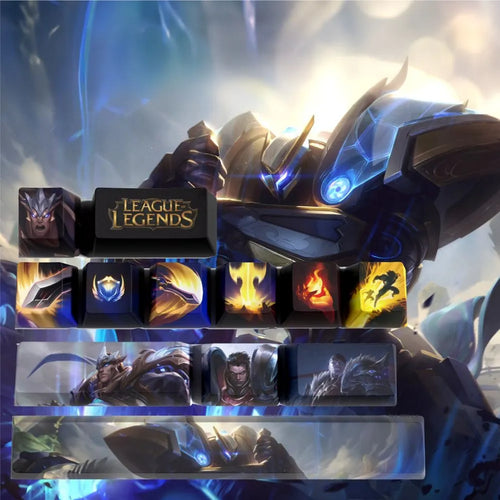
League of Legends Garen keycaps in PBT for Mechanical Keyboards
Fun-Esports League of Legends Garen keycaps in PBT for Mechanical Keyboards Available
31,99€
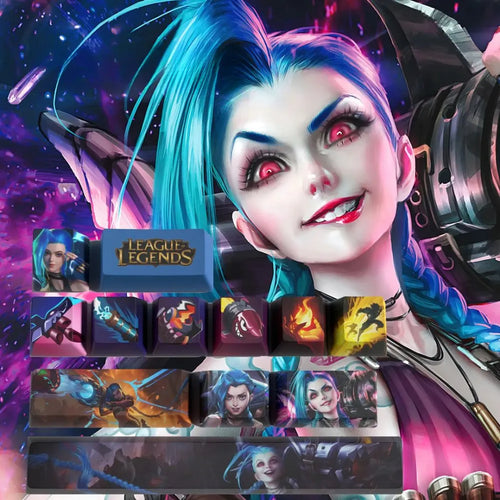
Jinx Keycaps League of Legends – Set of 12 PBT Keycaps for Mechanical Keyboards
Fun-Esports Jinx Keycaps League of Legends – Set of 12 PBT Keycaps for Mechanical Keyboards Available
27,99€
League of Legends Yone Keycaps – Perfect Design and Comfort
Fun-Esports League of Legends Yone Keycaps – Perfect Design and Comfort Available
31,99€
Keycaps League of Legends Diana - Exclusive Set 12 Keys in PBT
Fun-Esports Keycaps League of Legends Diana - Exclusive Set 12 Keys in PBT Available
31,99€
Nami Keycaps for Mechanical Keyboards – Set of 12 PBT Keys
Fun-Esports Nami Keycaps for Mechanical Keyboards – Set of 12 PBT Keys Available
31,99€
Keycaps League of Legends Pyke – Resilience and Gaming Style
Fun-Esports Keycaps League of Legends Pyke – Resilience and Gaming Style Available
31,99€
Katarina Keycaps League of Legends – Set of 12 PBT Keycaps for Mechanical Keyboard
Fun-Esports Katarina Keycaps League of Legends – Set of 12 PBT Keycaps for Mechanical Keyboard Available
31,99€
Darius League of Legends Keycaps – Set of 12 PBT Keycaps for Mechanical Keyboards
Fun-Esports Darius League of Legends Keycaps – Set of 12 PBT Keycaps for Mechanical Keyboards Available
31,99€
Malphite League of Legends Keycaps - A Unique Set for Mechanical Keyboards
Fun-Esports Malphite League of Legends Keycaps - A Unique Set for Mechanical Keyboards Available
31,99€
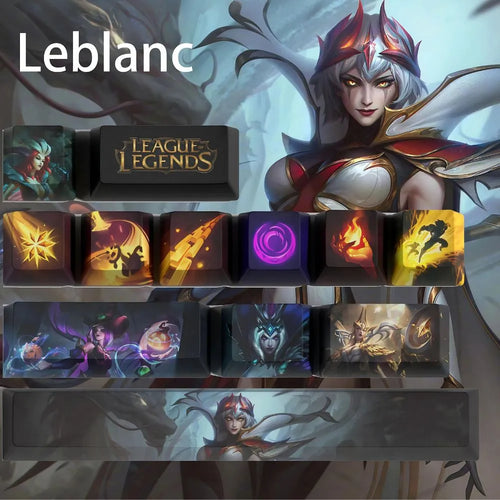
Leblanc Keycaps for Mechanical Keyboards – League of Legends, Unique Design
Fun-Esports Leblanc Keycaps for Mechanical Keyboards – League of Legends, Unique DesignAvailable
24,99€
League of Legends Zed Keycaps – Unmatched Style and Comfort
Fun-Esports League of Legends Zed Keycaps – Unmatched Style and Comfort Available
31,99€
League of Legends Teemo Keycaps – Exceptional Style and Durability
Fun-Esports League of Legends Teemo Keycaps – Exceptional Style and Durability Available
31,99€
Keycaps League of Legends Nocturne – Unique Design and Durability
Fun-Esports Keycaps League of Legends Nocturne – Unique Design and Durability Available
31,99€
League of Legends Gangplank PBT Keycaps for Mechanical Keyboard
Fun-Esports League of Legends Gangplank PBT Keycaps for Mechanical KeyboardAvailable
31,99€
League of Legends Fizz Keycaps for Mechanical Keyboards – Gaming Customization
Fun-Esports League of Legends Fizz Keycaps for Mechanical Keyboards – Gaming Customization Available
31,99€
Kayn League of Legends Keycaps – Set of 12 PBT Keycaps for Mechanical Keyboards
Fun-Esports Kayn League of Legends Keycaps – Set of 12 PBT Keycaps for Mechanical Keyboards Available
31,99€
Ahri League of Legends Keycaps – Set of 12 PBT Keycaps
Fun-Esports Ahri League of Legends Keycaps – Set of 12 PBT Keycaps Available
31,99€
Nautilus Keycaps for Mechanical Keyboards – Set of 12 Durable PBT
Fun-Esports Nautilus Keycaps for Mechanical Keyboards – Set of 12 Durable PBT Available
31,99€
Keycaps League of Legends Xayah – Design and Durability
Fun-Esports Keycaps League of Legends Xayah – Design and Durability Available
31,99€
Keycaps League of Legends Vayne – Design and Durability
Fun-Esports Keycaps League of Legends Vayne – Design and Durability Available
31,99€
Keycaps League of Legends Sylas – Epic Quality and Style
Fun-Esports Keycaps League of Legends Sylas – Epic Quality and Style Available
31,99€
League of Legends Soraka Keycaps – Epic Style and Comfort
Fun-Esports League of Legends Soraka Keycaps – Epic Style and Comfort Available
31,99€
Keycaps League of Legends Rengar – Durability and Unique Design
Fun-Esports Keycaps League of Legends Rengar – Durability and Unique Design Available
31,99€
Keycaps League of Legends Renekton – Resistance and Gaming Style
Fun-Esports Keycaps League of Legends Renekton – Resistance and Gaming Style Available
31,99€

Bien choisir son set de keycaps League of Legends

Ce qu’il faut savoir avant d’acheter des keycaps

Le profil, pour que la touche ne dépasse pas

Le profil décrit la hauteur et le galbe de chaque rangée. Le OEM équipe d’origine la plupart des claviers gaming, avec une inclinaison propre à chaque rangée. Le Cherry lui ressemble en plus bas et plus plat. Le SA est haut, sphérique, très rétro, et relève sensiblement la main. Le XDA est uniforme d’une rangée à l’autre, donc idéal pour un set partiel.

ABS ou PBT, la question de la brillance

L’ABS autorise des couleurs très vives, ce qui explique sa popularité sur les sets illustrés, mais il se polit au contact des doigts et devient brillant sur les touches les plus utilisées, ZQSD en tête. Le PBT est plus dense, plus granuleux, beaucoup plus résistant à ce lustrage et au jaunissement. La majorité des sets champion de cette collection annoncent du PBT dans leur intitulé.

Comment le dessin du champion est appliqué

  • Double-shot : la légende est une seconde injection de plastique, indestructible à l’usage, mais incapable de restituer une illustration en dégradé.
  • Dye-sublimation : le colorant pénètre dans le PBT sous l’effet de la chaleur. Rien ne dépasse en surface, donc rien ne s’efface, mais on ne peut imprimer que du foncé sur du clair.
  • Sérigraphie ou impression tampon : la seule technique abordable qui rende justice à un splash art complet en couleurs. Sa durée de vie dépend du vernis de protection déposé par-dessus.
  • Gravure laser : durable et précise, mais limitée en palette.

RGB : ce que le rétroéclairage donnera vraiment

Un set illustré est opaque presque par définition, puisque le dessin occupe toute la surface. Votre rétroéclairage éclairera alors le pourtour de la touche et la plaque du clavier, pas le motif lui-même. Pour que la légende s’allume, il faudrait une touche translucide de type shine-through, incompatible avec une illustration pleine couleur.

Non, sauf touche explicitement translucide. Une illustration en couleurs occupe toute la surface et bloque la lumière. Le RGB rayonnera autour des capuchons et sur la plaque, ce qui produit un halo souvent plus élégant qu’une légende éclairée. Réglez l’éclairage sur une teinte proche des couleurs du champion.

Tige MX : la compatibilité en dix secondes

Retirez une touche et regardez le mécanisme. Une croix à quatre branches signifie tige MX, le standard partagé par Cherry, Gateron, Kailh, Outemu, Akko, TTC et la plupart des switchs optiques des claviers gaming. Tout ce qui n’est pas une croix, membrane, ciseau d’ordinateur portable, Topre, Alps ou switch Choc low-profile, n’acceptera pas ces keycaps.

AZERTY : pourquoi les sets partiels vous sauvent

Les sets de keycaps sont dessinés pour des claviers américains ANSI en QWERTY. Trois différences comptent pour un joueur français. D’abord, les caractères accentués é, è, ç, à et ù ne figurent dans aucun set américain, alors qu’en AZERTY ils occupent la rangée des chiffres et la touche voisine du M. Ensuite, le M est placé à droite du L chez nous, et non en fin de rangée du bas comme en QWERTY : toute rangée de lettres importée se retrouve décalée. Enfin, un clavier ISO possède une Entrée en L et une touche supplémentaire près du Shift gauche, absentes des sets ANSI. Un set de 12 touches illustrées échappe à tout cela : il se pose sur les touches de votre choix et ne prétend pas remplacer une disposition.

Combien de touches choisir

  • Douze touches couvrent exactement ce qu’un joueur regarde : les quatre sorts du champion, les deux sorts d’invocateur, la touche de recall, la touche de boutique et un cluster de déplacement de caméra. C’est le format dominant de cette collection.
  • Quatorze touches ajoutent de quoi habiller les objets actifs ou une rangée de chiffres complète.
  • Un set complet apporte une cohérence totale, au prix des contraintes ISO évoquées plus haut et d’une pose bien plus longue.

Ce que vous personnalisez réellement, c’est l’apparence, jamais le comportement : une keycap ne remappe aucune touche, la disposition restant gérée par le système. En revanche, un cluster coloré et bien placé se repère du coin de l’œil et donne un vrai repère visuel en pleine teamfight.

Pour la cohérence du setup, reprenez une couleur dominante du champion et retrouvez-la ailleurs : éclairage du clavier sur une teinte proche, tapis de souris assorti. Deux teintes suffisent, une dominante et un accent, sur une base neutre noire ou blanche.

Notre sélection

Top lane et combattants

Mordekaiser, Darius et Jax sont annoncés en 12 touches PBT. Garen est donné en PBT, avec Nasus et Illaoi en renfort.

Jungle et assassins

Khazix et Kayn figurent parmi les sets de 12 touches, avec Rengar, Zed, Graves et Nocturne.

Mid lane

Ahri et Katarina, Azir et Diana sont annoncés en 12 touches PBT. Syndra, Yone et Malzahar élargissent le choix.

Tireurs

Jinx, Kaisa et Kalista reprennent le format 12 touches PBT, Ezreal le format 12 touches. Caitlyn, Vayne et Twitch complètent.

Support

Nami, Janna et Nautilus sont annoncés en 12 touches PBT, devant Soraka, Leona, Rakan et Blitzcrank.

Les sets en un coup d’œil

Informations reprises de l’intitulé des produits. Un tiret signifie que la donnée n’est pas précisée. Colonnes : Champion · Rôle habituel en jeu · Nombre de touches · Matériau · Clavier mécanique mentionné.

  • Darius — Top lane · 12 · PBT · Oui
  • Khazix — Jungle · 12 · - · Oui
  • Ahri — Mid lane · 12 · PBT · -
  • Jinx — Tireur · 12 · PBT · Oui
  • Nautilus — Support · 12 · PBT · Oui

Comment enlever les touches d’origine

Servez-vous d’un extracteur à fil, souvent livré avec les claviers mécaniques et bien moins agressif que les modèles en plastique rigide. Accrochez les deux boucles sous deux bords opposés, puis tirez droit vers le haut sans mouvement de bascule. Photographiez le clavier avant de commencer.

Pour aller plus loin

Découvrez l’ensemble de notre catalogue dans la collection keycaps, ou changez d’univers avec les keycaps Valorant. Pour accorder la couleur dominante de votre champion au reste du bureau, jetez un œil aux tapis de souris.

Questions fréquentes

Mon clavier accepte-t-il ces keycaps
Déboîtez une touche et observez la tige du switch. Une croix à quatre branches correspond au standard MX, partagé par Cherry et ses clones Gateron, Kailh, Outemu, Akko ou TTC, ainsi que par la majorité des switchs optiques gaming. Dans ce cas, un set de 12 touches se pose sans adaptateur. Un clavier à membrane, un portable ou un switch Topre ne conviendront pas.
Un set pensé pour le QWERTY va-t-il sur mon AZERTY
Oui, dès lors qu’il s’agit d’un set partiel. Les 12 touches sont au format standard et se placent librement sur les positions de votre choix, sans dépendre de la disposition. Les difficultés propres à l’AZERTY, les accentuées é è ç à ù, le M à droite du L, l’Entrée ISO en L, ne concernent que les sets complets censés remplacer chaque touche du clavier.
Le dessin du champion va-t-il s’effacer
Cela dépend de la technique employée. Une légende double-shot ou sublimée est incorporée à la matière et ne peut pas disparaître. Une illustration imprimée en surface tient tant que son vernis tient, et s’estompe d’abord sur les touches les plus frappées. Le PBT, plus résistant que l’ABS, limite par ailleurs l’effet de brillance qui trahit un clavier très utilisé.