USB-C cables & charging
USB-C cables now handle charging and data transfer for most retro handheld consoles. This selection covers charging cords from 0.3 to 2 m, a 90° right-angle model for playing while plugged in, a Vention 10 Gbps 100 W cable, and the USB-C charging modules used in modding.
13 items13 available right now
Fun-Esports
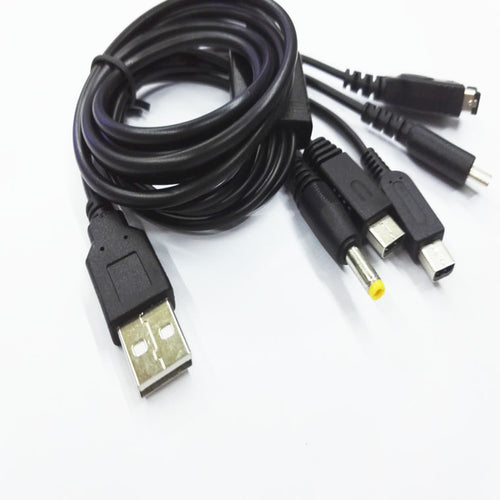
USB charging cable 1.2 m — 3DS, 3DS XL, 2DS and DSiAvailable
13,99€
Fun-Esports
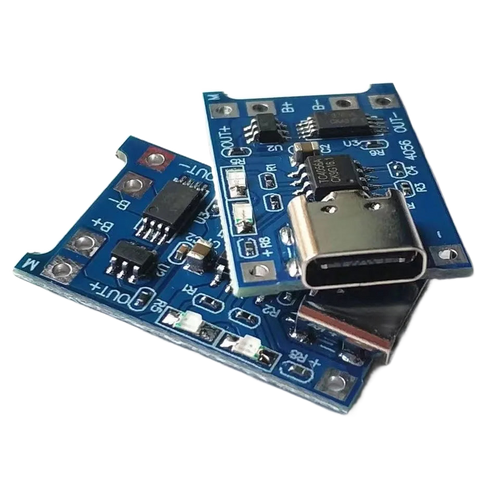
TP4056 1S lithium battery charging module — USB-C, micro or miniAvailable
14,99€
Fun-Esports
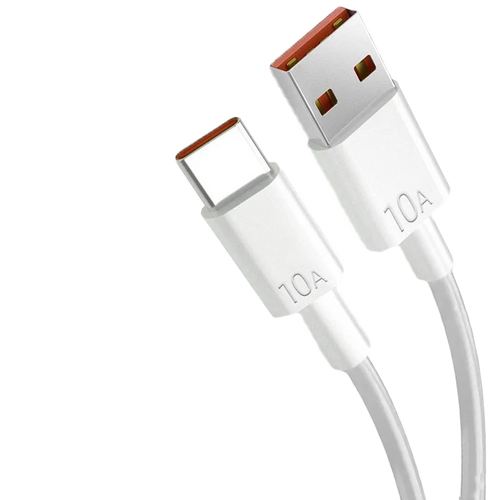
USB-A to USB-C charging cable for retro consoles — 0.3 to 2 mAvailable
13,99€
Fun-Esports
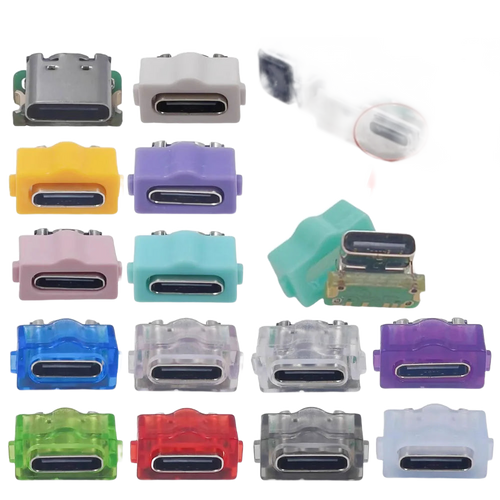
USB-C charging module for Game Boy Advance SP — solder-inAvailable
17,99€
Fun-Esports
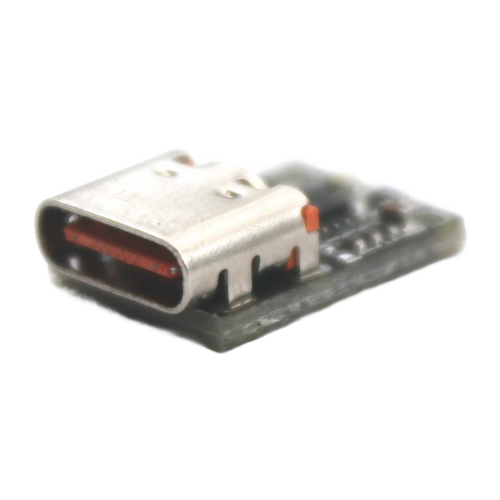
USB-C PD to DC voltage trigger — 5 to 28 V, 140 W maxAvailable
15,99€
Fun-Esports
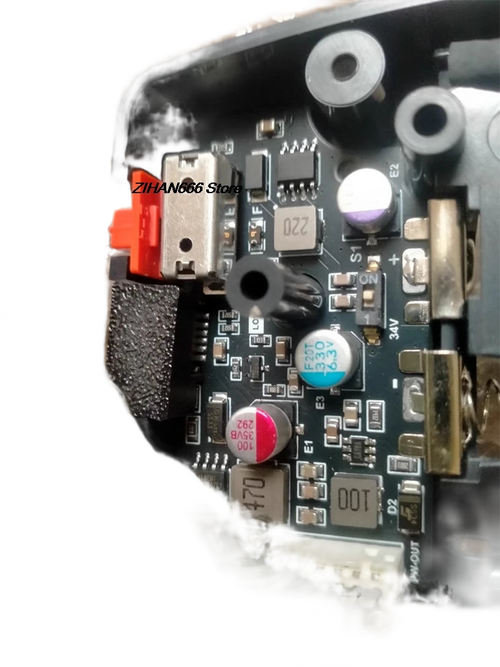
USB-C power board for Game Gear — revisions VA0 to VA5Available
23,99€
Fun-Esports
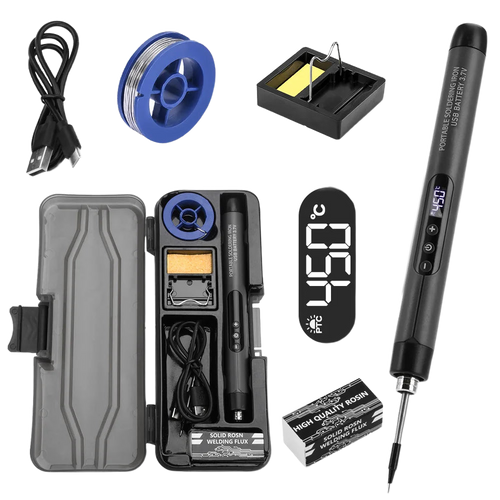
Portable USB-C soldering iron — 8 W, adjustable temperatureAvailable
34,99€
Fun-Esports
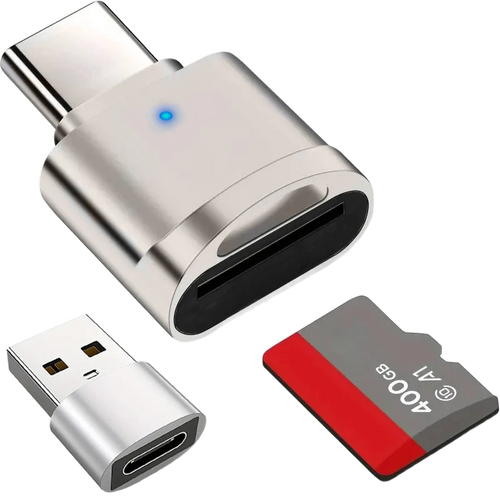
USB-C microSD card reader — USB-A adapter included, zinc bodyAvailable
14,99€
Fun-Esports
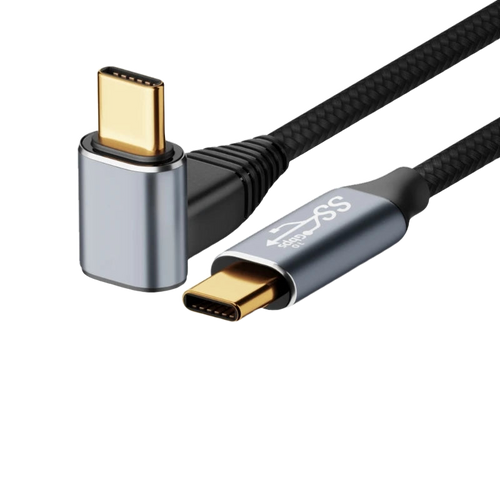
90° Angled USB-C Cable 100 W — charging and data for handheld consolesAvailable
43,99€
Fun-Esports
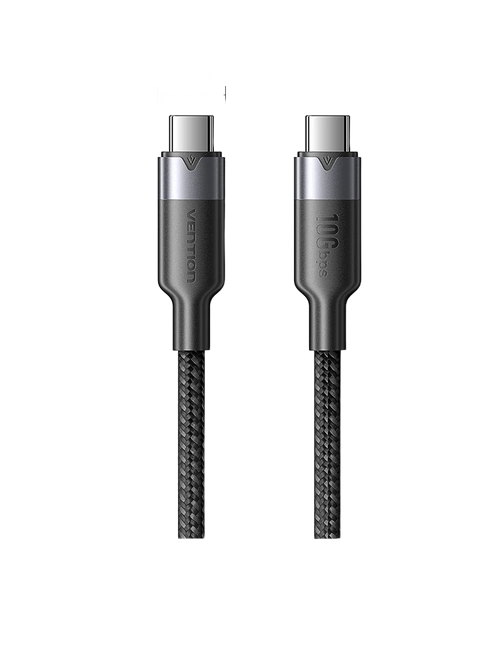
Vention USB-C to USB-C cable, 10 Gbps — 100 W, 4K 60 HzAvailable
17,99€
Fun-Esports
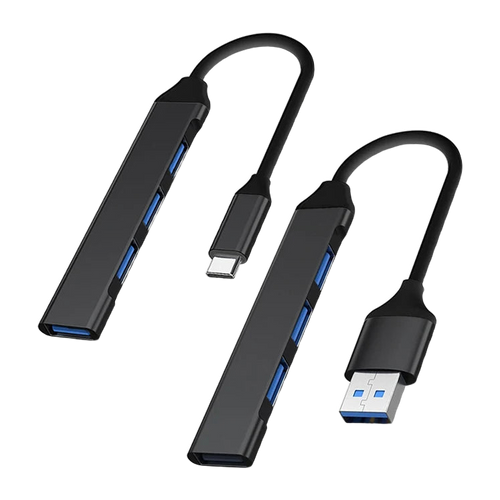
4-port USB hub, USB-A or USB-C — USB 3.0 standard, 15 cm cableAvailable
16,99€
Fun-Esports
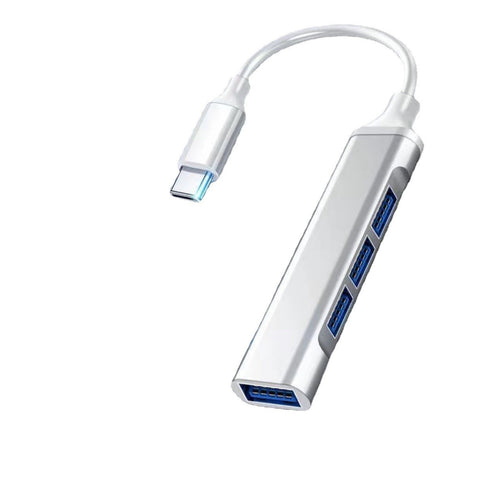
4-Port USB Hub for a Gaming Setup — USB-A or USB-C VersionAvailable
14,99€
Fun-Esports
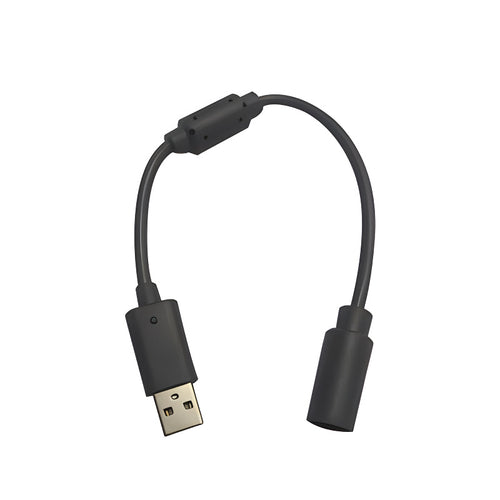
USB adapter cable for wired Xbox 360 controllerAvailable
13,99€
Telling a charging cable from a data cable before you buy
Questions fréquentes
Does a 100 W cable damage a small handheld console?
No. With USB Power Delivery, the console and the charger negotiate voltage and current: a device that only accepts 10 W will only draw 10 W, even on a cable rated for 100 W. The headroom simply covers other uses, a laptop or a Steam Deck for instance.
Why choose a 90° right-angle USB-C cable?
Because a straight connector sticks out under the console and takes a levering force when you play while charging. The right-angle model lays the cable along the chassis, which reduces strain on the port and keeps your hands closer together. It is mainly useful on handhelds held with both hands during long sessions.
Can you add a USB-C port to a Game Boy Advance SP?
Yes, with a USB-C charging module designed for that console, but the job needs soldering and a full teardown of the shell. Equivalent boards exist for the Game Gear, in revisions VA0 to VA5. Plan on a temperature-controlled soldering iron and check your machine's exact revision.