Game Boy Advance & GBA SP IPS screens
IPS screens for the Game Boy Advance and Game Boy Advance SP replace the original panel with a lit, high-contrast display. This page brings together 2.9-inch panels matching the size of the GBA's original screen, a solder-free version, a kit supplied with its own no-cut shell and a 3-inch high-brightness panel for the GBA SP.
5 items5 available right now
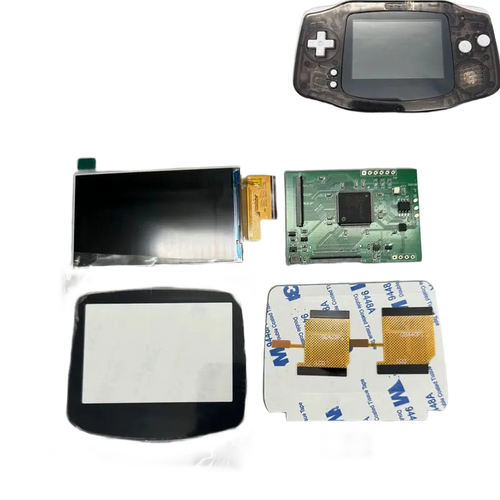
Fun-Esports
2.9-inch IPS screen kit for Game Boy Advance — no solderingAvailable
75,99€
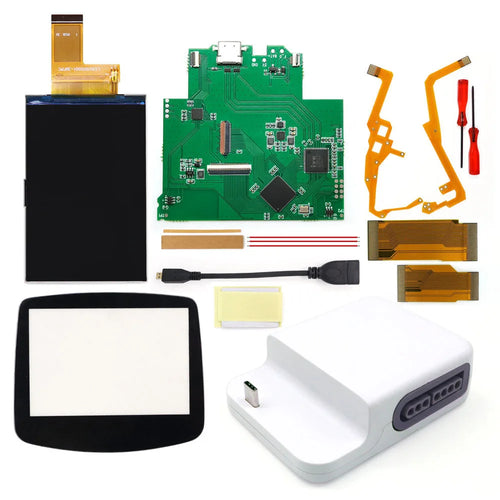
Fun-Esports
Game Boy Advance IPS V5 screen and Bluetooth HDMI dock — Hispeedido 720×480Available
146,99€
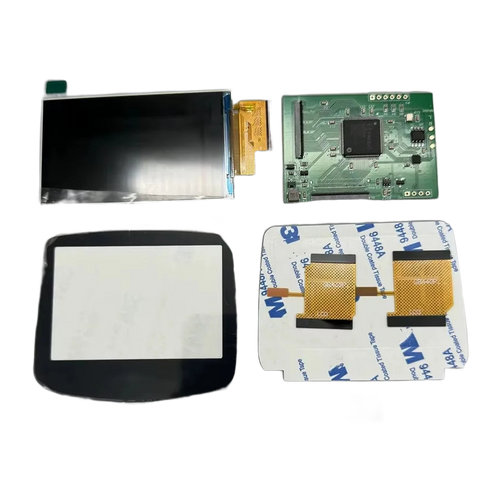
Fun-Esports
2.9-inch IPS screen for Game Boy Advance — original sizeAvailable
48,99€
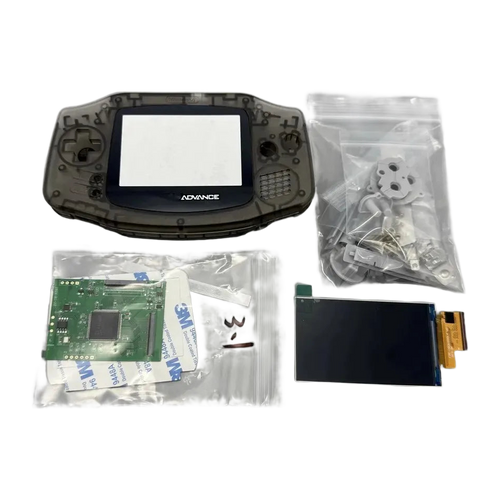
Fun-Esports
2.9-inch IPS screen and shell kit for Game Boy Advance — no cuttingAvailable
50,99€
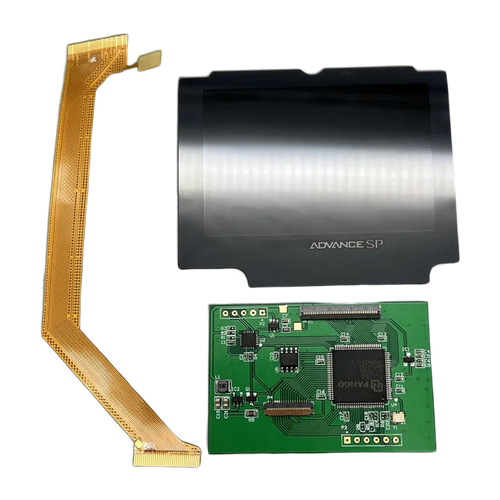
Fun-Esports
3-inch IPS screen for Game Boy Advance SP — high-brightness panelAvailable
52,99€
GBA IPS screen: which panel size and which type of installation for your console
Questions fréquentes
What's the difference between the 2.9-inch panel and the 3-inch panel?
They are not two quality levels but two console formats. The 2.9-inch panel is designed for the original Game Boy Advance and matches the size of its screen, while the 3-inch panel goes in the clamshell GBA SP. A 3-inch panel won't fit in a standard GBA.
Is a solder-free kit really easier to install?
In principle, yes: the module connects via a ribbon cable and removes the need for wires soldered to the motherboard. You still have to open the console with a tri-wing screwdriver, remove the board and close it again without pinching the ribbon cable. Allow 30 to 60 minutes for a first installation.
Should you choose the kit with a shell or keep the original shell?
The kit supplied with its own no-cut shell is the safest choice if your housing is scratched or if you don't want to file the screen window. If the shell is in good condition and the panel matches the original size, your existing housing works without modification.