Arcade sticks & fightsticks
Arcade sticks fall into two groups here: ready-to-play models and build parts. A Mayflash F300 with replaceable 30 mm buttons, a 7-in-1 wired stick, an 8BitDo stick for Xbox and PC, the Haute42 Cosmox Mini hitbox, then 8-way levers, snap-in buttons and USB encoders to build your own.
13 items13 available right now
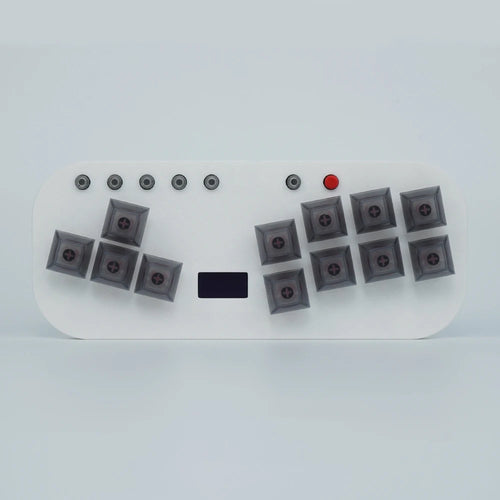
Fun-Esports
Flatbox V3 mini hitbox for PC, Switch and PS4 — choice of mechanical switchesAvailable
65,99€
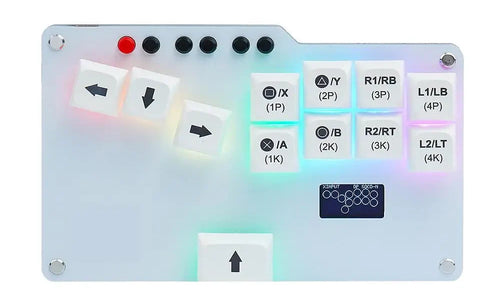
Fun-Esports
RetroScaler GP2040-CE mini hitbox — hot-swappable switches, RGBAvailable
87,99€
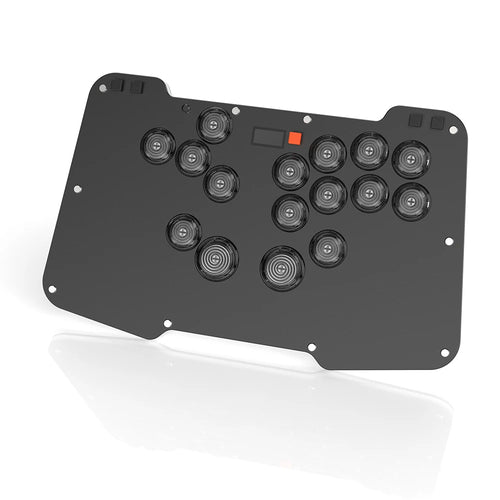
Fun-Esports
Zen16 leverless arcade controller for PC, PS4 and Switch — low-profile switchesAvailable
131,99€
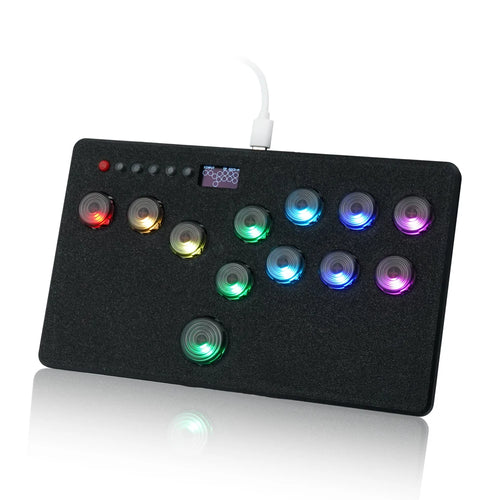
Fun-Esports
Mini hitbox with Kailh hot-swap switches — left or right layout, PC, PS4, SwitchAvailable
67,99€
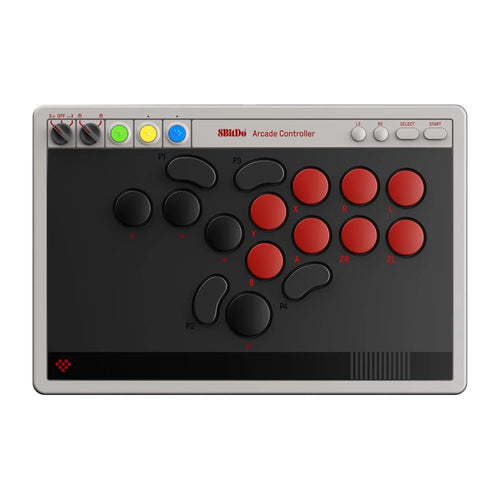
8BitDo
8BitDo Arcade Controller — leverless all-button arcade controller, extra-flat mechanical switchesAvailable
163,99€
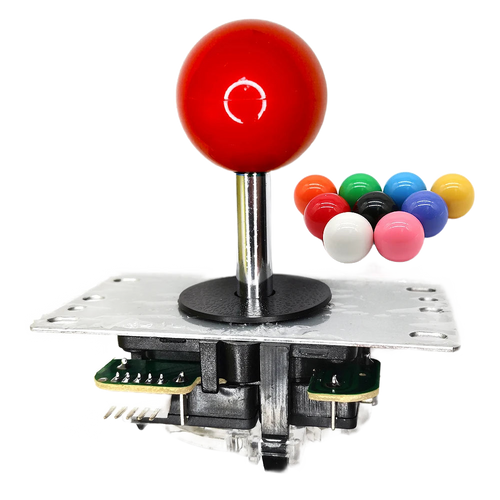
Fun-Esports
8-way arcade joystick with square gate — 5-pin connectorAvailable
19,99€
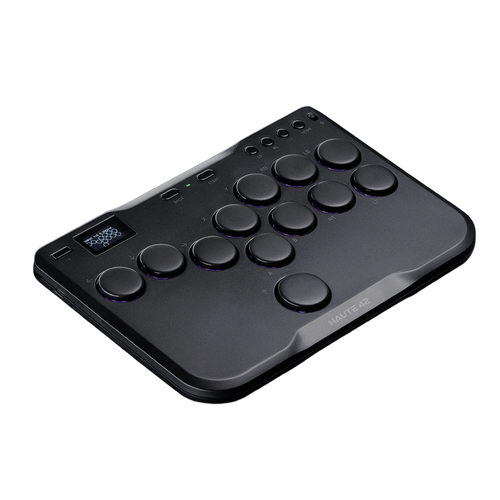
Fun-Esports
Haute42 Cosmox Mini — all-button (hitbox) arcade controller for PC and consolesAvailable
119,99€
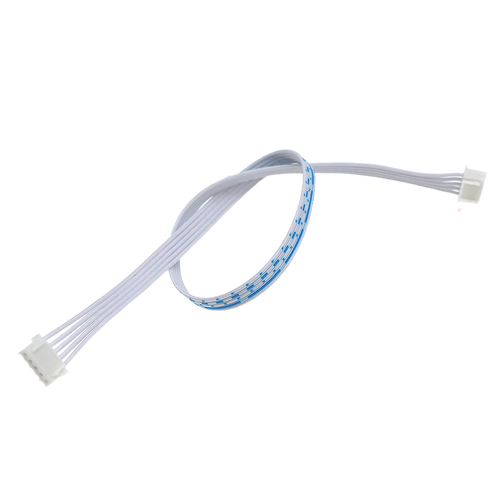
Fun-Esports
Arcade stick wiring harness — 5-pin, XH2.54 and DupontAvailable
13,99€
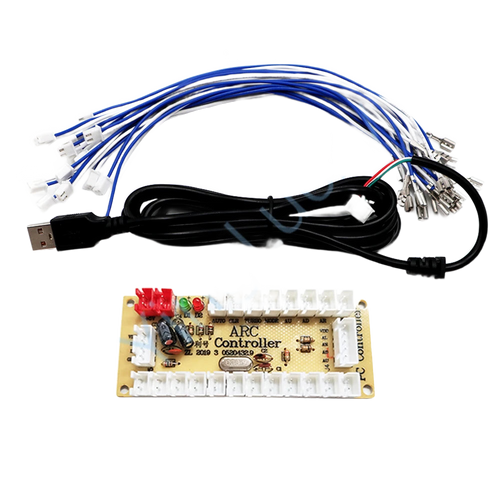
Fun-Esports
Zero-delay USB arcade encoder: joystick and buttons for PCAvailable
15,99€
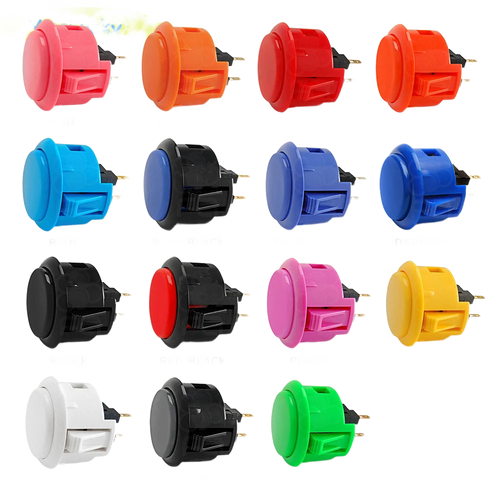
Fun-Esports
Snap-in arcade button 24 or 30 mm — cabinet, stick and Raspberry PiAvailable
15,99€
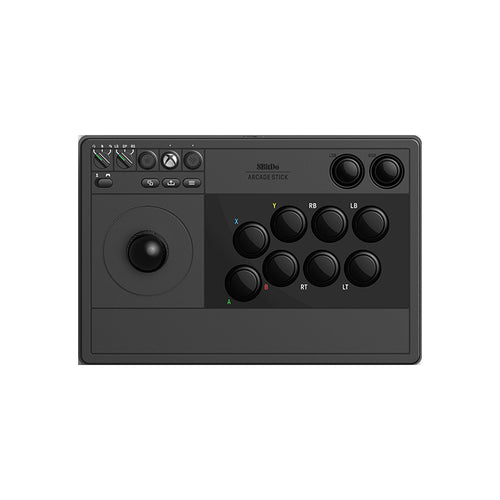
Fun-Esports
8BitDo arcade stick — Xbox Series X|S, Xbox One and PC, remappableAvailable
130,99€
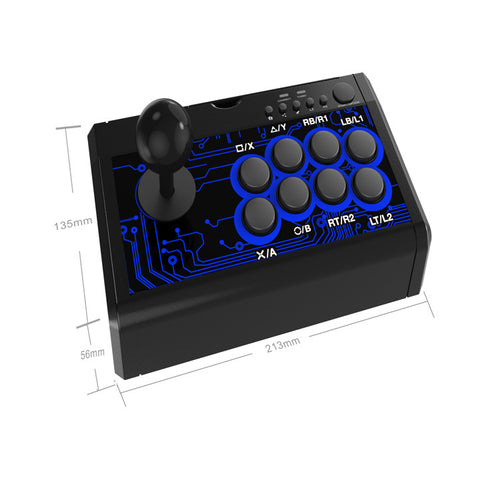
Fun-Esports
7-in-1 wired arcade stick — Switch, PS4, PS3, PC and AndroidAvailable
69,99€
Fun-Esports
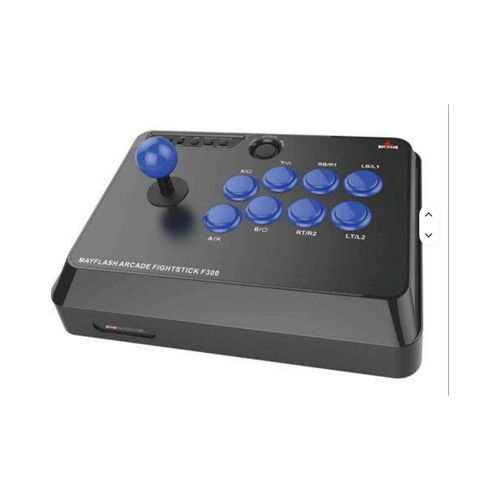
Mayflash F300 wired arcade stick — replaceable 30 mm buttonsAvailable
90,99€
Buying a built stick or assembling your own: what really changes
Questions fréquentes
What is the difference between a classic stick and an all-button?
A classic stick uses a lever for movement; an all-button such as the Haute42 Cosmox Mini replaces that lever with four directional keys. Both hands then work the same way, which reduces how far you move. Learning circular motions is different, and some competitions set rules around this format.
Can you change the buttons on an already-built stick?
On the Mayflash F300, the 30 mm buttons are stated to be replaceable: that is the most common diameter for the six action keys. The shop's snap-in buttons come in 24 and 30 mm, the 24 mm ones serving mainly Start and Select. Check the panel thickness before ordering.
What do you need to build an arcade stick from scratch?
Four items: a USB encoder, an 8-way lever, snap-in buttons in 24 and 30 mm, and the 5-pin harness that links it all. Wiring needs no soldering thanks to the spade terminals and the XH2.54 or Dupont connectors. That leaves the case, which is not supplied and which you cut yourself.