Description complète
8-way arcade joystick: a crisp click again on a cabinet or a home-built stick
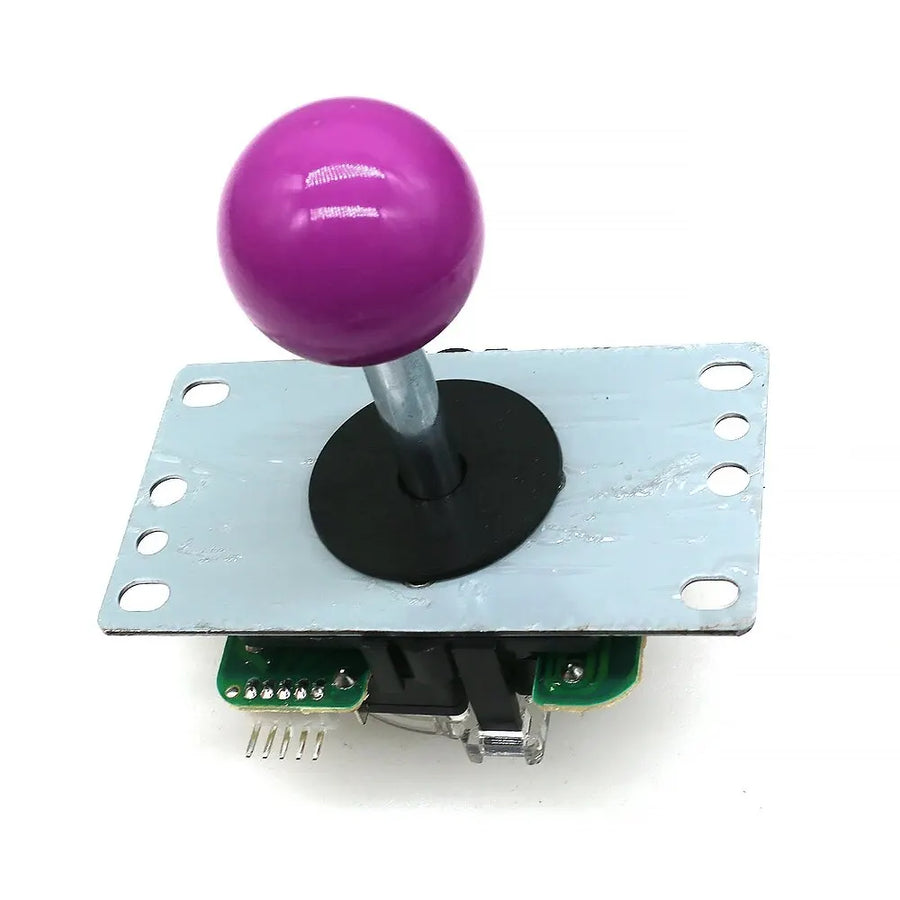
On a second-hand cabinet as on a stick built at home, the joystick is the first thing to give out: sagging spring, contacts that no longer click, diagonals that trigger on their own. This joystick with a square gate and 5-pin connector follows the most common format of Japanese joysticks: unplug the harness, unscrew the plate, fit the new one. No soldering if your panel already uses this harness.
What it does
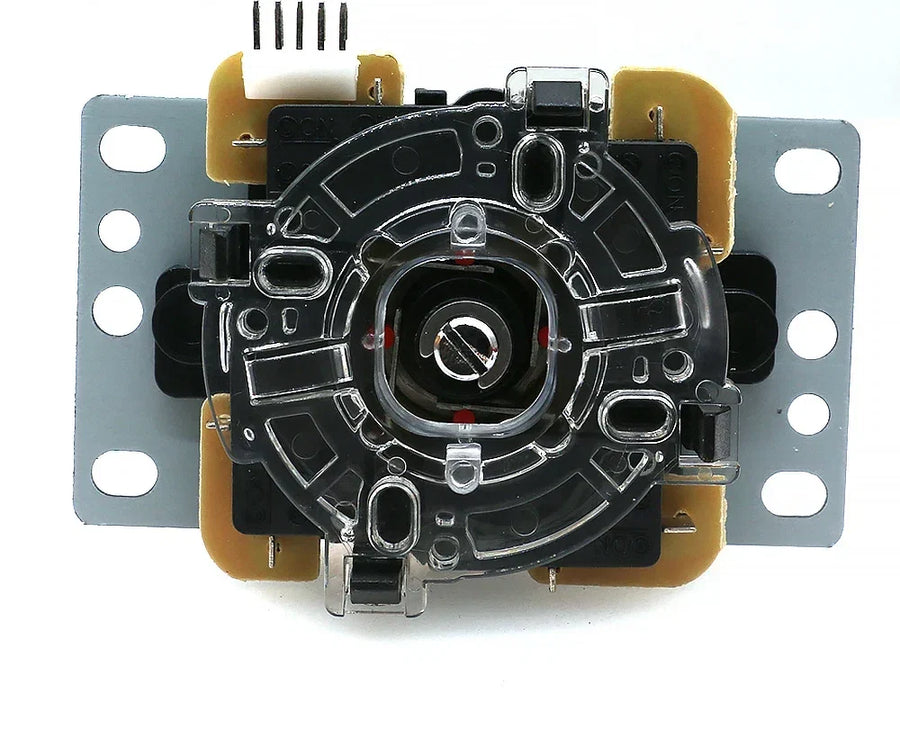
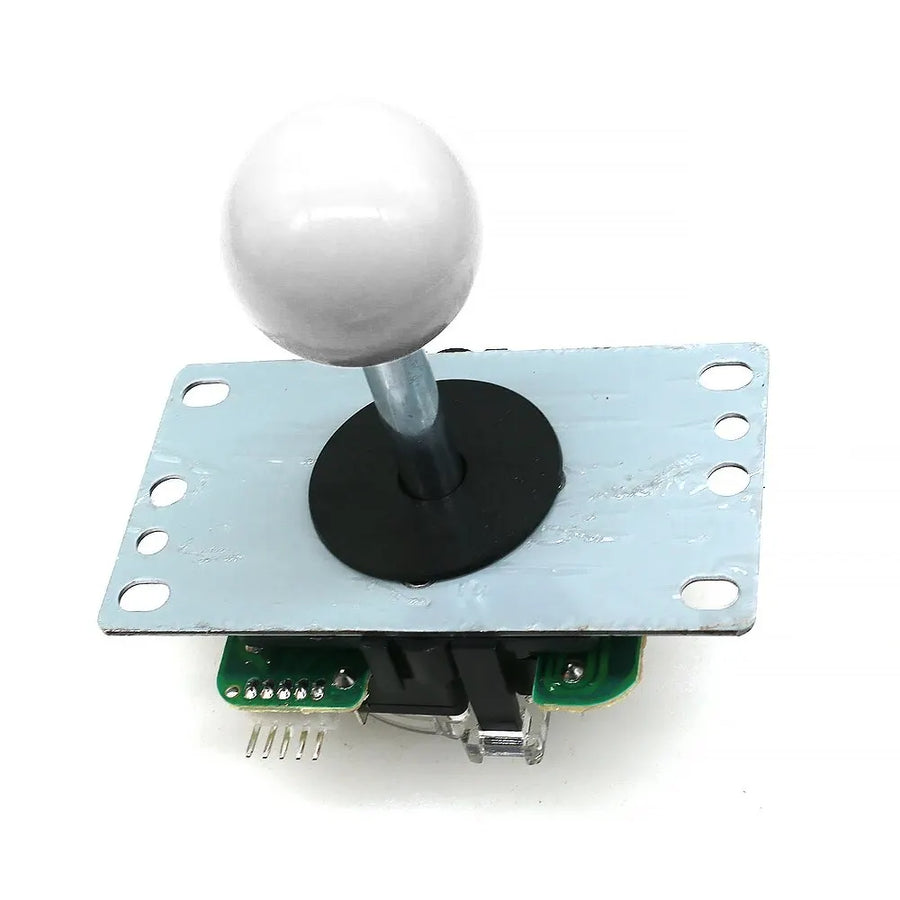
- Square gate, 8 directions: the four corners are crisp and the diagonals always land in the same place — the geometry expected in fighting games, shoot 'em ups and beat 'em ups.
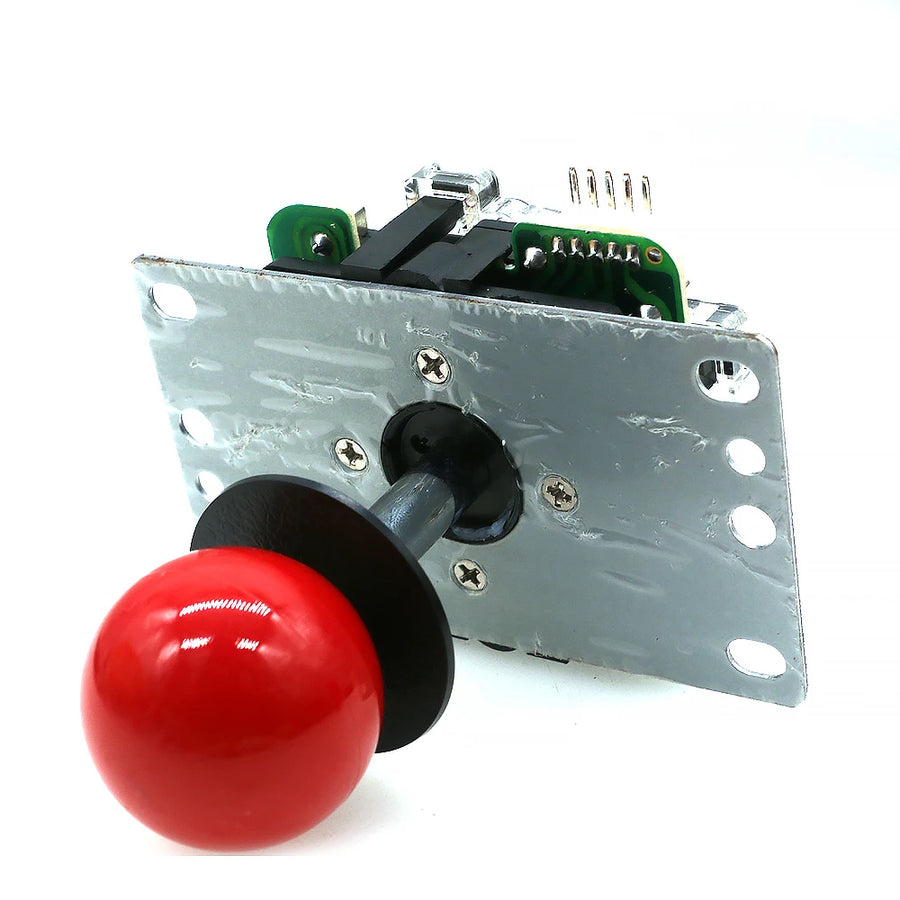
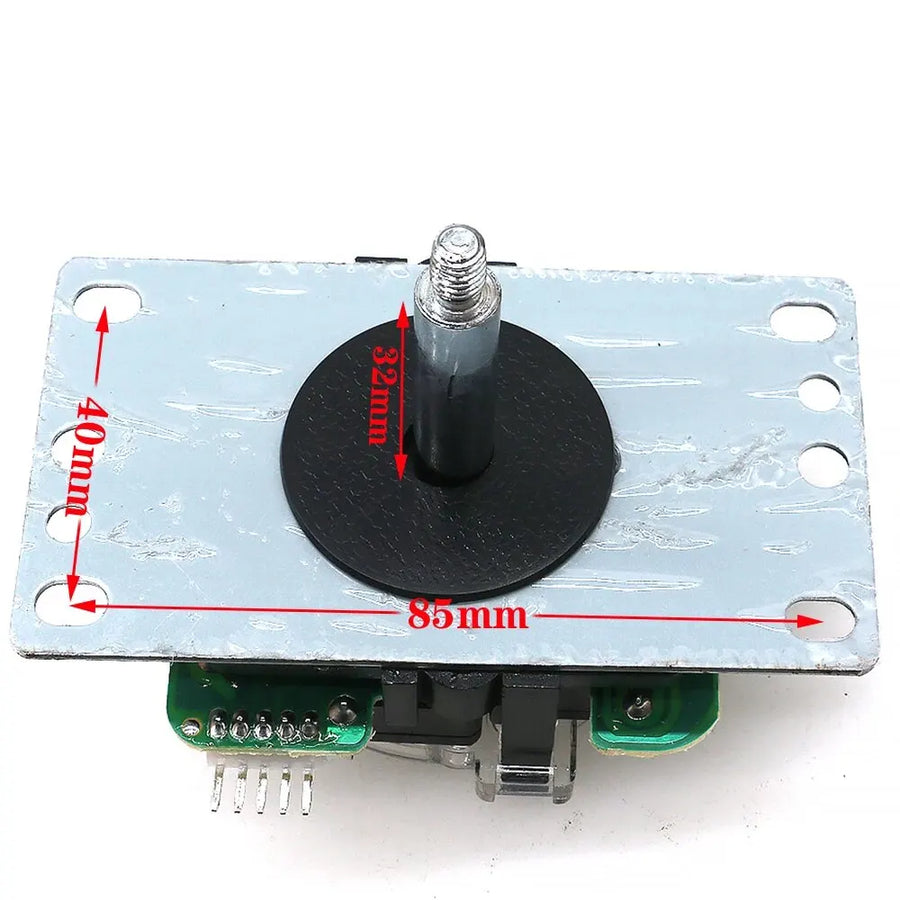
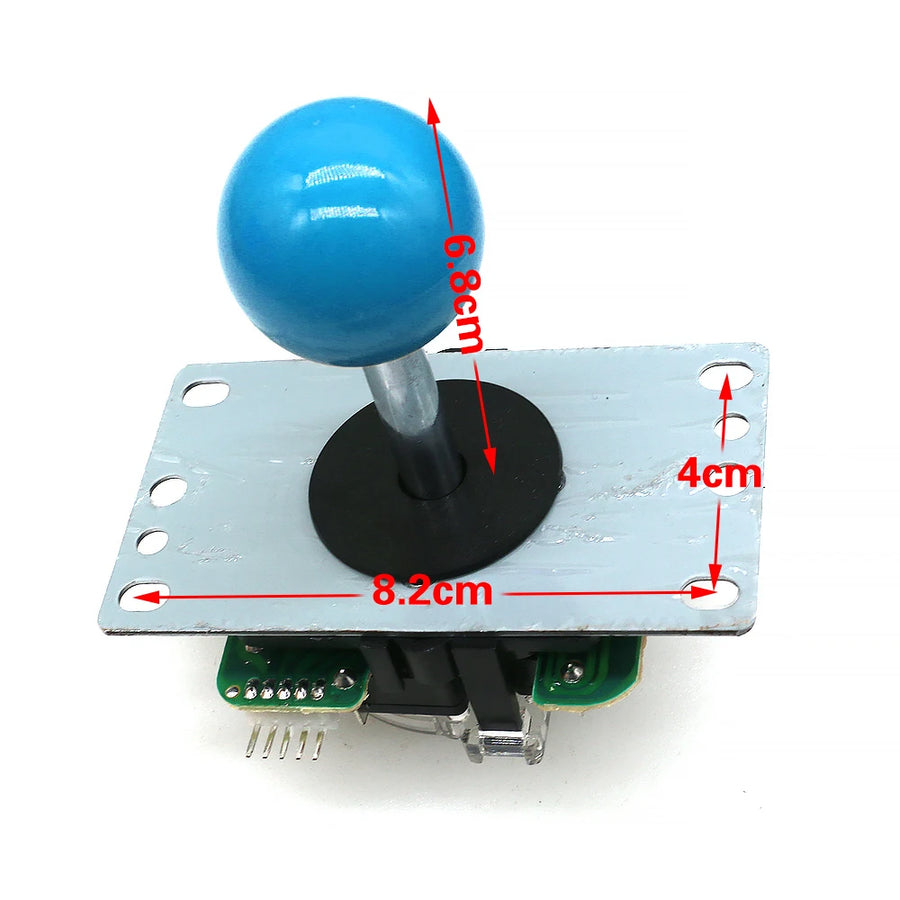
- 5-pin harness: four direction wires and a common ground, on the most widespread connector for arcade panels and USB encoders. It plugs back in in one go, without identifying the wires one by one.
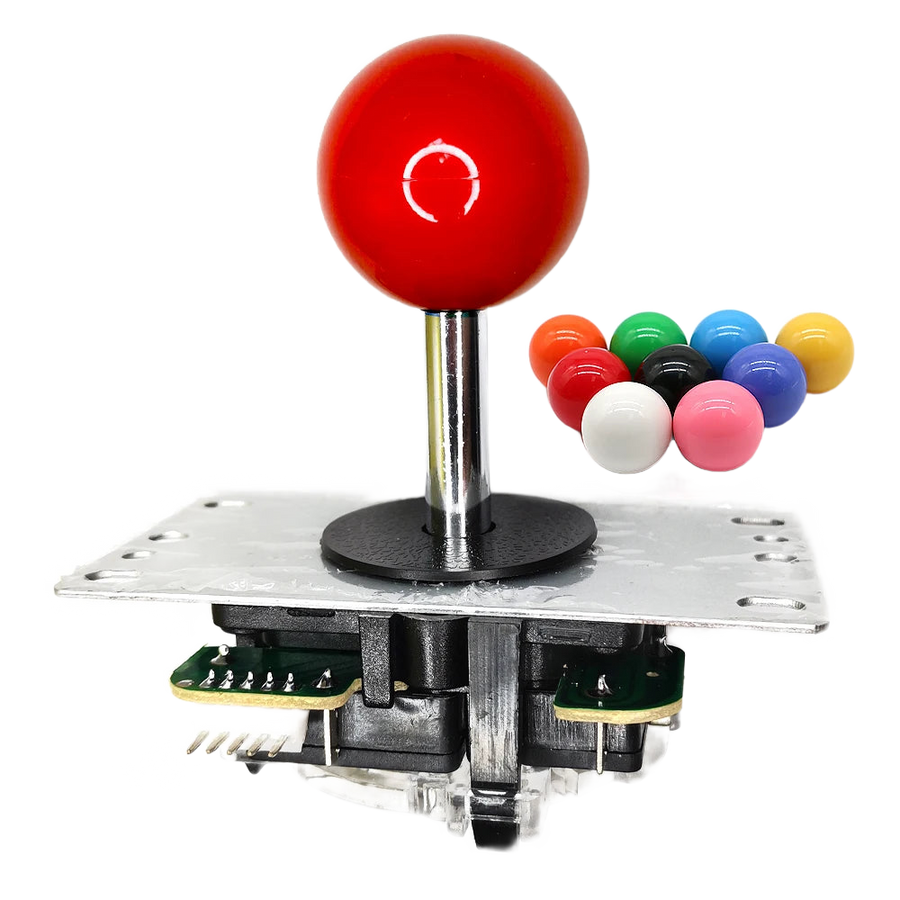
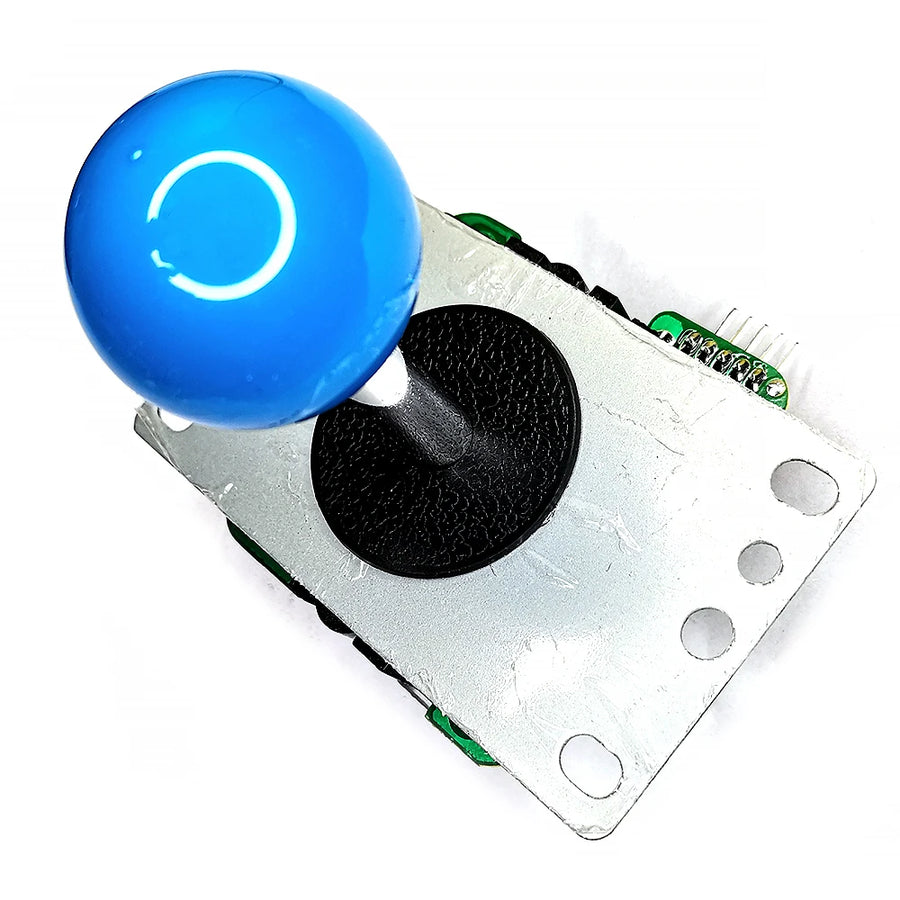
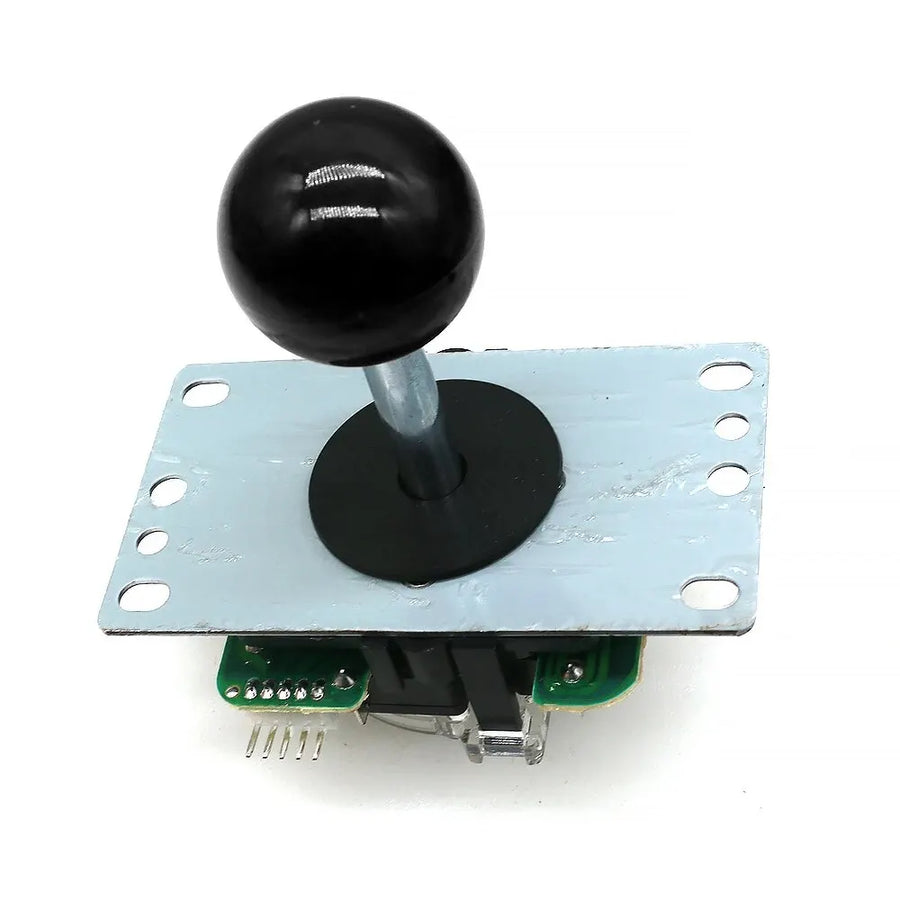
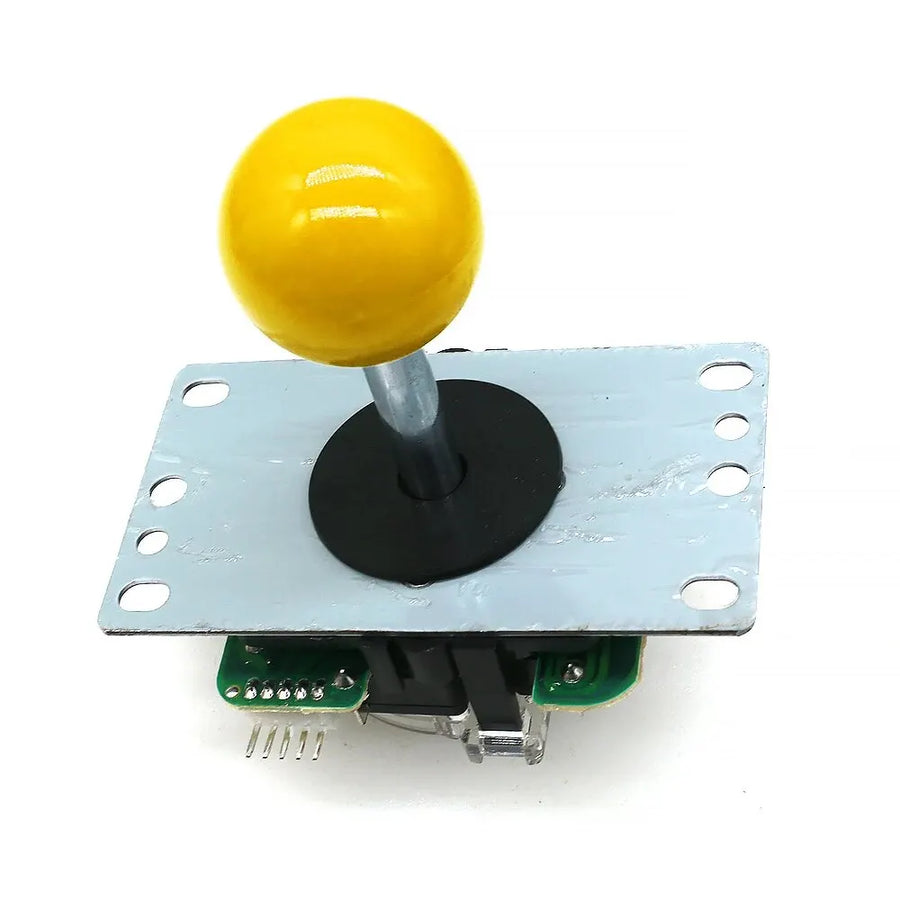
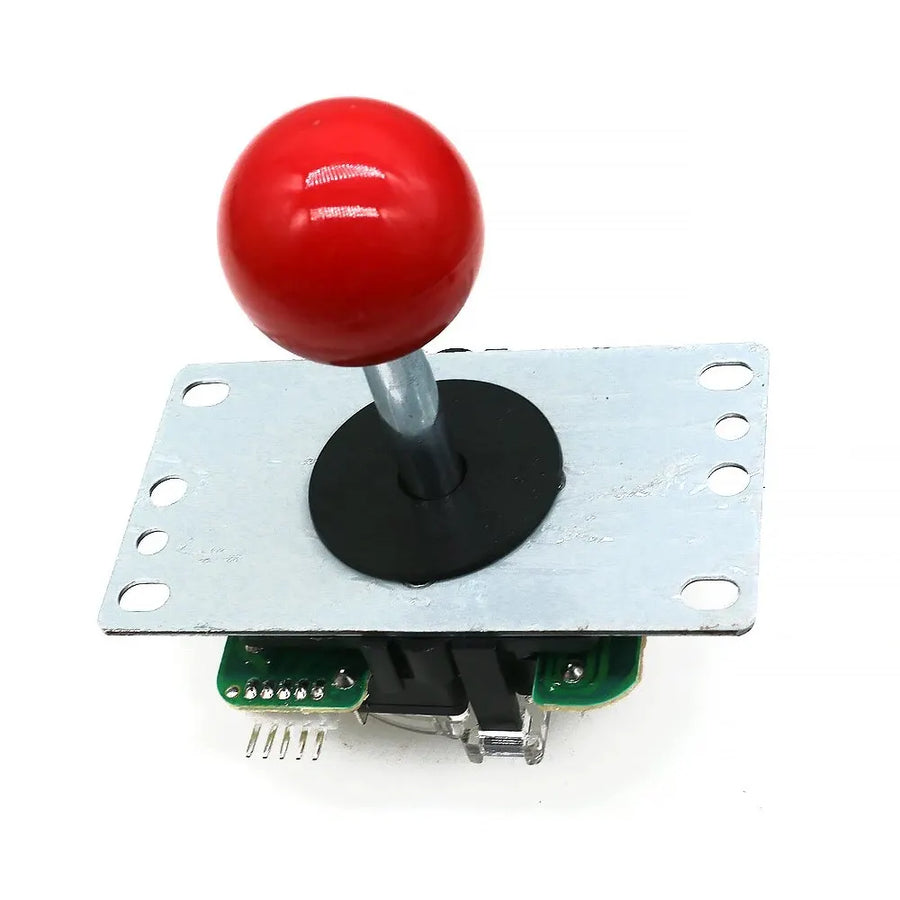
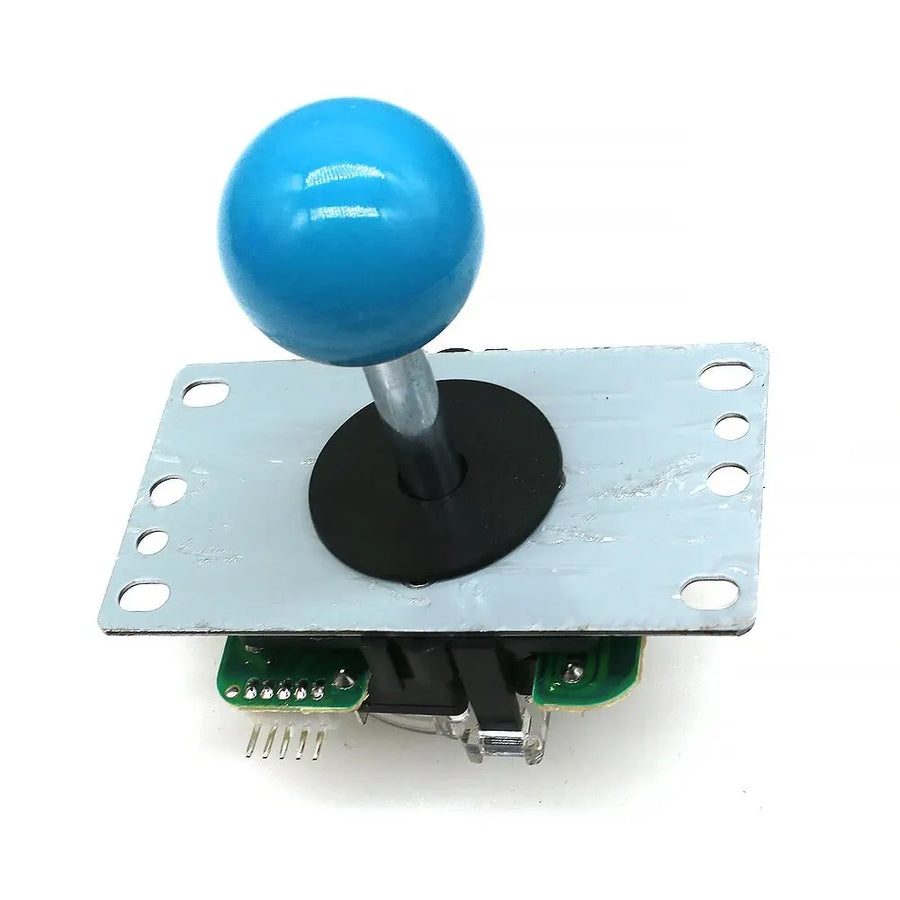
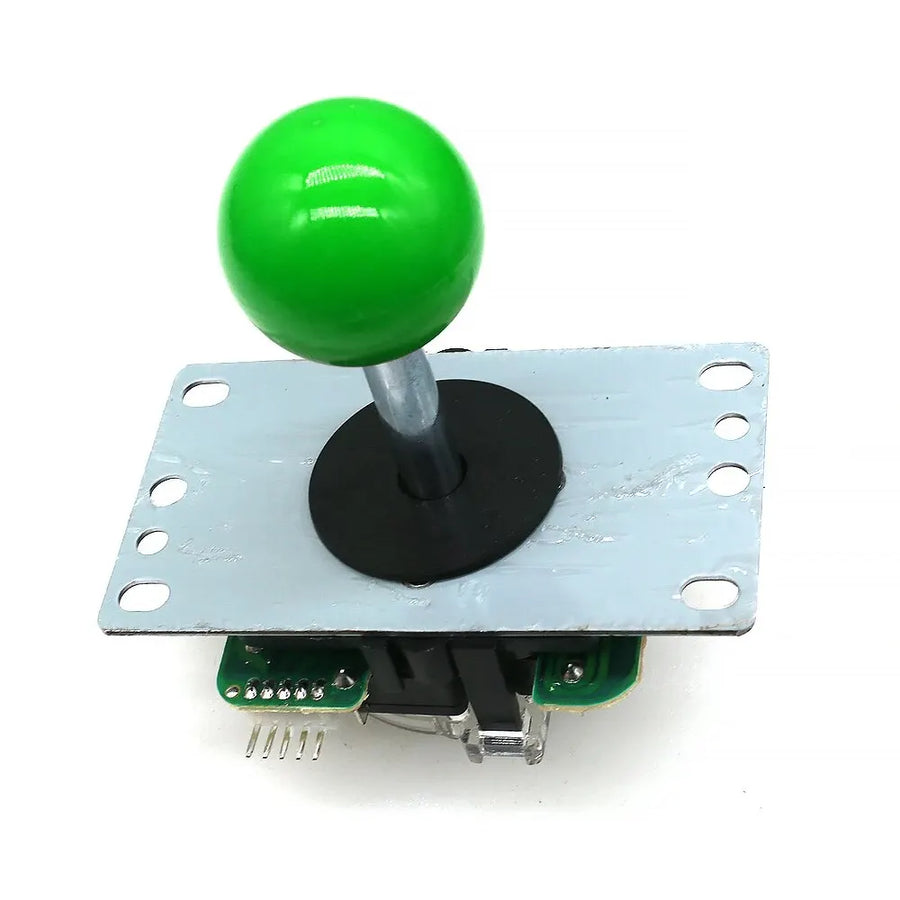
- Ball top in your choice of colour: seven colours. The ball top unscrews, so you can change it later without replacing the joystick.
What it doesn't do
- This is not a joystick from the Japanese brand whose format it copies, but a compatible part made in China. The spring tension and the lifespan of the contacts are not those of an original: the feel will be close, not identical.
- There are no electronics inside. The joystick does not connect via USB and will not be recognised on its own by a PC: it needs the cabinet's board or an arcade encoder.
- The gate supplied is square. No octagonal gate or 4-way restrictor is included.
- The exact hole pattern of the mounting plate is not specified by the supplier. Measure your panel before ordering if the cut-out is old or non-standard.
- This is not a controller part: it does not replace an analogue stick and cannot be fitted in an off-the-shelf controller.
Compatibility
Designed for arcade cabinet control panels, bartops and DIY sticks, as well as USB encoders that accept a 5-pin harness — the classic setup of a Neo Geo-style stick. On a cabinet wired point to point, with terminals connected one by one to each microswitch, you will need to adapt the wiring: the joystick is designed for a one-piece 5-pin harness. It cannot be fitted in a console controller or a handheld console.
Skill level required
Beginner-friendly on a pre-drilled panel: a Phillips screwdriver is enough to remove the old joystick and fit the new one, allow 10 to 20 minutes. No soldering as long as the panel uses the 5-pin harness. If you are starting from a blank panel, the difficulty lies elsewhere: it's the cutting and drilling of the panel that needs preparing, not the joystick.
In the box
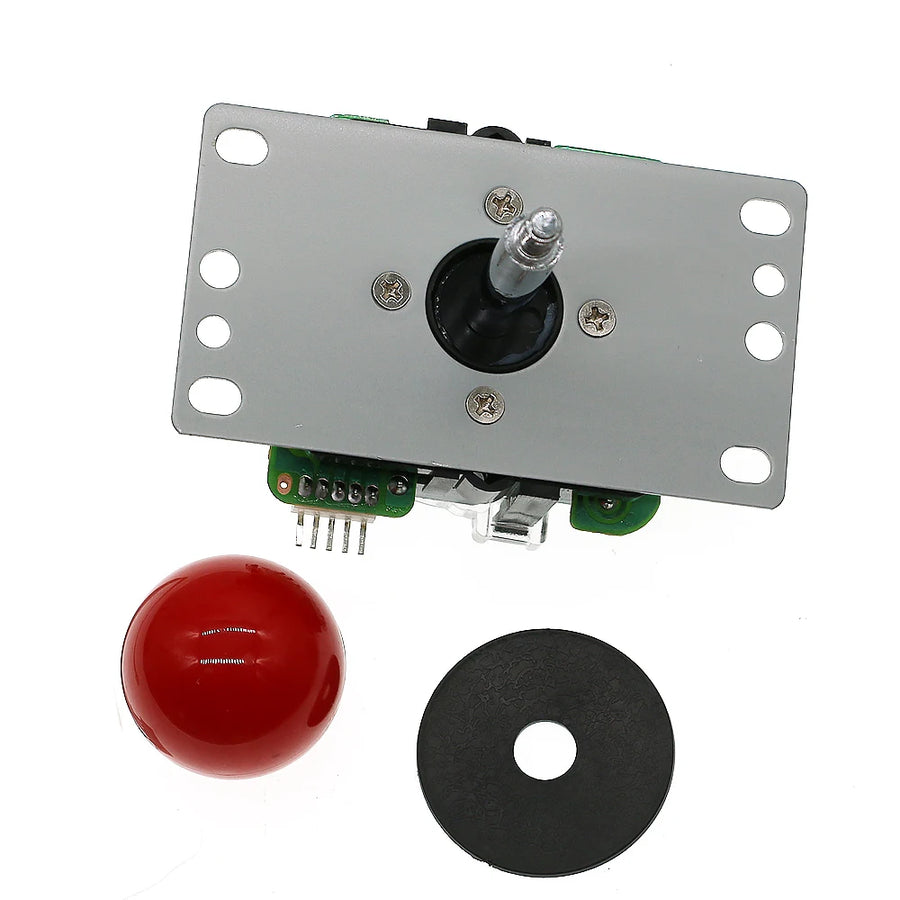
- 1 arcade joystick, 8-way, with its mounting plate
- 1 square gate, factory-fitted
- 1 ball top, in the colour of the chosen variant
- 1 harness with 5-pin connector
Screws for mounting to the panel are not guaranteed by the supplier.
Read before ordering: Retro peripherals
Delivery in 10 to 18 days · ships within 3 to 5 days · 2-year legal guarantee of conformity · 14-day returns.
8-way arcade joystick with square gate — 5-pin connector
8-way joystick with square gate, 5-pin harness — for arcade cabinets, bartops or DIY sticks.
En stock
📦Ships within 3 to 5 business days · Delivery in 10 to 18 business days · 2-year legal guarantee of conformity · 14-day returns.
ℹÀ partir de 150 €, la livraison s’effectue en Point Relais.
- 🇫🇷SAV français
réponse sous 1 jour ouvré - 🛡Garantie légale
2 ans - ↩14 jours
pour changer d’avis - 🔒Paiement sécurisé
CB · PayPal · Klarna
The job: ten minutes, one screwdriver
An arcade joystick wears from the bottom up: the spring softens, the microswitches eventually stop clicking, and diagonals trigger without being asked for. Replacing it doesn't require a workshop. Turn the panel over, unplug the 5-pin harness in one go, unscrew the plate, fit the new one. Allow 10 to 20 minutes on a pre-drilled panel, with no soldering and no identifying wires one by one.
The part: a square gate, not a compromise
The square gate is the historical geometry of Japanese cabinets: four crisp corners, diagonals that always land in the same place, a clean return to neutral. It's what fighting games and shoot 'em ups call for, where a sloppy diagonal costs you immediately. This joystick uses that format and its five-pin harness — four directions plus a common ground — to stay interchangeable with most panels and encoders on the market.
What we tell you before you order
This is a compatible part made in China, not a joystick from the Japanese brand whose format it copies: the spring tension and the lifespan of the contacts will not match an original. The joystick has no electronics, does not connect via USB and will not be recognised on its own by a PC. The exact hole pattern of the plate is not documented by the supplier: if your cut-out is old or non-standard, measure it before buying. Listing verified on 19 August 2026.
What this accessory brings
Verified manufacturer specifications · vérifié le
Ce qu’il fait bien
- Square gate: crisp, repeatable diagonals
- 5-pin harness, the most widespread format
- Solder-free replacement on a panel that is already fitted
- Removable ball top, seven colours to choose from
Ce qu’il ne fait pas
- Compatible part made in China, not a Japanese-brand joystick
- No electronics: does not connect via USB, an encoder is required
- Square gate only, no octagonal gate or 4-way restrictor
- Plate hole pattern not specified by the supplier: measure your panel
- Panel mounting screws not guaranteed in the box
Voir toute la fiche technique+
Matière et format
- Type d’accessoire
- Arcade joystick
Compatible avec
- Arcade cabinets
- Bartops
- DIY arcade sticks
- Control panels for standard joysticks
- USB encoders with 5-pin harness
Dans la boîte
- 1 arcade joystick, 8-way, with mounting plate
- 1 square gate, factory-fitted
- 1 ball top, in the colour of the chosen variant
- 1 harness with 5-pin connector
Frequently Asked Questions
🔧 Do I need to solder to install this joystick?
No, as long as your panel already uses a 5-pin harness: the connector unplugs and plugs back in by hand. On a cabinet wired point to point, with one terminal per microswitch, you will however need to redo the wiring.
🎮 What does it fit?
Arcade cabinet control panels, bartops and DIY sticks, as well as USB encoders that accept a 5-pin harness. It cannot be fitted in a console controller or a handheld console.
🕹️ Square gate or octagonal gate?
The gate supplied is square: four crisp corners, repeatable diagonals, the standard on Japanese cabinets. No octagonal gate or 4-way restrictor is supplied with this joystick.
🔌 Can I plug it straight into a PC?
No. The joystick contains no electronics: it simply closes four contacts. You need your cabinet's board or a USB arcade encoder for a PC to recognise it.
📦 What's in the box?
An 8-way joystick with its mounting plate, its factory-fitted square gate, a ball top in the chosen colour and a harness with a 5-pin connector. Screws for mounting to the panel are not guaranteed by the supplier.
⏱️ How long does the replacement take?
10 to 20 minutes on a pre-drilled panel, with a Phillips screwdriver. On a blank panel, most of the work is cutting and drilling, not the joystick itself.
🚚 What are the delivery times?
Delivery in 10 to 18 days, ships within 3 to 5 days. Reply to your questions within 1 business day.
🛡️ What guarantee applies?
2-year legal guarantee of conformity. 14-day returns. Listing verified on 19 August 2026.
Why buy here rather than on a marketplace
It is a fair question. Here is the answer, straight.
Every listing is checked before publication: real compatibility, material, dimensions, box contents. Many models never make it into the catalogue.
A question about compatibility, a fit problem, a return: you write, a human replies within 1 business day. In French.
The 2-year legal warranty of conformity is handled by us — not by a form on the other side of the world. And 14 days to change your mind, with no need to justify yourself.
We do not claim to be the cheapest. We claim that you will know exactly what you are buying before you pay.
Read this before choosing
Our guides to accessories: compatibility, protection, transport.

Pixel art: create your own designs for a Divoom display
Grid size, number of colours, outlines, animation: the guide to getting started in pixel art and displaying your own creations on a Divoom display.
2 min de lecture · publié le

Divoom pixel art speakers: which one should you choose?
Astrotoo, Ditoo-Pro, FlowToo, Tiivoo-2, Timebox-Evo, MiniToo, Fairy-OK: the seven Divoom speakers compared, by use and budget.
2 min de lecture · publié le

Times Frame or Times Frame Pure: which Divoom floating photo frame should you choose?
64 or 32 GB, three colours or just one, a dial or not: the real differences between the Times Frame and Times Frame Pure…
1 min de lecture · publié le