Game Boy & Game Boy Color IPS screens
IPS screens for the Game Boy DMG and Game Boy Color replace the original reflective panel with a backlit panel you can read without an extra lamp. This page brings together two setups: an original-size backlit LCD kit for the DMG and a 2.45-inch IPS panel for the Game Boy Color, fitted without cutting the shell.
18 items18 available right now
Deal
See all deals
On sale in this category
up to -15 %-15 %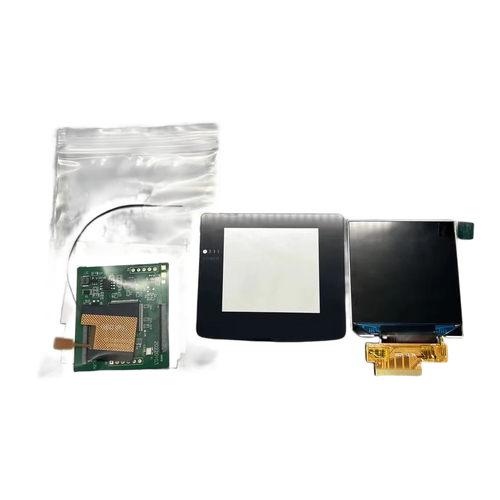
Fun-Esports
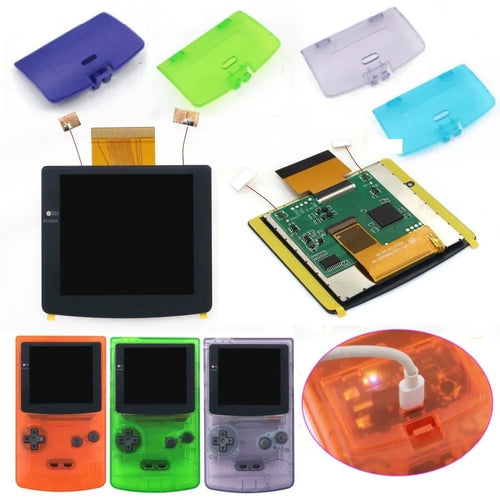
2.45-inch IPS screen for Game Boy Color — no shell cuttingAvailable🔥 You save 13,50€
76,49€89,99€
Fun-Esports
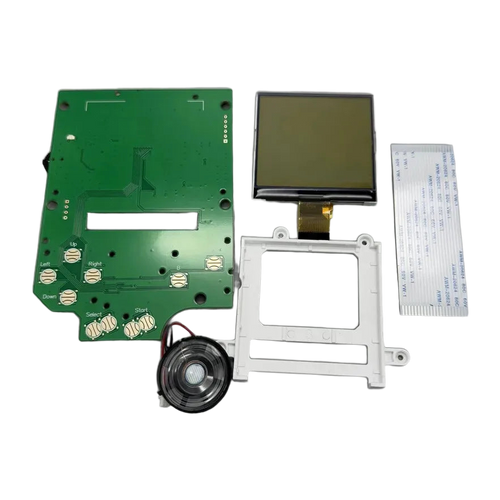
Game Boy DMG backlit LCD screen kit — original sizeAvailable
77,99€
Fun-Esports
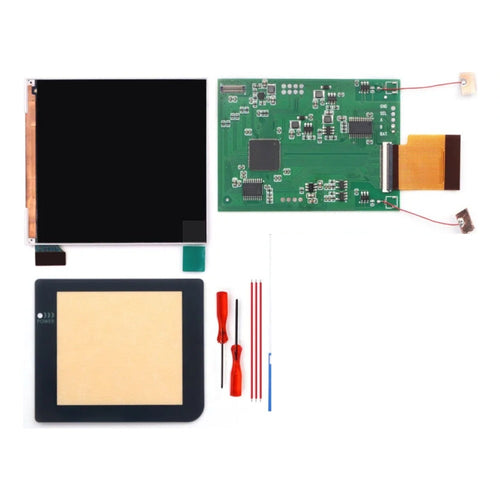
Q5 IPS screen kit for Game Boy Pocket — OSD menu, optional shellAvailable
79,99€
Fun-Esports
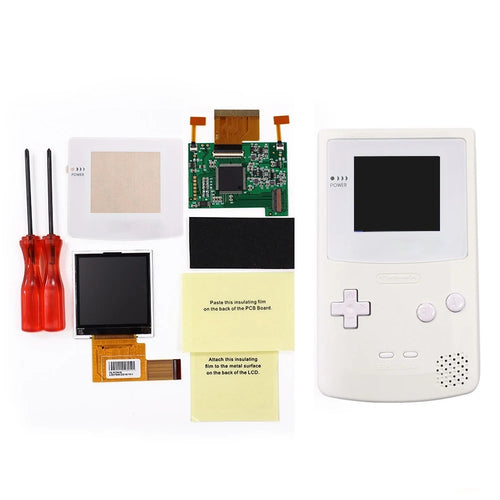
2.2-inch screen kit for Game Boy Color — 8 color modes, shell includedAvailable
74,99€
Fun-Esports
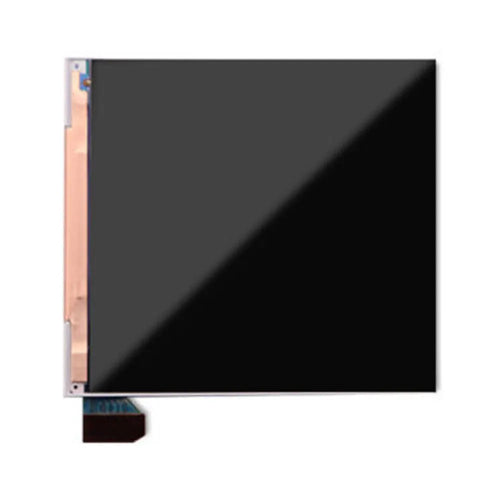
Laminated 2.8-inch IPS screen kit for Game Boy Color — optional shell and batteryAvailable
75,99€
Fun-Esports
Replacement panel for Game Boy screen kits — Q5, laminated DMG or OLEDAvailable
61,99€
Fun-Esports
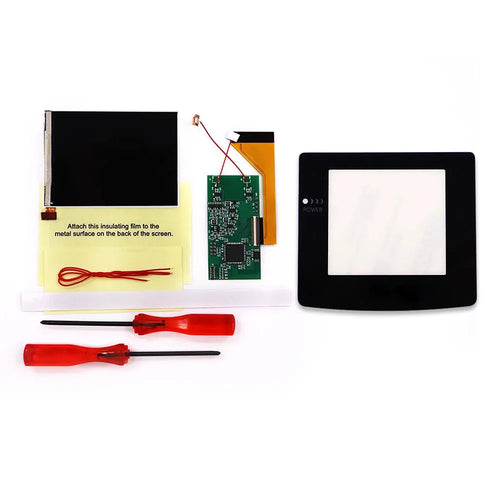
V2 IPS Screen Kit for Game Boy Color — 8 Color Modes, Original SizeAvailable
64,99€
Fun-Esports
Q5 Laminated 3.1 Inch IPS Screen Kit for Game Boy DMG — OSD Menu, Optional ShellAvailable
88,99€
Fun-Esports
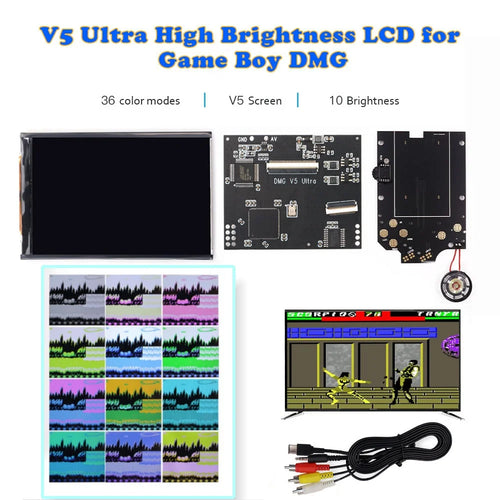
V5 IPS Screen Kit for Game Boy DMG — 36 Color Modes, Optional TV OutputAvailable
81,99€
Fun-Esports
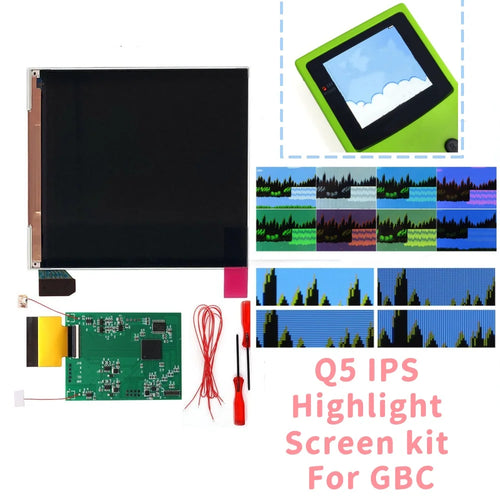
Q5 3.1 Inch IPS Screen Kit for Game Boy Color — High BrightnessAvailable
81,99€
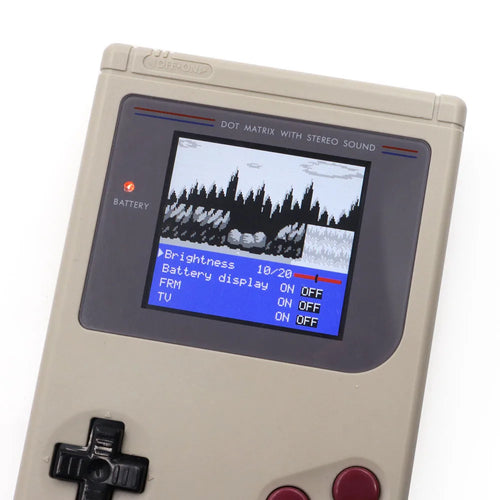
Fun-Esports
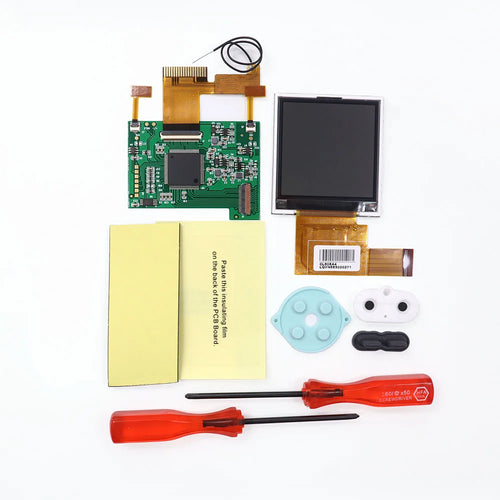
V5 Pro IPS screen kit for Game Boy DMG — 36 color modes, optional shellAvailable
78,99€
Fun-Esports
2.2-Inch Backlit Screen Kit for Game Boy Pocket — 8 Color ModesAvailable
58,99€
Fun-Esports
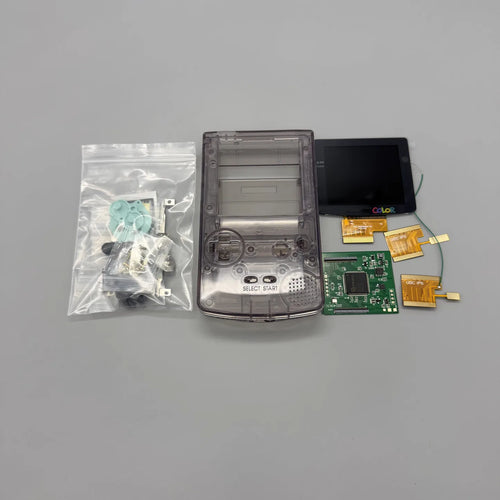
2.78" transflective screen for Game Boy Color — readable in full sunlightAvailable
109,99€
Fun-Esports
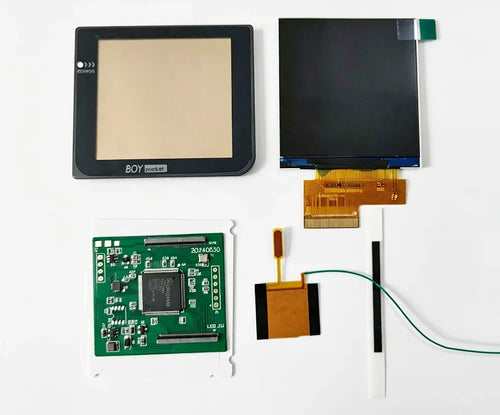
2.6" IPS screen for Game Boy Pocket — original size, choice of lensAvailable
71,99€
Fun-Esports
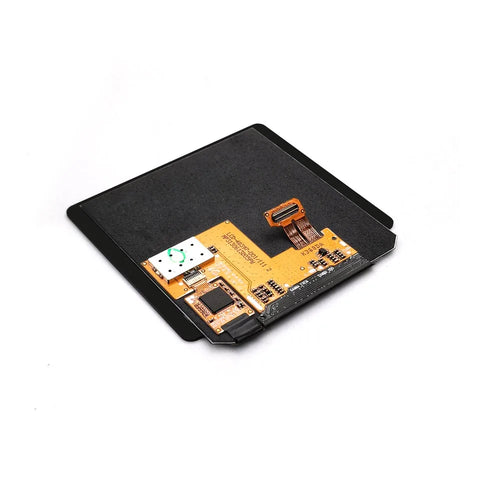
Laminated AMOLED screen for Game Boy Color — Hispeedido, touch and OSD menuAvailable
99,99€
Fun-Esports
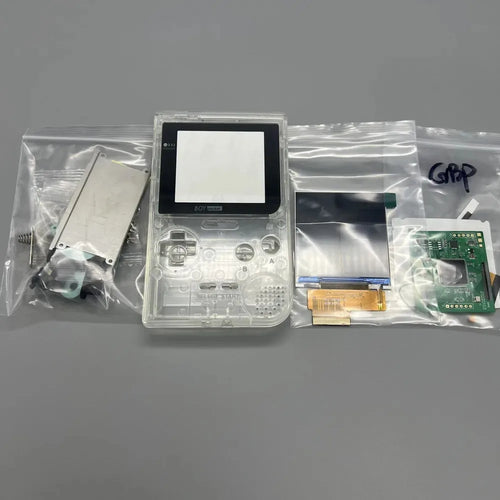
2.6" IPS screen for Game Boy Pocket — kit with matching shellAvailable
85,99€
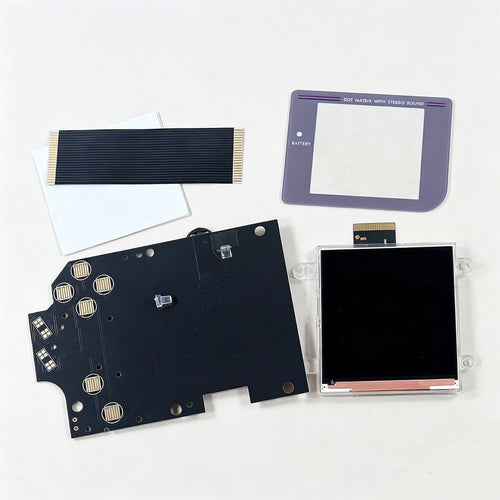
Fun-Esports
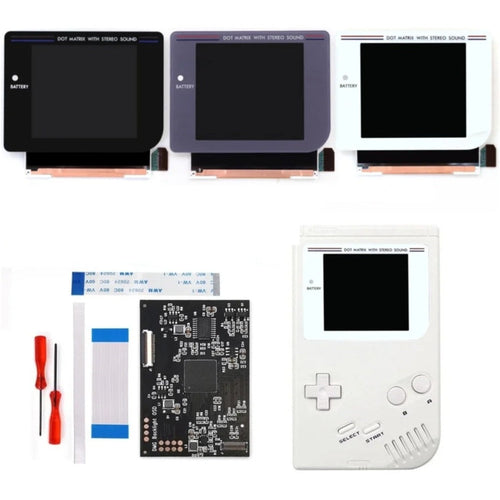
2.6-inch IPS screen kit for Game Boy DMG — panel, driver board, ribbon cable and lensAvailable
80,99€
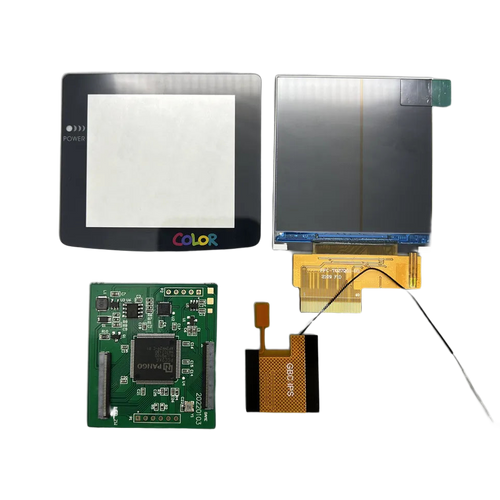
Fun-Esports
2.6-inch IPS screen for Game Boy Color — pixel grid modeAvailable
76,99€
How to choose a Game Boy IPS screen based on panel format and shell type
Questions fréquentes
Do you need to cut the shell to fit an IPS screen on a Game Boy Color?
Not with the 2.45-inch panel on this page: it is designed for the original opening of the Game Boy Color shell and fits without modifying the plastic. You still need to open the console with a tri-wing screwdriver and remove the motherboard. Wider panels sold elsewhere, on the other hand, require you to enlarge the screen window.
Does the backlit kit for the Game Boy DMG keep the picture at its original size?
Yes, that's precisely the point: the panel matches the dimensions of the original screen, so the picture takes up the same area as before the mod. Kits built around a smaller panel force you to centre the screen in the window and leave a visible black border around the picture.
Does a lit screen reduce the console's battery life?
Yes. The Game Boy's original screen is reflective and uses almost no power, whereas a backlit or IPS panel draws continuously on the batteries. How much battery life drops depends on the brightness you choose, as most kits offer several levels. A USB-C battery pack remains the most convenient solution for long sessions.