Description complète
2.45-inch IPS screen for Game Boy Color: a readable picture without an extra lamp
The Game Boy Color's original panel is a reflective screen with no backlight: without a good light source, the colours turn grey. This 2.45-inch backlit IPS module matches the format of the original panel and fits in the original shell without cutting, which avoids the riskiest step of this mod.
What it does
- Backlight: the picture stays readable indoors and in the evening, where the original panel depends on ambient light.
- IPS panel: colours and viewing angles are more consistent than on the original STN screen.
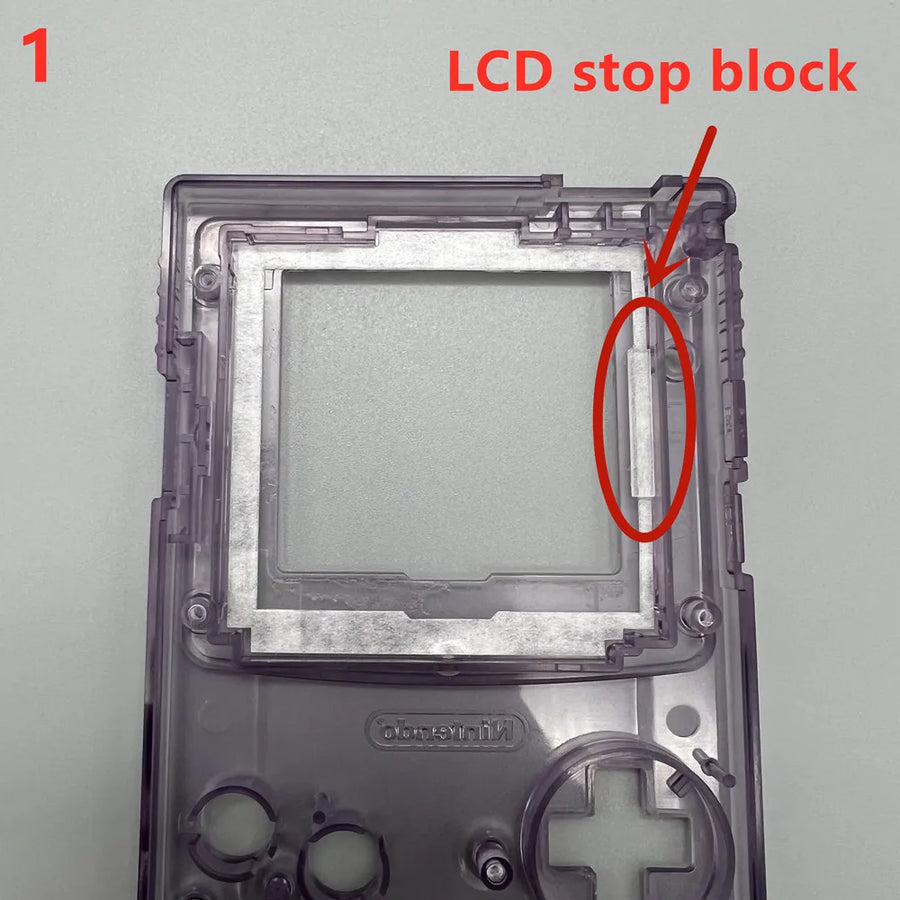
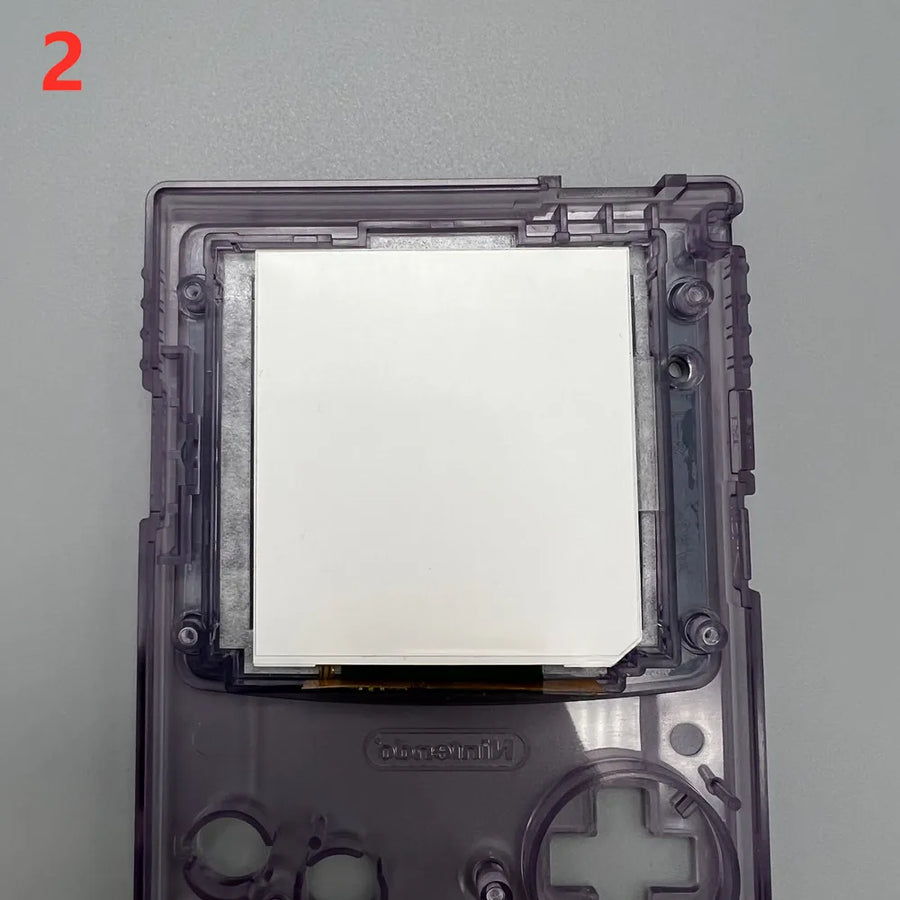
- Original format: module stated to be the size of the stock panel, fitted in the original shell without cutting the screen window.
- Choice of lens: several protective lens colours, and a “no lens” version without a lens if you're reusing yours.
What it doesn't do
- Doesn't increase the resolution: the Game Boy Color displays 160 × 144 pixels; the screen carries this picture, it doesn't improve it.
- Doesn't make the console compatible with other games or other formats: it's a display part, nothing else.
- Contains no shell, buttons, battery or tools: at the very least, have a tri-wing screwdriver ready to open the console.
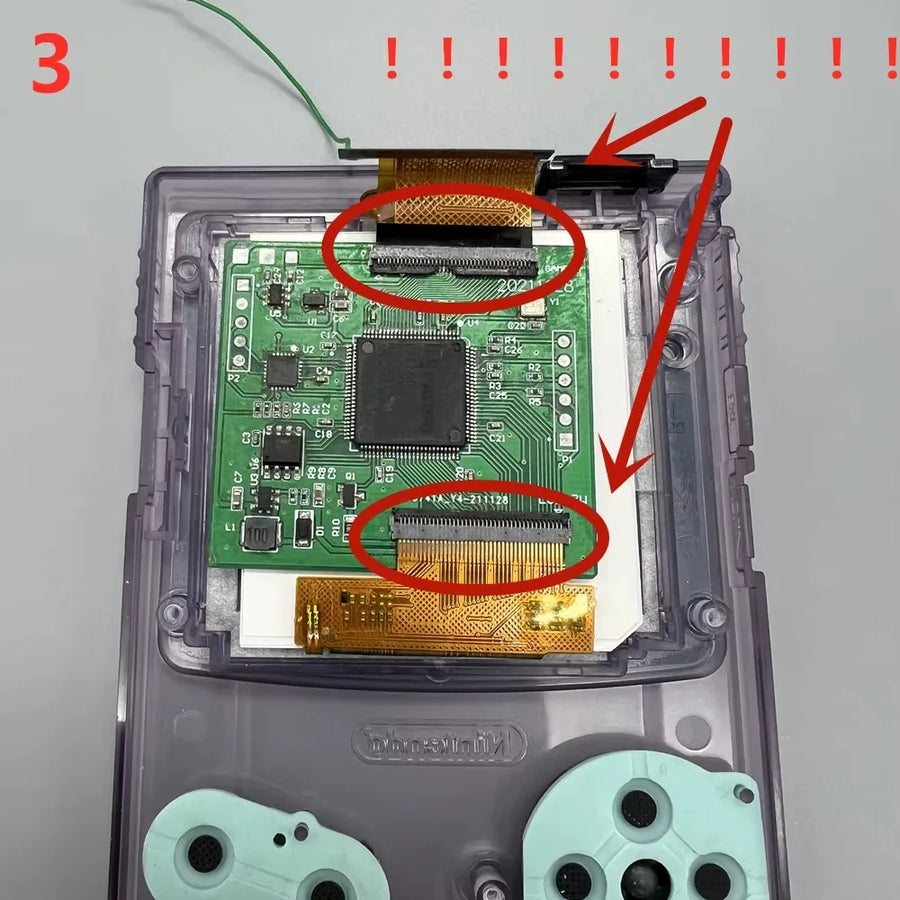
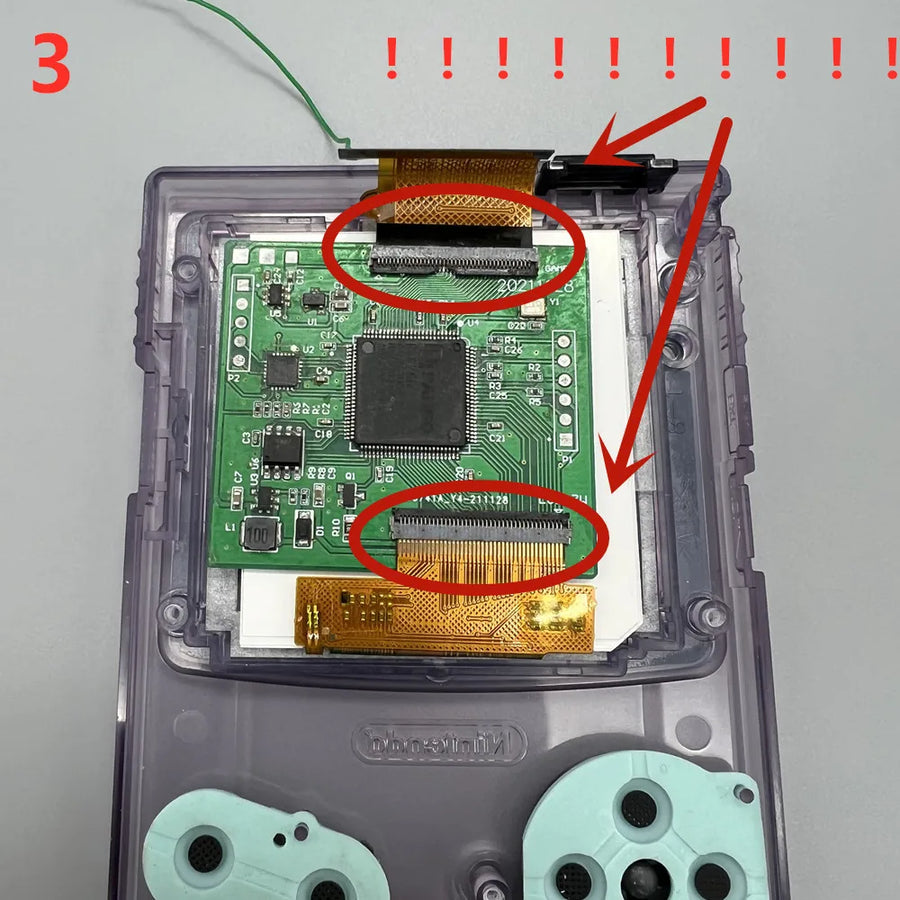
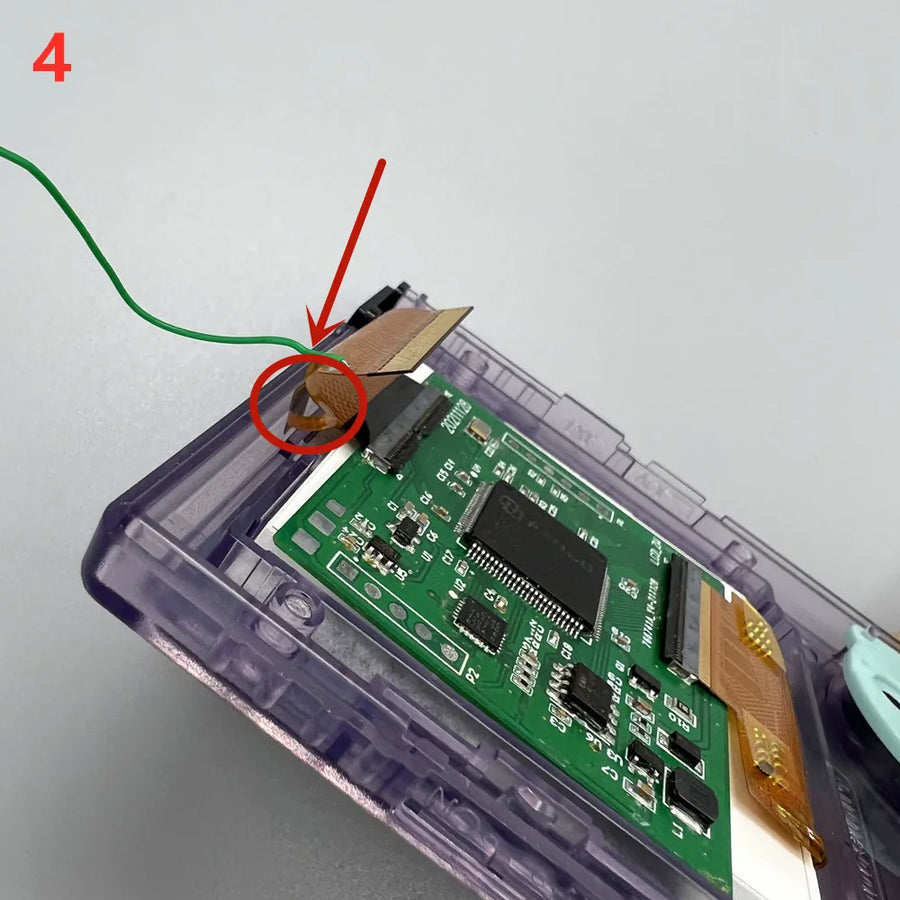
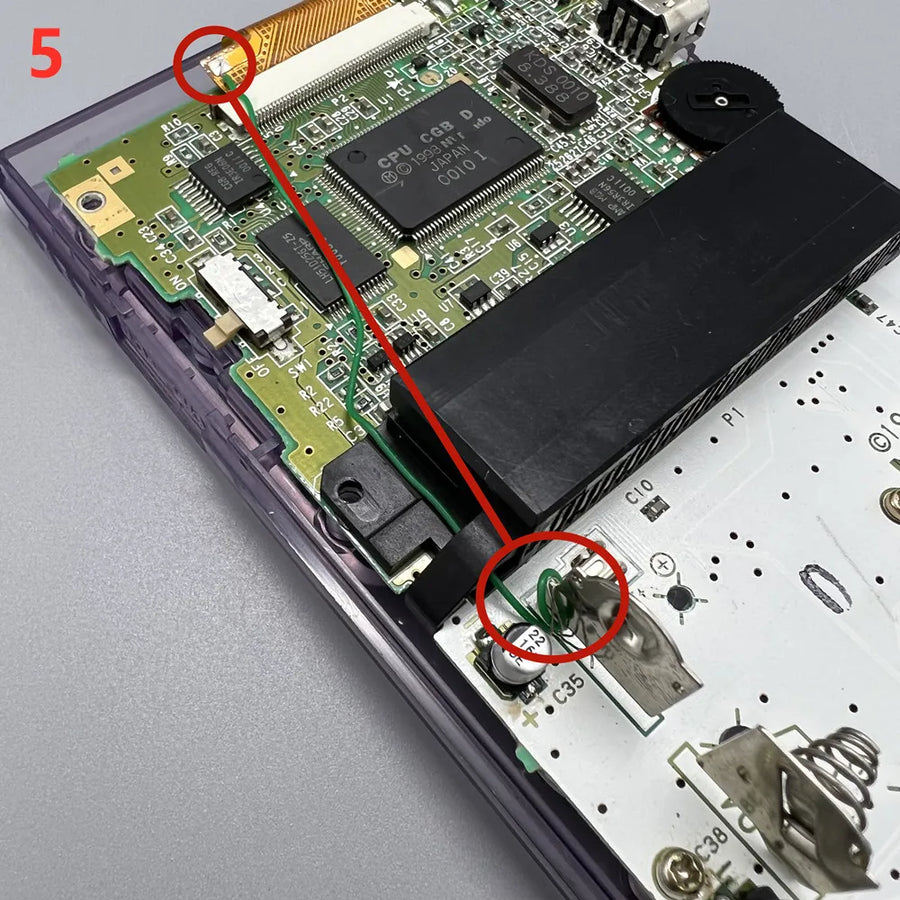
- The supplier doesn't specify whether solder points are needed depending on the motherboard revision: assume an iron may be required.
- Nothing is guaranteed on motherboards that are already modified, corroded or repaired: the module is designed for an original console in working order.
Compatibility
Stated for the Game Boy Color only. Compatibility with the Game Boy Pocket, the original Game Boy or the Game Boy Advance isn't confirmed by the supplier: don't buy it for these machines. The variant you choose only changes the colour of the protective lens, not the panel.
Skill level required
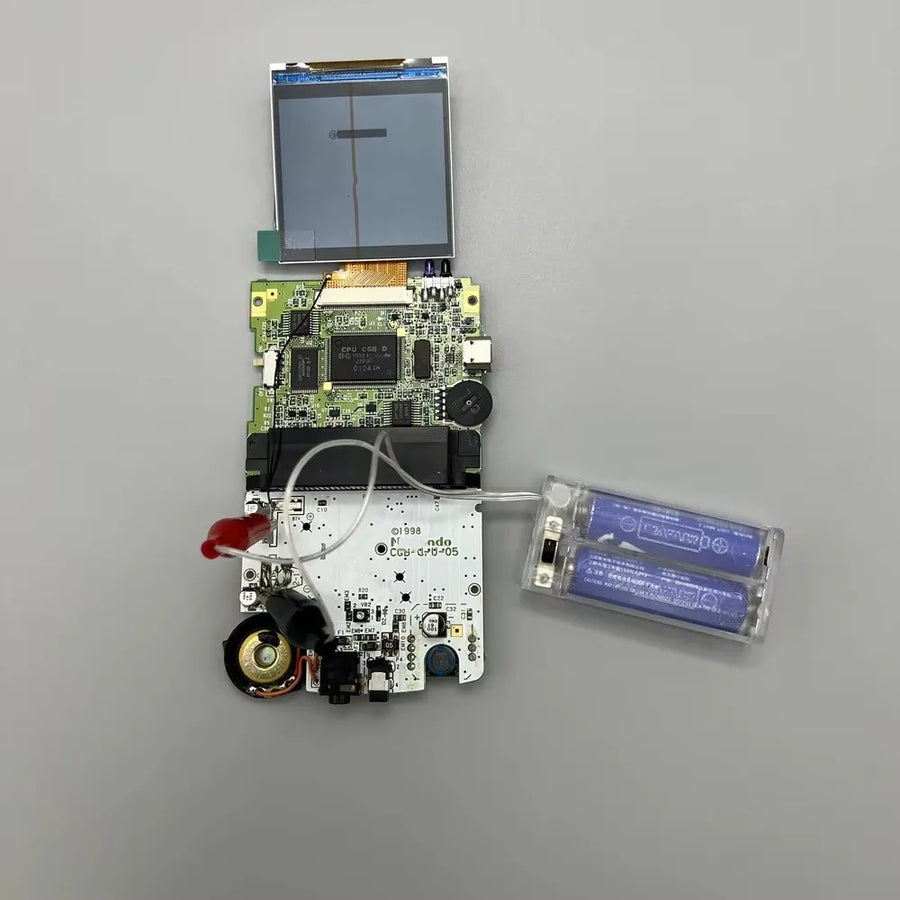
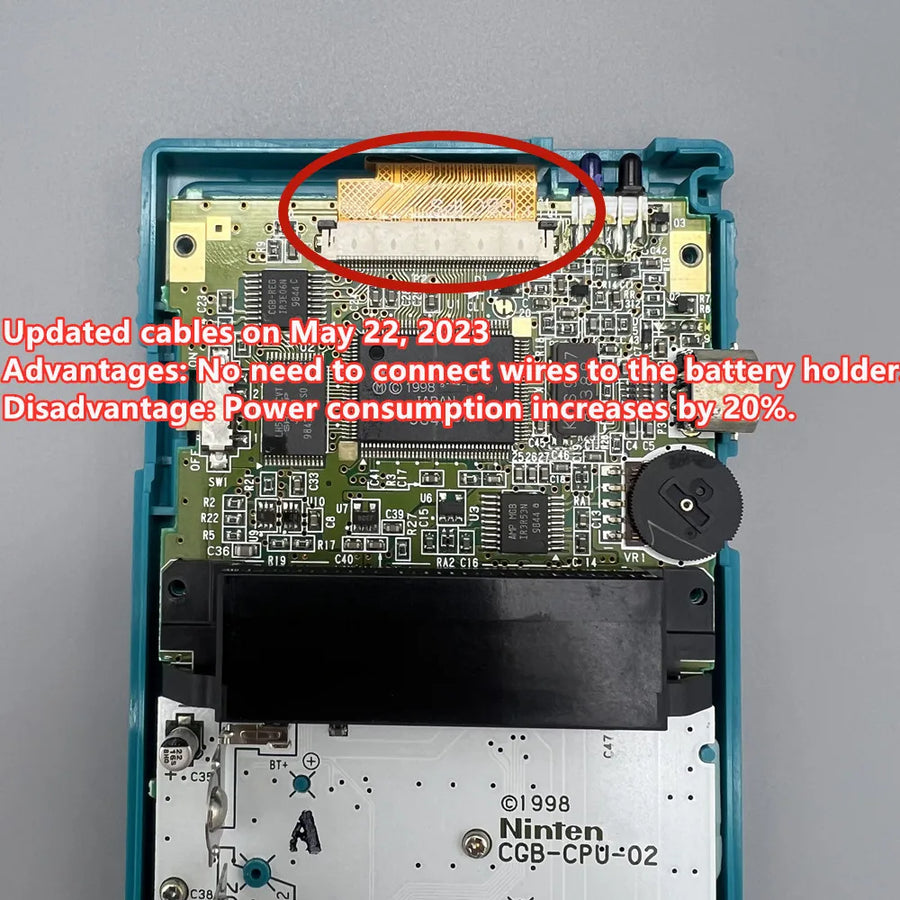
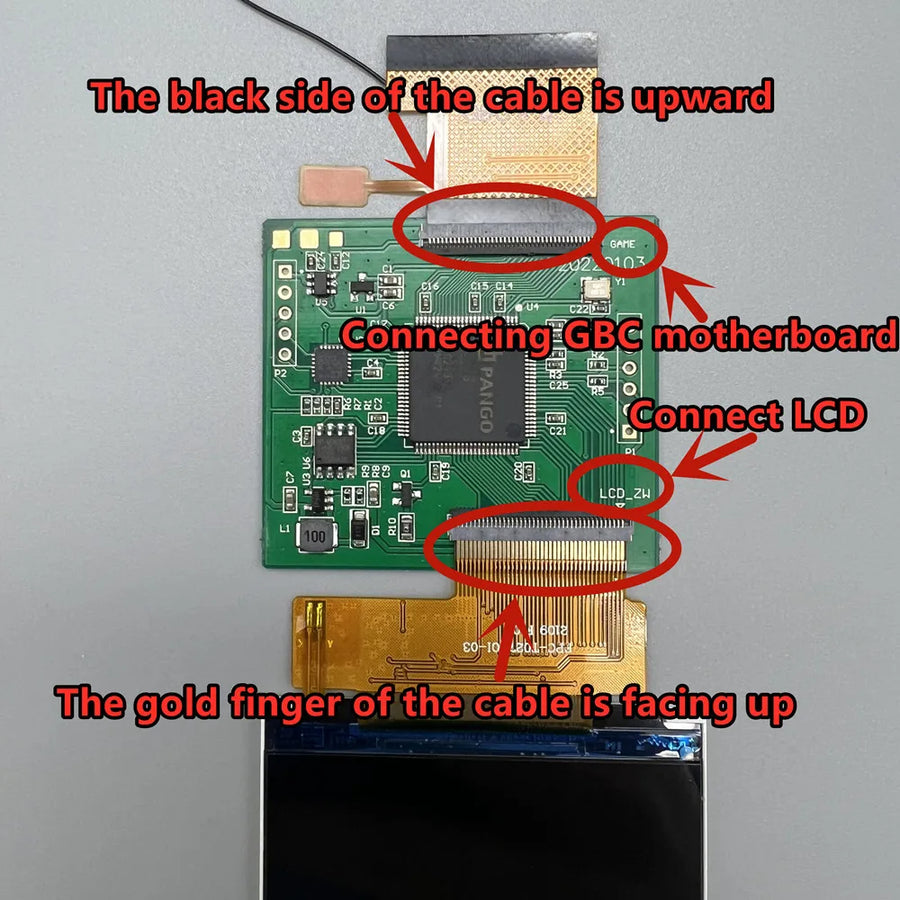
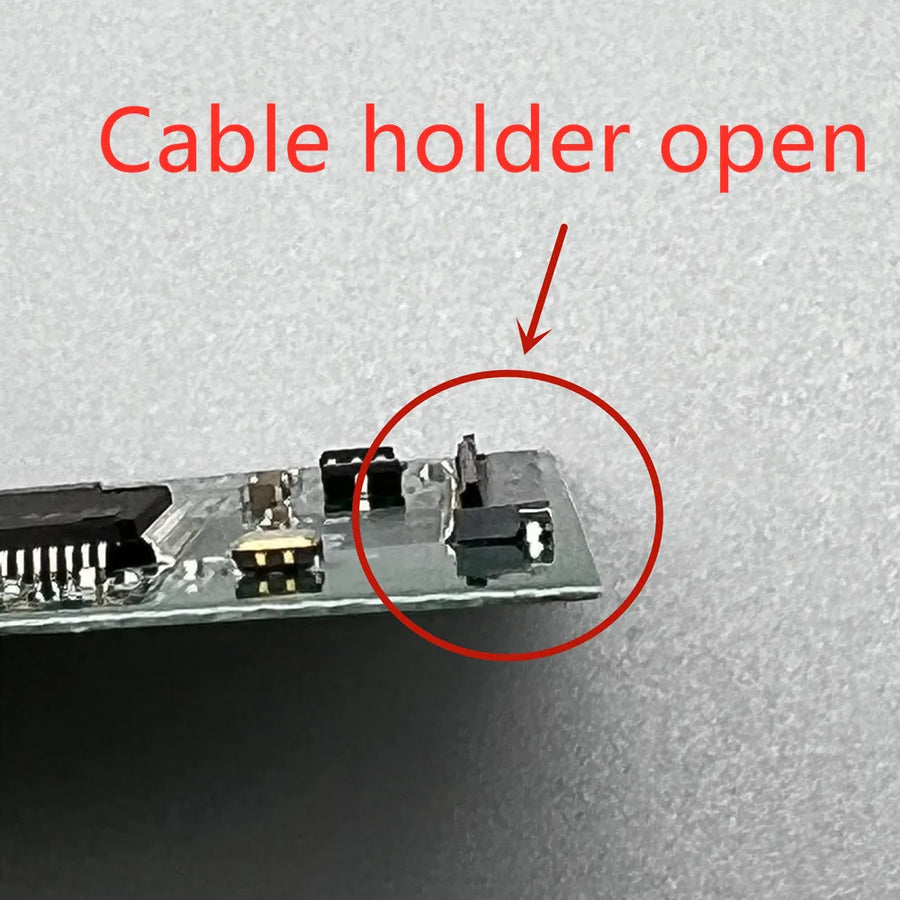
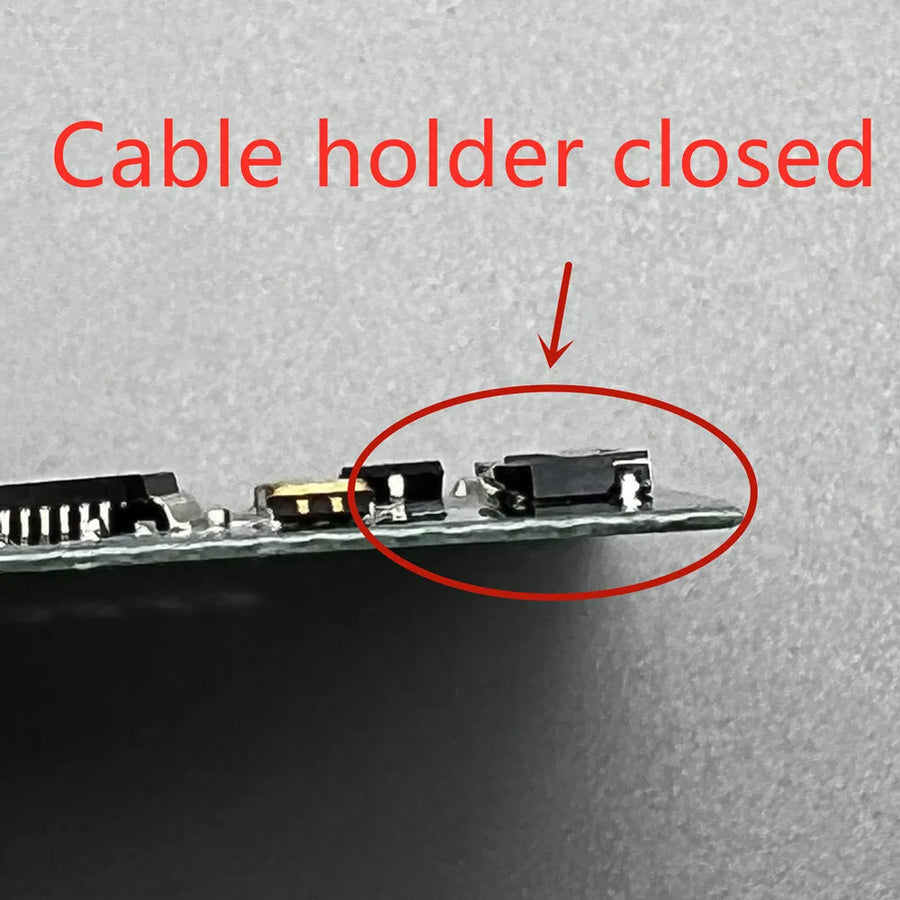
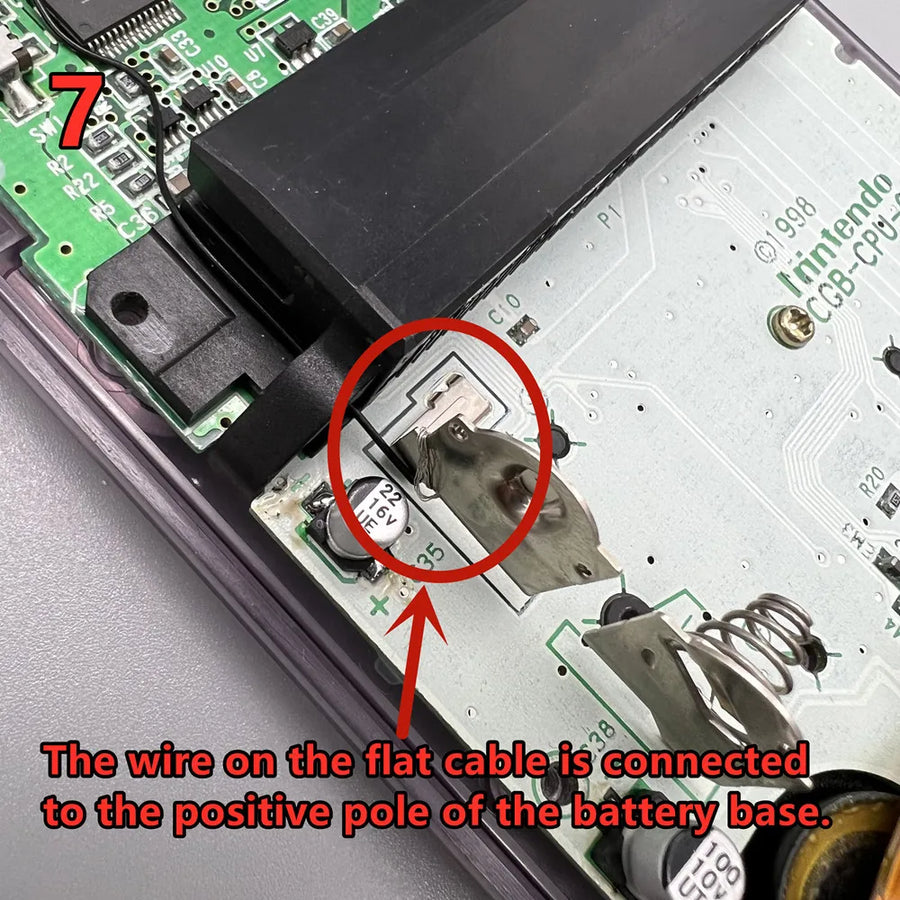
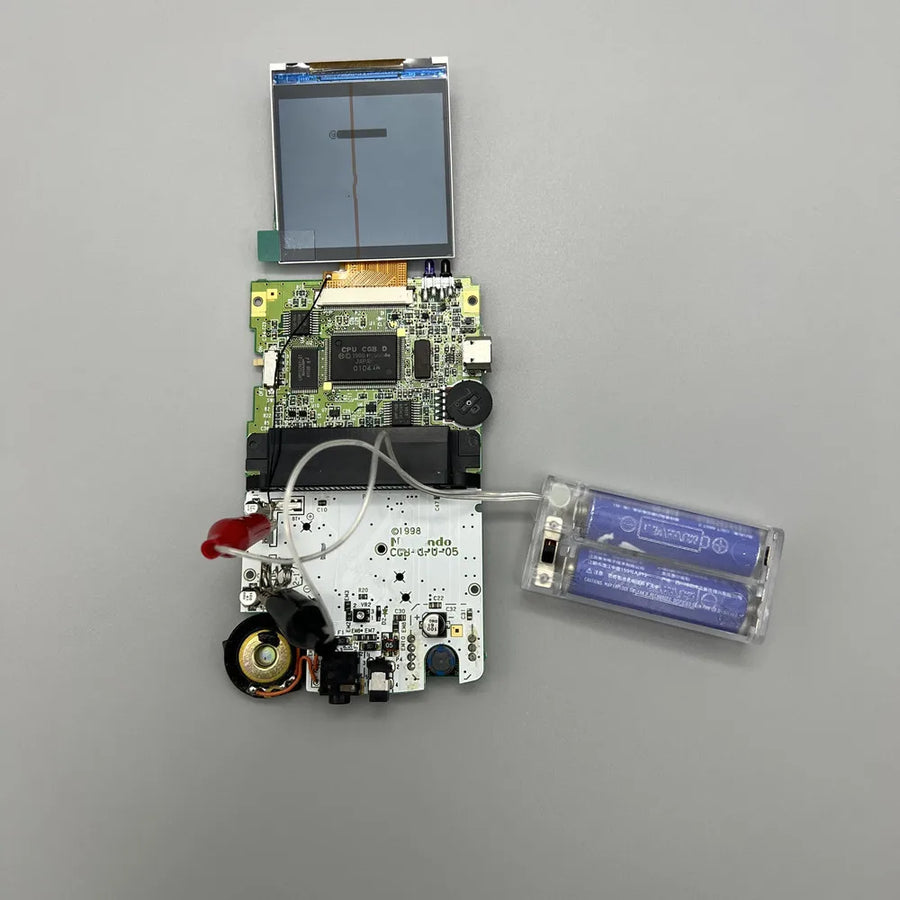
Full disassembly of the console: tri-wing (Y) screwdriver for the shell, Phillips screwdriver for the motherboard, plastic spudger and a little patience for the ribbon cable. Consider it an intermediate-level job, about an hour for a first installation. Keep a soldering iron within reach until your motherboard revision is identified. If you've never opened a handheld console, start with a tool kit before ordering the part.
In the box
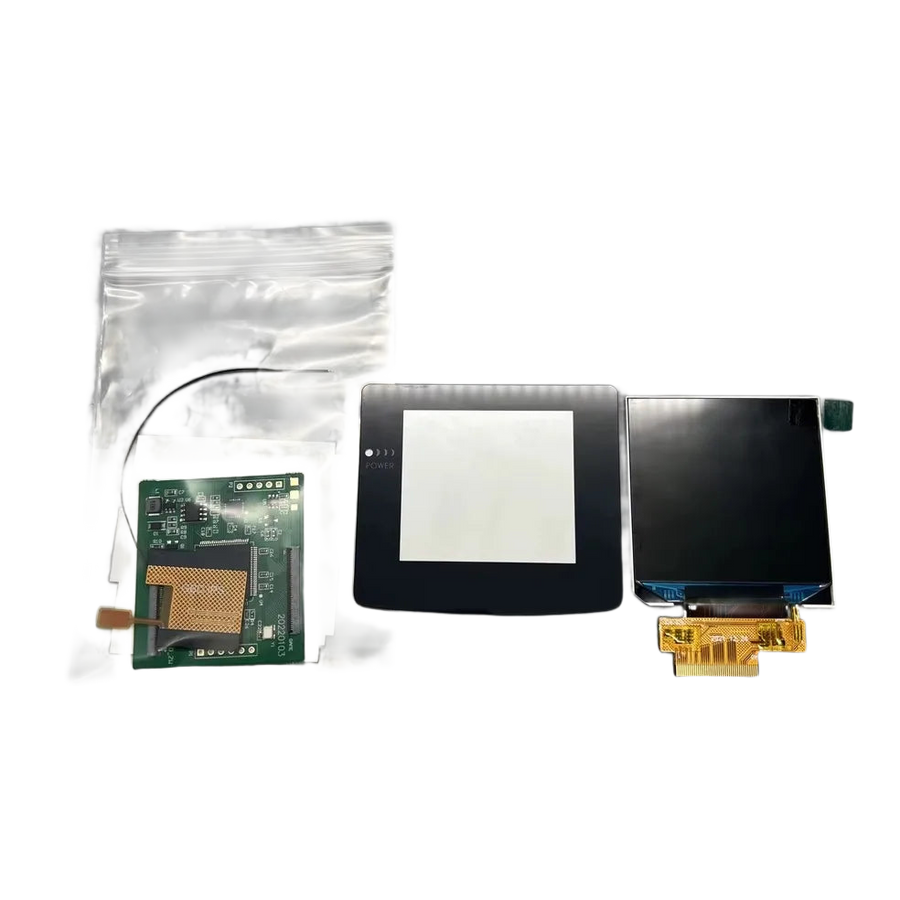
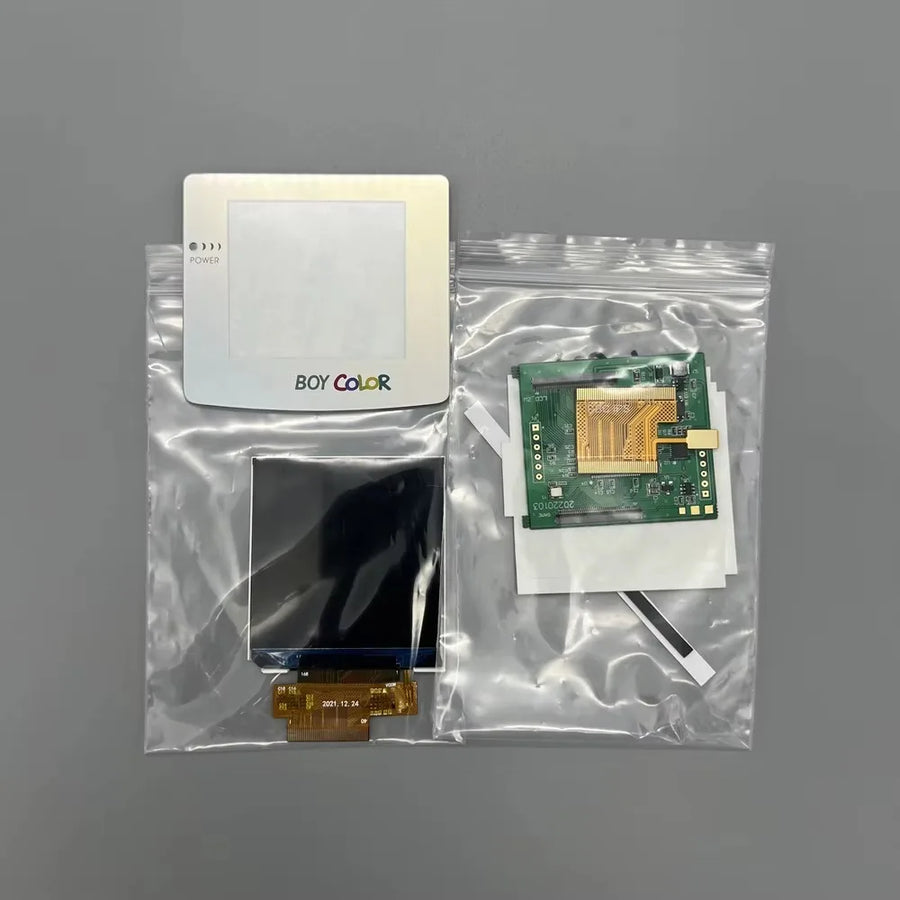
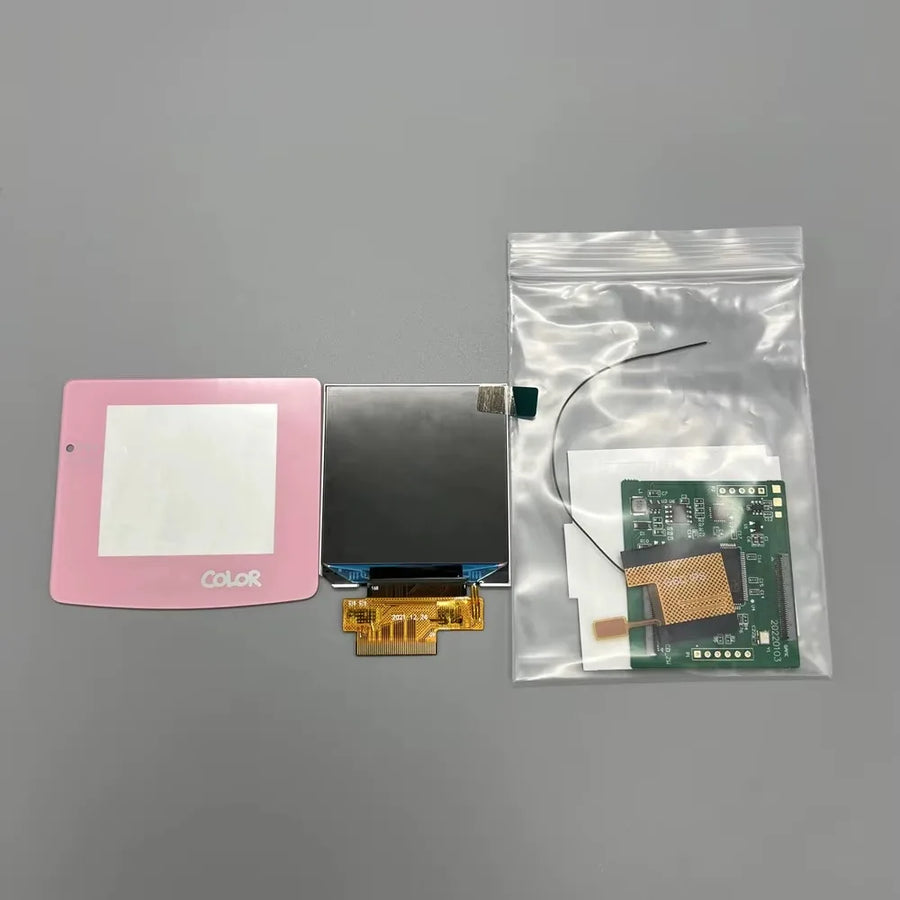
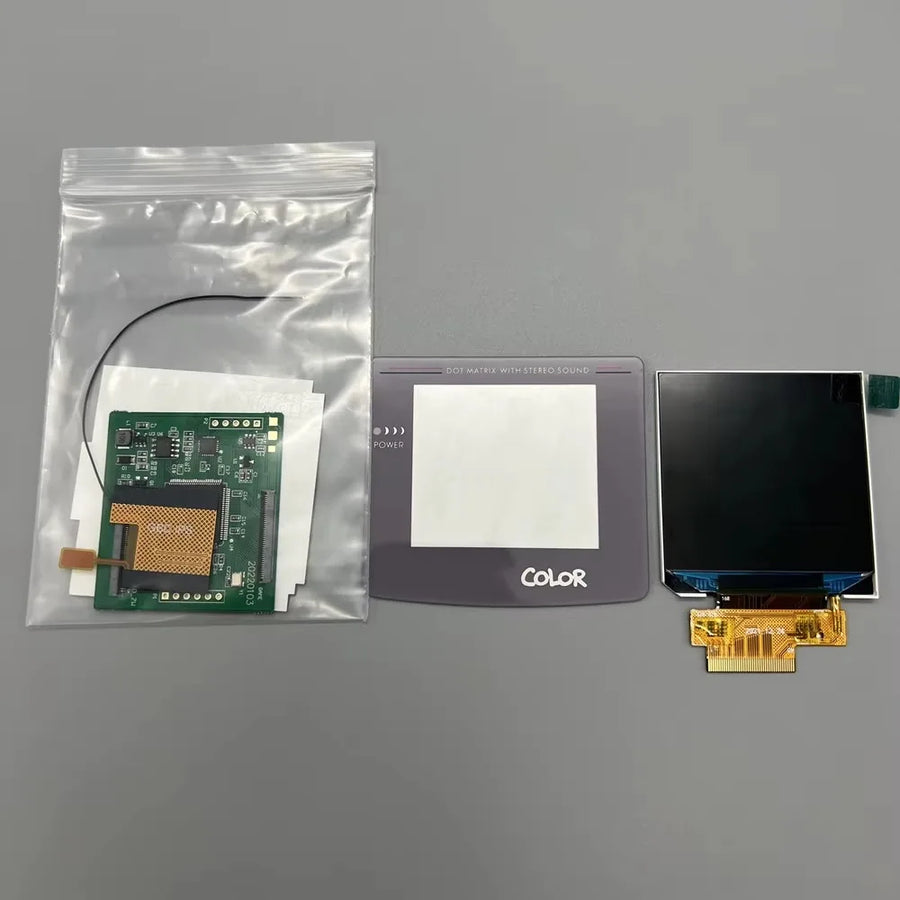
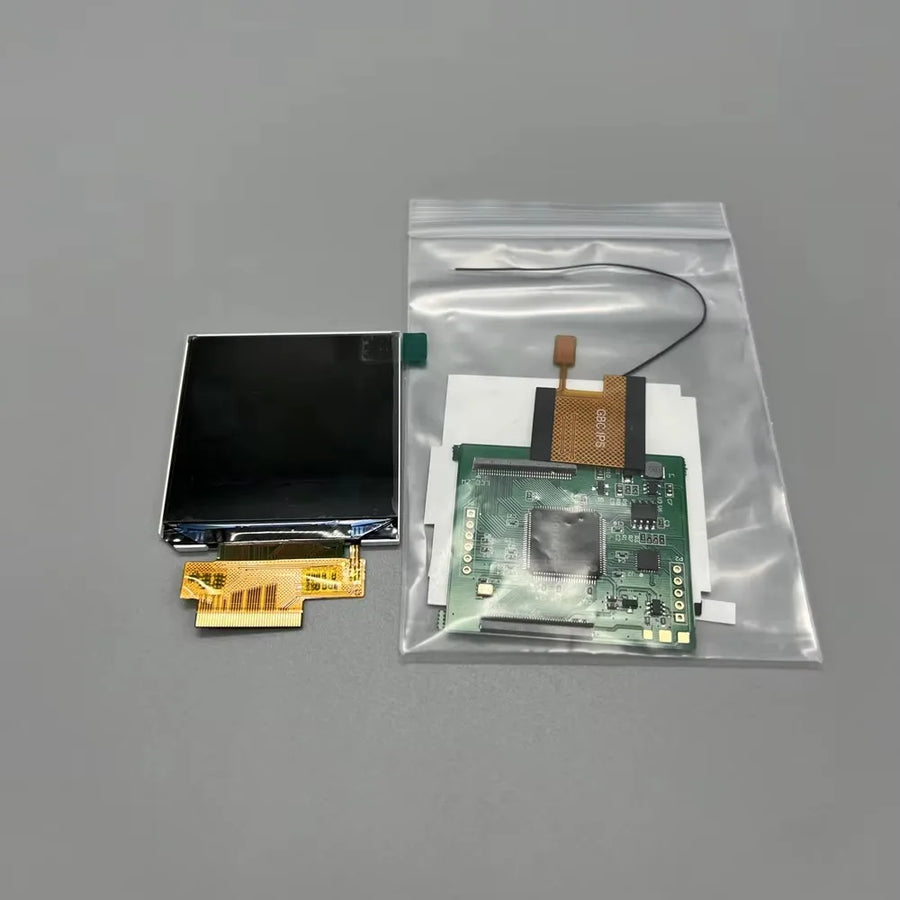
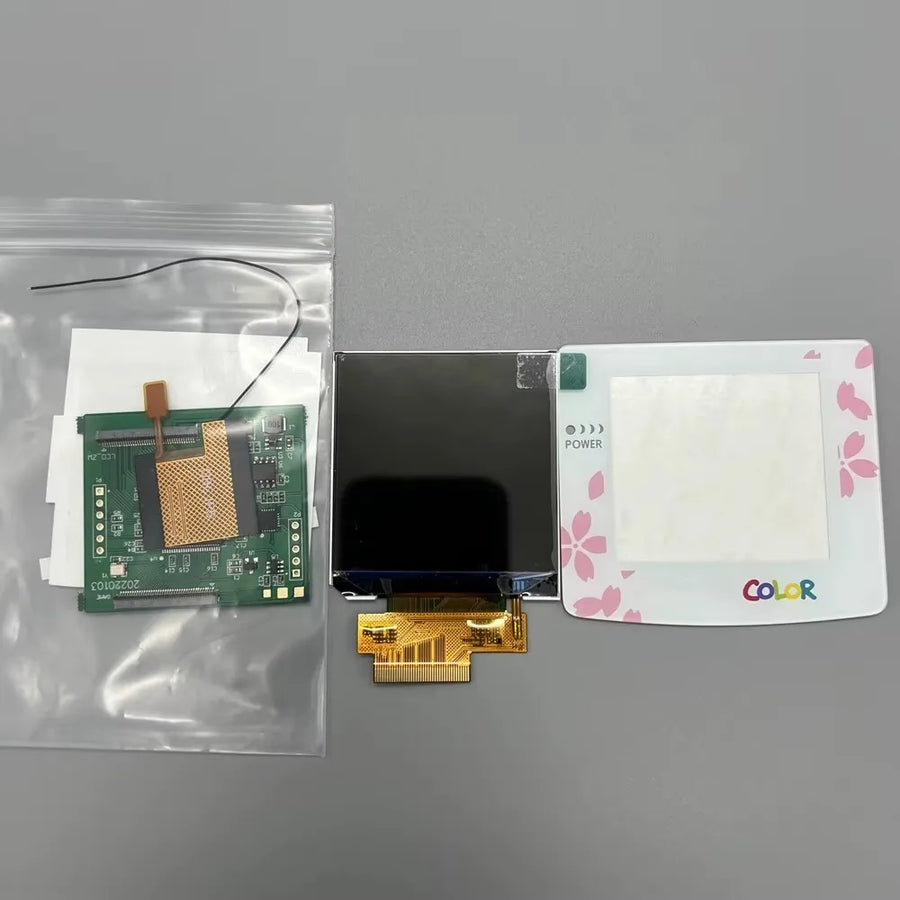
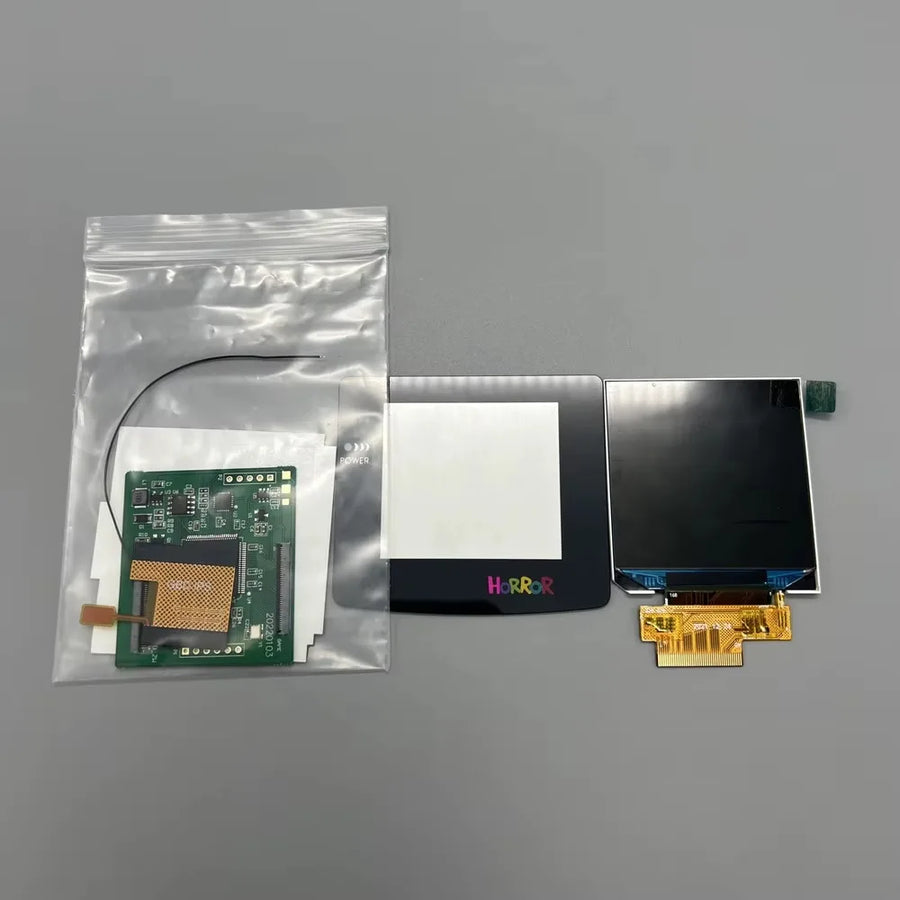
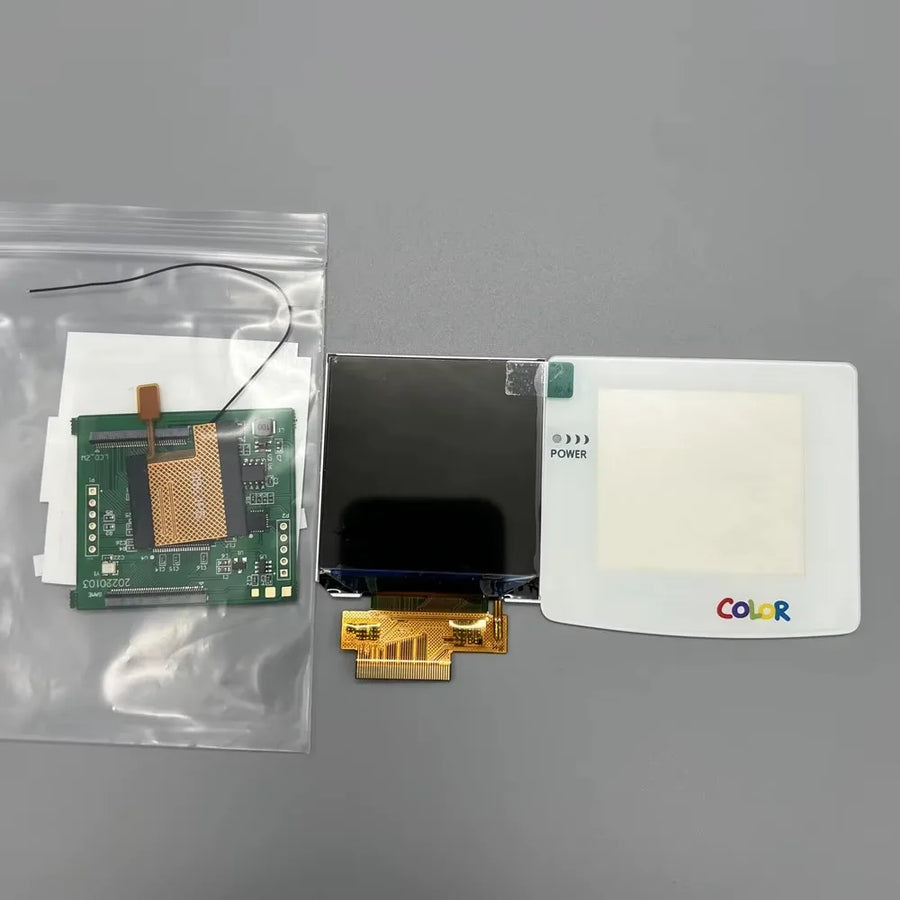
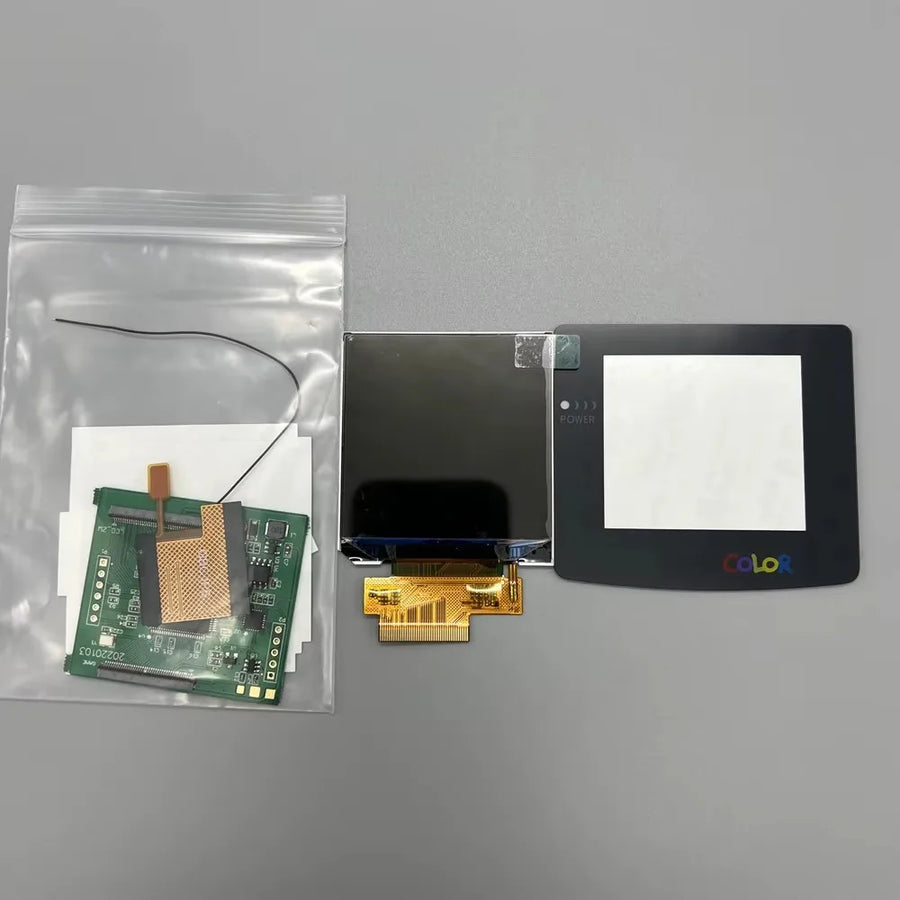
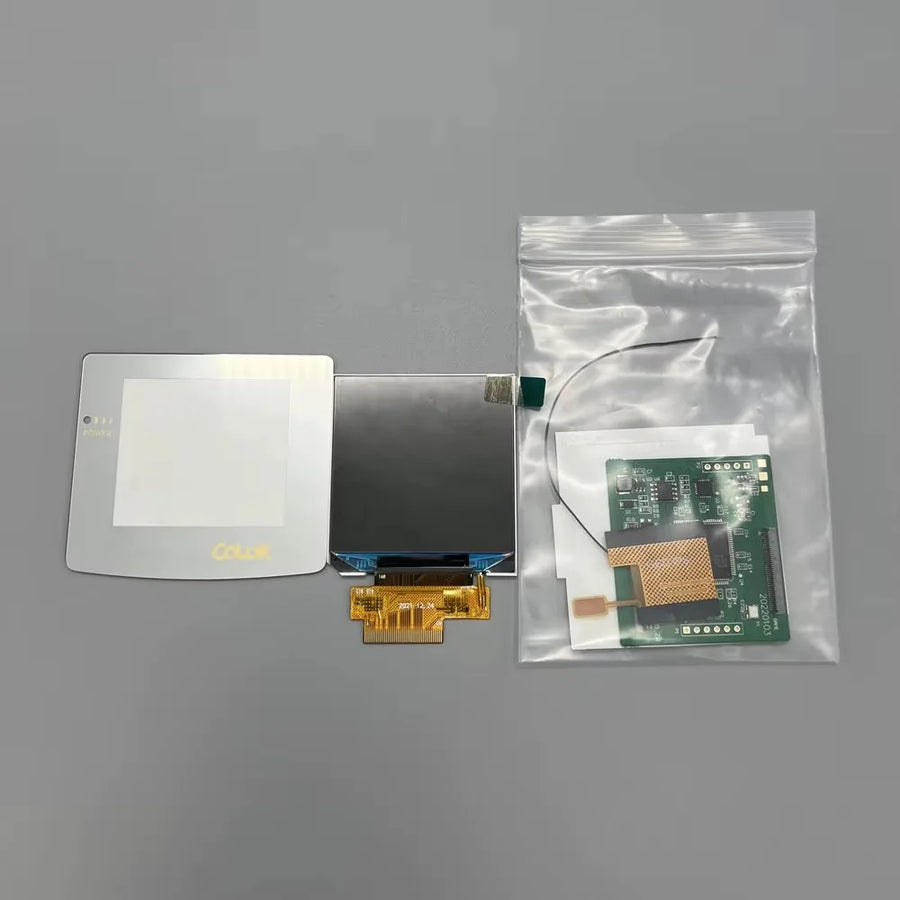
- 1 2.45-inch IPS screen module with its ribbon cable.
- 1 protective lens in the colour chosen — except for the “no lens” variant, supplied without a lens.
- No tools, no shell, no printed instructions.
Read before ordering: Workshop & modding
Delivery in 10 to 18 days · ships within 3 to 5 days · 2-year legal guarantee · 14-day returns.
2.45-inch IPS screen for Game Boy Color — no shell cutting
Backlit IPS panel in the original format, fitted without cutting the console's shell.
En stock
📦Ships within 3 to 5 business days · Delivery in 10 to 18 business days · 2-year legal guarantee · 14-day returns.
ℹÀ partir de 150 €, la livraison s’effectue en Point Relais.
- 🇫🇷SAV français
réponse sous 1 jour ouvré - 🛡Garantie légale
2 ans - ↩14 jours
pour changer d’avis - 🔒Paiement sécurisé
CB · PayPal · Klarna
The job
An original Game Boy Color is played near a window or not at all: its reflective panel has no backlight and the slightest lack of light washes out the colours. Replacing this screen is the mod that most changes the way you use the console. Once the IPS module is in place, the console becomes playable again in the evening, in the car, on a train. The rest of the machine stays the same: same cartridges, same sound, same battery life as stated by the supplier.
The part
This module measures 2.45 inches, the size of the stock panel, and that's the whole point: it sits in the existing screen window without cutting the shell, the step most kits require and most beginners get wrong. The protective lens comes in several colours, including a “no lens” version without a lens for those reusing their own. We only pass on what the supplier documents: neither resolution nor the number of brightness levels is stated, and we don't make them up.
What we tell you before you buy
This part requires fully opening the console and handling a fragile ribbon cable. The supplier doesn't specify whether soldering is needed depending on the motherboard revision: assume an iron may come in handy. And the screen doesn't improve the original resolution — 160 × 144 pixels remain 160 × 144 pixels, just readable. If these two points don't suit you, this part isn't for you, and it's better to know now than after disassembly.
What this accessory brings
Verified manufacturer specifications · vérifié le
Ce qu’il fait bien
- Backlit IPS panel, readable without an extra light
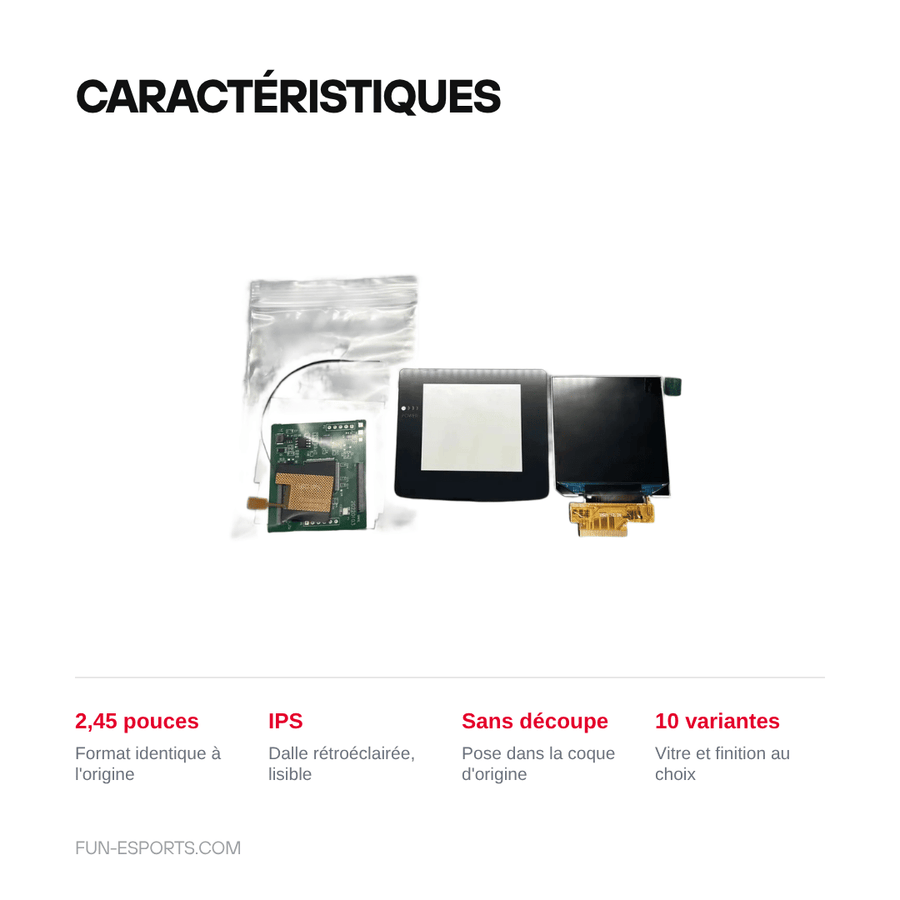
- 2.45-inch format identical to the original panel
- Fits in the original shell without cutting
- Protective lens available in several colours
Ce qu’il ne fait pas
- Doesn't improve the original 160 x 144 pixel resolution
- Compatibility stated for Game Boy Color only, not Game Boy Pocket or Game Boy Advance
- The supplier doesn't specify whether soldering is needed depending on the motherboard revision
- Supplied without tools, shell or instructions
- Requires full disassembly of the console
Voir toute la fiche technique+
Matière et format
- Type d’accessoire
- Replacement IPS screen
Compatible avec
- Game Boy Color
Dans la boîte
- 1 2.45-inch IPS screen module with ribbon cable
- 1 protective lens in the colour chosen (except no lens variant)
- No tools, no shell, no printed instructions
Frequently Asked Questions
🔧 Do I need to solder to install this screen?
The supplier states that no cutting is required but doesn't detail the solder points. Depending on your motherboard revision, a few solder joints may be needed: have an iron ready before disassembling.
🎮 Which consoles is it compatible with?
Game Boy Color only. Compatibility with the Game Boy Pocket, the original Game Boy and the Game Boy Advance isn't confirmed: don't order this module for these machines.
✂️ Do I need to cut the shell?
No. The module matches the format of the original panel and fits in the existing screen window, without filing or cutting the shell.
📦 What's in the box?
The 2.45-inch IPS screen module with its ribbon cable and a protective lens in the colour chosen. The “no lens” variant is supplied without this lens. No tools, shell or printed instructions.
🧰 What tools do I need?
A tri-wing (Y) screwdriver for the shell, a Phillips screwdriver for the motherboard and a plastic spudger. A soldering iron may be needed depending on the board revision.
🖼️ Will the picture be more detailed than before?
No. The Game Boy Color displays 160 × 144 pixels and that doesn't change. What changes is readability: the backlight, contrast and viewing angles of an IPS panel.
🚚 What are the delivery times?
Delivery in 10 to 18 days, ships within 3 to 5 days.
🛡️ What warranty applies?
2-year legal guarantee of conformity. 14-day returns. For any question, reply within 1 business day.
Why buy here rather than on a marketplace
It is a fair question. Here is the answer, straight.
Every listing is checked before publication: real compatibility, material, dimensions, box contents. Many models never make it into the catalogue.
A question about compatibility, a fit problem, a return: you write, a human replies within 1 business day. In French.
The 2-year legal warranty of conformity is handled by us — not by a form on the other side of the world. And 14 days to change your mind, with no need to justify yourself.
We do not claim to be the cheapest. We claim that you will know exactly what you are buying before you pay.
Read this before choosing
Our guides to accessories: compatibility, protection, transport.

Pixel art: create your own designs for a Divoom display
Grid size, number of colours, outlines, animation: the guide to getting started in pixel art and displaying your own creations on a Divoom display.
2 min de lecture · publié le

Divoom pixel art speakers: which one should you choose?
Astrotoo, Ditoo-Pro, FlowToo, Tiivoo-2, Timebox-Evo, MiniToo, Fairy-OK: the seven Divoom speakers compared, by use and budget.
2 min de lecture · publié le

Times Frame or Times Frame Pure: which Divoom floating photo frame should you choose?
64 or 32 GB, three colours or just one, a dial or not: the real differences between the Times Frame and Times Frame Pure…
1 min de lecture · publié le