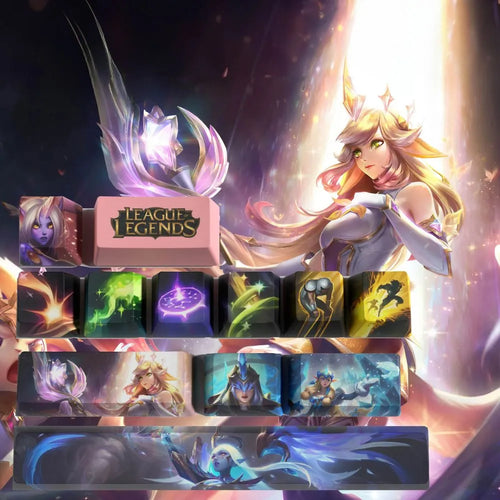
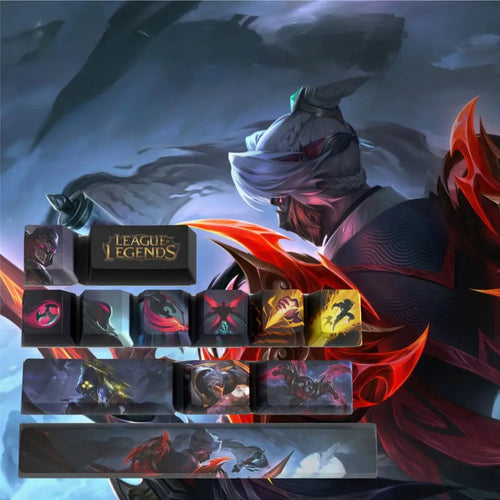
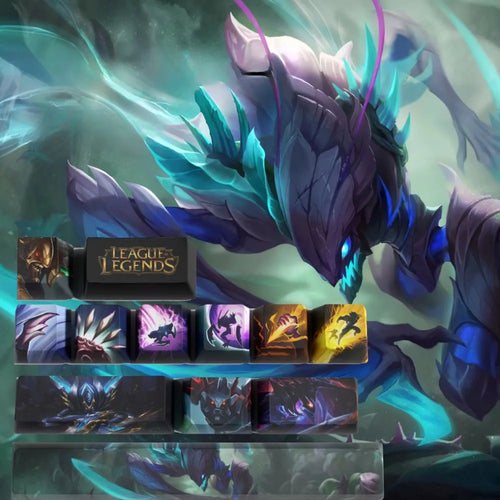
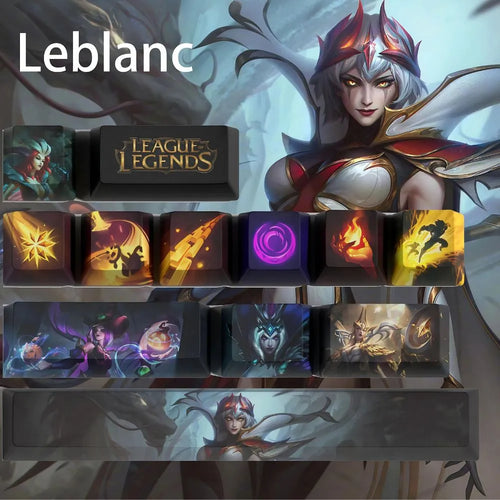
Custom Keycaps for Mechanical Keyboards
Swapping your keycaps is the fastest way to transform a mechanical keyboard. Our PBT gaming keycaps collection brings together sets inspired by the most played competitive universes, from League of Legends to Valorant, designed for keyboards with MX switches. You will mainly find partial sets of 12 and 14 keys. Before ordering, three things really matter: the profile, the printing technique and compatibility with an AZERTY keyboard.
What you should know before buying keycaps
The profile determines height and feel
The profile refers to the shape and height of each row. OEM is the most common: it is what ships on most mechanical keyboards, with a different curve depending on the row. Cherry follows the same logic but lower and flatter. SA is tall and spherical, very retro in character: it changes the typing angle and the sound. XDA is uniform, every row sharing the same height, which lets you place a key anywhere.
ABS or PBT: the material that decides the lifespan
ABS is a soft plastic that renders very saturated colours, but it polishes under your fingers and turns shiny after a few months on the most heavily used keys. PBT is denser, rougher, far more resistant to that shine and less prone to yellowing.
Double-shot, dye-sublimation, screen printing: how the legend holds up
- Double-shot: two plastic injections, the legend runs right through the key. It cannot wear off and lets light through if the inner layer is translucent, but it cannot reproduce a multicoloured illustration.
- Dye-sublimation: the dye is driven into the plastic by heat, almost always PBT. Nothing on the surface, so nothing to wear away, with one physical constraint: dark on light only.
- Screen or pad printing: the ink is laid on top of the key. The only affordable process able to render a detailed colour artwork; how well it lasts depends on the protective coating.
- Laser engraving: the material is marked by a beam. Very durable, but the colour palette stays limited.
RGB backlighting: opaque or translucent
An opaque keycap lets no light through: your RGB will light up the edges of the key, not the artwork. For a legend to glow you need a shine-through key, a translucent layer covered by an opaque layer pierced by the legend. Illustrated sets are almost all opaque: colour artwork and a backlit legend are two conflicting goals.
The MX stem and its clones
Virtually every keycap on the market uses the MX stem, the four-armed cross introduced by Cherry and copied identically by Gateron, Kailh, Outemu, TTC, Akko, JWK and most optical gaming switches. What remains incompatible: membrane keyboards, the scissor mechanisms of laptops, Topre and Alps switches, and low-profile keyboards with Choc switches.
AZERTY: the real trap with sets designed in the United States
Almost every illustrated set is drawn for an American ANSI keyboard in QWERTY. For a French player, that creates four concrete gaps:
- The accented characters é, è, ç, à and ù exist in no American set: on AZERTY they occupy the number row and the key to the right of M.
- The M key sits to the right of L on AZERTY, whereas it is on the bottom row in QWERTY. An imported letter row will therefore be offset.
- The ISO Enter key is L-shaped across two rows, while an ANSI set only provides a rectangular Enter.
- An ISO keyboard has one extra key: the left Shift is short and an additional key slots in before the W.
The consequence is reassuring: an illustrated partial set, with no printed letters, causes no problem at all on AZERTY. That is exactly the case with the 12 and 14 key sets. Full 104 key sets, on the other hand, remain the business of ANSI keyboards.
How many keys to choose
- 12 key set: the most common format here. It covers a complete cluster, for example ZQSD with Escape and the arrow keys, or all of your ability keys. All of them are standard 1u.
- 14 key set: two more keys, enough to add the neighbouring modifiers or extend the artwork.
- Full set: total consistency, but you need to check the length of the space bar, the shape of the Enter key and the keys specific to ISO.
One clarification that prevents a lot of disappointment: changing a keycap does not change what the key types. The layout is handled by the operating system, not by the cap. Putting a key marked A on the Q position does not turn an AZERTY into a QWERTY.
In practice, keep the original set as a neutral base and add a partial set as an accent on the keys you look at most: instant, reversible and independent of the layout.
Our selection
The most played champions
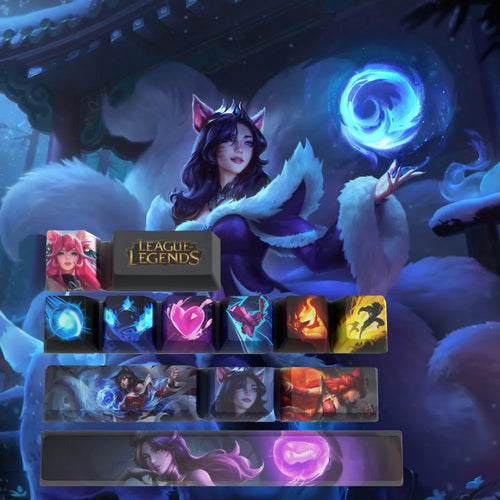
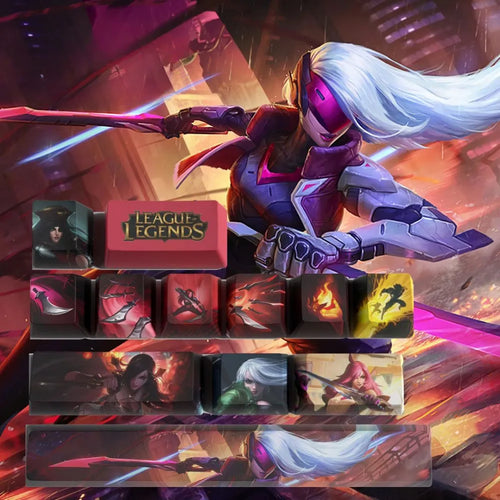
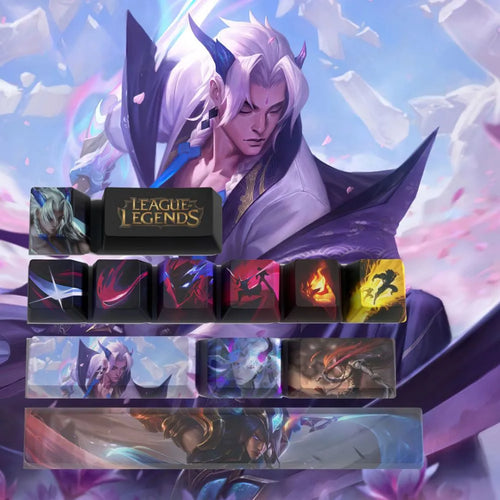
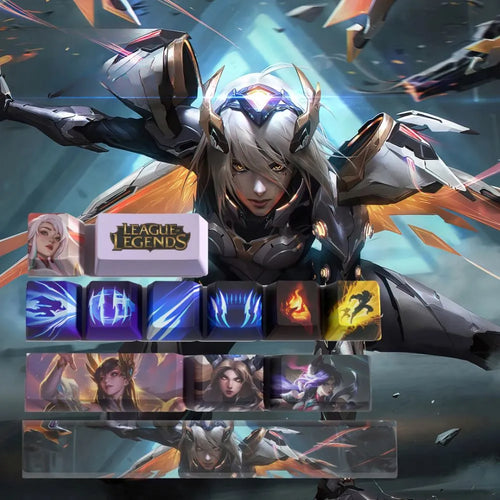
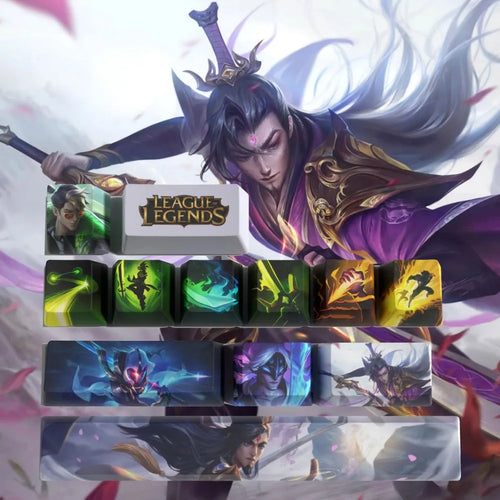
The Jinx, Ahri and Katarina sets are listed as 12 keys in PBT. Zed and Yone round out the assassin side of the selection.
Top lane, tanks and fighters
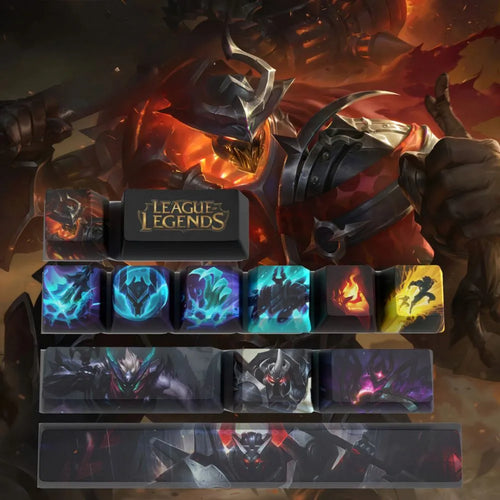
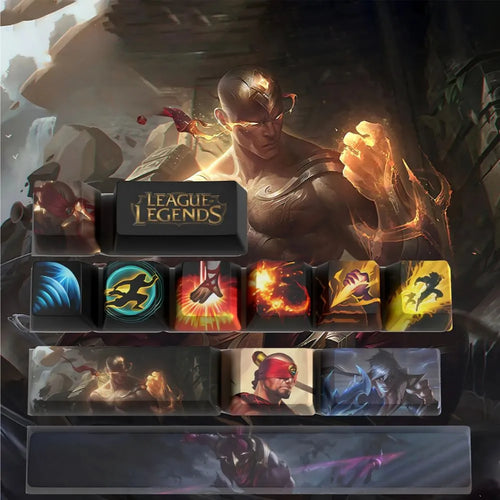
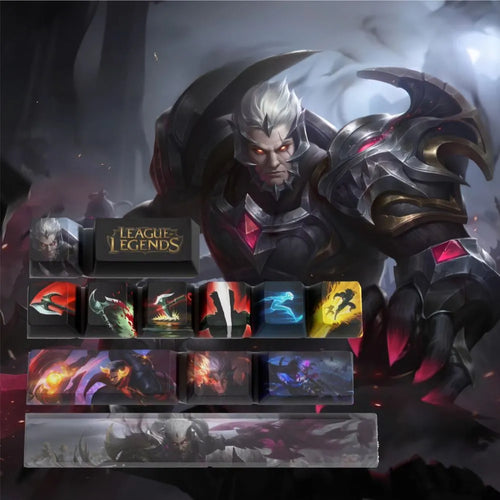
Mordekaiser, Nasus, Jax and Darius come as 12 key PBT sets. Garen is listed in PBT, and Renekton closes the line-up.
Marksmen and supports
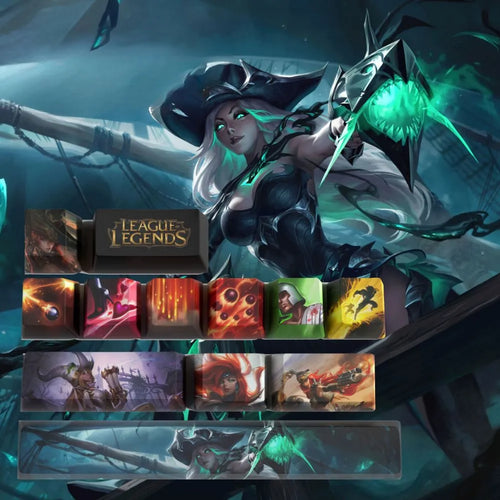
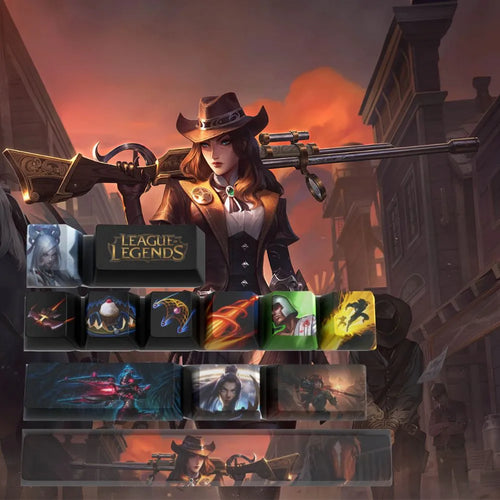
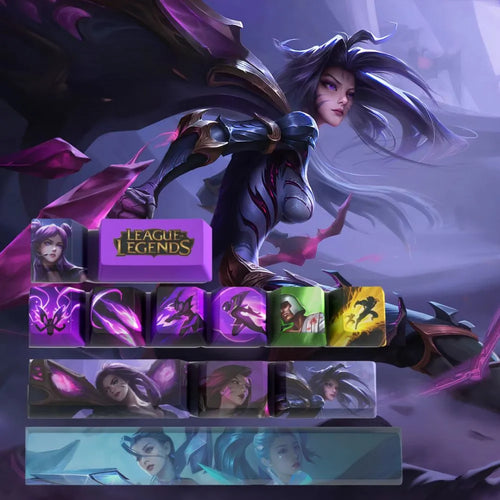
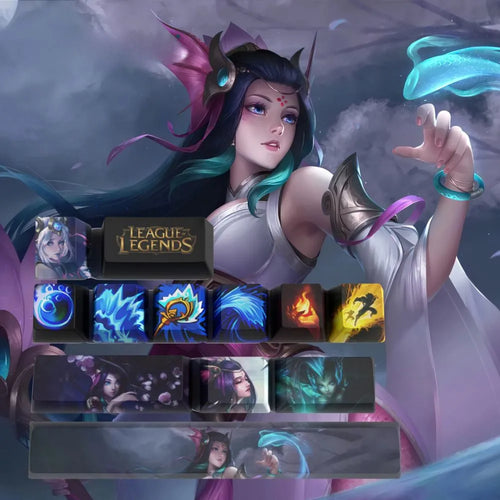
On the carry side, Miss Fortune and Kaisa are given as 12 keys in PBT, Ezreal as 12 keys. On the support side, Nami, Janna, Soraka and Leona.
Set comparison table
| Set | Universe | Keys | Material | Mechanical keyboard mentioned |
|---|---|---|---|---|
| Jinx | League of Legends | 12 | PBT | Yes |
| Ahri | League of Legends | 12 | PBT | - |
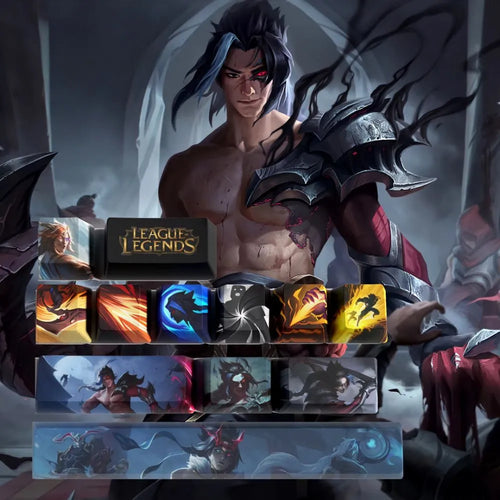
| Mordekaiser | League of Legends | 12 | PBT | Yes |
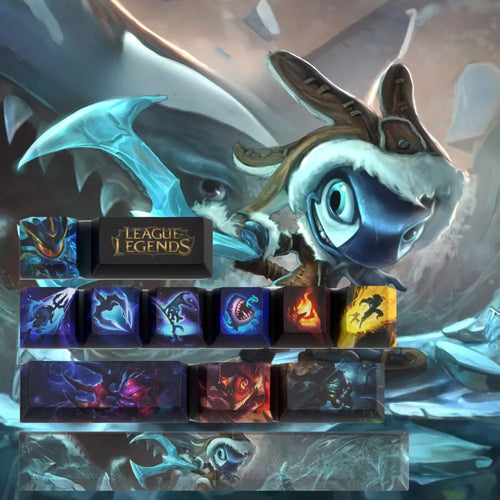
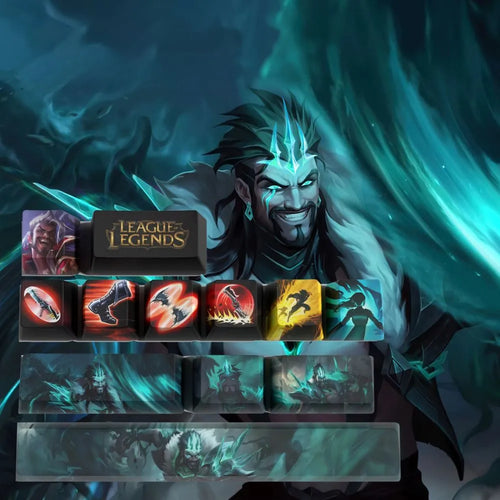
| Draven | League of Legends | 12 | - | Yes |
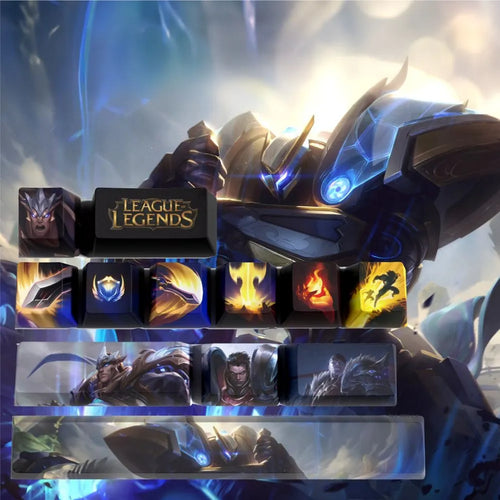
| Garen | League of Legends | - | PBT | Yes |
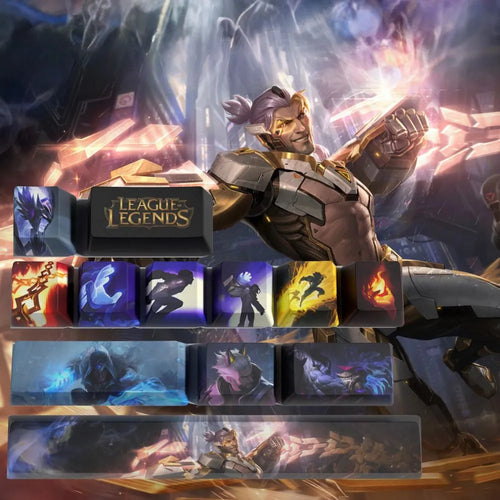
| Zed | League of Legends | - | - | - |
Frequently asked questions
Are these keycaps compatible with my keyboard
If your keyboard is mechanical and uses cross-shaped MX stem switches, the answer is yes in the vast majority of cases: Cherry MX, its common clones and most optical gaming switches. Pull off a key and look at the stem: a four-armed cross means compatible, any other mechanism means no.
How do these sets work on an AZERTY keyboard
The partial 12 and 14 key sets are made of 1u keys that you place freely. Since they do not try to reproduce a whole letter row, the AZERTY or QWERTY question simply does not arise. Only full sets are a problem, because of the ISO Enter key, the extra key and the missing accented characters.
How do I remove the old keys without breaking anything
Use a wire puller, often supplied with mechanical keyboards: slide the two hooks under opposite edges of the key, then pull straight up without rocking it sideways. Rigid plastic pullers scratch more. Photograph the keyboard before taking it apart.
Do keycaps wear out over time
The body of the key does, but slowly: ABS polishes and shines after a few months of heavy use, PBT holds up far longer. What really wears out is the legend. A print laid on the surface eventually fades once the coating gives way, whereas a double-shot or sublimated legend is part of the material itself.
Will the backlighting shine through
Only if the key is translucent. A colour illustrated set is almost always opaque: your RGB will stay visible around the key and on the plate, but it will not light up the artwork. If shine-through backlighting is your priority, look for shine-through keys, whose legend is left transparent.
Going further
Looking for a set tied to a specific universe? Browse our League of Legends keycaps or our Valorant keycaps, and finish off the desk with our gaming accessories.