Description complète
F300 arcade stick: the cabinet feel, on the machine you already own
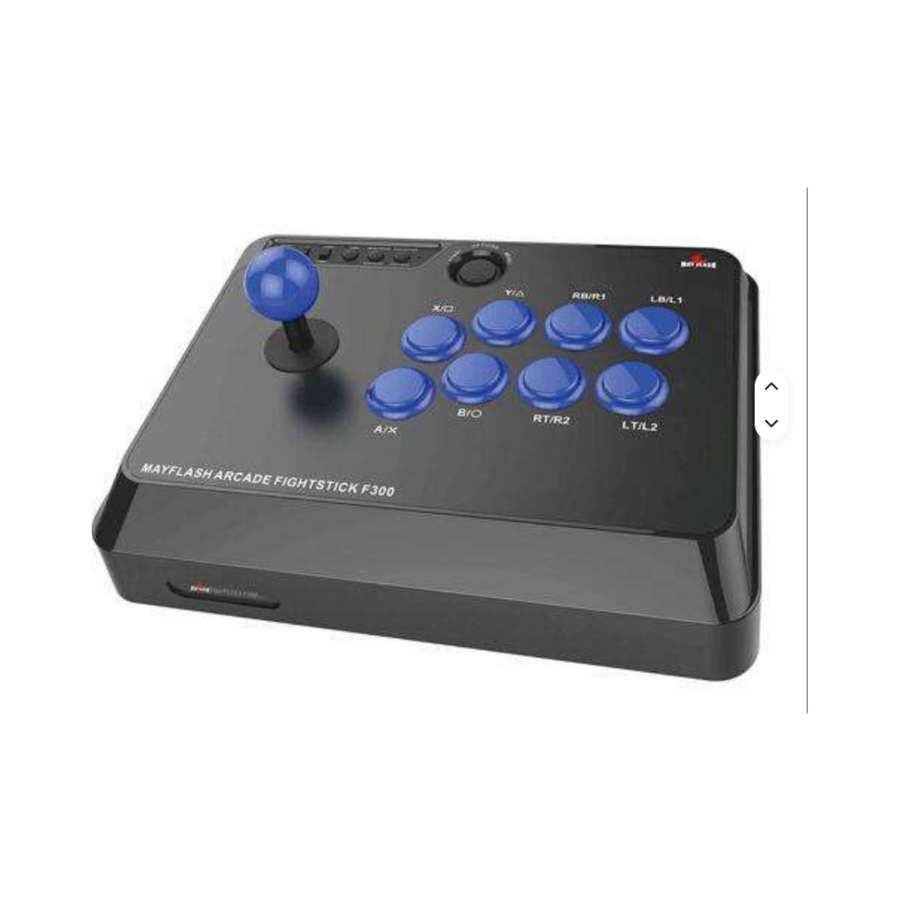
On a gamepad, a quarter-circle stays approximate and a six-button input turns into a lottery. The F300 is a wired arcade stick with a wide, flat chassis that sits on your lap or on a table and plugs in over USB to a PC as well as to a home console. Its panel is open: the 30 mm buttons and the stick can be replaced.
What it does
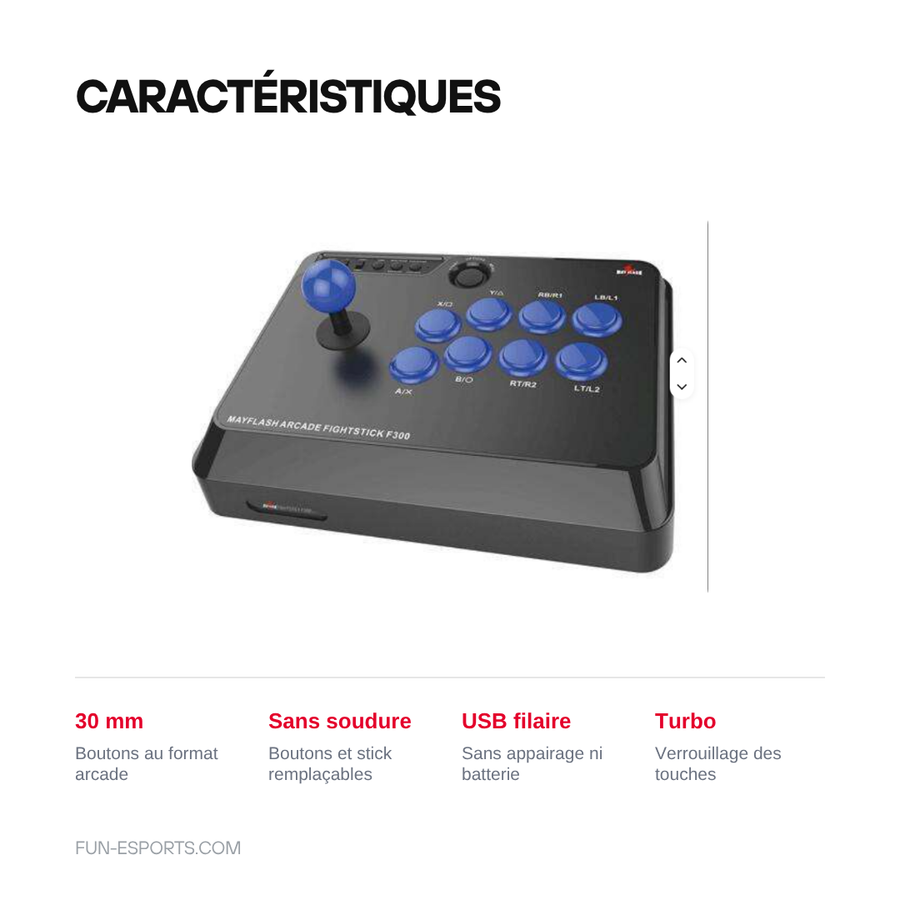
- One stick for several machines: mode selector on the chassis, recognised in XInput as well as DInput on PC, and on the home consoles listed below.
- Japanese-standard panel: 30 mm buttons and a mounting-plate stick come out and can be swapped with a Phillips screwdriver, the connections use spade terminals, no soldering.
- Useful in-game functions: Turbo mode and system button lock, so you don't open a menu mid-match.
- Wired connection: USB cable, no pairing, no battery to recharge.
What it doesn't do
- It doesn't work wirelessly: no Bluetooth mode, no battery. It is a wired stick, and only that.
- On a home console, it doesn't handle device identification on its own: an official wired controller has to stay connected to the stick while you play, depending on the mode you choose.
- It doesn't ship with high-end arcade parts: the stick and buttons fitted at the factory are the manufacturer's own. Replacement parts are bought separately.
- It doesn't make a game accept third-party devices if it refuses them, and it doesn't remap a game that offers no button configuration.
- It comes with no games.
Compatibility
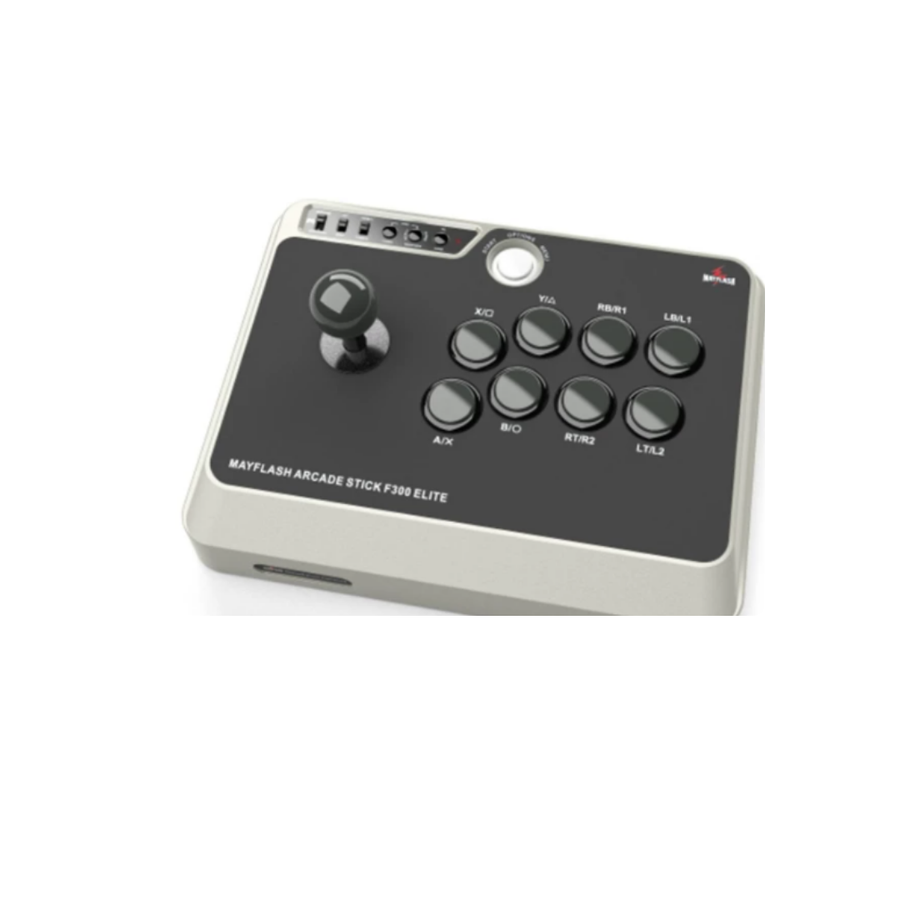
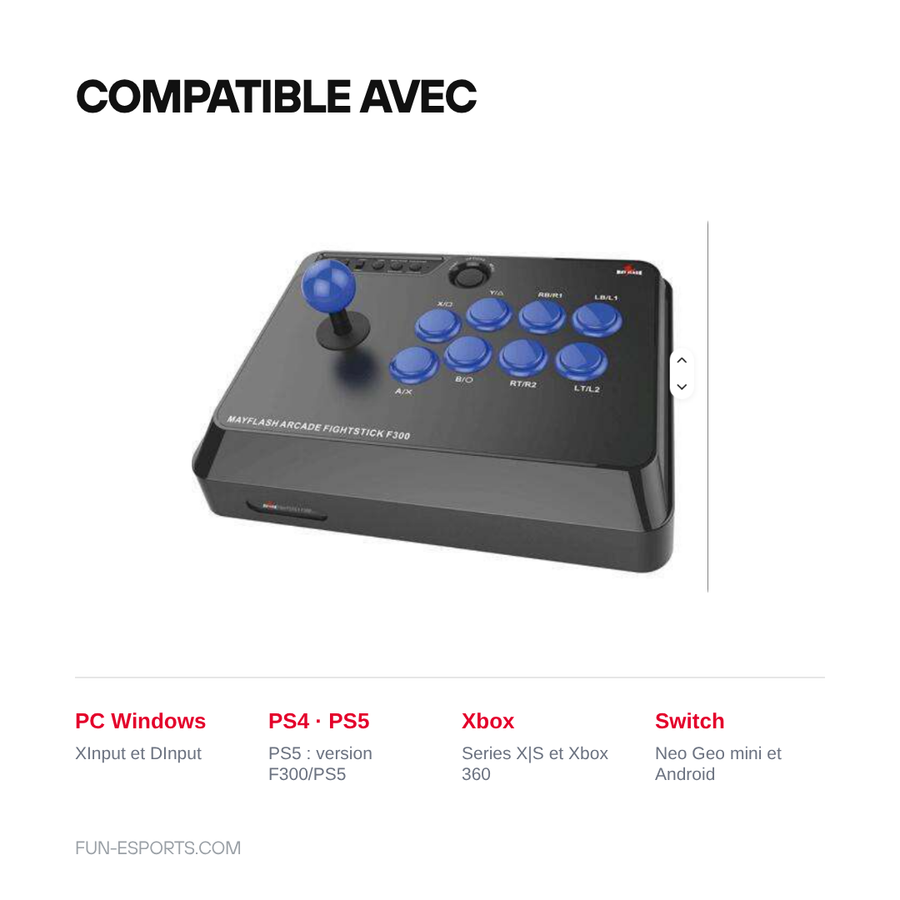
PC running Windows (XInput and DInput), PlayStation 4, Xbox Series X|S, Xbox 360, Nintendo Switch in docked mode, Neo Geo mini and USB-compatible Android devices. PlayStation 5 compatibility depends on the version you choose: only the “F300/PS5” variants support it. Original retro consoles (Super Nintendo, Mega Drive, Neo Geo AES, PS1, PS2) are not covered: their connectors are not USB.
Skill required
No assembly to play: plug in the USB cable and pick the mode. To change the buttons or the stick, you remove the top plate with a Phillips screwdriver and unplug the spade terminals one by one — about an hour, no soldering, no drilling.
In the box
- 1 Mayflash F300 arcade stick
- 1 USB cable
- No games are supplied, in compliance with the law
Delivery in 10 to 18 days · ships within 3 to 5 days · 2-year legal guarantee · 14-day returns.
Worth reading before you order: Retro controllers
Mayflash F300 wired arcade stick — replaceable 30 mm buttons
Multi-platform wired arcade stick, open panel with 30 mm buttons.
En stock
📦Ships within 3 to 5 business days · Delivery in 10 to 18 business days · 2-year legal guarantee · 14-day returns.
ℹÀ partir de 150 €, la livraison s’effectue en Point Relais.
- 🇫🇷SAV français
réponse sous 1 jour ouvré - 🛡Garantie légale
2 ans - ↩14 jours
pour changer d’avis - 🔒Paiement sécurisé
CB · PayPal · Klarna
The cabinet feel
Arcade fighting games and shoot'em ups were designed for a stick and six buttons, not for a gamepad D-pad. On a modern pad, a quarter-circle lands one time in two and a missed input costs you the round. The F300 puts your hand back in the original position: palm on the base, thumb and index finger on the buttons, wrist free. It is the same gesture as in the arcade, on the machine you already own.
An open base, not a sealed box
The F300 stands out less for the parts it ships with than for its panel. The buttons are 30 mm and the stick mounts on a standard plate: four screws, spade-terminal connections, and the whole lot can be changed. So you can start with the parts supplied, then replace the stick or the buttons once you know what you like, without buying a whole new chassis.
What you need to know before ordering
Two points need to be clear before you buy. The stick is wired: no Bluetooth, no battery, a USB cable to run to the console. And on home consoles, device identification goes through an official wired controller that has to be connected to the stick depending on the mode you choose. Finally, PlayStation 5 support depends on the version you pick, the one marked F300/PS5.
What this controller can do
Verified manufacturer specifications · vérifié le
Ce qu’elle fait bien
- One stick for PC and recent home consoles
- 30 mm buttons and mounting-plate stick replaceable without soldering
- Wide, flat chassis, playable on your lap
- Wired USB connection, no pairing and no battery
- Turbo mode and system button lock
Ce qu’elle ne fait pas
- Wired only: no wireless mode
- On a home console, an official wired controller has to stay connected to the stick depending on the mode
- The parts fitted at the factory are not high-end arcade components
- PlayStation 5 compatibility depends on the version chosen (F300/PS5)
- Doesn't work on original retro consoles, which have no USB port
Frequently Asked Questions
🕹️ Does this stick work on PC?
Yes, over USB, in XInput or DInput mode depending on the selector on the chassis. No driver to install on Windows.
🎮 Which consoles are recognised?
PlayStation 4, Xbox Series X|S, Xbox 360, Nintendo Switch in docked mode, Neo Geo mini and Android over USB. The PlayStation 5 is only supported by the versions marked F300/PS5.
🔌 Do I have to plug in an official controller?
On a home console, yes: depending on the mode, an official wired controller has to stay connected to the stick for device identification. On PC, no.
🛠️ Can the stick and buttons be replaced?
Yes. The buttons are 30 mm and the stick mounts on a standard plate. It comes apart with a Phillips screwdriver, the connections use spade terminals, no soldering.
📶 Is there a wireless mode?
No. The F300 is a wired stick, with no Bluetooth and no battery.
📦 What's in the box?
A Mayflash F300 arcade stick and its USB cable. Supplied without games, in compliance with the law.
🚚 What are the delivery times?
Delivery in 10 to 18 days, ships within 3 to 5 days.
🛡️ What guarantee applies?
2-year legal guarantee of conformity. 14-day returns. French customer service, reply within 1 business day.
Why buy here rather than on a marketplace
It is a fair question. Here is the answer, straight.
Every listing is checked before publication: platforms actually supported, stick technology, connectivity, what the controller does not do. Many models never make it into the catalogue.
A question, a pairing problem, a return: you write, a human replies within 1 business day. In French.
The 2-year legal warranty of conformity is handled by us — not by a form on the other side of the world. And 14 days to change your mind, with no need to justify yourself.
We do not claim to be the cheapest. We claim that you will know exactly what you are buying before you pay.
Read this before choosing
Our guides to controllers and what they can drive.

Pixel art: create your own designs for a Divoom display
Grid size, number of colours, outlines, animation: the guide to getting started in pixel art and displaying your own creations on a Divoom display.
2 min de lecture · publié le

Divoom pixel art speakers: which one should you choose?
Astrotoo, Ditoo-Pro, FlowToo, Tiivoo-2, Timebox-Evo, MiniToo, Fairy-OK: the seven Divoom speakers compared, by use and budget.
2 min de lecture · publié le

Times Frame or Times Frame Pure: which Divoom floating photo frame should you choose?
64 or 32 GB, three colours or just one, a dial or not: the real differences between the Times Frame and Times Frame Pure…
1 min de lecture · publié le