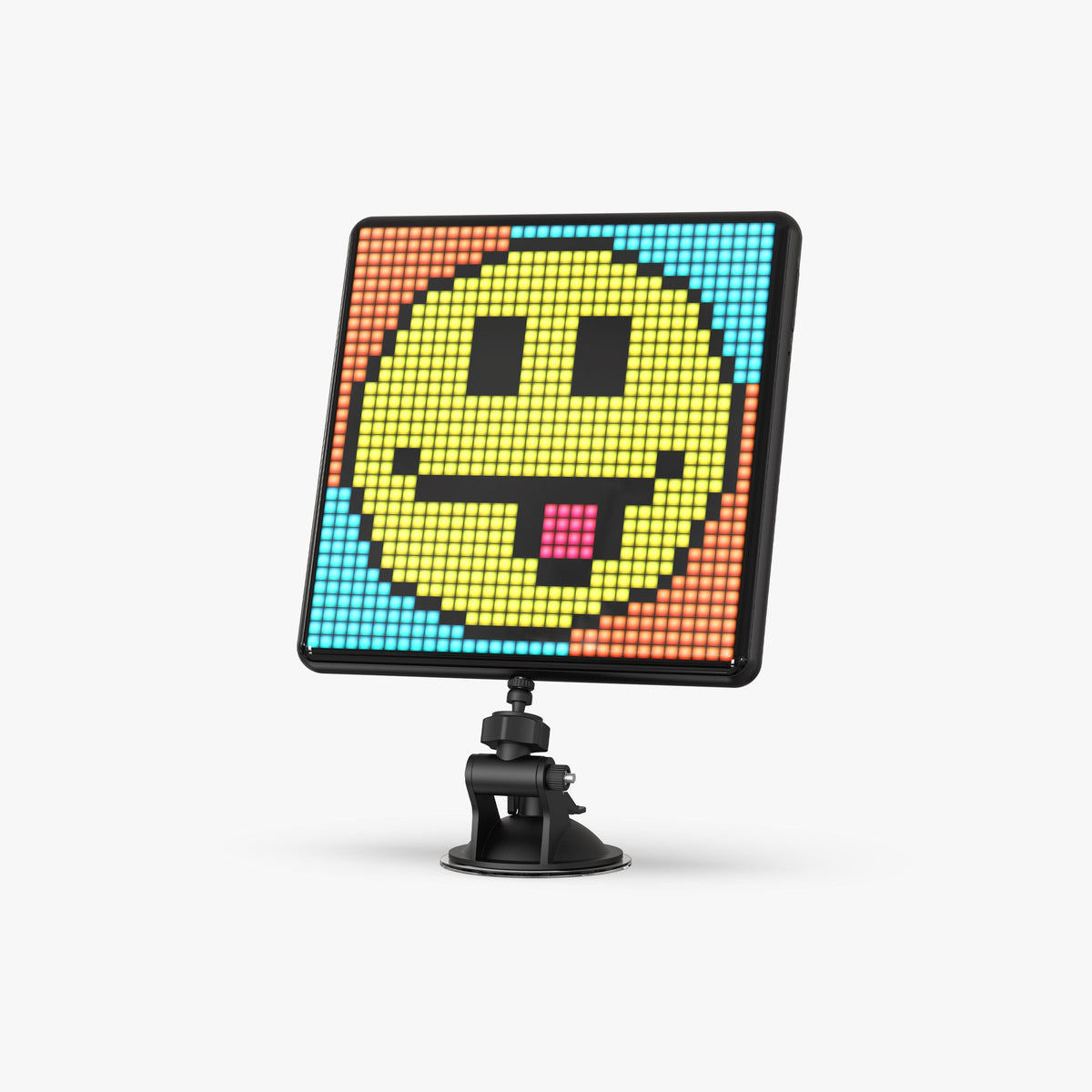
In short: start on a 16×16 grid, stick to 4 to 8 colours, draw a clean outline with no gradients, and test your design from the distance you will be viewing the screen. The rest comes with practice.
Why draw your own
A Divoom display really comes into its own when it shows your own creations. Pixel art is the visual language of 8- and 16-bit consoles: every dot counts, and that is exactly what makes it approachable. You don't need to know how to draw to nail a 16-pixel-square icon.
Choosing the right grid size
| Grid | What it does well | Displays concerned |
|---|---|---|
| 16×16 (256 pixels) | An icon, a small character, a symbol | Pixoo 16×16, Timebox-Evo |
| 32×32 (1,024 pixels) | A detailed character, a short text, a small scene | Pixoo-Max |
| 64×64 (4,096 pixels) | A full scene, a backdrop, a rich animation | Pixoo-64 II |
Tip: even if you have a Pixoo-64 II, do your first attempts in 16×16. You learn faster when every pixel is a choice.
Six rules that change everything
- Few colours: 4 to 8 shades are enough. On an LED panel, too many nuances blend together.
- A clean outline: a one-pixel line with no gradient keeps the shape readable from a distance.
- Contrast: a light colour next to a dark one. LEDs flatten similar shades.
- No uneven staircase lines: for a diagonal, keep steps of the same length.
- A simple background: black or a single colour. On LED, black means switched off, so it looks deep.
- Test from a distance: look at your design on the screen from 2 or 3 metres away before polishing it.
Moving on to animation
A pixel art animation is a sequence of frames. Start with just two or three frames: a character blinking, a flickering flame, a beating heart. Change only a few pixels from one frame to the next: that is what creates the impression of smooth movement rather than flickering.
What you can display, and what is best avoided
Your original creations belong to you: display them and share them in the Divoom community gallery. Redrawing a licensed video game character to display at home falls under private use: don't sell it, and avoid featuring it in a public video or stream, because the image belongs to its publisher. No Divoom ships with licensed artwork.
Frequently asked questions
Do I need a computer?
No. Drawing is done in the Divoom app, free on iOS or Android smartphones.
Should I draw at my screen's size?
It is better to: a design made for a given grid always looks best on that grid.
Where do I start if I can't draw?
Reproduce a simple object from your desk (a mug, a controller, a plant) in 16×16, with 4 colours.
No display yet? See our comparison of the whole Divoom range.