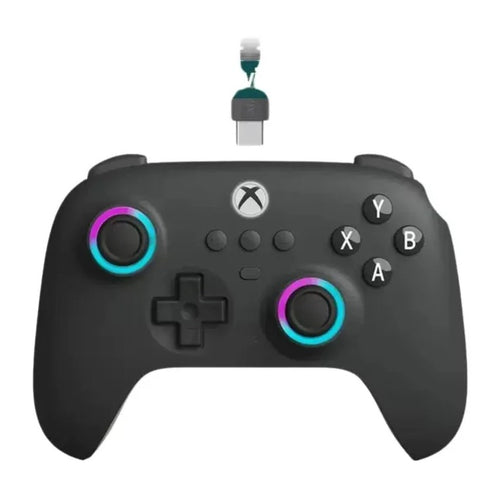
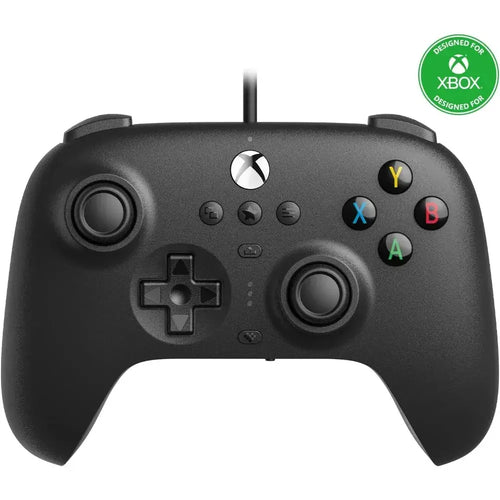
To have a good time you need a good controller, discover our collection of Xbox One controllers , a wide range that will allow you to have fun according to your desires.
Have you ever lost a crucial match because of an ill-fitting controller ? At Fun Esports, we know that precise movement, comfort, and responsiveness are essential for any demanding gamer. That's why our online store offers a complete range of Xbox One controllers, designed to meet the specific needs of every player, whether you're a casual gamer or a hardcore competitor.
Discover our selection of official and alternative Xbox controllers
At Fun Esports, we sell both official Xbox One controllers, renowned for their durability and reliability, and alternative models from leading brands specializing in gaming accessories. Whether you're looking for classic models or special editions, our selection meets all your needs.
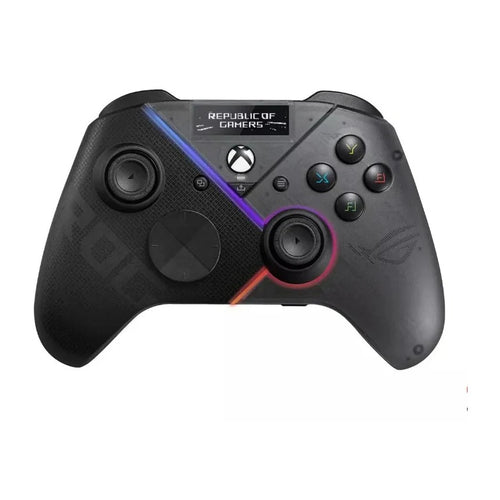
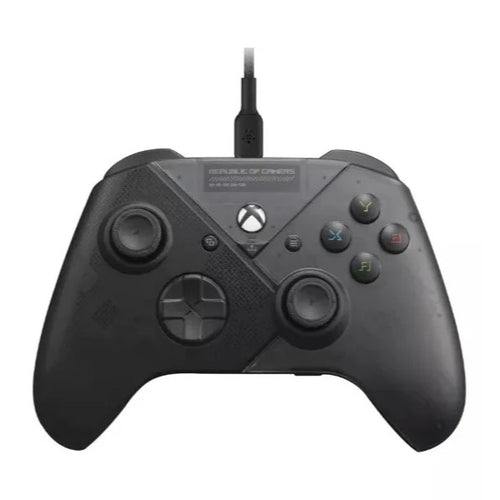
For example, the ROG Raikiri Pro – Tri-mode, OLED is a high-end model equipped with an integrated OLED screen that displays practical information in real time and offers three different connection modes: USB-C, Bluetooth and 2.4 GHz wireless, ensuring maximum flexibility.
Technical specifications and features
Each controller available at Fun Esports boasts unique technical features to enhance your gaming experience. Official Xbox One controllers are equipped with a stable wireless connection via Bluetooth, a long-lasting rechargeable battery, and an audio port for connecting your favorite headset . Their joysticks and triggers also offer haptic feedback for total immersion.
Our alternative controllers, like the Turtle Beach Stealth Pivot, offer innovative features such as additional back paddles for a competitive edge in multiplayer games, or custom designs to better match your style. This model is particularly appreciated for its exceptional precision and full compatibility with Xbox consoles and PC.
Wide compatibility with various devices
A major advantage of Xbox One controllers is their versatility. Thanks to a simple and quick Bluetooth connection, these controllers easily connect to your PC, Xbox Series X|S, and even some mobile devices and smart TVs. So, whether you're playing on your console in the living room or in front of your computer, your experience remains optimal.
To connect your Xbox One controller to a PC or other device, simply activate controller pairing mode, search for it in your Bluetooth settings, and you're good to go. For example, the Xbox Controller Adapter available in our store provides a quick and effortless wireless connection so you can fully enjoy your gaming sessions.
Compare and find the best offer
At Fun Esports, we help you find the best deals among the controllers sold on our site. Take advantage of regular promotions on the most sought-after models. Our controllers are carefully selected and tested to ensure your complete satisfaction.
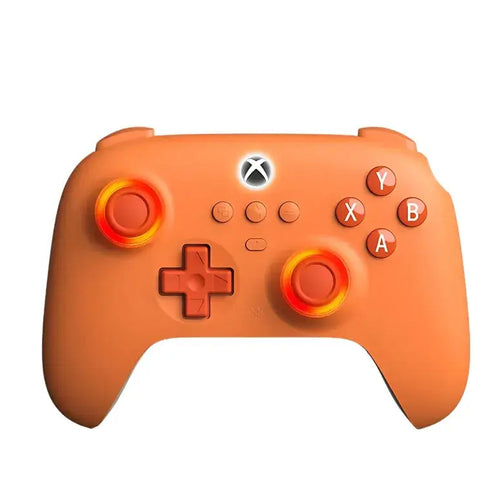
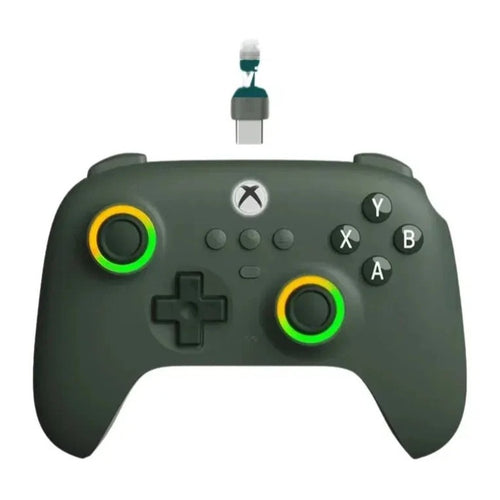
For example, the Turtle Beach REACT-R Violet offers optimal grip at a very competitive price, ideal for gamers seeking affordable performance without sacrificing comfort or responsiveness. Our collection also features cutting-edge controllers, such as the Razer Wolverine V2 Chroma , renowned for its precision and superior ergonomics, or the 8BitDo Ultimate Wired , offering excellent value for money with exceptional precision and a robust design.
Tips for choosing your Xbox One controller
- Ergonomics and comfort : Opt for ergonomic controllers with comfortable grips to avoid any discomfort during long gaming sessions.
- Responsiveness and precision : Opt for a controller with precise and sensitive joysticks, ideal for competitive games like the Razer Wolverine or the HyperX Clutch Gladiate.
- Battery life : Models with rechargeable batteries offer a considerable advantage, allowing you to play without interruption.
- Additional features : Some controllers offer programmable controls or back paddles for better performance in fast-paced games.
Why order your Xbox One controller from Fun Esports?
At Fun Esports, we guarantee consistent availability, fast delivery, and responsive customer service. By choosing your Xbox One controller from us, you're opting for a reliable, durable product at the best value.
Our online store makes your purchase easier with:
- Order quickly in just a few clicks.
- Precise tracking until receipt,
- Personalized advice and positive reviews from many satisfied players.
Optimize your gaming experience now with an Xbox One controller tailored to your needs. Browse our selection and seize the opportunity to play like never before with Fun Esports!
Frequently Asked Questions
What is the best Xbox controller?
The Xbox Series controller is the standard for most gamers. For performance and customization, the Xbox Elite Series 2, the ROG Raikiri Pro, or the Razer Wolverine are highly regarded.
How do I use an Xbox controller on mobile?
Activate the controller's Bluetooth (long press the connect button), then connect it in the Bluetooth settings of your Android or iOS smartphone. Compatible with many mobile games and cloud gaming.
Which Xbox controller is compatible with PC?
All Xbox One, Series and Elite Series controllers are PC compatible, via USB, Bluetooth or the official Microsoft wireless adapter.
What is the best controller for playing on PC?
The Xbox Series controller offers the best Windows compatibility. The Elite Series 2, ROG Raikiri, or 8BitDo Ultimate Hall models provide more advanced options.
How can I play with an Xbox controller on my PC?
Plug in your controller via USB or connect it via Bluetooth/wireless adapter. Windows will automatically detect it using X-Input in most recent games.
Why won't my Xbox controller connect to my PC?
Check the pairing mode, whether your PC's Bluetooth is enabled, update your drivers, or try a different cable. Some games or versions of Windows require additional settings.
How do I configure my PC controller?
Use the “Xbox Accessories” app on Windows to customize buttons, sticks, dead zones, or configure settings in your favorite games.
How can I use my Xbox 360 controller on my PC?
Connect the wired controller via USB, or use the official Xbox 360 wireless adapter. Windows installs the drivers automatically on most versions.
Is the Xbox 360 controller compatible with Windows 11?
Yes, the Xbox 360 controller works on Windows 11 (wired or wireless, with drivers). Remember to install the drivers if necessary.
How can I test my Xbox controller on my PC?
Go to “Control Panel > Devices and Printers”, right-click on the controller, and then select “Game Controller Settings” to test each button. The Xbox Accessories app can also be used to check the functions.
How can I emulate an Xbox controller on my PC?
Use software like x360ce, DS4Windows (for PlayStation controllers), or JoyToKey to emulate an Xbox controller and make it compatible with your games.
What is the lifespan of an Xbox controller?
Between 2 and 5 years depending on usage. Official controllers are very robust, but the sticks may develop drift or wear over time.
How do you recharge an Xbox controller?
Xbox controllers can operate on AA batteries, official or compatible rechargeable batteries (USB-C for Series, micro-USB for One).
What is the best Xbox controller in 2025?
The Xbox Elite Series 2 remains the high-end benchmark. The new ROG Raikiri and Wolverine V2 Chroma models also stand out for their precision and comfort.
What controller do the pros use?
Professionals prefer the Xbox Elite Series 2, the ROG Raikiri Pro, or Razer Wolverine models for their advanced customization, Hall Effect sticks, and programmable paddles.
How can you recognize a genuine Xbox controller?
Check for the presence of the Xbox logo, the quality of manufacture, the official label on the back, and order from a reliable site like Fun Esports to avoid counterfeits.