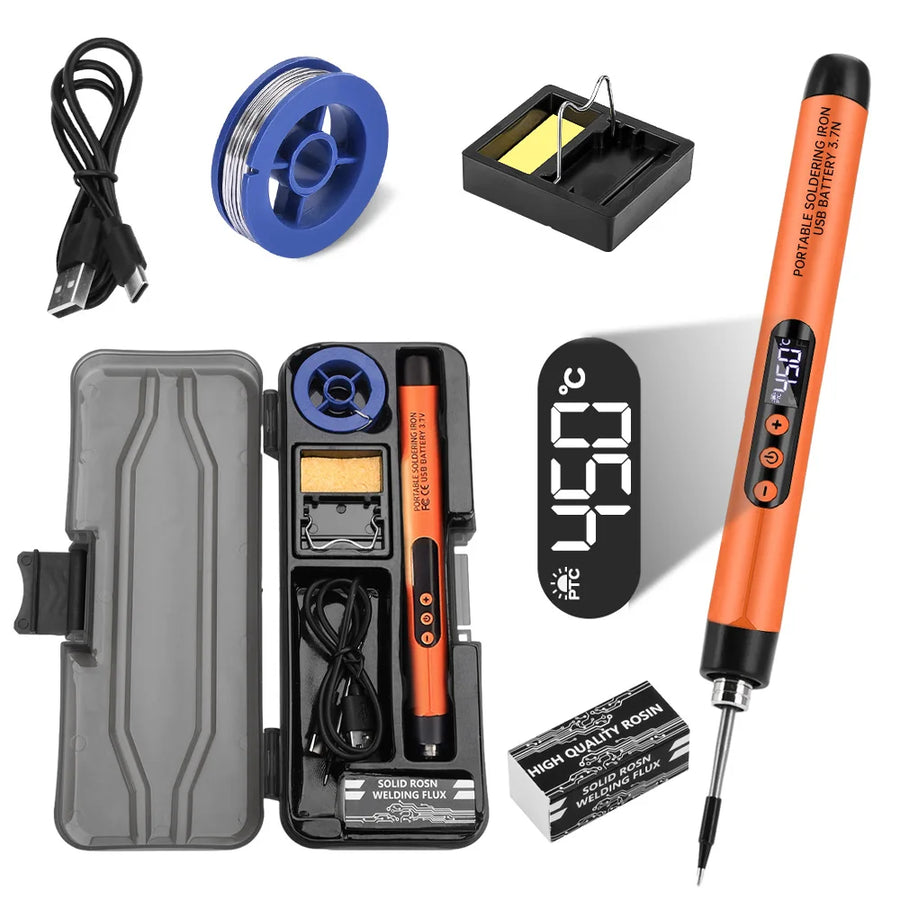
Description complète
Portable USB-C soldering iron: redo a solder joint without getting out the station
A mod wire that has come loose, a ribbon cable to resolder, a button that no longer responds: the tiny fault that doesn't justify unpacking a full station. This pen-style iron plugs into any USB-C 5 V source — phone charger, power bank, PC port — and its temperature is adjustable. It's a backup tool, not a replacement for a workshop station.
What it does
- USB-C power: 5 V, no mains socket or adapter. A power bank is enough to work away from the workbench.
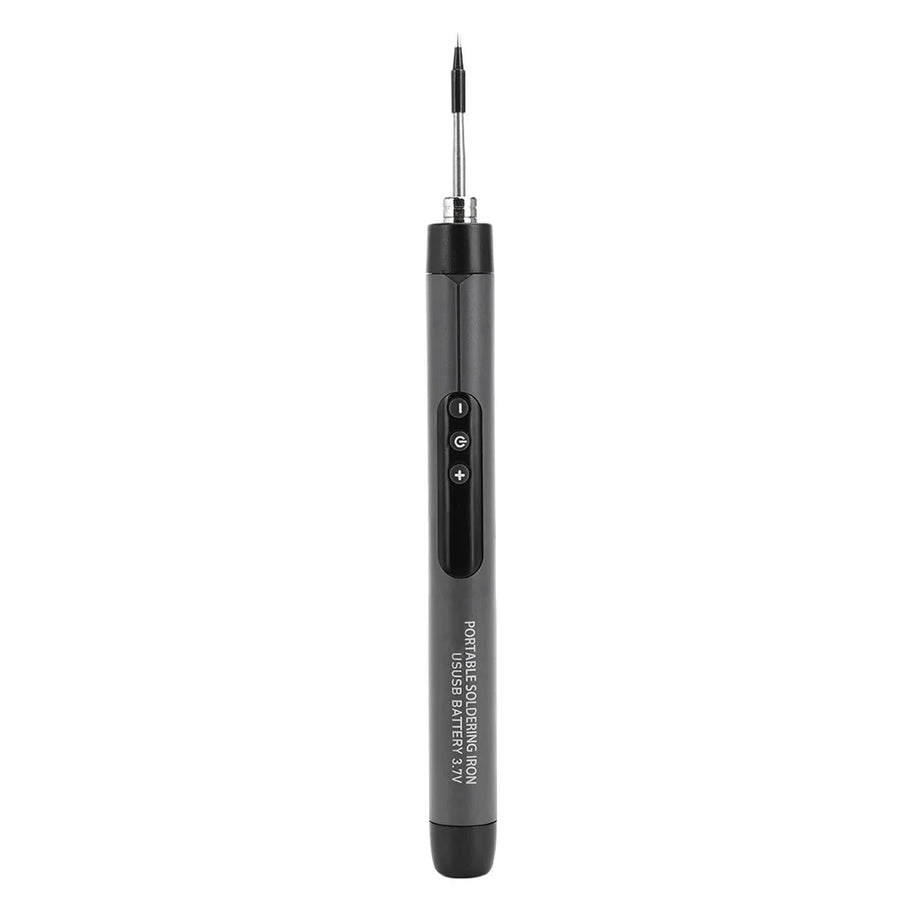
- Adjustable temperature: the setting is on the body of the iron, which lets you adapt the heat to a fine wire rather than running everything at maximum.
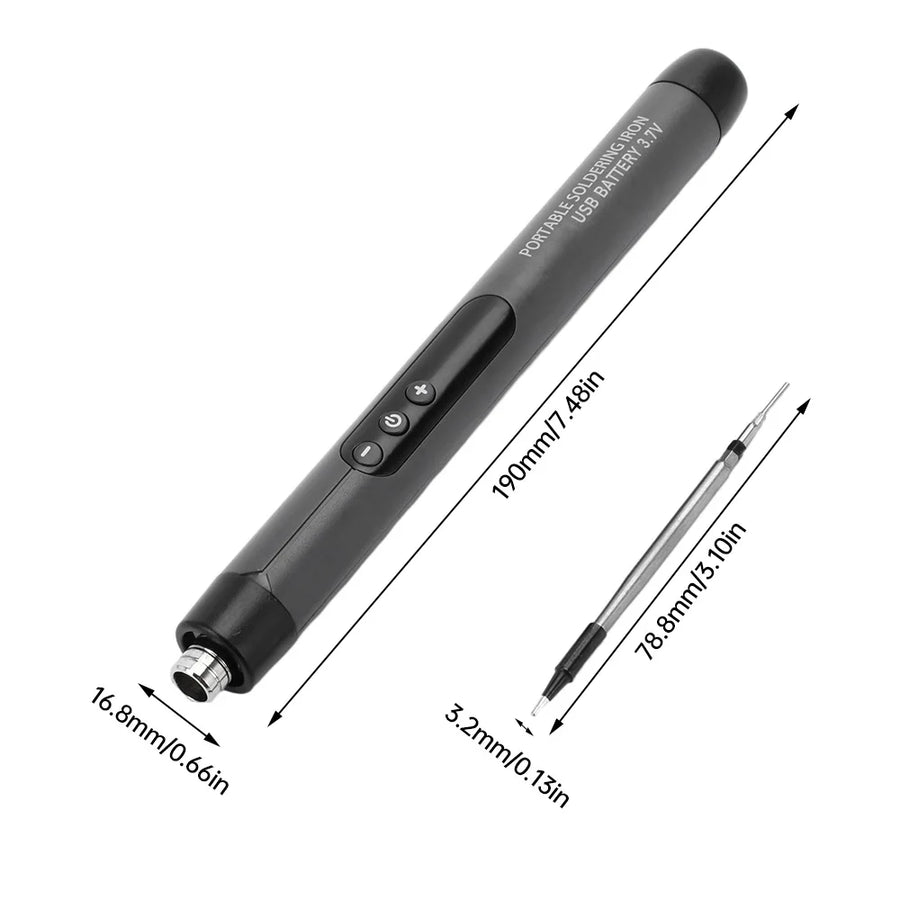
- Pocket format: it's held like a pen, handy for visible, accessible joints on a handheld console board or a controller.
What it doesn't do
- It doesn't replace a regulated station. The supplier states an 8 W output: that's very little. On a ground plane, shielding or a large power pad, the tip cools faster than it heats and the joint won't take.
- No temperature sensor or digital display: the setting is approximate, not measured. For recapping or demanding micro-soldering, you need a proper station.
- The original listing also mentions a 600 mAh internal battery, which the supplier's datasheet doesn't confirm — treat it as an iron powered by a USB-C cable, not as a cordless iron.
- No solder wire, flux or desoldering braid is guaranteed in the set: plan your own consumables.
Compatibility
The tool isn't tied to any console: it suits fine soldering on retro handheld consoles, controllers, arcade sticks and expansion boards — mod wires, ribbon cables, connectors, buttons. It isn't suited to the thick ground masses of home consoles, metal shielding or fine SMD components. For power, you need a USB-C 5 V source: a phone charger or a standard power bank.
Skill level required
You should know how to solder, at least wires and through-hole joints. This iron doesn't forgive hesitation: at low power, a long joint ends up overheating the area. Have solder wire, flux, a sponge or cleaning ball for the tip, and a helping hand to hold the board — all available in the Workshop section.
In the box
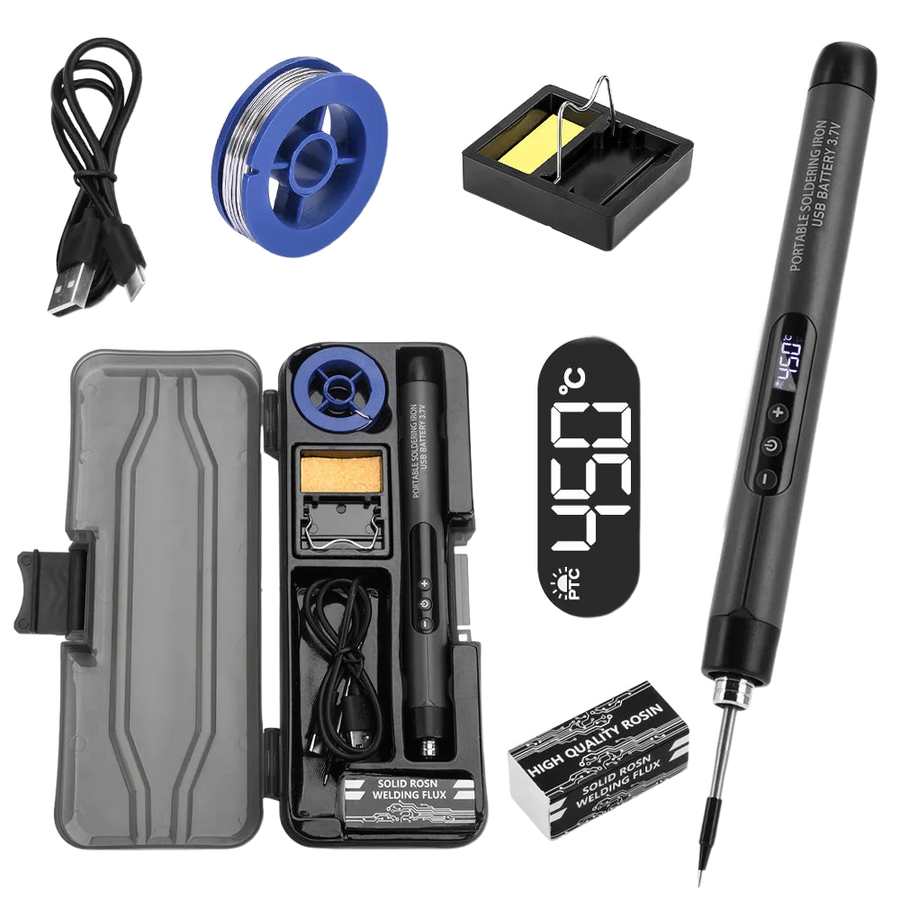
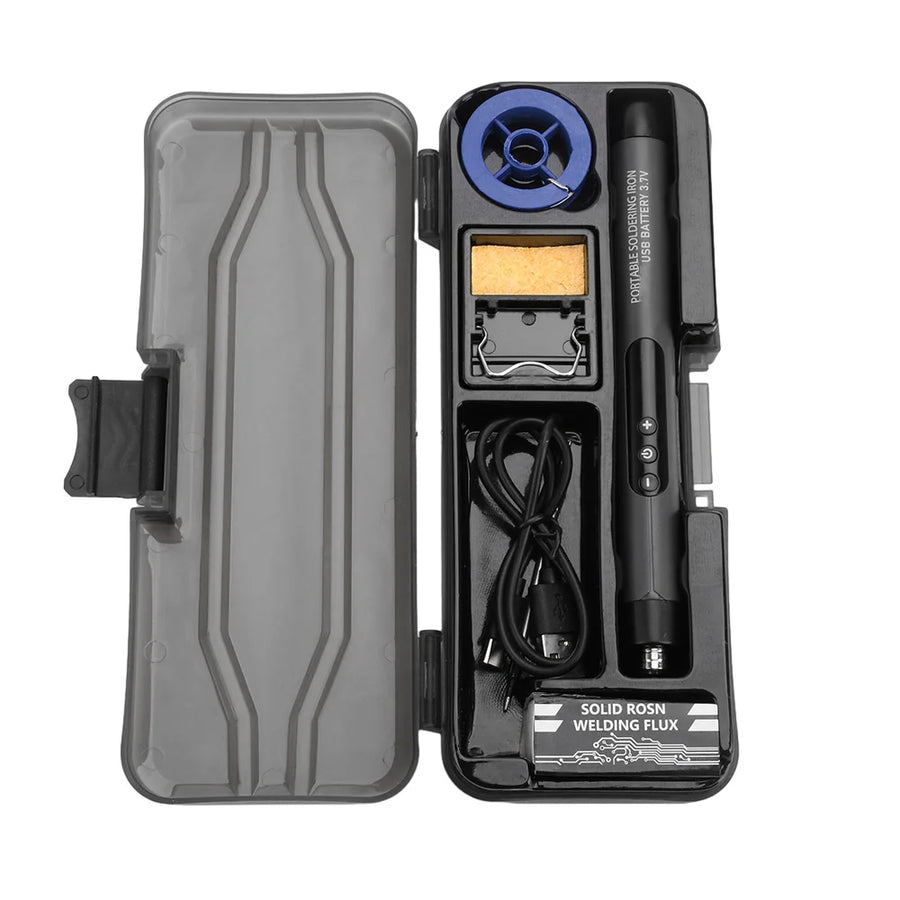
- 1 portable USB-C soldering iron with adjustable temperature, in the colour chosen.
- The supplier's set may include a few accessories depending on the batch; they are not guaranteed. Order separately whatever you actually need.
Read before ordering: Workshop & modding
Delivery in 10 to 18 days · ships within 3 to 5 days · 2-year legal guarantee · 14-day returns.
Portable USB-C soldering iron — 8 W, adjustable temperature
Backup tool powered by USB-C 5 V — for fine soldering, not for ground planes.
En stock
📦Ships within 3 to 5 business days · Delivery in 10 to 18 business days · 2-year legal guarantee · 14-day returns.
ℹÀ partir de 150 €, la livraison s’effectue en Point Relais.
- 🇫🇷SAV français
réponse sous 1 jour ouvré - 🛡Garantie légale
2 ans - ↩14 jours
pour changer d’avis - 🔒Paiement sécurisé
CB · PayPal · Klarna
The technique: fixing a fault without unpacking the workshop
Most retro repairs come down to two solder joints: a mod wire that has come off, a ribbon cable torn during disassembly, a button whose pad has given way. Getting out a station, heating it up and putting it away for thirty seconds of work is off-putting. This iron plugs into the power bank sitting next to the console and heats up in a few tens of seconds. You redo the joint and unplug.
The part: 8 W, and what that figure means
Eight watts at 5 V is the physical constraint of USB: it's not much. On a thin wire or an isolated pad, the heat is more than enough. On a copper ground plane, shielding or a power pin, the copper draws heat away faster than the tip supplies it, and the joint stays dull. We'd rather write that here than in a customer review: this iron complements a station, it doesn't replace it.
The extras: what you need around it
An iron on its own doesn't solder anything. Have solder wire, flux, something to clean the tip between joints and a helping hand to hold the board steady: it's all in the site's Workshop & modding section. Listing verified on 19 August 2026 against the supplier's data. A question before ordering? French customer service, reply within 1 business day.
What this accessory brings
Verified manufacturer specifications · vérifié le
Ce qu’il fait bien
- USB-C 5 V power, no mains socket
- Temperature adjustable on the body of the iron
- Pen format, usable away from the workbench
- Two colours at the same price
Ce qu’il ne fait pas
- 8 W stated: not enough for a ground plane or shielding
- No sensor or digital display, approximate setting
- Internal battery mentioned in the original listing but not confirmed
- Consumables (wire, flux, braid) not guaranteed in the set
- Doesn't replace a regulated soldering station
Voir toute la fiche technique+
Matière et format
- Type d’accessoire
- Portable soldering iron
Compatible avec
- Retro handheld consoles
- Controllers and arcade sticks
- Console boards and ribbon cables
- Mod wires and connectors
- USB-C 5 V power
Dans la boîte
- 1 portable USB-C soldering iron with adjustable temperature
- Possible accessories depending on the batch, not guaranteed
Frequently Asked Questions
🔌 How is this soldering iron powered?
Via a USB-C cable from a 5 V source: phone charger, power bank or computer port. No mains socket is needed.
🔥 What power and what temperature?
The supplier states 8 W at 5 V, with a temperature control on the body of the iron. This setting is approximate: there's no sensor or digital display.
🎮 Is it enough to repair a retro console?
For mod wires, a ribbon cable, a button or an accessible connector, yes. For a ground plane, shielding or a large power pad, no: 8 W isn't enough, you need a regulated station.
📦 What's in the set?
One USB-C soldering iron with adjustable temperature in the colour chosen. The supplier's set may include accessories depending on the batch, but they are not guaranteed.
🎨 What's the difference between brown and orange?
Only the colour of the iron's body. The technical specifications and the price are identical.
🧪 Do I need to buy solder wire and flux as well?
Yes. No wire, flux or desoldering braid is guaranteed in the box. Also have something to clean the tip between joints.
🚚 What are the delivery times?
Delivery in 10 to 18 days, ships within 3 to 5 days.
🛡️ Which guarantee applies?
2-year legal guarantee of conformity. 14-day returns. French customer service, reply within 1 business day.
Why buy here rather than on a marketplace
It is a fair question. Here is the answer, straight.
Every listing is checked before publication: real compatibility, material, dimensions, box contents. Many models never make it into the catalogue.
A question about compatibility, a fit problem, a return: you write, a human replies within 1 business day. In French.
The 2-year legal warranty of conformity is handled by us — not by a form on the other side of the world. And 14 days to change your mind, with no need to justify yourself.
We do not claim to be the cheapest. We claim that you will know exactly what you are buying before you pay.
Read this before choosing
Our guides to accessories: compatibility, protection, transport.

Pixel art: create your own designs for a Divoom display
Grid size, number of colours, outlines, animation: the guide to getting started in pixel art and displaying your own creations on a Divoom display.
2 min de lecture · publié le

Divoom pixel art speakers: which one should you choose?
Astrotoo, Ditoo-Pro, FlowToo, Tiivoo-2, Timebox-Evo, MiniToo, Fairy-OK: the seven Divoom speakers compared, by use and budget.
2 min de lecture · publié le

Times Frame or Times Frame Pure: which Divoom floating photo frame should you choose?
64 or 32 GB, three colours or just one, a dial or not: the real differences between the Times Frame and Times Frame Pure…
1 min de lecture · publié le