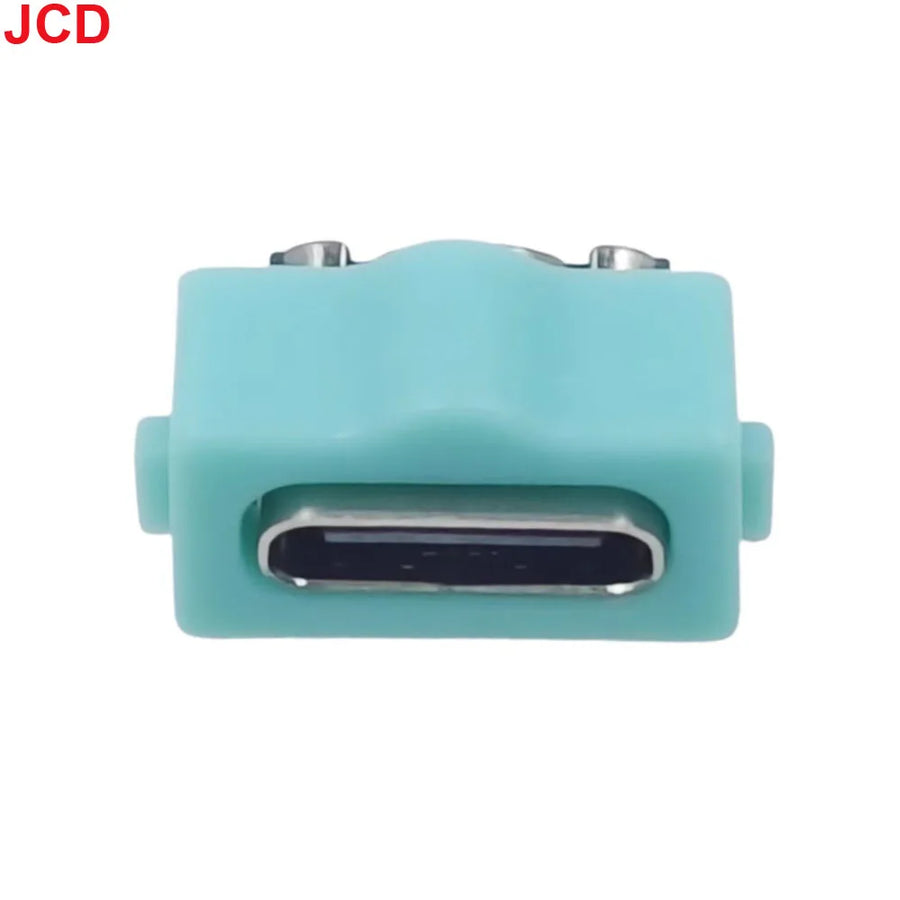
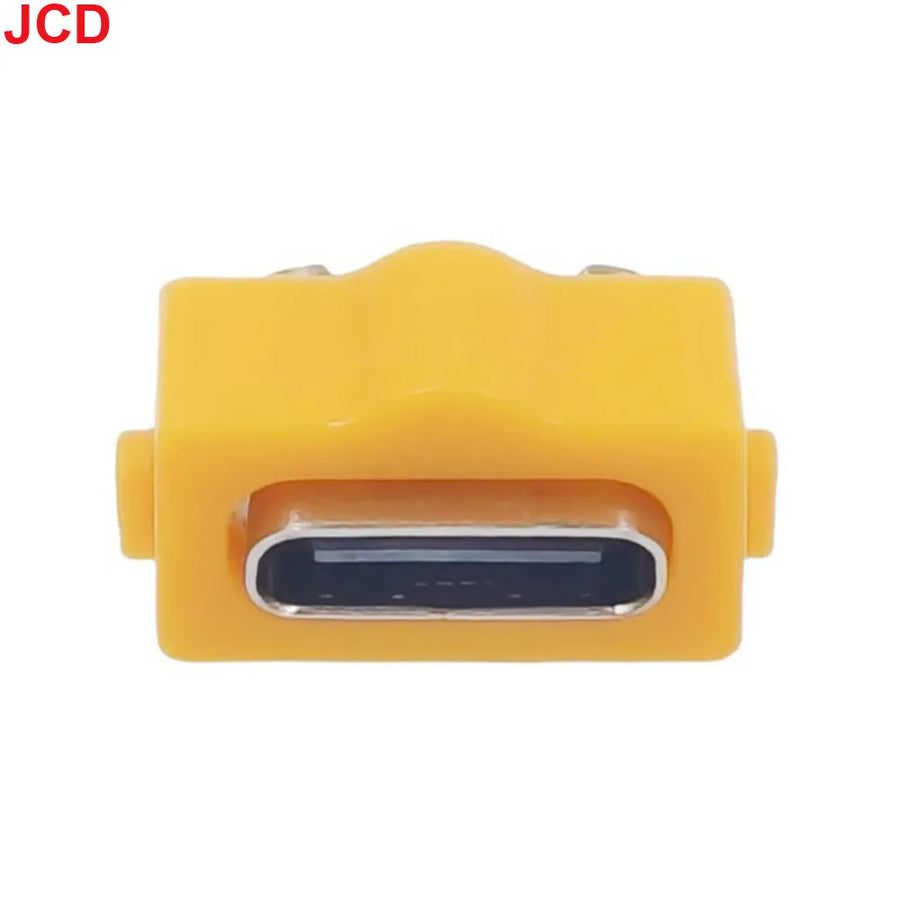
Description complète
USB-C charging port: the end of the temperamental original connector
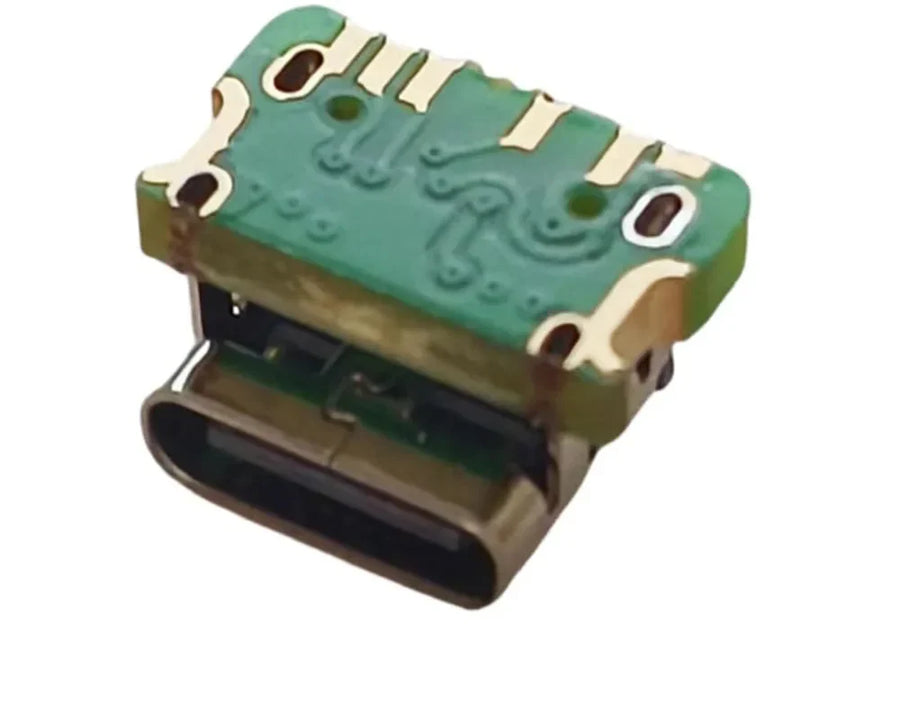
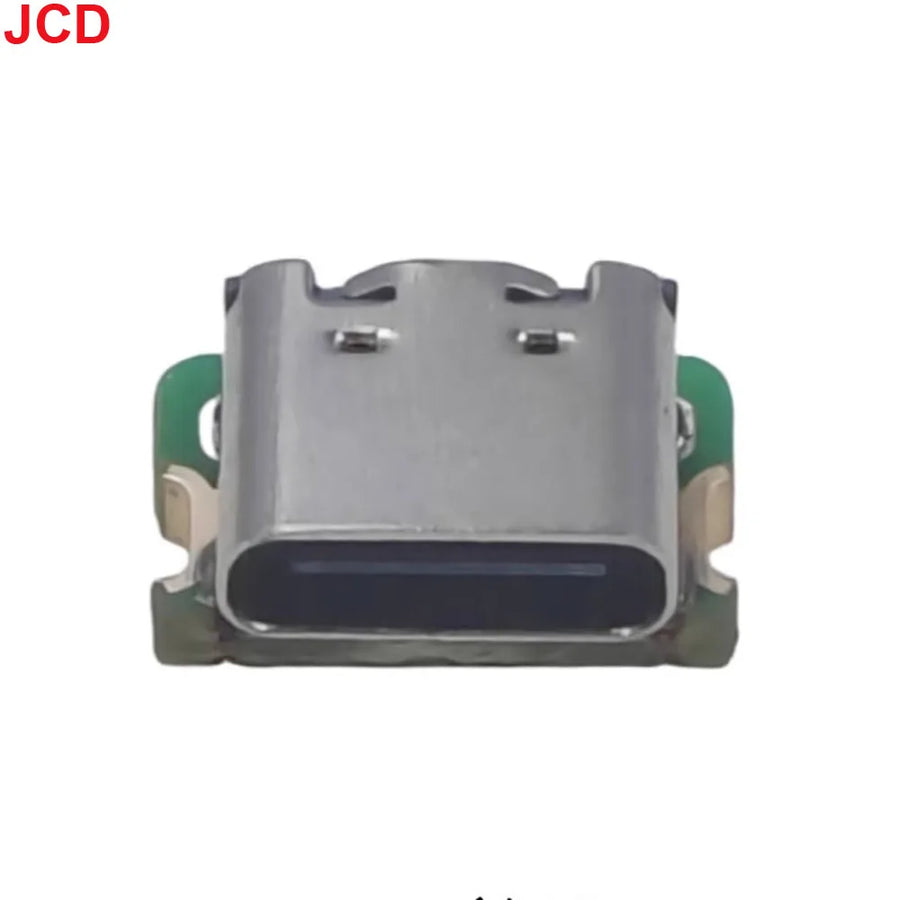
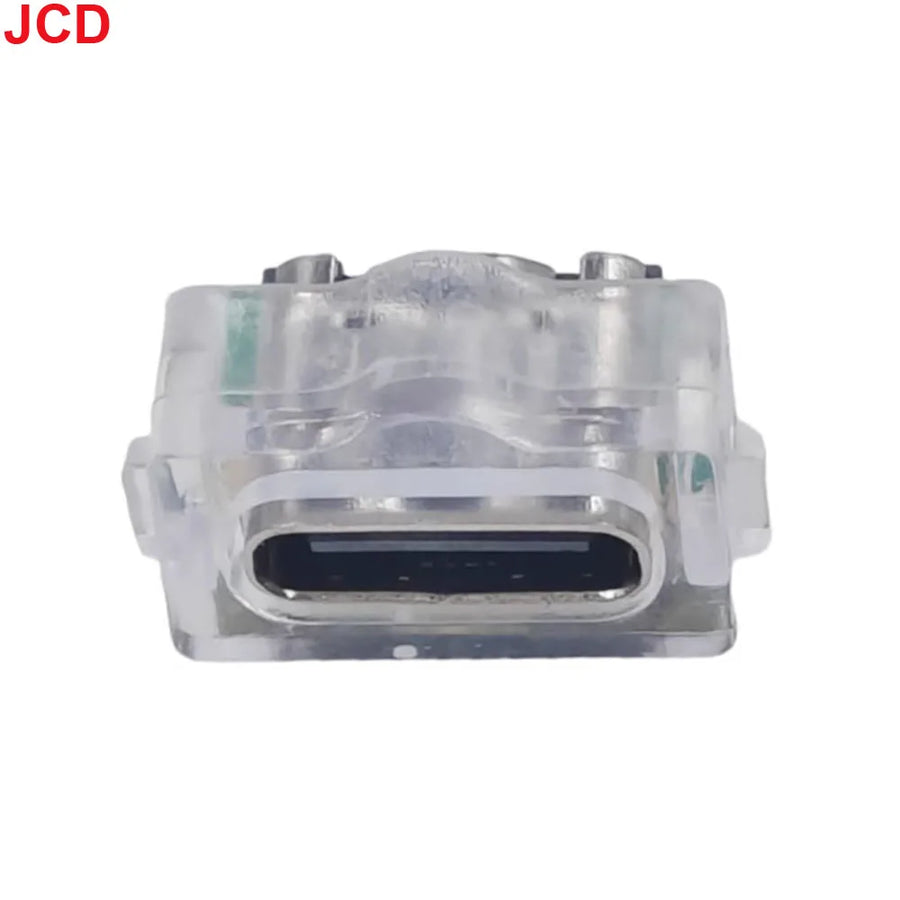
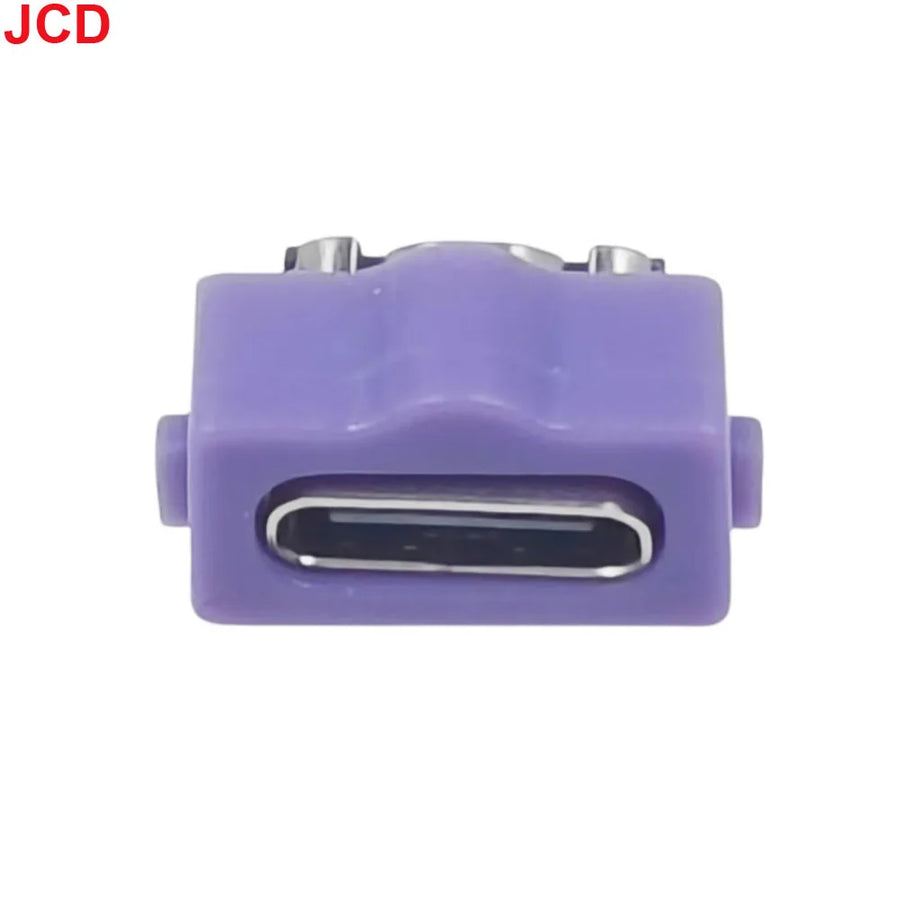
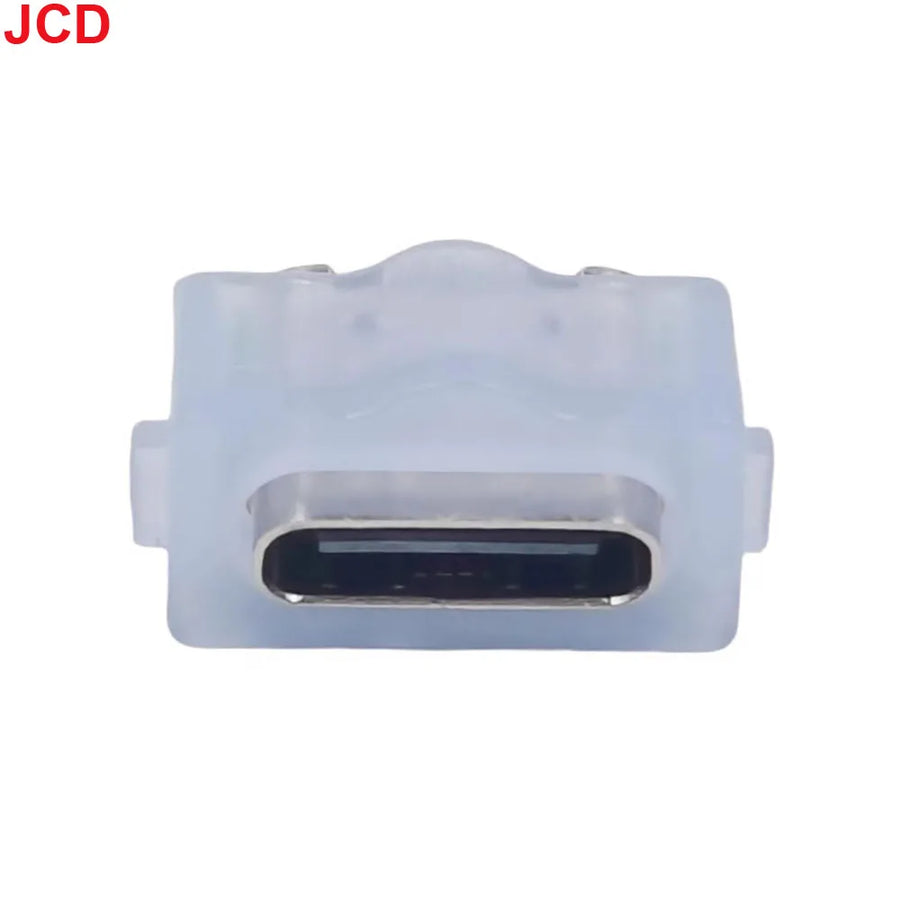
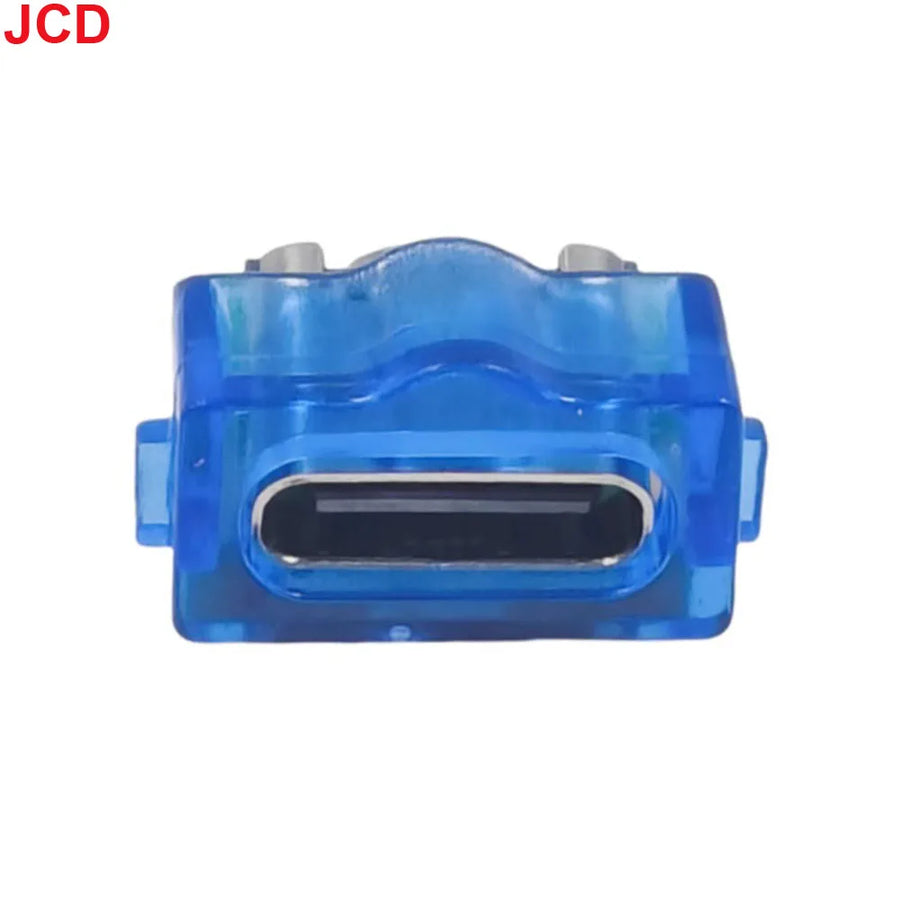
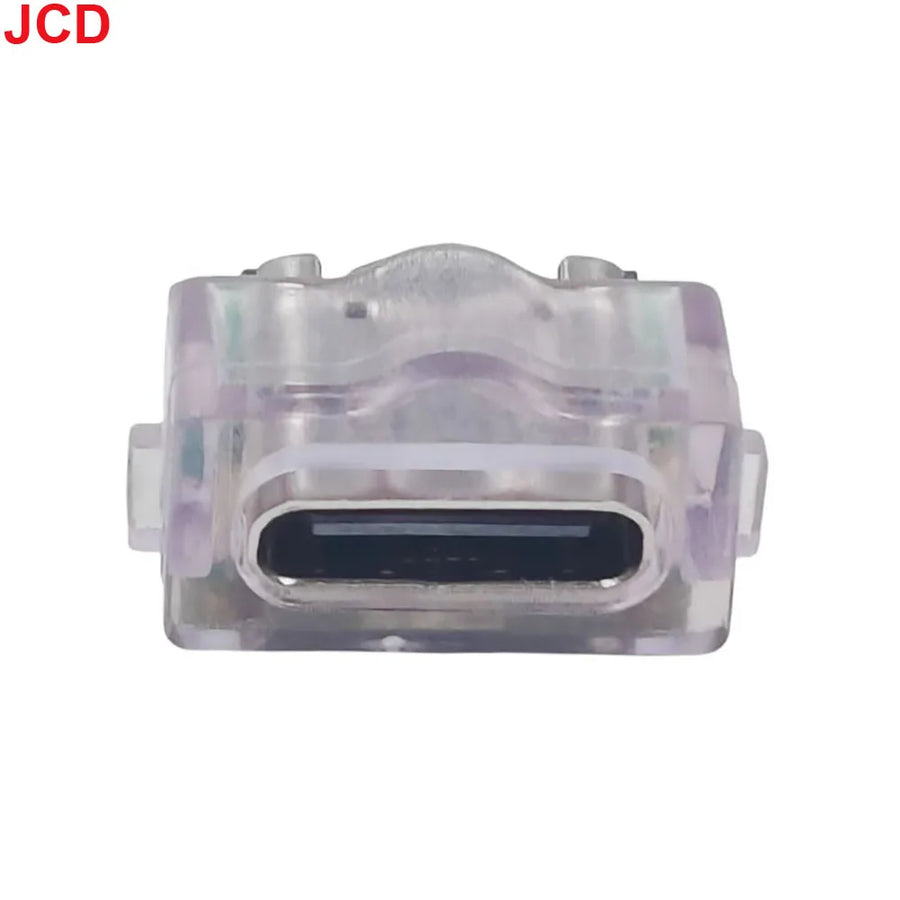
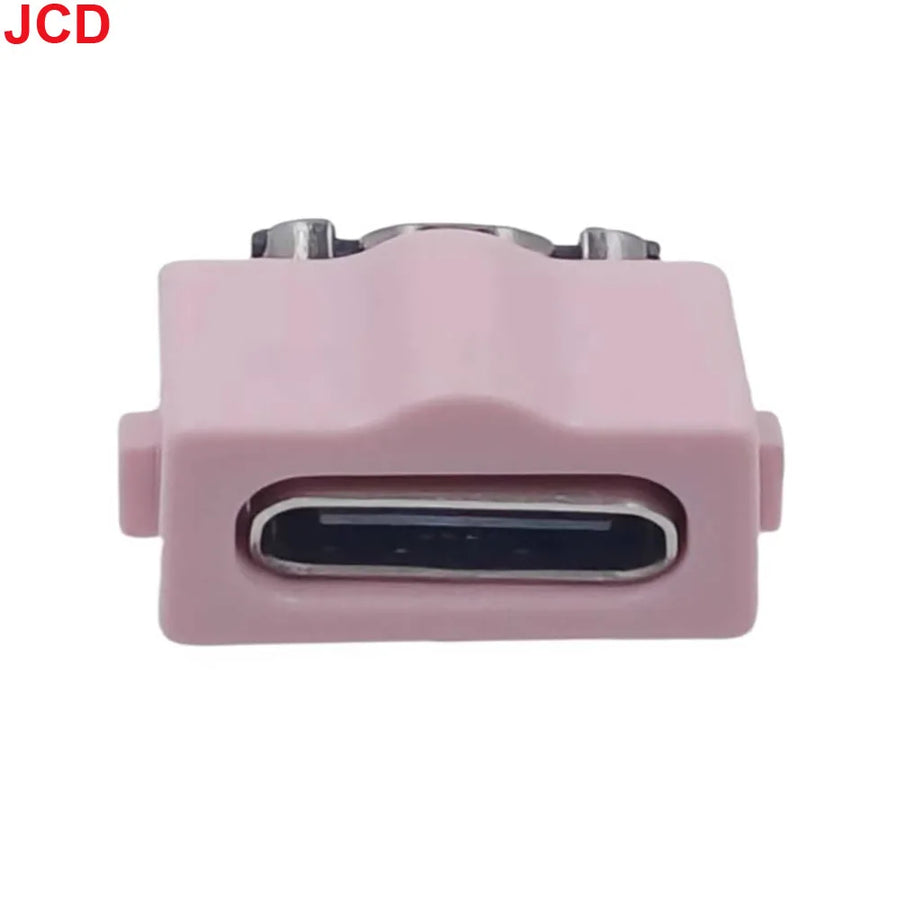
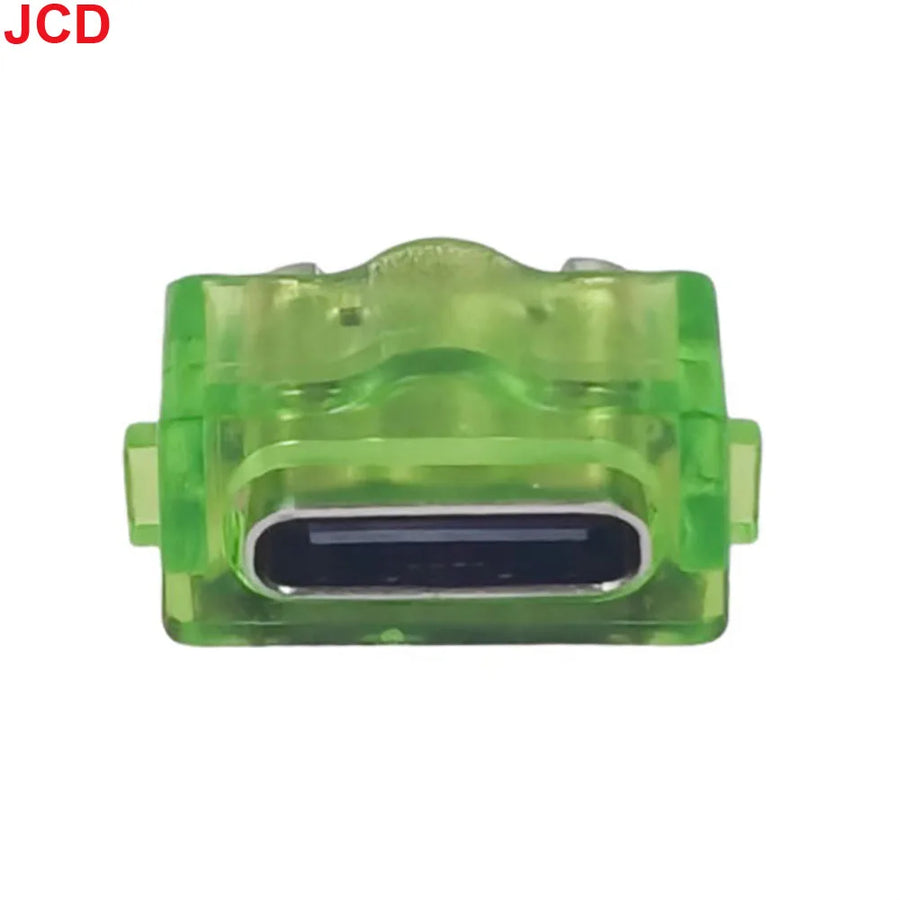
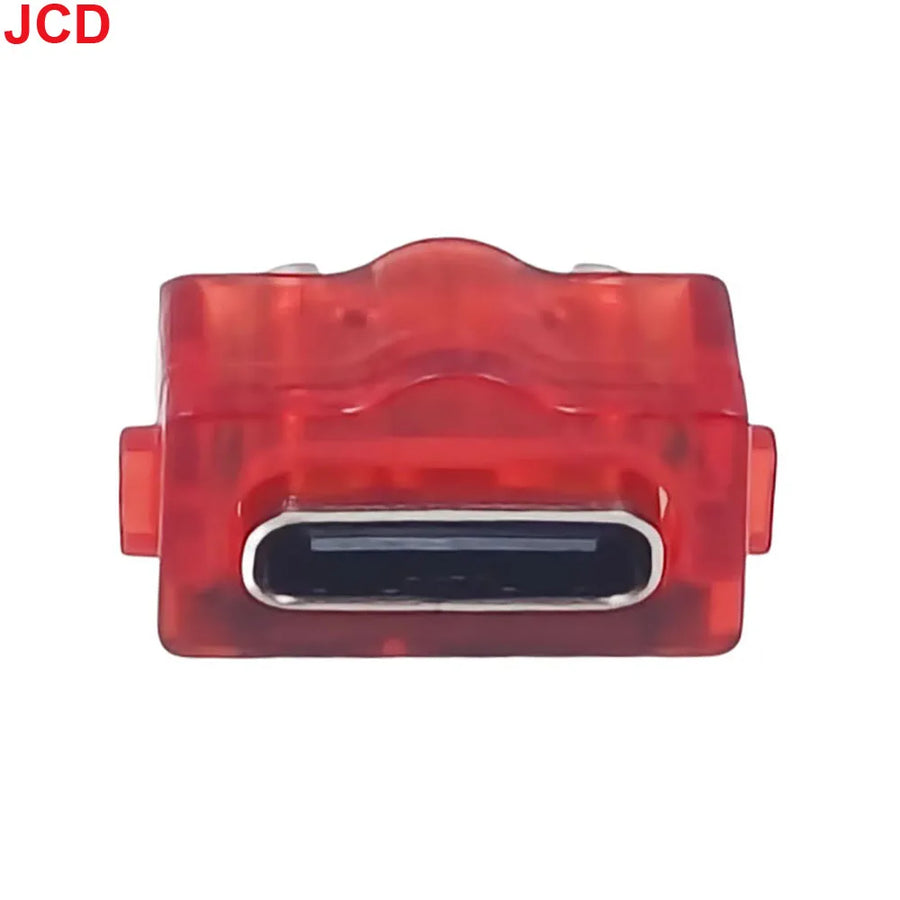
On a twenty-year-old Game Boy Advance SP, the original power connector is often the first part to give out: spread pins, intermittent contact, a console that only charges when the cable is held in one precise position. This replacement module swaps that connector for a USB-C port, so you can charge the console with a standard cable instead of the original power adapter. It is a solder-in part, not an adapter.
What it does
- Replaces the original port: the board takes the place of the Game Boy Advance SP's original power connector.
- Converts the console to USB-C: no need to keep the original power adapter, a USB-C cable is all you need.
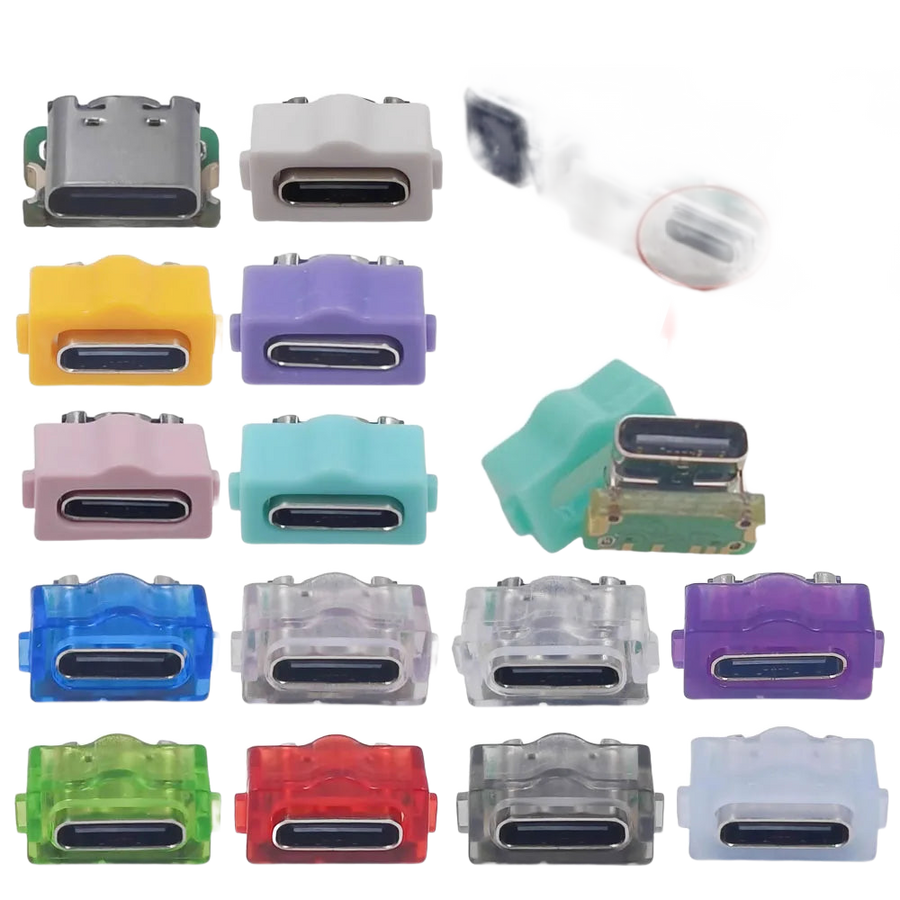
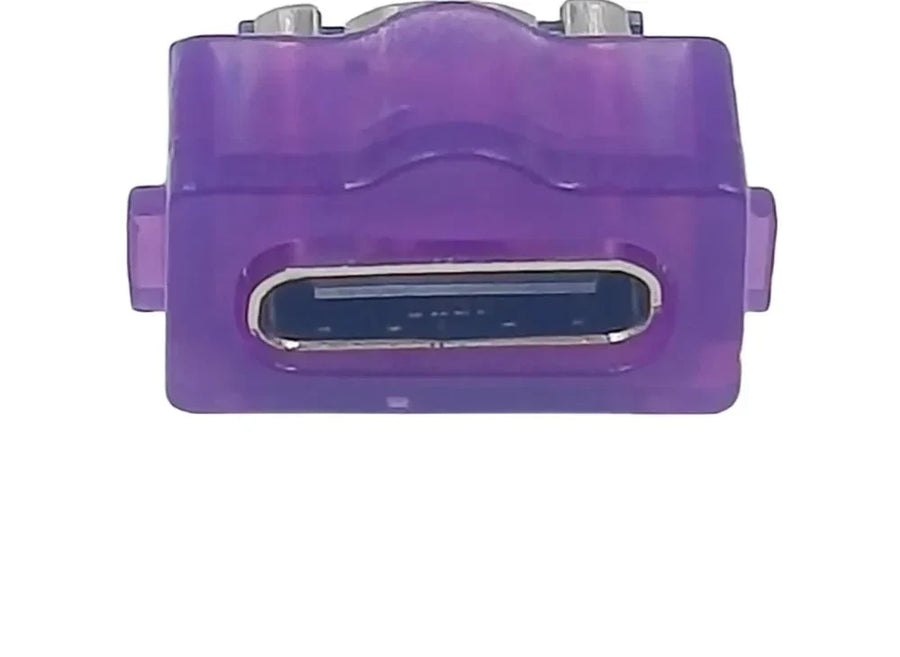
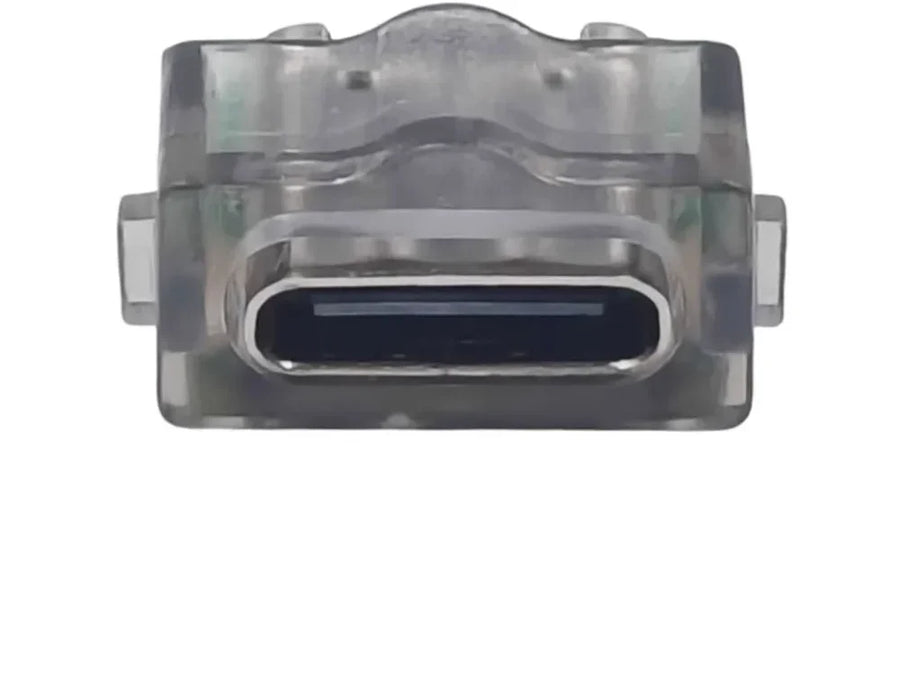
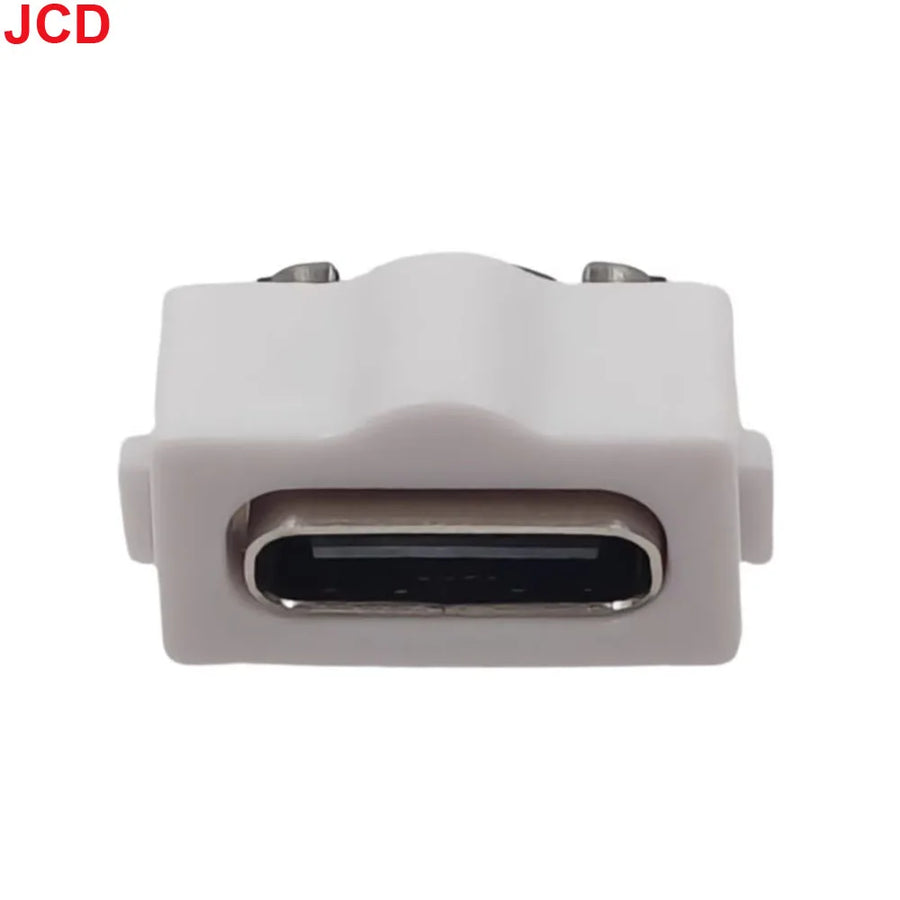
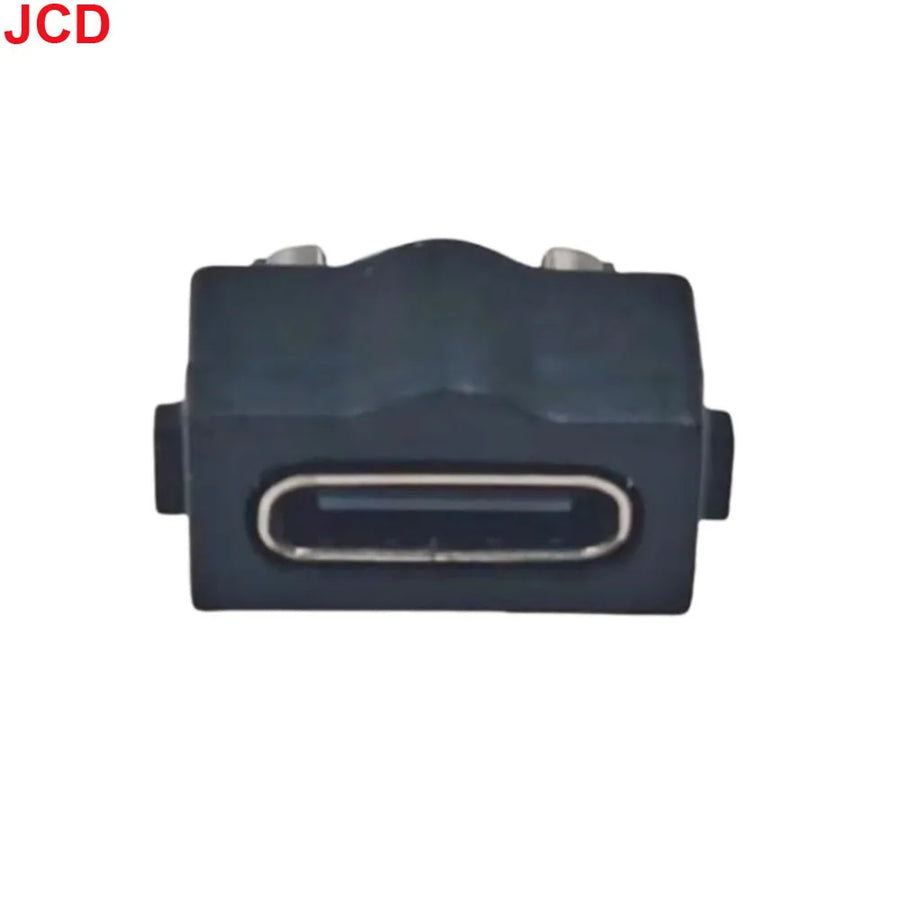
- Several board colours: opaque or translucent, to stay discreet or show off a transparent shell.
What it doesn't do
- It cannot be installed without a soldering iron: the original port must be desoldered and the new board soldered in place. No clip-in version exists.
- It does not replace the battery or the motherboard's charging circuit. If the console no longer holds a charge, it is the battery that needs replacing, not the port.
- It does not charge faster: the module carries the current, it does not change the console's original regulation.
- It is not suitable for the other machines in the family (Game Boy, Game Boy Color, first-generation Game Boy Advance): these models run on batteries and do not have this connector.
- No USB-C cable, no tools and no printed instructions are included.
Compatibility
Designed for the Game Boy Advance SP, revisions AGS-001 (screen backlit from the sides) and AGS-101 (screen backlit from behind): both share the same power connector. Not compatible with the original Game Boy Advance, the Game Boy Color, the classic Game Boy or the Game Boy Micro. On a console that has already been modded, check that the space around the port is not taken up by another board before ordering.
Skill level required
Intermediate. You need to open the console (Y1 tri-wing and Phillips screwdrivers), remove the motherboard, desolder the original power connector and then solder in the replacement module. Have a temperature-controlled iron, desoldering braid and flux to hand. If you have never desoldered a through-hole connector, practise on a scrap board before touching your SP.
In the box
- 1 USB-C charging port module for Game Boy Advance SP, in the colour chosen.
Read before ordering: Workshop & Modding
Delivery in 10 to 18 days · ships within 3 to 5 days · 2-year legal guarantee · 14-day returns.
USB-C charging module for Game Boy Advance SP — solder-in
Original charging port playing up? This module replaces it with USB-C.
En stock
📦Ships within 3 to 5 business days · Delivery in 10 to 18 business days · 2-year legal guarantee · 14-day returns.
ℹÀ partir de 150 €, la livraison s’effectue en Point Relais.
- 🇫🇷SAV français
réponse sous 1 jour ouvré - 🛡Garantie légale
2 ans - ↩14 jours
pour changer d’avis - 🔒Paiement sécurisé
CB · PayPal · Klarna
The job: giving the SP a reliable socket again
On a Game Boy Advance SP that has seen some use, the power connector is the most heavily stressed part: plug in, unplug, tug on the cable. After twenty years, the pins spread apart and charging becomes intermittent. The replacement involves opening the console, desoldering the worn-out connector and soldering this module in its place. Once closed up again, the SP charges with the same USB-C cable as your phone.
The part: a replacement board, not an adapter
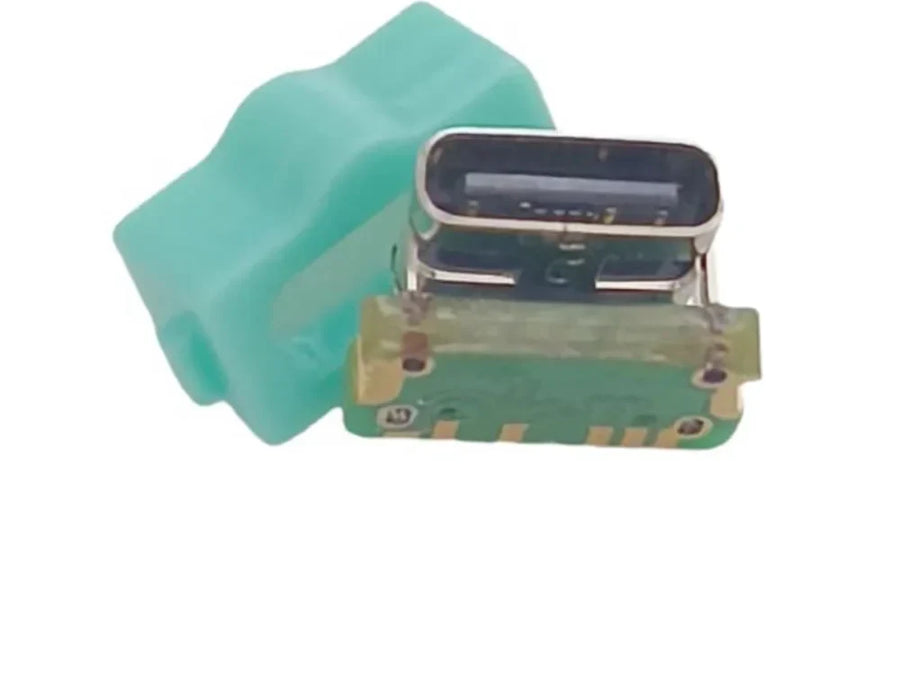
There are two ways to convert an SP to USB-C: an external adapter that sticks out of the chassis, or a replacement board soldered inside. This is the second option: nothing sticks out, the shell closes normally and the original look is preserved. The translucent versions are intended for consoles with a transparent shell, where the board remains visible.
The limit: this is not a part for beginners
We would rather say it before you buy than after: this part requires desoldering a through-hole connector on the motherboard of a collectible console. You need a temperature-controlled iron, desoldering braid and a minimum of experience. If your SP no longer holds a charge even though the port works, the problem is the battery, not this board. If in doubt, write to us before ordering: reply within 1 business day.
What this accessory brings
Verified manufacturer specifications · vérifié le
Ce qu’il fait bien
- Replaces the original power connector with a USB-C port
- Charges with a standard USB-C cable, without the original power adapter
- Compatible with AGS-001 and AGS-101
- Available in several colours, opaque or translucent
Ce qu’il ne fait pas
- Installed by soldering: full console disassembly required
- Does not replace the battery or the motherboard's charging circuit
- Does not charge faster, the original regulation is retained
- Not compatible with Game Boy, Game Boy Color, Game Boy Advance or Game Boy Micro
- No USB-C cable, tools or instructions included
Voir toute la fiche technique+
Matière et format
- Type d’accessoire
- Charging port
Compatible avec
- Game Boy Advance SP AGS-001
- Game Boy Advance SP AGS-101
Dans la boîte
- 1 USB-C charging port module for Game Boy Advance SP
Frequently Asked Questions
🔧 Do I need to solder to install this module?
Yes. The original power connector must be desoldered from the motherboard, then the module soldered in its place. There is no clip-in version.
🎮 Which consoles is it compatible with?
Game Boy Advance SP only, revisions AGS-001 and AGS-101. Not the original Game Boy Advance, the Game Boy Color or the Game Boy Micro: these machines do not have this connector.
✂️ Do I need to cut the shell?
No. The module takes the place of the original connector, in the same opening. The shell closes without modification.
📦 What's in the box?
One USB-C charging port module in the colour chosen. No USB-C cable, tools or instructions are included.
🧰 What tools do I need?
A Y1 tri-wing screwdriver and a Phillips screwdriver to open the console, a temperature-controlled soldering iron, desoldering braid and flux. Our Workshop tool kits cover the opening.
⚡ Does it charge faster?
No. The module changes the type of socket, not the console's charge regulation: charging time stays the same as the original.
🚚 What are the delivery times?
Delivery in 10 to 18 days, ships within 3 to 5 days.
🛡️ What guarantee applies?
2-year legal guarantee of conformity. 14-day returns. Listing verified on 19 August 2026, reply within 1 business day.
Why buy here rather than on a marketplace
It is a fair question. Here is the answer, straight.
Every listing is checked before publication: real compatibility, material, dimensions, box contents. Many models never make it into the catalogue.
A question about compatibility, a fit problem, a return: you write, a human replies within 1 business day. In French.
The 2-year legal warranty of conformity is handled by us — not by a form on the other side of the world. And 14 days to change your mind, with no need to justify yourself.
We do not claim to be the cheapest. We claim that you will know exactly what you are buying before you pay.
Read this before choosing
Our guides to accessories: compatibility, protection, transport.

Pixel art: create your own designs for a Divoom display
Grid size, number of colours, outlines, animation: the guide to getting started in pixel art and displaying your own creations on a Divoom display.
2 min de lecture · publié le

Divoom pixel art speakers: which one should you choose?
Astrotoo, Ditoo-Pro, FlowToo, Tiivoo-2, Timebox-Evo, MiniToo, Fairy-OK: the seven Divoom speakers compared, by use and budget.
2 min de lecture · publié le

Times Frame or Times Frame Pure: which Divoom floating photo frame should you choose?
64 or 32 GB, three colours or just one, a dial or not: the real differences between the Times Frame and Times Frame Pure…
1 min de lecture · publié le