Description complète
10 Gbps USB-C cable: charge and transfer with the same cord
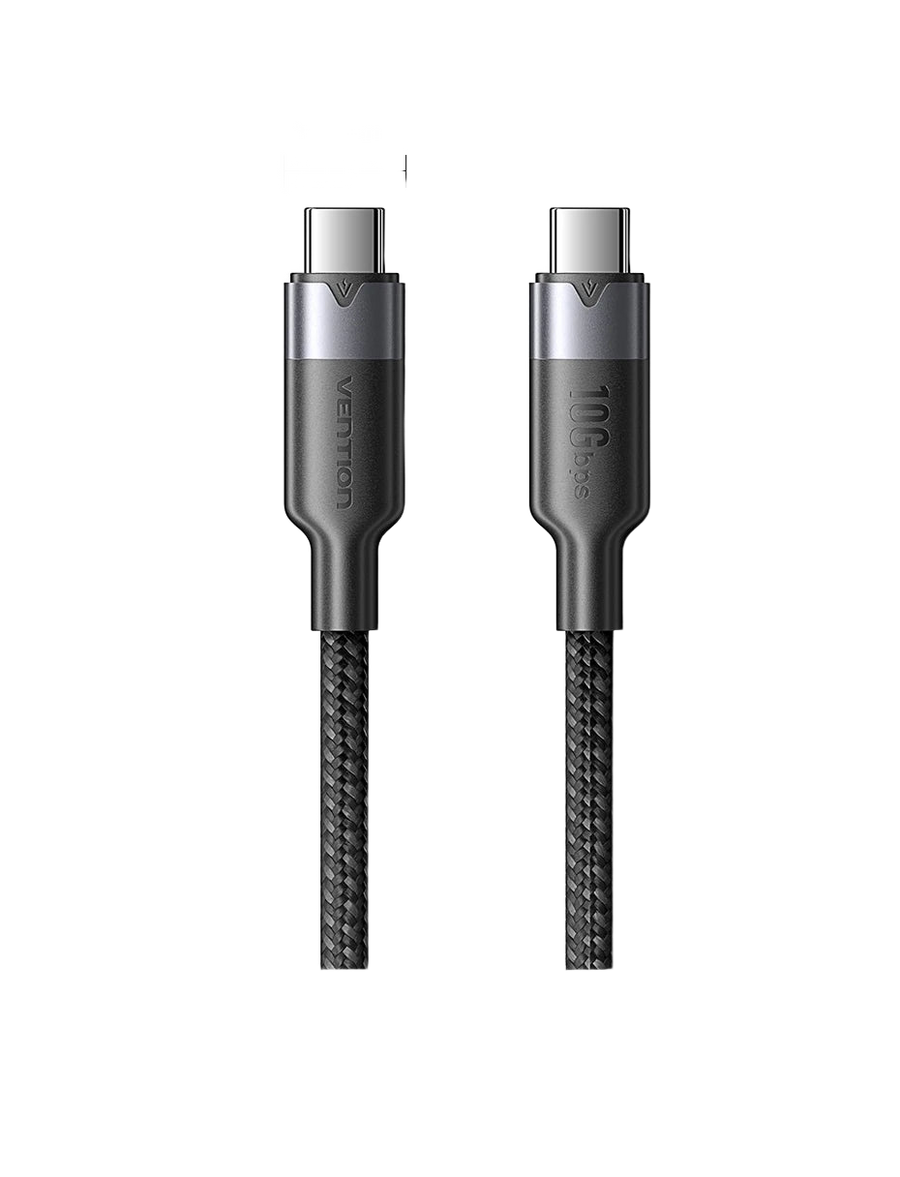
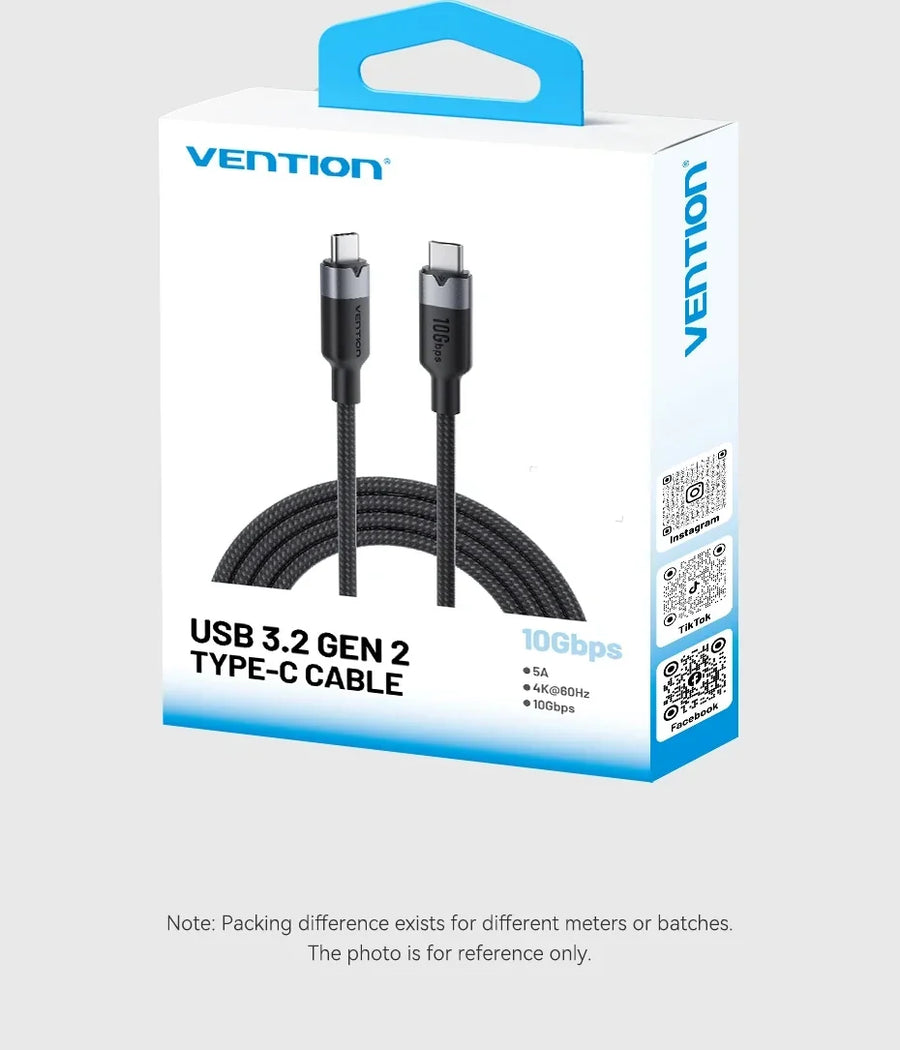
Today's retro handheld consoles all charge via USB-C, and that is also the port you use to send them files. The cord supplied in the box is often a USB 2.0 charging cable, capped at 480 Mbps. This Vention cable is USB 3.2 Gen 2: up to 10 Gbps for data and 100 W for charging, with the same connector at both ends.
What it does
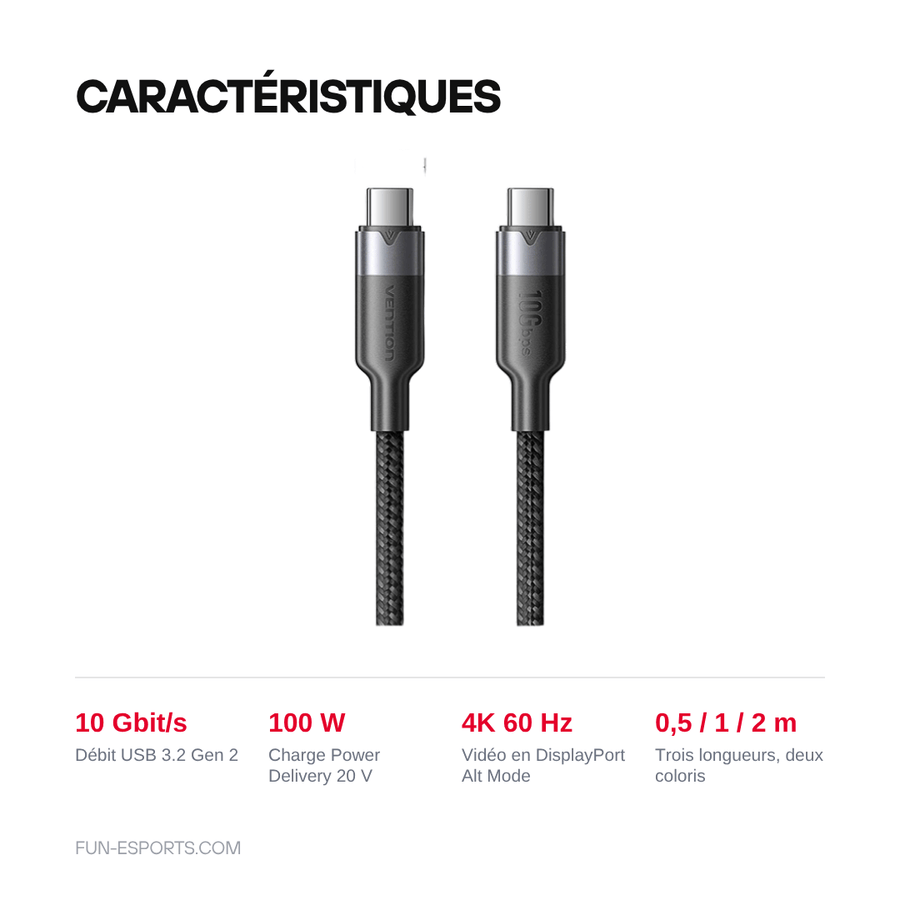
- 10 Gbps data: USB 3.2 Gen 2 standard, around twenty times the data rate of a USB 2.0 charging cable — useful for filling a microSD card or connecting an external SSD.
- 100 W charging: 5 A wiring at 20 V, compatible with Power Delivery and QC 4.0 — from handheld console to laptop, with the right charger.
- Video up to 4K 60 Hz: the cable carries the DisplayPort Alt Mode signal when the source device supports it.
- Three lengths: 0.5 m for your carry bag, 1 m for the desk, 2 m to plug in from the sofa.
What it doesn't do
- It does not speed up a device with a USB 2.0 port: many entry-level retro handheld consoles have a USB 2.0 controller, and the data rate then stays at that of the slowest link.
- It does not create a video output: if the console or phone does not support DisplayPort Alt Mode, nothing will appear on the connected screen.
- It is not a USB4 or Thunderbolt cable: the “usb 4.0” label on the supplier's product sheet is wrong, the actual standard is USB 3.2 Gen 2 at 10 Gbps.
- The charger is not included: the 100 W depends entirely on the power adapter and the device being charged.
- Both ends are USB-C: it does not replace a USB-A to USB-C cable and does not plug into a USB-A port.
Compatibility
Any device with a USB-C port: recent retro handheld consoles, Steam Deck and laptops, smartphones and tablets, SSDs and external enclosures, Power Delivery chargers. However, it is of no use on machines that pre-date USB-C — Game Boy, DS, PSP and retro home consoles use proprietary connectors or mini/micro-USB.
Skill level required
None. No disassembly, no soldering, no configuration: just plug it in. Simply choose the length when you order, it cannot be changed once the cable arrives.
In the box
- 1 USB-C to USB-C cable, in the chosen length and colour.
Read before ordering: Console accessories
Delivery in 10 to 18 days · ships within 3 to 5 days · 2-year legal guarantee · 14-day returns.
Vention USB-C to USB-C cable, 10 Gbps — 100 W, 4K 60 Hz
USB 3.2 Gen 2 · 10 Gbps · 100 W charging · 0.5 / 1 / 2 m
En stock
📦Ships within 3 to 5 business days · Delivery in 10 to 18 business days · 2-year legal guarantee · 14-day returns.
ℹÀ partir de 150 €, la livraison s’effectue en Point Relais.
- 🇫🇷SAV français
réponse sous 1 jour ouvré - 🛡Garantie légale
2 ans - ↩14 jours
pour changer d’avis - 🔒Paiement sécurisé
CB · PayPal · Klarna
The cable that stays in your bag
A retro handheld console charges via USB-C, and the same port is used to send it files. The cord supplied in the box is almost always a bargain-basement charging cable: it handles charging, and it carries data at 480 Mbps. A single, properly wired cable saves you carrying two in your bag.
10 Gbps: what it really changes
USB 3.2 Gen 2 reaches 10 Gbps where USB 2.0 tops out at 480 Mbps. When filling a microSD card or connecting an external SSD, the difference is measured in minutes less waiting. On the power side, the 5 A wiring at 20 V covers the 100 W of the Power Delivery standard, from retro handheld to work PC.
What a cable cannot do
A cable does not create any capability the machine lacks. If the console only has a USB 2.0 controller, transfers will stay at 480 Mbps. If it does not support DisplayPort Alt Mode, no video signal will come out. And the 100 W depends on the charger, which is not included. We would rather write this before you buy than read it in a return.
What this accessory brings
Verified manufacturer specifications · vérifié le
Ce qu’il fait bien
- USB 3.2 Gen 2 data rate up to 10 Gbps
- Power Delivery charging up to 100 W (20 V / 5 A)
- Video up to 4K 60 Hz via DisplayPort Alt Mode
- Three lengths: 0.5 m, 1 m and 2 m
- One cable for charging and data
Ce qu’il ne fait pas
- Data rate is limited by the slower port of the two devices
- No video output if the device does not support DisplayPort Alt Mode
- Not a USB4 or Thunderbolt (40 Gbps) cable
- Charger not included: the 100 W depends on the power adapter
- Useless on retro consoles that pre-date USB-C
Voir toute la fiche technique+
Matière et format
- Type d’accessoire
- USB-C to USB-C cable
Compatible avec
- Retro handheld consoles with a USB-C port
- Steam Deck and USB-C laptops
- USB-C smartphones and tablets
- USB-C SSDs and external enclosures
- USB-C Power Delivery chargers
Dans la boîte
- 1 USB-C to USB-C cable (length and colour depending on variant)
Frequently Asked Questions
🔌 Does it really charge at 100 W?
The cable is wired for 5 A at 20 V, i.e. 100 W. The actual power then depends on the charger and the device: the cable simply lets it through.
🎮 Can I use it with my retro handheld console?
Yes, as long as the console has a USB-C port, which is the case for recent models. It is of no use on a Game Boy, DS or PSP, which use other connectors.
🚀 Will I get faster transfers?
Only if both sides are USB 3.x. Many entry-level handheld consoles have a USB 2.0 controller: the data rate then stays at that of the slowest link.
🖥️ Can it display 4K 60 Hz video?
The cable carries the DisplayPort Alt Mode signal up to 4K 60 Hz, but only if the source device offers this output. Otherwise, nothing is displayed.
⚡ Is it a USB4 or Thunderbolt cable?
No. The standard is USB 3.2 Gen 2, at 10 Gbps. The “usb 4.0” label found on supplier product sheets is inaccurate: USB4 reaches 40 Gbps and this is not that cable.
📏 Which length should I choose?
0.5 m for a power bank in your bag, 1 m for the desk, 2 m to plug in from the sofa. The length is fixed: you choose it when ordering.
🚚 What are the delivery times?
Delivery in 10 to 18 days, ships within 3 to 5 days.
🛡️ Which guarantee applies?
2-year legal guarantee of conformity. 14-day returns. French-speaking customer service, reply within 1 business day.
Why buy here rather than on a marketplace
It is a fair question. Here is the answer, straight.
Every listing is checked before publication: real compatibility, material, dimensions, box contents. Many models never make it into the catalogue.
A question about compatibility, a fit problem, a return: you write, a human replies within 1 business day. In French.
The 2-year legal warranty of conformity is handled by us — not by a form on the other side of the world. And 14 days to change your mind, with no need to justify yourself.
We do not claim to be the cheapest. We claim that you will know exactly what you are buying before you pay.
Read this before choosing
Our guides to accessories: compatibility, protection, transport.

Pixel art: create your own designs for a Divoom display
Grid size, number of colours, outlines, animation: the guide to getting started in pixel art and displaying your own creations on a Divoom display.
2 min de lecture · publié le

Divoom pixel art speakers: which one should you choose?
Astrotoo, Ditoo-Pro, FlowToo, Tiivoo-2, Timebox-Evo, MiniToo, Fairy-OK: the seven Divoom speakers compared, by use and budget.
2 min de lecture · publié le

Times Frame or Times Frame Pure: which Divoom floating photo frame should you choose?
64 or 32 GB, three colours or just one, a dial or not: the real differences between the Times Frame and Times Frame Pure…
1 min de lecture · publié le