Workshop & Modding

Everything you need to open up a retro console and restore it: IPS screens, replacement shells, buttons, USB-C batteries, capacitors, soldering irons and precision tools. From individual spare parts to complete kits to assemble.

258 items
258 products
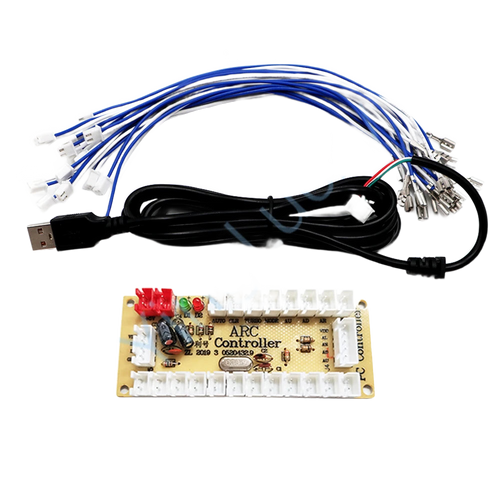
Zero-delay USB arcade encoder: joystick and buttons for PC
Fun-Esports Zero-delay USB arcade encoder: joystick and buttons for PCAvailable
15,99€
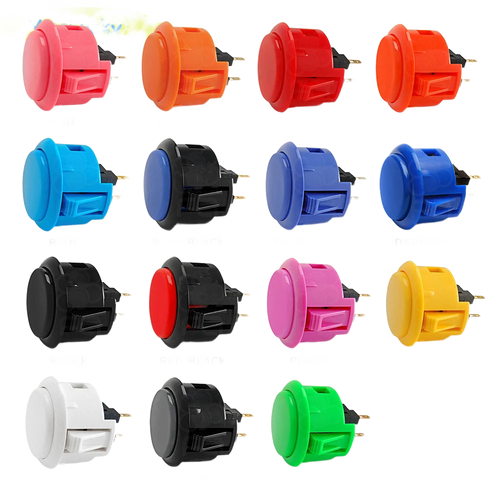
Snap-in arcade button 24 or 30 mm — cabinet, stick and Raspberry Pi
Fun-Esports Snap-in arcade button 24 or 30 mm — cabinet, stick and Raspberry PiAvailable
15,99€
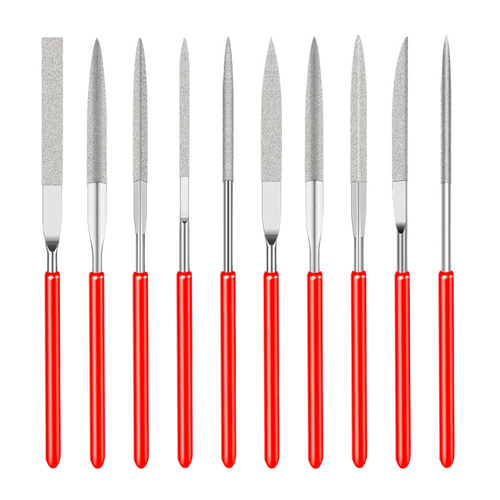
Set of 10 diamond needle files 3 x 140 mm — shell fitting
Fun-Esports Set of 10 diamond needle files 3 x 140 mm — shell fittingAvailable
17,99€
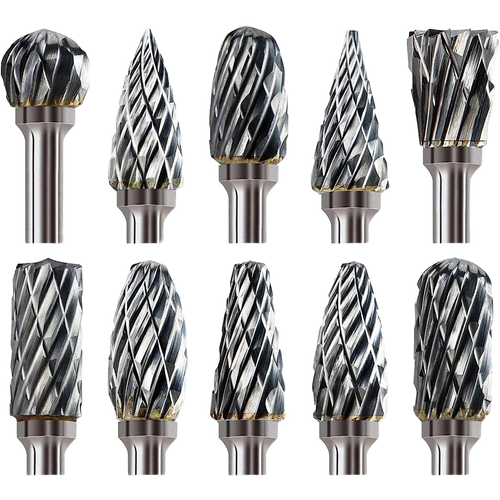
Carbide rotary burrs 3.2 mm — set of 10 for rotary tools
Fun-Esports Carbide rotary burrs 3.2 mm — set of 10 for rotary toolsAvailable
22,99€
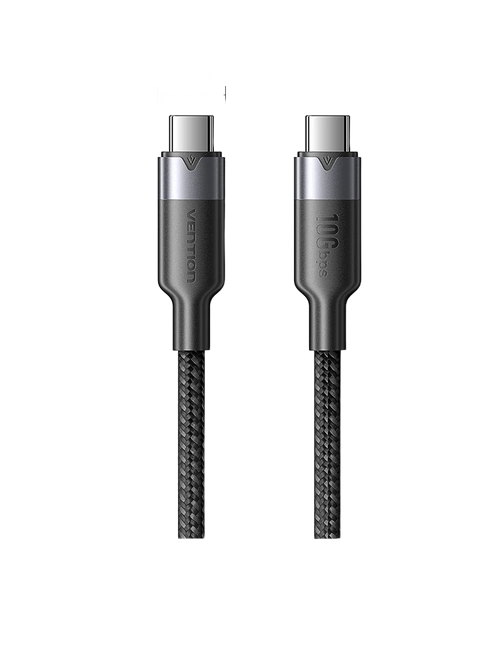
Vention USB-C to USB-C cable, 10 Gbps — 100 W, 4K 60 Hz
Fun-Esports Vention USB-C to USB-C cable, 10 Gbps — 100 W, 4K 60 HzAvailable
17,99€
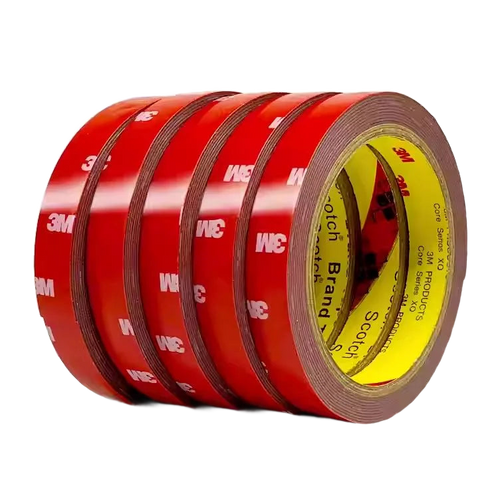
Double-sided foam tape for modding — 3 m, 1 mm
Fun-Esports Double-sided foam tape for modding — 3 m, 1 mmAvailable
14,99€
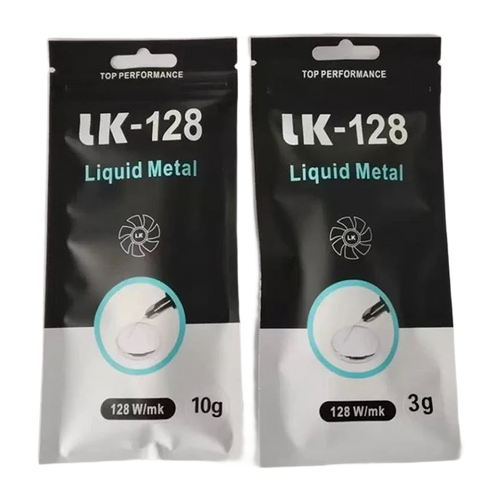
Liquid metal LK-128: high-conductivity thermal paste for CPU and GPU
Fun-Esports Liquid metal LK-128: high-conductivity thermal paste for CPU and GPUAvailable
19,99€
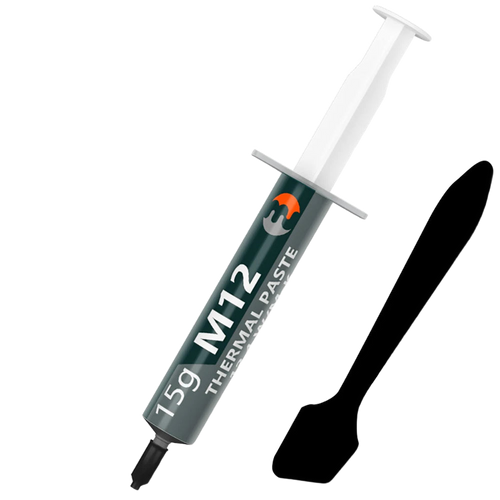
Thermal paste 12.4 W/m·K for consoles and PCs — 1 to 30 g syringe
Fun-Esports Thermal paste 12.4 W/m·K for consoles and PCs — 1 to 30 g syringeAvailable
14,99€
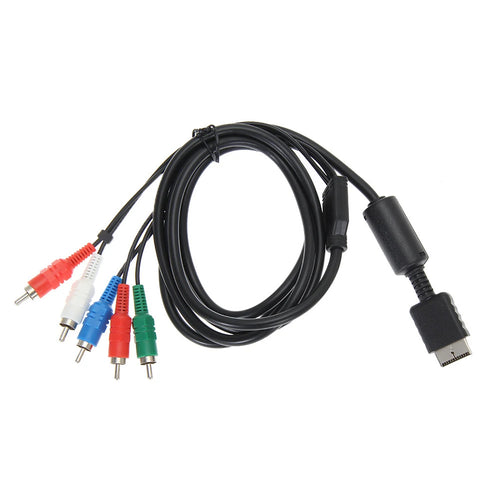
YPbPr Component Cable for PS2 and PS3 — 5 RCA, 1.8 m
Fun-Esports YPbPr Component Cable for PS2 and PS3 — 5 RCA, 1.8 mAvailable
14,99€
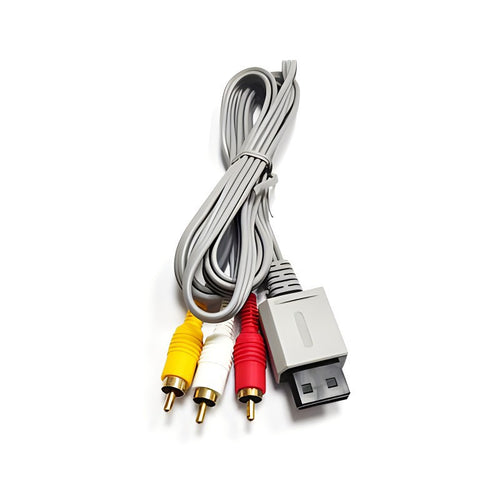
Composite AV cable for Wii and Wii U — 3-colour RCA, 1.8 m
Fun-Esports Composite AV cable for Wii and Wii U — 3-colour RCA, 1.8 mAvailable
13,99€
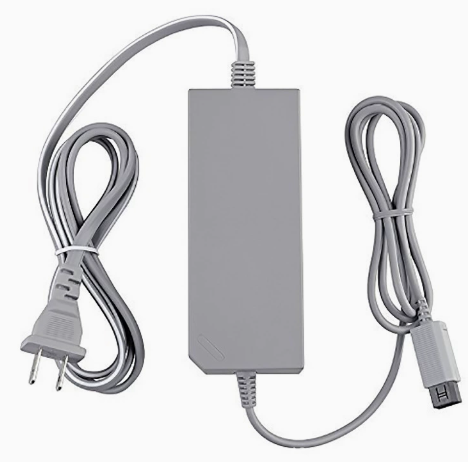
AC power supply for the Wii console — EU plug, 110-220 V
Fun-Esports AC power supply for the Wii console — EU plug, 110-220 VAvailable
15,99€
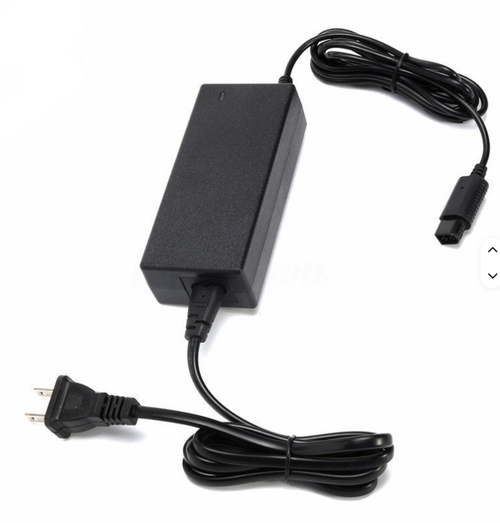
GameCube power supply — AC adapter, EU plug
Fun-Esports GameCube power supply — AC adapter, EU plugAvailable
15,99€
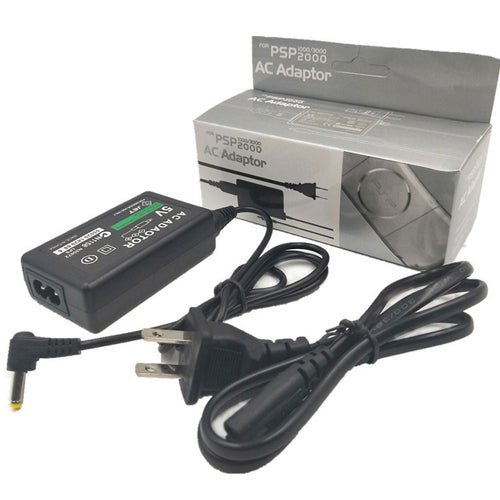
PSP 1000, 2000 and 3000 AC charger — European plug
Fun-Esports PSP 1000, 2000 and 3000 AC charger — European plugAvailable
13,99€
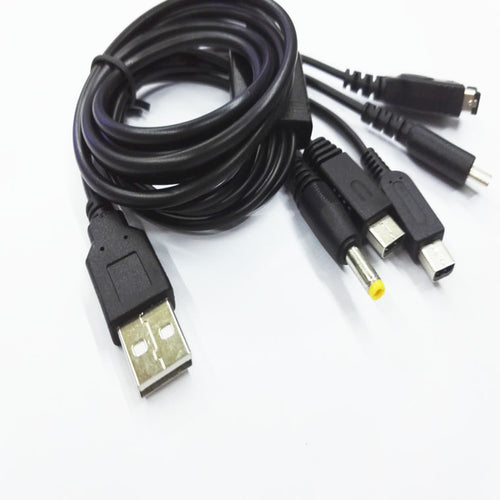
USB charging cable 1.2 m — 3DS, 3DS XL, 2DS and DSi
Fun-Esports USB charging cable 1.2 m — 3DS, 3DS XL, 2DS and DSiAvailable
13,99€
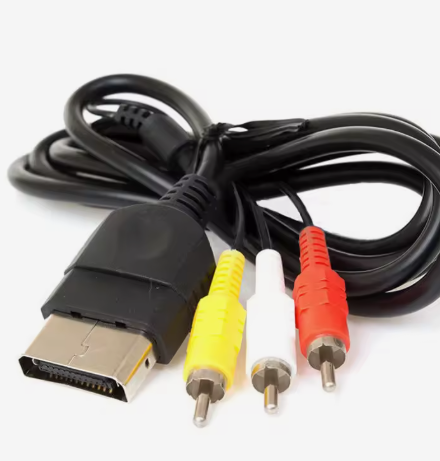
Composite AV cable for the original Xbox — RCA video and sound
Fun-Esports Composite AV cable for the original Xbox — RCA video and soundAvailable
13,99€
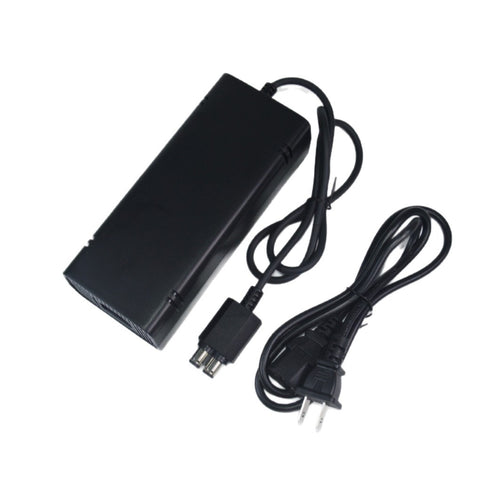
Xbox 360 Slim 135 W power supply — 12 V, EU cord
Fun-Esports Xbox 360 Slim 135 W power supply — 12 V, EU cordAvailable
20,99€
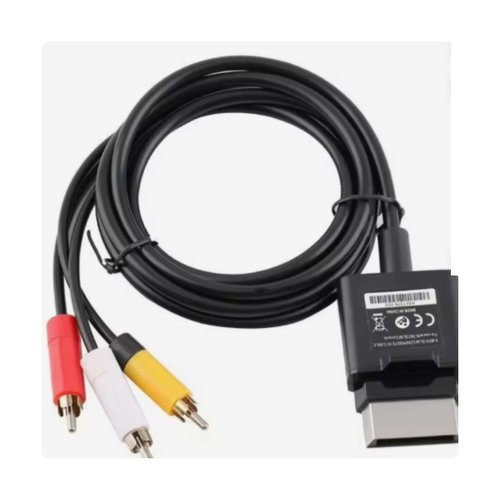
Composite AV cable for Xbox 360 Slim — video and sound over RCA
Fun-Esports Composite AV cable for Xbox 360 Slim — video and sound over RCAAvailable
15,99€
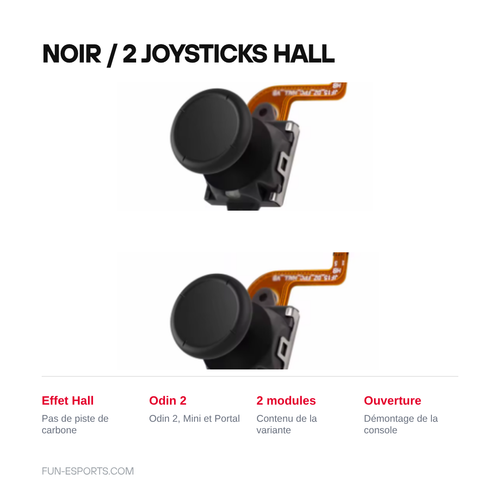
Hall effect joysticks and thumb caps for the Odin 2, Mini and Portal
Fun-Esports Hall effect joysticks and thumb caps for the Odin 2, Mini and PortalAvailable
17,99€

Repair rather than replace: where to start

The most worthwhile mod is still the screen

A 2001 Game Boy Advance comes out of the factory with a non-backlit panel: under a desk lamp, the picture looks grey. A 2.9-inch IPS screen kit replaces the panel and makes the console readable in any conditions, with backlighting adjustable over 5 to 10 levels. It's the modification that changes the experience the most, for €25 to €60 in parts.

“Solder-free” and “no-cut” don't mean the same thing

Two different labels, two different constraints:

  • Solder-free: the kit connects via a ribbon cable. A tri-wing screwdriver is all you need; allow 20 to 30 minutes.
  • No-cut: the original shell doesn't need to be filed. A 2.9-inch screen fits in an original GBA front shell; a larger model means trimming the front shell or buying a new shell.
  • With soldering: 2 to 6 solder points to make. You'll need a temperature-controlled iron and desoldering braid.

Each product page specifies which of the two cases applies. If in doubt, go for solder-free and a new replacement shell: it costs €15 more, and it saves you from ruining a console.

Recapping: when a 1990 console no longer switches on

The electrolytic capacitors in the Game Gear, PC Engine and home consoles from the late 1980s leak after 30 years. Typical symptoms: no more sound, a picture that stays black, a flickering screen. Full replacement — “recapping” — requires soldering and desoldering, a temperature-controlled iron and an assortment of capacitors. It's a long repair, but the parts are inexpensive.

What it doesn't do

  • We sell parts and kits, not installation: no repair service is offered.
  • No already-modded original consoles are sold here.
  • No games or ROMs are supplied with the workshop kits.
  • A badly fitted mod can destroy a console: the product pages state the skill level required, they don't replace it.

Where to start in this section

Game Boy Advance & GBA SP IPS screens · Game Boy & GBC IPS screens · Shells & styling · Buttons & membranes · USB-C batteries · Workshop tools · Spare parts

Questions fréquentes

Do you need to know how to solder to install an IPS screen?
Not always. “Solder-free” kits connect via a ribbon cable and can be fitted in 20 to 30 minutes with a tri-wing screwdriver. Standard kits require 2 to 6 solder points and a temperature-controlled iron. Each product page specifies which of the two you are buying.
What does a “no-cut” IPS screen mean?
That the original shell doesn't need to be filed. A 2.9-inch screen fits in an original Game Boy Advance front shell. A larger model means trimming the front shell or buying a new replacement shell.
Do you sell already-modded consoles?
No. We sell the parts and kits, not the installation. No modded original consoles are offered, and no games or ROMs are supplied with the kits.