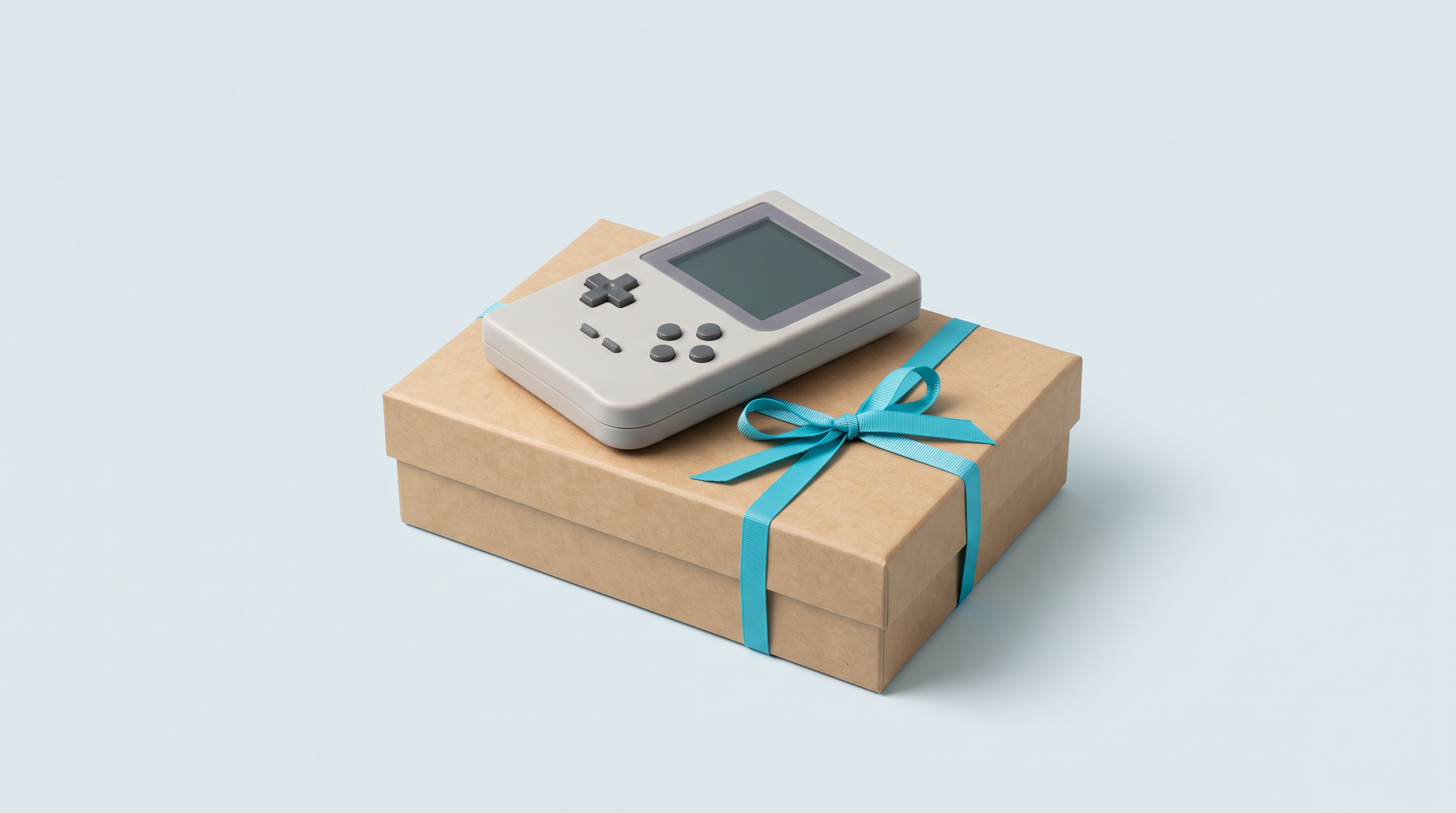
Giving a retro console to someone who has been talking about it for years is a good idea. Picking the wrong device is very easy. The catalogue mixes devices that are ready to play straight out of the box with others that need an evening of setup, square screens and widescreen ones, budgets of around a hundred euros and of more than €450. From the outside, it all looks the same. Every winter we get messages from people buying for a partner or a parent who have never touched this kind of device. Here is how we help them decide.
Article updated on 11 September 2026.
The one question to ask before anything else
Not “what is the best console”, but: which games does the person want to play again, and do they feel like setting anything up? Everything follows from that.
If they name a specific game from a publisher, Pac-Man, Tetris, Metal Slug or the Atari games, and don't want to adjust anything, a licensed mini console is often the best gift: the games are built in, you switch it on, you play. If they want to pick their own games across several systems, you need an emulation console, supplied without games, and each model reaches a certain tier of systems: beyond that, games stutter or won't launch.
| What the person mentions | What to aim for | Budget range |
|---|---|---|
| A specific classic (Pac-Man, Tetris, SNK games, Atari) with nothing to set up | Licensed mini console | Depending on the model, from keyring to mini arcade cabinet |
| NES, SNES, Mega Drive, Game Boy, Game Boy Advance, PlayStation 1, arcade | Entry-level Linux console | Around €100 to €130 |
| Nintendo 64, Nintendo DS, Dreamcast | Linux console (with compromises depending on the game) or Android (more comfortable) | Around €100 to €330 |
| PSP, Saturn | Android console | Around €270 to €330 |
| GameCube, PlayStation 2, Nintendo 3DS | More powerful Android console, with per-game settings | €340 and up |
Not sure what a model can handle? The comparison tool gives the details device by device. Prices are given as a rough guide; the current price is shown on each product page.
Nothing to set up: the licensed mini console
For a parent who spent their teenage years at arcade cabinets, or a partner who doesn't want to hear about memory cards, this is the safest option. The games are built in, licensed from the publisher, and the console works as soon as it is unboxed.
- For the desk or the shelf: a mini arcade cabinet such as the MVS Mini (45 SNK games), the Neo Geo Mini or the Astro City Mini V. The whole range: licensed mini arcade cabinets.
- For the pocket: an Evercade Super Pocket in their favourite publisher's edition, or a My Arcade console. The whole range: licensed handheld consoles.
- For the living room: the Atari 2600+ if the person has kept their cartridges, or the Atari Gamestation Pro with its wireless joysticks. The whole range: licensed retro home consoles.
Two checks before you buy. The game list is fixed: make sure the game they are hoping for is in the edition you choose. And be wary of the total printed on the box: on some models, “308 games” means a few licensed games and hundreds of bonus games whose list the manufacturer does not publish. Our product pages always show the breakdown.
Three budgets for an emulation console
Between €100 and €130: the gift that always works
This is the safest range, by far. The Anbernic RG35XX Pro, the RG 40XXV, the Miyoo Mini Plus or the TrimUI Brick all work the same way: once the games are copied to the microSD card, you switch on, you land on lists sorted by system, you press a button. No account, no ads.
They cover the SNES and everything before it, the Game Boy Advance and the PlayStation 1; the Nintendo 64, the Nintendo DS or the Dreamcast run with compromises that vary by model and game. That is most of what a nostalgic adult remembers. At this level, the form factor matters more than the spec sheet: 4:3 for period games, square for the Game Boy, clamshell to protect the screen.
Between €270 and €330: when the PSP or the Saturn are on the list
Here you move to Android: the console boots into an operating system, each emulated system has its own app, and there are settings to adjust at least once. In return, the PSP, the Saturn and the Nintendo DS become comfortable; the GameCube and the PlayStation 2 remain limited to lighter titles.
The Anbernic RG406H, RG406V and RG556 sit in this range. A good compromise if the recipient is comfortable with an Android phone; a bad gift for anyone who doesn't like digging through menus. We explain the difference between the two families in Android or Linux.
From €340: the enthusiast's machine
The Retroid Pocket 4 Pro, the Retroid Pocket 5, the Retroid Pocket Flip 2 or the Anbernic RG 477M target the GameCube, the PlayStation 2 and the Nintendo 3DS. Even on these models, those systems often need per-game settings: these are enthusiasts' machines.
A piece of advice that goes against our commercial interest: don't give this range to someone who has never owned this type of console. The disappointment doesn't come from the hardware but from the time it takes to get going. Someone who wanted to play Game Boy again will spend their evening in settings menus.
Three profiles, three mistakes to avoid
The nostalgic
They want to recapture a specific feeling: the screen of their Game Boy, a game they know by heart. Not a project. If they name an arcade game or a publisher, a licensed mini console; if they name several systems, an entry-level Linux console, in the form factor closest to the original machine. Power doesn't matter, faithfulness to the form factor matters a lot.
The curious
They have no specific memory, they just like the object. Aim for ease of use rather than the biggest catalogue: a good screen, good battery life, instant pick-up-and-play. An Evercade Super Pocket or a Linux console between €100 and €130 will do, and you can move up the range later if they get hooked.
The tinkerer
They compare emulators and like things they can tweak. The only profile for whom a complex machine is a real gift: an Android console, or a Linux one they will upgrade with a custom firmware. Just check they don't already own it.
What to add so it works on the day
A console alone in a box is a half-finished gift.
- A quality microSD card, for an emulation console. It decides how reliable the whole setup is: a dubious card means lost saves and games that refuse to launch. See our guide to choosing a microSD card and our microSD cards. Not needed for a licensed mini console.
- A case. These devices travel in pockets and bags. A hard case costs little and prevents the scratched screen of the first month.
- A USB-C charger, or batteries. Most consoles come with a cable but no power adapter, and several mini consoles run on batteries that are not included. Each product page states what is in the box.
What not to give
The rule fits in one sentence: don't give a console that needs setting up to someone who won't set anything up. It is the number one reason a gift ends up in a drawer. An Android or Windows device takes some getting used to: accounts, per-emulator settings, updates. If the recipient calls you to change their ringtone, stick to a licensed mini console or a Linux one.
Another trap: buying more powerful “to be on the safe side”. That power is useless if the games they want already run on an entry-level model, and you pay for it in weight and battery life.
If you're unsure: the gift card
When you don't know whether the person wants a modern Game Boy, a mini arcade cabinet or a machine that can run GameCube games, let them choose: a gift card avoids the post-holiday exchange. Write to us to get one, for any amount you like.
Delivery times and returns
Delivery in 10 to 18 days · ships within 3 to 5 days. For a gift with a date, order at least three weeks in advance, more in December. Accessories ship free from €69; shipping costs for handheld consoles are calculated at checkout.
For returns, you have a 14-day right of withdrawal after delivery, with return costs at your expense if you change your mind. Every product comes with the 2-year legal guarantee of conformity. French customer service, reply within 1 business day.
In short: ask which games the person wants to play again, pick the simplest machine that runs them rather than the most powerful one, add a reliable microSD card and a case if it is an emulation console, and allow three weeks of leeway. Everything is in our retro handheld consoles and official retro gaming ranges.
What is the best budget for a first gift?
Around €100 to €130 for a Linux emulation console: it covers the SNES and everything before it, the Game Boy Advance and the PlayStation 1. For someone who doesn't want to set anything up, a licensed mini console is often a better choice, whatever the budget.
Do the consoles come with games?
Emulation consoles, no: they are supplied without games, in compliance with the law, and the recipient installs what they have the right to use. Licensed mini consoles, yes: their games are built in and declared by the manufacturer. Our Where to play legally page lists the authorised sources.
Which console should I give to someone who doesn't want to set anything up?
A licensed mini console: an SNK mini arcade cabinet, an Evercade Super Pocket, a My Arcade console or the Atari Gamestation Pro, depending on the games they like. The games are built in, there is no memory card to prepare and no emulator to configure.
What if the person already has the console I chose?
You have a 14-day right of withdrawal after delivery, with return costs at your expense. That is the main argument for a gift card when in doubt.
Do I really need to buy a microSD card as well?
For an emulation console, yes, in almost every case: it is the part that holds the games and saves, and the leading cause of apparent faults. Choose a branded card. For a licensed mini console, it isn't needed.
How much time should I allow for a gift with a date?
Delivery in 10 to 18 days, ships within 3 to 5 days. Order at least three weeks before the date, more in December, and remember pickup point delivery above €150.