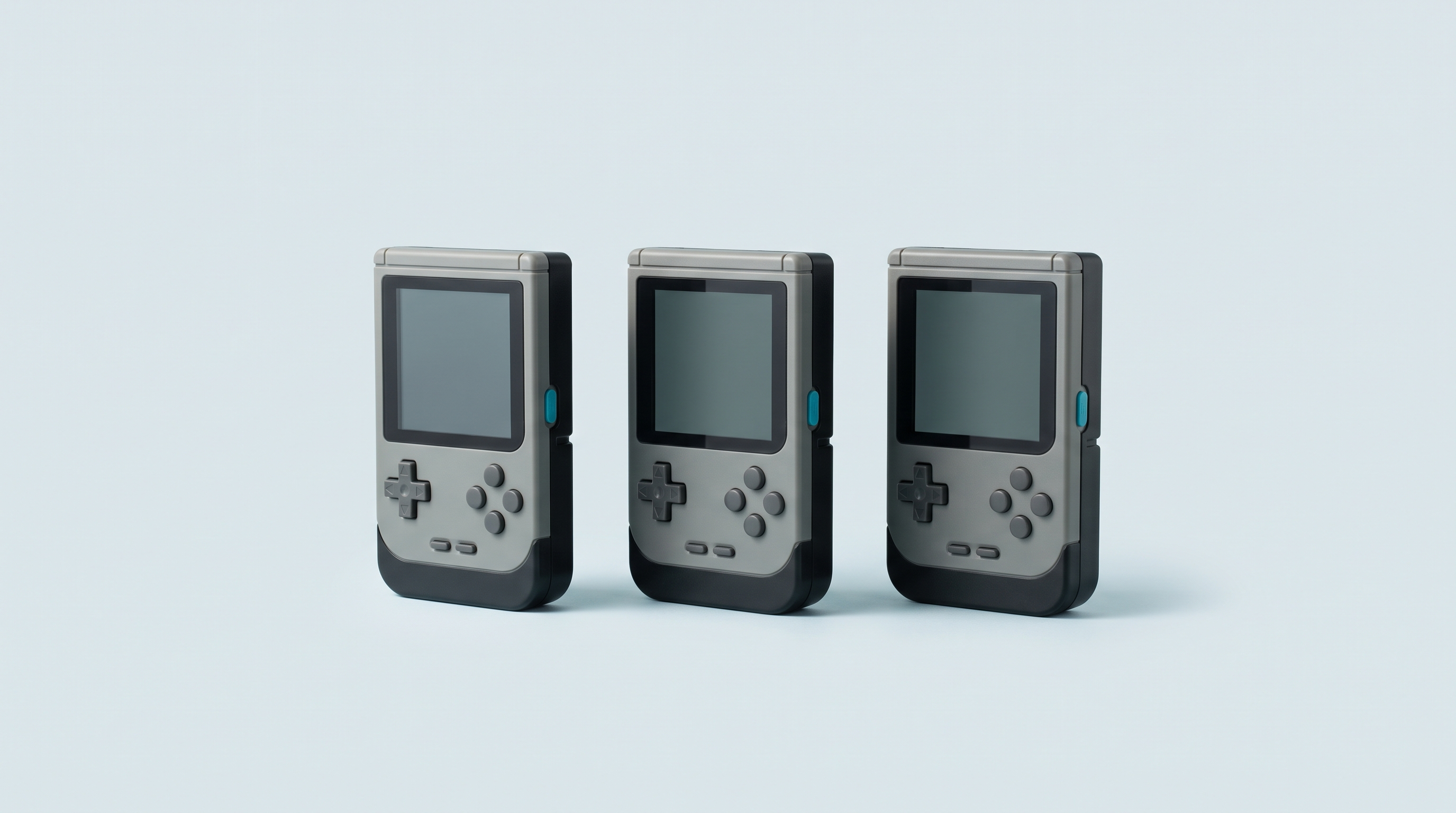
You switch your Android console on, and you land on a smartphone home screen. Icons, a search bar, a clock. To start a game, you have to open an emulator, navigate through a file browser, find the right folder, then the right file. Three consoles, three emulators, three different paths. That is the price of Android's versatility, and it is exactly what a launcher is there to fix.
A launcher, or frontend, displays your library like a console menu: a grid of box art, one system per tab, one button to play. Three names come up every time: ES-DE, Daijishō and Beacon. They do not cost the same and they do not ask for the same amount of work.
What a launcher does, and what it doesn't
A launcher is an app like any other. It does three things.
- It indexes the game folders you declare to it and builds a library.
- It dresses up that library: box art, system logos, descriptions, sometimes videos.
- It calls the right emulator with the right file when you confirm.
What it does not do: emulate anything at all. None of these three launchers includes an emulator. RetroArch, standalone emulators and their settings still have to be installed and set up separately — we go through those settings in our RetroArch guide. Nor does a launcher fix a game that crashes: it simply passes on the order to start.
A launcher is not a firmware
The confusion is common, and it has practical consequences. On a Linux console, installing muOS, Knulli or ROCKNIX means replacing the whole system: you write an image to a card, you accept a risk of failure, and going back means reinstalling.
On Android, nothing of the sort. A launcher is installed from an app store, it opens, closes and uninstalls like any other app. You can try three of them in the same evening, keep all three, and go back to the original home screen with one press of the Home button. No risk of bricking, no partition to touch, no guarantee at stake.
The trade-off: you do not gain the advantages of a dedicated firmware. Boot time stays Android's, sleep stays Android's, and battery life does not change. If those points matter more than versatility, the question is settled earlier, when choosing the machine, and no launcher will change anything about it.
The comparison
| Criterion | ES-DE | Daijishō | Beacon | Manufacturer launcher |
|---|---|---|---|---|
| Price | Paid (around $5 as observed, depending on the channel) | Free | Paid, a few euros on the Play Store | Included with the console |
| Where to get it | Patreon, Samsung Galaxy Store, Huawei AppGallery — not on the Play Store | The developer's official repository (APK file) | Google Play | Preinstalled |
| Setup | Long: folder tree to fill, emulators to associate | Quick: platform profiles to download inside the app | Quick, stripped-back interface | Immediate |
| Customisation | Very extensive: many themes, custom systems | Good: themes, wallpapers, widgets | Limited, deliberately | Low to none |
| Box art | Built-in scraper, automatic if files are named properly | Built-in scraper, to be run again with every addition | Artwork fetched from SteamGridDB | Variable, often partial |
| Emulator association | Preconfigured for a large number of emulators and more than 150 systems | Manual by file type, through the “players” | Manual, quick | Automatic, but a closed list |
| Upkeep | Low once it is in place | Regular with every game added | Regular | None |
The three launchers in detail
ES-DE: the most accomplished, the most demanding
ES-DE is the Android version of EmulationStation Desktop Edition, a frontend that also exists on Windows, macOS and Linux. On a computer, it is free and open source. On Android, it is paid and partly closed, and it is not distributed on the Play Store: the author goes through Patreon, the Samsung Galaxy Store and the Huawei AppGallery.
Its appeal comes down to one decisive detail: on first launch, it creates the complete tree of system folders on the card itself. All you have to do is drop the files into the right folders. It arrives preconfigured for a wide selection of emulators, which saves declaring every association by hand, and it handles more than 150 systems. The built-in scraper fetches box art, descriptions and media, with good results when the files follow a standard naming convention.
The downside is the initial setup time. Count on a good evening for a complete library, theme included. Once it is in place, adding a game comes down to copying a file and running the scraper again.
Daijishō: free, immediate, dormant
Daijishō is free. It stands out for its platform profiles, downloadable directly inside the app: you choose “PlayStation”, it creates the entry, suggests the folder and the associated file type. Setup is the quickest of the three. The app also handles RetroAchievements, and offers widgets, themes and an interface available in several languages.
One point to know before committing: the project is in maintenance mode. The developer announced a pause after an intense development phase, and the latest version published on the repository dates from January 2025. The app works, but do not expect regular new features, and compatibility with future Android versions remains to be watched. Also worth noting, it is free but not open: the public repository serves as a presentation page, not as source code.
Beacon: the simple compromise
Beacon sells for a few euros on the Play Store, which makes it the easiest of the three to obtain: buy, install, that's it. The interface sits between the Android home screen and a console menu, and it is deliberately stripped back. Game artwork is fetched from SteamGridDB, a community image database.
It is updated frequently, which is its main argument against Daijishō. In exchange, it does less than ES-DE: fewer themes, fewer options, a library that needs more upkeep by hand. It is the choice for someone who wants a clean display without spending the evening on it.
The typical setup, in three stages
Whichever launcher you pick, the logic is the same.
- Declare the folders. The launcher asks where your files are, folder by folder or system by system. Android also requires a storage access permission, which has to be granted explicitly, including for the microSD card. A folder without permission gives an empty library with no clear error message.
- Associate the emulators. Each system matches an emulator, chosen from those already installed on the machine. ES-DE arrives with most of these associations preset; Daijishō and Beacon make you choose them. If the emulator is not installed, it does not appear in the list: install it first.
- Fetch the box art. The launcher queries an online database using the file names. This is where the quality of your naming shows: a properly named file is recognised, a file with an approximate name is not and will have to be filled in by hand.
The folder organisation itself deserves a little method, especially if you are juggling several machines. We went through it in our guide on the game folder tree. And if a title stubbornly refuses to start from the launcher while it works inside the emulator, the cause lies elsewhere: fourteen possible causes.
Manufacturer front-ends: not to be dismissed out of hand
Retroid, Anbernic and AYN ship their Android consoles with their own in-house launcher. They are preinstalled, already associated with the emulators supplied, and work from the very first boot. Retroid's is regularly cited as one of the best built-in launchers on the market.
Their limits are structural. The list of supported systems and emulators is closed: if your favourite emulator is not on it, you will not add it. Customisation is reduced, box art handling often partial, and updates depend on the goodwill of the manufacturer, who drops them as the model ages.
The right approach is to start with the original launcher for a few days. If you play five or six classic systems and everything displays properly, there is no point going further. It is when you hit a missing system or a badly presented library that a third-party launcher becomes useful. Our Android consoles ship with the configuration state stated on the product page, so that you know what to expect when unboxing.
Which launcher for which profile
- You are new to Android and want to play tonight. Stay on the manufacturer's launcher. You will see later whether it limits you.
- You want the most polished result and accept spending an evening on it. ES-DE. It is the most complete, the best automated once configured, and the only one that handles so many systems without intervention.
- You do not want to spend anything. Daijishō, bearing in mind its very slowed-down update rhythm.
- You want something simple, paid for once, updated regularly. Beacon.
- You have several Android machines. ES-DE, to find the same interface and the same folder organisation everywhere.
The choice is not final. Install two, keep the one you open without thinking. If you are starting from scratch on a new console, take the question in order with our guide Setting up an Android console from scratch: the launcher is the last step there, once storage, emulators and buttons are sorted.
Frequently asked questions
Can a launcher completely replace the Android home screen?
Some launchers offer to be set as the default home app: the console then boots straight into the game library. Whether that option is available depends on the app and the Android version, to be confirmed case by case. You can always go back to the original home screen in the system settings.
Can I install several launchers at the same time?
Yes, with no conflict. They are independent apps that read the same game folders. The only cost is storage space and the time spent configuring each one. It is even the best way to compare before deciding.
Do I risk damaging my console by installing a launcher?
No. Unlike a custom firmware, a launcher touches neither the system nor the partitions. It installs and uninstalls like any other app, and does not affect the guarantee. If in doubt, uninstall it: the console returns to its original state.
Why is ES-DE not on the Play Store?
Its author chose other channels: Patreon, the Samsung Galaxy Store and the Huawei AppGallery. The Android version is paid, while the Windows, macOS and Linux versions are free and open source. Go only through the project's official links, never through a third-party download site.
My box art will not download, where does the problem come from?
Nine times out of ten, the file names. The databases being queried recognise standard titles; an abbreviated or custom name matches nothing. Rename the file or attach the box art manually. Also check that the console is connected to Wi-Fi and that the launcher really has storage access permission.
Does a launcher improve my games' performance?
No, in no way at all. It only starts the emulator, which does all the work. Performance depends on the console's processor, on the emulator chosen and on its settings. A game that stutters with the manufacturer's launcher will stutter exactly the same with ES-DE.
The launcher is only the shop window: it is the machine behind it that determines what you will be able to run. Our selection of Android retro consoles states for each model the processor, the screen resolution and the systems genuinely within its reach.