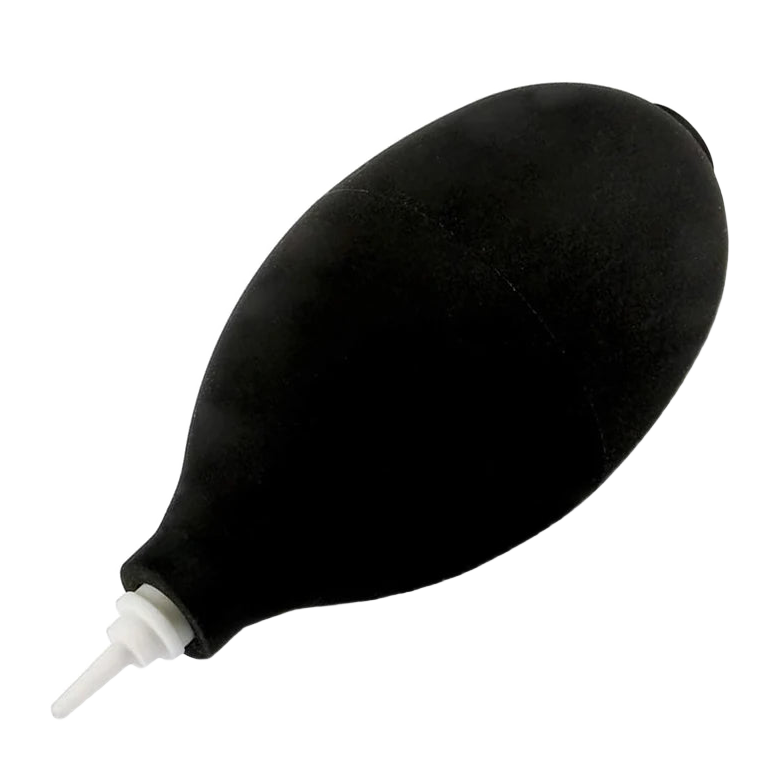
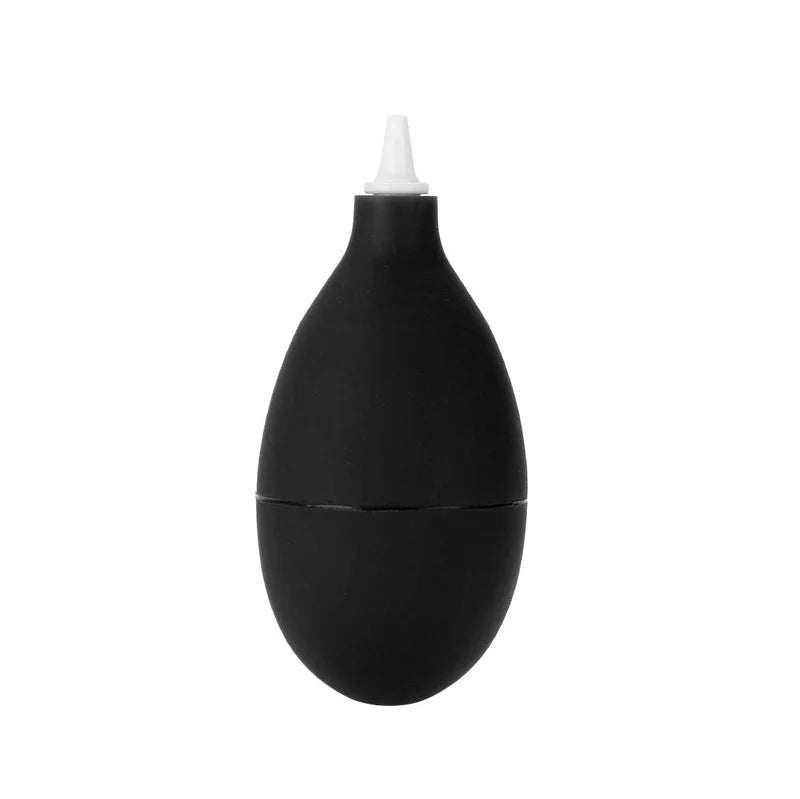
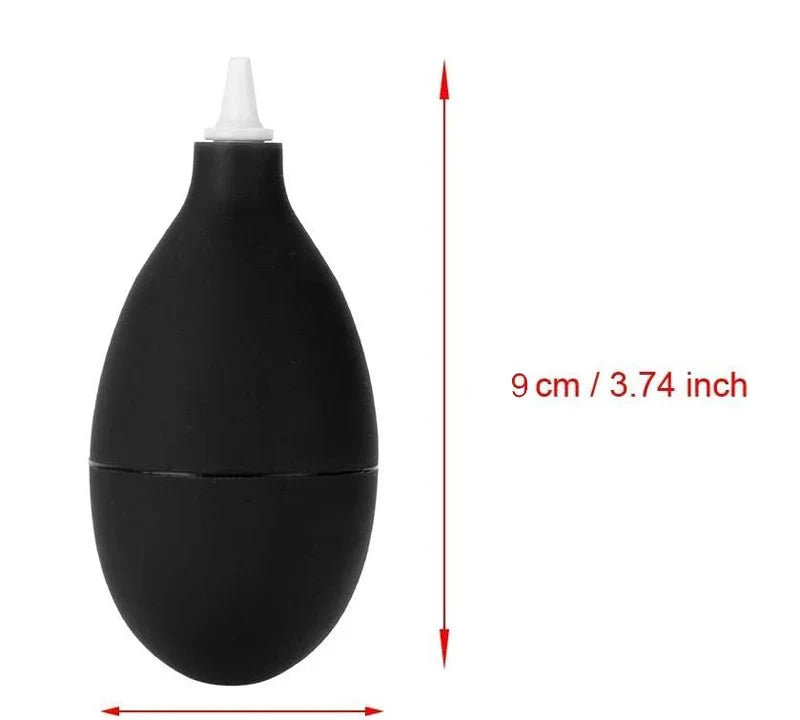
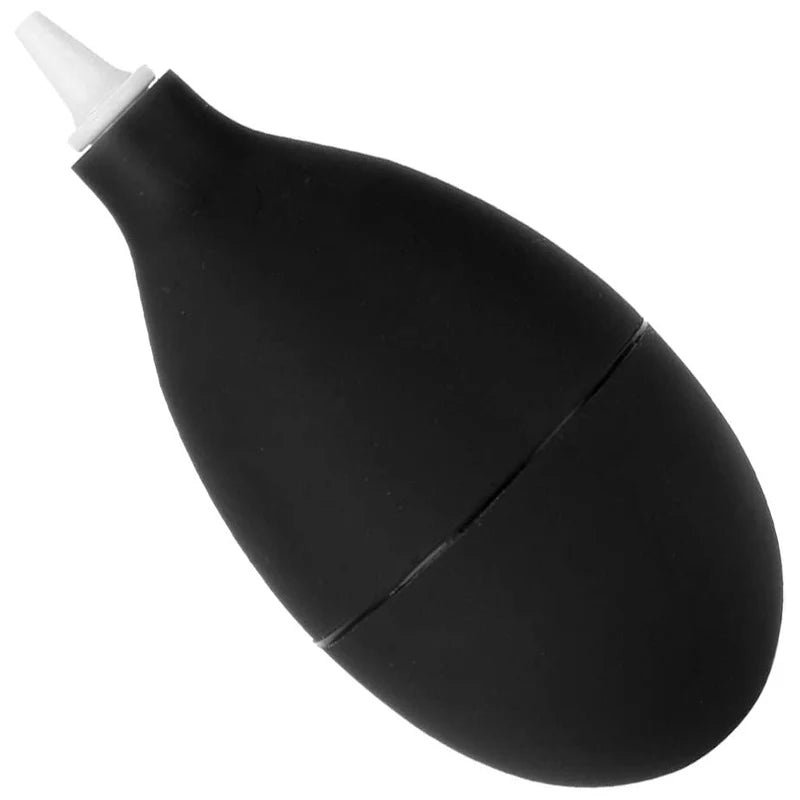
Description complète
Dust blower: dislodge dust without moisture or gas
Dust is the number one cause of unreliable contacts on a retro console: a grimy cartridge connector, a clogged vent, particles trapped under the screen lens during reassembly. This manual rubber blower sends out a jet of dry air with a simple squeeze, with no propellant gas or chemicals — unlike blowing with your mouth, which leaves moisture on the contacts.
What it does
- Dry air on demand: squeeze the bulb by hand and it reinflates by itself, with no refills and no canister to buy again.
- Zero residue: no cleaning agent, no liquid propellant that could freeze on or stain a screen, a lens or a circuit.
- Fine nozzle: aim the jet into a cartridge slot, between the keys of a keyboard, into a vent or onto an optical sensor.
What it doesn't do
- It does not replace cleaning the contacts: an oxidised cartridge connector needs isopropyl alcohol and a cotton bud; the blower only removes loose dust.
- It does not deliver the pressure of a compressor or a can of compressed air: greasy or stuck-on dust will resist.
- It does not suck. It drives dust out of the device but does not collect it — work with the device tilted, opening facing down.
- It does not take anything apart: foreign bodies already under a screen lens require opening the shell.
Compatibility
A generic tool with no electronics and no machine-specific parts: home and handheld consoles, cartridge slots, disc drive trays, controllers, mechanical keyboards, vents, screens before reassembly, camera lenses. No console revision is incompatible — however, it doesn't plug into anything and does not replace any disassembly tool.
Skill level required
None. No soldering, no disassembly, no cutting. Squeeze the bulb a few centimetres from the area to clean, in short repeated bursts rather than continuously. For a full console clean (opening the shell, contacts, thermal paste), you will also need a suitable screwdriver and isopropyl alcohol.
In the box
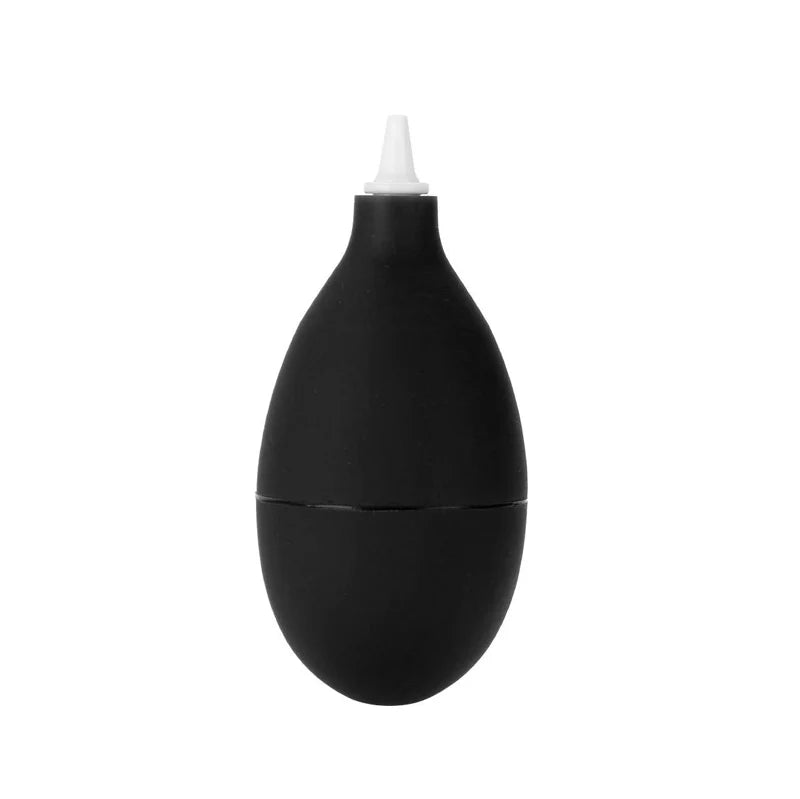
- 1 manual rubber blower, black
- No cleaning product, no batteries: the tool works by hand pressure alone
Read before ordering: Gaming Accessories
Delivery in 10 to 18 days · ships within 3 to 5 days · 2-year legal guarantee · 14-day returns.
Rubber dust blower — console and cartridge cleaning
A hand-powered jet of dry air to dust off ports, vents and screens, with no gas or cleaning product.
En stock
📦Ships within 3 to 5 business days · Delivery in 10 to 18 business days · 2-year legal guarantee · 14-day returns.
ℹÀ partir de 150 €, la livraison s’effectue en Point Relais.
- 🇫🇷SAV français
réponse sous 1 jour ouvré - 🛡Garantie légale
2 ans - ↩14 jours
pour changer d’avis - 🔒Paiement sécurisé
CB · PayPal · Klarna
Dust, the number one fault in retro consoles
A console that has spent twenty years in a cardboard box almost never suffers an electronic failure: it fails because of dust. The cartridge slot collects fibres, the vents clog up, the buttons on a controller become stiff. The usual reflex is to blow into it with your mouth, which sprays moisture directly onto metal contacts. A jet of dry air does the same job without that risk.
A rubber bulb, nothing more
The tool comes down to a flexible body and a fine nozzle. Squeeze and the air comes out; release and the bulb reinflates by itself. No propellant gas, no canister to buy again, no liquid that freezes on a screen or stains a printed circuit board. There are no batteries and no cleaning agent inside, so it can be carried in a workshop kit and used hundreds of times.
What to know before ordering
It is a handy extra tool, not a compressor. The airflow is enough for loose dust and settled particles; it won't shift a greasy deposit or a layer that has built up behind a vent over the years. Nor does it clean the oxidised contacts of a cartridge, which need isopropyl alcohol. Finally, it drives dust away without sucking it up: tilt the device, opening facing down.
What this accessory brings
Verified manufacturer specifications · vérifié le
Ce qu’il fait bien
- Dry air with no propellant gas or refills
- No cleaning agent, no residue
- Fine nozzle for ports, vents and keyboards
- No disassembly or skills required
Ce qu’il ne fait pas
- Much lower pressure than a can of compressed air or a compressor
- Ineffective on greasy or stuck-on dust
- Does not clean oxidised contacts: isopropyl alcohol needed
- Blows dust away, does not suck it up
Voir toute la fiche technique+
Matière et format
- Type d’accessoire
- Cleaning tool
Compatible avec
- Retro home consoles
- Handheld consoles
- Game slots and cartridges
- Controllers and keyboards
- Screens and lenses
Dans la boîte
- 1 manual rubber blower (black)
Frequently Asked Questions
🔧 Do I need to solder or open up the console?
No. The blower is used on a closed console, for accessible ports, vents and gaps. Disassembly is only needed if you want to clean the inside, and that is a different job.
🎮 Which consoles is it compatible with?
All of them. It is a generic tool with no electronics and no specific parts: home consoles, handhelds, cartridge slots, controllers, keyboards, retro TV boxes. No revision is excluded.
💨 Is it as powerful as a can of compressed air?
No, and that is its main limitation. The pressure comes from your hand: it is enough for loose dust, not for a greasy or compacted deposit. For that, you need a compressor.
🧪 Does it contain a cleaning product?
No. No cleaning agent, no propellant gas, no batteries. It only blows ambient air, so there is nothing that could stain, freeze or leave a residue.
📦 What's in the box?
One manual rubber blower, black. No cleaning product, no cloth and no extra nozzle.
🖥️ Can I use it on a screen or a lens?
Yes, that is actually its original use in photography: removing dust before wiping with a microfibre cloth, which avoids scratching the surface by rubbing a particle across it.
🚚 What are the delivery times?
Delivery in 10 to 18 days, ships within 3 to 5 days. Replies to your questions within 1 business day.
🛡️ What guarantee applies?
2-year legal guarantee of conformity. Returns within 14 days of receipt.
Why buy here rather than on a marketplace
It is a fair question. Here is the answer, straight.
Every listing is checked before publication: real compatibility, material, dimensions, box contents. Many models never make it into the catalogue.
A question about compatibility, a fit problem, a return: you write, a human replies within 1 business day. In French.
The 2-year legal warranty of conformity is handled by us — not by a form on the other side of the world. And 14 days to change your mind, with no need to justify yourself.
We do not claim to be the cheapest. We claim that you will know exactly what you are buying before you pay.
Read this before choosing
Our guides to accessories: compatibility, protection, transport.

Pixel art: create your own designs for a Divoom display
Grid size, number of colours, outlines, animation: the guide to getting started in pixel art and displaying your own creations on a Divoom display.
2 min de lecture · publié le

Divoom pixel art speakers: which one should you choose?
Astrotoo, Ditoo-Pro, FlowToo, Tiivoo-2, Timebox-Evo, MiniToo, Fairy-OK: the seven Divoom speakers compared, by use and budget.
2 min de lecture · publié le

Times Frame or Times Frame Pure: which Divoom floating photo frame should you choose?
64 or 32 GB, three colours or just one, a dial or not: the real differences between the Times Frame and Times Frame Pure…
1 min de lecture · publié le