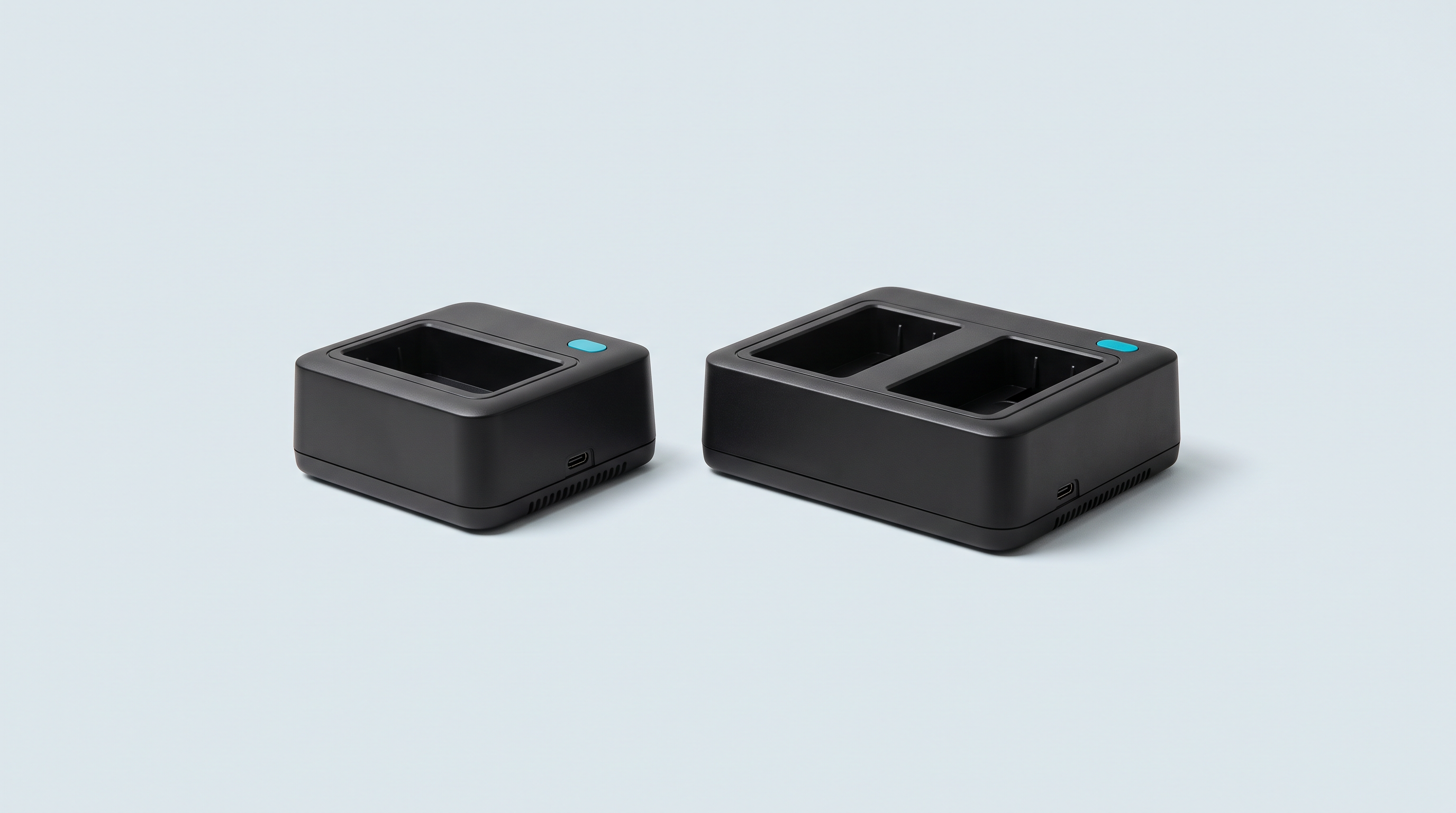
You have a box of Game Boy, Super Nintendo or Nintendo 64 cartridges in a cupboard, and two wishes: to get the saved games back before the 1996 batteries give out, and to play those games on something other than a thirty-year-old console. A cartridge reader does exactly that. Seven models are worth stopping on, from $20 to $270, with very different approaches: some behave like a USB stick, others carry a screen and a battery, and one is an open project you assemble yourself. Here is which one to get depending on what you own, and what is better avoided.
What a cartridge reader is actually for
You insert your original cartridge into the unit. The device reads the chip and writes its contents out as a file, onto a computer or a memory card. It also reads, and can write back, the save memory that holds your games.
It is that second function that justifies the purchase for many collectors: a save powered by a battery from 1996 is living on borrowed time.
The comparison, prices recorded on 19 August 2026
The seven devices below have an identifiable manufacturer, public documentation and maintained software. Prices as displayed by the manufacturers, excluding shipping.
| Device | Systems | Standalone or with a computer | Software | Saves | Price recorded | Who it's for |
|---|---|---|---|---|---|---|
| GBxCart RW v1.4 Pro (insideGadgets) | GB, GBC, GBA | With a computer, USB-C | FlashGBX, open source, Windows, macOS, Linux | Reading and writing back, internal clock included | $33 to $37, i.e. €29 to €32 | The default choice on Game Boy |
| Epilogue GB Operator | GB, GBC, GBA | With a computer, USB-C | Playback, supplied, proprietary. Windows 10+, macOS 12+, Linux as a Flatpak, Steam Deck, ROG Ally, Raspberry Pi | Real-time synchronisation, export to the computer | $49.99, i.e. €43 | Anyone who wants to plug in and play without setting anything up |
| Epilogue SN Operator | Super Nintendo and Super Famicom, Super FX, SA-1, DSP and CX4 chips | With a computer, USB-C | Playback, built on the bsnes emulator | Saving to and restoring onto the cartridge | $59.99, i.e. €52 | A Super Nintendo collection |
| BennVenn Joey Jr | GB, GBC, GBA | With a computer, seen as an external drive | No software required, drag and drop. JoeyGUI or FlashGBX optional | EEPROM, SRAM, FRAM, Flash | $42, i.e. €36 | Anyone who refuses to install anything |
| BennVenn Joey 64 (listed as JoeyN64) | Nintendo 64 | With a computer, seen as an external drive | None. Intended for Windows; macOS and Linux via the command line | 4K and 16K EEPROM, SRAM, Flash, Controller Pak | $55, i.e. €48 | A Nintendo 64 collection |
| FunnyPlaying BurnMaster | GB, GBC, GBA | Standalone: battery, FAT32 microSD, one-inch OLED screen | No PC software, firmware updated via the microSD | Reading and writing back saves | $20 for the board, $4 for the shell, $1 for the cover, i.e. €22 in parts | Use on the move, assembly required |
| Open Source Cartridge Reader (Sanni project) | NES, Famicom, SNES, Super Famicom, N64, Master System, Mega Drive, GB, GBC, GBA; others via adapters | Standalone: screen, SD card supplied, USB-C | No PC software, open firmware | Reading and restoring onto the cartridge | $269.99 assembled, i.e. €233. Cheaper as a kit to assemble | A multi-system collection |
The five criteria that really decide
1. The systems you actually own
This is the criterion that rules options out fastest. Apart from the Open Source Cartridge Reader, no device on this list reads more than one cartridge family: a GBxCart will never see a Super Nintendo cartridge, and an SN Operator will never see a Game Boy one.
Count your cartridges before comparing prices. If most of your collection is Game Boy and Game Boy Advance, the multi-system question doesn't arise: a Game Boy reader is enough, and you save two hundred euros.
2. Software to install, or not
Three approaches coexist. The GBxCart goes through FlashGBX, open-source, free, available on all three operating systems and regularly updated — it also handles the GBFlash, the Joey Jr and the Game Bub. The Epilogue devices go through Playback, an in-house application, closed but supplied, which displays the cartridge and launches the game. The Joeys mount like an external drive: you copy the files by hand.
A practical detail on the Joey 64: the manufacturer states that it is intended for Windows, with macOS and Linux having to go through command-line tools.
3. Save handling
All seven devices read saves. It is the writing back that counts on the day you change a battery: you copy the save, replace the battery, put the save back. In that order, never the other way round.
Above all, check that your cartridges' save format is supported. Game Boy Advance cartridges use EEPROM, SRAM, FRAM or Flash memory depending on the title, and a device that handles only some of those will leave you stuck. Our article on retro handheld console saves goes through these formats in detail.
4. Whether the device works on its own
Two devices work without a computer: the BurnMaster, with a battery, an OLED screen and a microSD card, and the Open Source Cartridge Reader. All the others need a machine alongside.
The benefit is concrete: working through a box of cartridges at a flea market without unfolding a computer. So is the cost. The BurnMaster is sold as parts to assemble and was out of stock in every variant at the time of this survey; the assembled Open Source Cartridge Reader costs eight times the price of a Game Boy reader.
5. The number of cartridges to get through
For ten cartridges, any model will do and price decides. For two hundred, ease of use becomes the real subject: the number of handling steps, the quality of the connector, automatic detection of the cartridge type.
On a large collection, the bottleneck isn't the device's transfer rate: it's the handling — opening, inserting, naming, filing.
Three straight recommendations
The first purchase
If your collection is Game Boy, Game Boy Color and Game Boy Advance — the most common case — get the GBxCart RW v1.4 Pro. It is the cheapest of the serious devices, FlashGBX is open source and maintained, and the community is the largest of the lot. The only effort asked of you is installing a piece of software.
Two legitimate alternatives. The Joey Jr, six euros more, if the idea of installing software puts you off: it mounts like a USB stick. The GB Operator, fourteen euros more, if you want to plug the cartridge in and watch the game start straight away — it was on pre-order at the time of this survey, with shipping announced for 30 August 2026 and a possible slip to mid-September acknowledged by the manufacturer.
The multi-system collection
The Open Source Cartridge Reader is the only device that covers NES, Super Nintendo, Nintendo 64, Master System, Mega Drive and Game Boy in a single unit, without a computer. At $269.99 assembled, it is only justified if you really do have cartridges in four families or more.
Do the maths before ordering. A GBxCart and a Joey 64 cover Game Boy and Nintendo 64 for about €77. Add an SN Operator and you are still at €129, half the price of the universal device, with three units to store: that is the trade-off to weigh. Supply of the Open Source Cartridge Reader is, moreover, small-scale, with irregular lead times.
Use on the move
It may as well be said: this case is poorly served. The BurnMaster is the only compact device that runs on a battery with a screen, but it is sold as separate parts to assemble — board, shell, cover, buttons — and it was completely out of stock at FunnyPlaying on 19 August 2026.
The Open Source Cartridge Reader also works without a computer, but it is a desktop unit, not a pocket object. If portability isn't an absolute requirement, a USB reader and a laptop remain simpler and cheaper.
What not to buy
Generic unbranded readers, sold with no designer's name and no official website, raise three problems.
- The hardware risk. Game Boy and Game Boy Color cartridges run at 5 V, Game Boy Advance cartridges at 3 V. Applying 5 V to a cartridge designed for 3 V can damage it, whereas the reverse generally just makes reading impossible. A device whose voltage handling is documented nowhere makes you run that risk on irreplaceable cartridges.
- The lack of support. No firmware updates, no fix when a game with a special chip isn't recognised. The small Nintendo 64 dumpers at around fifteen dollars are regularly described by the community as electronic waste.
- Counterfeiting. The GBFlash, designed by GEEKSIMON, is the only Chinese model natively supported by FlashGBX, and it is good — but its authorised reseller publicly warns that “there are many pirated and counterfeit versions online”. The GBxCart, for its part, is published under a Creative Commons BY-NC-SA licence: reselling a clone breaches the non-commercial clause. Buying a copy means funding someone who doesn't respect the designer's work.
There is an irony in equipping a strictly legal use with counterfeit hardware. Buy from the manufacturer, or from a reseller it publicly recognises.
Once the device is chosen
The method barely depends on the model: plug in, install the software if there is any, read the cartridge, copy the save, check the resulting file. We won't go over it again here: it is set out system by system in our complete guide to copying cartridges.
For what comes next — where to put the files on a handheld console's microSD card, which folder name each firmware expects — go to the article on firmware folder structures. The rest of the kit, Gamebit screwdrivers, solder-tab batteries and connector cleaning supplies, is gathered in our cartridge readers section.
Frequently asked questions
Do you need a different reader for each console?
Yes, except with the Open Source Cartridge Reader. Connectors don't have the same number of pins, the same voltages or the same protocols from one machine to another. That is why a universal device costs far more, and why most collectors end up with two units.
Can the reader damage my cartridge?
With a documented device, the risk is limited to normal connector wear, comparable to inserting it in the original console. With an anonymous device, it becomes real if the voltage applied doesn't match the cartridge type. If a read goes wrong, clean the contacts rather than forcing the cartridge in.
Do these devices work on Mac or Linux?
FlashGBX, and therefore the GBxCart, works on Windows, macOS and Linux. Playback, and therefore the Epilogue devices, states Windows 10 and above, macOS 12 and above, Linux via Flatpak, as well as Steam Deck, ROG Ally and Raspberry Pi. The Joey 64, by contrast, is announced for Windows, with other systems having to go through the command line. Check this point before buying, it is decisive.
Can I recover a save if the cartridge battery is already dead?
No, if the save was stored in SRAM powered by that battery: the contents disappear with the power. Some Game Boy Advance cartridges use Flash memory that keeps the data without a battery, the battery only serving the internal clock — those can be recovered. That is precisely why saves should be copied before the battery gives out, not after.
How long does copying a cartridge take?
A few seconds for a Game Boy cartridge, which is at most a few megabytes. BennVenn states about 750 KB per second when reading on the Joey 64, which puts a 32 MB Nintendo 64 cartridge under a minute. On a large collection, the time spent comes down to handling, not transfer rate.
Is the USB cable supplied?
That depends on the model. Epilogue supplies a USB-C cable. BennVenn states that it isn't included with the Joey Jr, and insideGadgets offers it as an option when ordering the GBxCart. Check that line before confirming the basket: it saves waiting a week with an unusable device. Cables, screwdrivers and consumables are in our workshop and modding section.