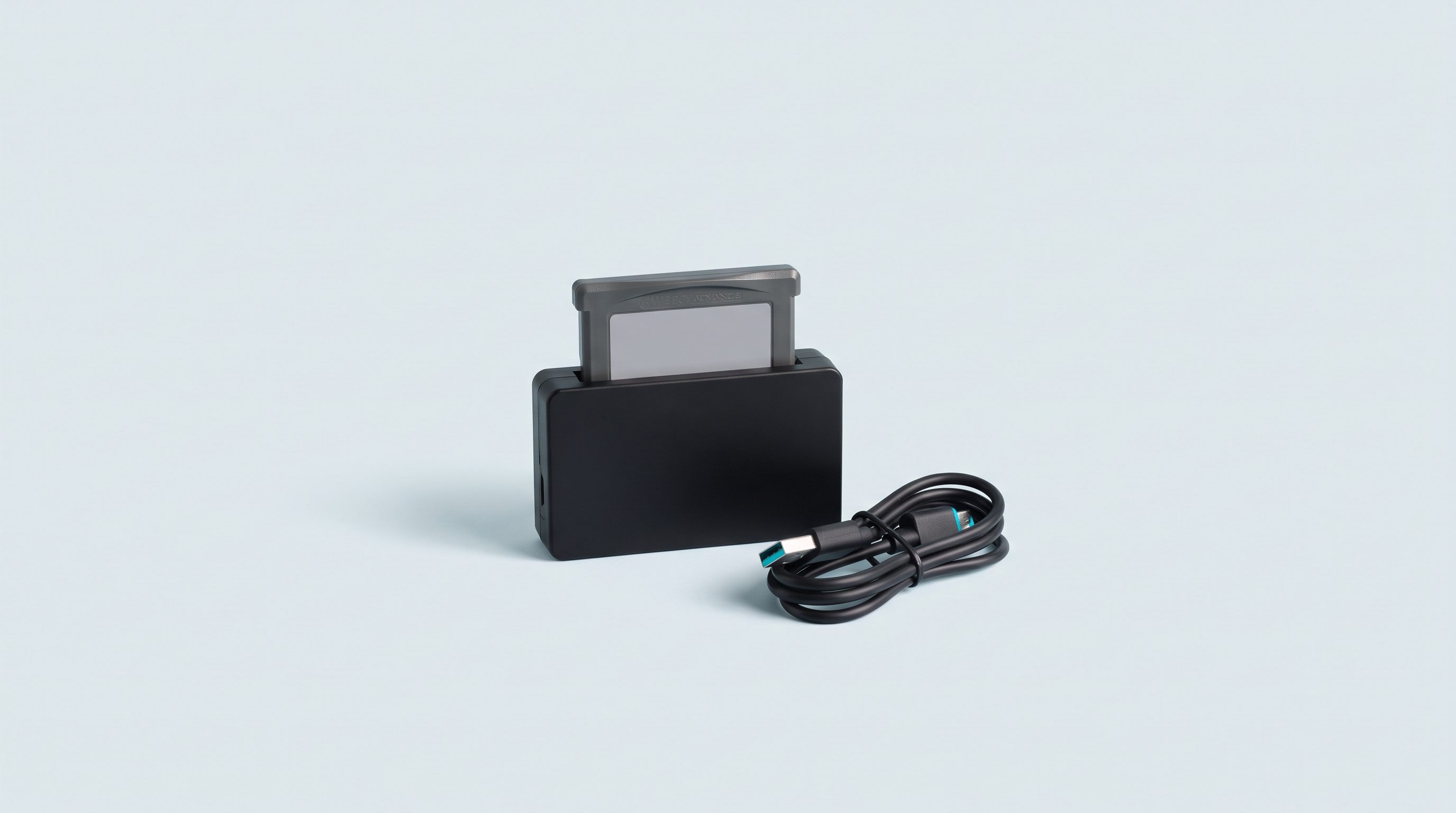
There is a box in the attic. Inside, around thirty cartridges bought between 1992 and 2005. Today you have a retro handheld console in your pocket that can run them effortlessly. Between the two, one step is missing: reading the cartridge's chip and retrieving its contents, at home, on your computer.
It can be done, and for the Game Boy as for the Mega Drive, it takes five minutes per game once the hardware is plugged in. This article explains how, system by system. It starts with the thorny point: what French law allows, and what it prohibits.
What French law allows, and what it prohibits
Article L122-6-1 II of the French Intellectual Property Code states: "The person entitled to use the software may make a backup copy where this is necessary to preserve the use of the software."
The defensible reading is therefore as follows: copying your own cartridge, for your strictly private use, as a single copy, while keeping the original, without ever sharing or selling the file.
Let's be honest about how solid this reasoning is. On 25 June 2009, the French Cour de cassation (First Civil Chamber, appeal no. 07-20.387) ruled that a video game is a "complex work that cannot be reduced to its software dimension alone": it also contains music and images, which fall under other legal regimes. Does the software backup copy exception cover the whole thing? No French case law settles this question.
For ways to access retro games without making copies: Where to play legally.
The master table: what you need, by system
Prices observed at manufacturers and retailers at the time of writing, excluding shipping and customs duties.
| System | What you need | Price range | Difficulty |
|---|---|---|---|
| Game Boy / Color / Advance | Dedicated USB cartridge reader | $33 to $50 | Easy |
| Super Nintendo / Super Famicom | SN Operator, or multi-system reader | $60, or $190 and up | Easy |
| NES / Famicom | Multi-system reader (OSCR) | $190 to $270 | Medium |
| Nintendo 64 | Joey 64, or multi-system reader | $55, or $190 and up | Easy |
| Mega Drive / Master System / Game Gear | Multi-system reader, Game Gear via adapter | $190 to $290 | Medium |
| Nintendo DS | Modified console | — | Outside our scope |
| Nintendo 3DS | Modified console | — | Outside our scope |
| PSP (UMD) | Modified console | — | Outside our scope |
| PlayStation 1 | Computer CD/DVD drive | €0 to €30 | Easy |
| PlayStation 2 | Computer DVD drive | €0 to €30 | Easy |
| Saturn | Computer CD drive, variable results | €0 to €30 | Medium |
| GameCube | Modified hardware | — | Outside our scope |
| Dreamcast | Modified hardware | — | Outside our scope |
The simple case: Nintendo and Sega cartridges
Nine readers out of ten will stop here: a cartridge has no protection to get around. The reader powers the chip, reads the memory addresses one after another and writes the result to a file.
GBxCart RW v1.4 Pro (insideGadgets)
Game Boy, Game Boy Color, Game Boy Advance. Around $33 to $37, USB-C. It works with FlashGBX, free software by Lesserkuma for Windows, Linux and macOS: automatic ROM size detection, timestamped save backups. On Windows, install the CH340/CH341 driver.
Who it's for: the best price-to-capability ratio if you only have Game Boy cartridges and don't mind going through software.
Epilogue GB Operator
Game Boy, Game Boy Color, Game Boy Advance. $49.99. It is used with Playback, Epilogue's in-house software, which also lets you play directly from the cartridge on your computer. Finished enclosure, no driver to hunt down.
Who it's for: those willing to pay around fifteen dollars more for instant ease of use, in exchange for depending on one manufacturer's ecosystem.
Epilogue SN Operator
Super Nintendo and Super Famicom. $59.99, same Playback software. The key point: it handles the extra chips found in the most ambitious cartridges, including Super FX, SA-1, DSP 1 to 4, CX4, S-DD1, SPC7110, OBC-1, ST010/ST011/ST018 and real-time clocks. Epilogue claims compatibility with virtually all officially licensed SNES games.
Who it's for: anyone with a shelf of SNES cartridges. The simplest and cheapest solution for this system.
BennVenn Joey Jr and Joey 64
The Joey Jr (GB, GBC, GBA, around $37 to $42 depending on the retailer) has a feature that changes everything: it mounts like a USB stick. You plug it in, the cartridge appears as a removable drive containing the ROM and the save, and you copy and paste. No software to install. The Joey 64 (Nintendo 64, $55) follows the same principle and handles the console's save formats: EEPROM, Flash, SRAM, Memory Pak.
Who it's for: people allergic to software, and those without installation rights on their computer.
FunnyPlaying BurnMaster
A standalone device: built-in battery, one-inch OLED screen, SD card. It reads a cartridge and writes the file to the card without a computer. Sold as a PCB kit from around twenty dollars, with shell and buttons extra; you can also find it assembled, for more.
Who it's for: anyone who copies cartridges away from their desk, at a flea market or at a friend's place.
Open Source Cartridge Reader (Sanni project)
The Swiss Army knife. Open hardware based on an Arduino Mega, with a screen and SD card: it works standalone, powered over USB-C. It natively reads NES, Famicom, SNES, Super Famicom, Nintendo 64, Mega Drive, Master System, Game Boy, Game Boy Color and Game Boy Advance; Game Gear, PC Engine, Neo Geo Pocket and Atari require adapters sold separately. Expect around $125 as a kit, nearly $270 assembled, SD card included.
Who it's for: multi-system collections. With SNES, Mega Drive and N64 games, a single OSCR costs less than three dedicated devices. For ten Game Boy cartridges, it is three times too much.
They are grouped in our cartridge readers section.
The case of discs: PS1, PS2, Saturn, GameCube, Dreamcast
For the PlayStation 1 and PlayStation 2, there is nothing to buy: a computer DVD drive is enough. These consoles use standard discs, readable by any PC optical drive, and the principle is a bit-for-bit copy.
- Games on CD (the whole PS1 library, a few blue-bottomed PS2 titles) are copied as BIN + CUE: a data file and an index file describing the tracks. The CUE matters: many PS1 games have their music as separate audio tracks, which a plain ISO would lose.
- Games on DVD (most of the PS2 library) are copied as ISO.
- These files are then converted to CHD, a compressed format read by most emulators, which significantly reduces the space taken up on the microSD card.
One caveat: some European PS1 titles carry copy-protection data outside the areas read by ordinary software, and the resulting file may then work in emulation without being a perfect copy.
The Saturn is an in-between case: its discs are CDs, so they can be read on a PC, but their structure and the security ring etched into the material make the result highly dependent on the drive model — some simply refuse.
The case of game cards: DS, 3DS, PSP
There is no consumer reader that can read a Nintendo DS card, a 3DS card or a PSP UMD plugged into a computer. The only method is to modify your own console so it runs unofficial software that reads the inserted card and writes the file to the memory card.
This falls outside our scope: it affects the console's security, can render it unusable, and raises the same circumvention question.
In practice: copying a Game Boy or GBA cartridge
- Clean the contacts. Cotton swab, 99% isopropyl alcohol — no methylated spirits, no household cleaner. Rub the gold contacts until the cotton comes away clean, then let them dry. Nine times out of ten, a failed read comes from dirty contacts.
- Insert the cartridge, then plug in the USB cable — never the other way round.
- Start reading the ROM. The software detects the title and size: one to three minutes for a Game Boy game, longer for a GBA game. If the name shown is garbled, unplug and clean again.
- Back up the save data separately. This is the step everyone forgets. The ROM and the save are two separate files: the .sav contains your progress, your hours of play. Make an explicit copy of it, stored outside your working folder.
- Transfer it to the console's microSD card, in the expected folder structure. On choosing a card: choosing your microSD card and our microSD cards section.
- Check by launching the game, then put the original away: you keep it, that is the condition for everything above.
The save battery: the order of operations
A cartridge from 1996 has a battery from 1996. On Game Boy, Super Nintendo or Mega Drive, these lithium batteries power the memory that keeps your saves. They last fifteen to twenty-five years: most are dead or nearly so.
- A 3.8 mm Gamebit screwdriver for Nintendo cartridges (Game Boy, SNES, N64). The 4.5 mm is used for console shells and some Sega cases: get the set of both.
- The right battery: CR1616 in most Game Boy and Game Boy Color cartridges, CR2025 in some, CR2032 in SNES, N64 and Mega Drive cartridges. Open it up and read the reference engraved on the battery in place.
- Preferably a model with solder tabs: the original battery is soldered to its tabs, not clipped in. Glue and conductive tape hold poorly and cause save losses a few months later.
Soldering irons, screwdrivers and parts are in our workshop and modding section. See also our article on saves on handheld consoles.
What else these devices can do
We might as well say it ourselves: most of these readers are also writers, able to write to reprogrammable cartridges. That is not what we sell them for, and we provide no content to put on them — no files, no links, no pointers.
What next?
You now have files. What remains is organising them: each system expects its ROMs in a specific folder, with consistent naming, otherwise your console will show an empty list or a library without box art. That is the subject of our article on folder structure, which explains what goes where and how to name files so that box art attaches automatically. If you have yet to choose a console, our handheld consoles section ranks them by power and by the systems they actually emulate.
Frequently asked questions
Am I allowed to copy a cartridge I bought second-hand?
You own it and you have the right to use it: the same reasoning applies as for a new purchase, under the same conditions — one copy, private use, original kept, no sharing. If you sell the cartridge, delete the corresponding file.
Is the resulting file identical to the ones found online?
For a cartridge in good condition, the content read is that of the chip and generally matches, byte for byte, the reference copies of preservation projects. That changes nothing on the legal point: the copy you produce is defensible, the one you download is copyright infringement.
My reader says "cartridge not detected". What should I do?
In the vast majority of cases, it's the contacts: clean them with 99% isopropyl alcohol, let them dry and try again. Then check that your USB cable carries data, not just power.
Can I copy my saves without copying the game?
Yes, and that is often the main use: all the readers mentioned read the save file independently of the ROM. It is the reflex to have with any old cartridge, before the battery gives out.
Do I need one reader per system, or a multi-system device?
It depends on the volume. For one or two systems, dedicated devices cost less and are simpler; from three onwards, the Open Source Cartridge Reader becomes more economical and saves you piling up devices.
Can copying a cartridge damage it?
Reading is passive: the reader powers the chip and reads addresses, it writes nothing. The only risk is mechanical, from repeated insertion and removal, and it remains low. Two precautions: never insert or remove a cartridge while the power is on, and never force a cartridge into a slot designed for another format.