Description complète
TRIMUI Smart Pro – 4.96” IPS Handheld Console (720p)
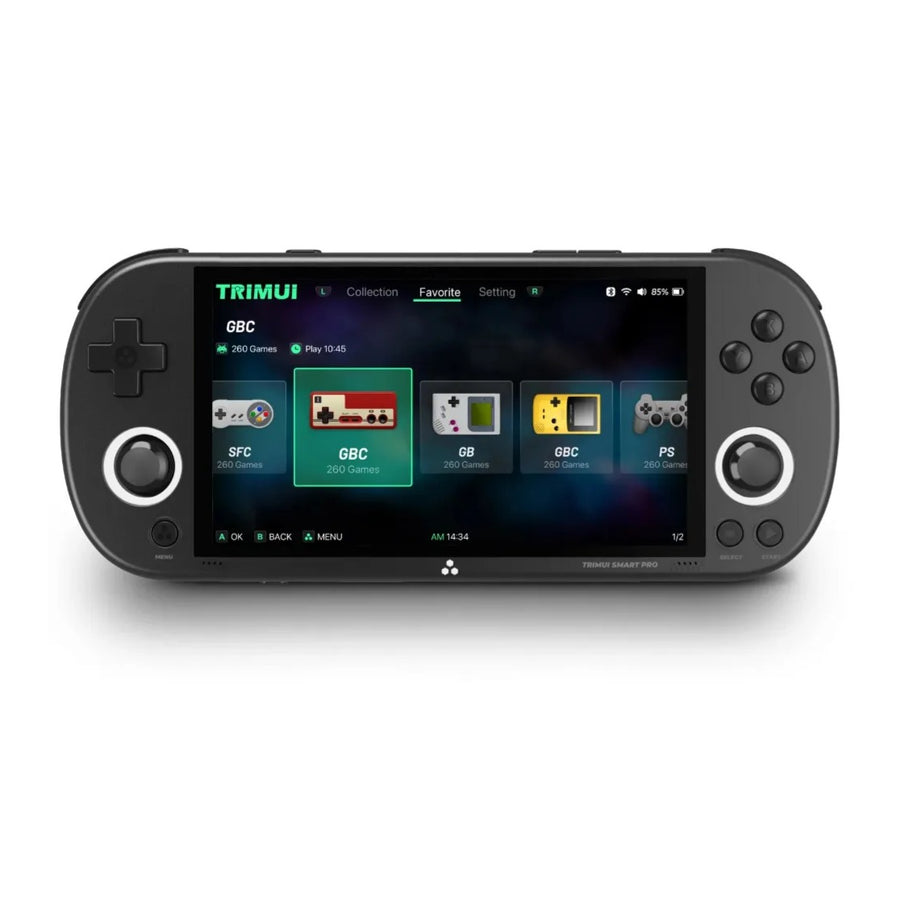
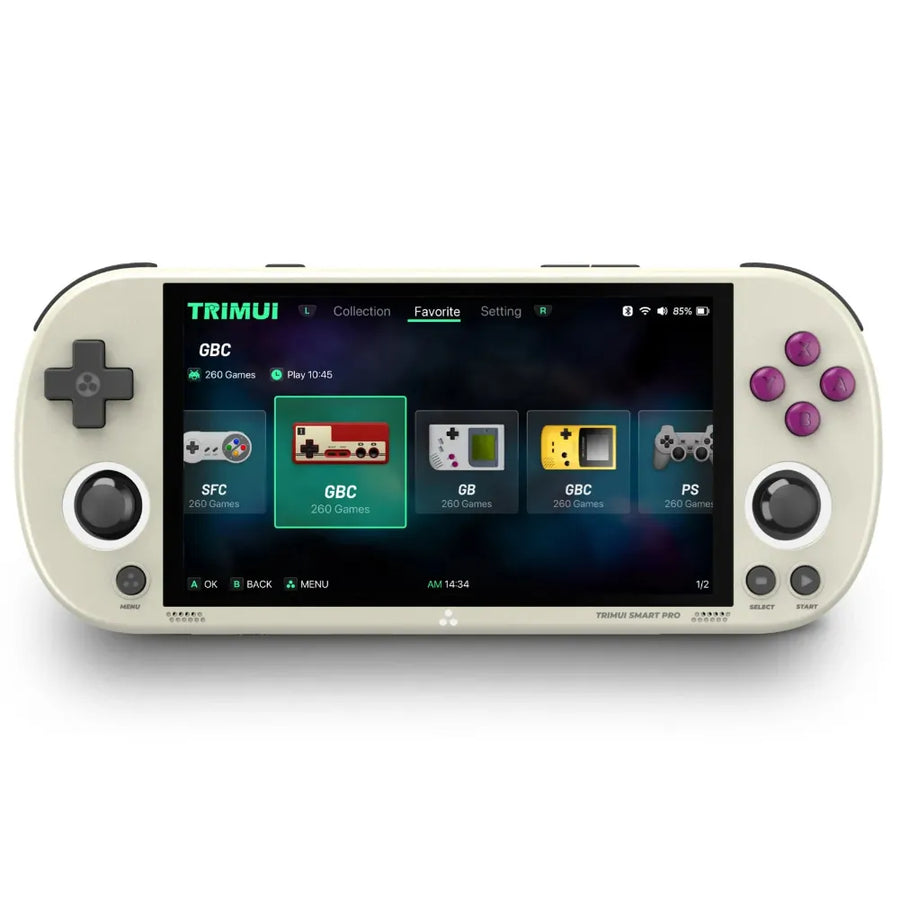
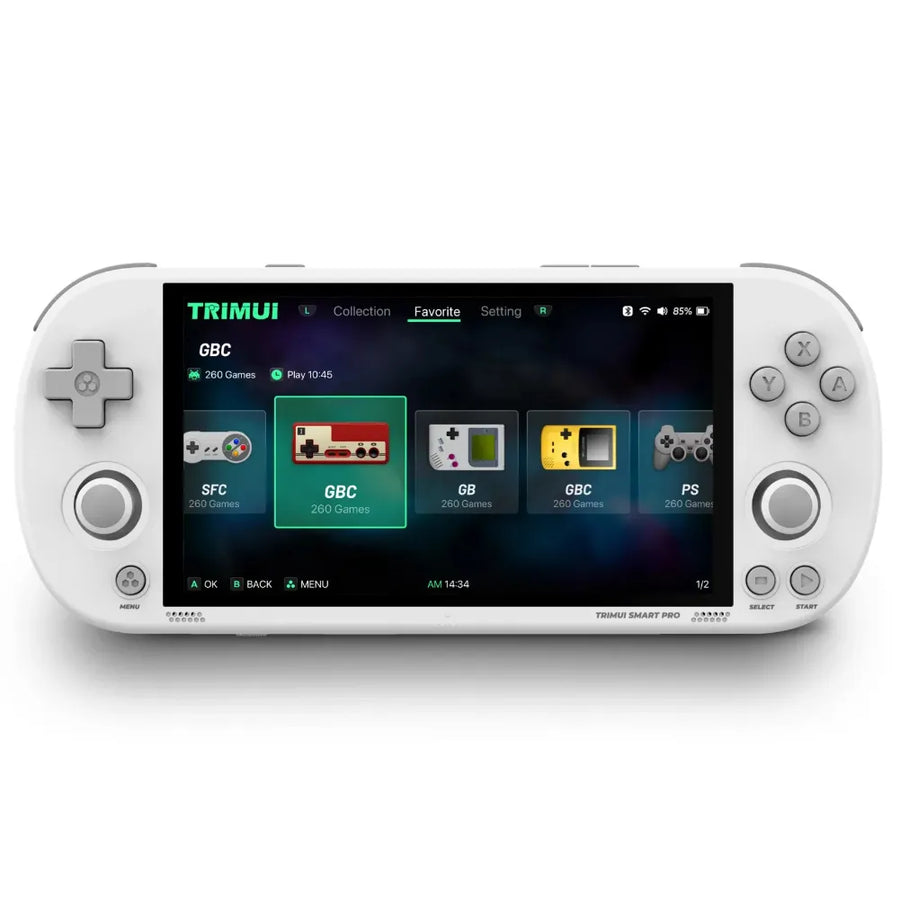
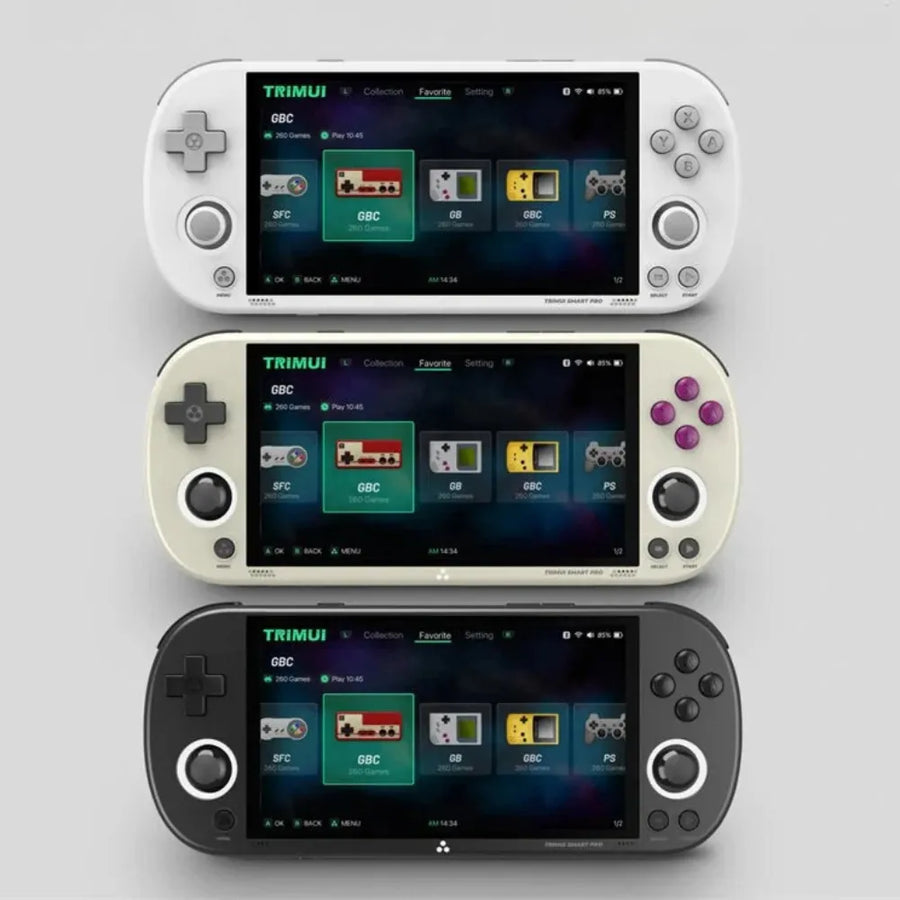
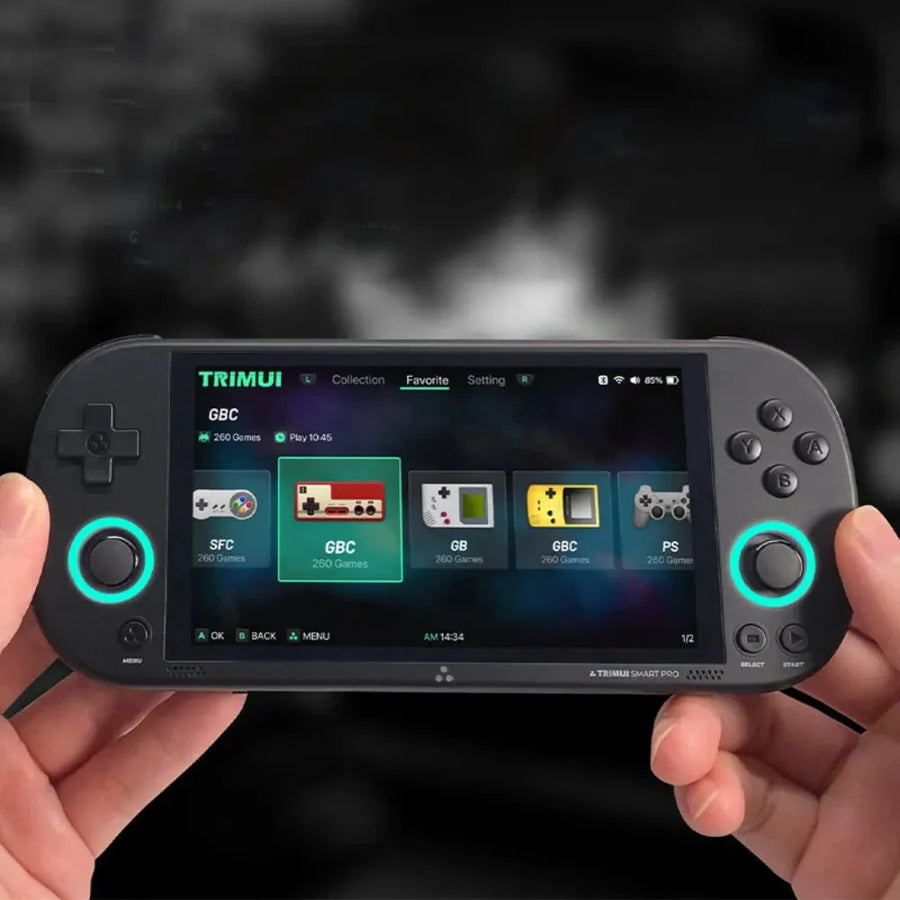
The TRIMUI Smart Pro is a handheld console running Linux, designed for emulation on the move. It combines a 4.96" IPS screen in 16:9 format at 1280×720 with an Allwinner A133 Plus, 1 GB LPDDR4 and 8 GB eMMC in a compact chassis with dual USB-C and a 5000 mAh battery. It joins our TrimUI consoles and, more broadly, our Linux retro consoles.
Main features of the TRIMUI Smart Pro
- IPS screen: 4.96’’ 16:9, 1280×720, ~296 PPI, laminated for a sharp image.
- Processor & GPU: Allwinner A133 Plus (4× Cortex-A53, 1.8–2.0 GHz) + PowerVR GE8300 (660 MHz).
- Memory: 1 GB LPDDR4 for lightweight emulation and interfaces.
- Storage: 8 GB eMMC + 64/128/256 GB microSD card (optional).
- Connectivity: Wi-Fi 802.11 b/g/n, 3.5 mm jack, stereo speakers.
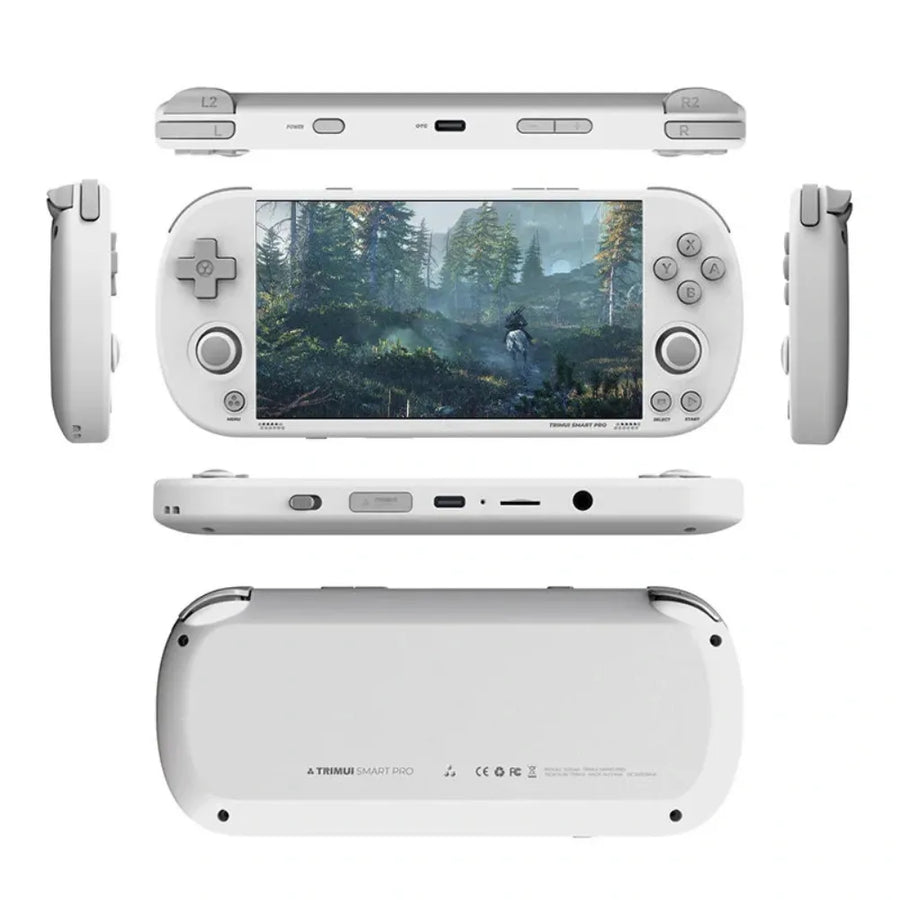
- Controls: dual symmetrical analogue sticks, stacked triggers, D-Pad on top.
- Ergonomics: lightweight plastic chassis, RGB indicators, top and bottom USB-C ports.
- Battery: 5000 mAh for long sessions.
- Size & weight: 188×80×17 mm; 231 g.
- Compatibility: 26+ emulators plus save/load, favourites and history functions.
Highlights of the TRIMUI Smart Pro
- Sharp display: 720p at ~296 PPI that does justice to retro and indie titles.
- Versatility: 26+ emulators, Wi-Fi, stereo sound, quick save.
- Mobility: 5000 mAh and dual USB-C to charge and connect anywhere.
Why choose the TRIMUI Smart Pro?
The TRIMUI Smart Pro brings together a great power-to-portability ratio, a precise 4.96" IPS screen, a reliable A133 Plus and 26+ emulators. With USB-C on both sides and a 5000 mAh battery, it is the ideal handheld console for replaying your classics anywhere, hassle-free. On the PlayStation side, discover our consoles for PlayStation 1 games as well as our guide to PS1 emulators.
Usage tips
- Integer scaling: enable it for clean pixels on the IPS screen.
- Calibration: calibrate the sticks on first boot and update the firmware.
- Backup: keep a copy of your microSD card before making any changes.
Dive into the world of gaming with the TRIMUI Smart Pro
Compact and lightweight, the Smart Pro delivers smooth emulation and clean 720p rendering, backed by its dual sticks, its Wi-Fi and its battery life. Take your retro library everywhere by choosing a suitable microSD card to carry even more games.
Discover our complete collection of handheld consoles
Explore all our handheld gaming consoles and find the one that perfectly matches your expectations. To decide between several machines, open our handheld console comparison tool.
Our latest arrivals
Browse the latest products added on Fun-Esports.
Trimui Smart Pro
Ready to go anywhere: 720p portable console, 4.96" IPS screen, A133 Plus processor, 26+ emulators, and a 5000 mAh battery. The TrimUI Smart Pro doesn't let up!
★★★★★ 5,0 · 1 avis vérifiés
Ce que ça change pour vous
- Votre bibliothèque SNES et antérieur dans la poche
- Rien à configurer, ça marche
Ce qu’il y a dedans
- Allwinner A133 Plus - 1 Go LPDDR4
- 4.96 pouces - IPS
- 8 Go eMMC - Wi-Fi 5
En stock
📦Delivery in 10 to 18 days · dispatched within 3 to 5 days.
ℹÀ partir de 150 €, la livraison s’effectue en Point Relais.
- 🇫🇷SAV français
réponse sous 1 jour ouvré - 🛡Garantie légale
2 ans - ↩14 jours
pour changer d’avis - 🔒Paiement sécurisé
CB · PayPal · Klarna

720p display that enhances the retro look
The fully laminated 4.96" IPS display delivers a sharp 720p image (~296 PPI, 16:9) with excellent contrast. Sprites, text, and interfaces are more legible for immediate enjoyment, without compromising portability.

Controlled power, portable format
The Allwinner A133 Plus SoC (4× Cortex-A53) supported by the PowerVR GE8300 GPU ensures stable emulation on 26+ systems. Packed at 188×80×17 mm and weighing 231 g, the 5000 mAh battery offers up to ~5 hours of gameplay, ideal for commutes and breaks.

Gaming comfort and ecosystem
Symmetrical dual joysticks, a top D-pad, and stacked triggers for precise control. Wi-Fi, fast save/load, favorites, history, and broad compatibility: everything you need to enjoy your retro library, simply.
Sélection
Why this console is in our catalogue
We check every console before listing it. Many never make it in.
Every console is checked before it enters the catalogue: what it really emulates, what it will not do, and the condition in which you receive it. Many models never make it in, because they do not live up to what they announce. What this one runs, and where it stops, is detailed further down this page.
🎮Selected by Julien · Fun-Esports
What this console runs
Specifications verified on the original firmware · vérifié le
Fluide, sans réglage · 2 systèmes
- SNES et antérieur
- PlayStation 1
Jouable, mais il faut bricoler
- Nintendo 64
- Dreamcast
- Nintendo DS
- PSP
Hors de portée
- GameCube
- PlayStation 3
- Switch
- Wii U
- PlayStation 2
- Nintendo 3DS
- Nintendo Wii
Voir toute la fiche technique+
Écran
- Taille de l’écran
- 4.96 pouces
- Format d’image
- 16:9
- Résolution
- 1280 × 720
- Type de dalle
- IPS
Puissance et mémoire
- Puce (SoC)
- Allwinner A133 Plus
- Processeur
- ARM Cortex-A53 — 4 cœurs, 1.8 à 2.0 GHz
- Puce graphique
- PowerVR GE8300 — 660 MHz
- Mémoire vive
- 1 Go LPDDR4
- Stockage
- 8 Go eMMC
- Système d’exploitation
- Linux (firmware TrimUI)
- Batterie
- 5000 mAh
Commandes
- L1/R1
- L2/R2
- Sticks analogiques
- Boutons de volume
- Vibration
- Sticks doubles symétriques
- Gâchettes superposées
- Croix directionnelle en haut
Connectique
- Wi-Fi 5
- Bluetooth
- USB-C
- Prise casque
- Haut-parleurs stéréo
- Lecteur de carte SD
Format
- Poids
- 231 g
- Dimensions
- 188 × 80 × 17 mm
- Matériau
- Plastique
What buyers say about it
Reviews collected after purchase
J’ai bien reçu ma console j’en suis très content. Site au top ??
Tous les avis et le formulaire d’avis
Frequently Asked Questions
What level of emulation does TrimUI Smart Pro offer?
Thanks to the Allwinner A133 Plus (4× Cortex-A53 ) and the PowerVR GE8300 , the Smart Pro handles 8/16-bit systems and PlayStation 1 very well. N64 , PSP , and Dreamcast are possible depending on the game and settings (internal resolution, frame skipping). It is not designed for PS2, GameCube, Wii, or 3DS . Performance depends on the emulator and system configuration.
What do you need to know about the screen and ergonomics?
4.96" IPS screen with a 16:9 aspect ratio and 1280×720 resolution (~ 296 PPI ) for a sharp and high-contrast image. Layout with symmetrical joysticks , D-Pad at the top , and stacked triggers for comfortable handling on the go.
What are the dimensions , weight , and battery ?
Compact size 188 × 80 × 17 mm, weighing 231 g . 5000 mAh battery offering up to ~ 5 hours of battery life depending on usage (emulated systems, brightness, Wi-Fi). USB-C charging (top and bottom ports).
What storage and expansion options are supported?
8GB eMMC internal storage and a microSD card ( 64/128/256GB ) is recommended. Use a reliable UHS-I card, format it properly, and keep a backup before making any changes.
What connectivity and audio options are available?
Integrated Wi-Fi 802.11 b/g/n for network transfer and certain online functions. Stereo sound (2 x 1 W) with a 3.5 mm jack . Bluetooth is not officially documented on this model.
What operating system does the console use, and are there any custom firmware (CFW) options available?
The Smart Pro runs on a Linux- based system with TrimUI. The community offers several custom firmwares ( CrossMix , NextUI , MiniUI , etc.). Installation is at your own risk: back up the board, follow a reliable guide, and reboot to initialize.
How to install CrossMix or another CFW safely?
1) Back up your entire microSD card . 2) Download the custom firmware image compatible with TrimUI Smart Pro . 3) Flash the image onto a second microSD card. 4) Insert the card, boot up, and allow the initialization process to complete. 5) Calibrate the joysticks and verify your BIOS /folders. Only use legal copies of your games.
What are the known limitations of the model?
The GE8300 is not designed for high-end emulation (PS2/GC). Some 4:3 systems will display black bars on the 16:9 screen. The L3/R3 clicks are not mapped to stick presses in the stock firmware. Use appropriate settings (resolution, software rendering) for stable results.
What's in the box and what can I add?
Typical contents: console , USB-C cable , manual . Add a high-quality microSD card , a carrying case, and, if needed, a USB-C OTG hub to connect compatible USB controllers via the host port.
Why buy here rather than on a marketplace
It is a fair question. Here is the answer, straight.
Every listing is checked before publication: chip, screen, systems actually emulated, condition on delivery. Many models that come out never make it into the catalogue.
A question, a firmware problem, a return: you write, a human replies within 1 business day. In French.
The 2-year legal warranty of conformity is handled by us — not by a form on the other side of the world. And 14 days to change your mind, with no need to justify yourself.
We do not claim to be the cheapest. We claim that you will know exactly what you are buying before you pay.
Read this before choosing
Our guides to this console and to what it runs.

Retroid Pocket Flip 2, the next generation foldable Android console
foldable Android console that combines AMOLED and Snapdragon power
3 min de lecture · publié le

Anbernic RG557: Portable Android for retro gaming
Anbernic RG557: the portable Android that puts AMOLED at the service of retro (and more)
3 min de lecture · publié le

Anbernic RG35XX Pro: the portable retro console that reinvents the Game Boy
3 min de lecture · publié le