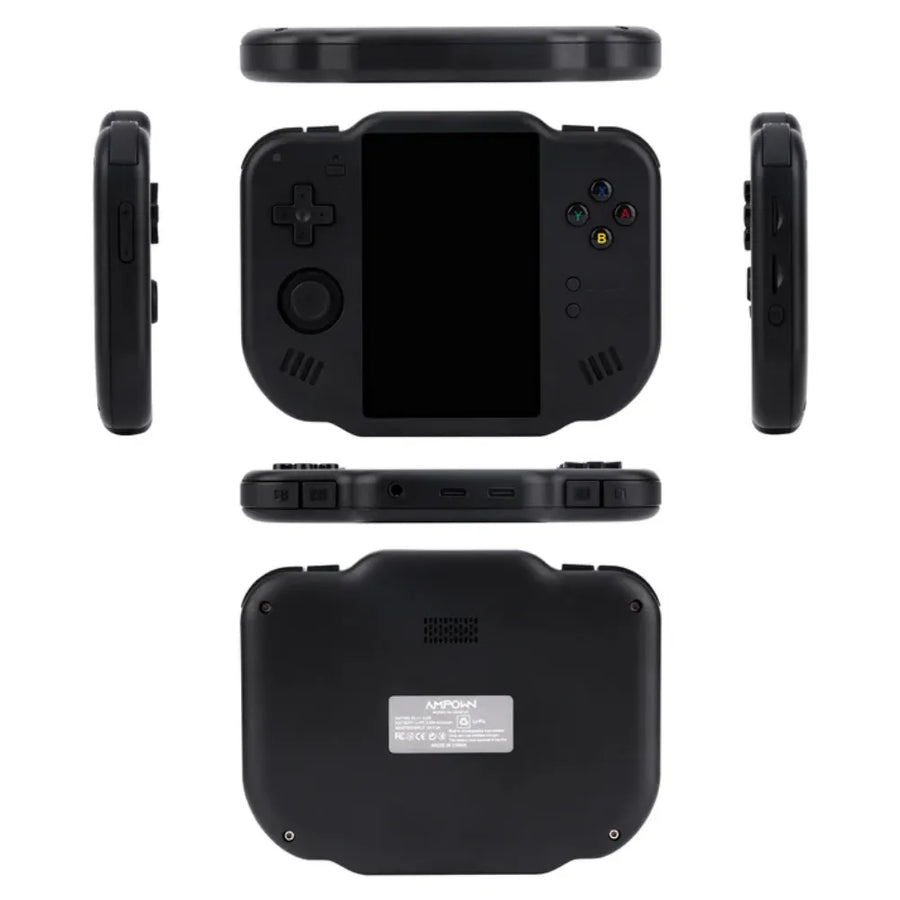
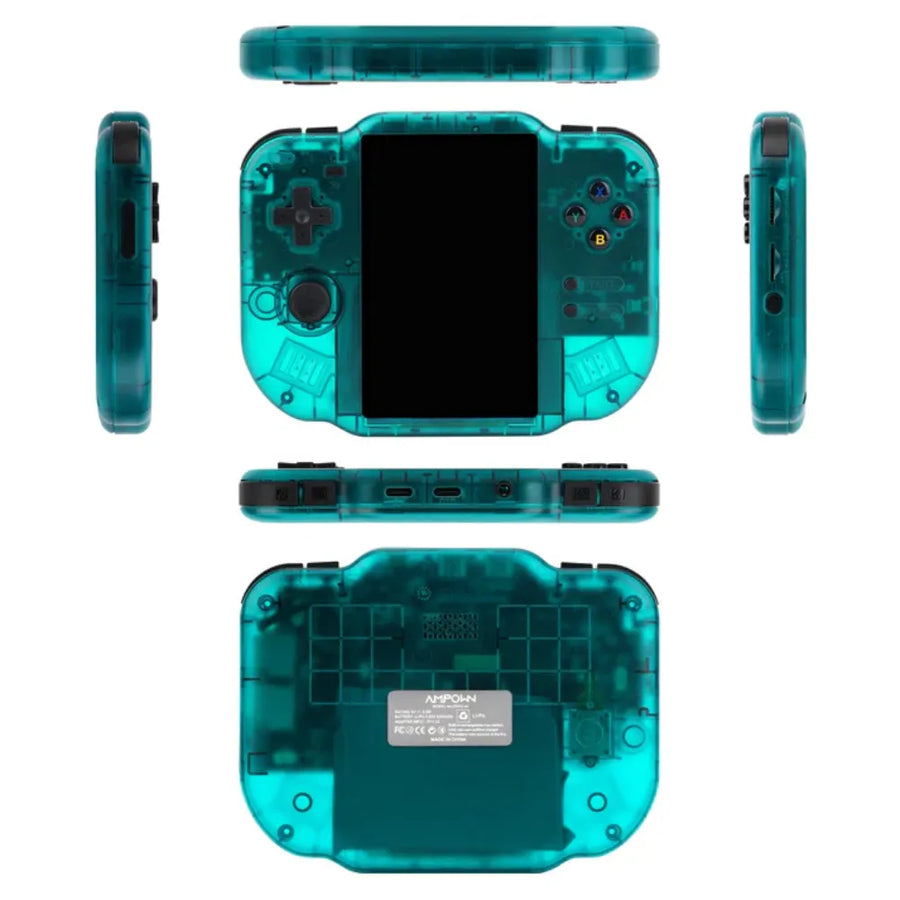
Description complète
MagicX Zero 40: Android 4.0 handheld console – retro gaming
Get the MagicX Zero 40 and revive your classics: 4.0" screen , 64-bit Android , Wi-Fi , Bluetooth 4.2 , turbo emulation and 4300 mAh battery .
The MagicX Zero 40 is a 64-bit Android handheld console with a 4.0" OCA-laminated IPS screen . The 1.8 GHz Cortex-A53 processor and PowerVR GE8300 graphics card ensure smooth emulation (PSP, PS1, N64, Dreamcast). It features Wi-Fi , Bluetooth 4.2 , stereo sound, and a 4300 mAh battery for playing anywhere, with TF card storage up to 512 GB .
Strengths
- Multi-system emulation (PSP/PS1/N64/Dreamcast, MAME , Neo-Geo , Saturn , OpenBOR …) for complete retro gaming .
- 4.0" OCA laminated IPS multi-touch screen with stereo speakers for a crisp immersion.
- Solid battery life ( 4300 mAh battery ), 2.4G Wi-Fi , Bluetooth 4.2 and storage via TF card up to 512 GB .
Performance & emulation
The Cortex-A53 1.8 GHz / PowerVR GE8300 combination delivers smooth 8/16/32-bit emulation and handles demanding platforms like the PSP or Dreamcast . The 2 GB of DDR4 1866 MHz RAM keeps the interface responsive.
Screen & comfort
The 4.0" IPS OCA-laminated screen offers accurate colors, wide viewing angles, and precise multi-touch . Stereo sound and vibration enhance the immersive experience.
Autonomy & connectivity
The 4300 mAh battery lasts for long sessions, while 2.4G Wi-Fi simplifies downloads and Bluetooth 4.2 connects headsets and controllers. Expand your game library with a TF card up to 512 GB .
Why should I buy MagicX Zero 40?
It combines portability , power , and simplicity : launch your libraries instantly thanks to 64-bit Android , enjoy stable emulation , and a comfortable 4.0" screen . The 4300 mAh battery keeps you going through your gaming sessions, and the 512 GB TF card provides ample storage space.
Technical specifications
Running on 64-bit Android , the MagicX Zero 40 is powered by the AllWinner Cortex-A53 A133P 1.8 GHz processor, the PowerVR GE8300 GPU , and 2 GB of DDR4 1866 MHz RAM. It features a 4.0" OCA-laminated IPS display with multi-touch capability . Connectivity options include 2.4 GHz Wi-Fi , Bluetooth 4.2 , stereo speakers , and vibration alerts. The 4300 mAh battery provides 5–7 hours of battery life. Storage options include a TF card slot supporting up to 512 GB . The phone weighs 182 g and measures 136 x 105 x 17 mm .
- CPU : Cortex-A53 A133P 1.8 GHz • GPU : PowerVR GE8300 • RAM : 2 GB DDR4 1866 MHz
- Screen : 4.0" IPS (480×800), OCA lamination, multi-touch
- Network : 2.4G Wi-Fi • Bluetooth 4.2 • Stereo • Vibration
- Battery : 4300 mAh (5–7 h) • TF : up to 512 GB
- Emulated systems : PSP, PS1, NDS, N64, Dreamcast/Naomi, Saturn, Mega Drive, MAME, CPS1/2/3, Neo-Geo, GB/GBC/GBA, Game Gear, PC-Engine, MSX2, Wonderswan Color…
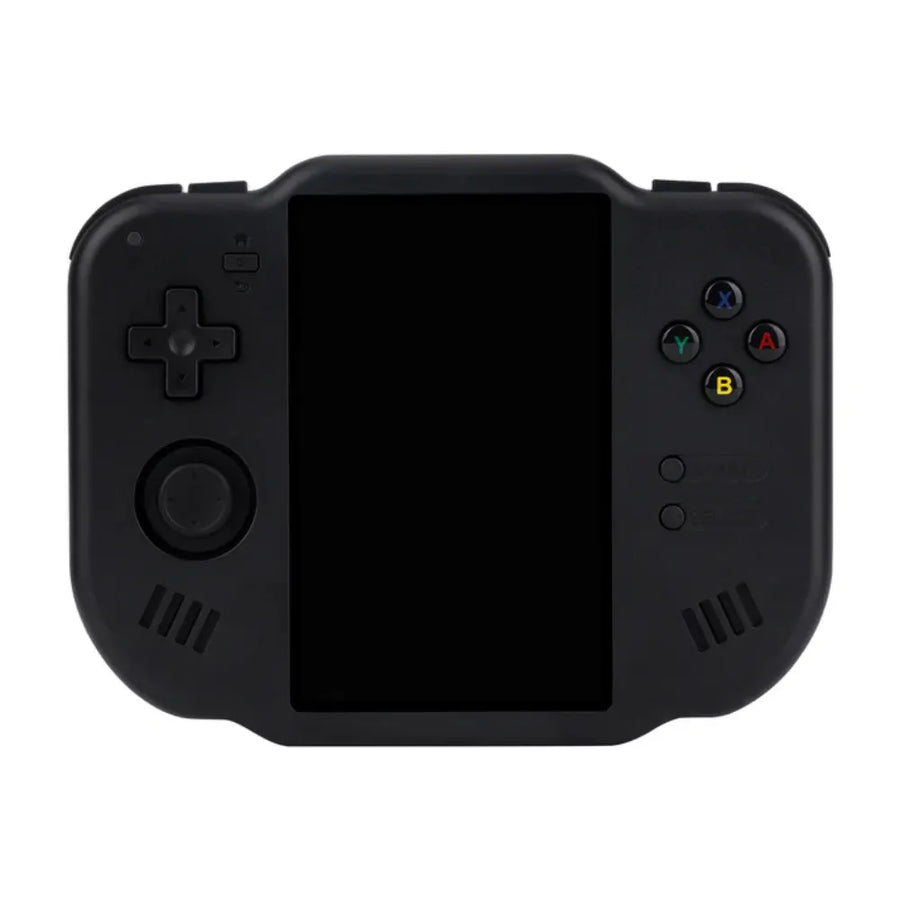
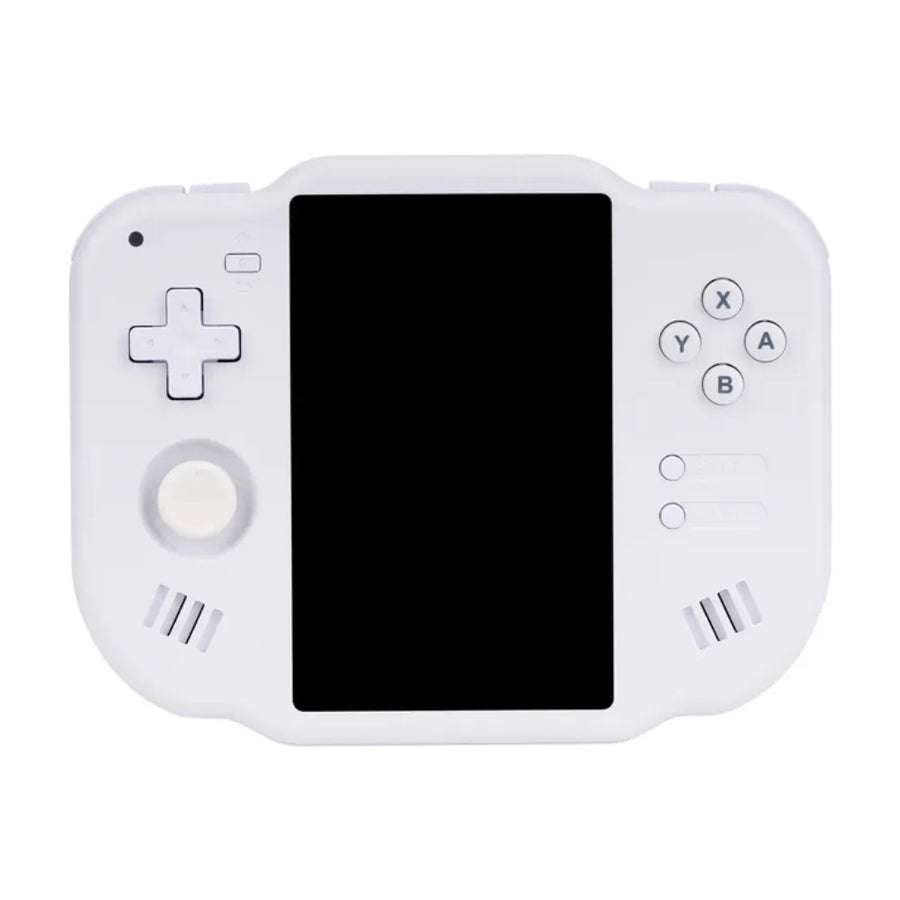
- Software : Dawn Launcher • Colors : Black / White
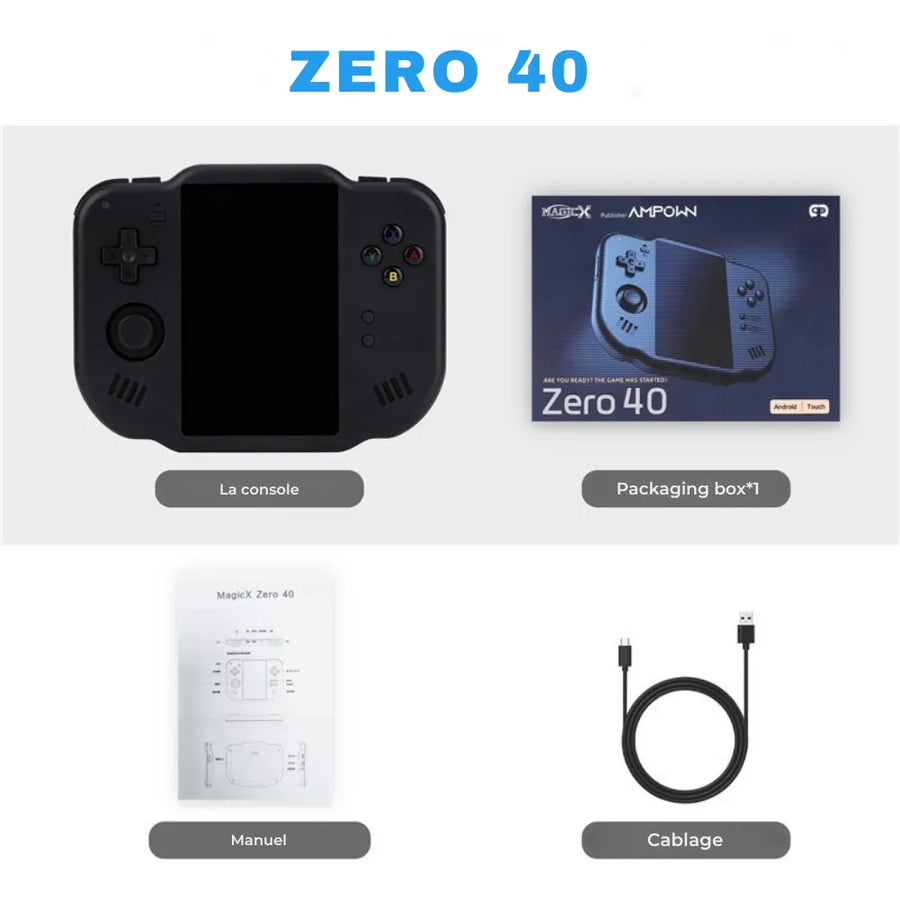
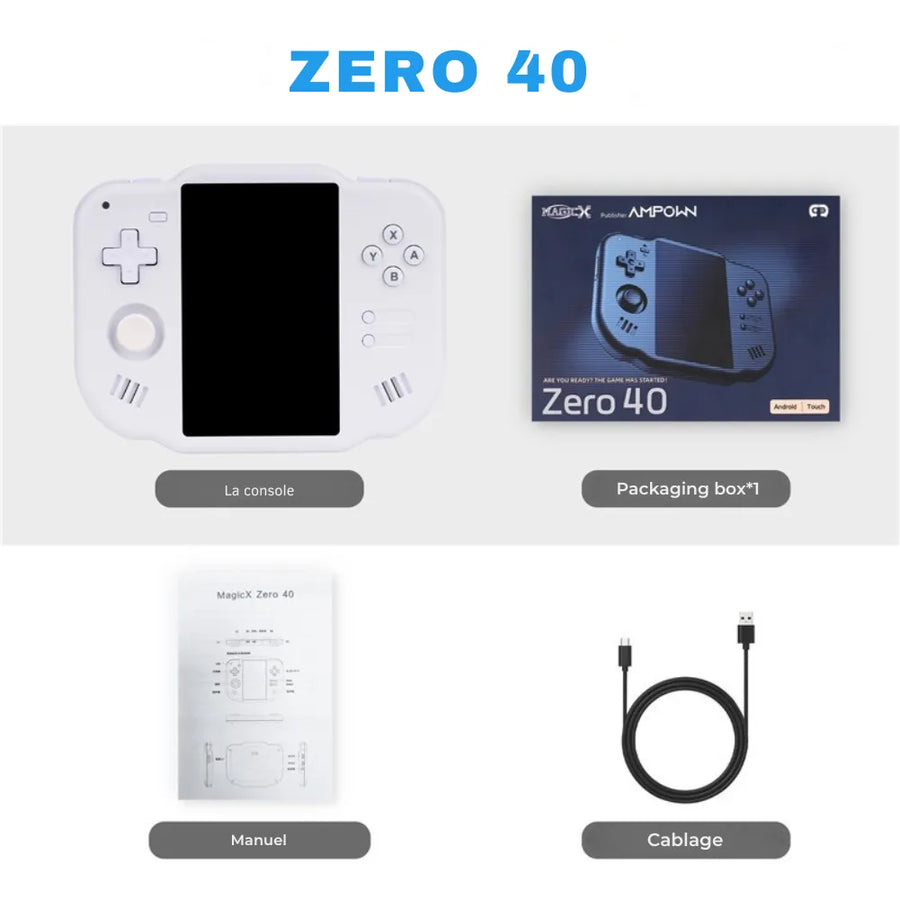
- Box contents : MagicX Zero 40, USB-C cable, box, manual
Usage tips
For stable performance, keep 10–15% free space on the TF card , enable auto-save, and adjust frame skipping / shaders according to the system. Remember to fully charge the 4300 mAh battery before a long session.
Also check out our collection of portable consoles .
Magicx Zero 40 Android retrogaming console
Get the MagicX Zero 40 and revive your classics: 4.0" screen", 64-bit Android, Wi-Fi, Bluetooth 4.2 and turbo emulation everywhere!
Ce que ça change pour vous
- Votre bibliothèque PSP dans la poche
- Rien à configurer, ça marche
Ce qu’il y a dedans
- Allwinner A133 Plus - 2 Go DDR4
- 4.0 pouces - IPS
- Double microSD externe - Wi-Fi 4
En stock
📦Delivery in 10 to 18 days · dispatched within 3 to 5 days.
ℹÀ partir de 150 €, la livraison s’effectue en Point Relais.
- 🇫🇷SAV français
réponse sous 1 jour ouvré - 🛡Garantie légale
2 ans - ↩14 jours
pour changer d’avis - 🔒Paiement sécurisé
CB · PayPal · Klarna

Performance & emulation
The Cortex-A53 1.8 GHz and PowerVR GE8300 combination delivers smooth emulation on 8/16/32-bit consoles and handles more demanding platforms like the PSP and Dreamcast. With 2 GB of DDR4 RAM, interfaces remain responsive and loading times are fast.

Screen & comfort
The 4.0-inch IPS OCA-laminated display offers accurate colors, wide viewing angles, and precise multi-touch for navigating and mapping virtual controls. Stereo sound and haptic feedback enhance in-game immersion.

Autonomy & connectivity
The 4300 mAh battery lasts for long sessions, while 2.4G Wi-Fi makes downloading and front-end development easy. Bluetooth 4.2 lets you add a wireless controller or headset. Expand your library with a TF card up to 512 GB.
What this console runs
Specifications verified on the original firmware · vérifié le
Fluide, sans réglage · 6 systèmes
- PSP
- Dreamcast
- Nintendo 64
- Nintendo DS
- PlayStation 1
- SNES et antérieur
Jouable, mais il faut bricoler
- Sega Saturn
Hors de portée
- GameCube
- PlayStation 3
- Switch
- Wii U
- PlayStation 2
- Nintendo 3DS
- Nintendo Wii
Voir toute la fiche technique+
Écran
- Taille de l’écran
- 4.0 pouces
- Format d’image
- 3:5
- Résolution
- 480 × 800
- Type de dalle
- IPS
Puissance et mémoire
- Puce (SoC)
- Allwinner A133 Plus
- Processeur
- ARM Cortex-A53 — 4 cœurs, 1.8 GHz
- Puce graphique
- PowerVR GE8300 — 660 MHz
- Mémoire vive
- 2 Go DDR4
- Stockage
- Double microSD externe
- Système d’exploitation
- Android
- Batterie
- 4300 mAh
Commandes
- L1/R1
- L2/R2
- Sticks analogiques à effet Hall
- L3/R3
- Écran tactile
- Boutons de volume
- Vibration
- Stick simple en bas
- Gâchettes côte à côte
- Croix directionnelle en haut
Connectique
- Wi-Fi 4
- Bluetooth 4.2
- USB-C
- Prise casque
- Haut-parleurs stéréo
- Lecteur de carte SD
Format
- Poids
- 182 g
- Dimensions
- 105 × 136 × 17 mm
- Matériau
- Plastique
Informations et sécurité
Consignes d'utilisation et informations légales du produit
Consoles : sécurité et utilisation
Batterie lithium : arrêtez immédiatement d'utiliser l'appareil si la batterie gonfle, chauffe anormalement ou dégage une odeur.
- Chargez avec un câble et un chargeur USB en bon état. Ne laissez pas charger sur un lit, un canapé ou un tissu, ni sans surveillance prolongée.
- Ne percez pas, n'écrasez pas et ne démontez pas la batterie.
- N'exposez pas l'appareil au soleil direct, dans une voiture en été, près d'une source de chaleur ou à l'humidité.
- Épilepsie : certaines lumières clignotantes peuvent provoquer des crises chez les personnes sensibles. En cas de vertige, de trouble de la vue ou de contraction musculaire, arrêtez et consultez un médecin.
- Faites une pause d'environ 15 minutes par heure de jeu.
- Avec un casque ou des écouteurs, évitez l'écoute prolongée à volume élevé.
- Contient des petites pièces (carte microSD, caches) : ne convient pas aux enfants de moins de 3 ans.
- Fin de vie : ne jetez pas l'appareil avec les ordures ménagères. Déposez-le dans un point de collecte des appareils électriques (magasin, déchetterie).
Origine, responsable et contact
- Produit et emballage d'origine fabricant : les inscriptions peuvent être en chinois ou en anglais. Les caractéristiques du produit sont décrites en français sur cette page.
- Utilisez ce produit uniquement pour l'usage décrit sur cette page, en suivant les consignes ci-dessous.
- Responsable de la mise sur le marché dans l'UE : JMR-Service (Fun-Esports). Pour ses coordonnées complètes, reportez-vous à nos CGV.
- Un problème de sécurité (surchauffe, odeur de brûlé, pièce cassée) ? Arrêtez d'utiliser le produit et écrivez-nous à contact@fun-esports.com.
- Garantie, retours et rétractation : voir notre page Garantie et retours.
Frequently Asked Questions
Which consoles are emulated?
The MagicX Zero 40 supports wide emulation : PSP , PS1 , NDS , N64 , Dreamcast/Naomi , Saturn , Mega Drive , MAME , CPS1/2/3 , Neo-Geo , GB/GBC/GBA , Game Gear , PC-Engine , MSX2 , Wonderswan Color …
Can I add my own games?
Yes. Add your personal saves to a TF (microSD) card up to 512 GB , then scan your library from the emulators. Only use legally acquired copies.
What is the battery life of the console?
The 4300 mAh battery provides approximately 5–7 hours depending on the emulator, the brightness of the 4.0" screen and Bluetooth 4.2 / Wi-Fi enabled.
Is the screen touch-sensitive?
Yes, the 4.0" IPS screen is multi-touch with OCA lamination for a crisp display and precise gestures.
Can you connect wireless controllers or a headset?
Yes, the console has Bluetooth 4.2 : you can pair compatible controllers and headsets . The number of accessories supported depends on the apps used.
Does the console connect to the internet?
Yes, via 2.4G Wi-Fi . Ideal for downloading front-ends, covers, or app/emulator updates.
What is the resolution and display quality?
The 4.0" screen displays in 480×800 on an OCA laminated IPS panel, with good angles and good contrast for retro gaming .
Is the system Android? Can I install APKs?
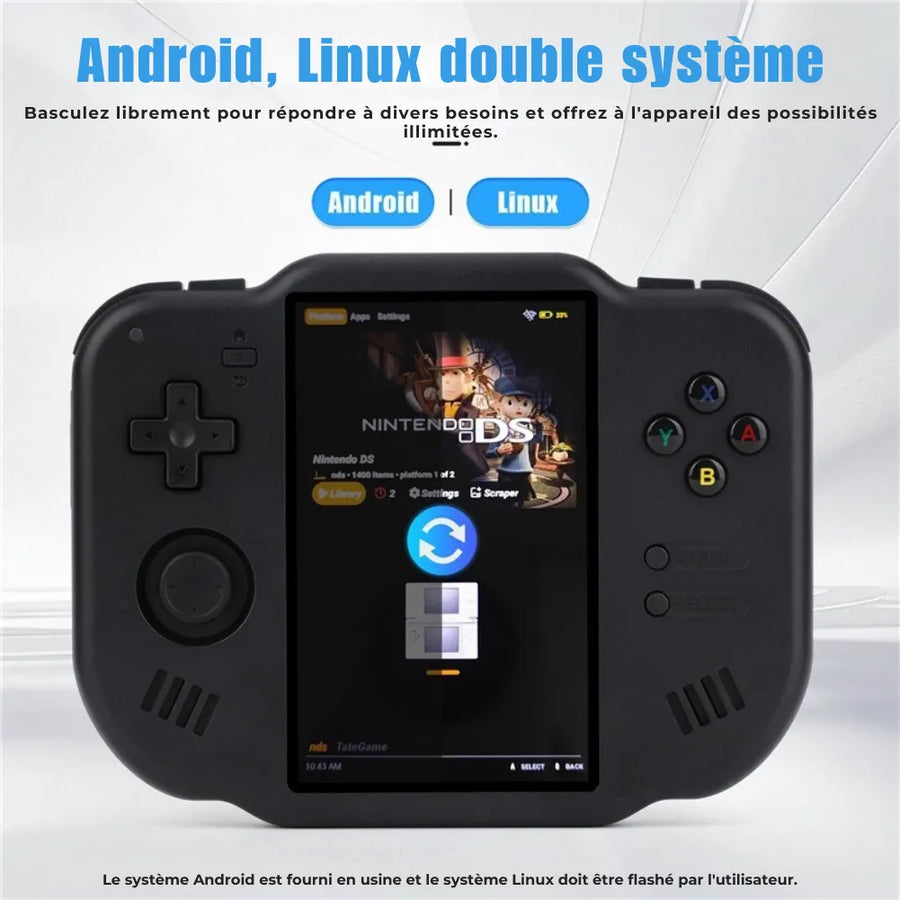
Yes, it's a 64-bit Android . You can install APKs from trusted sources. Compatibility varies depending on the application and emulator.
TV video output: is it possible?
The Zero 40 does not advertise a guaranteed video output via USB-C . External display functionality may depend on adapters and is not guaranteed by the manufacturer.
How to optimize emulation performance?
Reduce the internal resolution on demanding systems, enable frameskip if needed, choose the right video engine and keep 10–15% free space on the TF card .
What's in the box?
1× MagicX Zero 40 , 1× USB-C cable , 1× box, 1× manual.
Weight and dimensions?
Approximately 182 g for 136×105×17 mm : a compact and easy-to-carry portable console .
Are quick save states available?
Yes, most Android emulators offer save states and customizable key profiles.
How do I update the system or the emulators?
Install new APK versions from trusted sources via Wi-Fi . If there's a Support & Firmware section on the page, check it for files and guides.
Which consoles are emulated?
The MagicX Zero 40 supports wide emulation : PSP , PS1 , NDS , N64 , Dreamcast/Naomi , Saturn , Mega Drive , MAME , CPS1/2/3 , Neo-Geo , GB/GBC/GBA , Game Gear , PC-Engine , MSX2 , Wonderswan Color …
Can I add my own games?
Yes. Add your personal saves to a TF (microSD) card up to 512 GB , then scan your library from the emulators. Only use legally acquired copies.
What is the battery life of the console?
The 4300 mAh battery provides approximately 5–7 hours depending on the emulator, the brightness of the 4.0" screen and Bluetooth 4.2 / Wi-Fi enabled.
Is the screen touch-sensitive?
Yes, the 4.0" IPS screen is multi-touch with OCA lamination for a crisp display and precise gestures.
Can you connect wireless controllers or a headset?
Yes, the console has Bluetooth 4.2 : you can pair compatible controllers and headsets . The number of accessories supported depends on the apps used.
Does the console connect to the internet?
Yes, via 2.4G Wi-Fi . Ideal for downloading front-ends, covers, or app/emulator updates.
What is the resolution and display quality?
The 4.0" screen displays in 480×800 on an OCA laminated IPS panel, with good angles and good contrast for retro gaming .
Is the system Android? Can I install APKs?
Yes, it's a 64-bit Android . You can install APKs from trusted sources. Compatibility varies depending on the application and emulator.
TV video output: is it possible?
The Zero 40 does not advertise a guaranteed video output via USB-C . External display functionality may depend on adapters and is not guaranteed by the manufacturer.
How to optimize emulation performance?
Reduce the internal resolution on demanding systems, enable frameskip if needed, choose the right video engine and keep 10–15% free space on the TF card .
What's in the box?
1× MagicX Zero 40 , 1× USB-C cable , 1× box, 1× manual.
Weight and dimensions?
Approximately 182 g for 136×105×17 mm : a compact and easy-to-carry portable console .
Are quick save states available?
Yes, most Android emulators offer save states and customizable key profiles.
How do I update the system or the emulators?
Install new APK versions from trusted sources via Wi-Fi . If there's a Support & Firmware section on the page, check it for files and guides.
Why buy here rather than on a marketplace
It is a fair question. Here is the answer, straight.
Every listing is checked before publication: chip, screen, systems actually emulated, condition on delivery. Many models that come out never make it into the catalogue.
A question, a firmware problem, a return: you write, a human replies within 1 business day. In French.
The 2-year legal warranty of conformity is handled by us — not by a form on the other side of the world. And 14 days to change your mind, with no need to justify yourself.
We do not claim to be the cheapest. We claim that you will know exactly what you are buying before you pay.
Read this before choosing
Our guides to this console and to what it runs.

Pixel art: create your own designs for a Divoom display
Grid size, number of colours, outlines, animation: the guide to getting started in pixel art and displaying your own creations on a Divoom display.
2 min de lecture · publié le

Divoom pixel art speakers: which one should you choose?
Astrotoo, Ditoo-Pro, FlowToo, Tiivoo-2, Timebox-Evo, MiniToo, Fairy-OK: the seven Divoom speakers compared, by use and budget.
2 min de lecture · publié le

Times Frame or Times Frame Pure: which Divoom floating photo frame should you choose?
64 or 32 GB, three colours or just one, a dial or not: the real differences between the Times Frame and Times Frame Pure…
1 min de lecture · publié le