
Description complète
Anbernic RG40XX H – Retro Handheld Console
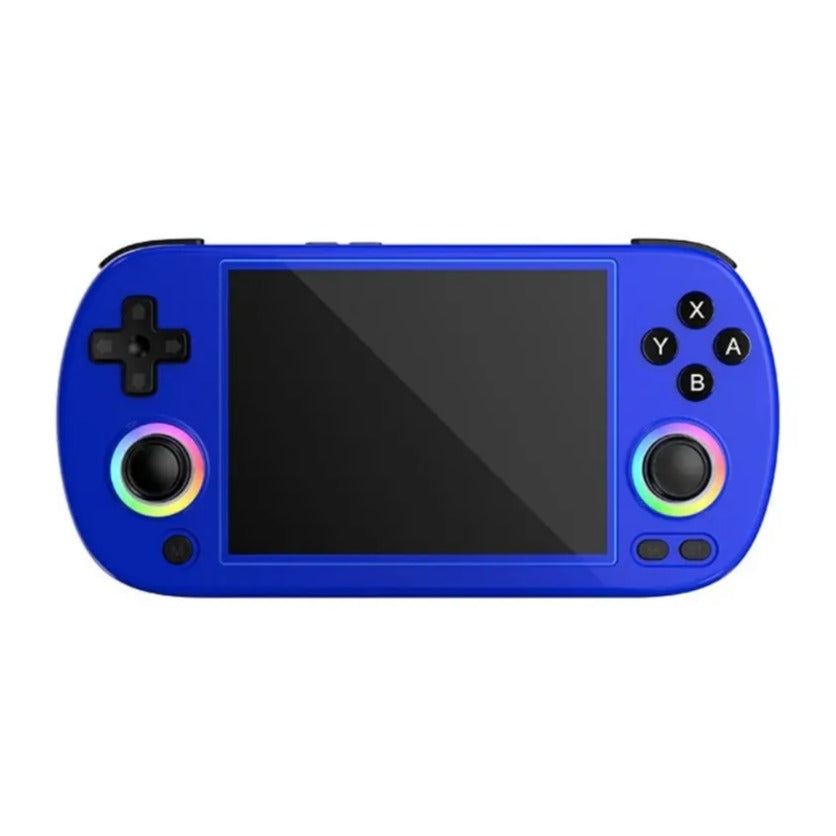
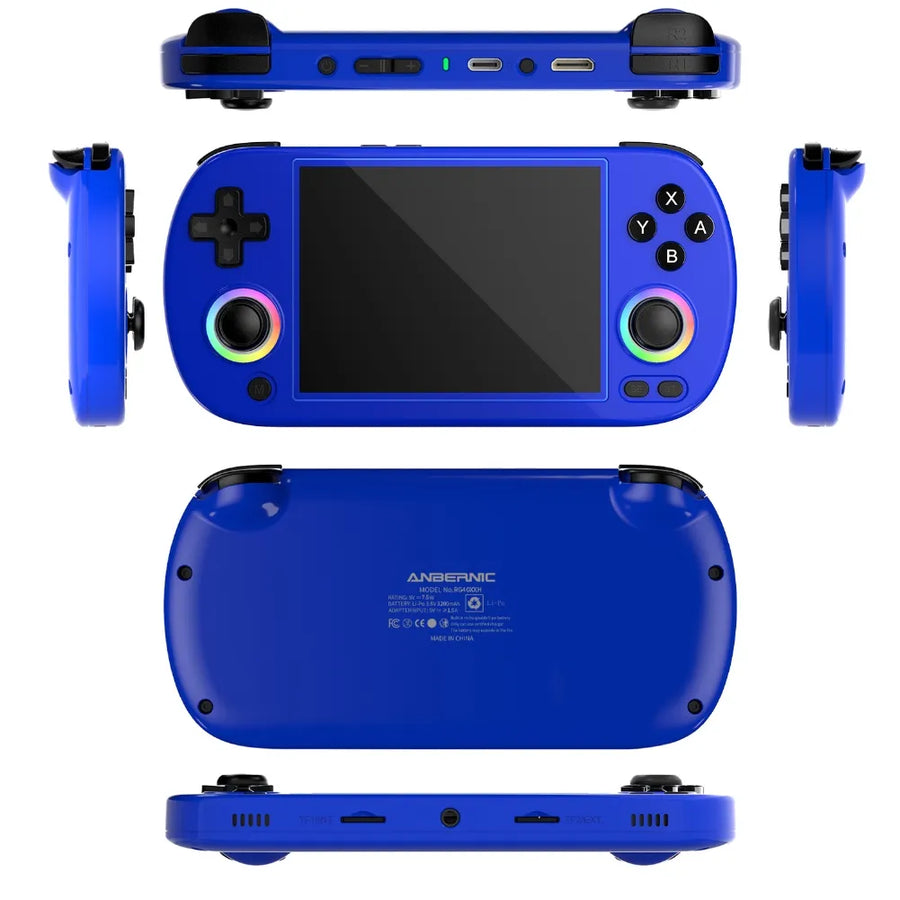
Relive your gaming memories with the Anbernic RG40XX H. Its 4-inch IPS screen delivers vivid colours and sharp details, and its broad emulation compatibility covers a wide range of systems, from the NDS to the PS1 and the PSP. Compact and powerful, it is perfect for playing wherever you are.
Highlights
- 4-inch IPS screen — 640×480 resolution, vivid colours and sharp details.
- Broad compatibility — emulation of many retro systems, including PSP, PS1 and NDS.
- Extended battery life — 3200 mAh battery, up to 6 hours of play.
- Ergonomic design — compact and lightweight, easy to carry.
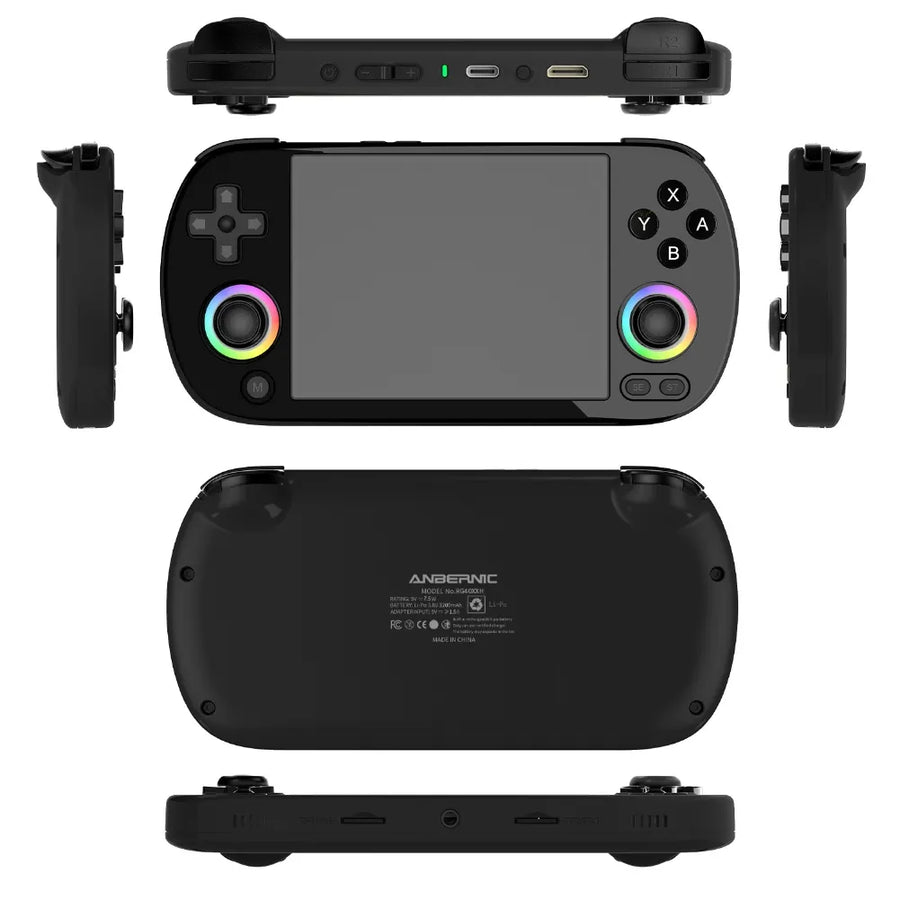
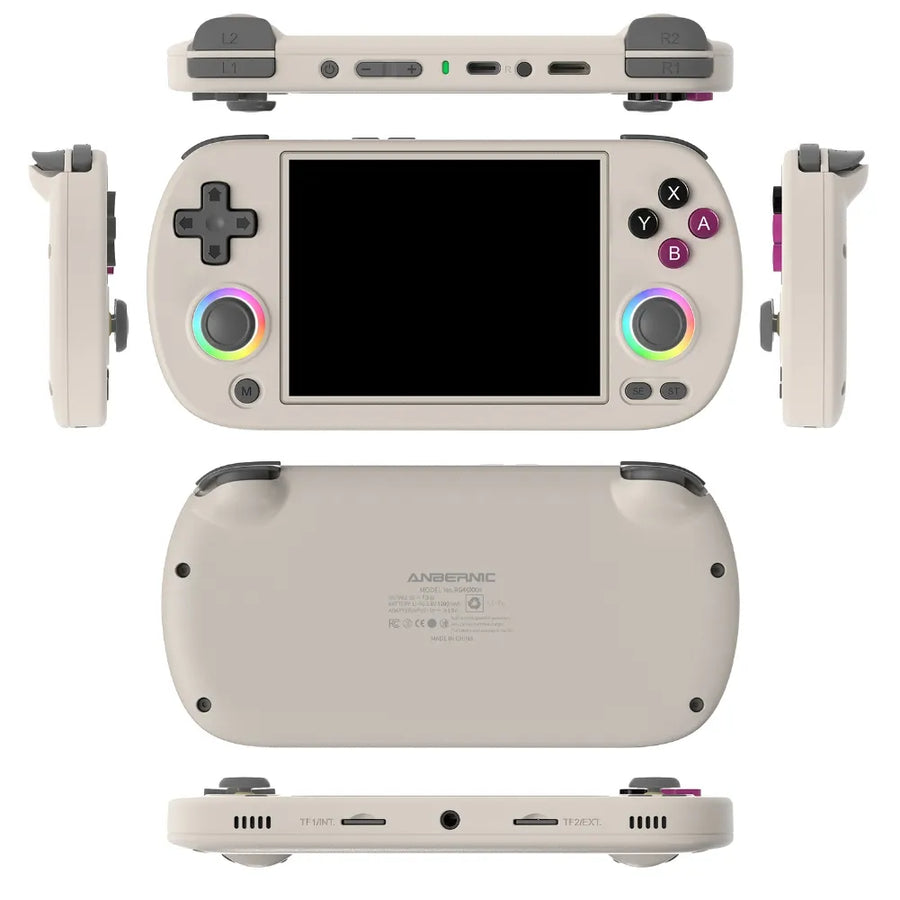
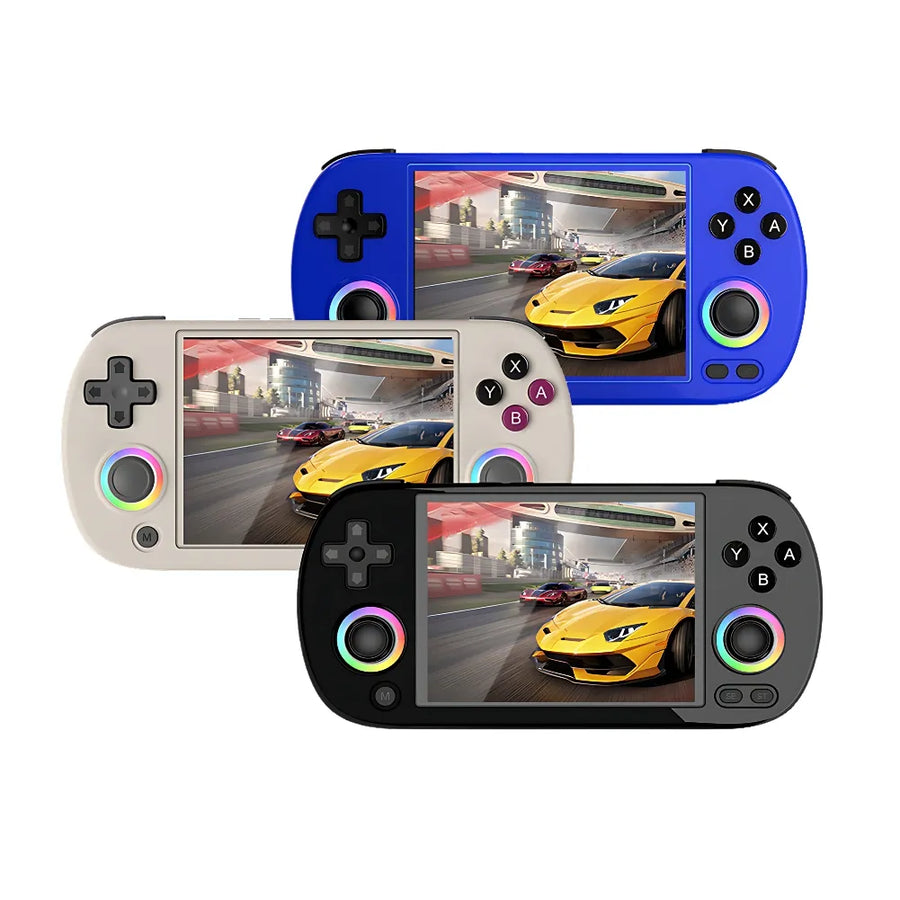
- RGB lighting — customisable for a unique, stylish touch.
Technical specifications
- Processor — quad-core ARM Cortex-A53 at 1.5 GHz
- Battery — 3200 mAh, up to 6 hours of battery life
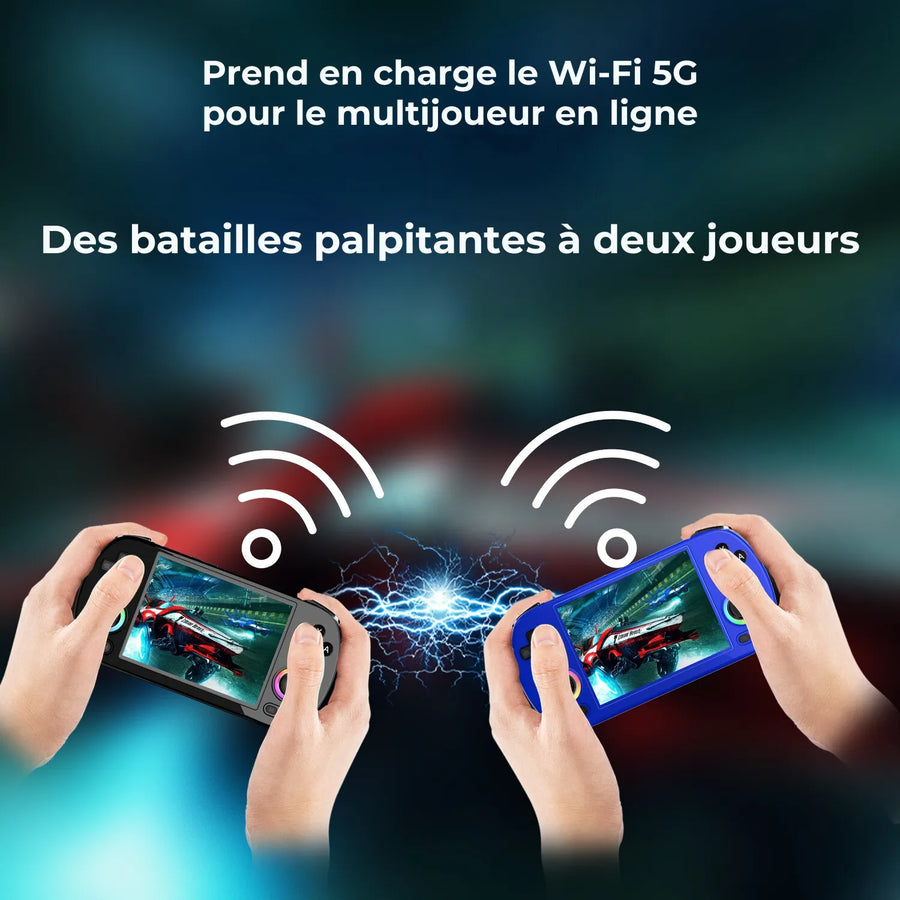
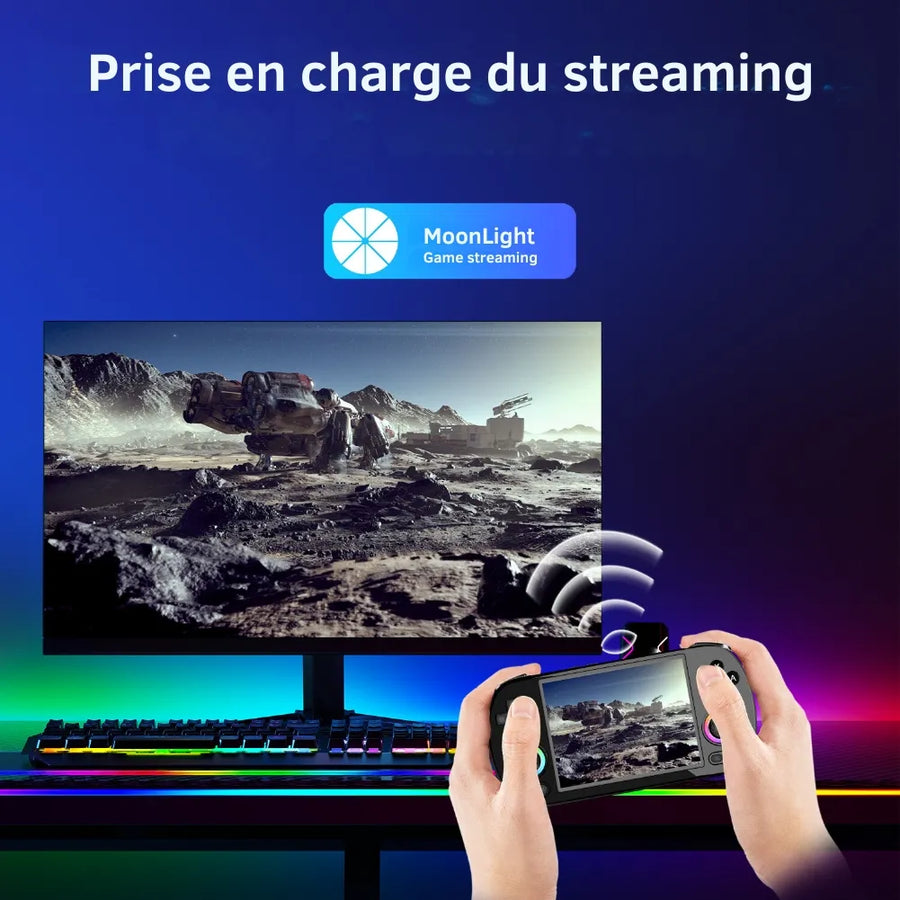
- Connectivity — Wi-Fi 2.4/5 GHz, Bluetooth 4.2, dual microSD slot
- Audio — built-in high-fidelity speaker
- Charging — USB-C port, 5 V / 1.5 A
- Storage — expandable via microSD card (not included)
Usage tips
Adjust the RGB lighting to your liking and fully charge the console before your long sessions. Clean the screen regularly with a soft cloth to keep the visuals flawless.
Why choose the RG40XX H?
It combines an ergonomic design, broad emulation compatibility and solid battery life for a polished portable experience. A quality screen and a compact format make it an excellent everyday retro gaming companion.
Discover our full collection
Explore all our Anbernic consoles and find the one that suits you.
Anbernic RG40XX H Retro Portable Console
Anbernic RG40XX H Retro Console - Compatible with over 20 emulated retro consoles.
Ce que ça change pour vous
- Votre bibliothèque SNES et antérieur dans la poche
- Rien à configurer, ça marche
Ce qu’il y a dedans
- Allwinner H700 - 1 Go LPDDR4
- 4.0 pouces - IPS
- Double microSD externe - Wi-Fi 5
En stock
📦Delivery in 10 to 15 days
ℹÀ partir de 150 €, la livraison s’effectue en Point Relais.
- 🇫🇷SAV français
réponse sous 1 jour ouvré - 🛡Garantie légale
2 ans - ↩14 jours
pour changer d’avis - 🔒Paiement sécurisé
CB · PayPal · Klarna

Compact design and high-quality screen
The RG40XX H combines an ultra-portable design with a 4.0-inch IPS display that delivers exceptional image clarity. Lightweight and compact, it easily slips into your pocket, making it ideal for gaming on the go or at home. Its 640x480 resolution ensures vibrant colors and sharp visuals for every game.

Compatible with dozens of retro systems
Compatible with over 20 emulated retro consoles, the RG40XX H is a treasure trove for retro gaming enthusiasts. Whether PSP, PS1, or arcade, this console offers broad emulation compatibility. Its quad-core H700 processor and 1GB of RAM guarantee unparalleled smoothness for uninterrupted gaming sessions.

Battery life and customizable lighting
Enjoy extended gaming sessions thanks to the 3200mAh battery offering 6 hours of battery life. Its customizable RGB lighting creates a unique atmosphere: adjust the colors and effects to your liking, with modes like "constant", "breathing", or "rainbow" to enhance your gaming experience.
Sélection
Why this console is in our catalogue
We check every console before listing it. Many never make it in.
Every console is checked before it enters the catalogue: what it really emulates, what it will not do, and the condition in which you receive it. Many models never make it in, because they do not live up to what they announce. What this one runs, and where it stops, is detailed further down this page.
🎮Selected by Julien · Fun-Esports
What this console runs
Specifications verified on the original firmware · vérifié le
Fluide, sans réglage · 2 systèmes
- SNES et antérieur
- PlayStation 1
Jouable, mais il faut bricoler
- Nintendo 64
- Dreamcast
- Sega Saturn
- Nintendo DS
- PSP
Hors de portée
- GameCube
- PlayStation 3
- Switch
- Wii U
- PlayStation 2
- Nintendo 3DS
- Nintendo Wii
Voir toute la fiche technique+
Écran
- Taille de l’écran
- 4.0 pouces
- Format d’image
- 4:3
- Résolution
- 640 × 480
- Type de dalle
- IPS
Puissance et mémoire
- Puce (SoC)
- Allwinner H700
- Processeur
- ARM Cortex-A53 — 4 cœurs, 1.5 GHz
- Puce graphique
- Mali-G31 MP2 — 650 MHz
- Mémoire vive
- 1 Go LPDDR4
- Stockage
- Double microSD externe
- Système d’exploitation
- Linux (firmware Anbernic)
- Batterie
- 3200 mAh
Commandes
- L1/R1
- L2/R2
- Sticks analogiques
- L3/R3
- Boutons de volume
- Vibration
- Sticks doubles symétriques
- Gâchettes superposées
- Croix directionnelle en haut
Connectique
- Wi-Fi 5
- Bluetooth 4.2
- USB-C
- Sortie vidéo
- Prise casque
- Haut-parleurs stéréo
- Lecteur de carte SD
Format
- Poids
- 208 g
- Dimensions
- 163 × 79 × 16 mm
- Matériau
- Plastique
Frequently Asked Questions
🧠 What are the technical specifications of the RG40XX H?
The RG40XX H features an Allwinner H700 quad-core processor, a 4-inch IPS display (640 × 480), 1 GB of DDR4 RAM, and runs on Linux. It also has two microSD card slots, built-in Wi-Fi, and an HDMI port for gaming on an external monitor.
🎮 What types of games can be launched?
The console supports emulation of over 20 retro consoles, including PlayStation 1, PSP, SNES, NES, GBA, GBC, Mega Drive, Neo Geo, Dreamcast, Nintendo 64, etc. It comes ready to use with pre-installed emulators.
📺 Can you play on a television screen?
Yes, thanks to the mini HDMI output, you can connect the RG40XX H to an external monitor or TV to play comfortably from your sofa.
💾 Can we add or modify games?
Yes, it's very easy to add your own games. Simply copy your own game files to one of the microSD cards using a computer. You can also modify the emulators and their settings.
🔋 What is the battery life?
The RG40XX H is equipped with a 3200 mAh battery, offering between 5 and 8 hours of battery life depending on the games and screen brightness.
Why buy here rather than on a marketplace
It is a fair question. Here is the answer, straight.
Every listing is checked before publication: chip, screen, systems actually emulated, condition on delivery. Many models that come out never make it into the catalogue.
A question, a firmware problem, a return: you write, a human replies within 1 business day. In French.
The 2-year legal warranty of conformity is handled by us — not by a form on the other side of the world. And 14 days to change your mind, with no need to justify yourself.
We do not claim to be the cheapest. We claim that you will know exactly what you are buying before you pay.
Read this before choosing
Our guides to this console and to what it runs.

Anbernic RG557: Portable Android for retro gaming
Anbernic RG557: the portable Android that puts AMOLED at the service of retro (and more)
3 min de lecture · publié le

Anbernic RG35XX Pro: the portable retro console that reinvents the Game Boy
3 min de lecture · publié le

Retroid Pocket Flip 2, the next generation foldable Android console
foldable Android console that combines AMOLED and Snapdragon power
3 min de lecture · publié le