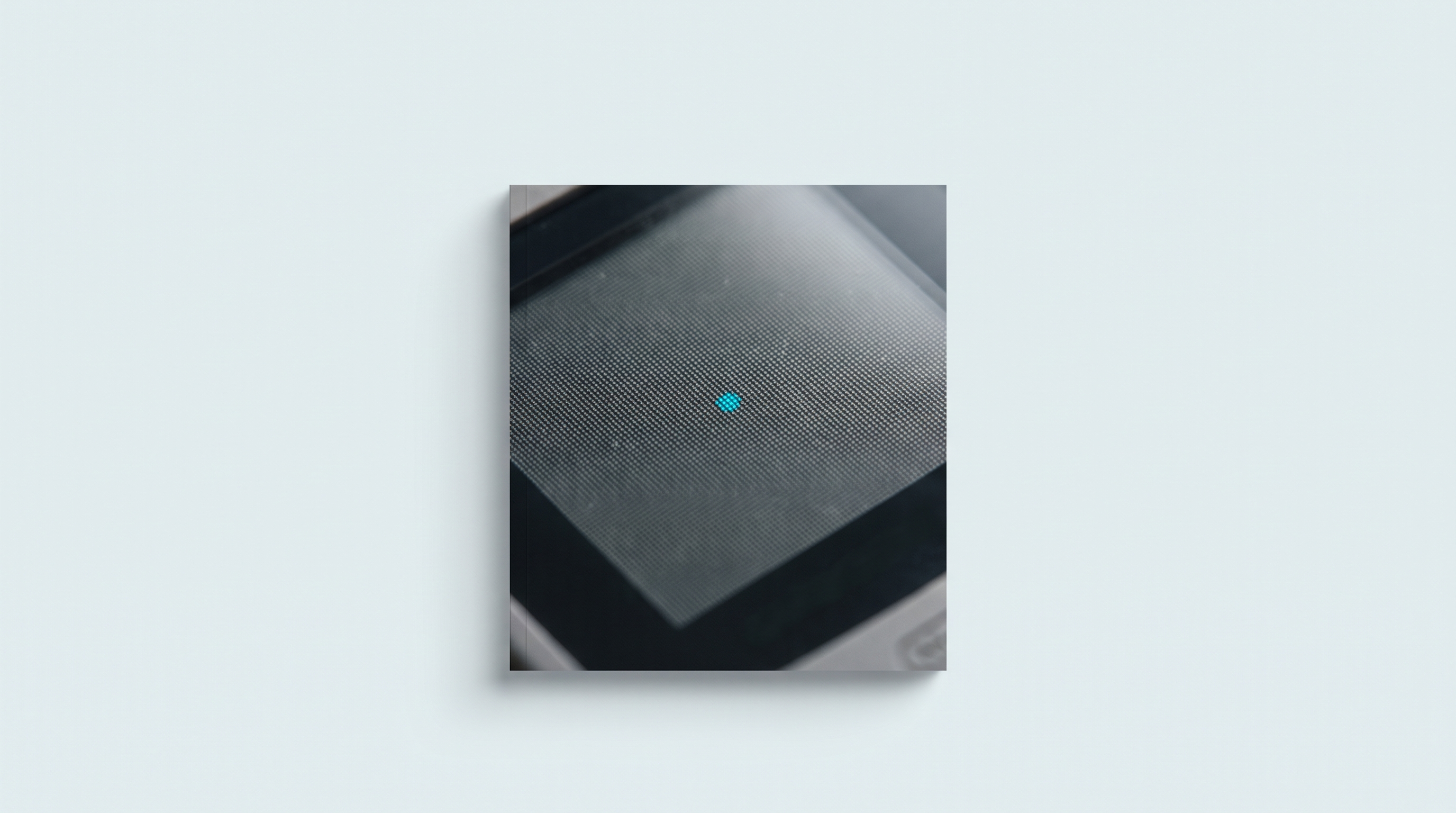
A Super Nintendo game shown as-is on a modern handheld looks odd. The pixels are perfect squares, the outlines are hard, the sky gradients break up into visible bands. This is not a flaw in the emulator: it is the exact image the console produced. What changed is the setting. These games were drawn in front of a CRT television that spread the beam, blended neighbouring colours and left every other line dark. Shaders exist to reproduce part of that treatment. They have a cost, and it is widely underestimated on a small machine.
What the CRT did, and what your panel does not
A tube television does not draw pixels. A beam sweeps the screen line by line and lights up phosphors whose brightness falls away immediately. Nothing has a sharp edge: a bright dot spills onto its neighbours, every other line stays dark in 240p, and the phosphor grille cuts each coloured area into red, green and blue cells.
The signal added its own part. Over composite or RF, colour and brightness travel mixed together and contaminate each other. The studios used that: the one-pixel-in-two checkerboards, so visible today, melted into a continuous gradient. A Mega Drive waterfall made of a blue-and-white checkerboard became a translucent wash. That is an author's intent, not an accident. An LCD or OLED panel does the opposite: every pixel is a rectangle lit uniformly, with no persistence and no spill. The image has never been so faithful to the console's data, and that is exactly why it looks wrong.
A shader, in one sentence
A shader is a small program run by the graphics chip on the image the emulator has computed, just before it is displayed. It works output pixel by output pixel: it darkens, blends, adds a grille. The emulation itself is untouched, and you can change shader mid-game without breaking anything.
You almost never load a single shader, but a preset: a chain of passes saved in a file. The Libretro documentation lists three formats: Cg (.cgp), obsolete; GLSL (.glslp), on the OpenGL side, the one used by small ARM machines; and slang (.slangp), recommended but requiring a Vulkan or GL core driver. A slang preset refuses to load on a driver that does not support it, which is behind most cases of "nothing happens". Check this against your firmware. Above all, remember that the number of passes is what drives the cost.
The main families
Integer scaling
This is not a shader, it is the prerequisite for all the others. Multiplying the image by a whole number gives every original pixel the same number of output pixels. With a non-integer factor, some pixels take up two lines and others only one: sprites become irregular and the slightest grille shader produces moiré.
Scanlines
The shader darkens every other output line, sometimes with a beam profile that widens in bright areas. This is the most useful family on 240p games, from the NES to the PlayStation 1, and on arcade titles. It makes no sense at all on period handheld games, which never had scanlines.
The mask
The mask recreates the phosphor grille: a vertical aperture grille in the Trinitron style, or a softer slot mask. It brings the grain back, but it costs brightness and demands room: crt-easymode, by EasyMode, states in its header that it targets 1080p or better. Below that, the mask no longer lands squarely on the panel's pixels and turns into coloured fringing.
Curvature and geometry
Bulging the image and rounding the corners: the most spectacular part, and the most expensive. The crt-geom shader, by cgwg, Themaister and DOLLS, combines curvature, scanlines, mask and rounded corners. The author of crt-pi, davej, notes in his code that curvature slows things down a great deal. On a handheld, it is the first setting to switch off.
The composite signal
NTSC filters simulate the RF, composite or S-Video chain and melt checkerboards back into gradients. They transform the image far more than scanlines do, and they only suit the systems that went through that signal: NES, Mega Drive, Super Nintendo.
Liquid-crystal screens
The handheld family does the opposite of CRT shaders: it recreates a period handheld panel, its grid between pixels, its subpixels, sometimes the persistence of the original Game Boy. It is the right choice for Game Boy, Game Boy Advance or Neo Geo Pocket.
Pixel-art smoothing
HQx, xBR, xBRZ, SABR and ScaleFX rebuild smooth outlines from the original pixels. Opinions on the result are divided: cleaned-up sprites for some, melted plastic for others. These are neighbourhood analyses, so they are heavier than simply darkening a line.
| Family | What it does | When it makes sense | Cost |
|---|---|---|---|
| Integer scaling | One original pixel = one regular block | Always, before anything else | None |
| Bilinear filter | Softens a non-integer enlargement | As a stopgap | None |
| Scanlines | Darkens every other line | 240p games, arcade | Low |
| Mask | Recreates the phosphor grille | High-resolution screens, TV | Low to medium |
| Curvature, geometry | Bulges the image, rounds the corners | TV, powerful machines | High |
| NTSC filter | Melts checkerboards, blends colours | NES, Mega Drive, SNES | Medium to high |
| Liquid crystal | Grid, subpixels, persistence | Game Boy, GBA, Neo Geo Pocket | Low to medium |
| Pixel-art smoothing | Rebuilds clean outlines | 2D sprites, a matter of taste | Medium to high |
The performance cost, the point everyone forgets
To hold 60 frames per second, the console has about 16.7 milliseconds per frame. Emulation already eats part of that; the shader takes what is left, on the graphics chip, which is the weak component in most retro handhelds. When the budget is exceeded, you will not necessarily watch a counter drop: first you hear the sound crackle, then the console warms up and battery life melts away.
Two reference points give the scale. The zfast_crt shader, by Greg Hogan, presents itself as a simple, fast CRT shader and states that it runs at 60 frames per second on a Raspberry Pi 3 at 1920×1080. At the other end, crt-royale forms a category of its own in the Libretro repository, so long is its chain of passes, and the Mega Bezel stacks tube simulation, frame and reflections on top of each other.
- Free: integer scaling and the bilinear filter, handled by the chip with no added code.
- Light: the shaders written for modest hardware, zfast_crt and crt-pi first among them.
- Medium: crt-easymode or crt-geom without curvature, the liquid-crystal shaders.
- Heavy: curvature, full NTSC filters, ScaleFX, NNEDI3, crt-royale, the Mega Bezel.
The second rule is harder to accept: a shader is paid for first on the systems that are already at the limit. On a Linux machine with an Allwinner H700 or SigmaStar chip, the Super Nintendo has headroom, the PlayStation 1 much less, the Dreamcast none at all. Our PlayStation 1 emulator recommendations apply to a machine without a shader; add a grille and the same game can stutter.
| Machine | What is reasonably workable |
|---|---|
| Entry-level Linux, 8-bit and 16-bit games | Integer scaling, light scanlines, liquid crystal |
| Linux, PS1, N64 or Dreamcast games | Integer scaling alone |
| Mid-range Android, 2D and PS1 games | crt-easymode or equivalent, without curvature |
| High-end Android and Windows | Full presets, mask included |
| Console plugged into a television | Heavy presets, curvature and frame |
Why the same grille does not look the same on every screen
A scanline needs at least two output lines per original line: one lit, one dark. For a game in 240 lines, that means 480 lines on screen at the strict minimum, and the result is still coarse. A mask asks for more, since it cuts each pixel into three coloured cells. That is what the crt-easymode header says when it targets 1080p, and the emulation documentation is a reminder that below a comfortable resolution, these shaders do not work properly.
On a small, low-resolution 4:3 panel, the dark lines take up a huge share of the image and darken it noticeably, while brightness is already not the strong point of these screens. And since the pixels are tiny, the grille is barely visible at playing distance: you lose light without gaining the effect you were after.
Everything changes as soon as resolution goes up. The TrimUI Brick displays 1024×768 on 3.2 inches: a game in 240 lines fits three times over, which is 720 usable lines, enough for a clean grille. On a sharp 5.5-inch Android screen, or on a television over HDMI, heavy presets make sense again. Our Android or Linux comparison details what each one can handle.
How to enable them, whatever the system
Wherever RetroArch is present, the path is the same: quick menu during the game, shaders section, load a preset, then save it for the core or for the game. Saving for the core applies the grille to every game on that system: that is almost always what you want. The rest of the settings are covered in our guide to the essential RetroArch settings.
Custom firmware sometimes adds its own list of filters in the display options, separate from RetroArch: convenient, risk-free, but less precise. Our guide to installing custom firmware says where those menus are. On Android, standalone emulators ignore RetroArch presets and each offer their own, shorter list.
Three settings that work
The minimalist
Integer scaling, nearest-neighbour filter, no shader. It is the sharpest setting, the brightest, and the only one that costs nothing. On an entry-level Linux machine, on a small screen, or as soon as the emulated system is demanding, it is also the most sensible. Plenty of players come back to it.
The balanced one
Integer scaling, plus a light scanline shader, zfast_crt or crt-pi with curvature switched off. You get the grain back without losing frames per second, and the drop in brightness stays bearable if you turn the screen up a notch. This is the compromise we recommend most often.
The nostalgic one
A full CRT preset: scanlines, mask, curvature, possibly a composite filter. Keep it for a high-end Android machine, a Windows machine, or a handheld plugged into a television. Check it over ten minutes of real play, not on a title screen: it is in motion that the drops show. Keep a light preset as a second option.
None of these three settings is right in the absolute: it all depends on the machine. Our comparison tool helps you place yours, and our models are listed in the retro handheld consoles collection.
Can a shader damage my console?
No. It is display processing: it changes neither the firmware nor the game files, and it can be switched off in two steps. The only real effect is a harder-working graphics chip: a console that runs warmer and shorter battery life.
Why does my preset not load at all?
Most often it is a matter of format. Slang presets (.slangp) require a Vulkan or GL core driver, which most small Linux machines do not have; they need GLSL presets (.glslp). Also check that the shader pack has been downloaded: it is not always there out of the box.
Do Game Boy Advance games need a shader?
Not a CRT shader, at any rate: the GBA never had scanlines. To get its look back, go to the liquid-crystal shader family, pixel grid and persistence included. Many players still prefer the raw image, which is brighter.
The shader makes my screen too dark, what can I do?
It is mechanical: darkening every other line removes light, and a mask removes more. Lower the scanline intensity in the shader's parameters, then turn up the panel's brightness. If the image still looks dull, your screen is not bright enough for this family.
Can you use a different shader per emulated system?
Yes, and that is good practice. In RetroArch you save the preset for the core: a CRT grille on the Super Nintendo or Mega Drive cores, a liquid-crystal shader on the Game Boy cores, nothing on the demanding systems. A preset can also be saved for a single game.
Is it worth it on a 3.5-inch screen?
Only moderately. At that size a fine grille is barely visible at playing distance while still costing brightness. A light scanline shader remains pleasant on 8-bit and 16-bit games; a mask does not have enough pixels to express itself.