Mega Drive Consoles
A handheld console for Mega Drive emulation is probably the simplest purchase in retro gaming. Sega's 16-bit machine, known as the Genesis in North America, is among the least demanding systems: every console in this selection, including entry-level models, reproduces it faithfully. The real question is therefore not power, but playing comfort, screen format and buttons. Here is how to choose.
Why emulate the Mega Drive on a handheld
The Mega Drive has an immediately recognisable visual and sonic identity, made of snappy sprites and FM sound. Sonic the Hedgehog 2 and Sonic 3 & Knuckles, Streets of Rage 2, Gunstar Heroes, Golden Axe, Shinobi III, Phantasy Star IV, Thunder Force IV, Comix Zone, Ecco the Dolphin or Castlevania Bloodlines remain benchmarks of 2D gaming.
This catalogue is perfect on the move: these are mostly action games with short sessions, made to be picked up in a few minutes. Emulator save states also change a lot on titles reputed to be hard, which originally offered neither saving nor unlimited continues. A dedicated console also offers what a smartphone never will: a physical D-pad, essential on this system.
What you need for good Mega Drive emulation
The Mega Drive is an undemanding system in terms of power. The Allwinner chips in the Linux consoles of this selection have ample headroom, and Android machines are far beyond what is needed. The criteria that matter therefore lie elsewhere:
- The number of buttons. This is the most important point. The original controller only had three action buttons, but Sega later released a six-button controller, used in particular by fighting games such as Street Fighter II Special Champion Edition or the SNK titles. A console with four face buttons plus two shoulder buttons reproduces that configuration without difficulty, which is the case with every model in this collection.
- The screen format. The Mega Drive outputs in 4:3. A 4:3 or square screen therefore makes better use of the panel than a 16:9, which will show black bars at the sides or a stretched image.
- Sound reproduction. The Mega Drive's FM sound chip accounts for a large part of its identity. Reproduction quality depends mainly on the emulator and its settings; on modern interfaces, several emulation cores are often available, letting you pick the one you prefer by ear.
- The add-ons. The Mega CD and the 32X are special cases: they demand more resources and their emulation is less consistent than that of standard cartridges. If those add-ons genuinely interest you, look rather at the Android models in the selection.
- Neighbouring systems. Master System and Game Gear are technically very close and run without difficulty on all of these consoles.
Which console to choose from our selection
Small budget: the essentials of Sega's 16-bit era
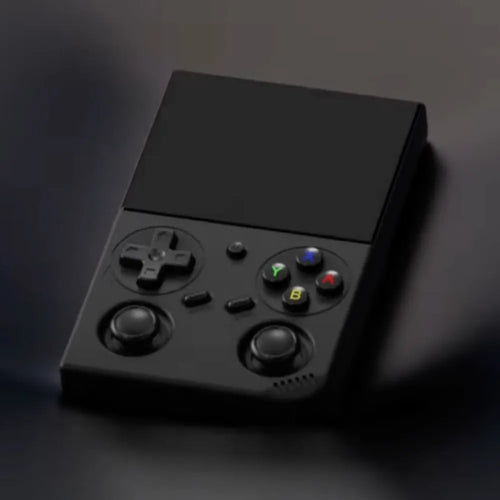
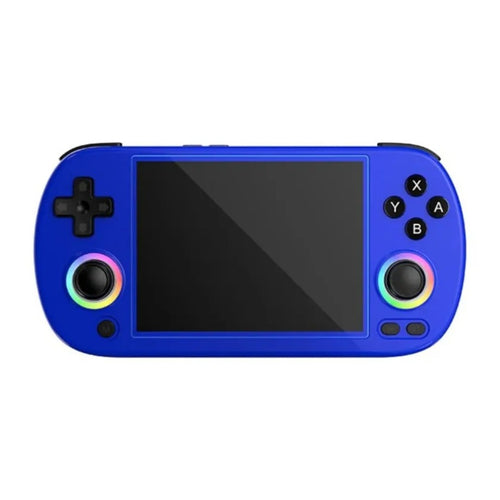
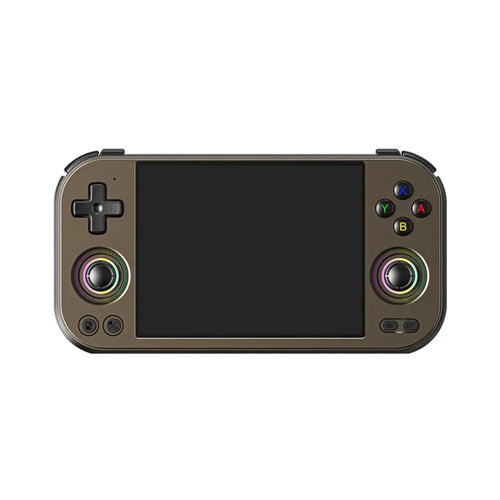
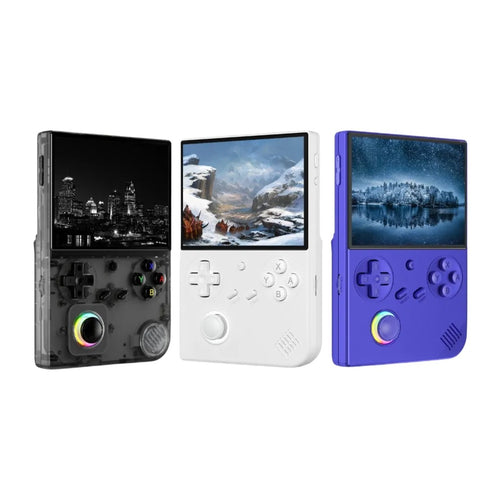
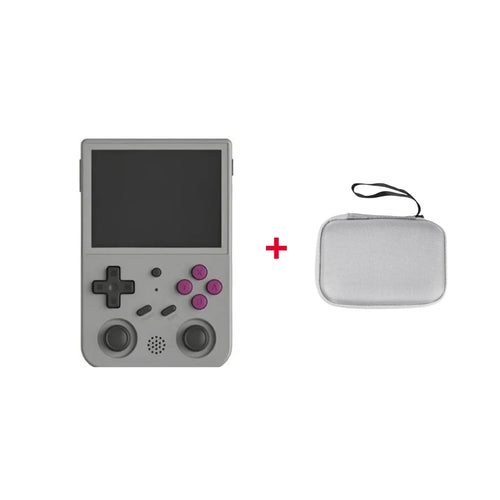
For the Mega Drive, compact Linux consoles are the most rational choice: they boot instantly, use little power and cost far less. The Anbernic RG35XX Pro and its 3.5" IPS screen at 640x480 in 4:3 format is a very balanced entry point, in a vertical design. The Anbernic RG40XX H and the Anbernic RG 40XXV move to a 4" 640x480 screen, the first in a horizontal format with grips, the second in a vertical format, with battery life rated around 6 hours. The Anbernic RG CubeXX, with its square 3.95" screen, is particularly well suited to 4:3 games.
Versatility: the Mega Drive and everything else
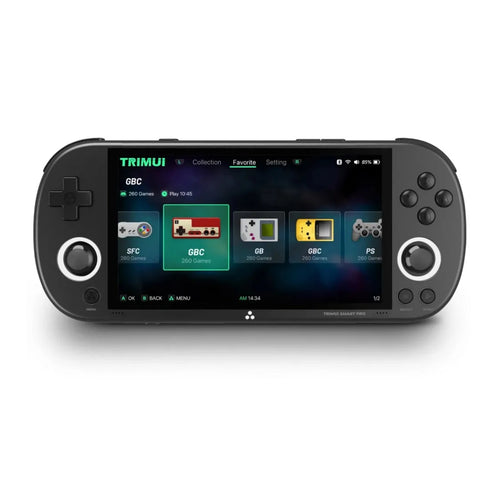
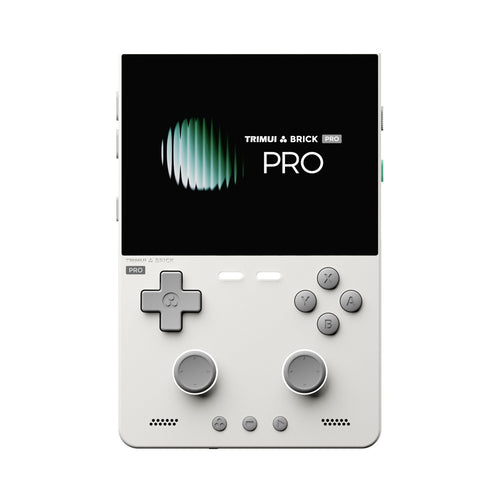
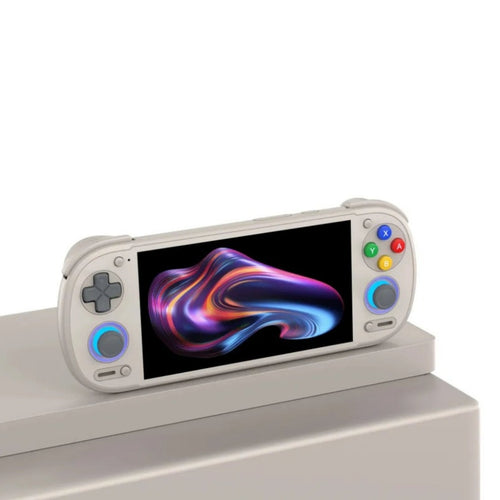
If you want a larger screen and a wider library, the TRIMUI Smart Pro and the TRIMUI Smart Pro S offer a 4.96" IPS panel at 720p under Linux, with a 5000 mAh battery. Their 16:9 format is less ideal for the Mega Drive alone, but the screen is comfortable and the platform covers many more systems. On the Android side, the Anbernic RG406V and its 4" 960x720 touchscreen keeps the 4:3 format while opening access to Android applications and emulators.
High-end: a single console for everything
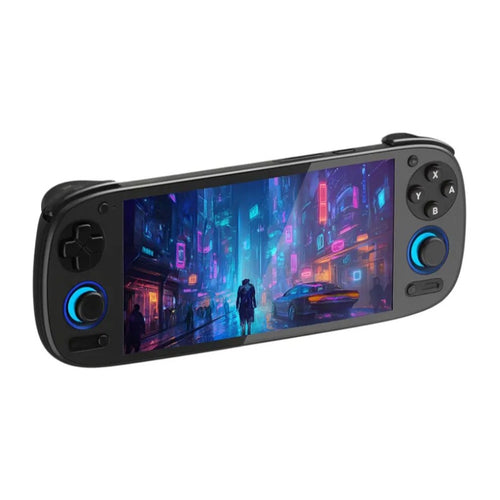
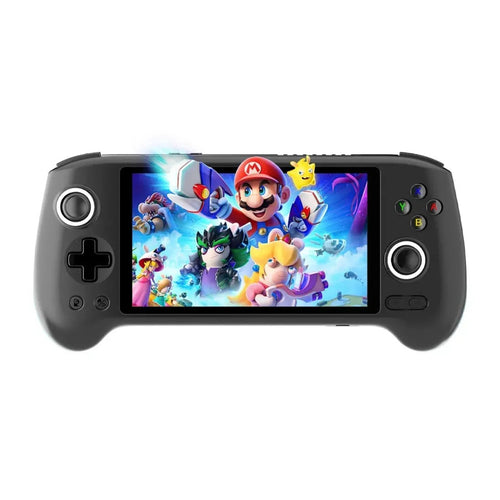
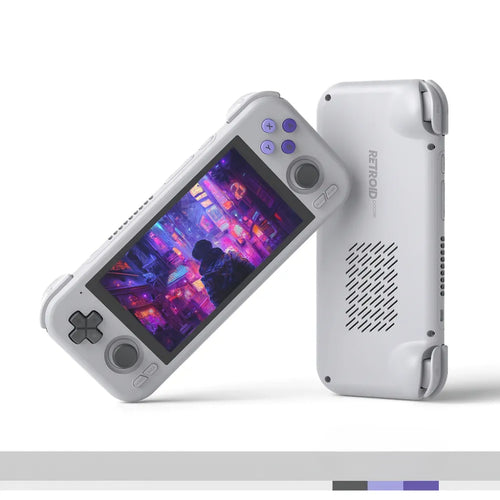
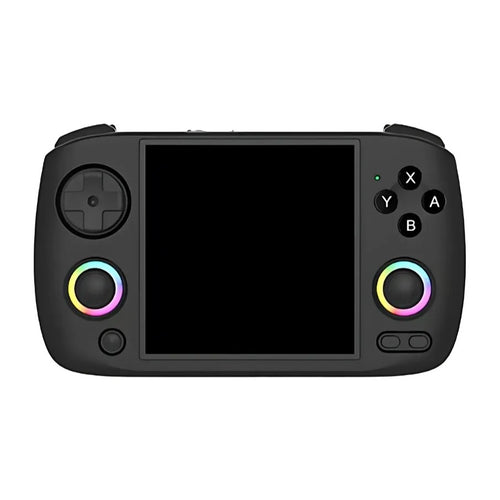
The Mega Drive alone does not justify a high-end machine, but if you want a single console able to cover everything, the selection is not short of options. The Anbernic RG556 relies on a 5.48" 1080p AMOLED panel and a USB-C video output; the Anbernic RG476H and the Anbernic RG Slide share the same Unisoc T820 platform, the latter in a sliding chassis. To stay in 4:3 at the high end, the Anbernic RG477M and the Anbernic RG 477V offer a 4.7" 4:3 LTPS screen with a Dimensity 8300. Finally, the Anbernic RG557, the Retroid Pocket 4 Pro, the Retroid Pocket 5, the Retroid Pocket Flip 2 and the Retroid Pocket 6 cover the needs of players also aiming at the 3D generations.
Comparison table
| Model | System | Display | Usage profile |
|---|---|---|---|
| Anbernic RG35XX Pro | Linux | IPS 3.5" 640x480 (4:3) | Small budget, vertical format |
| Anbernic RG40XX H | Linux | IPS 4" 640x480 (4:3) | Horizontal comfort, 2D |
| Anbernic RG CubeXX | 64-bit Linux | IPS 3.95" square | Original format suited to 4:3 |
| TRIMUI Smart Pro | Linux | IPS 4.96" 1280x720 (16:9) | Large screen, wide library |
| Anbernic RG406V | Android 13 | IPS 4" 960x720 (4:3) | Compact Android in 4:3 |
| Anbernic RG556 | Android 13 | AMOLED 5.48" 1080p | Large screen, USB-C video output |
| Anbernic RG477M | Android | LTPS 4.7" 1280x960 (4:3) | High-end in 4:3 format |
| Retroid Pocket 5 | Android | AMOLED 5.5" | Versatile, retro and 3D |
Frequently asked questions
Are the consoles sold with Mega Drive games?
These are emulation devices sold without Sega licensed games. To stay within a legal framework, you must use backups of games you physically own, or royalty-free content and homebrew: the Mega Drive scene is in fact very active and produces recent creations of high quality. We neither supply nor recommend any source of commercial ROMs.
Do all Mega Drive games work?
For standard cartridges, compatibility is excellent today and the catalogue runs without difficulty across this whole selection. The reservations mainly concern the add-ons: the Mega CD and the 32X are more demanding and their emulation is less consistent depending on the titles and emulators. Master System and Game Gear games, for their part, pose no problem at all.
How do I transfer my games to the console?
You copy your files to the microSD card, into the folder matching the system. On Linux consoles, simply remove the card and connect it to a computer with a reader. On Android models, transfer by USB cable or over Wi-Fi is generally possible. As Mega Drive games are very light, a modest but reliable card capacity is more than enough.
What battery life should you expect?
The Mega Drive is one of the least demanding systems, so this is where consoles last longest. Compact Linux models state several hours of play: the Anbernic RG40XX H spec sheet indicates up to 6 hours with its 3200 mAh battery, and the TRIMUI Smart Pro and Smart Pro S carry 5000 mAh. Real-world figures vary with brightness and Wi-Fi.
Can I connect my console to a television?
That depends on the model, to be checked before buying. Several Android consoles in the selection have a video output over USB-C: the spec sheets of the Anbernic RG556 and the Anbernic RG476H mention a 1080p output. The small Linux consoles do not all offer that possibility. To get close to the original feel on a big screen, an external controller complements the setup nicely.
Linux or Android for the Mega Drive?
For this system, Linux is amply sufficient and often preferable: instant boot, a game-focused interface, better battery life and a gentler price. Android brings nothing decisive on the Mega Drive itself, but becomes relevant if you are also aiming at the Mega CD and 32X add-ons, the 3D generations, applications or game streaming. It is a choice about overall use, not about 16-bit quality.
The Mega Drive rarely comes alone. Discover all our retro handheld consoles, the Linux retro consoles range particularly suited to 16-bit, and our retro controllers to play in pairs or rediscover the original feel on a big screen.