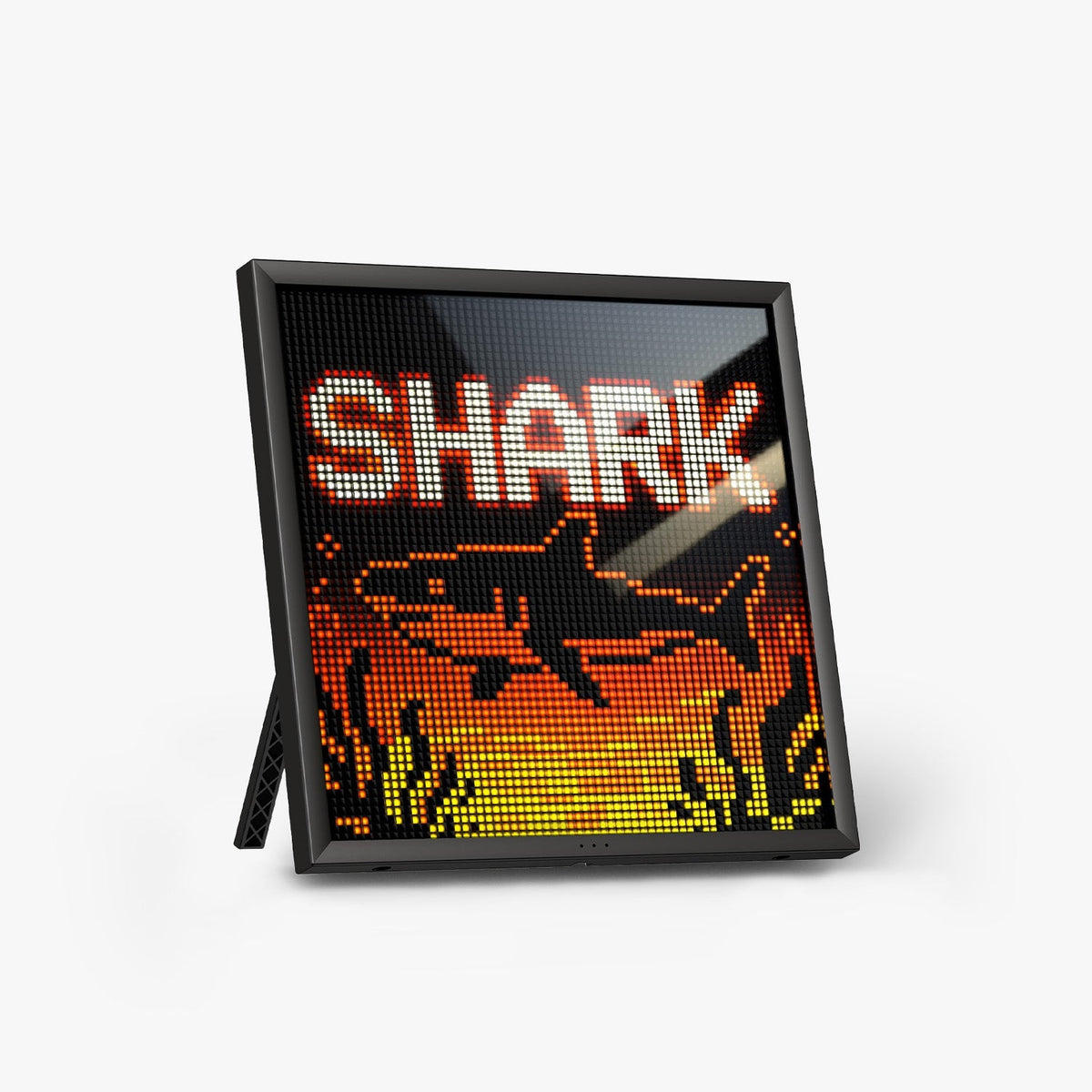
In short: to display a single counter that reads clearly on your camera feed, go for the Pixoo-64 II. To track several pieces of data at the same time (followers, time, weather, stocks), go for the Times Gate. Neither of them replaces a stream overlay.
What a Divoom display brings to a stream setup
A pixel art display placed behind you becomes part of the set: it shows up on camera, changes its look whenever you like and displays useful information during the live. In the Divoom range, two models are genuinely suited to this, because they connect over Wi-Fi and stay up to date with no phone nearby: the Pixoo-64 II and the Times Gate.
An important point: these displays do not integrate with your streaming software. They show what you set in the Divoom app, in the room, not in the video. Their role is decorative and practical, not technical.
The two models head to head
| Pixoo-64 II | Times Gate | |
|---|---|---|
| Display | 1 LED panel, 64×64 (4,096 pixels) | 5 colour LCD screens, 128×128 |
| Connectivity | 2.4 and 5 GHz Wi-Fi + Bluetooth | Wi-Fi (live data) |
| Live data | Follower counter, weather, stocks, calendar, notifications | YouTube subscribers, Twitch followers, stocks, crypto, weather, clocks, calendar |
| Info shown at once | One view at a time | Up to 5, one per screen |
| On camera | Big bright pixels, readable even when out of focus | Finer, more “cockpit” |
| Price | €144.90 | €134.90 |
The Pixoo-64 II: the glowing sign behind you
Its strength is readability. A 64-pixel-square LED panel gives a crisp image that comes across well on camera, even when the background is slightly blurred. You can display your logo in pixel art, a community animation or your follower counter. It stands on its base or mounts on the wall, at shoulder height within the frame.
What it doesn't do: it only shows one thing at a time, and 64×64 pixels means pixel art or short text, not a statistics table. It runs plugged in.
The Times Gate: the desk dashboard
Five small screens lined up in a spaceship-style chassis, with RGB lighting around the edges. Each screen has its own job: your followers on one, the time on another, the weather, a stock price, a little animation. It is designed to be seen by you, on the desk, more than by the camera.
What it doesn't do: these are 128×128-pixel thumbnails. You read a number or an icon on them, not a stream chat. Live data requires an internet connection.
Where to put it
- In the camera frame: the Pixoo-64 II, slightly off to one side behind you. Lower its brightness in the app if the image blows out.
- Out of frame, below your main monitor: the Times Gate, to keep an eye on your numbers without leaving the live.
- Both: the most complete duo, for €279.80 in total.
Frequently asked questions
Does the counter update live?
It updates over the internet, at the frequency set by the Divoom app. It is not a to-the-second display.
Can it show chat messages?
No. These displays show counters and widgets, not chat content.
Do I need a subscription?
No, the Divoom app is free. Its usability and updates are down to Divoom.
Can I display a game or brand logo?
No licensed artwork is supplied. What you display is your responsibility: favour your own creations, especially on camera during a public stream.
For the other models, see our comparison of the whole Divoom range.