Description complète
DS Lite LCD screen: restoring a clean image to a 2006 console
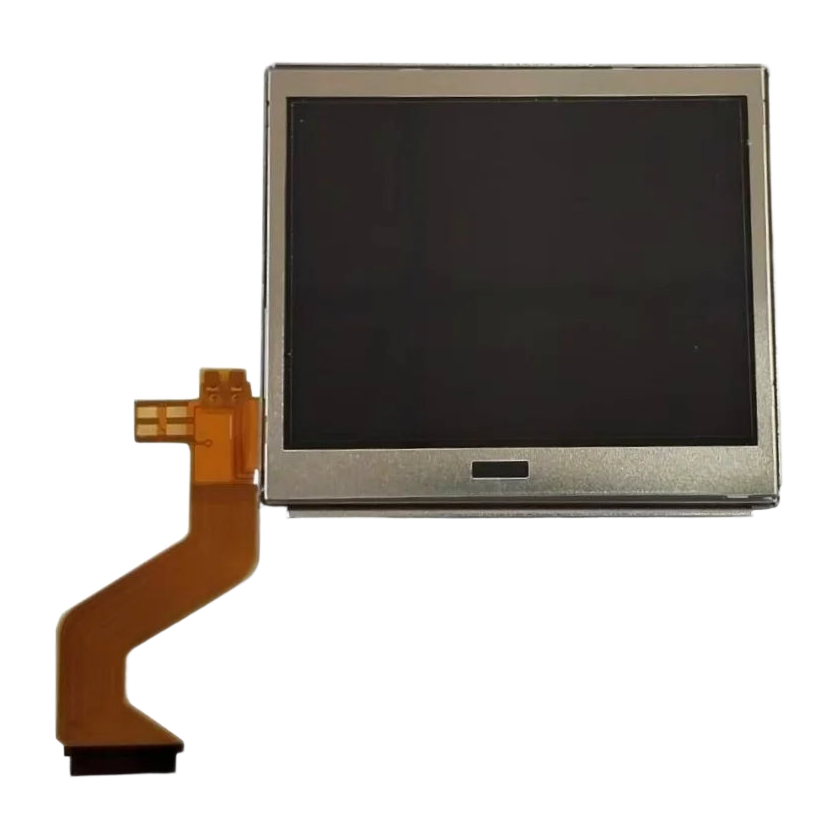
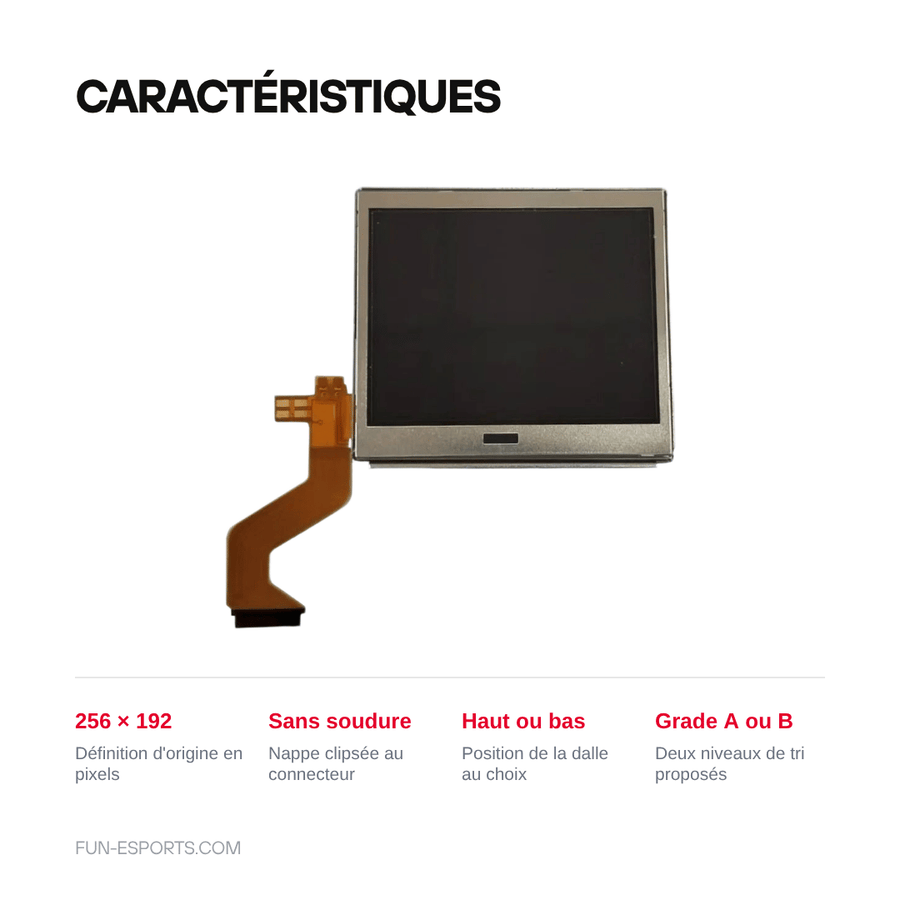
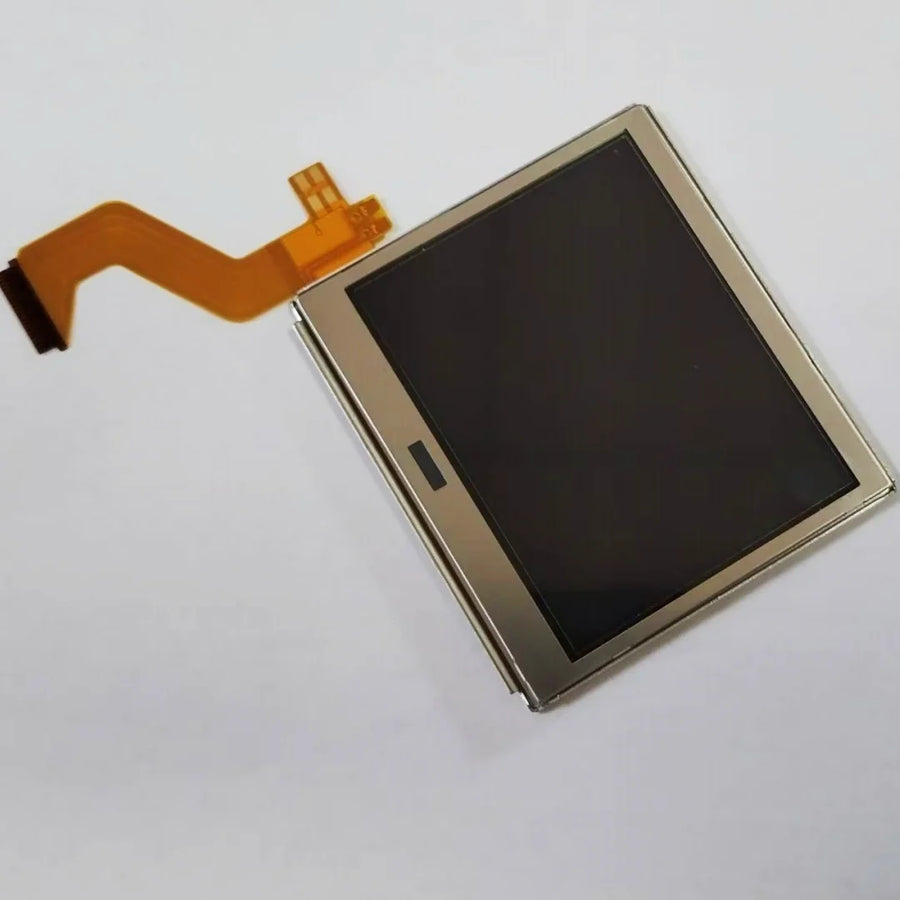
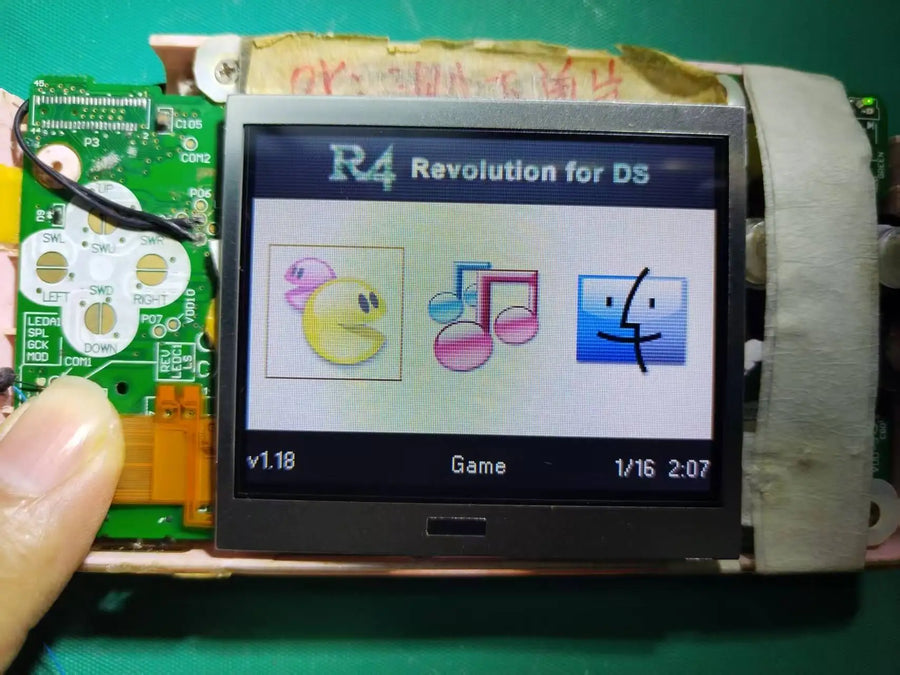
On a DS Lite, the screen is almost always the first part to give out: panel cracked after a fall, frozen vertical lines, backlight that no longer switches on, half the image black. This replacement panel is fitted without any soldering — it clips onto its ribbon connector — and restores the console's original resolution of 256 x 192 pixels. Choose the position (top or bottom) and the grade from the list of variants.
What it does
- Two positions to choose from: top screen (the one housed in the lid, above the hinge) or bottom screen (the one under the touch panel). They are not the same parts or the same ribbon cable — the variant you choose determines which one you receive.
- Fitting without a soldering iron: the ribbon cable slides into a flip-lock connector on the motherboard. There is nothing to desolder and nothing to re-glue.
- Two finish grades: grade A for a panel with no stated defects, grade B for a cheaper panel whose appearance is not guaranteed to be flawless.
- Original resolution preserved: 256 x 192 pixels, like the factory panel. No software settings, no firmware tinkering.
What it doesn't do
- Does not improve the image. This is not an IPS kit: the panel reproduces the original rendering, with the same limited viewing angles and the same contrast.
- Does not include the touch panel. On the DS Lite, the touchscreen is a separate resistive layer, glued above the bottom screen. If your touchscreen no longer responds, you need to order that part as well.
- Does not repair a motherboard. If the ribbon connector is broken, if the hinge has torn the cable on the motherboard side, or if the problem comes from the backlight controlled by the board, changing the panel will not be enough.
- Grade B: the supplier does not publish its sorting criteria. Expect possible micro-scratches or an imperfect pixel. If you want a flawless panel, choose grade A.
- Not suitable for any other console in the family. See compatibility below.
Compatibility
Compatible with DS Lite (model USG-001) only, all regions and all colours. Not suitable for the original "phat" DS (NTR-001), the DSi (TWL-001), the DSi XL (UTL-001), or any 3DS or New 3DS: the panels, ribbon cables and connectors are different. Check the model number engraved on the back of your console before ordering.
Skill level required
No soldering, but a full disassembly. You need a Y00 tri-wing screwdriver for the shell, a PH000 Phillips for the internal screws, a thin spudger and a work surface where screws won't get lost. Allow 20 to 30 minutes for the bottom screen; the top screen requires routing the ribbon cable back through the hinge, a delicate operation that takes more like 45 to 60 minutes and calls for an intermediate level. Disconnect the battery before opening.
In the box
- 1 replacement LCD panel for DS Lite, in the position and grade chosen when ordering.
- No tools, no screws, no touch panel, no instructions: the part is supplied on its own.
Listing verified on 19 August 2026. Delivery in 10 to 18 days · ships within 3 to 5 days · 2-year legal guarantee · 14-day returns.
Read before ordering: Retro peripherals
Replacement LCD screen for DS Lite — top or bottom panel
Replacement LCD panel for DS Lite (USG-001) — top or bottom screen, no-solder fitting.
En stock
📦Ships within 3 to 5 business days · Delivery in 10 to 18 business days · 2-year legal guarantee · 14-day returns.
ℹÀ partir de 150 €, la livraison s’effectue en Point Relais.
- 🇫🇷SAV français
réponse sous 1 jour ouvré - 🛡Garantie légale
2 ans - ↩14 jours
pour changer d’avis - 🔒Paiement sécurisé
CB · PayPal · Klarna
The idea: open up a DS Lite rather than replace it
The DS Lite is twenty years old and its screens show it: a hinge that has been forced, a drop onto a tiled floor, and the image fills with frozen lines or half disappears. The console itself still works — the sound, the buttons and cartridge reading are fine. Changing the panel means bringing a complete machine back into service for the price of one part. The job is done cold, without a soldering iron, and is as easy to undo as it is to do.
The part: choosing the right position and the right grade
The top and bottom screens of a DS Lite are not interchangeable: the ribbon cables differ in length and routing, as the top one has to pass through the hinge. So choose the variant that matches the faulty panel, not the one in front of you. Grade A refers to a panel stated to be defect-free; grade B, cheaper, allows small imperfections that the supplier does not detail. We'd rather write it down than let you discover it when you open the parcel.
Before ordering: what this panel won't fix
A black screen doesn't always come from the screen. If the flip-lock connector on the motherboard is broken, if the ribbon cable has been severed in the hinge on the console side, or if the backlight is cut by a component on the board, replacing the panel won't change anything. Nor will it fix the touchscreen: on the DS Lite it is a separate layer, glued over the bottom screen, and it is not supplied here. Finally, this is not an IPS kit: you get the original image back, neither brighter nor more contrasted.
What this accessory brings
Verified manufacturer specifications · vérifié le
Ce qu’il fait bien
- No-solder fitting: the ribbon cable clips into a flip-lock connector
- Original 256 x 192 pixel resolution
- Top screen or bottom screen, your choice
- Two grades available: A or B
Ce qu’il ne fait pas
- Not an IPS kit: no image improvement over the original
- The touch panel is not included — a separate part on the DS Lite
- Not compatible with DS phat (NTR-001), DSi, DSi XL, 3DS and New 3DS
- Grade B: sorting criteria not published by the supplier, minor defects possible
- Full disassembly required, Y00 tri-wing screwdriver not supplied
Voir toute la fiche technique+
Matière et format
- Type d’accessoire
- Replacement LCD screen
Compatible avec
- DS Lite (USG-001)
Dans la boîte
- 1 replacement LCD panel for DS Lite (position and grade according to the chosen variant)
Frequently Asked Questions
🔧 Do I need to solder to install this panel?
No. The ribbon cable slides into a flip-lock connector on the motherboard: no soldering iron is needed. However, the console must be fully disassembled.
🎮 Which consoles is it compatible with?
DS Lite (USG-001) only. Not the original "phat" DS (NTR-001), the DSi, the DSi XL, the 3DS or the New 3DS: panels, ribbon cables and connectors are different.
🔎 Top screen or bottom screen: which one should I choose?
The one that is faulty. The two panels are not interchangeable, as the top ribbon cable runs through the hinge. The position is chosen from the list of variants.
👆 Is the touch panel included?
No. On the DS Lite, the touchscreen is a separate resistive layer glued above the bottom screen. If the touchscreen no longer responds, you need to order that part as well.
⚖️ What is the difference between grade A and grade B?
Grade A is stated to be defect-free. Grade B, cheaper, may have small imperfections: the supplier does not publish its sorting criteria, so we cannot guarantee them.
🧰 What tools do I need?
A Y00 tri-wing screwdriver for the shell, a PH000 Phillips for the internal screws and a thin spudger. No tools are supplied with the part.
🚚 What are the delivery times?
Delivery in 10 to 18 days, ships within 3 to 5 days.
🛡️ Which guarantee applies?
2-year legal guarantee of conformity. 14-day returns. Reply within 1 business day if there is a problem.
Why buy here rather than on a marketplace
It is a fair question. Here is the answer, straight.
Every listing is checked before publication: real compatibility, material, dimensions, box contents. Many models never make it into the catalogue.
A question about compatibility, a fit problem, a return: you write, a human replies within 1 business day. In French.
The 2-year legal warranty of conformity is handled by us — not by a form on the other side of the world. And 14 days to change your mind, with no need to justify yourself.
We do not claim to be the cheapest. We claim that you will know exactly what you are buying before you pay.
Read this before choosing
Our guides to accessories: compatibility, protection, transport.

Pixel art: create your own designs for a Divoom display
Grid size, number of colours, outlines, animation: the guide to getting started in pixel art and displaying your own creations on a Divoom display.
2 min de lecture · publié le

Divoom pixel art speakers: which one should you choose?
Astrotoo, Ditoo-Pro, FlowToo, Tiivoo-2, Timebox-Evo, MiniToo, Fairy-OK: the seven Divoom speakers compared, by use and budget.
2 min de lecture · publié le

Times Frame or Times Frame Pure: which Divoom floating photo frame should you choose?
64 or 32 GB, three colours or just one, a dial or not: the real differences between the Times Frame and Times Frame Pure…
1 min de lecture · publié le