Gaming Mouse Pads & Desk Mats
Optimise your game with our gaming mouse pads: smooth surface, non-slip base, a range of sizes and stylish designs for unmatched precision and comfort. From the compact model to the full desk mat, this collection brings together our house brand PopMyPad and the most requested universes, from MOBA to FPS by way of anime. Choose the size that suits your sensitivity, the surface that matches your glide, then the artwork that will turn your desk into a real gaming space.
Choosing the right mouse pad
Available formats
- Standard: around 250 x 210 mm, for the mouse alone. Ideal for a mobile setup.
- XL: around 700 x 300 mm, it covers the mouse and part of the keyboard. The most common compromise.
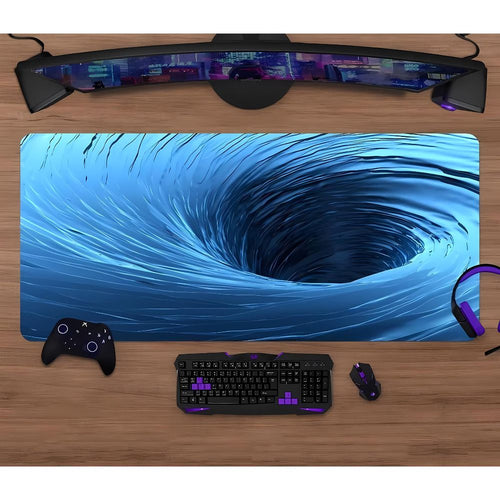
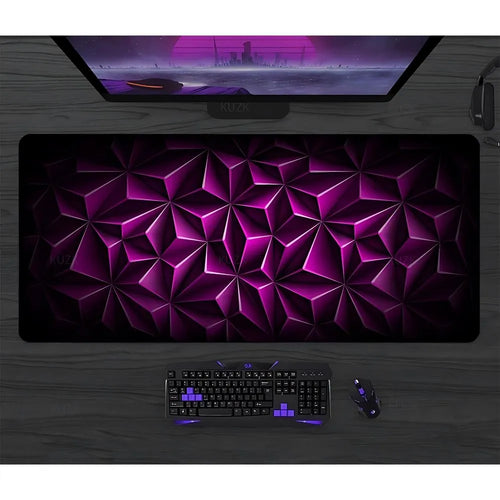
- XXL: the benchmark format at 900 x 400 mm, which takes keyboard and mouse with room to spare for big arm movements.
- Full desk mat: it covers the entire depth of the work surface, doubles as a desk pad and protects the furniture from scratches.
The surface
Three broad families coexist. Fine-weave cloth offers light but consistent resistance: the movement stops exactly where you decide, which is what players aiming for precision are looking for. Coarse-weave cloth favours glide, with a mouse that needs less effort on long sweeps. Finally, hard surfaces, in plastic or aluminium, are very fast and easy to wipe clean, at the cost of a drier contact and mouse feet that wear out faster.
Thickness
Thickness plays out millimetre by millimetre. A 2 mm pad stays very flat and suits perfectly smooth desks. At 3 mm, the cushioning becomes noticeable under the wrist and the micro-irregularities of the desktop disappear: it is the most versatile choice. At 4 mm, the padding clearly relieves wrist pressure over long sessions, but it raises the hand, which sometimes takes a few games to get used to.
Non-slip base, edges and sensors
The rubber base is what separates a good pad from a mere piece of cloth. It grips the desk and stops the pad from following the mouse during a fast movement. Stitched edges, sewn all the way around, keep the fabric from fraying under your forearm and stop the edge from curling up over time: that is the first place a pad wears out.
On sensor compatibility, modern textile surfaces work with optical sensors as well as laser sensors. Optical sensors like a regular weave; lasers, being more sensitive, can react to very glossy surfaces, rarely to cloth.
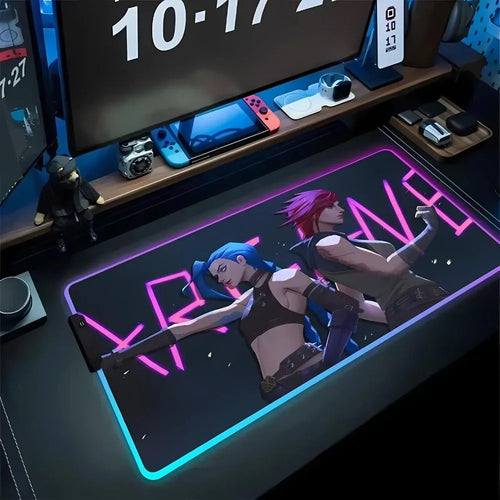
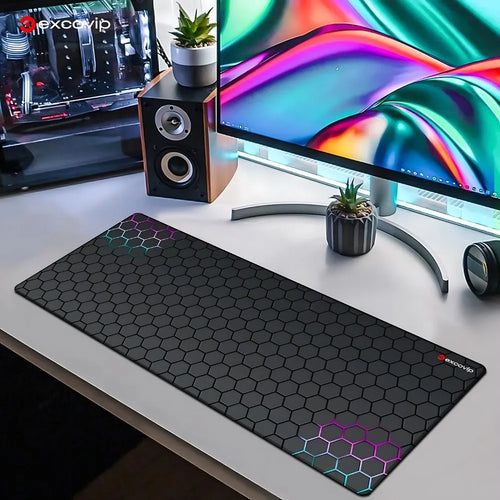
Finally, RGB backlighting comes from a light strip set under the edges. It is powered by a simple USB cable from the PC, sometimes with a button to cycle through modes and lighting zones. It is an ambience feature: it lights the outline of the pad, not the playing surface.
Which size for which use
The right size depends first on your sensitivity. An FPS player set low, between 400 and 800 DPI, aims with the whole forearm and can cross thirty centimetres of pad for a simple half-turn: XXL is then the condition for never hitting an edge at the worst possible moment. Conversely, a MOBA or strategy player works from the wrist, high sensitivity and short travel; a standard or XL format is enough and frees up space.
The second criterion is the desk itself. Measure the usable width between the frame or legs, then the depth available in front of the screen, minus the space taken by the monitor stand and any wrist rest. An XXL pad of 900 x 400 mm needs a desktop at least a metre wide to lie flat. If you are right on the limit, it is better to shift the pad forward than to fold it: a permanent crease creates a bump the sensor will feel. When in doubt, mark out the dimensions with tape before ordering.
Our selection
MOBA and competition
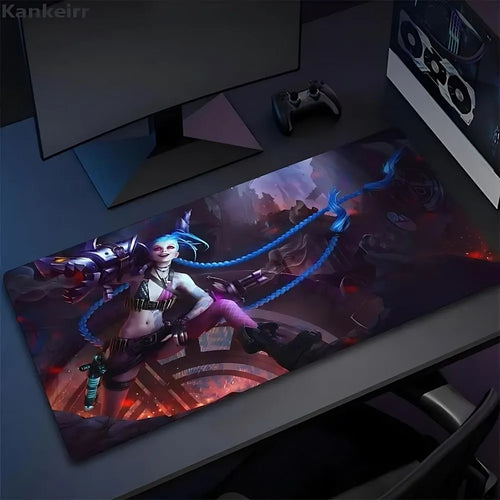
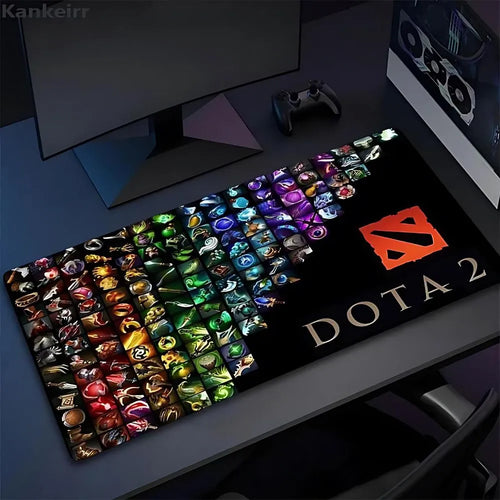
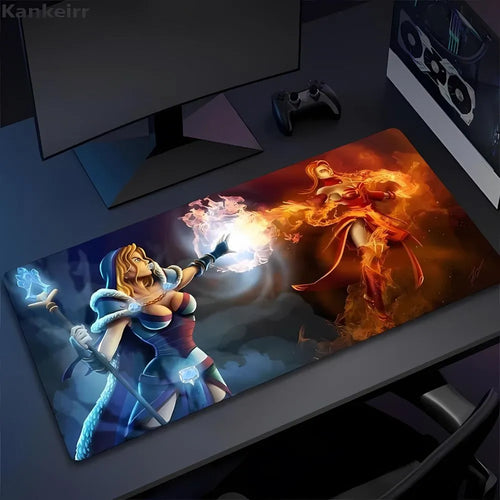
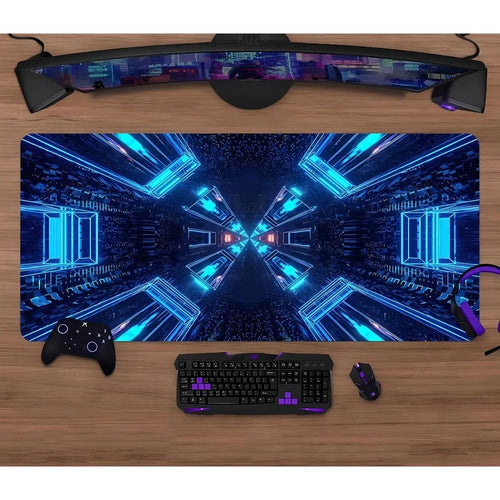
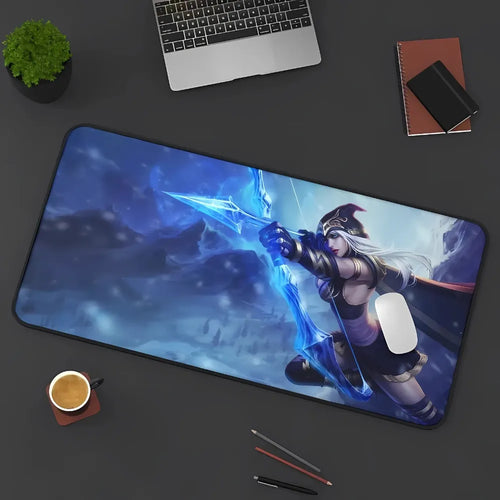
Arena games mainly call for stability. The League of Legends XXL Mouse Pad and the Dota 2 MOBA XXL Mouse Pad pick up the visual codes of their respective licences, while the Dota XXL Mouse Pad plays a more understated hand.
FPS and tactical games
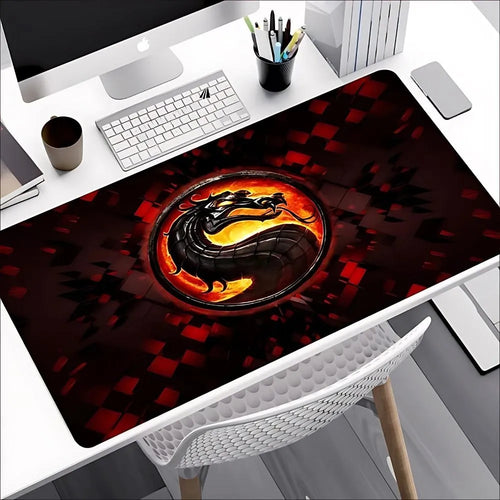
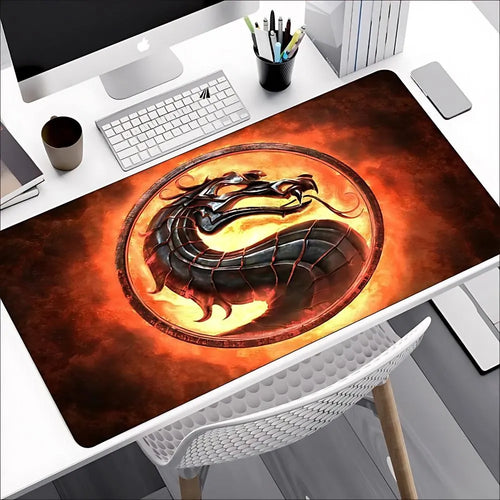
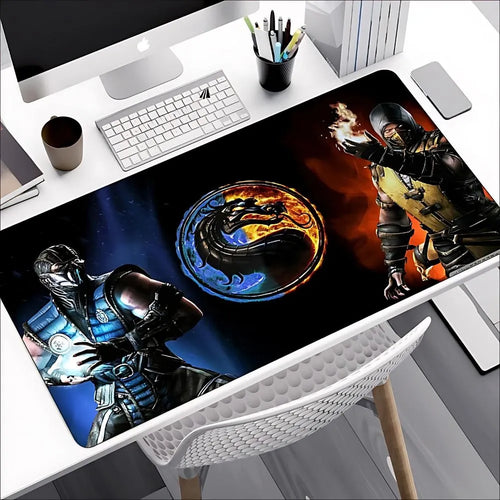
For tactical shooters, the extended surface comes first. The Valorant RGB gaming mouse pad adds a lit outline, as do the per-agent versions: Jett, Viper or Cypher. On the fighting game side, the large-format Mortal Kombat gaming pad takes on a rawer style.
Anime, manga and illustration
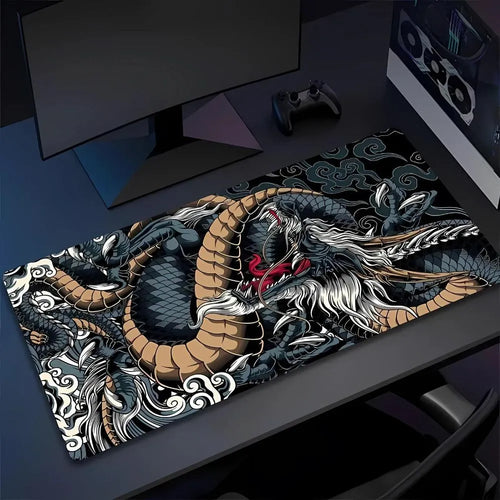
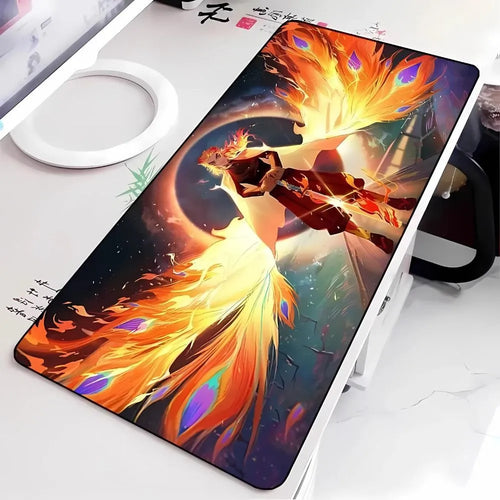
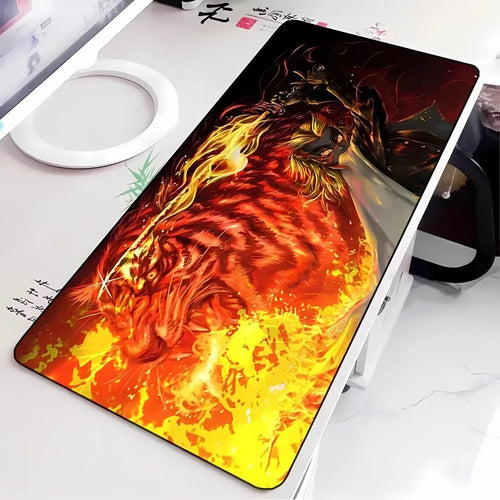
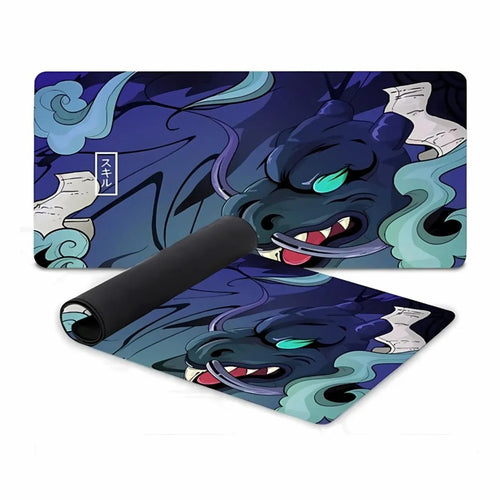
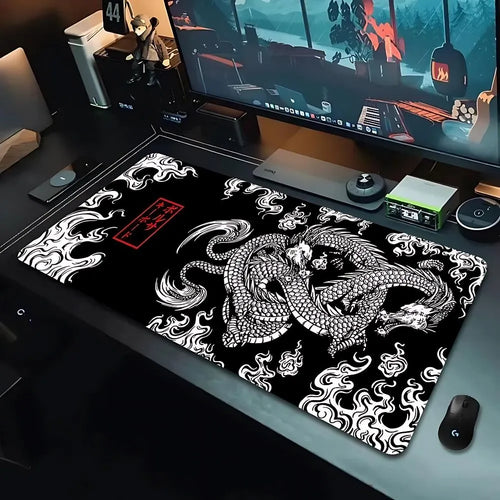
Fans of Japanese universes will find the Demon Slayer XXL Mouse Pad, its Demon Slayer & Friends variant, plus the Japanese Dragon and Japanese Art models, closer to traditional prints.
Understated and versatile
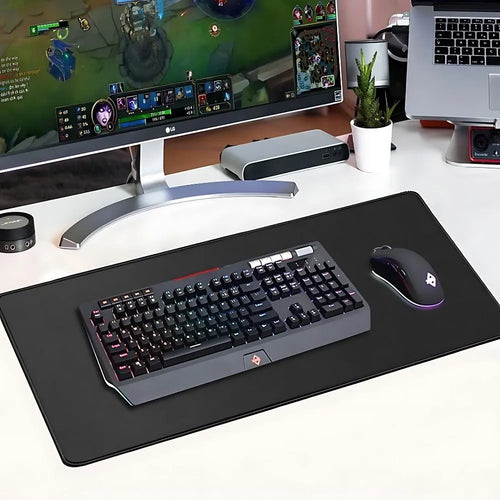
For a desk shared between gaming and work, the Black XXL Mouse Pad remains the safe bet, alongside the Star Trek gaming and office pad and the bright-colour XXL model.
Comparison table
| Model | Universe | Format | RGB | Surface |
|---|---|---|---|---|
| League of Legends XXL Mouse Pad | League of Legends | XXL | Not stated | - |
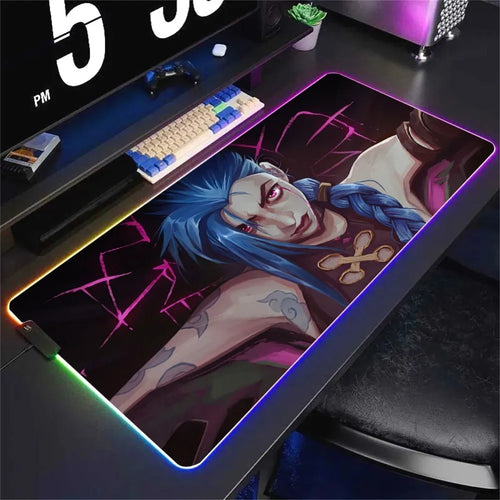
| League of Legends Jinx RGB XXL Mouse Pad | League of Legends | XXL | Yes | - |
| Dota 2 MOBA XXL Mouse Pad | Dota 2 | XXL | Not stated | - |
| Valorant Jett gaming mouse pad | Valorant | XXL | Yes | - |
| Mortal Kombat Gaming Mouse Pad | Mortal Kombat | Large format | Not stated | - |
| Demon Slayer XXL Mouse Pad | Demon Slayer | XXL | Not stated | - |
| Black XXL Mouse Pad | - | XXL | Not stated | - |
Frequently asked questions
How do I clean a cloth mouse pad?
By hand, with lukewarm water, a little mild soap and a non-abrasive sponge. Rinse thoroughly: leftover soap makes the glide uneven. Leave it to dry flat, in open air. Avoid tumble dryers, radiators and irons, as heat deforms the rubber permanently.
How do I get the creases out of a pad delivered rolled up?
Unroll it and leave it flat for twenty-four to forty-eight hours, cloth side up: the rubber usually relaxes on its own. To speed things up, roll it the other way overnight, or place books on the stubborn corners. Do not use an iron or a hairdryer: direct heat marks the surface.
Does an RGB pad use much power?
No. The light strip runs on USB-powered LEDs, a few watts at most, the equivalent of a backlit keyboard. The impact on your bill is negligible. The only thing to keep in mind: it takes up a USB port and a cable that needs routing tidily.
What is the difference between an XXL mouse pad and a desk mat?
Their purpose. The XXL pad, around 900 x 400 mm, is designed for the gaming gesture: keyboard, mouse and room to sweep. The desk mat covers the whole desktop and also serves as a writing surface and furniture protection. In practice, the two often overlap.
How long does a mouse pad last?
With intensive daily use, expect one to three years before the glide zone becomes glazed and precision turns uneven. Stitched edges and the quality of the rubber account for most of the difference. Regular cleaning and flat storage extend that life considerably.
Going further
If large formats are your priority, the selection dedicated to XXL mouse pads details the widest models. To protect the floor under your chair, take a look at the gaming floor mats, and to complete the setup, the gaming mice.