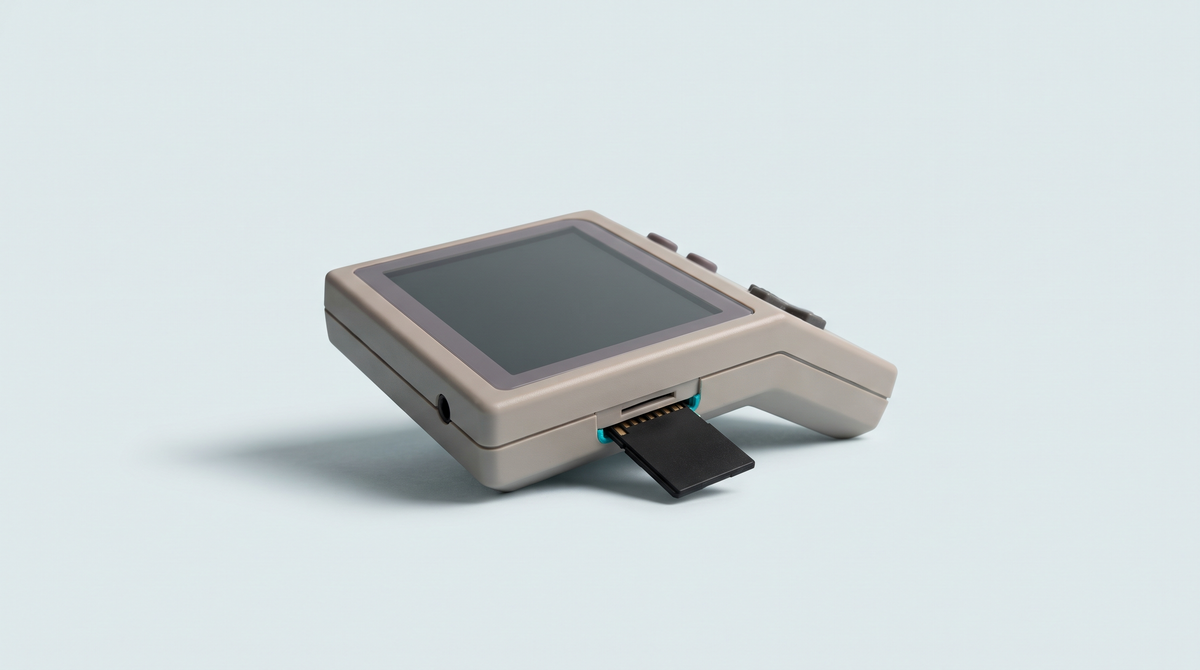
The question comes up constantly from the first days of use: should you replace the system that shipped with your retro console with community firmware? By the end of this guide, you will know what an alternative interface actually brings, what precautions to take before any installation, what you concretely risk, and above all you will be able to decide with full knowledge of the facts. Because in many cases, the sensible answer is simply no.
What you need
- The exact reference of your console, hardware revision included.
- A spare microSD card, separate from the original one.
- A computer and a card reader.
- A complete, verified copy of your current card.
- Time ahead of you: never start this kind of operation in a rush.
Step 1: understand what alternative firmware is
A retro handheld console ships with a pre-installed system: an interface, a list of emulators, settings. That system is the original firmware, supplied and maintained by the manufacturer. In parallel, user communities develop replacement systems, often built on the same free software building blocks, but assembled differently.
What a community interface generally brings
- A redesigned interface, often faster, more readable and better organised for large collections.
- Broader compatibility, with additional or more recent emulators than the factory ones.
- Finer settings: brightness management, performance profiles, sound control, standby, automatic shutdown.
- Fixes for known flaws in the original system, sometimes never corrected by the manufacturer.
- A faster update rhythm, as long as the project stays active.
What it does not bring
Alternative firmware does not make a console more powerful. It adds no games and provides no content: the consoles are sold without games and you must own the originals from which you make a backup copy for strictly private use. The gains are in comfort, organisation and the fineness of the settings, not in raw performance.
An important clarification
We recommend no particular project here. The ecosystem moves fast and each project only covers a precise list of models and hardware revisions. A named recommendation could be out of date by the time you read it, and a compatibility mistake can leave your console stranded.
Step 2: decide whether you really need it
The question is not "is it better?" but "what does not suit me today?". Ask yourself these questions in order.
- Does the original system work properly? If your games launch, if the battery life satisfies you and if the navigation does not bother you, you have no technical reason to change.
- Is the problem you are hitting a settings problem? Many frustrations blamed on the firmware actually come from a bad emulator setting, a misplaced file or a slow microSD card.
- Is the problem a card problem? Sluggish menus and endless loading times are very often the symptom of an unsuitable card, not of a bad system.
- Are you comfortable with the idea of troubleshooting yourself? If the answer is no, stay on the original firmware, which benefits from the manufacturer's support and from ours.
Remember this: installing alternative firmware is never compulsory. A retro handheld console is perfectly usable for years with the system it ships with. Community firmware is aimed at those interested in customisation for its own sake, not at those who simply want to play.
Step 3: the essential precautions
Check the exact compatibility
This is the critical point. Two consoles carrying the same commercial name can contain different components depending on the production run. A system designed for one revision and installed on another may not boot. Identify your model and its revision precisely, and if in doubt consult the product page or contact our customer service.
Work on a spare card
The best protection is also the simplest: never write to the original card. Put it away and use a new card for experimenting. If it fails, you put the original card back and the console becomes exactly what it was. That precaution alone eliminates the vast majority of unrecoverable situations.
Back up beforehand, every time
- Copy the entire content of the current card onto your computer.
- Identify and separately copy your game save files, which are what you can never rebuild.
- Check that the copy is readable by opening a few files at random.
- Note down the current configuration that suits you: display settings, button mappings, emulator options.
Our guide Save files: never lose your progress details where to find these files and how to bring them back safely.
Secure the power supply
A console that switches off in the middle of a system write is the most dangerous scenario. Charge the battery fully before starting, and unplug nothing while an operation is under way.
Step 4: what you concretely risk
- Losing your save files. The most likely and most painful risk. File locations change from one system to another and nothing is migrated automatically.
- A console that no longer boots. In most cases, putting the original card back is enough to restore everything. That is precisely why you do not touch that card.
- A machine genuinely bricked. When the operation touches an internal memory and not just the card, an interruption can render the console unusable without specialist equipment. That case is rare, but it is final.
- The warranty. A hardware fault stays covered, but a console rendered unusable by a software modification not provided for by the manufacturer does not fall under the warranty. If in doubt, put the question to our customer service before acting, not after.
- An abandoned project. A community system depends on volunteers. If the project stops, you are left on a frozen version, with no fixes and no support.
Common mistakes
- Installing a system intended for another model. Commercial names look very much alike from one range to the next. Check the full reference and the hardware revision, not just the name printed on the box.
- Overwriting the original card. You lose the manufacturer's system and the only easy way back. Always use a second card.
- Forgetting the save files. Copying your games and forgetting your saves is the classic mistake. Games can be copied again; fifty hours of progress cannot be rebuilt.
- Interrupting the operation. A low battery, an unplugged cable, an impatient shutdown: each of these situations can corrupt the installation. Let the procedure run to the end.
- Stacking up changes. Changing the system, the card and the settings at the same time makes any diagnosis impossible. Proceed one step at a time.
Frequently asked questions
Is it legal to install alternative firmware?
Installing free software on hardware you have bought poses no difficulty in itself. What remains prohibited is obtaining games you do not own: in France, the backup copy is only allowed for strictly private use and only if you hold the original. Firmware changes nothing about that rule and provides no content.
Will I lose the shop's support?
Our customer service continues to help you with everything relating to the hardware and the product sold. However, we cannot guarantee the operation of a third-party system we did not install. If a problem arises, the first request will always be to go back to the original firmware in order to isolate the cause.
Can you easily go back?
Yes, if you worked on a spare card and kept the original card intact: you just put the latter back in. No, if you overwrote the card supplied or modified an internal memory. The whole difference lies in that precaution taken up front, in five minutes.
Does it improve battery life?
Depending on the model and the project, some systems offer performance profiles or more efficient standby management, which can work in your favour. Nothing guarantees it, and the opposite happens too. Do not change firmware in the sole hope of gaining battery life: the result depends entirely on the pairing of machine and project.
Going further
Before considering any change, make sure the basics are sound: Choosing your microSD card for a retro console settles a large part of the slowness blamed on the firmware, and RetroArch: the settings that change everything solves most comfort problems without reinstalling anything. If your console is still empty, start with How to add games to a retro handheld console.
Browse our Anbernic consoles, all of our handheld consoles and our spare microSD cards.