Description complète
PSP 1000 laminated IPS screen: the original panel replaced, with no air gap
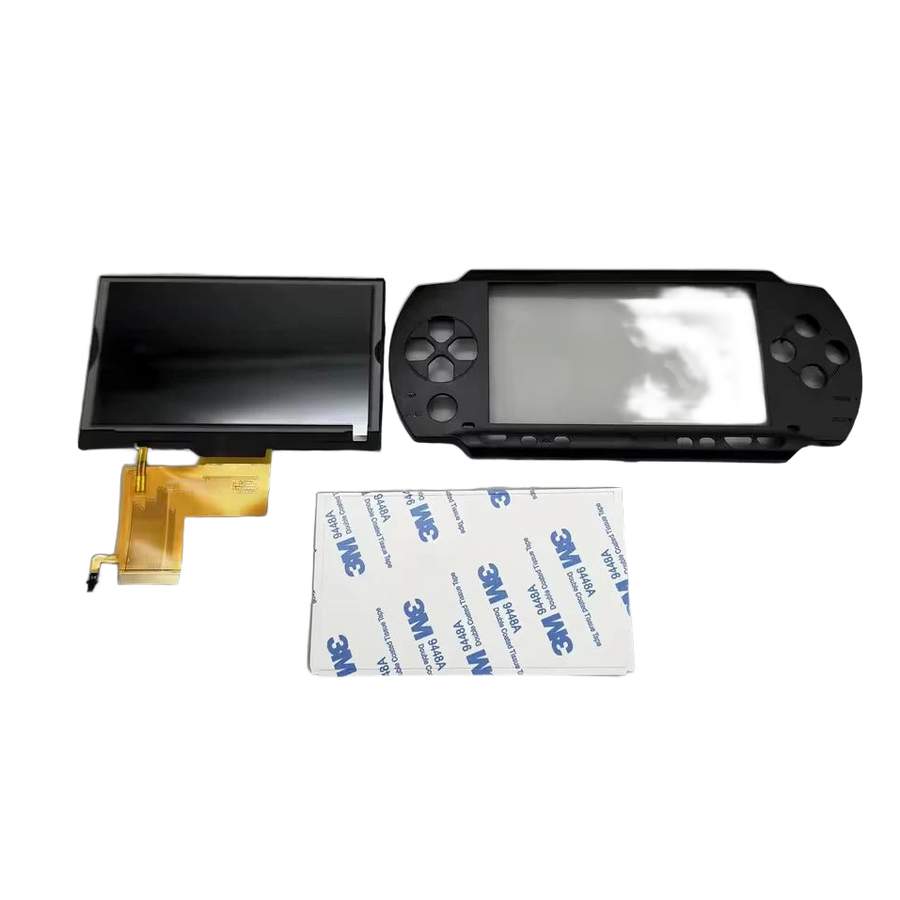
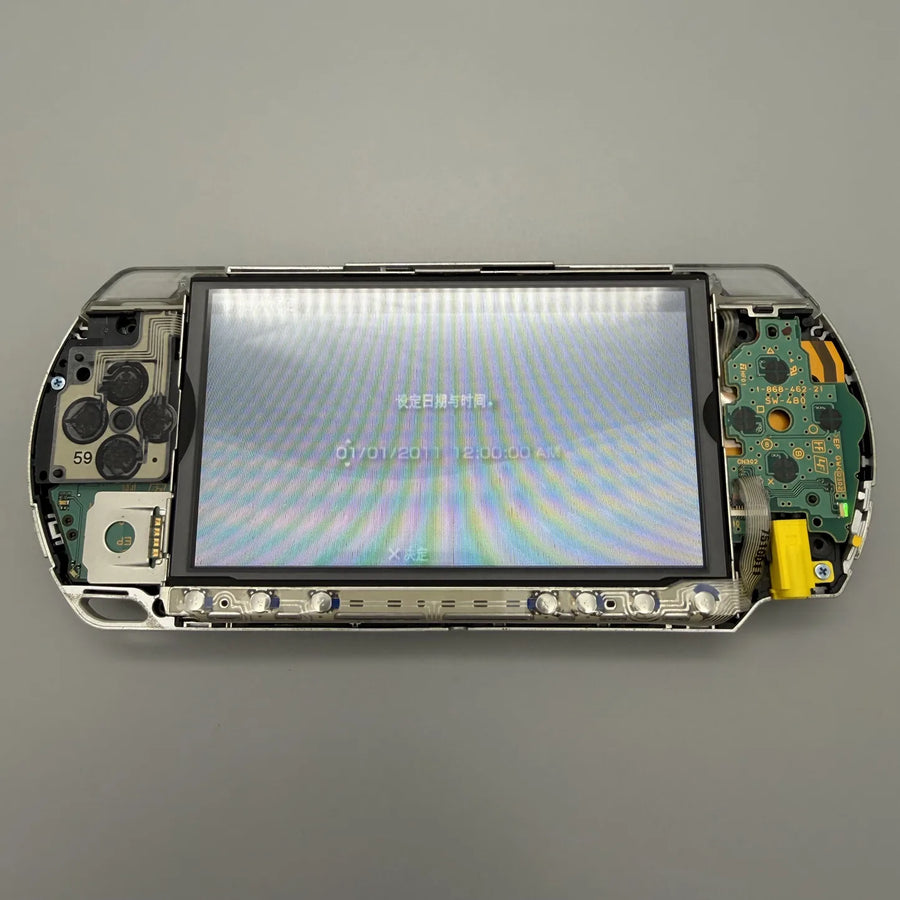
The PSP-1000 came out in 2004 with a 4.3-inch TFT panel separated from its glass by an air gap: reflections, grey blacks, a picture that “floats” under the plastic. This kit replaces the panel with a fully laminated IPS screen and supplies the matching top shell, free of any logo. The console keeps its motherboard, battery and games: only the display changes.
What it does
- IPS panel: wide viewing angles and stable colours, where the original panel washes out as soon as you tilt the console.
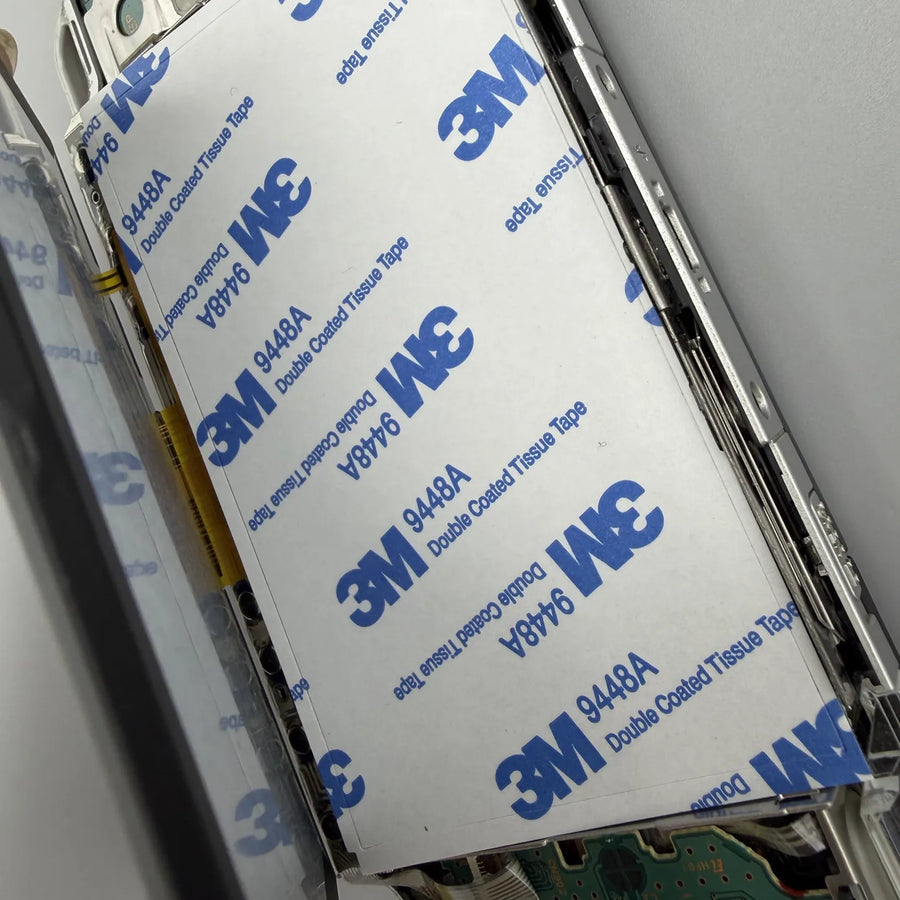
- Full lamination: no more air gap between the panel and the glass, so fewer reflections and a picture that seems to sit right on the surface.
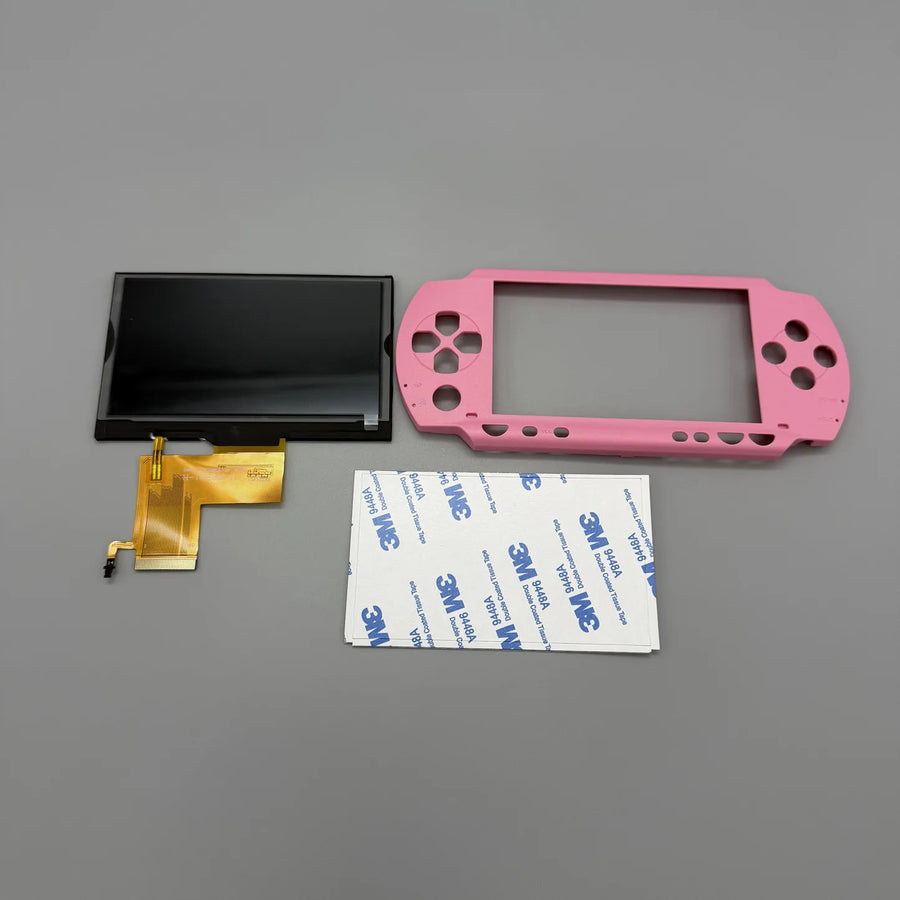
- Top shell included: the replacement front houses the new assembly and carries no logo or brand marking.
What it doesn't do
- Doesn't increase the resolution: the PSP-1000 outputs 480 × 272, and the screen displays that resolution without rescaling it.
- Only suitable for the PSP-100x. The PSP 2000, 3000, Go, E1000 and the PS Vita use other panels and other ribbon cables.
- Doesn't give the console back its original front: the shell supplied is plain, with no logo or manufacturer screen printing.
- Is not a console and contains no motherboard, battery, back shell, buttons or games.
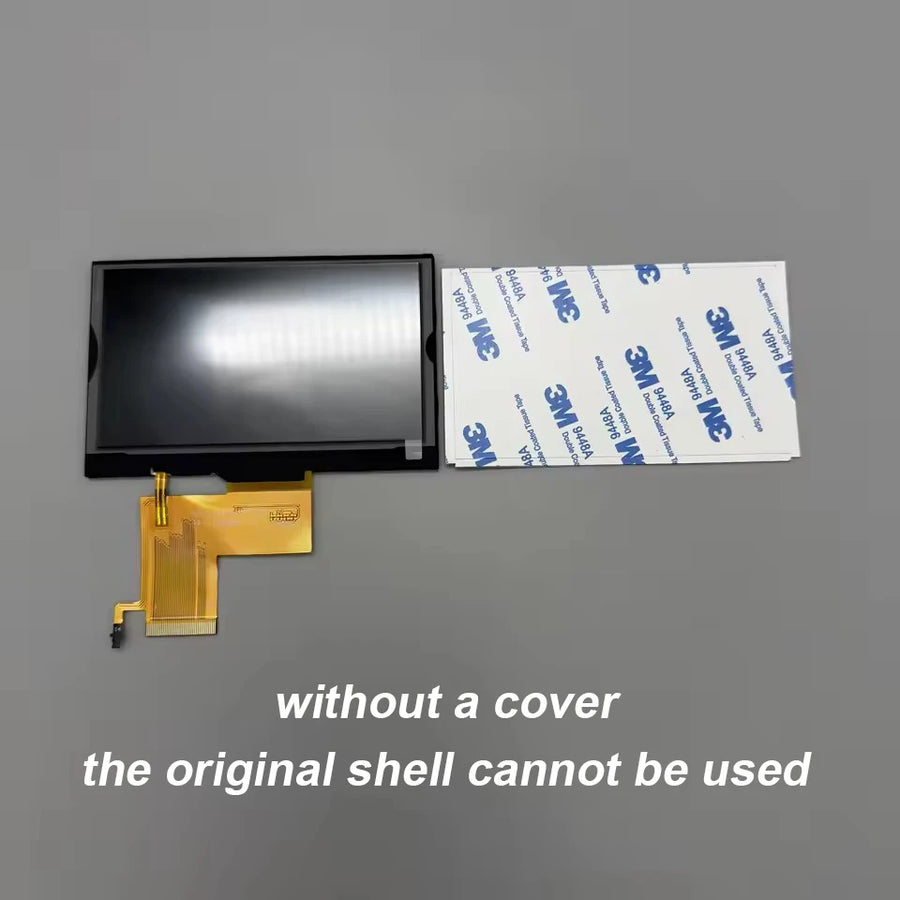
- The “without top shell” variant contains only the screen: you must already have a front that is compatible with this panel.
Compatibility
Designed for the PSP-1000 (models PSP-1000 to PSP-1004, the “PSP Fat”). Not compatible with the PSP 2000 (Slim), PSP 3000 (Brite), PSP Go, PSP E1000 or PS Vita: these machines have a different panel and connector. Check the reference engraved on the back of your console before ordering.
Skill level required
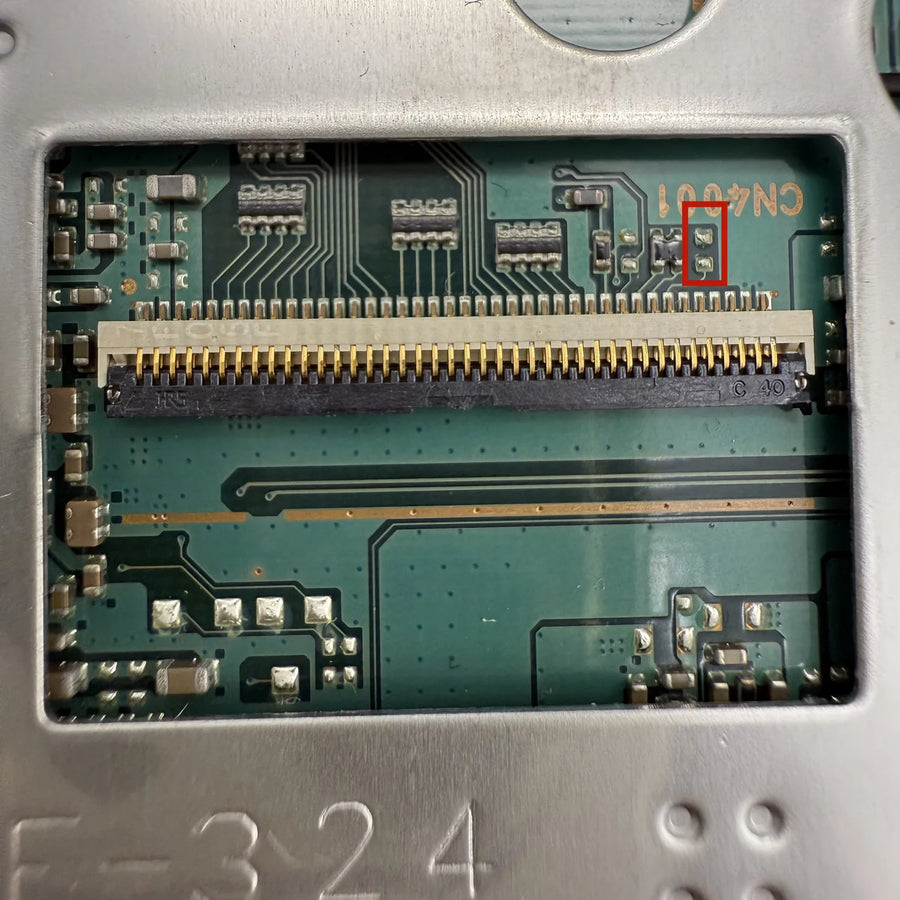
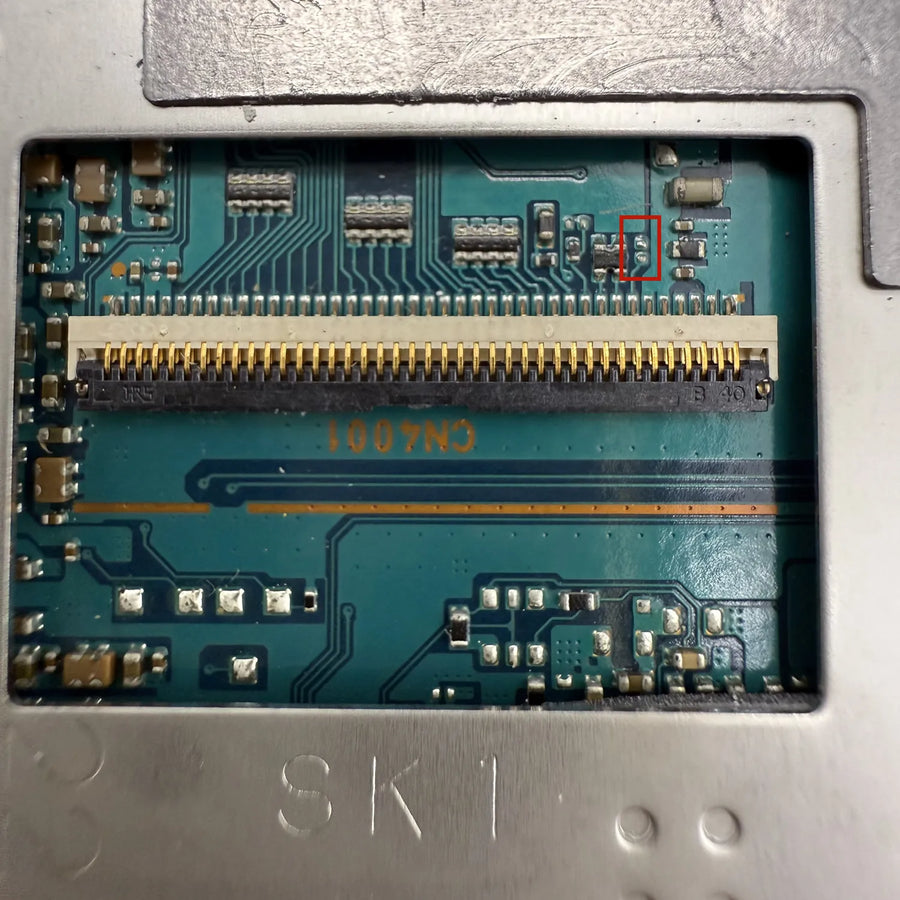
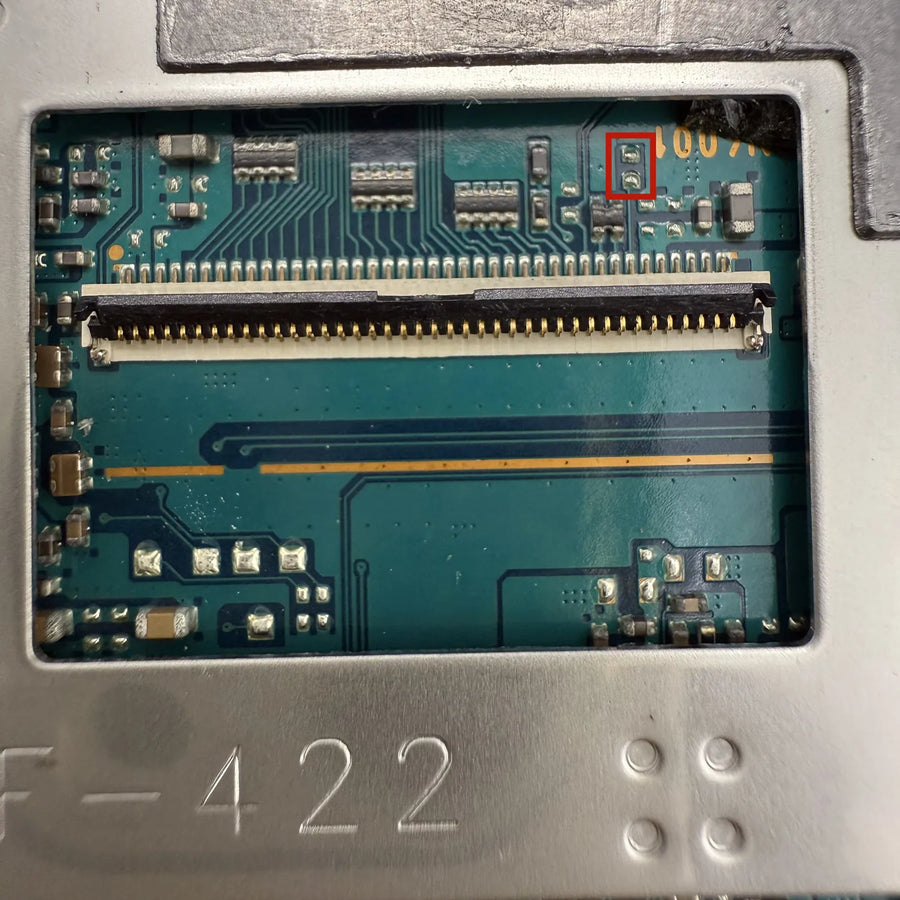
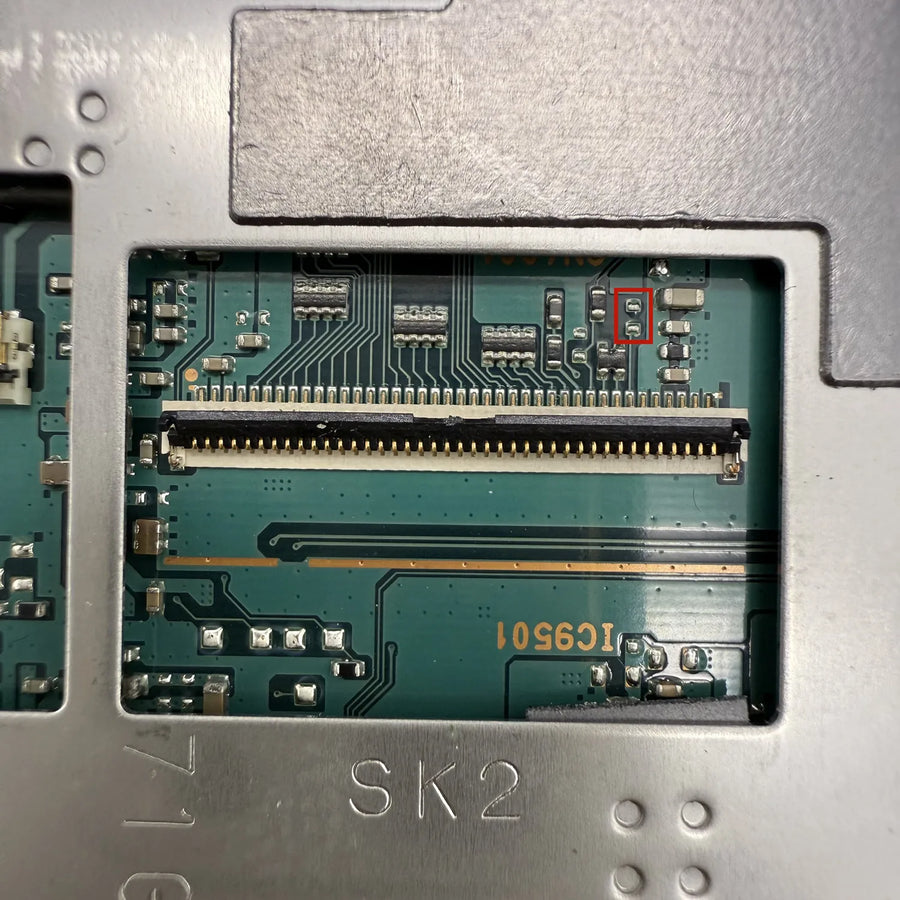
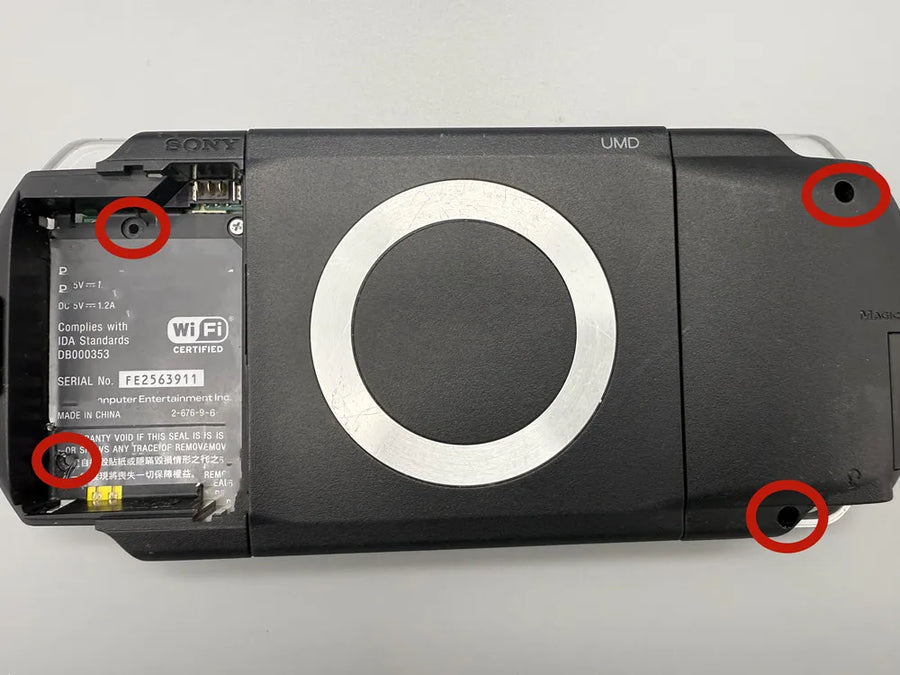
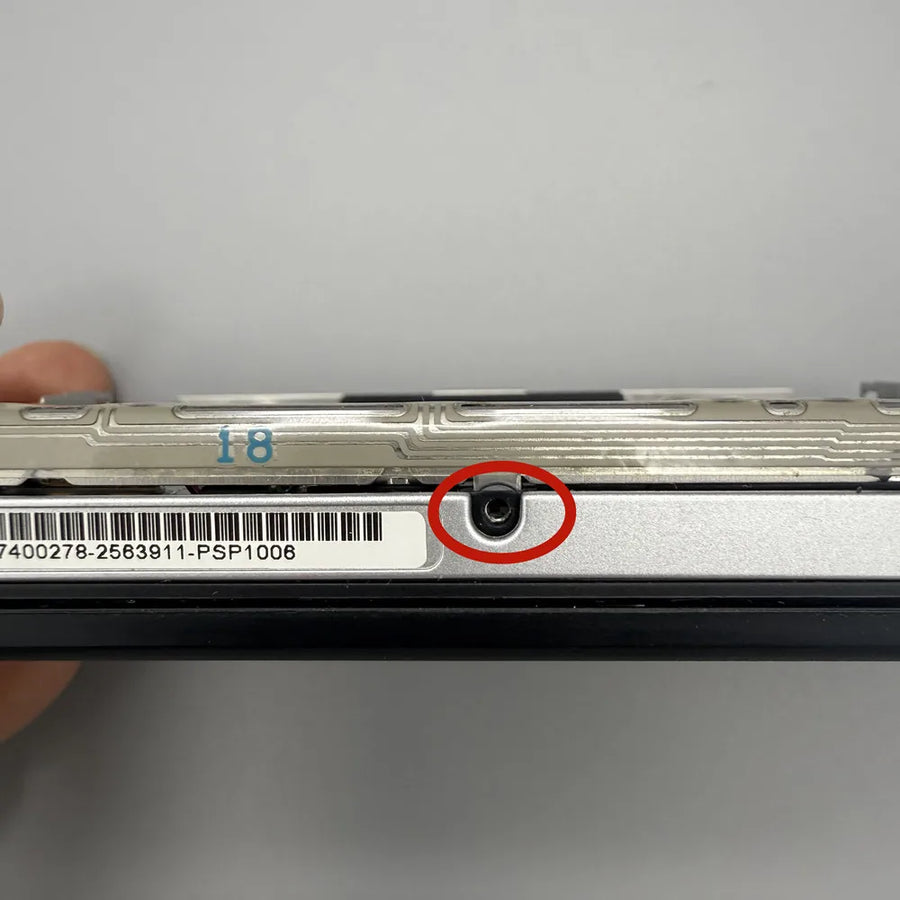
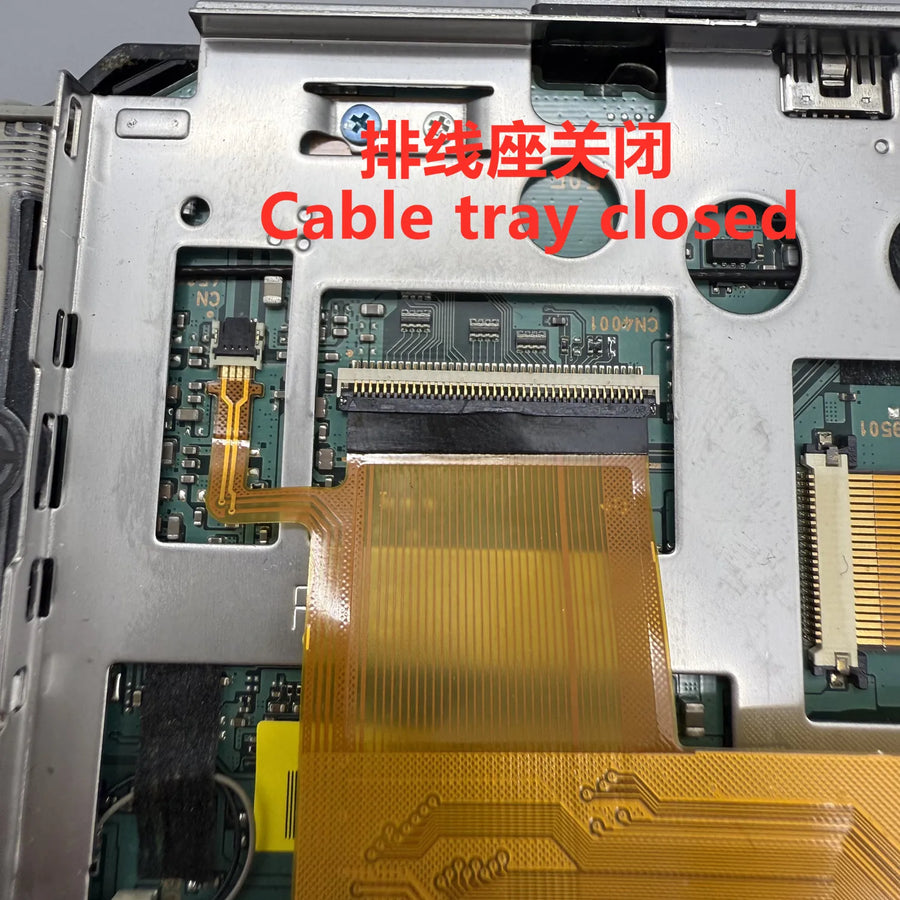
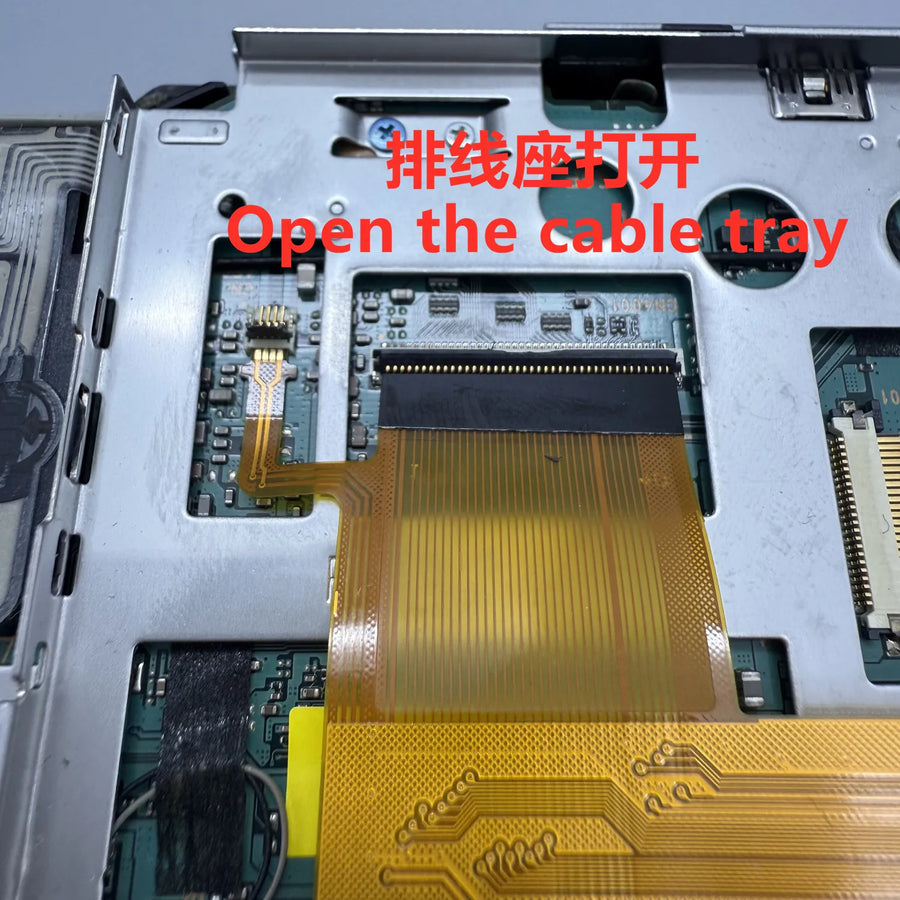
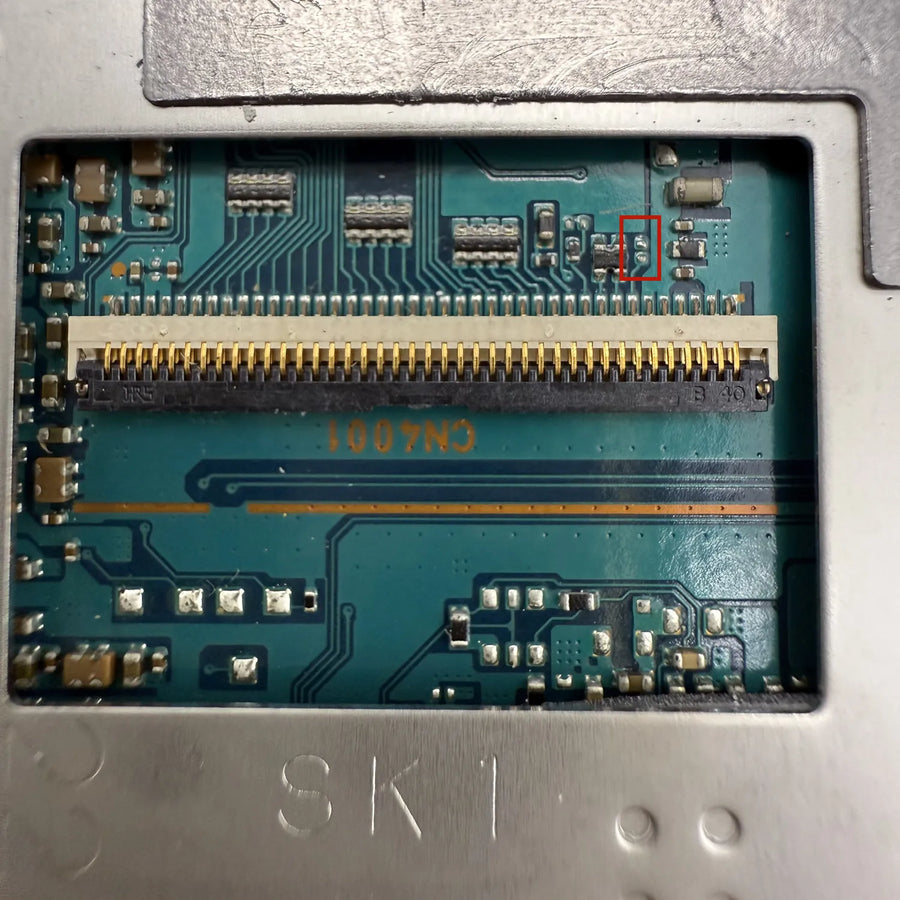
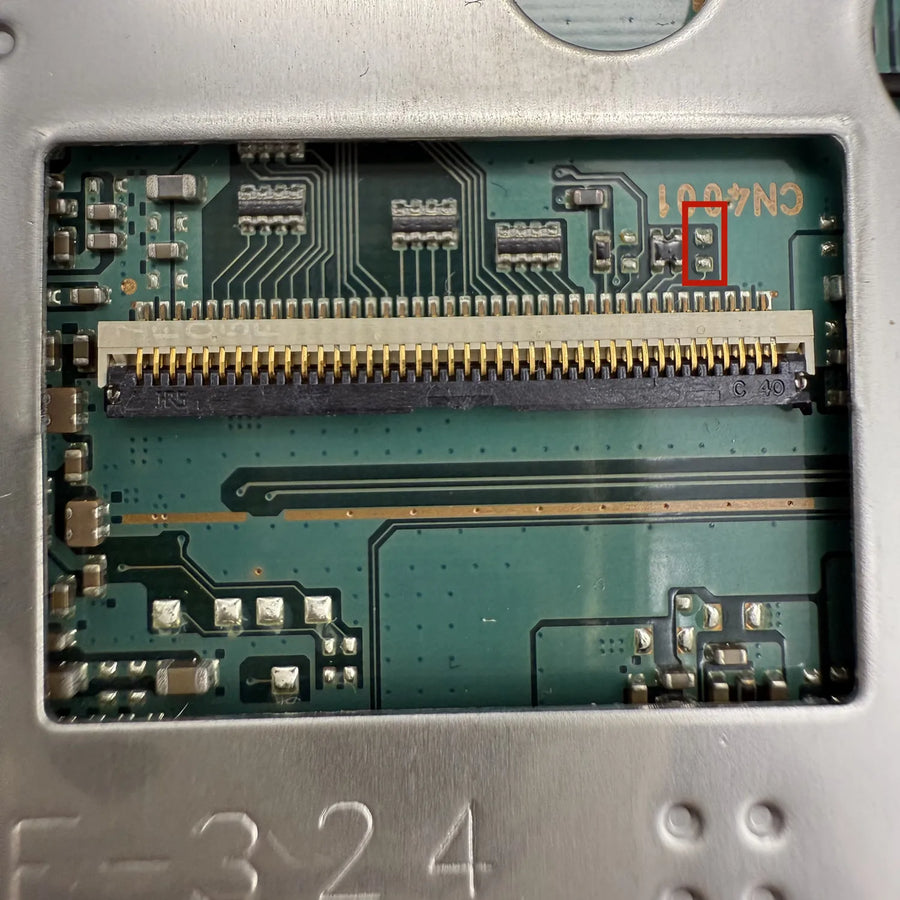
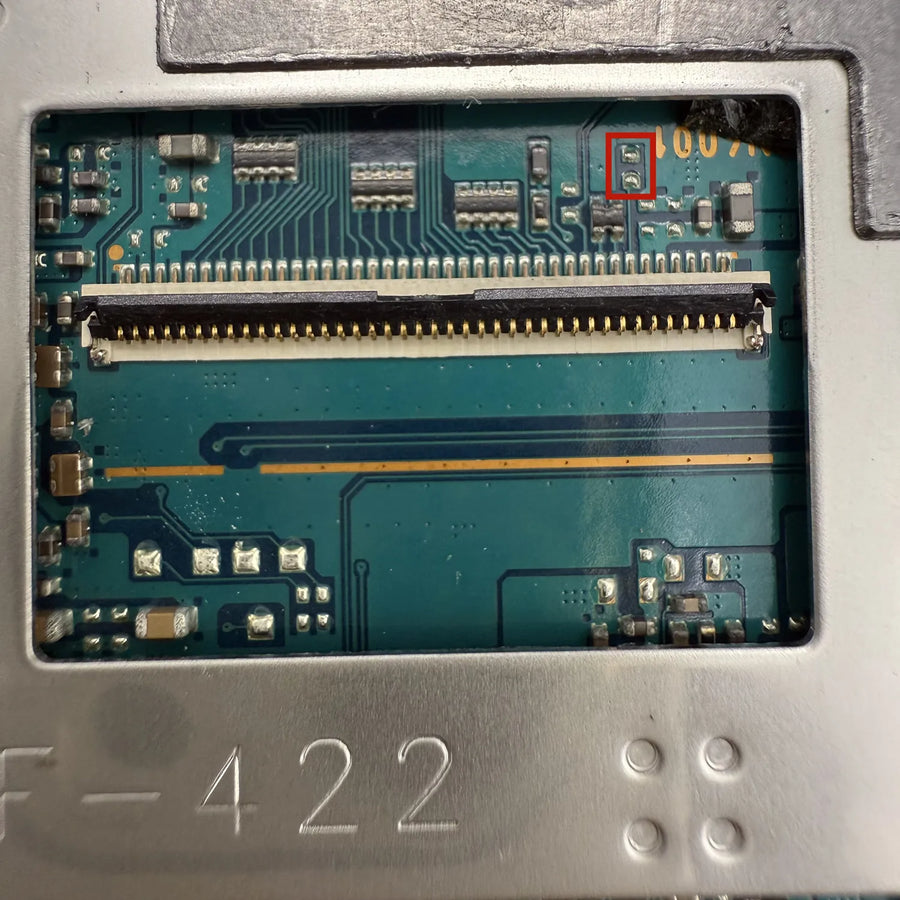
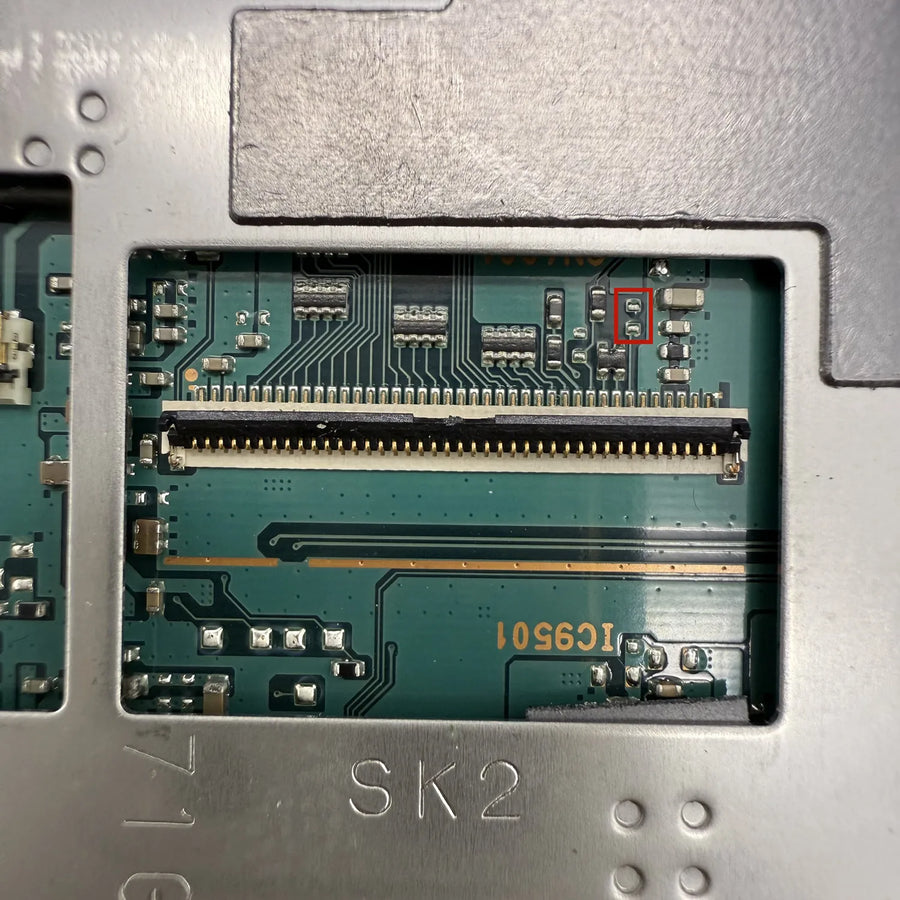
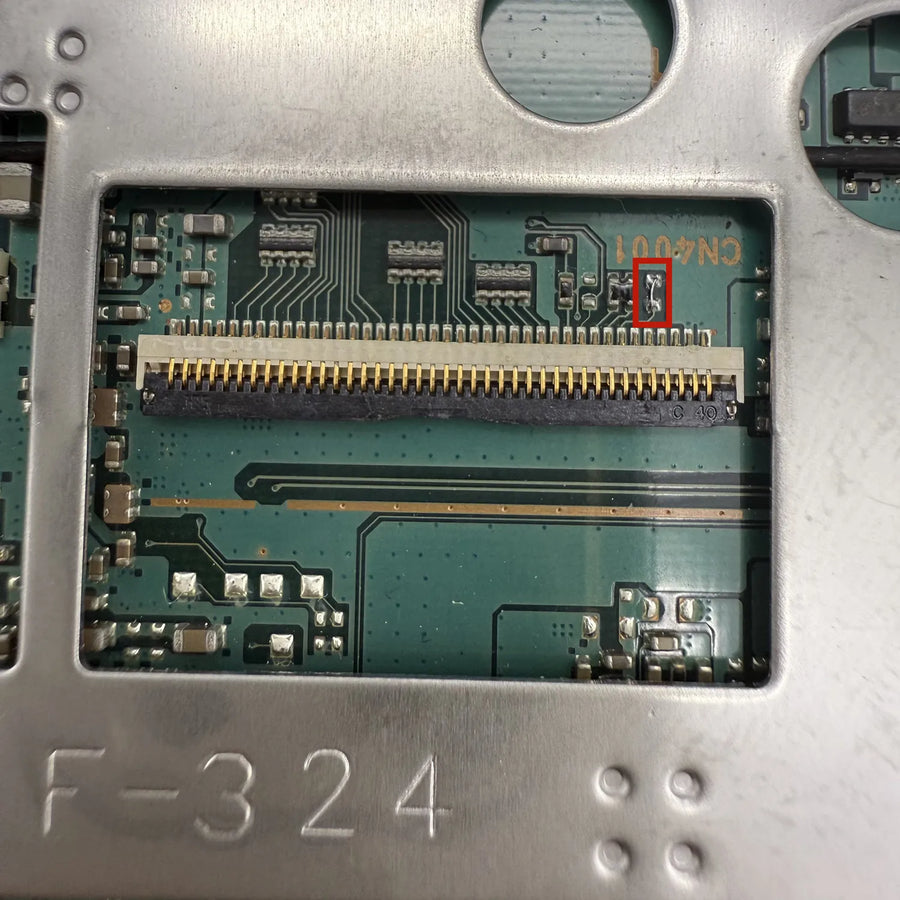
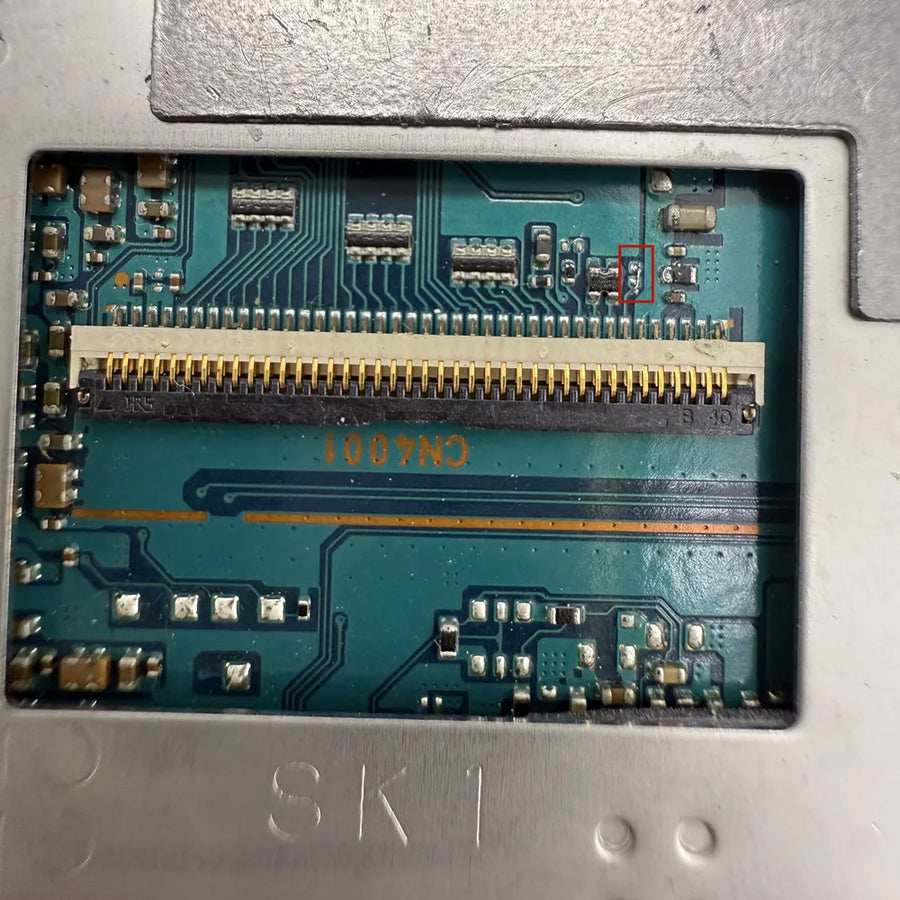
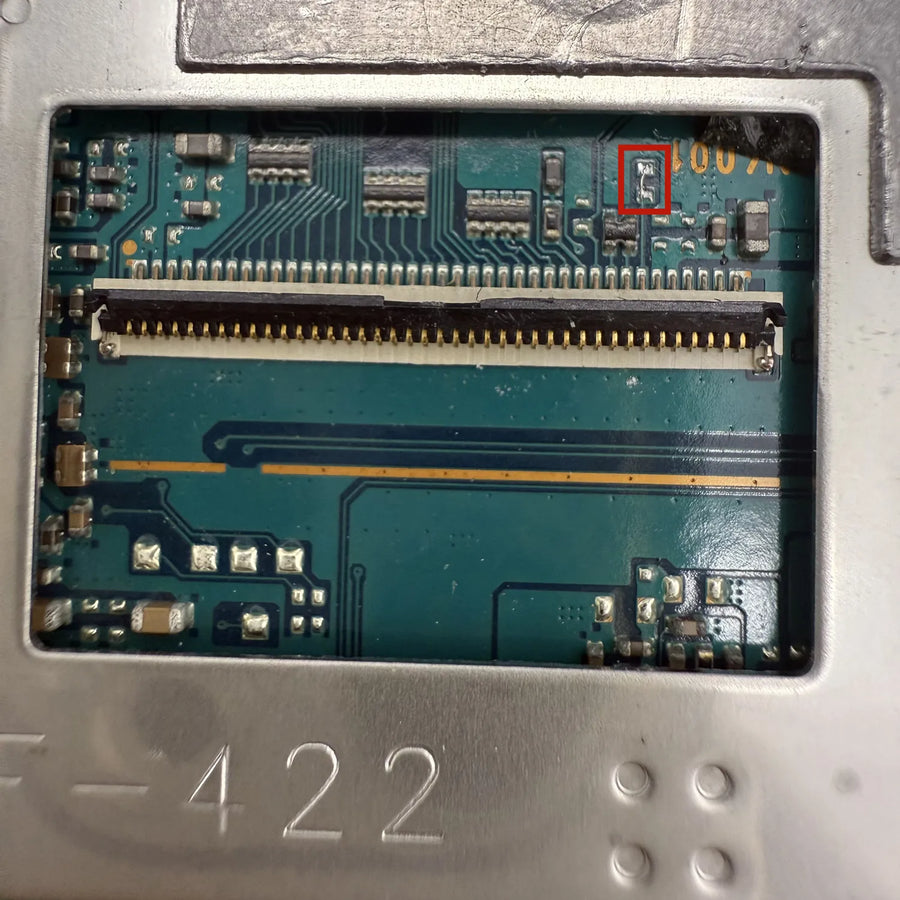
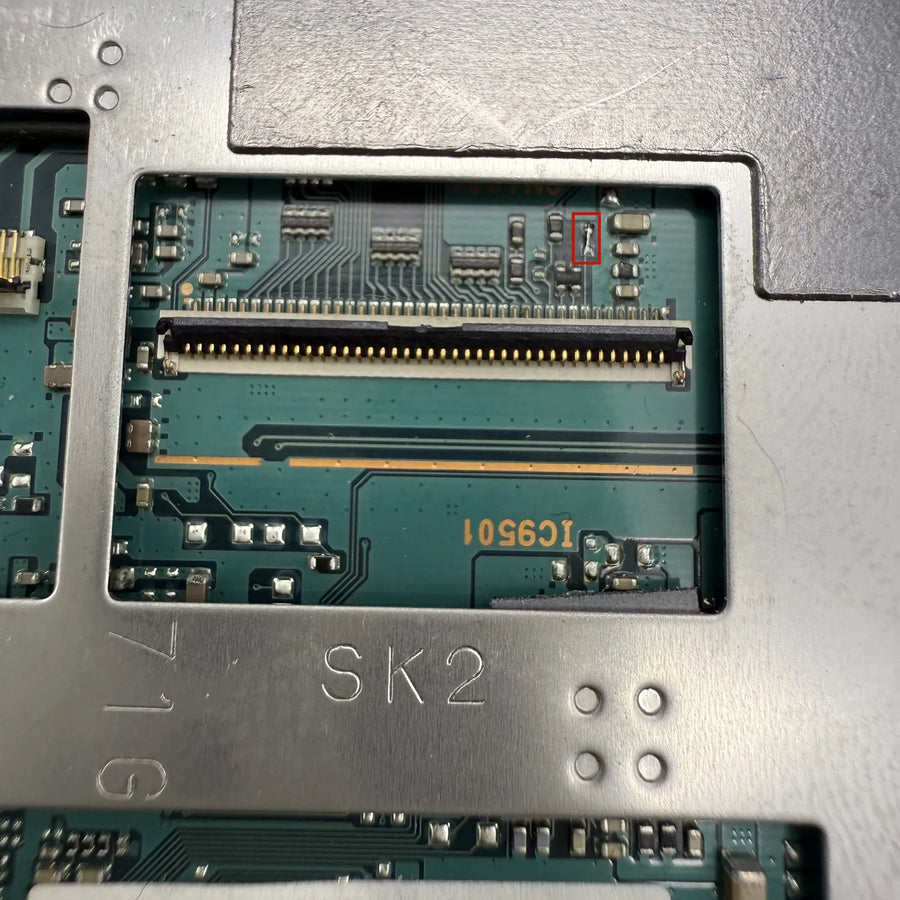
Full disassembly of the front: removing the battery, the screws, the screen ribbon cable and the original panel. You'll need a precision Phillips screwdriver, a plastic spudger and a clear work surface for the screws. Handling the ZIF ribbon cables is the tricky part of the job. The manufacturer presents this kit as a direct replacement on the original connector, with no soldering — to be confirmed depending on the batch received. If you've never opened a handheld console, get some help: a creased ribbon cable can't be repaired.
In the box
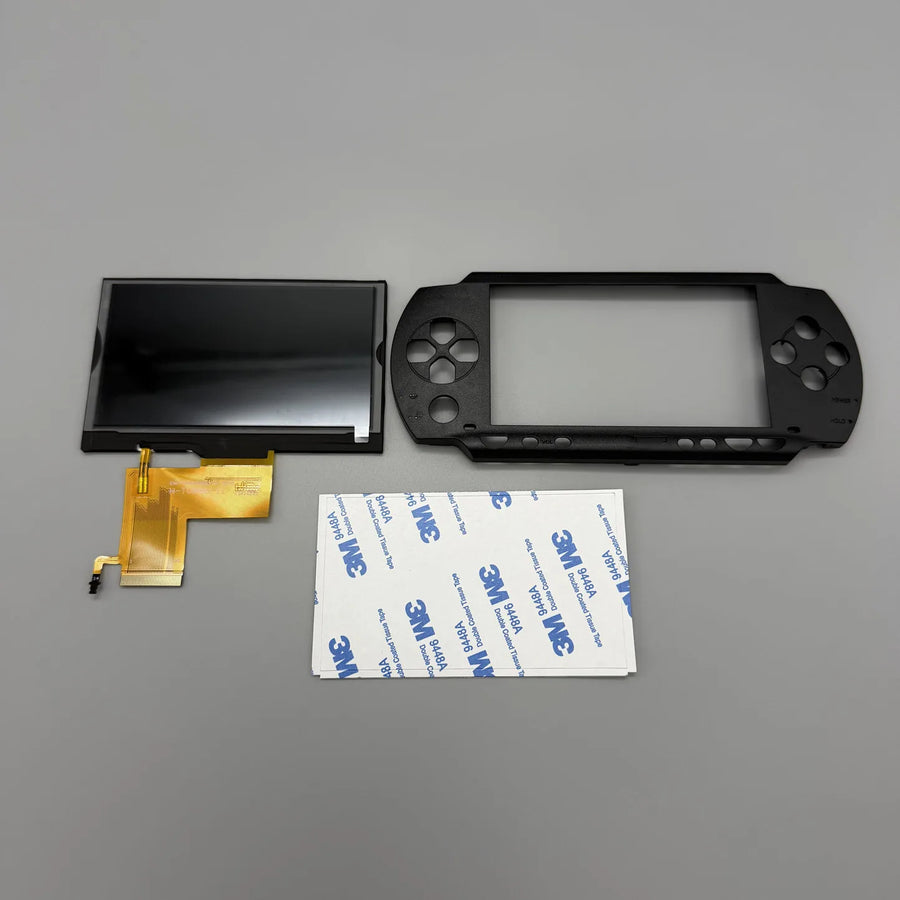
- 1 fully laminated 4.3-inch IPS screen for PSP-1000, ribbon cable fitted
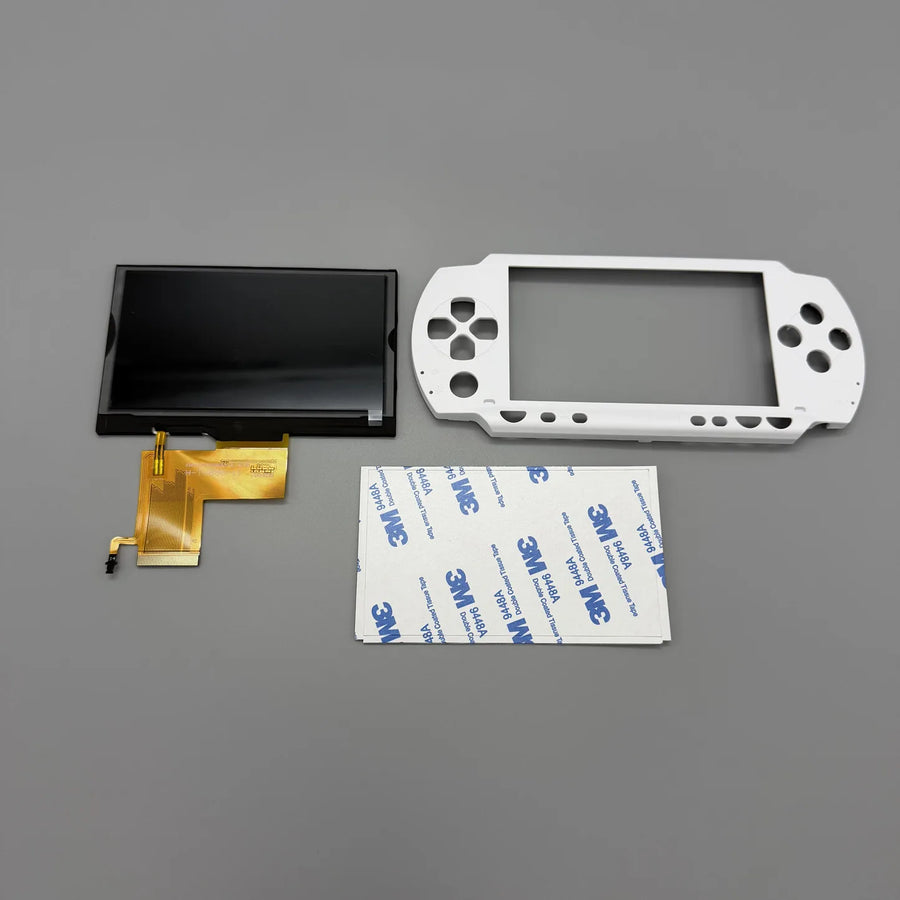
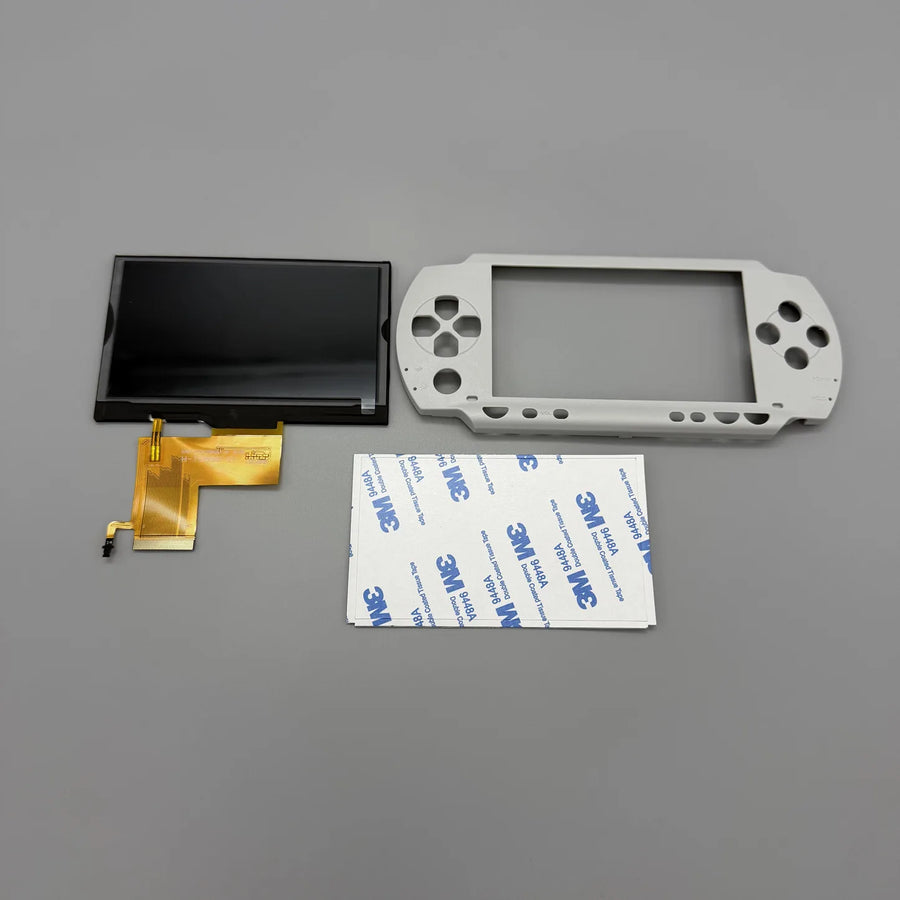
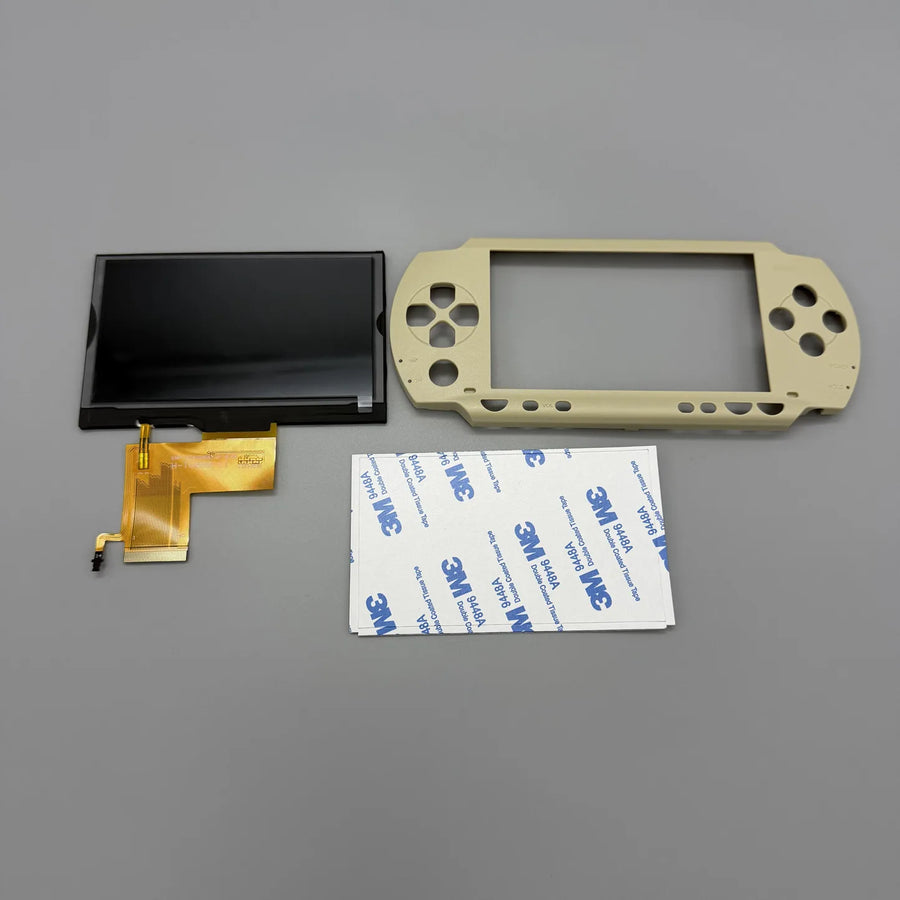
- 1 logo-free replacement top shell in the chosen colour — except for the “without top shell” variant, which contains only the screen
Read before ordering: Retro Peripherals
Delivery in 10 to 18 days · ships within 3 to 5 days · 2-year legal guarantee · 14-day returns.
Laminated IPS screen for PSP 1000 — with or without top shell
Fully laminated IPS screen for PSP-1000, supplied with its logo-free top shell.
En stock
📦Ships within 3 to 5 business days · Delivery in 10 to 18 business days · 2-year legal guarantee of conformity · 14-day returns.
ℹÀ partir de 150 €, la livraison s’effectue en Point Relais.
- 🇫🇷SAV français
réponse sous 1 jour ouvré - 🛡Garantie légale
2 ans - ↩14 jours
pour changer d’avis - 🔒Paiement sécurisé
CB · PayPal · Klarna
The fix: making a 2004 PSP readable again
A PSP-1000 taken out of the cupboard almost always shows the same thing: grey blacks, reflections, and that impression of a picture sitting two millimetres behind the glass. That's the original air gap, not wear. Replacing the panel with a laminated assembly removes that space and gives the screen a sharp look again. The motherboard, battery and UMD drive are left untouched: you open the front, change the panel and close it up again.
The part: an IPS panel and the shell that goes with it
An IPS screen isn't just brighter: it keeps its colours when the console is tilted, which the original TFT panel can't do. As the laminated assembly is thicker than the stock panel, it doesn't fit in the original front — which is why the replacement top shell is supplied with the kit. It is deliberately plain: no logo, no brand screen printing. A variant without the shell exists for those who already have the adapted front.
What we tell you before you buy
This part doesn't turn the PSP into an HD machine: the resolution stays at 480 × 272. It only applies to the PSP-100x, never the 2000, 3000, Go or Vita. And it requires full disassembly of the front, with a ZIF ribbon cable to handle without creasing it. If these three points suit you, the difference from the original screen shows from the very first power-on. Otherwise, it's better not to open the console. Listing verified on 19 August 2026.
What this accessory brings
Verified manufacturer specifications · vérifié le
Ce qu’il fait bien
- IPS panel: wide viewing angles and stable colours
- Full lamination: no more air gap, fewer reflections
- Matching top shell included, with no logo or marking
- Direct replacement on the original ribbon cable connector
- Five shell colours, or screen-only version
Ce qu’il ne fait pas
- Doesn't increase the resolution: the console stays at 480 × 272
- PSP-100x only: not for PSP 2000, 3000, Go, E1000 or PS Vita
- The shell supplied is plain; the original front is not restored
- Full disassembly of the front and handling of a ZIF ribbon cable
- No console, battery, back shell, buttons or tools included
Voir toute la fiche technique+
Matière et format
- Type d’accessoire
- Replacement screen
Compatible avec
- PSP 1000 (PSP-1000 to PSP-1004)
Dans la boîte
- 1 fully laminated 4.3-inch IPS screen for PSP-1000, ribbon cable fitted
- 1 logo-free replacement top shell, colour of your choice (not included in the “without top shell” variant)
Frequently Asked Questions
🔧 Do I need to solder to install this screen?
The kit is presented as a direct replacement on the original ribbon cable connector, with no soldering. The tricky part is handling the ZIF ribbon cable, not the soldering iron.
🎮 Which PSPs are covered?
Only the PSP-1000, known as the “Fat” (references PSP-1000 to PSP-1004). The PSP 2000, 3000, Go, E1000 and the PS Vita are not compatible: different panel and connector.
🖼️ Does the picture become sharper?
No. The console still outputs 480 × 272. What changes are the viewing angles, the depth of the blacks and the disappearance of the air gap between the panel and the glass.
🏷️ Why a shell with no logo?
The top shell supplied is plain, with no manufacturer marking. It's needed because the laminated assembly doesn't fit in the original front.
📦 What's in the box?
A fully laminated 4.3-inch IPS screen with its ribbon cable, and a replacement top shell in the chosen colour. The “without top shell” variant contains only the screen.
🧰 What tools do I need?
A precision Phillips screwdriver, a thin plastic spudger to unclip the front, and something to keep the screws in. No tools are included in the package.
🚚 What are the delivery times?
Delivery in 10 to 18 days, ships within 3 to 5 days. Reply to your questions within 1 business day.
🛡️ Which guarantee applies?
2-year legal guarantee of conformity. 14-day returns. Listing verified on 19 August 2026.
Why buy here rather than on a marketplace
It is a fair question. Here is the answer, straight.
Every listing is checked before publication: real compatibility, material, dimensions, box contents. Many models never make it into the catalogue.
A question about compatibility, a fit problem, a return: you write, a human replies within 1 business day. In French.
The 2-year legal warranty of conformity is handled by us — not by a form on the other side of the world. And 14 days to change your mind, with no need to justify yourself.
We do not claim to be the cheapest. We claim that you will know exactly what you are buying before you pay.
Read this before choosing
Our guides to accessories: compatibility, protection, transport.

Pixel art: create your own designs for a Divoom display
Grid size, number of colours, outlines, animation: the guide to getting started in pixel art and displaying your own creations on a Divoom display.
2 min de lecture · publié le

Divoom pixel art speakers: which one should you choose?
Astrotoo, Ditoo-Pro, FlowToo, Tiivoo-2, Timebox-Evo, MiniToo, Fairy-OK: the seven Divoom speakers compared, by use and budget.
2 min de lecture · publié le

Times Frame or Times Frame Pure: which Divoom floating photo frame should you choose?
64 or 32 GB, three colours or just one, a dial or not: the real differences between the Times Frame and Times Frame Pure…
1 min de lecture · publié le