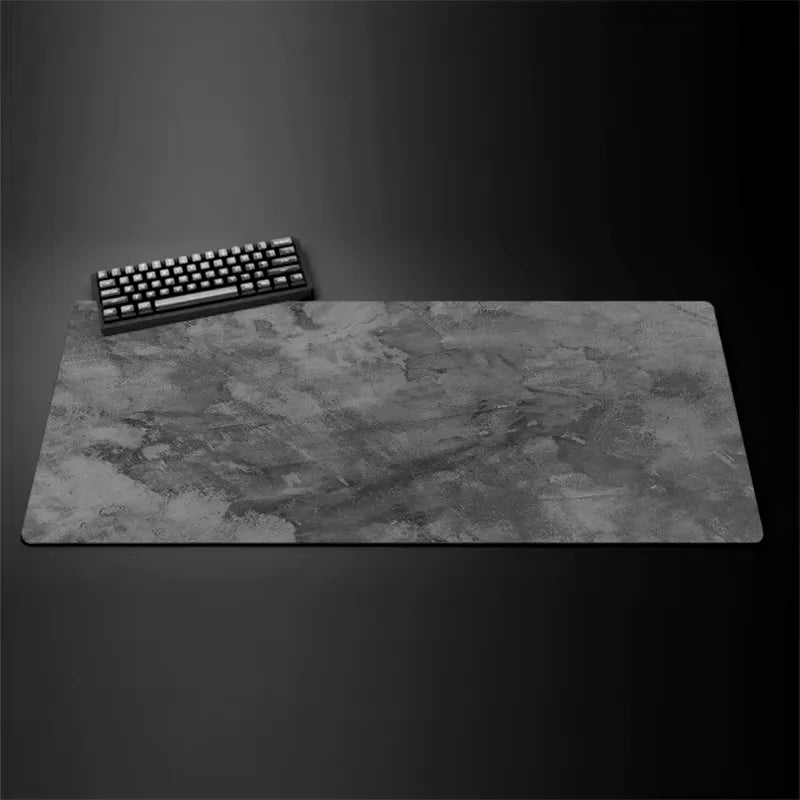
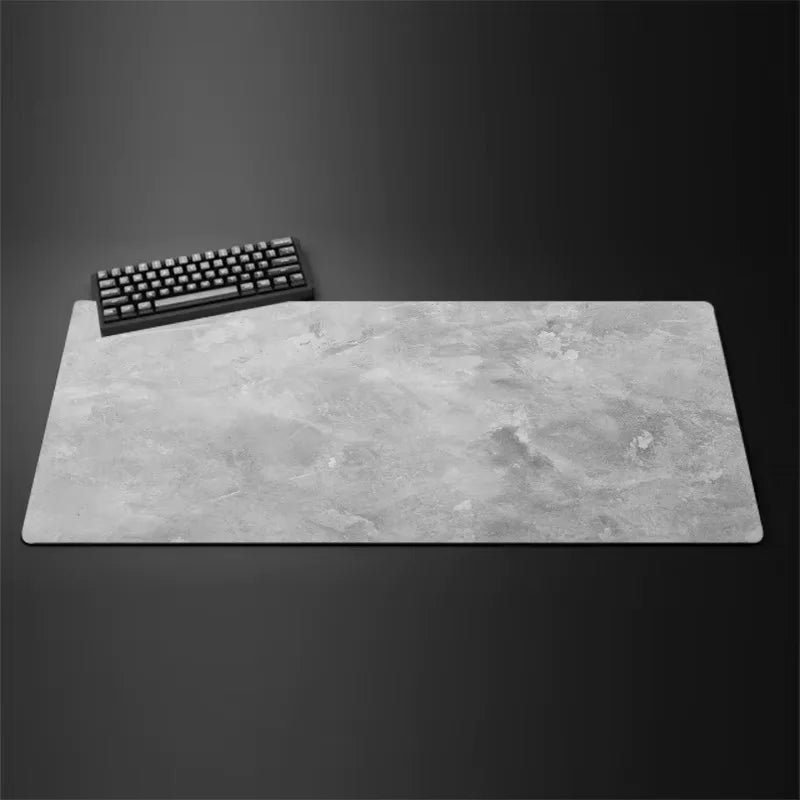
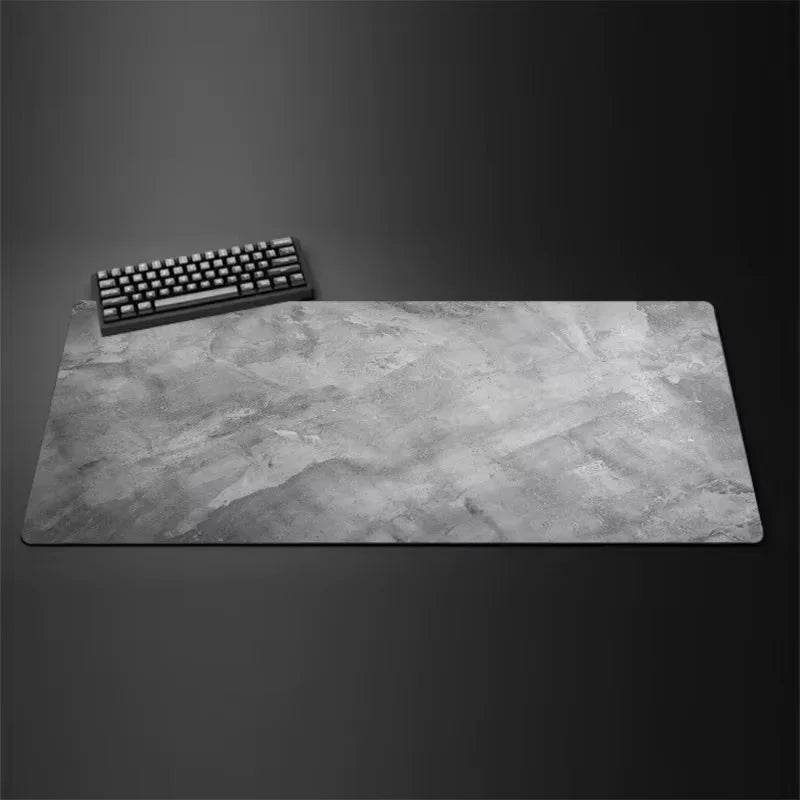
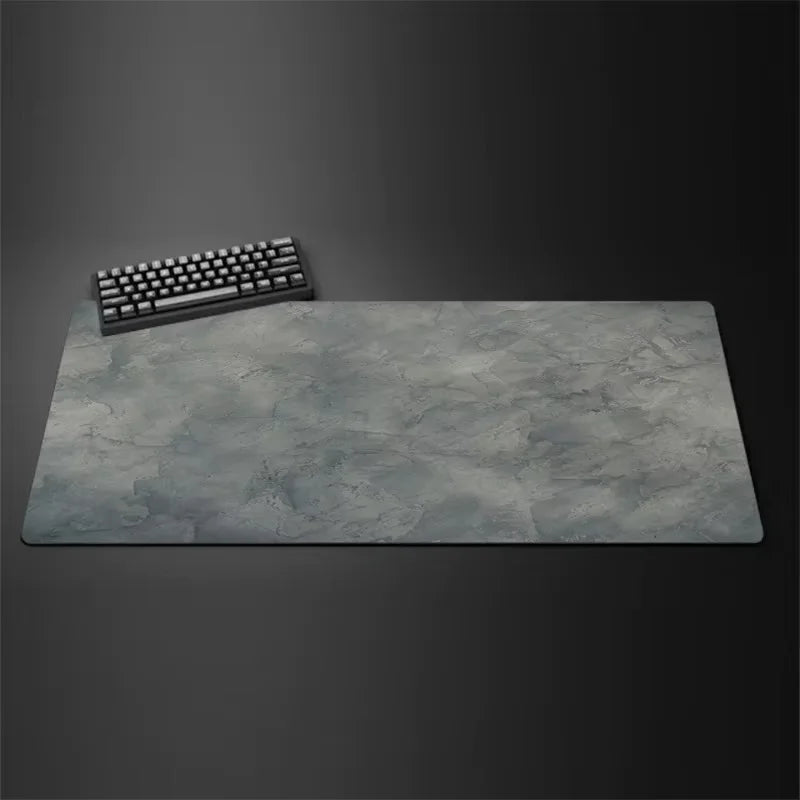
Full description
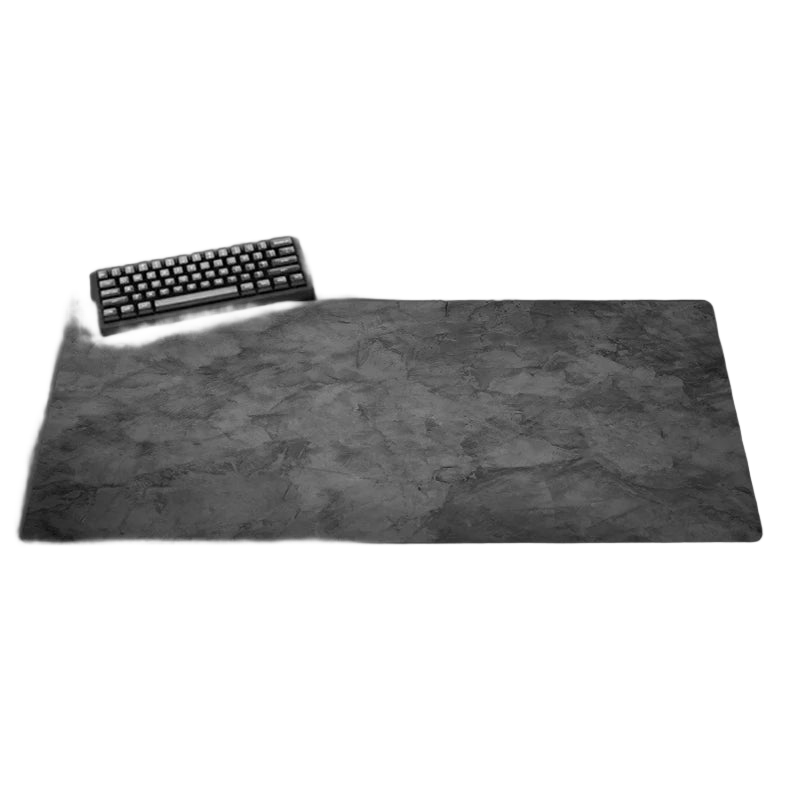
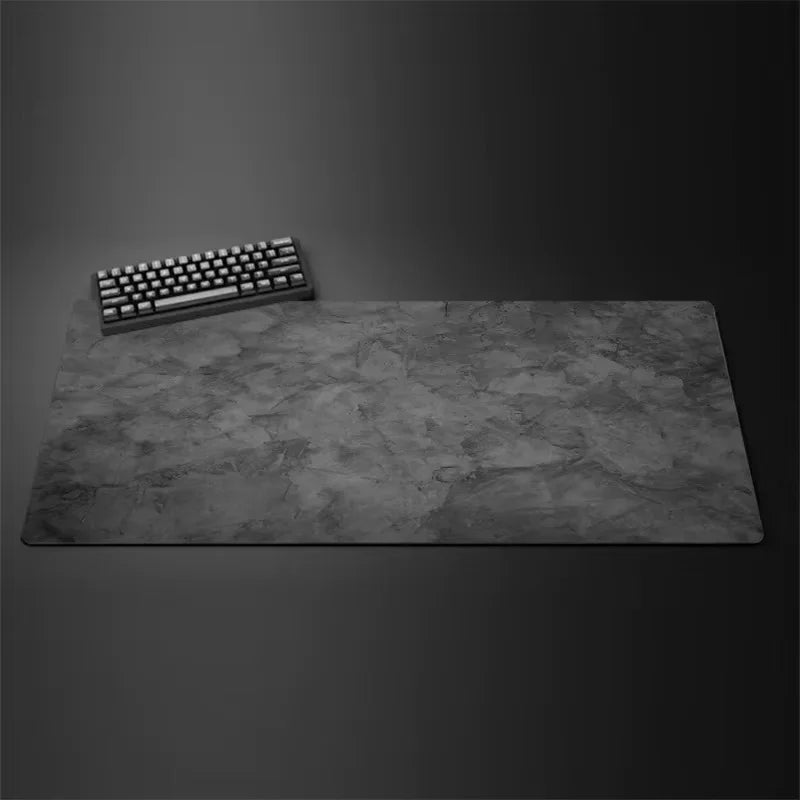
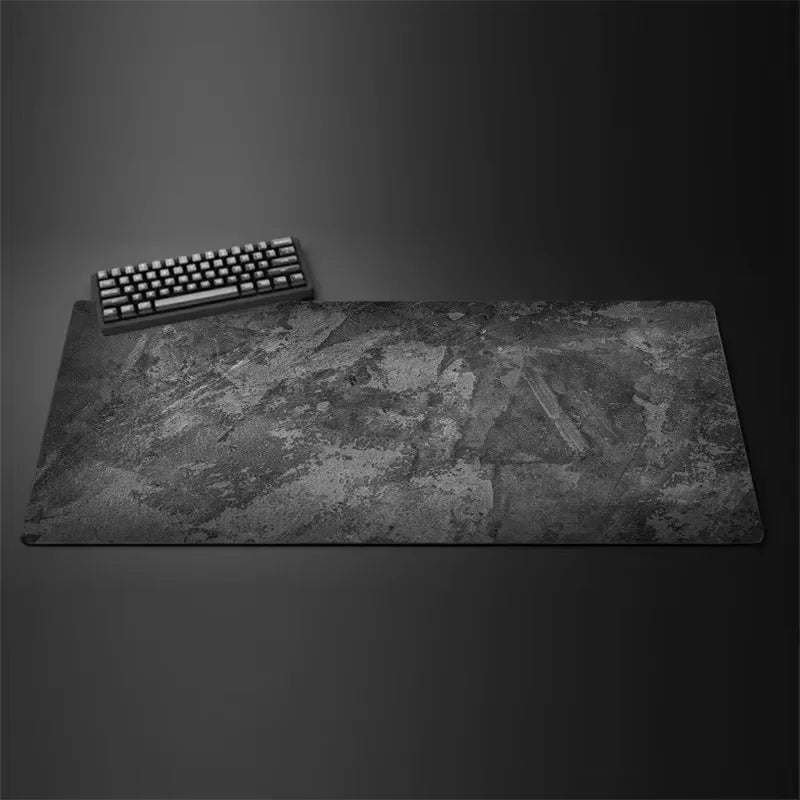
Grey series XXL mouse mat: a single work surface for your mouse and keyboard
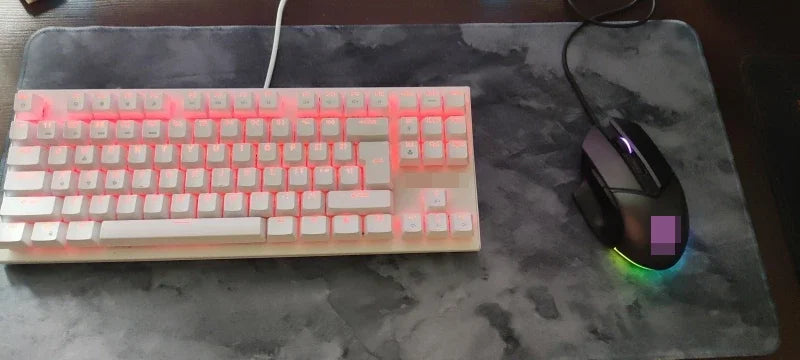
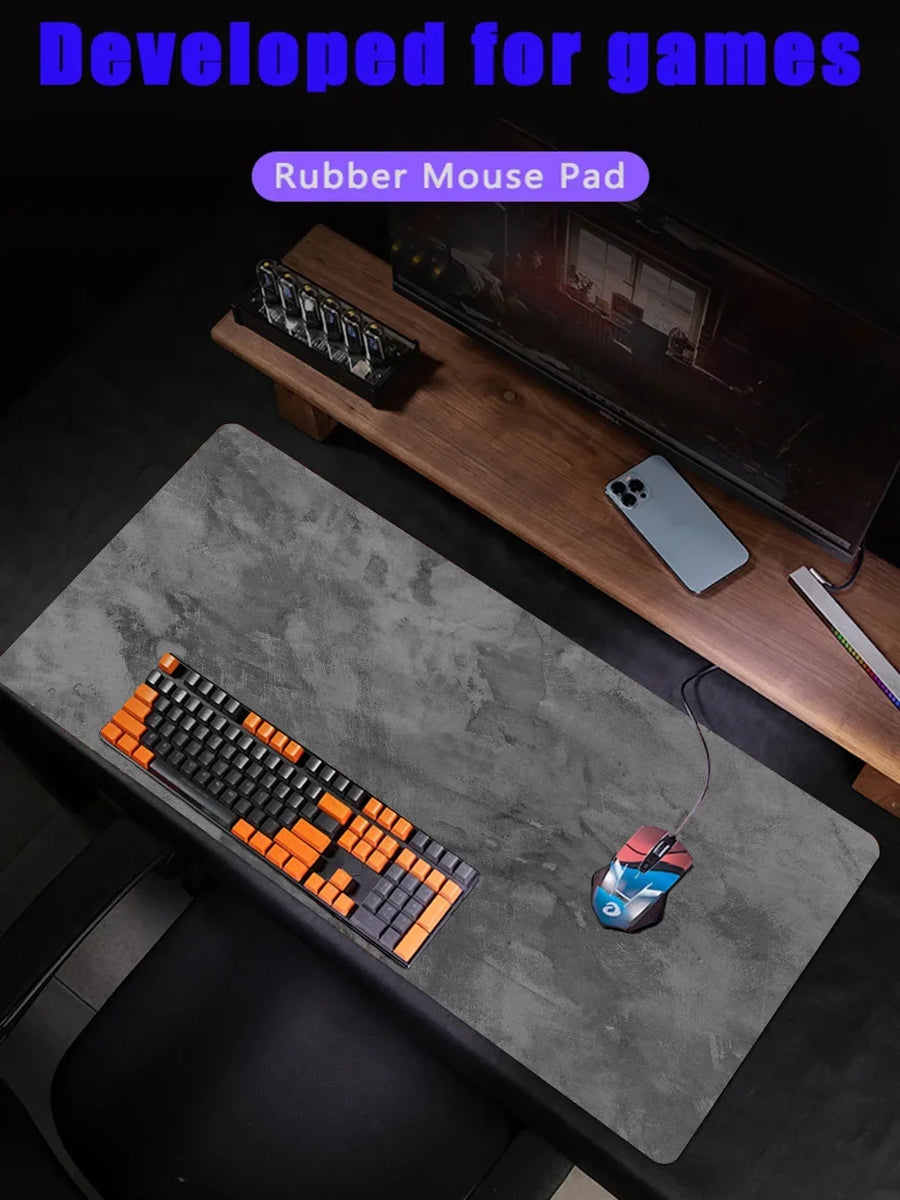
A gaming desk always ends up overflowing: the mouse slides off the mat mid-swipe, the keyboard slips, the desktop gets marked. This grey series mat goes up to 50 × 100 cm, with stitched edges and a rubber base that keeps it in place.
What it does
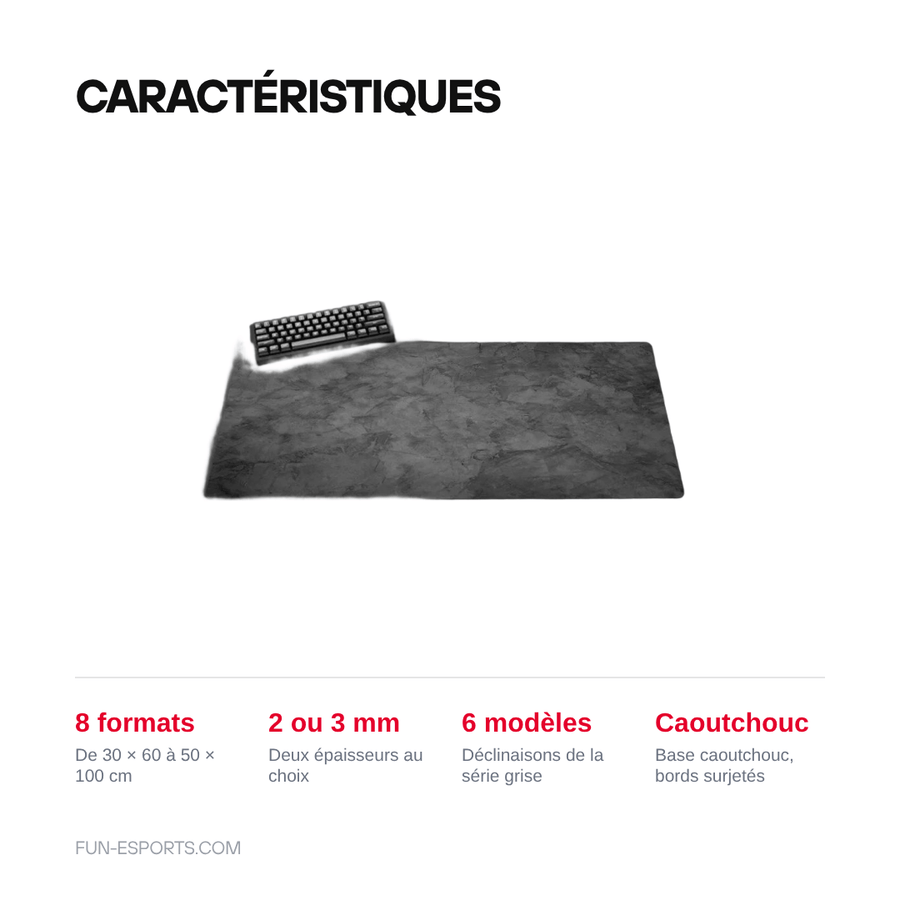
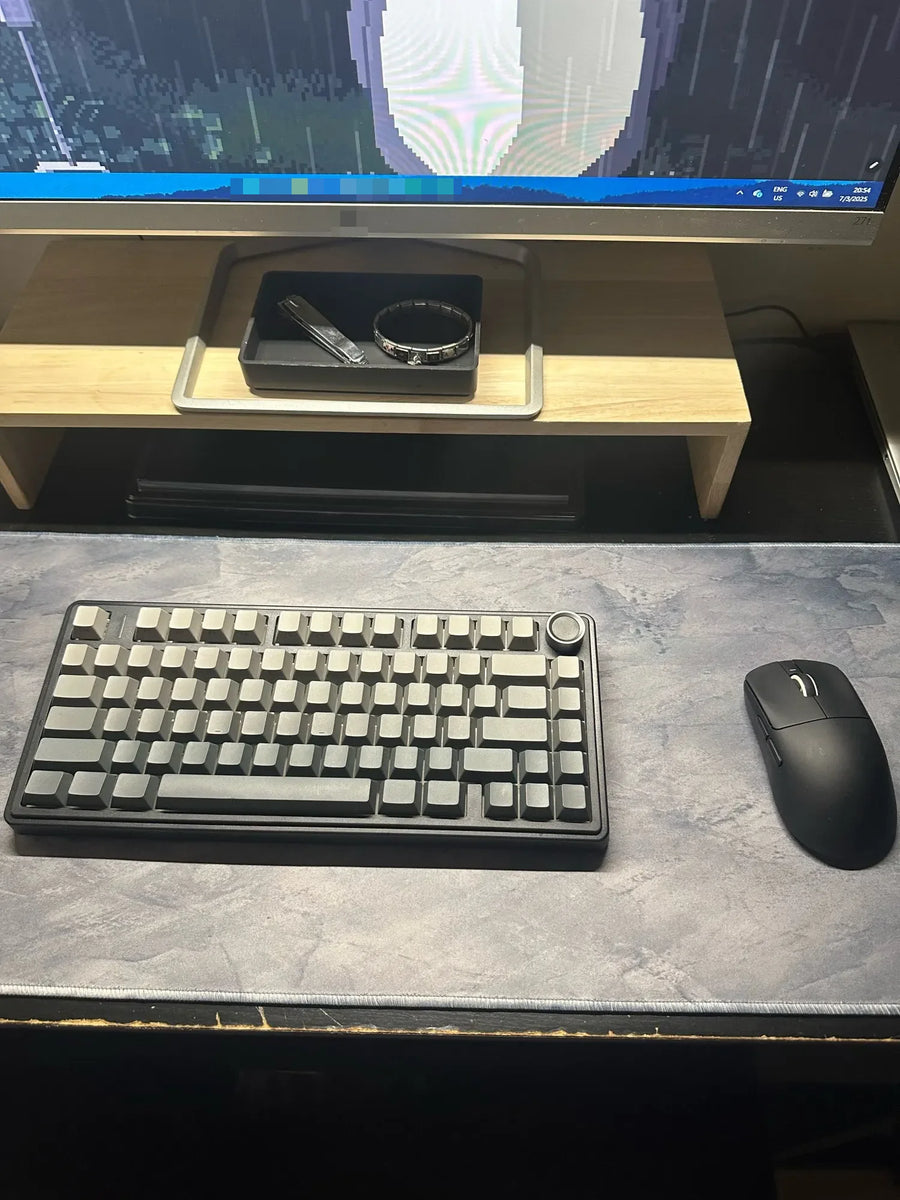
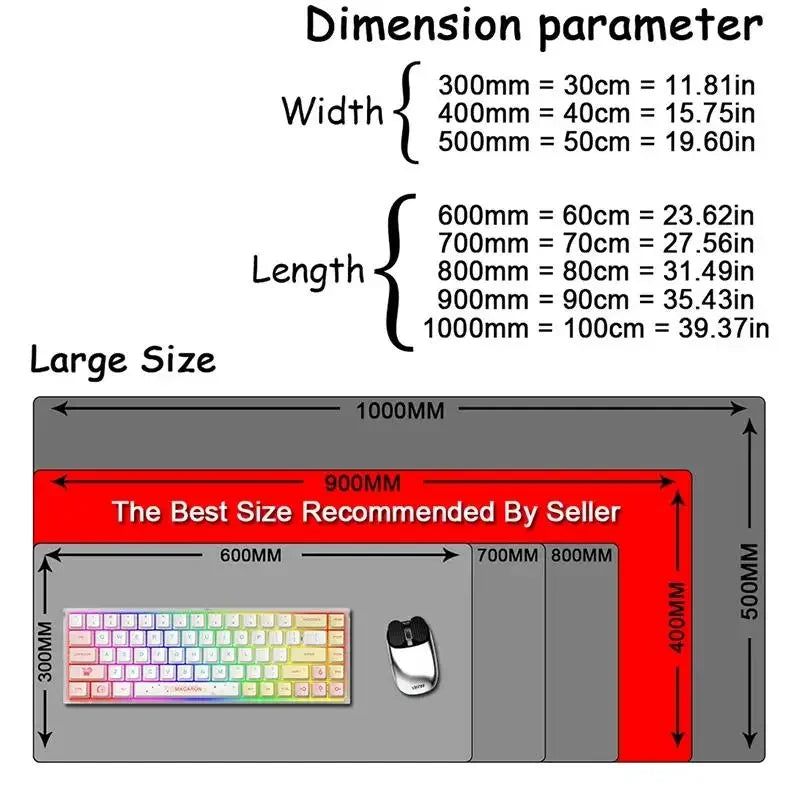
- Eight sizes: from 30 × 60 cm for a simple mouse mat to 50 × 100 cm, which fits keyboard and mouse side by side.
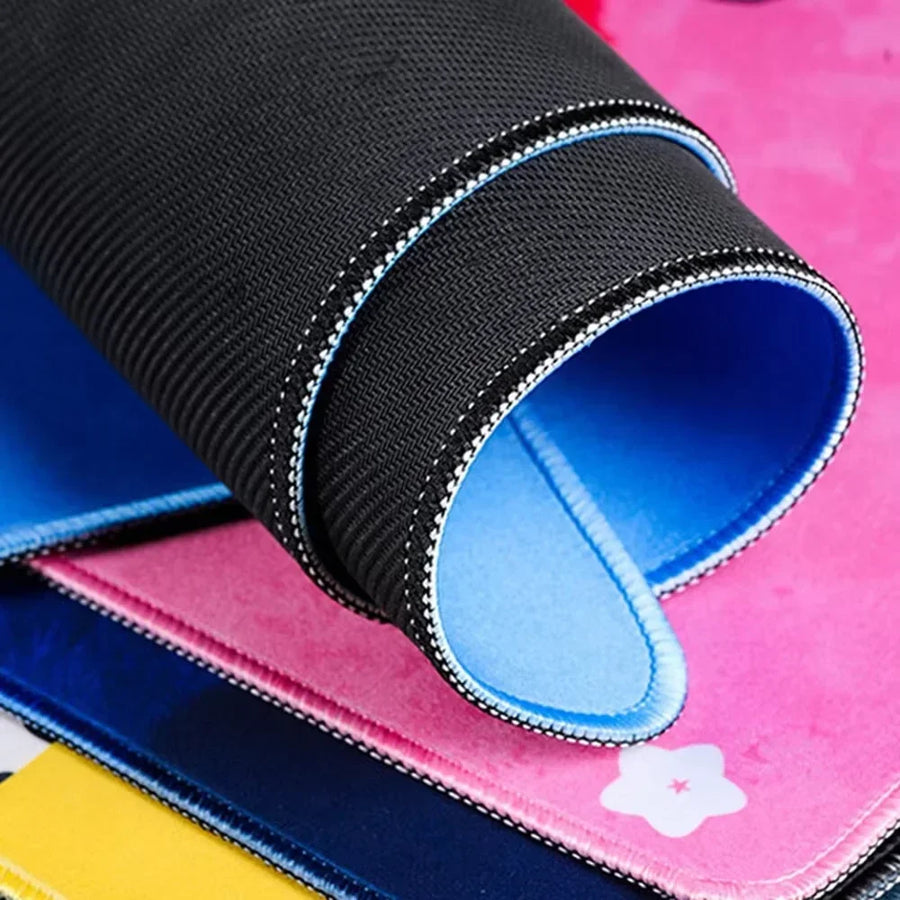
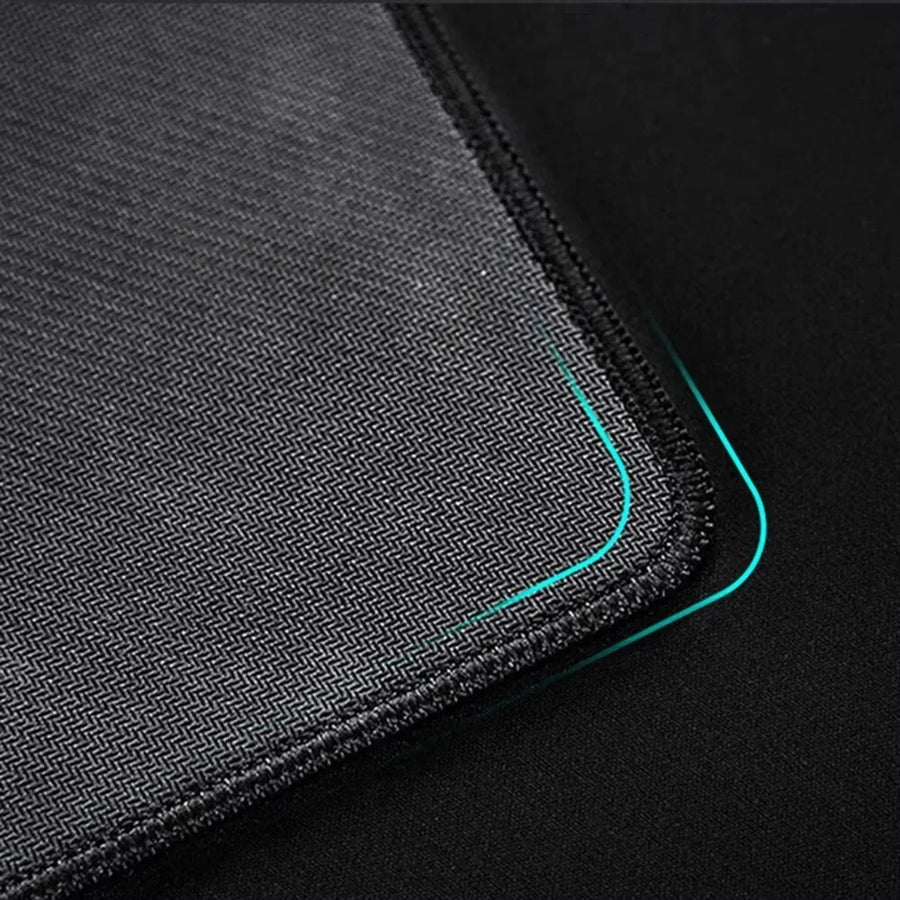
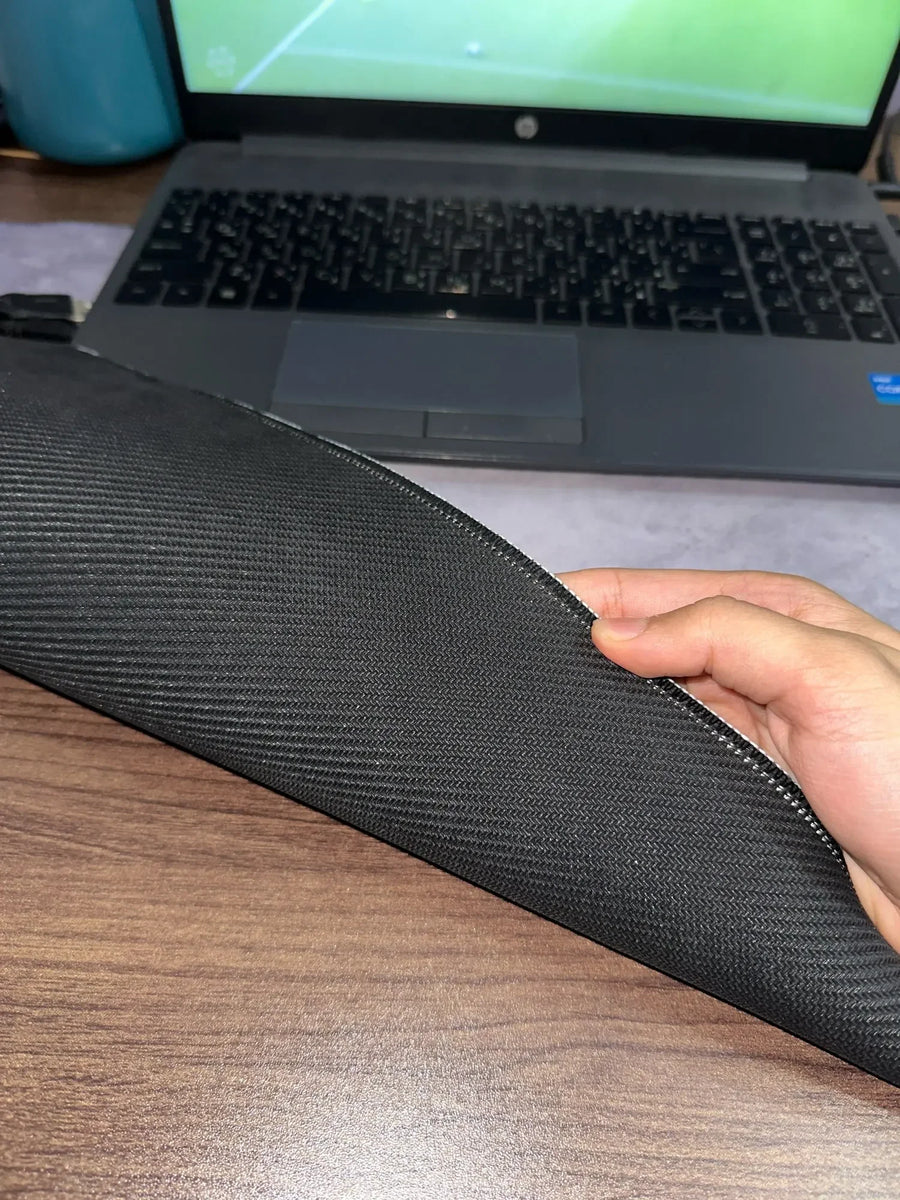
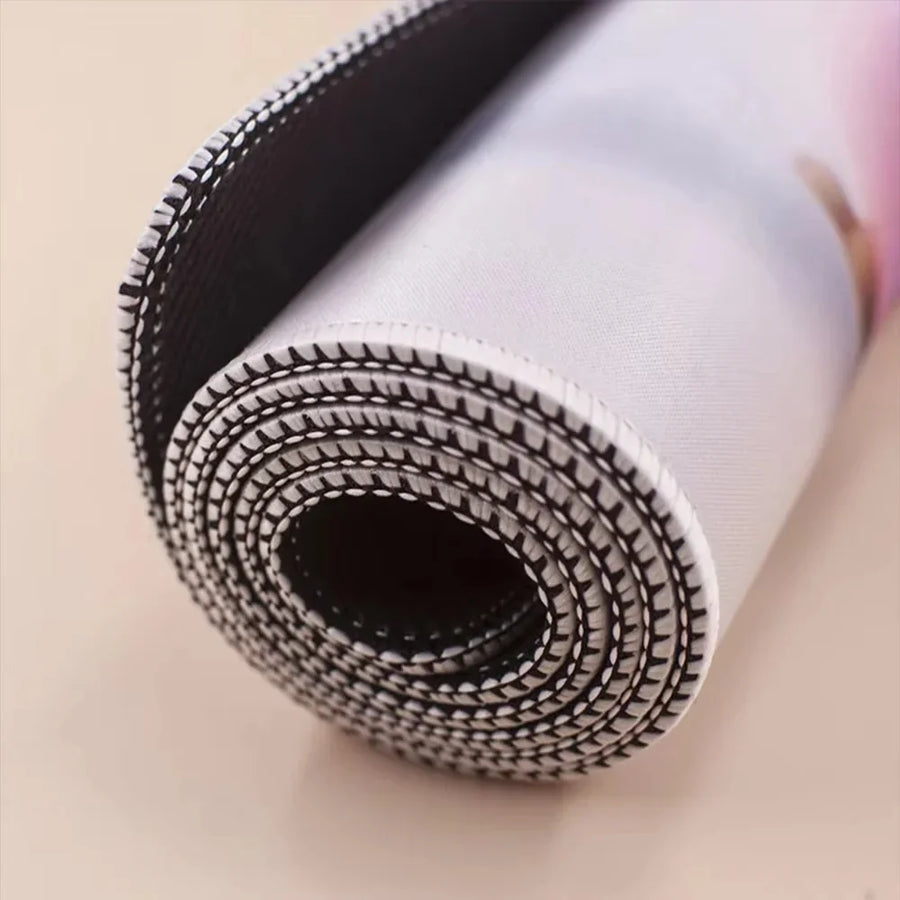
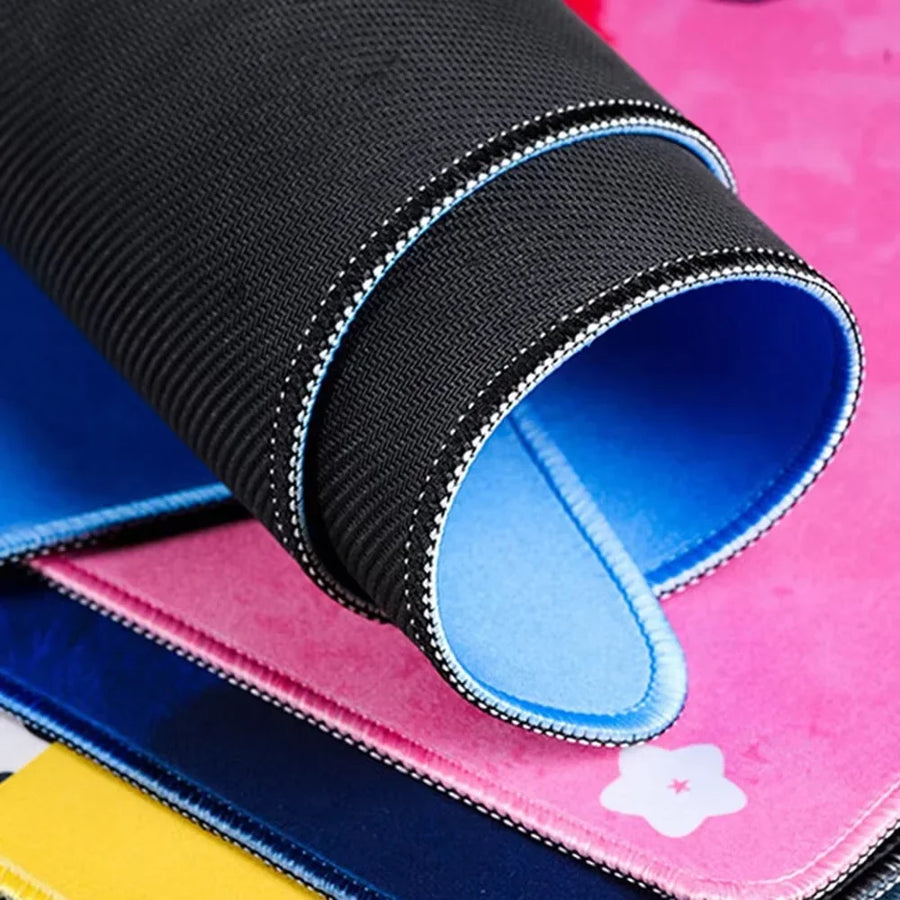
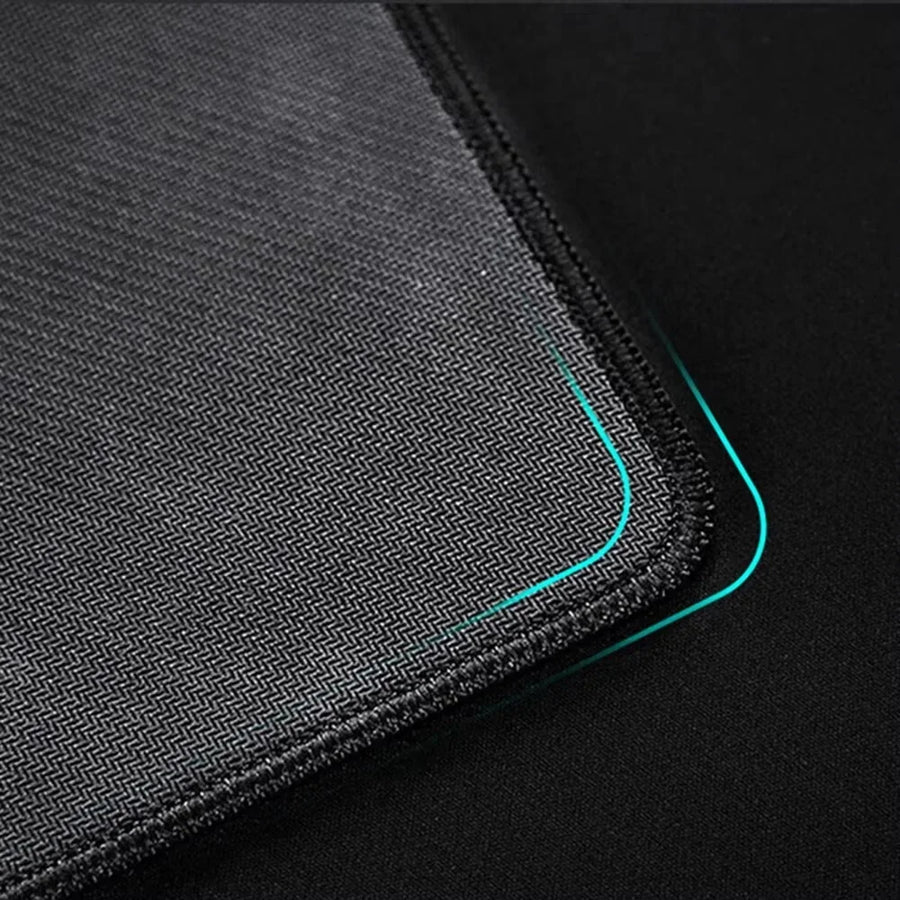
- Stitched edges: the stitching around the edge stops the fabric fraying at the corners, where an entry-level mat gives out first.
- Rubber base: the mat moves less with the mouse during wide, low-sensitivity movements.
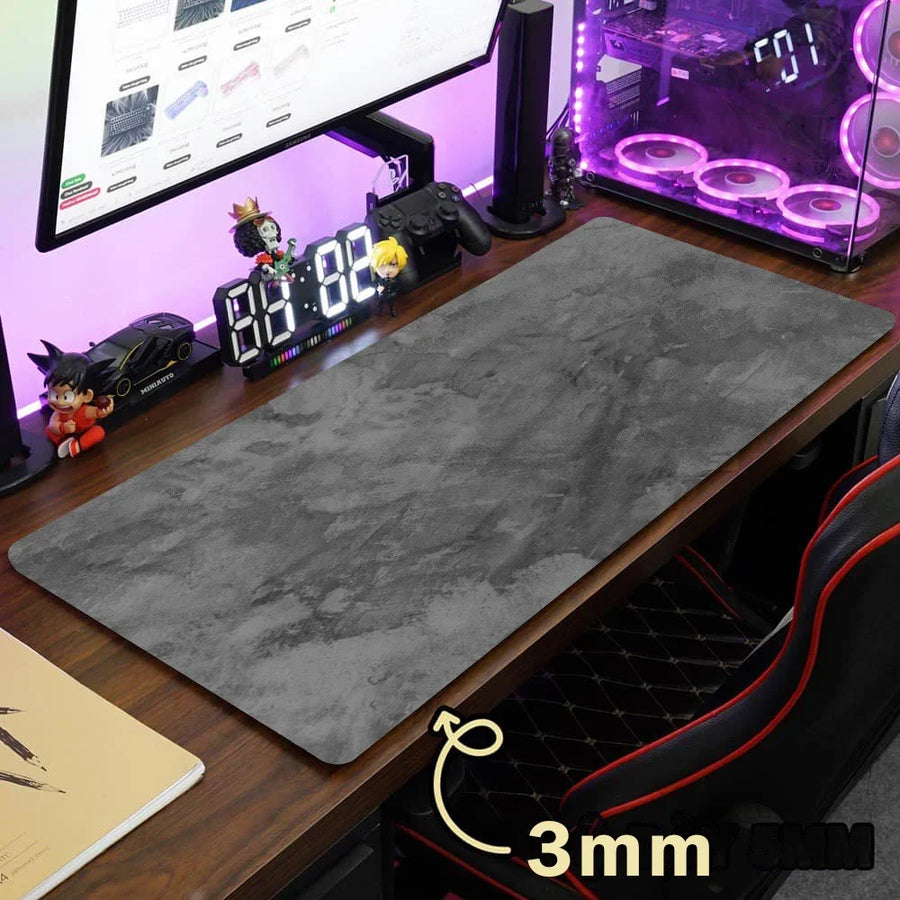
- Two thicknesses: 2 mm to stay discreet on the desk, 3 mm to cushion a hard desktop (available in 40 × 90 and 50 × 100).
What it doesn't do
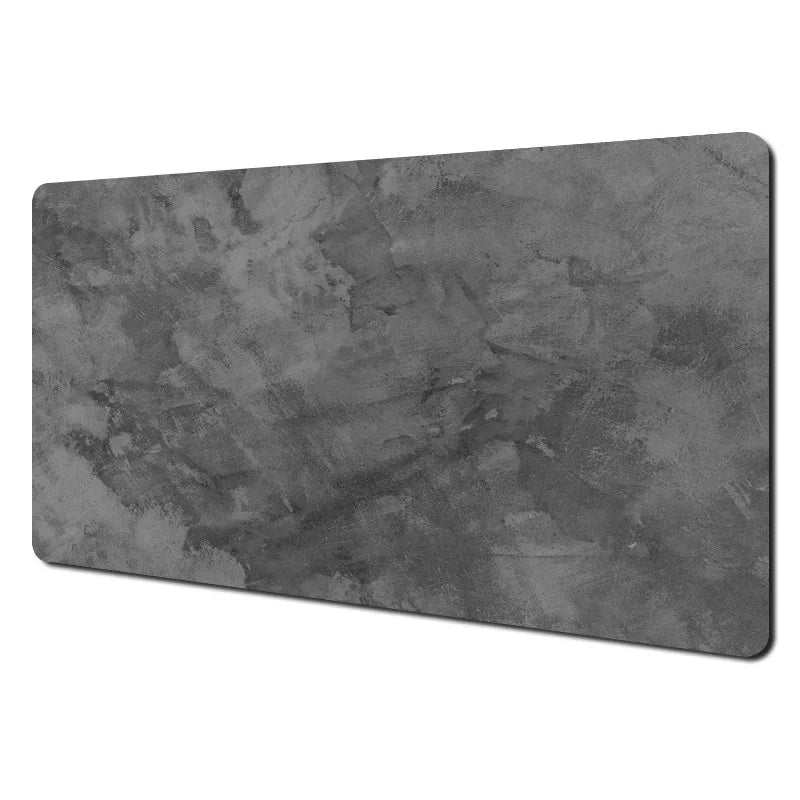
- The manufacturer names its six designs only as “mouse pad 1” to “mouse pad 6”: we don't guarantee a specific pattern behind each number, only the series' predominantly grey colour.
- No RGB lighting, no USB port, no heated surface: it's a passive mat.
- The surface material isn't disclosed by the manufacturer — only the rubber base is documented. We'd rather publish nothing than an invented value.
- 2 to 3 mm of thickness won't level out a warped or uneven desktop, and doesn't replace a wrist rest.
- No washing instructions come with the product: clean with a damp sponge, no machine washing.
Compatibility
The mat isn't connected to anything: it suits any setup, PC or console, optical or laser mouse, wired or wireless. Eight sizes to choose from — 30 × 60, 30 × 70, 30 × 80, 40 × 80, 40 × 90 (2 or 3 mm) and 50 × 100 cm (2 or 3 mm). Measure your desk before ordering the 50 × 100: it needs 50 cm of free depth. The 30 cm-deep sizes can't fit a full-size keyboard and a mouse side by side.
Skill level required
No assembly, no tools, no soldering: this product isn't part of the modding workshop. Delivered rolled up, it keeps a slight curve for the first few days — leave it flat for one to two days before judging how well it lies.
In the box
- 1 mouse mat, in the chosen size and design.
- No accessories or instructions: the product is delivered rolled up, without gift wrapping.
Listing verified on 19 August 2026. Delivery in 10 to 18 days · ships within 3 to 5 days · 2-year legal guarantee · 14-day returns.
Read before ordering: XXL mouse mats
XXL mouse mat, grey series — stitched edges, rubber base
Eight sizes from 30 × 60 to 50 × 100 cm · stitched edges · rubber base · six grey designs
In stock
📦Ships within 3 to 5 business days · Delivery in 10 to 18 business days · 2-year legal guarantee · 14-day returns.
- 🇫🇷French customer service
reply within 1 business day - 🛡Legal warranty
2 years - ↩14 days
to change your mind - 🔒Secure payment
Card · PayPal · Klarna
The desk always overflows
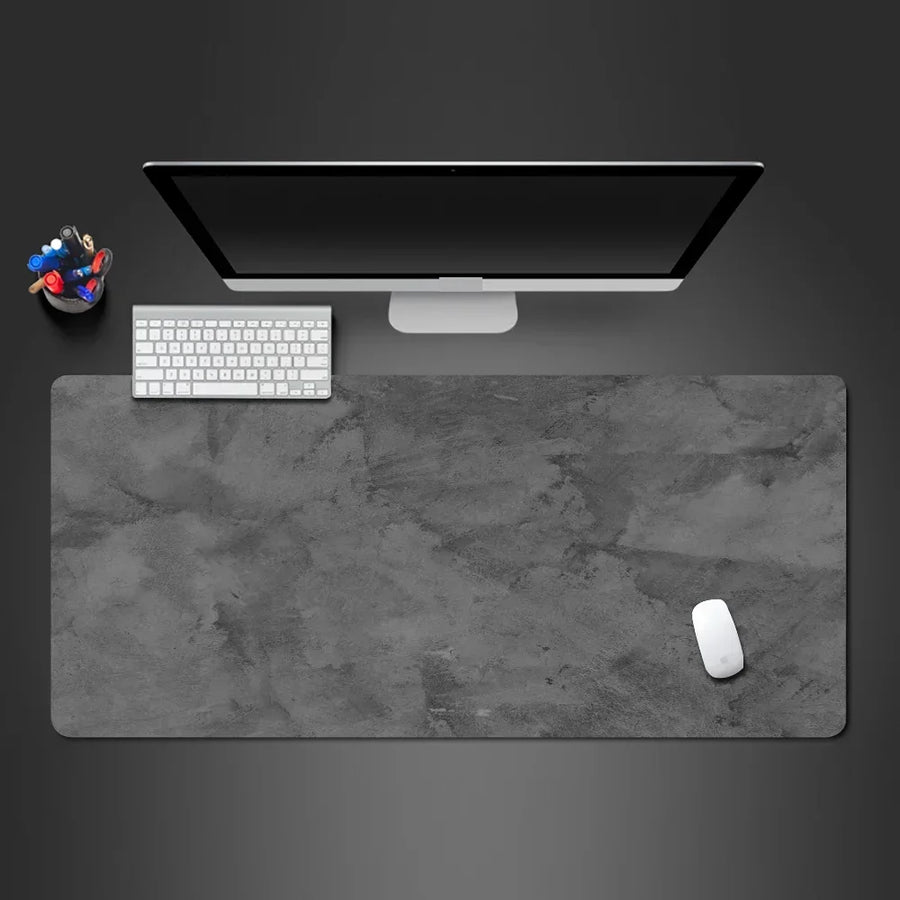
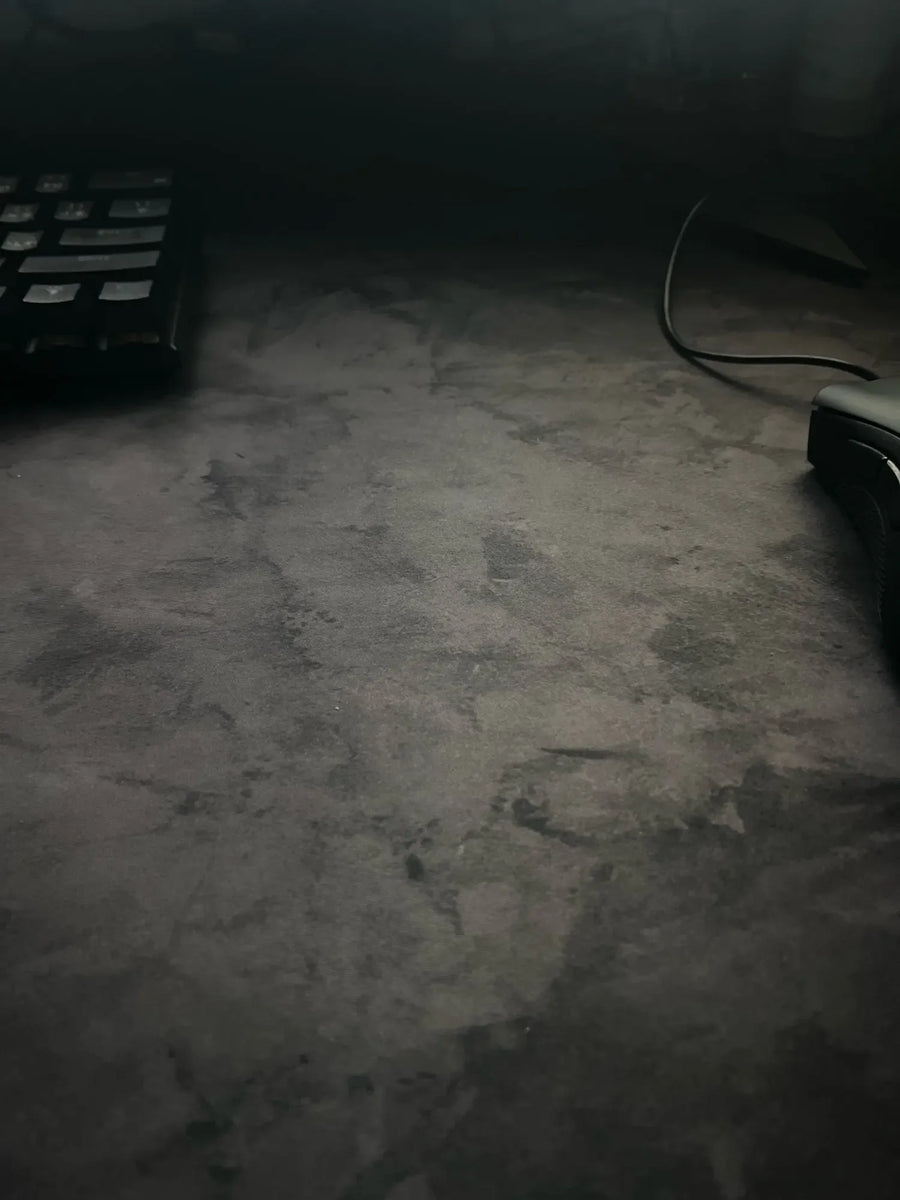
A gaming setup is rarely built in one go: you add a wider keyboard, a low-sensitivity mouse, a controller next to it, and the small original mat becomes a postage stamp in the middle of the desk. The XXL size solves the problem with surface area rather than technology: a single continuous surface under the keyboard and mouse, with no edge to cross mid-movement. The grey series stays neutral, doesn't try to imitate any licence and goes as well with a retro setup as with a work desk.
What the finish changes
On a mat, the edges are the first to go: without stitching, the fabric frays at the corners after a few months. Here the edges are stitched all the way round, and the base is rubber, which limits slipping during wide aiming movements. You choose the thickness: 2 mm to stay discreet, 3 mm to cushion a hard desktop, available in 40 × 90 and 50 × 100 cm. Eight sizes cover everything from a secondary mat to a full desk pad.
What we tell you before you buy
The manufacturer identifies its six designs with a simple number, from mouse pad 1 to mouse pad 6, without naming the patterns: we state the series' predominantly grey colour, not a specific design. The surface material isn't documented either, only the rubber base is, and we'd rather leave a field empty than invent a value. Finally, it's a passive mat: no lighting, no USB port, no heated surface. Listing verified on 19 August 2026.
What this accessory brings
Verified manufacturer specifications · verified on
What it does well
- Eight sizes, from 30 × 60 to 50 × 100 cm
- Stitched edges all the way round
- Rubber base
- Two thicknesses: 2 mm or 3 mm
- Six designs in the grey series
What it doesn’t do
- The manufacturer names the six designs only as mouse pad 1 to 6: the exact pattern is not guaranteed
- Surface material not disclosed: only the rubber base is documented
- No RGB, no USB port, no heated surface
- 2 to 3 mm won't level an uneven desktop and doesn't replace a wrist rest
- No washing instructions supplied: damp sponge, no machine washing
See full specifications+
Material and size
- Accessory type
- XXL mouse mat
Compatible with
- Optical mouse
- Laser mouse
- Wired or wireless mouse
- Full-size keyboard (from 40 × 80 cm)
- Desk with a flat top
In the box
- 1 mouse mat, size and design of your choice
Information and safety
Instructions for use and legal information about the product
Origin, responsible person and contact
- Product and packaging as supplied by the manufacturer: markings may be in Chinese or English. The product's characteristics are described on this page.
- Use this product only for the purpose described on this page and follow the instructions below.
- Person responsible for placing this product on the EU market: JMR-Service (Fun-Esports). See our Terms of Sale for full contact details.
- A safety problem (overheating, burning smell, broken part)? Stop using the product and write to us at contact@fun-esports.com.
- Warranty, returns and withdrawal: see our Warranty and returns page.
Frequently Asked Questions
📏 Which size should I choose?
For the mouse alone, 30 × 60 to 30 × 80 cm is enough. To put the keyboard and mouse on the same surface, start from 40 × 80 cm; the 50 × 100 cm covers a full-size keyboard with a large aiming area, but it needs 50 cm of free desk depth.
🎨 What do designs 1 to 6 correspond to?
The manufacturer only identifies them by a number, from mouse pad 1 to mouse pad 6, and doesn't publish the pattern names. All of them belong to the grey series: we state the predominant colour, not a specific design.
🖱️ Does it work with all mice?
Yes, optical or laser sensor, wired or wireless, on a PC or a console setup. The mat needs no power and no settings.
🧵 Are the edges stitched?
Yes, the edges are stitched all the way round. This finish prevents fraying at the corners, where a raw-edged mat deteriorates first.
🧽 How do I clean it?
The manufacturer provides no washing instructions. Stick to a damp sponge and drying flat, with no washing machine or tumble dryer.
📦 What's in the box?
1 mouse mat, in the chosen size and design. No accessories, no instructions. It's delivered rolled up: leave it flat for one to two days until the curve disappears.
🚚 What are the delivery times?
Delivery in 10 to 18 days, ships within 3 to 5 days. Reply within 1 business day if you have a question about your order.
🛡️ What warranty applies?
2-year legal guarantee of conformity and 14-day returns from receipt.
Why buy here rather than on a marketplace
It is a fair question. Here is the answer, straight.
Every listing is checked before publication: real compatibility, material, dimensions, box contents. Many models never make it into the catalogue.
A question about compatibility, a fit problem, a return: you write, a human replies within 1 business day. In French.
The 2-year legal warranty of conformity is handled by us — not by a form on the other side of the world. And 14 days to change your mind, with no need to justify yourself.
We do not claim to be the cheapest. We claim that you will know exactly what you are buying before you pay.
Read this before choosing
Our guides to accessories: compatibility, protection, transport.

Manette pour smartphone : bien choisir pour le rétro et les jeux mobiles
Trois formats de manettes pour téléphone, et les critères qui départagent : port USB-C, version d'iOS ou d'Android, longueur du téléphone avec sa coque,…
9 min read · published on

Quelle manette 8BitDo choisir selon votre console et votre usage
Récepteur pour console d'origine, SN30 Pro ou Pro 3 sur Switch, Ultimate 2C ou Ultimate 2 sur PC : le tableau usage par usage…
11 min read · published on

Leverless ou stick arcade en 2026 : faut-il passer à la hitbox ?
Vous hésitez à passer au leverless ? Fonctionnement, modes SOCD et règles de tournoi en 2026, jeux concernés, temps d'adaptation, switchs et cartes GP2040-CE,…
9 min read · published on