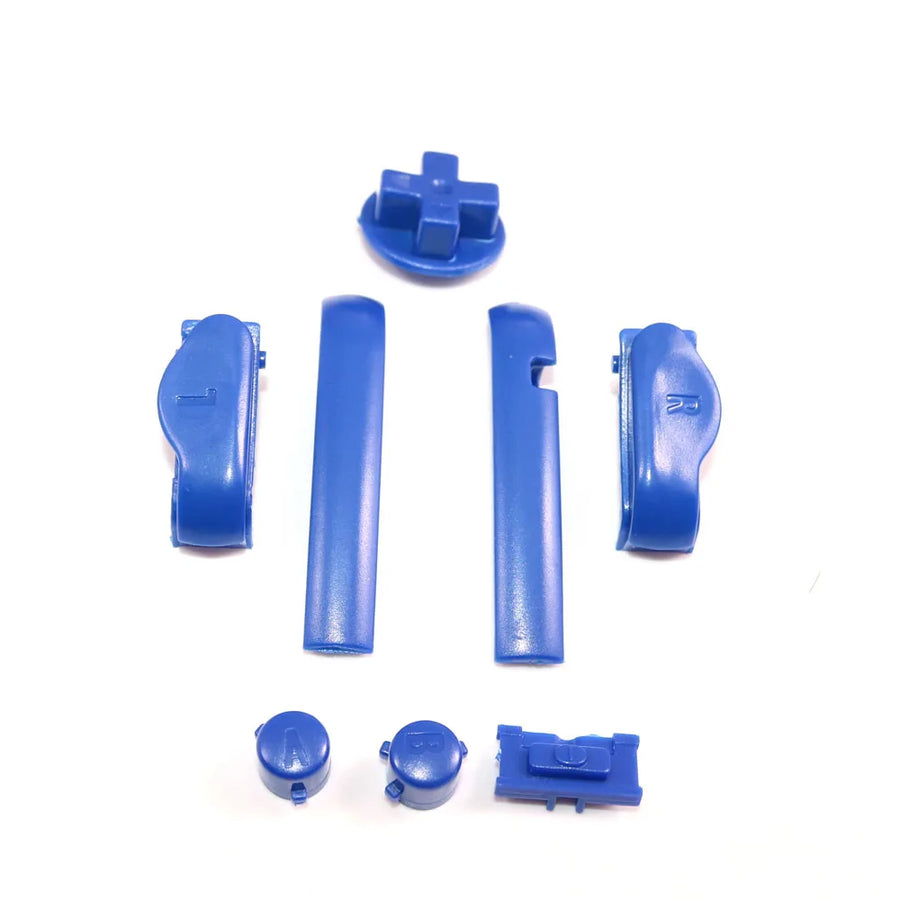
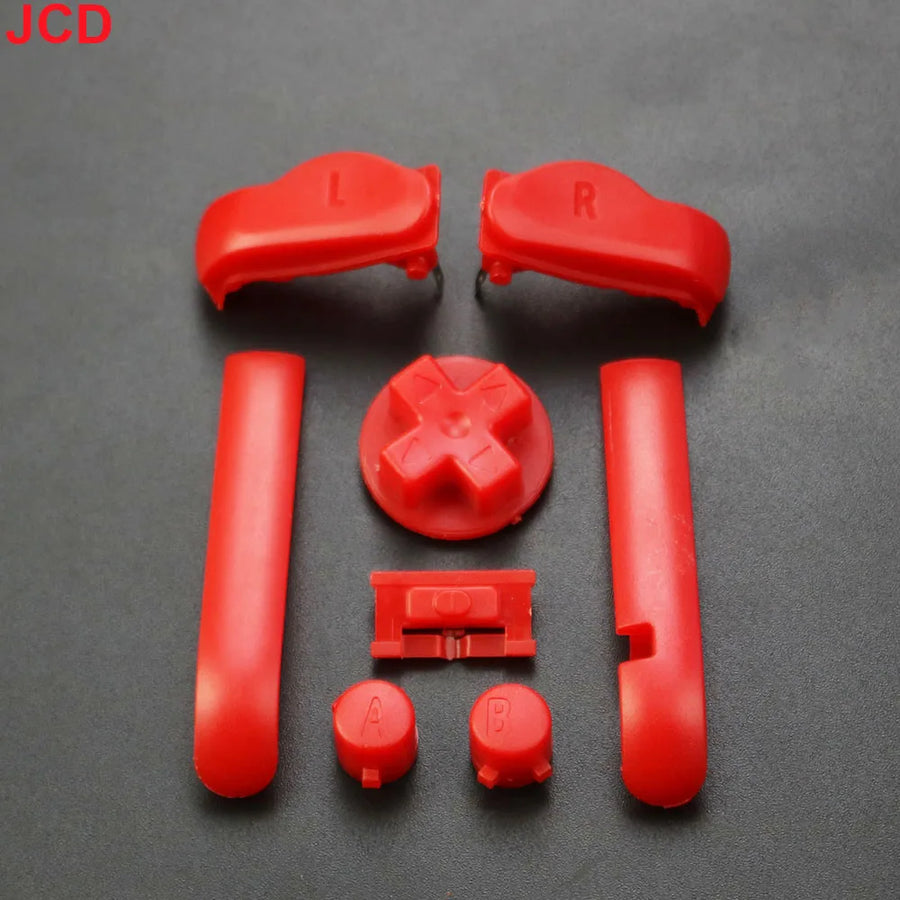
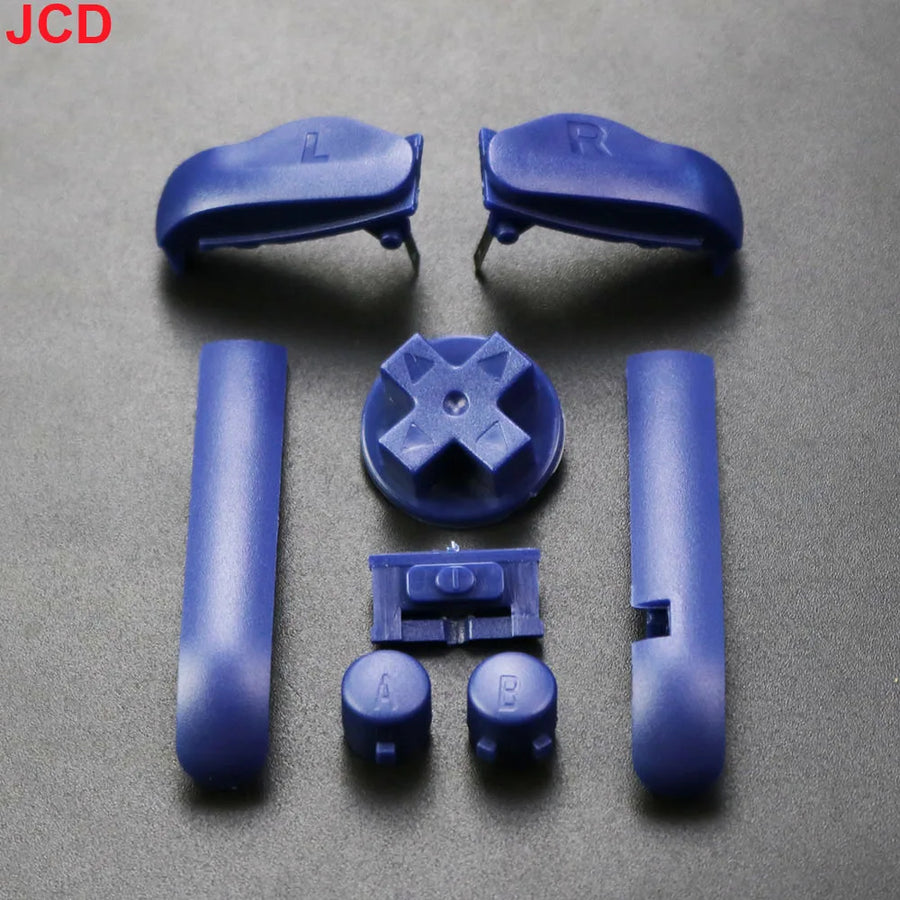
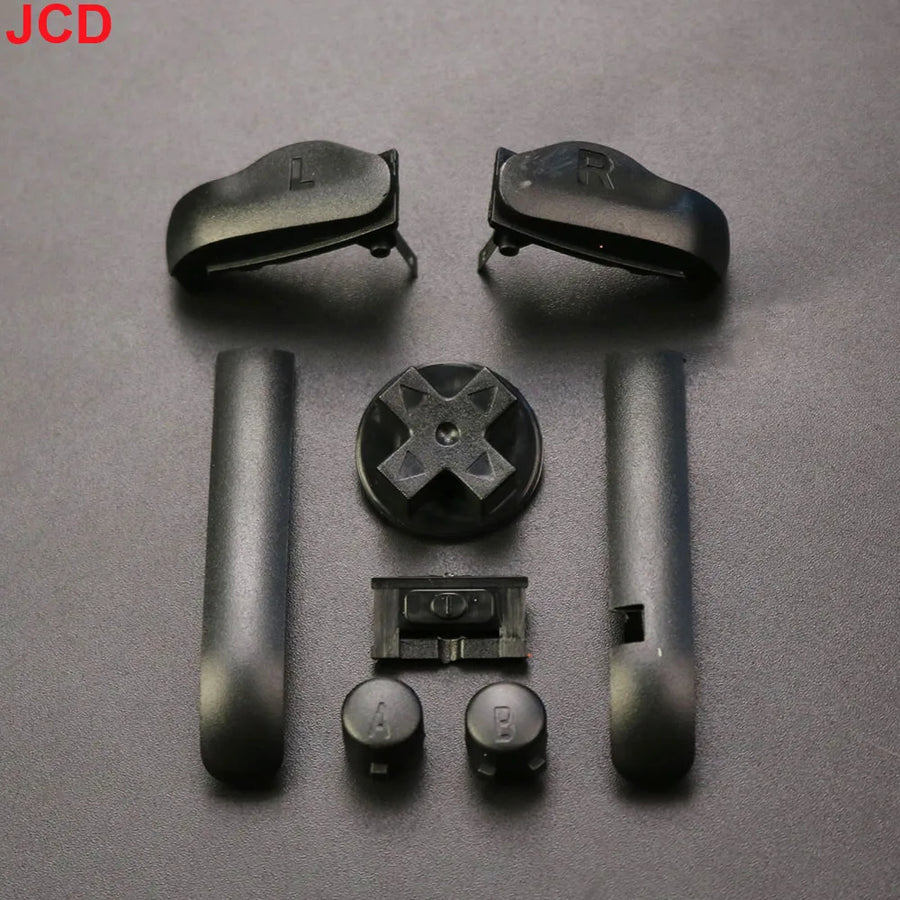
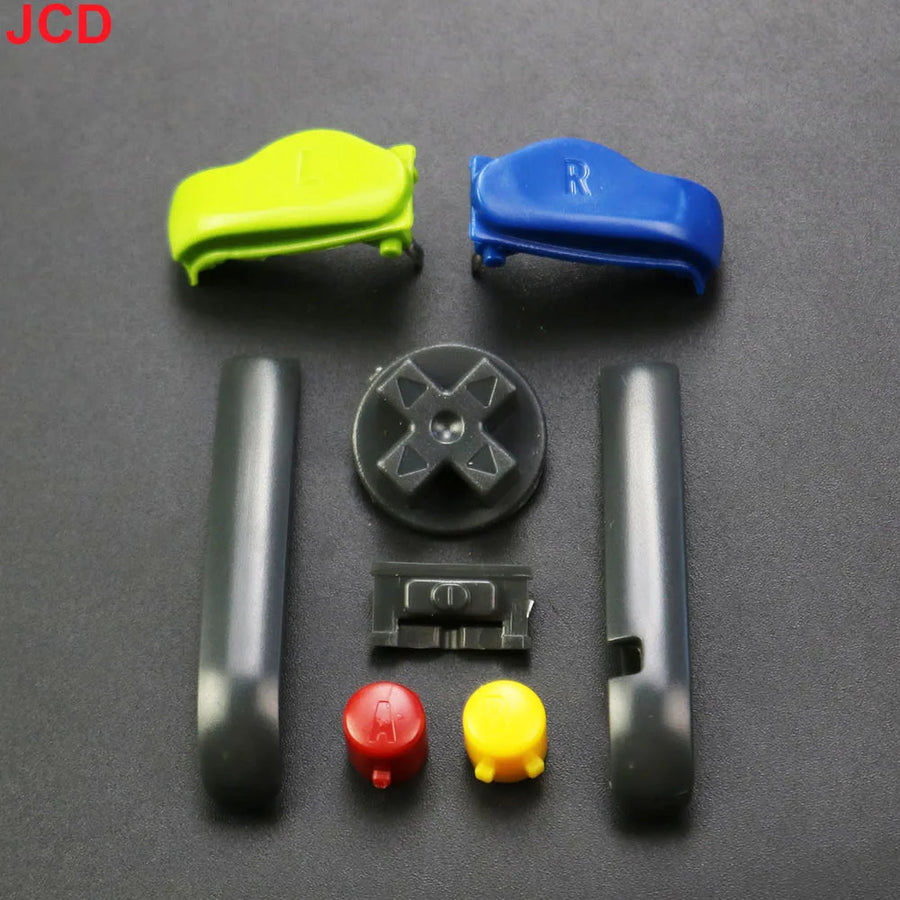
Description complète
Game Boy Advance button set: the detail that makes all the difference to the feel
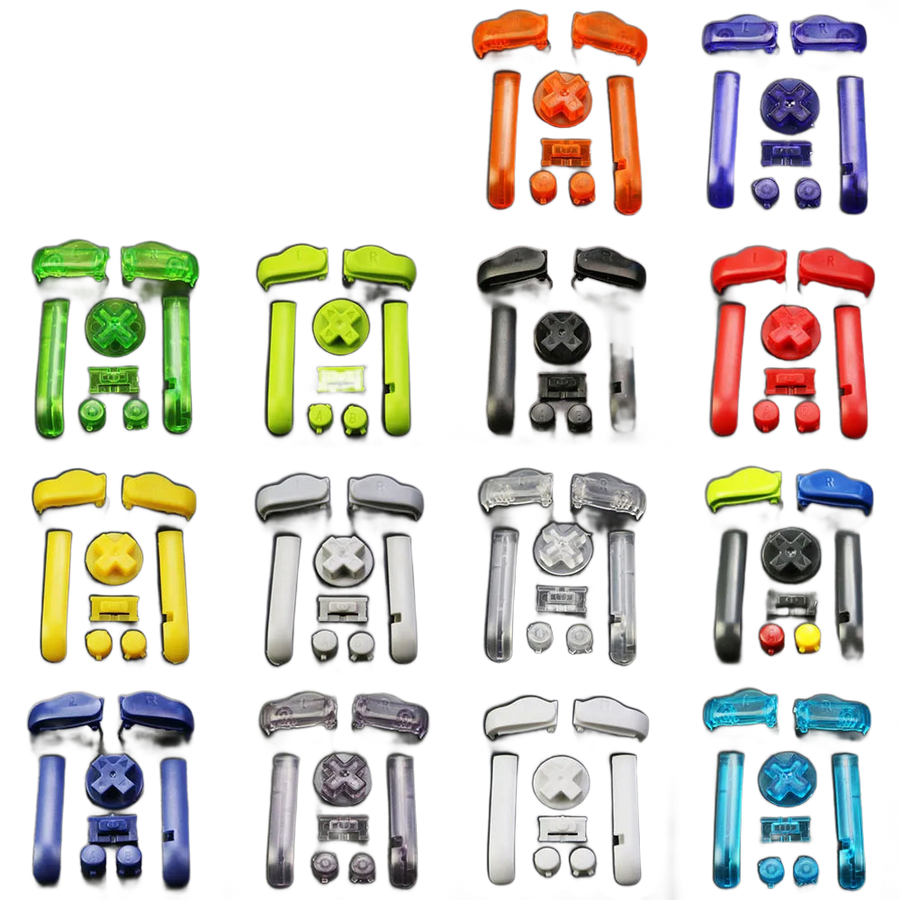
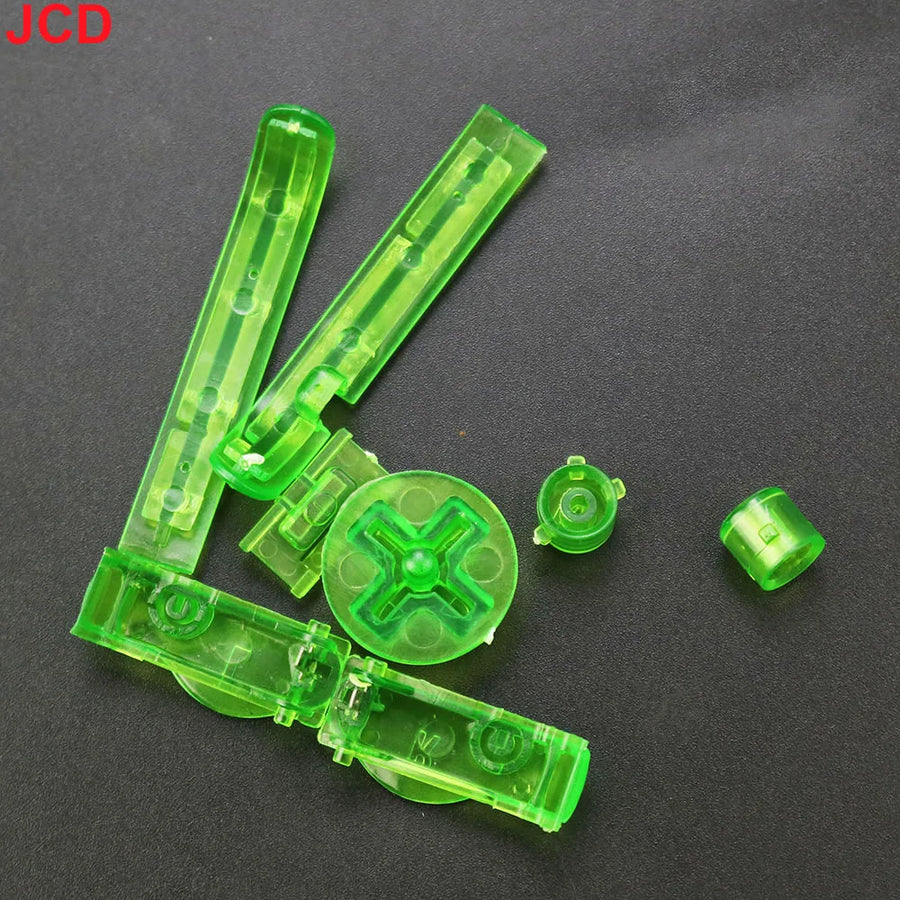
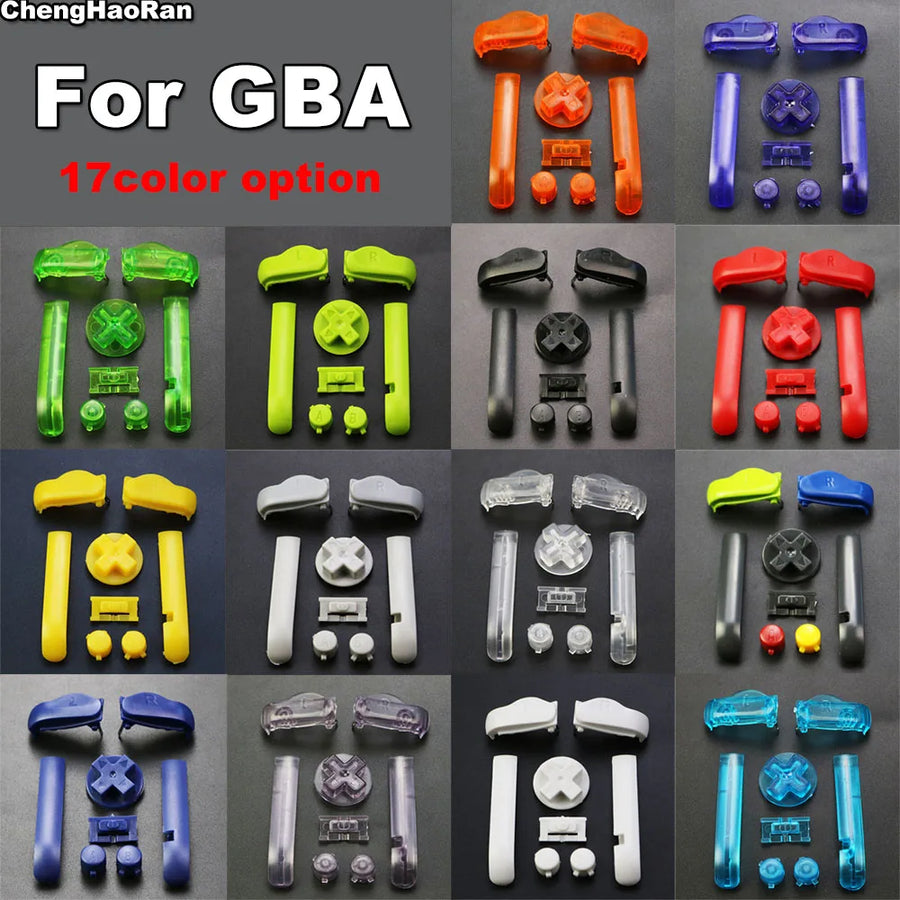
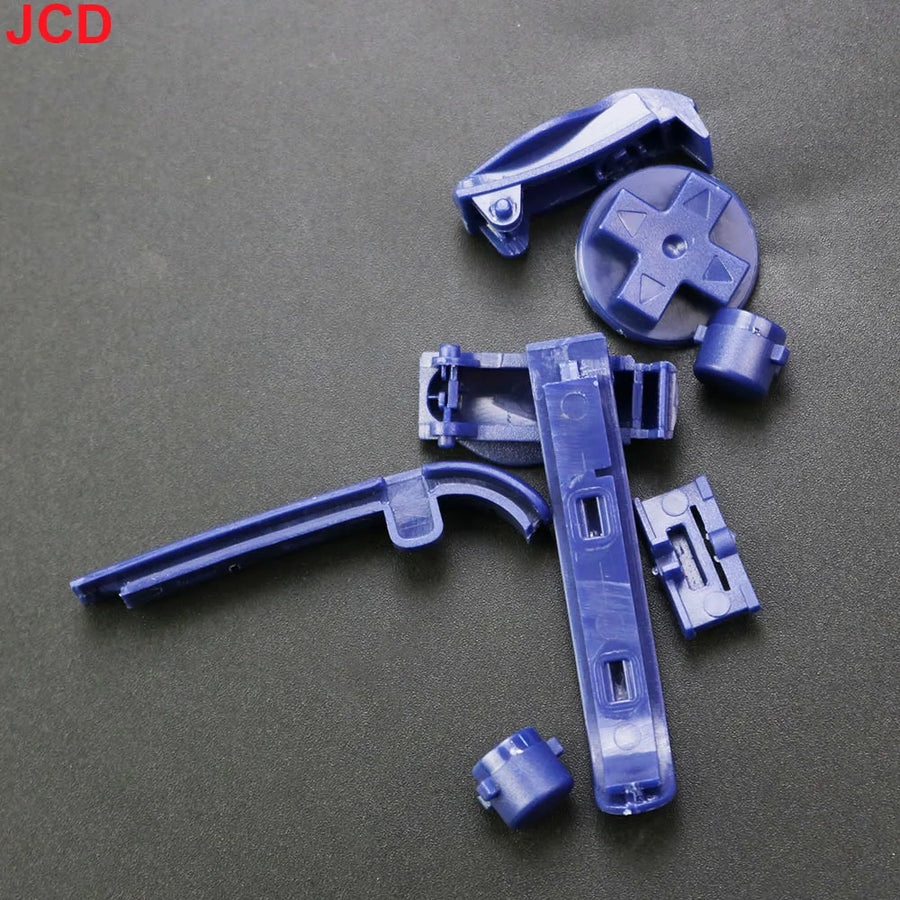
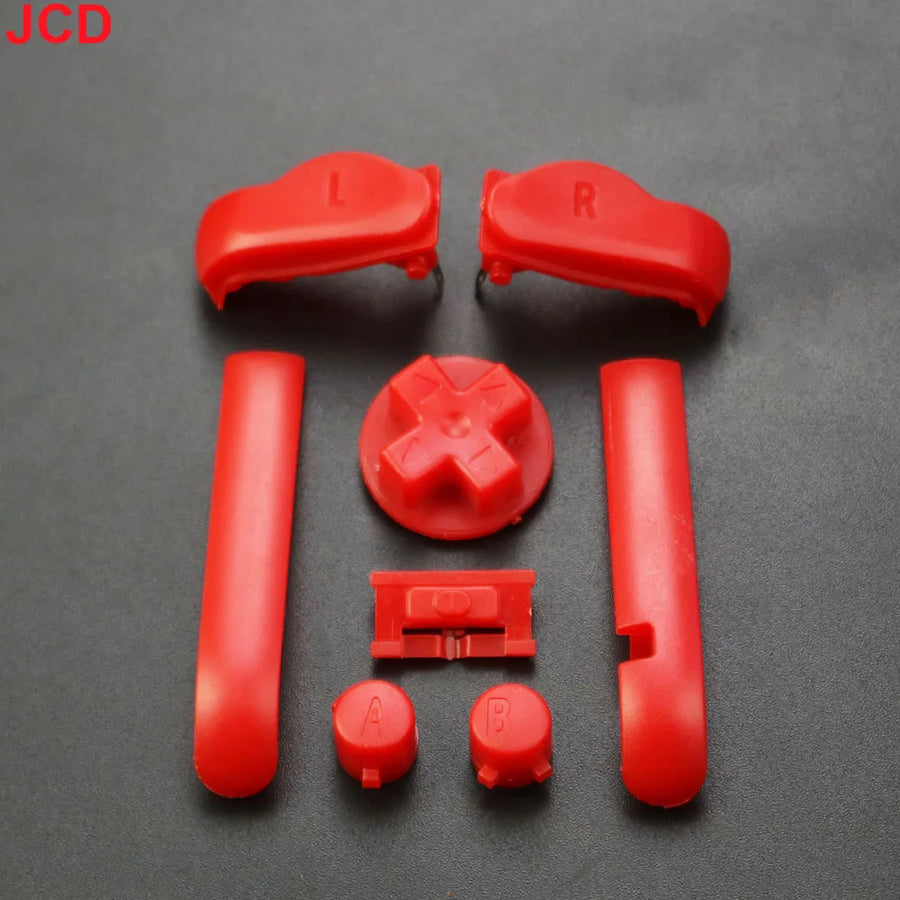
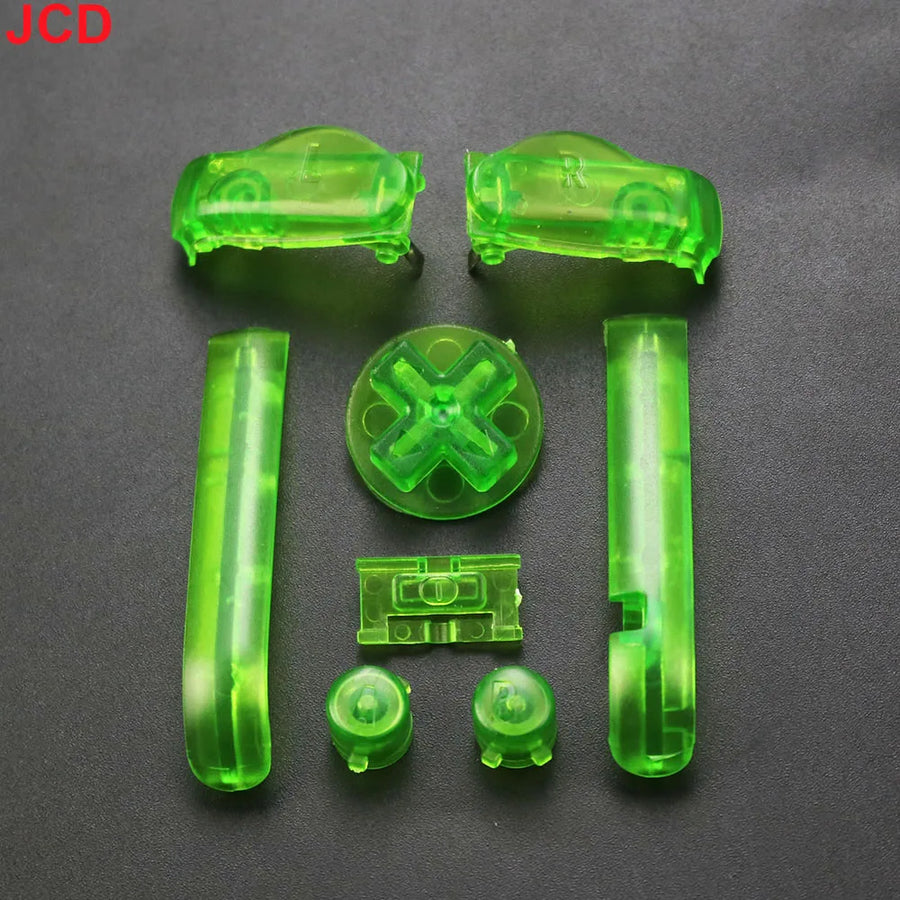
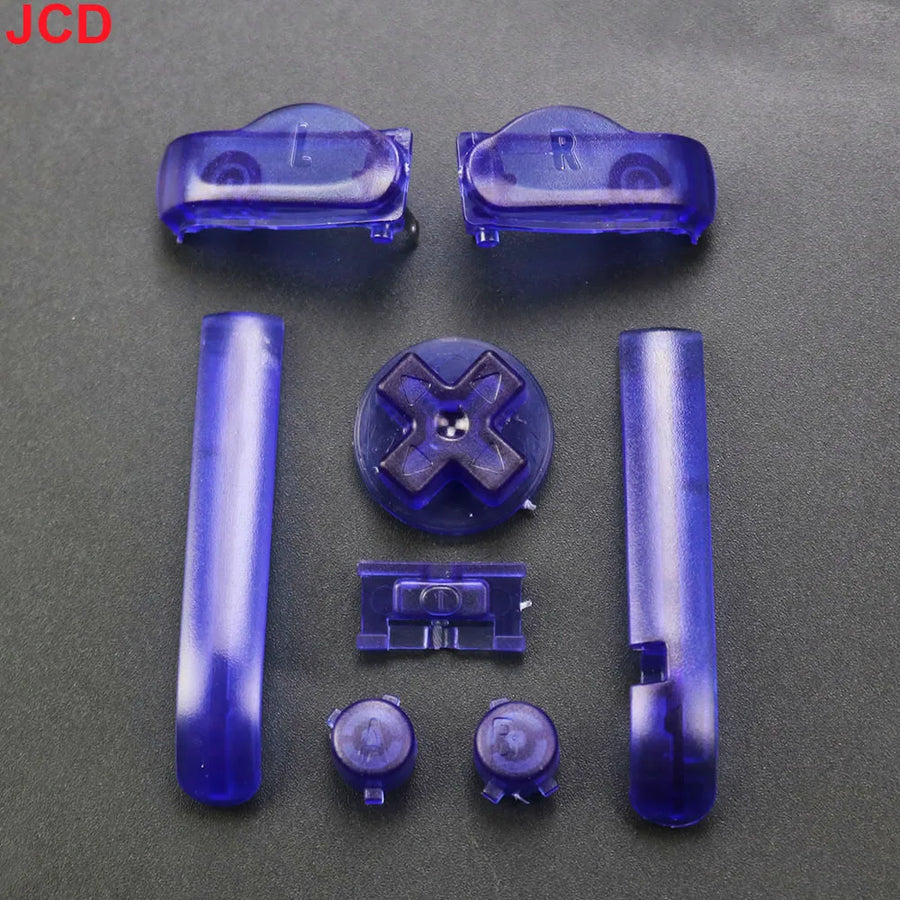
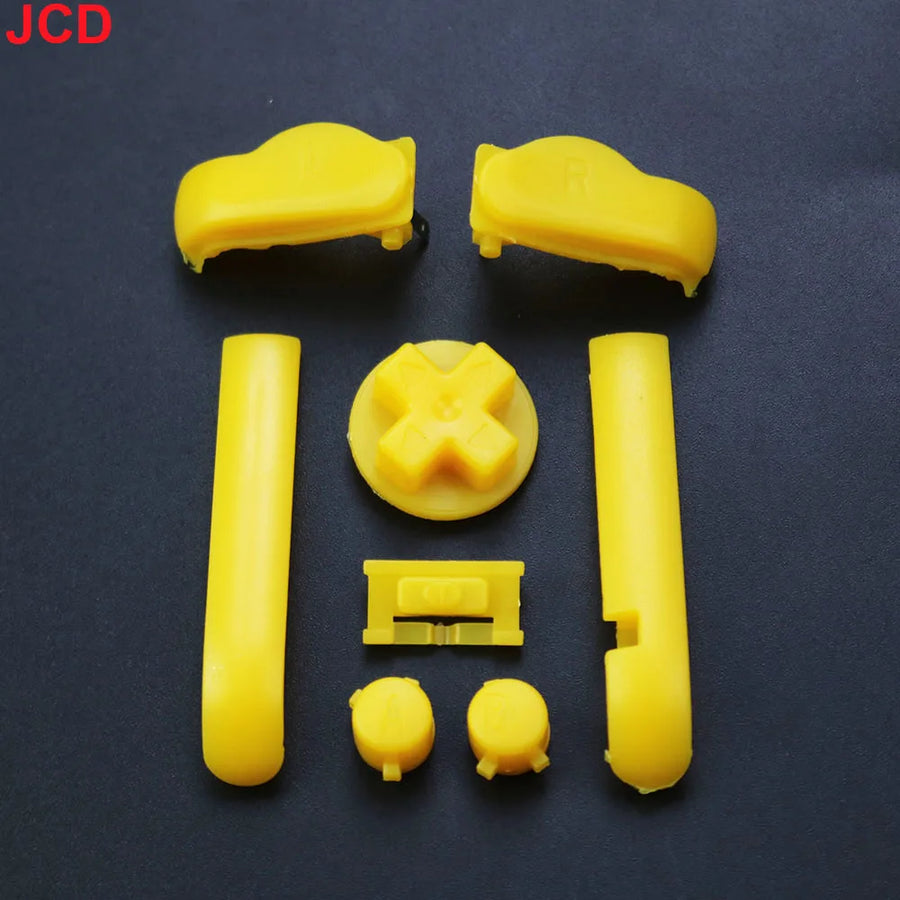
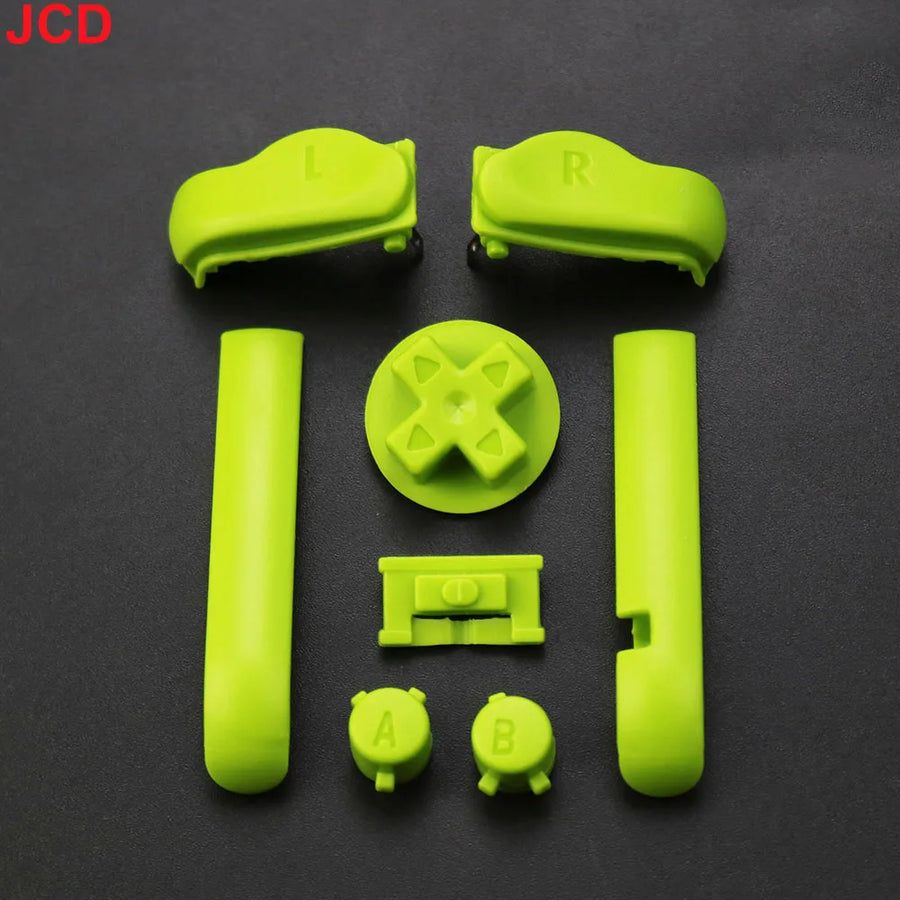
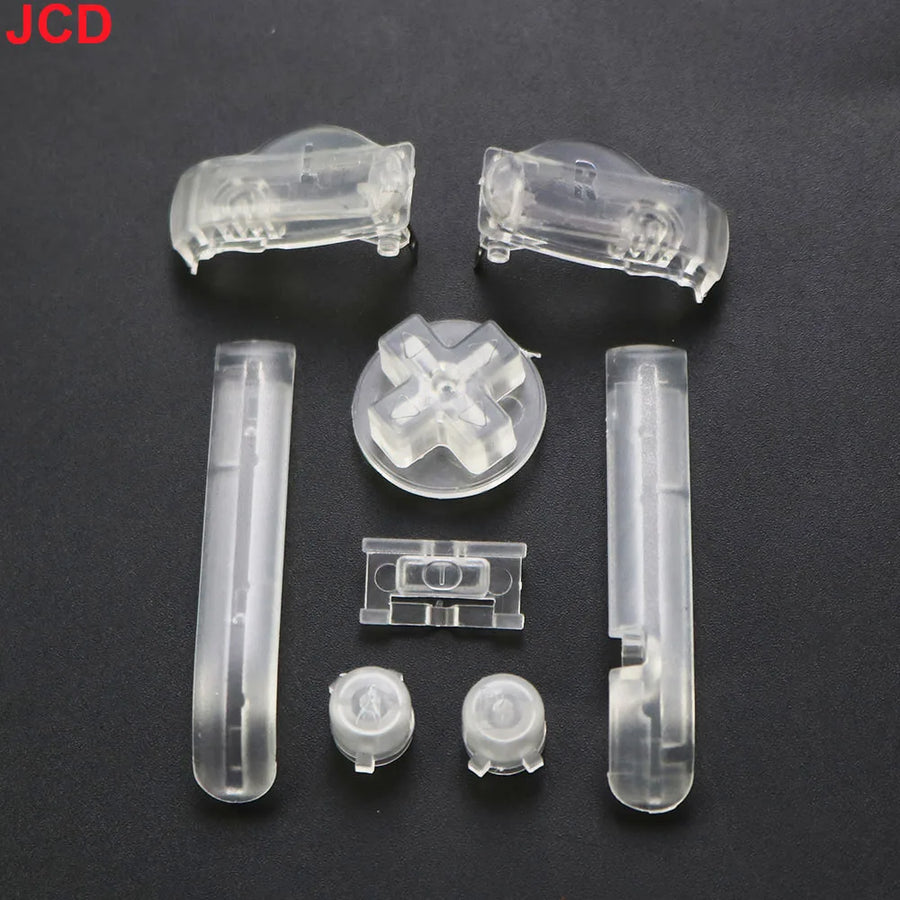
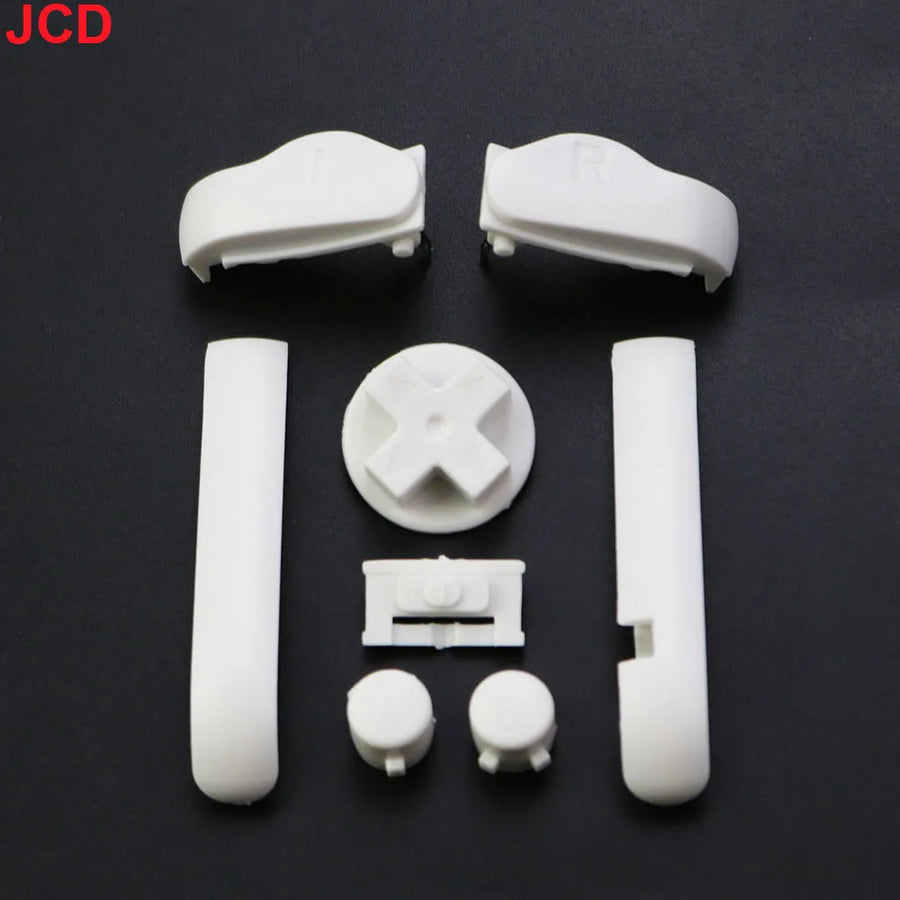
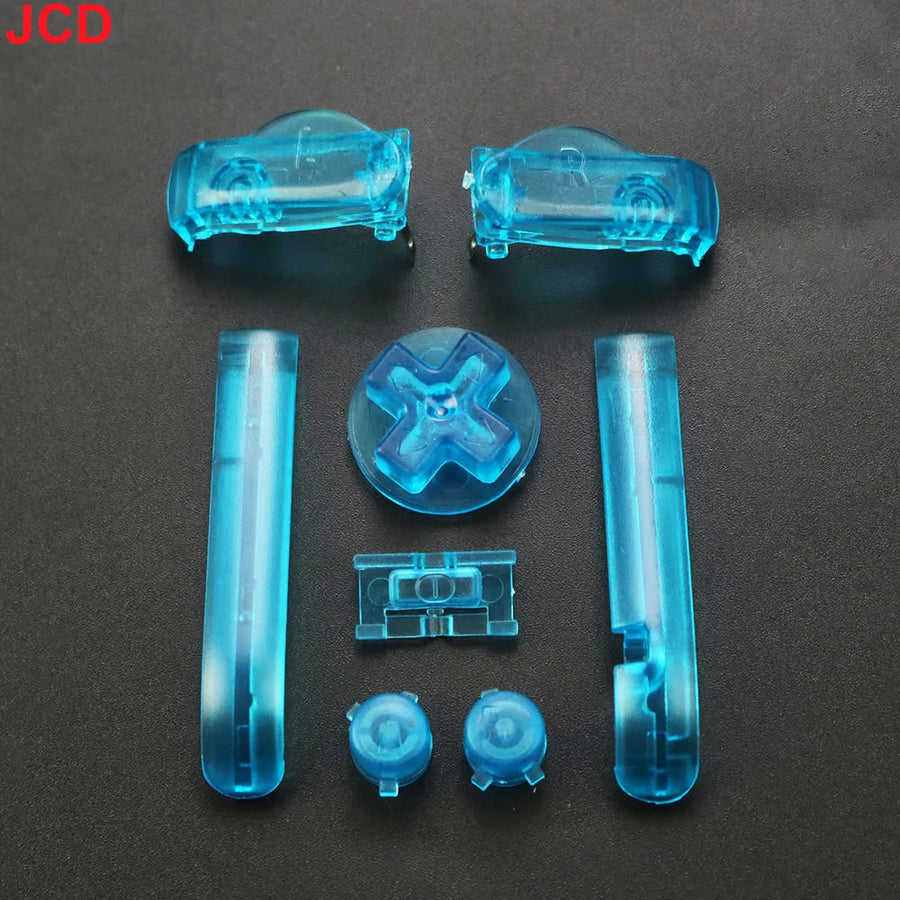
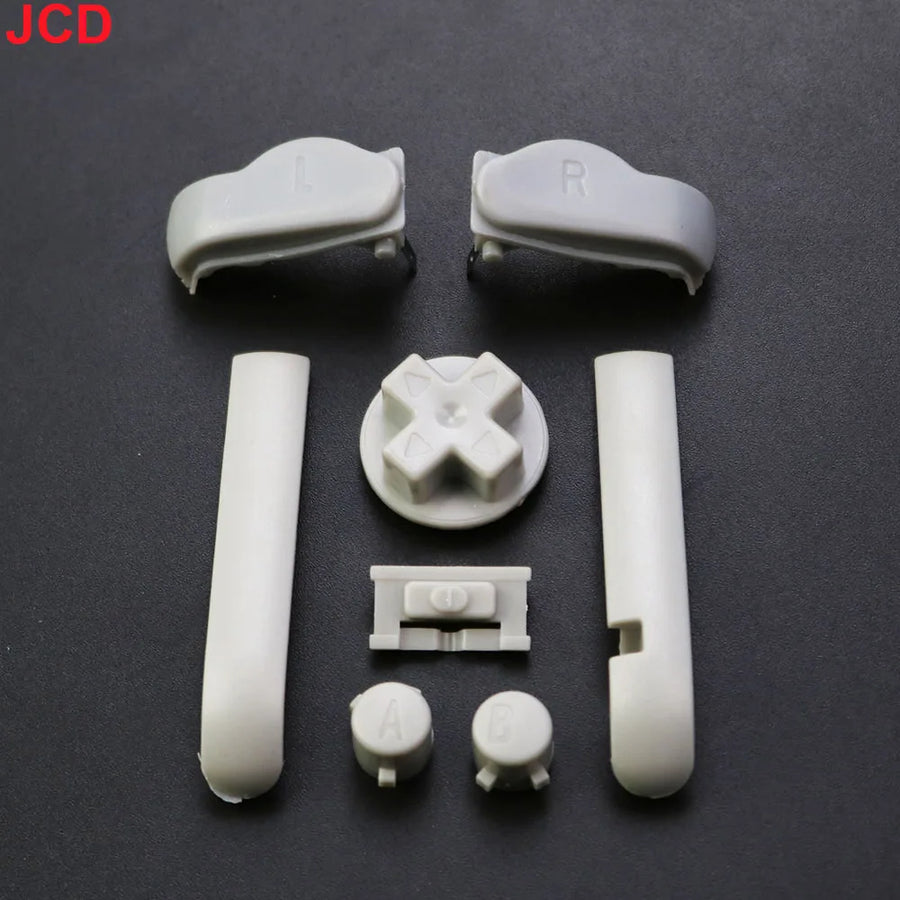
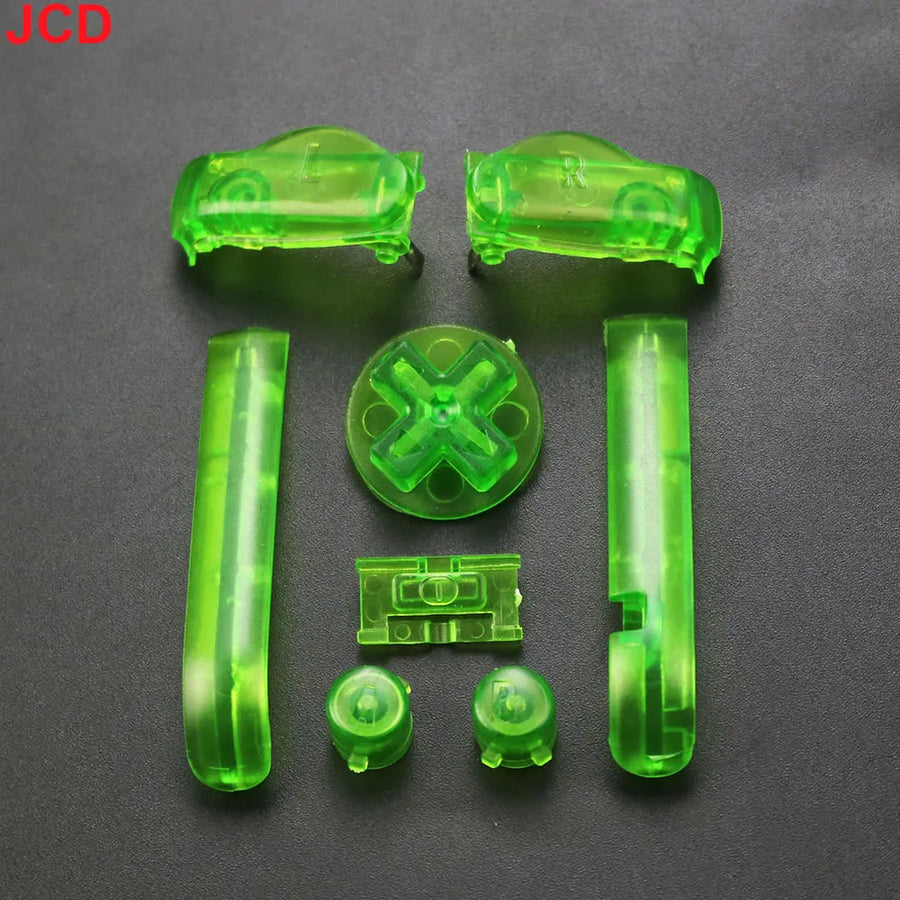
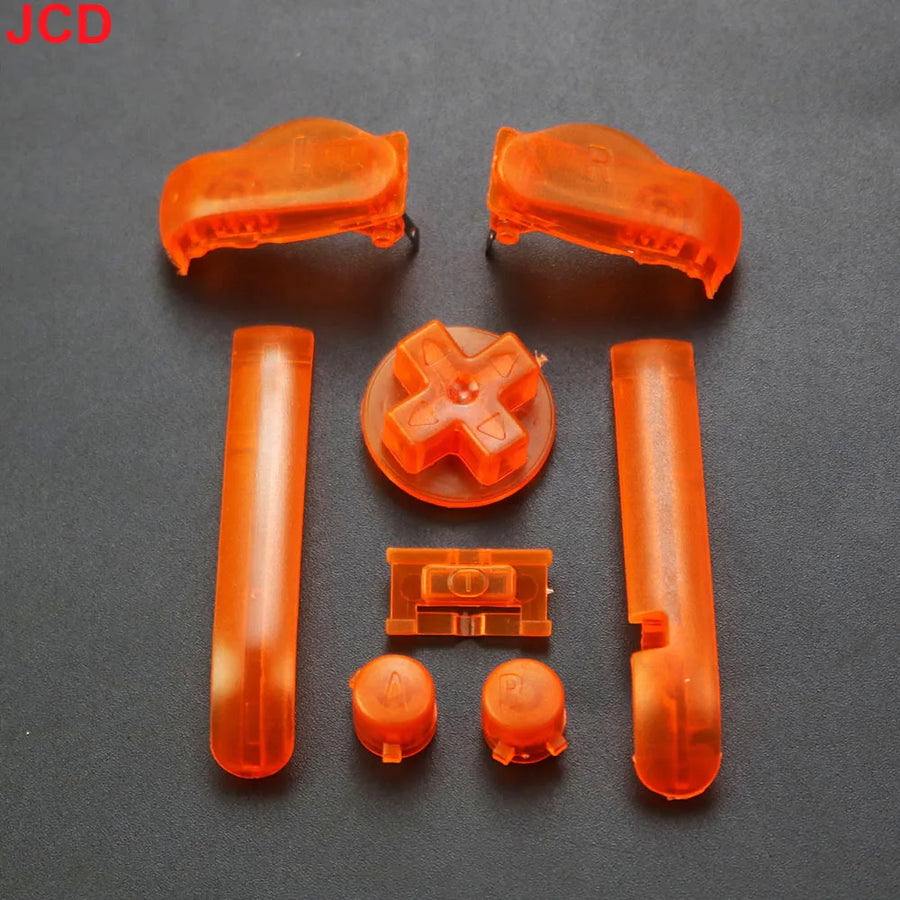
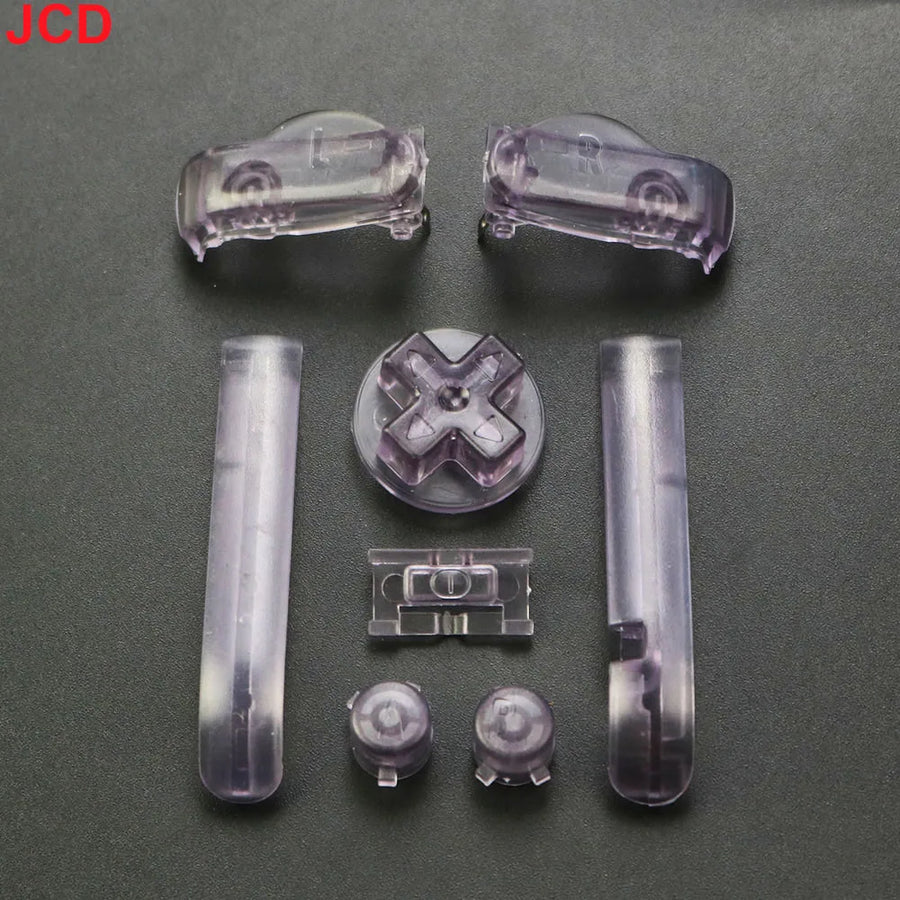
On a twenty-five-year-old GBA, the buttons are shiny, sometimes sticky, and the D-pad has lost its bite. This full set replaces A/B, the D-pad, the L/R triggers and Start/Select in one go. 15 colours, including several translucent ones to match a clear shell.
What it does
- Full set: nothing to add, all the console's buttons are there.
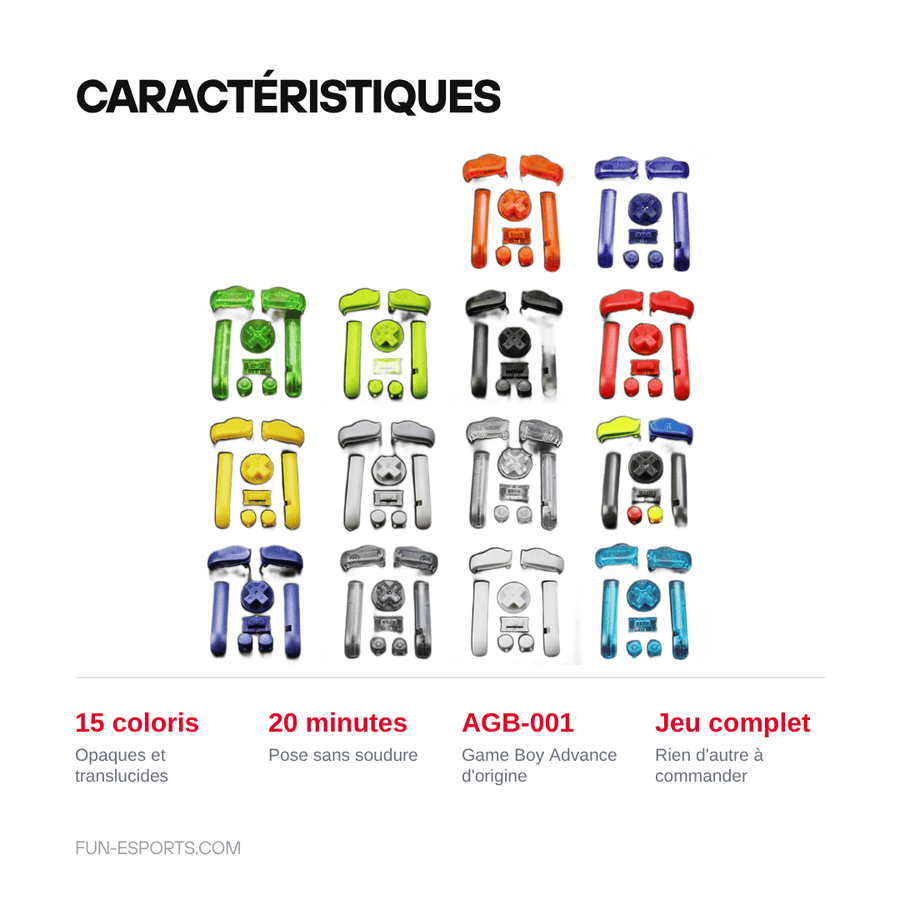
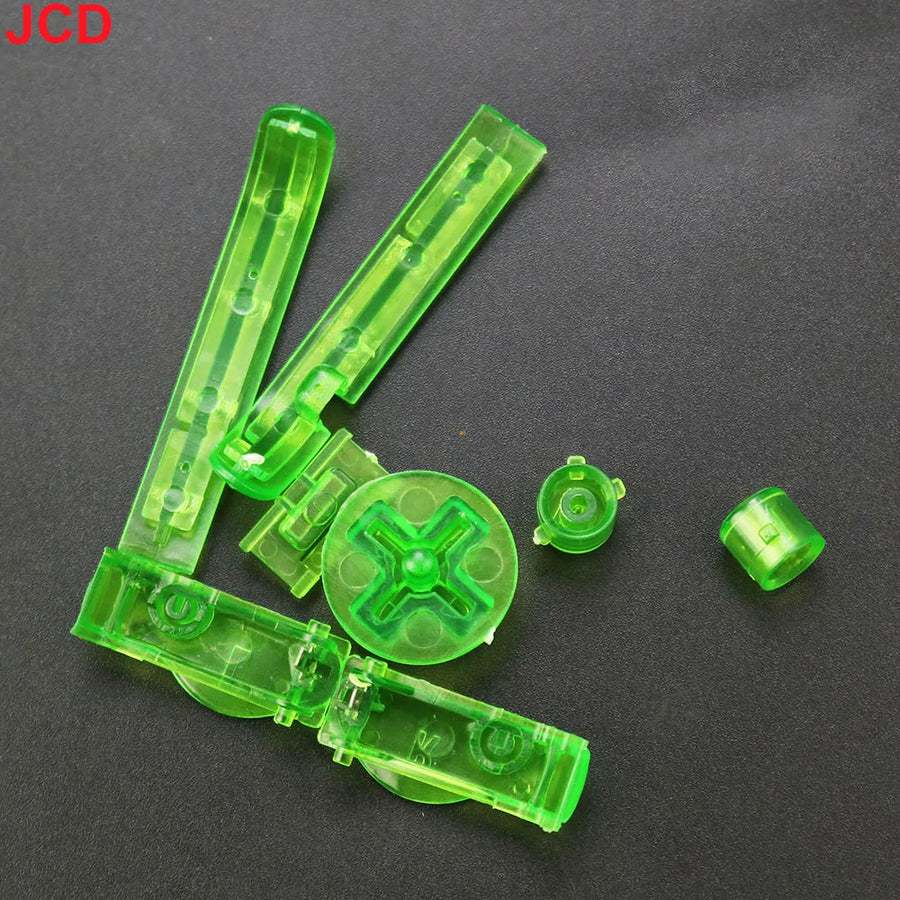
- 15 colours: opaque, translucent, and versions matching clear shells.
- Fitting without special tools once the shell is open.
What it doesn't do
- Conductive pads are not included. If your problem is a button that no longer responds, it's the silicone pad that needs replacing, not the plastic button.
- These are third-party buttons, not original Nintendo parts: the shade may differ slightly from one shell to another.
- Not suitable for the GBA SP or the Micro, whose buttons have a different shape.
Compatibility
Game Boy Advance (AGB-001), the horizontal model from 2001. Not suitable for the SP, the Micro or the Game Boy Color.
Skill level required
No soldering. You need to open the console with a 3.8 mm tri-wing screwdriver, remove the old buttons and fit the new ones. Twenty minutes: it's a good first mod to get your hand in.
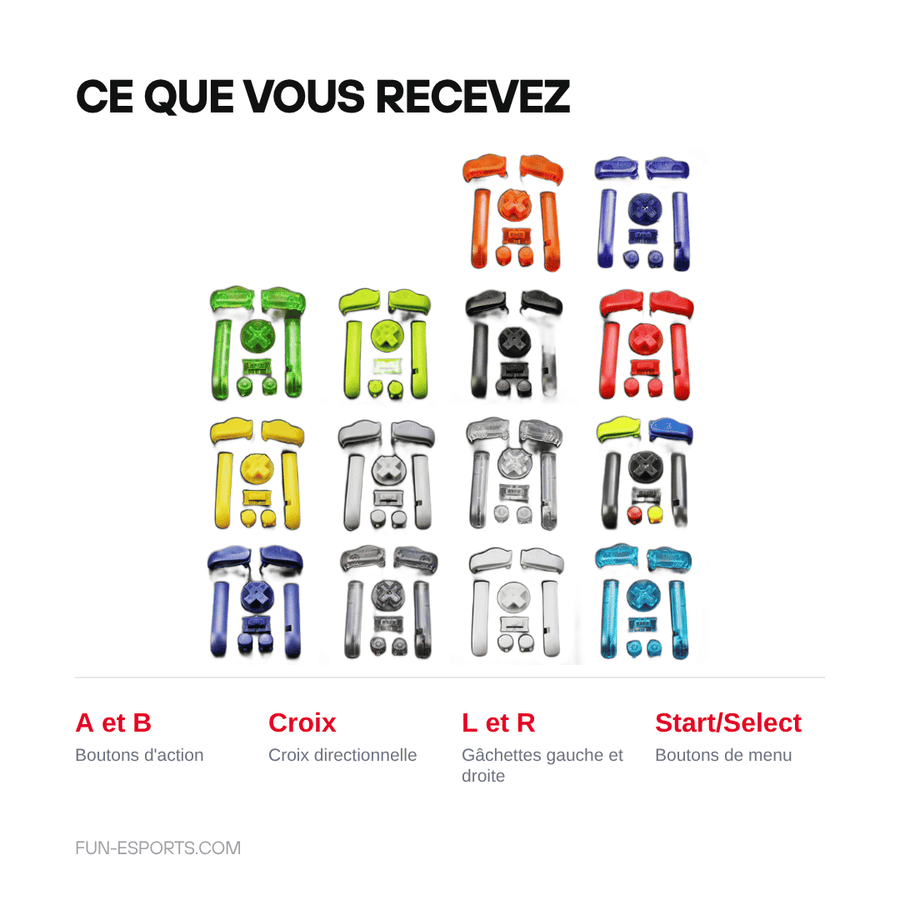
In the box
- A and B buttons
- D-pad
- L and R triggers
- Start and Select
Delivery in 10 to 18 days · ships within 3 to 5 days · 2-year legal guarantee of conformity · 14-day returns.
Game Boy Advance Button Set — A/B, D-pad, L/R, 15 colours
Full A/B, D-pad, L/R and Start/Select set. 15 colours.
En stock
📦Ships within 3 to 5 business days · Delivery in 10 to 18 business days
ℹÀ partir de 150 €, la livraison s’effectue en Point Relais.
- 🇫🇷SAV français
réponse sous 1 jour ouvré - 🛡Garantie légale
2 ans - ↩14 jours
pour changer d’avis - 🔒Paiement sécurisé
CB · PayPal · Klarna
Feel is 90% of the experience
You judge a retro console by its screen, but it's the feel that decides whether you play it again. Buttons polished by twenty-five years of use slip under your thumb, and a worn D-pad misses diagonals. A new set costs the price of a coffee and instantly gives the machine back its precision.
Button or pad: knowing which one to replace
This is the most common mix-up. If a button looks bad or feels slippery, it's the plastic you replace — that's this product. If you have to press hard or several times for it to respond, it's the conductive silicone pad underneath that has died, and it is sold separately.
A good first mod
No soldering, twenty minutes and an immediate result: it's the ideal job to get your hand in before tackling an IPS screen. All you need is a 3.8 mm tri-wing screwdriver to open the console. Fifteen colours available, including translucent ones matching clear shells.
What this accessory brings
Verified manufacturer specifications · vérifié le
Ce qu’il fait bien
- Full set, nothing to add
- 15 colours including translucent ones
- Fitted in 20 minutes, no soldering
Ce qu’il ne fait pas
- Conductive pads NOT included
- Third-party parts: shade may differ slightly
- Not suitable for the SP or the Micro
Voir toute la fiche technique+
Matière et format
- Type d’accessoire
- Button set
Compatible avec
- Game Boy Advance AGB-001
Dans la boîte
- A and B buttons
- D-pad
- L and R triggers
- Start and Select
Frequently Asked Questions
🔧 Do I need to solder?
No. Just open the console and replace the buttons.
🎮 Which console exactly?
Game Boy Advance AGB-001, the horizontal model from 2001. Not the SP, the Micro or the Game Boy Color.
🔘 My button no longer responds, is this the right product?
Probably not. A button that no longer responds is caused by the conductive silicone pad underneath. This set replaces the plastic, not the pads.
📦 What's in the box?
A and B buttons, D-pad, L and R triggers, Start and Select. The console's full set.
🎨 Do the colours match those of the shells exactly?
These are third-party parts: the shade may differ slightly from one shell to another. The translucent ones go well with clear shells.
🧰 What tools do I need?
A 3.8 mm tri-wing screwdriver, available in our Workshop section.
⏱️ How long does fitting take?
Twenty minutes. It's a good first mod for beginners.
🛡️ What guarantee applies?
2-year legal guarantee of conformity. 14-day returns. Delivery in 10 to 18 days.
Why buy here rather than on a marketplace
It is a fair question. Here is the answer, straight.
Every listing is checked before publication: real compatibility, material, dimensions, box contents. Many models never make it into the catalogue.
A question about compatibility, a fit problem, a return: you write, a human replies within 1 business day. In French.
The 2-year legal warranty of conformity is handled by us — not by a form on the other side of the world. And 14 days to change your mind, with no need to justify yourself.
We do not claim to be the cheapest. We claim that you will know exactly what you are buying before you pay.
Read this before choosing
Our guides to accessories: compatibility, protection, transport.

Pixel art: create your own designs for a Divoom display
Grid size, number of colours, outlines, animation: the guide to getting started in pixel art and displaying your own creations on a Divoom display.
2 min de lecture · publié le

Divoom pixel art speakers: which one should you choose?
Astrotoo, Ditoo-Pro, FlowToo, Tiivoo-2, Timebox-Evo, MiniToo, Fairy-OK: the seven Divoom speakers compared, by use and budget.
2 min de lecture · publié le

Times Frame or Times Frame Pure: which Divoom floating photo frame should you choose?
64 or 32 GB, three colours or just one, a dial or not: the real differences between the Times Frame and Times Frame Pure…
1 min de lecture · publié le