Description complète
PC Engine RGB to HDMI converter: the RGB signal, not composite
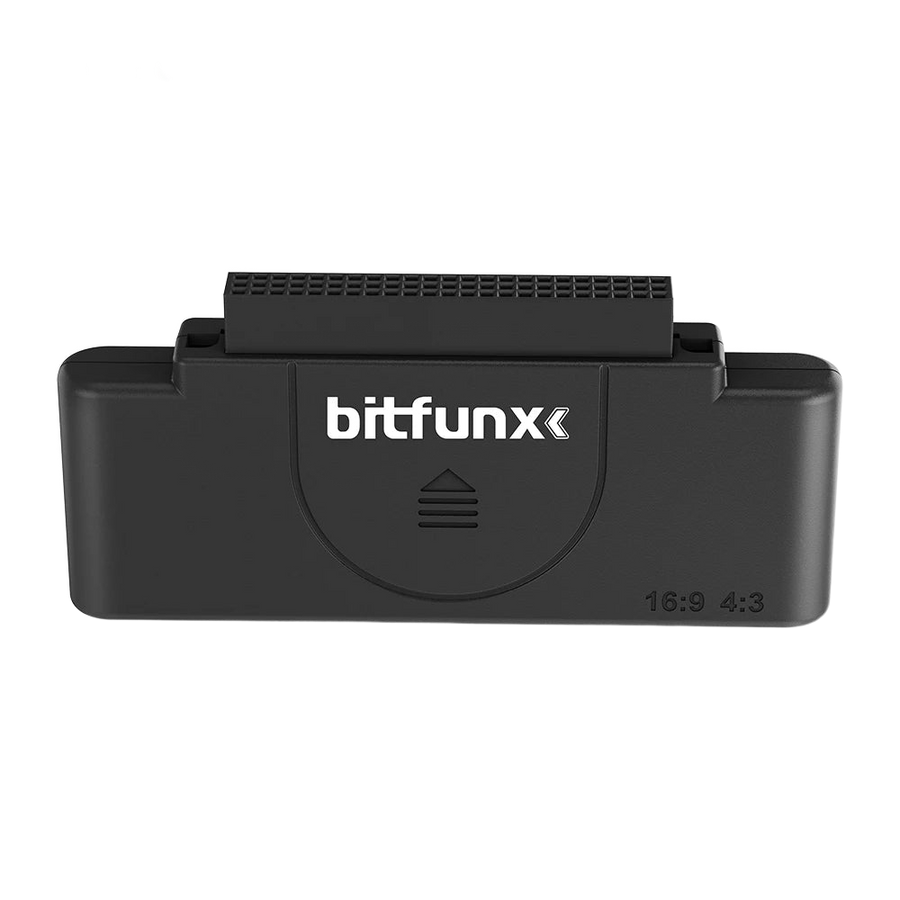
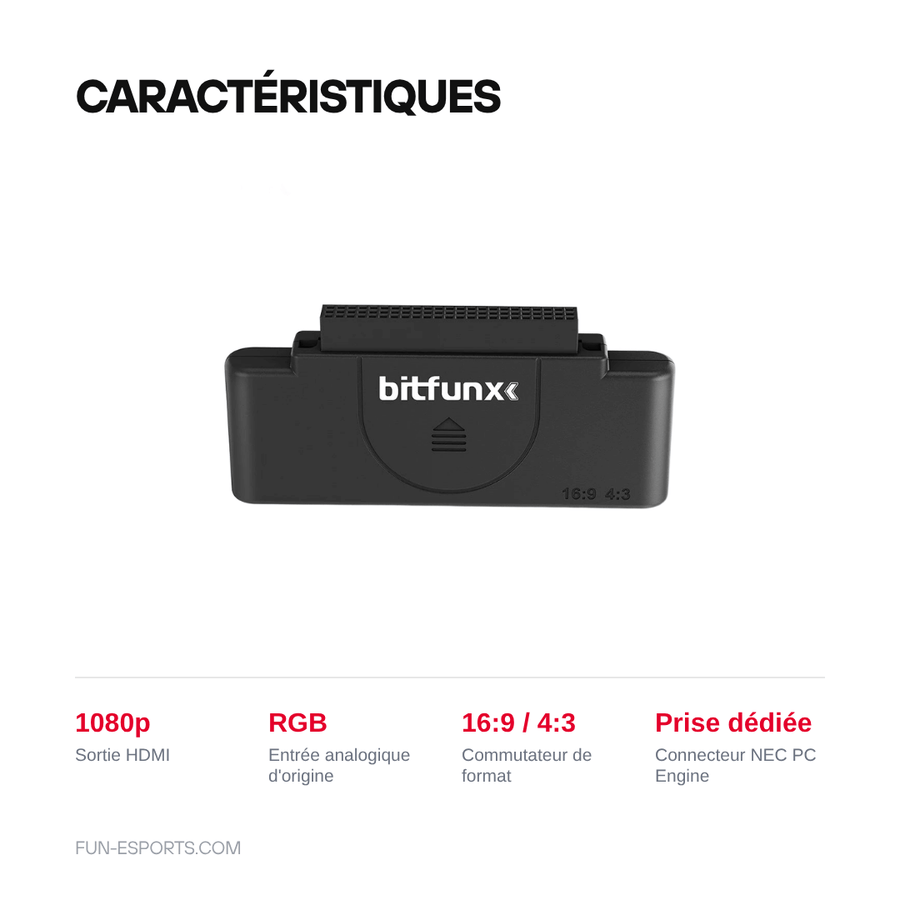
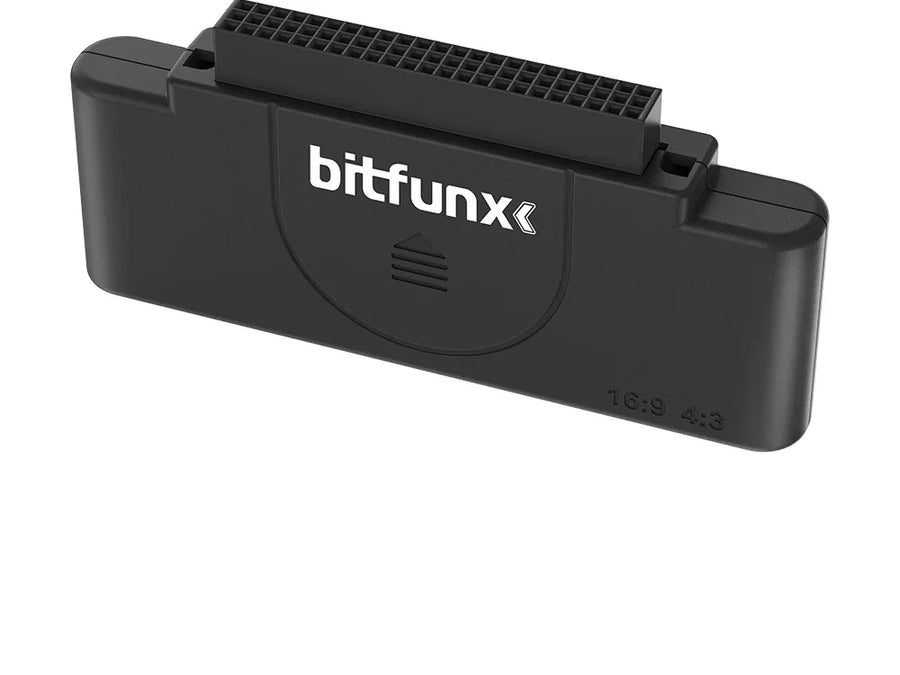
RGB is the best analogue signal a retro console can produce — separate colours, no chroma interference. This BitFunx converter takes it as input and outputs 1080p HDMI, with a 16:9 / 4:3 switch so the image isn't stretched on a widescreen TV.
What it does
- RGB input: the best analogue quality available, far ahead of composite.
- 1080p HDMI output: compatible with any recent TV or monitor.
- Aspect ratio switch: 4:3 to respect the original framing, 16:9 to fill the screen.
What it doesn't do
- It's not a scaler. It converts and formats to 1080p, but doesn't double lines or apply any filter. For that, see the RetroScaler2x or an OSSC.
- The variant offered is the PC Engine version. The connector is specific to this console: check your model before ordering.
- It doesn't turn a composite source into RGB: the console must be able to output RGB.
Compatibility
NEC PC Engine. The input connector is specific to this machine; BitFunx makes the same box for other consoles, with a different connector.
Skill level required
None. External adapter: plug the console in on one side, the HDMI cable on the other. Nothing to open.
In the box
- 1 BitFunx RGB to HDMI converter, PC Engine version
Delivery in 10 to 18 days · ships within 3 to 5 days · 2-year legal guarantee of conformity · 14-day returns.
PC Engine RGB to HDMI 1080p converter — BitFunx, 16:9 / 4:3 switch
The PC Engine's RGB signal, in 1080p HDMI.
En stock
📦Ships within 3 to 5 business days · Delivery in 10 to 18 business days
ℹÀ partir de 150 €, la livraison s’effectue en Point Relais.
- 🇫🇷SAV français
réponse sous 1 jour ouvré - 🛡Garantie légale
2 ans - ↩14 jours
pour changer d’avis - 🔒Paiement sécurisé
CB · PayPal · Klarna
RGB, the best analogue signal
With composite, colour and luminance information travel mixed together in a single wire: hence the smearing and dot crawl. With RGB, the three colours stay separate from end to end. On a PC Engine, the difference is obvious from the very first title screen.
The 16:9 / 4:3 switch is no minor detail
Many converters force the picture into 16:9, and sprites end up looking fat. The button on the front lets you stay in 4:3, the format these games were drawn in, with black bars on the sides rather than a stretched image.
Double-check your console
The variant we sell is the PC Engine version: its input connector is specific to this machine. BitFunx makes the same box for other consoles, with different connectors — so check your model before ordering, or get in touch with us.
What this accessory brings
Verified manufacturer specifications · vérifié le
Ce qu’il fait bien
- RGB input, the best analogue quality
- 1080p HDMI output
- 16:9 / 4:3 switch
- Manufacturer specialising in retro video
Ce qu’il ne fait pas
- Not a scaler: no line doubling, no filters
- PC Engine-specific connector
- Doesn't convert a composite source into RGB
Voir toute la fiche technique+
Matière et format
- Type d’accessoire
- Video converter
Compatible avec
- NEC PC Engine
Dans la boîte
- 1 BitFunx RGB to HDMI converter, PC Engine version
Frequently Asked Questions
🔌 Do I need to modify the console?
No. It's an external adapter: plug the console in on one side, the HDMI cable on the other.
🎮 Which console exactly?
The variant we sell is the NEC PC Engine version. The connector is specific to this machine and isn't suitable for other consoles.
📺 How is it different from a composite adapter?
RGB keeps the colours separate instead of mixing them in a single wire: no smearing, no dot crawl. It's the best analogue signal available.
🔍 Does it improve the resolution?
No. It converts and formats to 1080p, but doesn't double lines or apply any filter. For that, see the RetroScaler2x.
📐 Can I keep the 4:3 format?
Yes, a switch on the front lets you choose between 4:3 and 16:9. 4:3 respects the games' original framing.
🔄 Can it convert a composite source into RGB?
No. The console must be able to output an RGB signal: the adapter carries it, it doesn't create it.
🚚 What are the delivery times?
Delivery in 10 to 18 days, ships within 3 to 5 days.
🛡️ What warranty applies?
2-year legal guarantee of conformity. 14-day returns. French customer service, reply within 1 business day.
Why buy here rather than on a marketplace
It is a fair question. Here is the answer, straight.
Every listing is checked before publication: real compatibility, material, dimensions, box contents. Many models never make it into the catalogue.
A question about compatibility, a fit problem, a return: you write, a human replies within 1 business day. In French.
The 2-year legal warranty of conformity is handled by us — not by a form on the other side of the world. And 14 days to change your mind, with no need to justify yourself.
We do not claim to be the cheapest. We claim that you will know exactly what you are buying before you pay.
Read this before choosing
Our guides to accessories: compatibility, protection, transport.

Pixel art: create your own designs for a Divoom display
Grid size, number of colours, outlines, animation: the guide to getting started in pixel art and displaying your own creations on a Divoom display.
2 min de lecture · publié le

Divoom pixel art speakers: which one should you choose?
Astrotoo, Ditoo-Pro, FlowToo, Tiivoo-2, Timebox-Evo, MiniToo, Fairy-OK: the seven Divoom speakers compared, by use and budget.
2 min de lecture · publié le

Times Frame or Times Frame Pure: which Divoom floating photo frame should you choose?
64 or 32 GB, three colours or just one, a dial or not: the real differences between the Times Frame and Times Frame Pure…
1 min de lecture · publié le