
Description complète
8BitDo Bluetooth receiver for GameCube: a modern controller on the original console
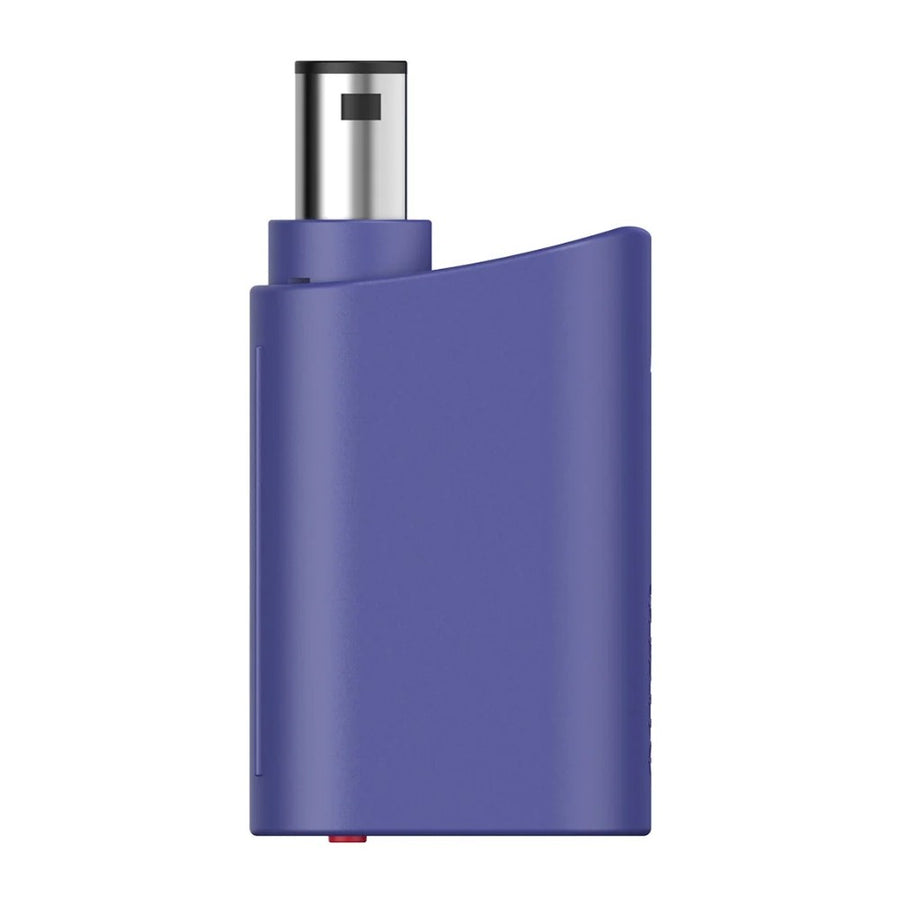
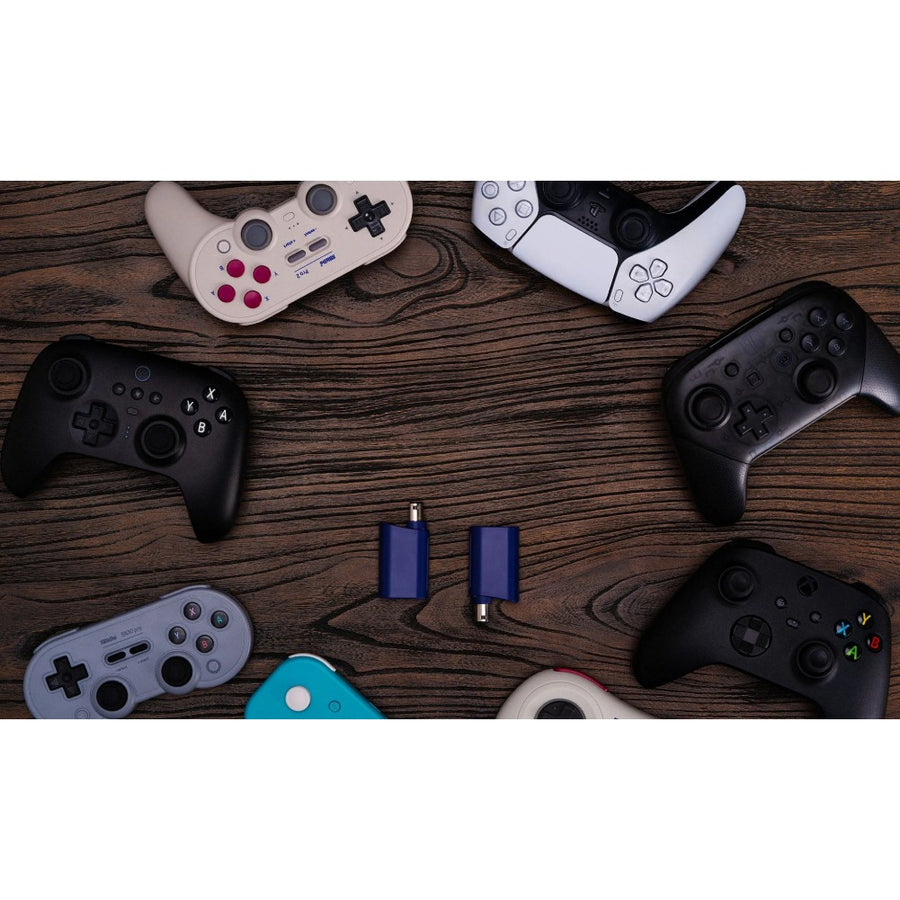
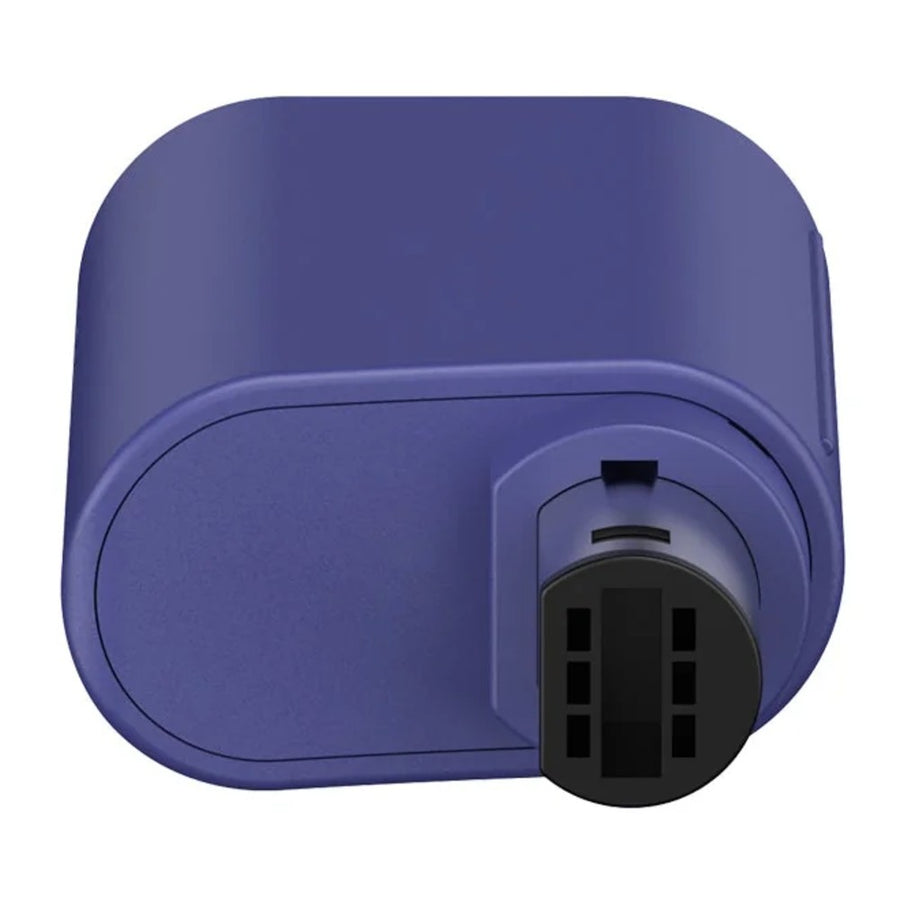
This 8BitDo receiver plugs into the GameCube's controller port, or that of a Wii RVL-001, and connects a modern controller to it over Bluetooth: Xbox Series or One, DualSense, DualShock 4, Switch Pro, Wii U Pro or most 8BitDo controllers. It handles rumble, can be updated, and also works on Windows 10 and 11 PCs.
What it does
- On the original controller port: GameCube, and Wii model RVL-001.
- Microsoft controllers: Xbox One, Xbox Series, Elite Series 2, Elite Series 2 Core and Adaptive.
- Sony controllers: DualShock 4, DualSense and DualSense Edge.
- Nintendo and 8BitDo controllers: Switch Pro, Wii U Pro, and in particular the 8BitDo Ultimate, Pro 2, SN30 Pro, Lite 2, M30, Micro and Arcade Stick.
- Rumble and updates: rumble supported, upgradable firmware, near-zero latency according to the manufacturer.
What it doesn't do
- It doesn't work the other way round: to play with a GameCube controller on a Switch or a PC, you need the 8BitDo GBros adapter.
- On the Wii, only the RVL-001 model, which has GameCube controller ports, is concerned.
- One receiver per port: to play four-player, you need four.
- No controller is included.
- Joy-Cons do not appear on the manufacturer's compatibility list.
Compatibility
Consoles: GameCube, Wii RVL-001, Windows 10 and 11 PCs. Controllers: Xbox One, Series, Elite Series 2, Elite Series 2 Core and Adaptive; DualShock 4, DualSense and DualSense Edge; Switch Pro and Wii U Pro; 8BitDo Ultimate Bluetooth, Ultimate 2.4G, Ultimate C Bluetooth, Ultimate 2C Wireless, Ultimate 3-mode for Xbox, Pro 2, SN30 Pro+, SN30 Pro, SN30 Pro for Android, Lite 2, Lite SE, Lite, M30, Micro, NEOGEO controller, Arcade Stick and NGC Mod Kit.
Getting started
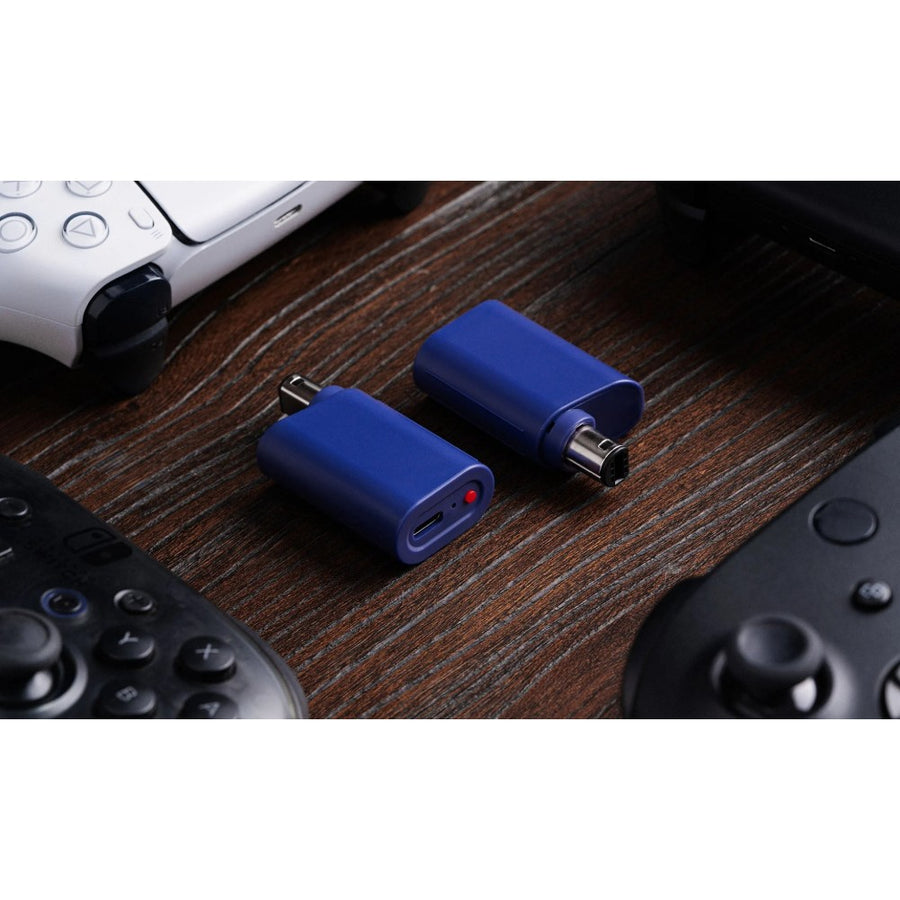
No soldering, no dismantling. Plug the receiver into one of the console's controller ports, put the controller into pairing mode and pair it. The USB cable supplied is used for firmware updates and for PC use.
In the box
- 1 8BitDo Retro Receiver for GameCube
- 1 USB cable
See also: our GameCube controllers and the full 8BitDo range.
8BitDo Bluetooth receiver for GameCube — Xbox, PlayStation and Switch Pro controllers
Plugged into the GameCube's controller port, it connects an Xbox, DualSense, Switch Pro or 8BitDo controller to it over Bluetooth.
Ce qu’il y a dedans
- Bluetooth
En stock
📦Delivery in 10 to 18 days · ships within 3 to 5 days
ℹÀ partir de 150 €, la livraison s’effectue en Point Relais.
- 🇫🇷SAV français
réponse sous 1 jour ouvré - 🛡Garantie légale
2 ans - ↩14 jours
pour changer d’avis - 🔒Paiement sécurisé
CB · PayPal · Klarna
The GameCube, with a controller from today
Original GameCube controllers wear out, and tired sticks are hard to replace. This receiver plugs into the controller port and lets you play with a recent controller: Xbox, DualSense, Switch Pro or 8BitDo. The console stays original, with no soldering and no modification.
Not to be confused with the GBros
8BitDo makes two GameCube adapters that work in opposite directions. This receiver puts a modern controller on the GameCube. The GBros puts a GameCube controller on a Switch or a PC. If it is the GameCube controller you want to keep, the other one is what you need.
One receiver per player
Each receiver takes up one controller port and handles one controller. To play with two or four players, you need as many receivers as players. It supports rumble, receives firmware updates over the USB cable supplied and also works on Windows PCs.
What this accessory brings
Verified manufacturer specifications · vérifié le
Ce qu’il fait bien
- Plugs into the original controller port
- Xbox, PlayStation, Switch Pro and 8BitDo controllers
- Rumble supported
- Upgradable firmware
- Also works on Windows PCs
Ce qu’il ne fait pas
- Does not let you use a GameCube controller on a Switch
- Wii limited to the RVL-001 model
- One receiver per player
- No controller included
Voir toute la fiche technique+
Matière et format
- Dimensions
- 56 × 24 × 8 mm
- Poids
- 17 g
- Type d’accessoire
- Bluetooth receiver for consoles
Compatible avec
- GameCube
- Wii RVL-001
- Windows 10 and 11
- Xbox One and Series controllers
- DualShock 4, DualSense and DualSense Edge
- Switch Pro and Wii U Pro
- 8BitDo Bluetooth controllers
Dans la boîte
- 1 8BitDo Retro Receiver for GameCube
- 1 USB cable
Frequently Asked Questions
🎮 Which controllers can I use?
Xbox One, Series, Elite Series 2 and Adaptive controllers; DualShock 4, DualSense and DualSense Edge; Switch Pro and Wii U Pro; and most 8BitDo Bluetooth controllers. The full list is in the description.
🕹️ Which consoles does it work on?
GameCube, Wii model RVL-001 (the one with GameCube controller ports) and Windows 10 and 11 PCs.
🔄 Can I use it to plug my GameCube controller into a Switch?
No, it works the other way round. For a GameCube controller on a Switch or a PC, you need the 8BitDo GBros adapter.
📳 Does rumble work?
Yes, controller rumble is supported.
👥 Can several people play?
Yes, with one receiver per controller port used, so one per player.
🔧 Do you have to solder or open the console?
No. It simply plugs into the controller port, with no modification at all.
🚚 What are the delivery times?
Delivery in 10 to 18 days, ships within 3 to 5 days.
🛡️ What guarantee applies?
2-year legal guarantee of conformity. 14-day returns.
Why buy here rather than on a marketplace
It is a fair question. Here is the answer, straight.
Every listing is checked before publication: real compatibility, material, dimensions, box contents. Many models never make it into the catalogue.
A question about compatibility, a fit problem, a return: you write, a human replies within 1 business day. In French.
The 2-year legal warranty of conformity is handled by us — not by a form on the other side of the world. And 14 days to change your mind, with no need to justify yourself.
We do not claim to be the cheapest. We claim that you will know exactly what you are buying before you pay.
Read this before choosing
Our guides to accessories: compatibility, protection, transport.

Pixel art: create your own designs for a Divoom display
Grid size, number of colours, outlines, animation: the guide to getting started in pixel art and displaying your own creations on a Divoom display.
2 min de lecture · publié le

Divoom pixel art speakers: which one should you choose?
Astrotoo, Ditoo-Pro, FlowToo, Tiivoo-2, Timebox-Evo, MiniToo, Fairy-OK: the seven Divoom speakers compared, by use and budget.
2 min de lecture · publié le

Times Frame or Times Frame Pure: which Divoom floating photo frame should you choose?
64 or 32 GB, three colours or just one, a dial or not: the real differences between the Times Frame and Times Frame Pure…
1 min de lecture · publié le