Description complète
2-in-1 soldering station: iron and hot air on the same workbench
A retro mod rarely comes down to a single task. Fitting an IPS panel calls for a fine-tip iron; removing a ribbon connector, a shield or an SMD package without tearing off the trace calls for hot air. This 8898 station combines both tools in a single unit, with temperature setting and readout on a digital display.
What it does
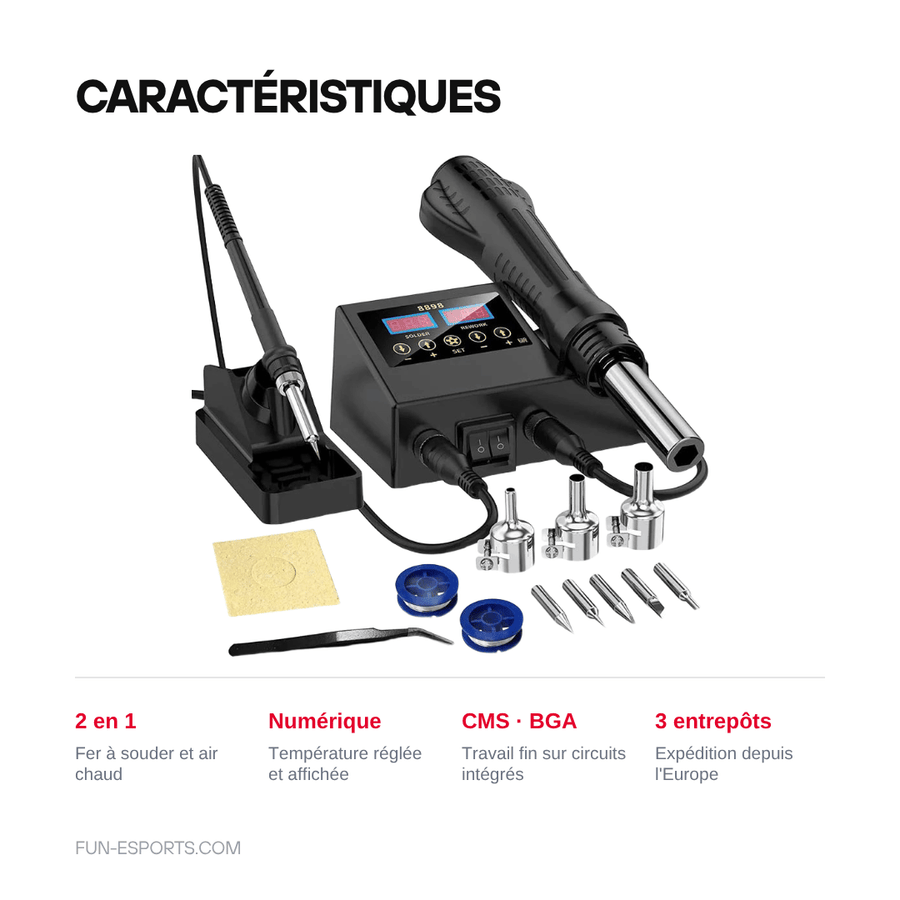
- Two tools, one plug: soldering iron for joints and through-hole components, hot air blower for surface desoldering. No second device to get out mid-repair.
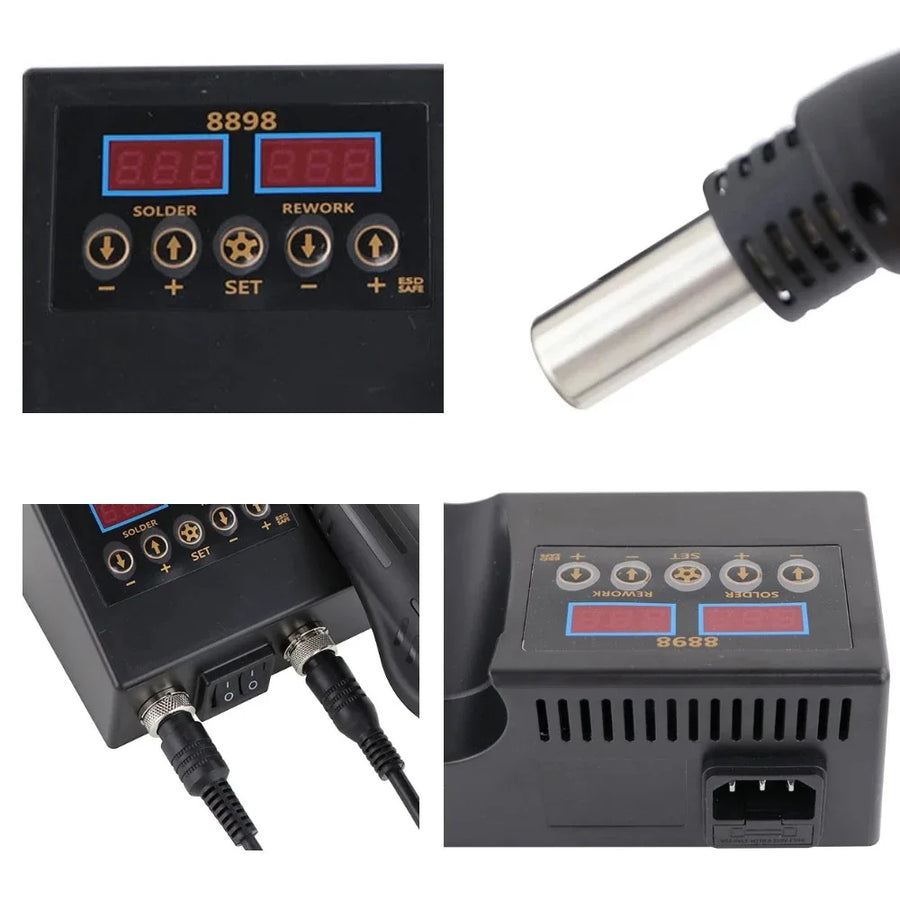
- Temperature read, not guessed: the digital display shows the set point and saves you from working "by feel", the leading cause of lifted pads on a console board.
- Fine work: designed for densely populated boards — SMD, integrated circuits, BGA connectors, controller and handheld PCBs.
What it doesn't do
- It won't teach you the technique. Poorly controlled hot air lifts a neighbouring connector or warps a plastic shell: this is not a tool for a first attempt on the console you want to save.
- It comes without consumables: no solder, no flux, no desoldering braid, no anti-static wrist strap.
- It does not replace a professional rework station: reballing a BGA with bottom preheating is beyond its scope.
- The supplier does not detail the exact list of tips and nozzles supplied with the unit. So we make no claim about it.
- Mains-powered unit: no battery operation, no portable use.
Compatibility
Universal soldering tool: it works on any board, whatever the machine — handheld and home console motherboards, controllers, arcade PCBs, video adapters, audio modules, USB-C batteries to rewire. There is no "console compatibility" to check: the component to be soldered decides the tool, the iron for through-hole and point-to-point work, hot air for SMD and glued ribbon cables. The unit plugs into the mains: check the plug and voltage on receipt before switching it on.
Skill level required
Intermediate. You should already know how to tin a tip, heat a pad from the side and recognise a cold joint. Hot air adds a difficulty: you need to protect the area around the component with polyimide tape and keep moving. Have a repair mat, helping hands, braid or a desoldering pump, and a ventilated work surface ready. Do your first runs on a scrap board, not on the console you are repairing.
In the box
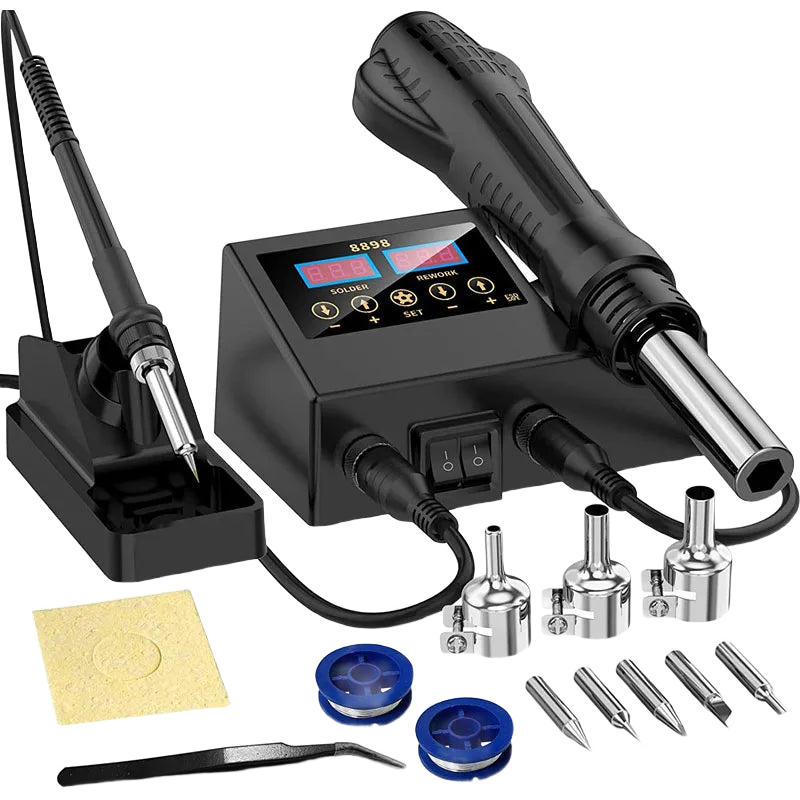
- 1 2-in-1 soldering station with digital display (model 8898, black)
- 1 soldering iron connected to the station
- 1 hot air gun connected to the station
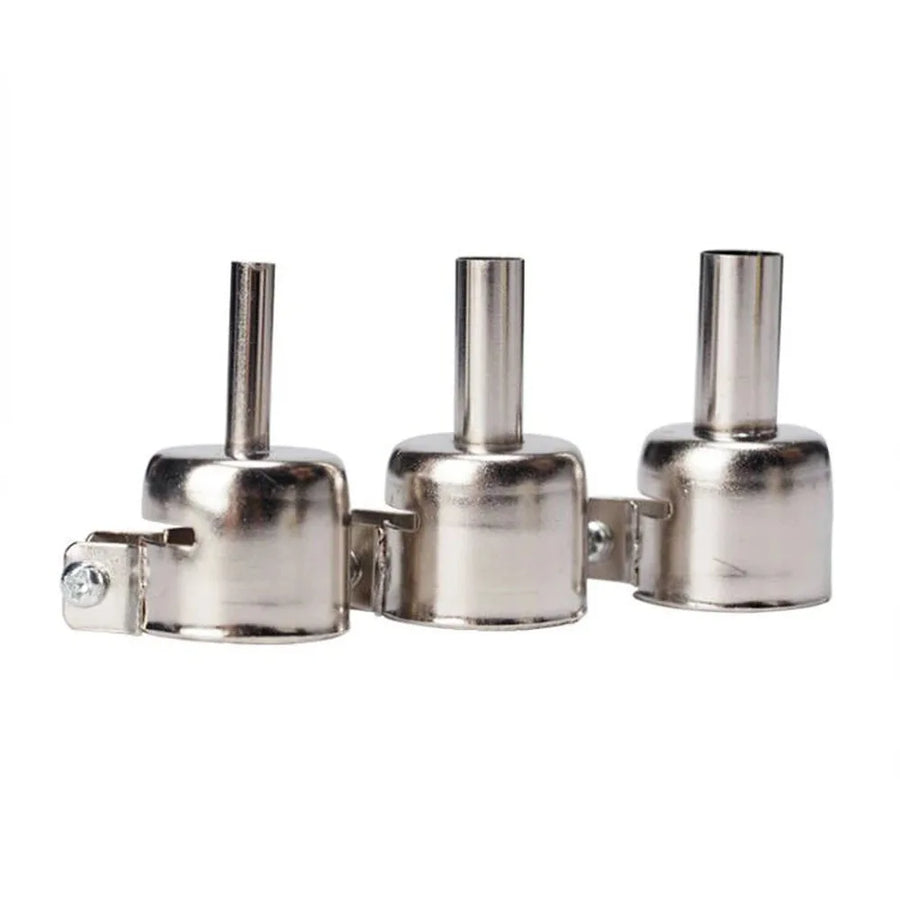
- Accessories (tips, nozzles): exact contents not confirmed by the supplier
Read before ordering: Console accessories
Delivery in 10 to 18 days · ships within 3 to 5 days · 2-year legal guarantee of conformity · 14-day returns.
2-in-1 soldering station with iron and hot air — SMD, BGA and PCB rework
Soldering iron and hot air blower in a single unit, for repairing and modding your retro consoles.
Rupture de stock
📦Ships within 3 to 5 business days · Delivery in 10 to 18 business days · 2-year legal guarantee of conformity · 14-day returns.
ℹÀ partir de 150 €, la livraison s’effectue en Point Relais.
- 🇫🇷SAV français
réponse sous 1 jour ouvré - 🛡Garantie légale
2 ans - ↩14 jours
pour changer d’avis - 🔒Paiement sécurisé
CB · PayPal · Klarna
The mod that always gets stuck at the same point
On a 90s handheld, the sticking point is almost never the replacement part: it's the ribbon connector you need to remove without lifting the trace, the shield soldered to the board, the swollen capacitor stuck to its neighbour. An iron on its own ends up overheating the area. Hot air, on the other hand, frees the component without tearing it off. Having both techniques within reach changes the whole course of a repair.
One unit instead of two devices
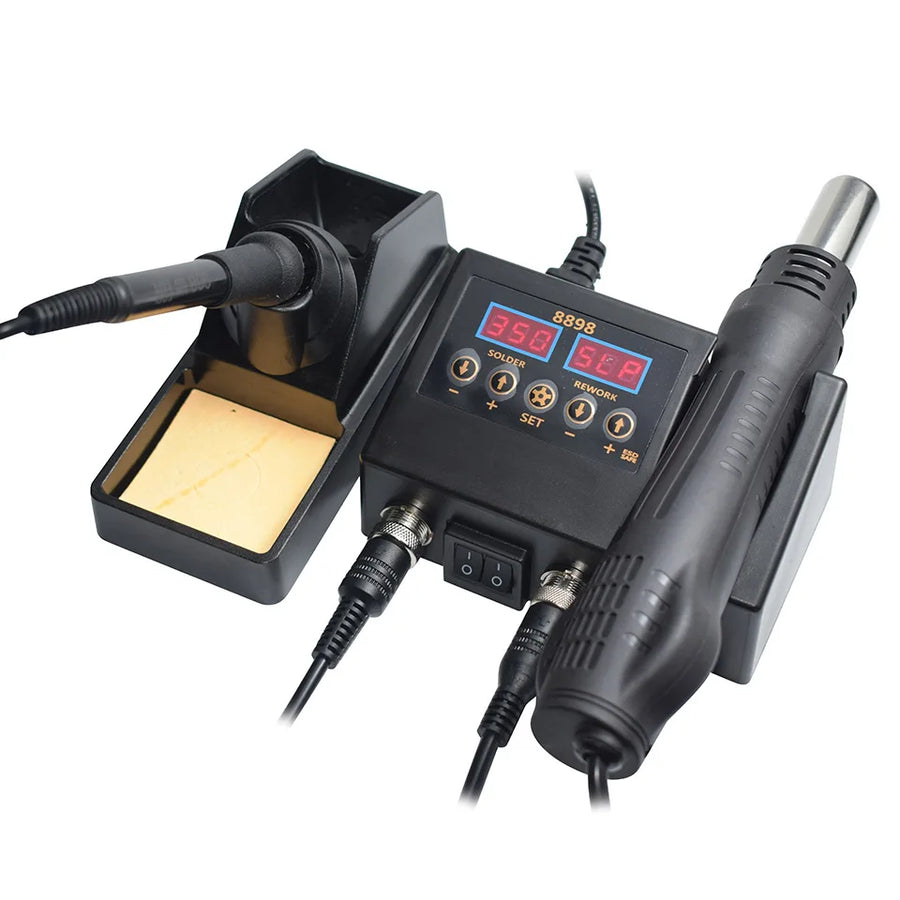
The 8898 is a 2-in-1 station: a soldering iron and a hot air gun share the same power supply and the same digital display. You read the temperature set point instead of guessing it, which matters when you are working next to 30-year-old plastic. A single device on the workbench, a single plug, and space saved where you need it: around the board.
What we don't sell you with it
We do not claim to have tried this station out ourselves: the listing was verified on 19 August 2026 using only the data documented by the supplier. As the list of supplied tips and nozzles is not confirmed, we do not make it up. Consumables are not included: plan for solder, flux, desoldering braid and an anti-static wrist strap. If you have any questions: reply within 1 business day.
What this accessory brings
Verified manufacturer specifications · vérifié le
Ce qu’il fait bien
- Soldering iron and hot air in a single unit
- Temperature set and read on a digital display
- One device to desolder and then resolder
- Suited to fine work: SMD, integrated circuits, BGA
- Covers repairs as well as mods (IPS screen, USB-C battery, capacitors)
Ce qu’il ne fait pas
- Only for people who can already solder: poorly controlled hot air damages neighbouring components
- Supplied without consumables: no solder, flux or desoldering braid
- Exact list of tips and nozzles not confirmed by the supplier
- Does not replace a professional rework station for BGA reballing
- Mains power only: check the plug and voltage on receipt
Voir toute la fiche technique+
Matière et format
- Type d’accessoire
- 2-in-1 soldering station
Compatible avec
- Handheld console motherboards
- Home console motherboards
- Controller and arcade PCBs
- SMD components (surface-mount)
- Integrated circuits and BGA packages
- Through-hole components
Dans la boîte
- 1 2-in-1 soldering station with digital display (model 8898, black)
- 1 soldering iron connected to the station
- 1 hot air gun connected to the station
- Accessories (tips, nozzles): exact contents not confirmed by the supplier
Frequently Asked Questions
🔧 Do I need to know how to solder already to use it?
Yes. It is an intermediate-level tool: you need to know how to tin a tip, heat a pad from the side and recognise a cold joint. Do your first runs on a scrap board, not on the console you are repairing.
🌡️ What is the difference between the iron and hot air?
The iron is for point-to-point work and through-hole components: capacitors, power connectors, mod wiring. Hot air is for SMD and parts you cannot reach with the tip: ribbon connectors, shields, IC packages.
🎮 Is it compatible with my console?
There is no console compatibility to check: it is a universal soldering tool. It works on handheld and home console motherboards, controller PCBs, arcade boards, video adapters and audio modules.
📦 What's in the box?
The 2-in-1 station with digital display (model 8898, black) with its soldering iron and hot air gun. The supplier does not document the exact list of tips and nozzles supplied: we would rather say so than make it up.
🧰 What else do I need?
No consumables are included. Plan for solder, flux, desoldering braid or a desoldering pump, polyimide tape to protect neighbouring components, a repair mat and an anti-static wrist strap. All these items are available in the Workshop & modding section.
🔌 How is it powered?
From the mains only: there is no battery operation. Check the plug and voltage stated on the unit on receipt, before switching it on for the first time, and work in a ventilated area.
🚚 What are the delivery times?
Delivery in 10 to 18 days, ships within 3 to 5 days.
🛡️ Which guarantee applies?
2-year legal guarantee of conformity. 14-day returns. Any questions? Reply within 1 business day.
Why buy here rather than on a marketplace
It is a fair question. Here is the answer, straight.
Every listing is checked before publication: real compatibility, material, dimensions, box contents. Many models never make it into the catalogue.
A question about compatibility, a fit problem, a return: you write, a human replies within 1 business day. In French.
The 2-year legal warranty of conformity is handled by us — not by a form on the other side of the world. And 14 days to change your mind, with no need to justify yourself.
We do not claim to be the cheapest. We claim that you will know exactly what you are buying before you pay.
Read this before choosing
Our guides to accessories: compatibility, protection, transport.

Pixel art: create your own designs for a Divoom display
Grid size, number of colours, outlines, animation: the guide to getting started in pixel art and displaying your own creations on a Divoom display.
2 min de lecture · publié le

Divoom pixel art speakers: which one should you choose?
Astrotoo, Ditoo-Pro, FlowToo, Tiivoo-2, Timebox-Evo, MiniToo, Fairy-OK: the seven Divoom speakers compared, by use and budget.
2 min de lecture · publié le

Times Frame or Times Frame Pure: which Divoom floating photo frame should you choose?
64 or 32 GB, three colours or just one, a dial or not: the real differences between the Times Frame and Times Frame Pure…
1 min de lecture · publié le