
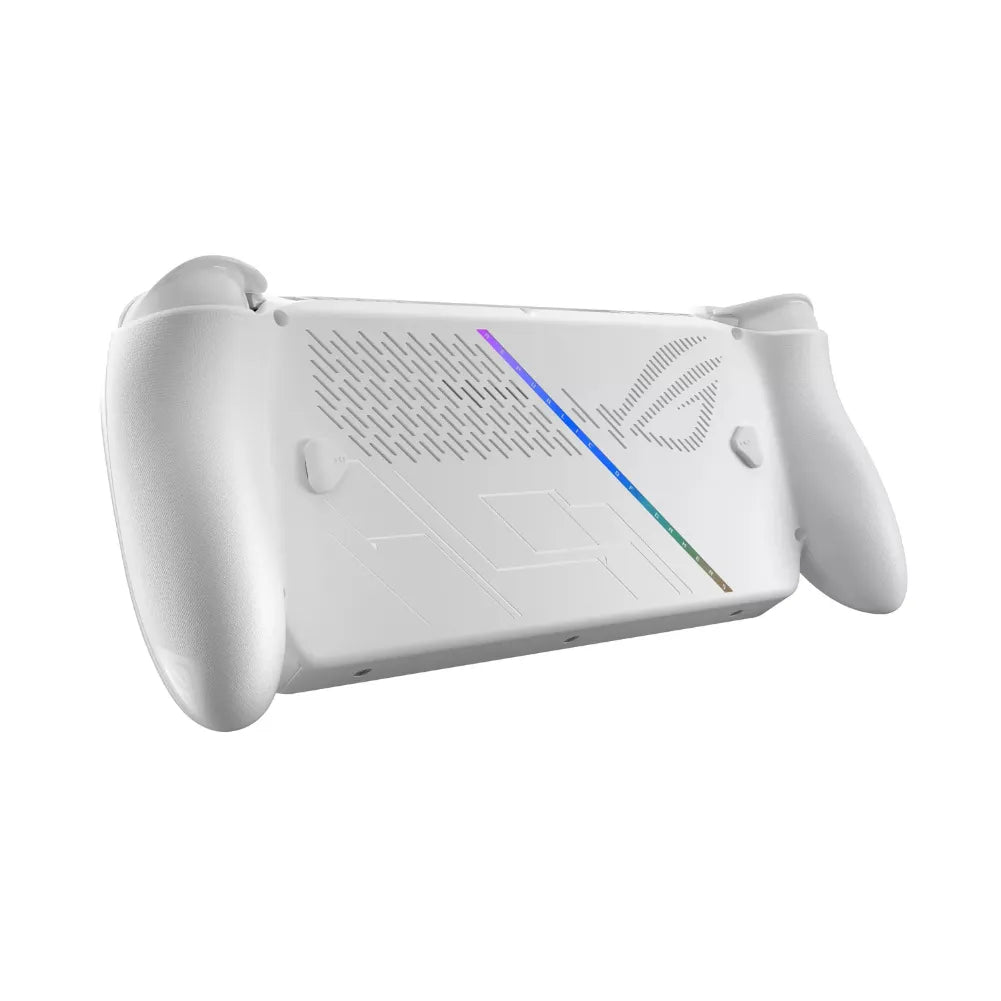
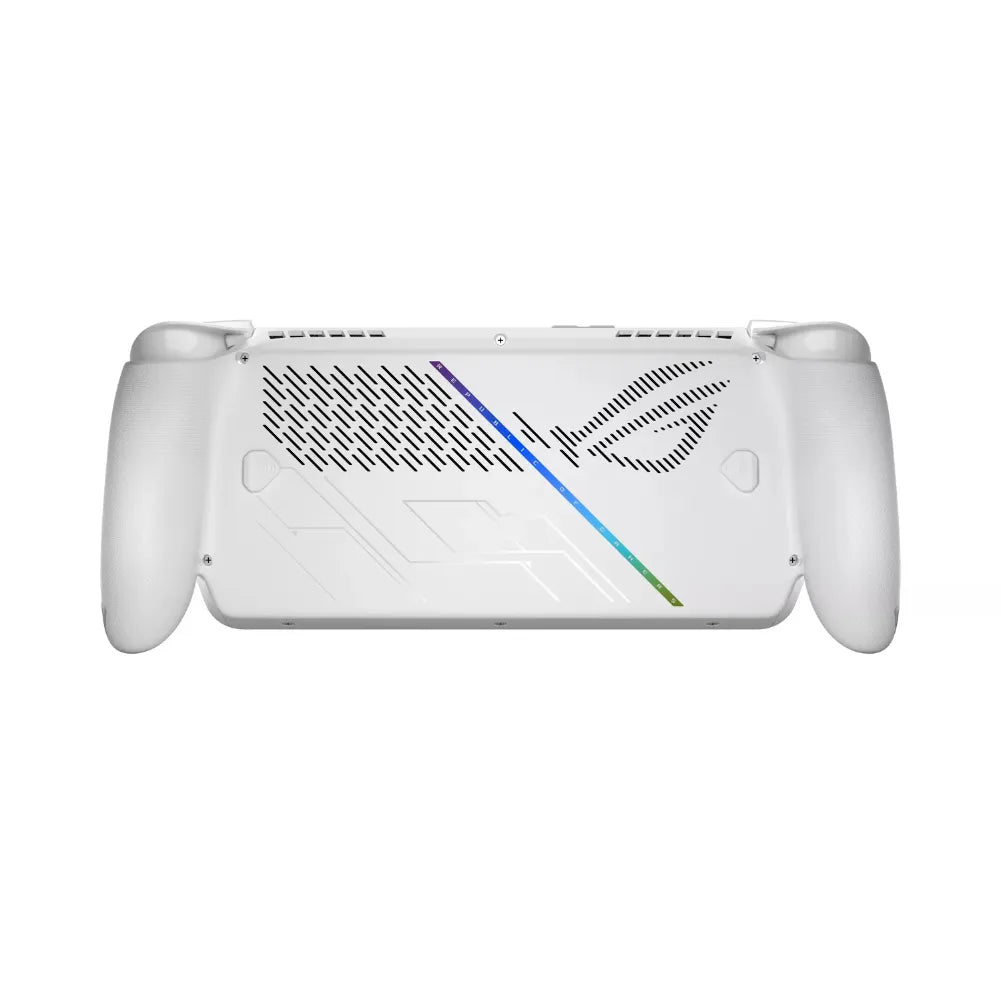
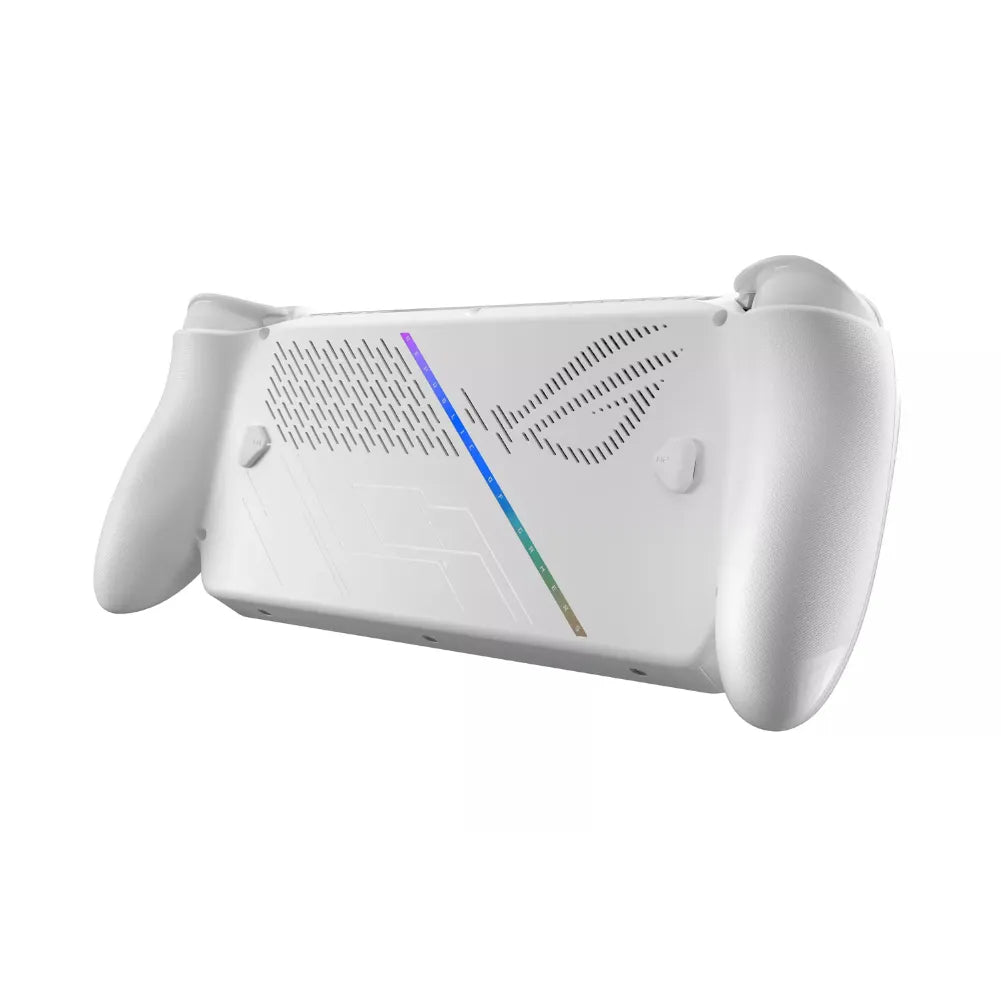
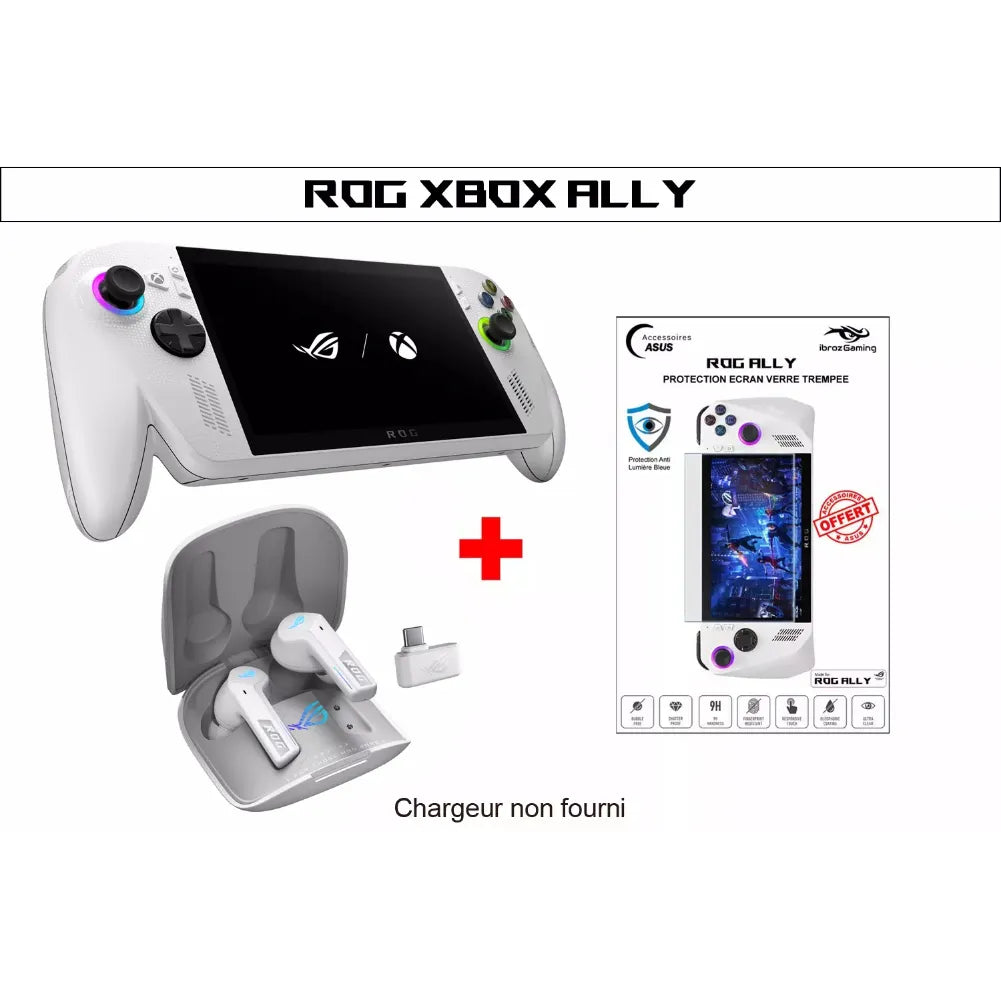
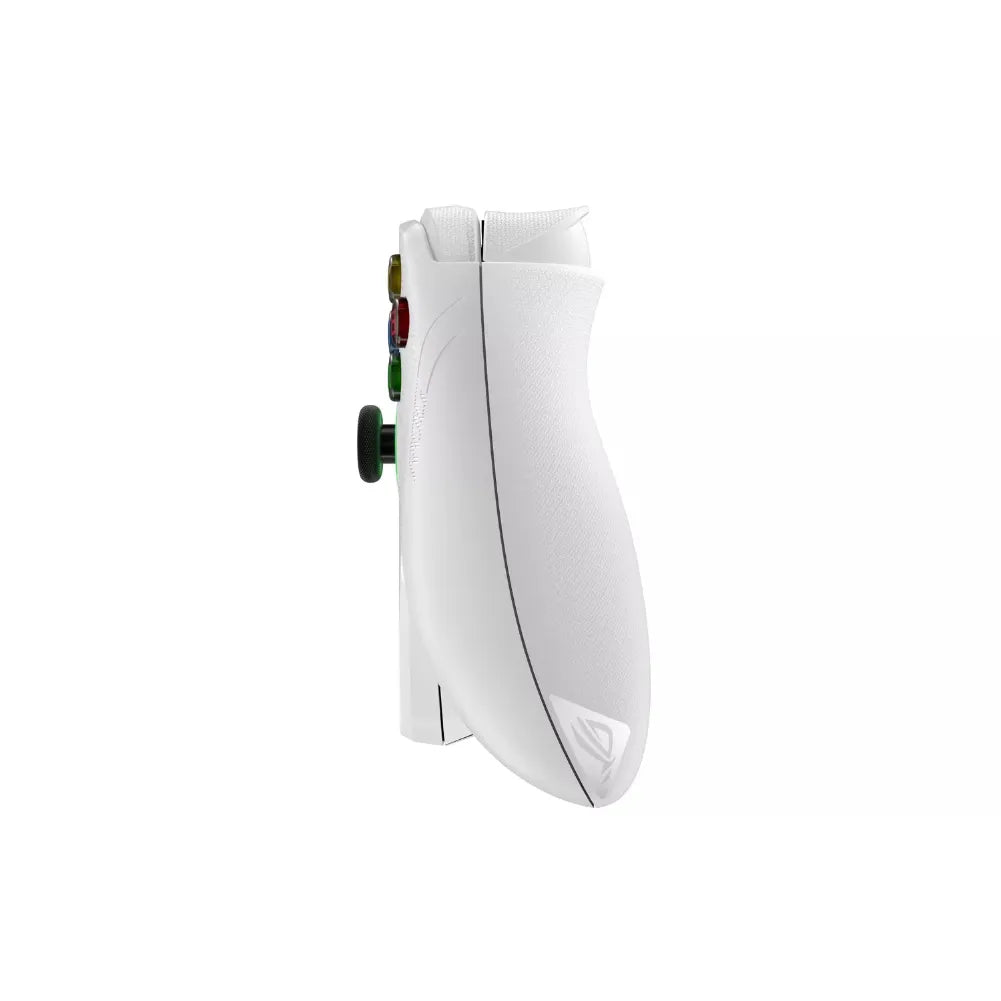
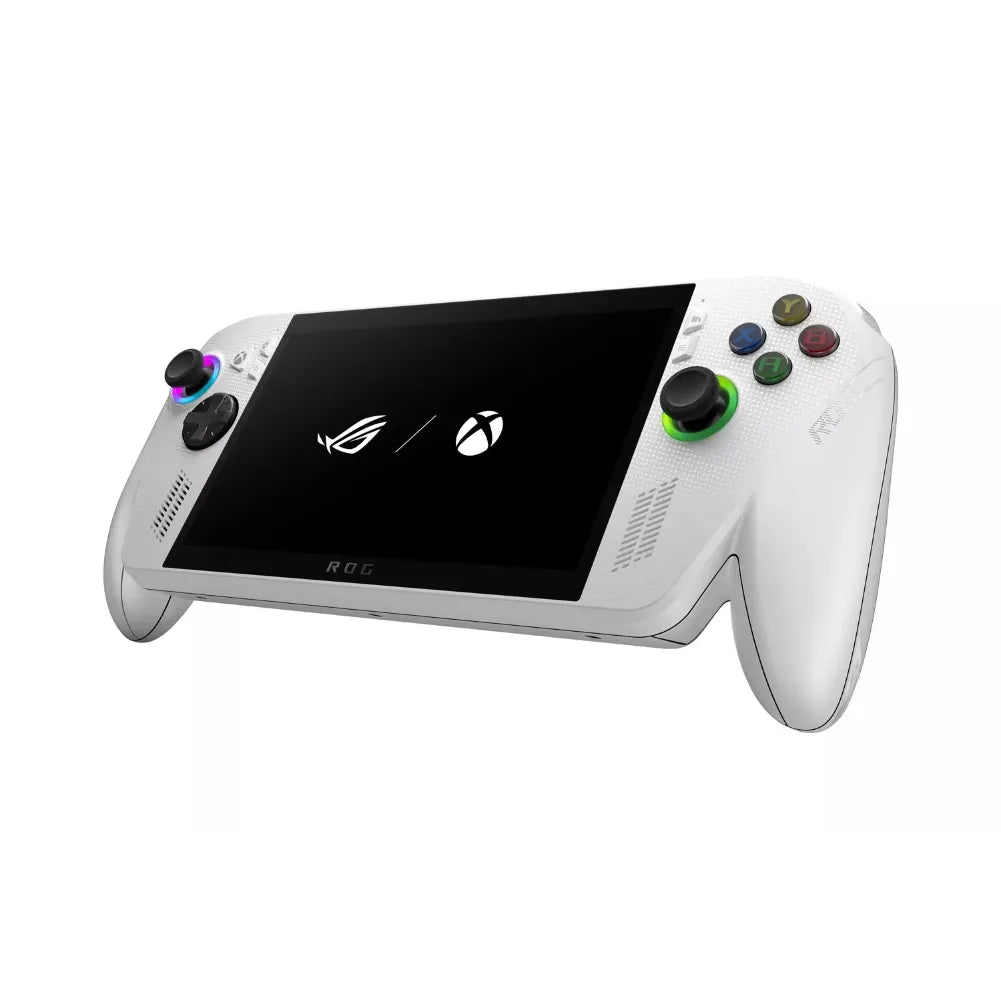
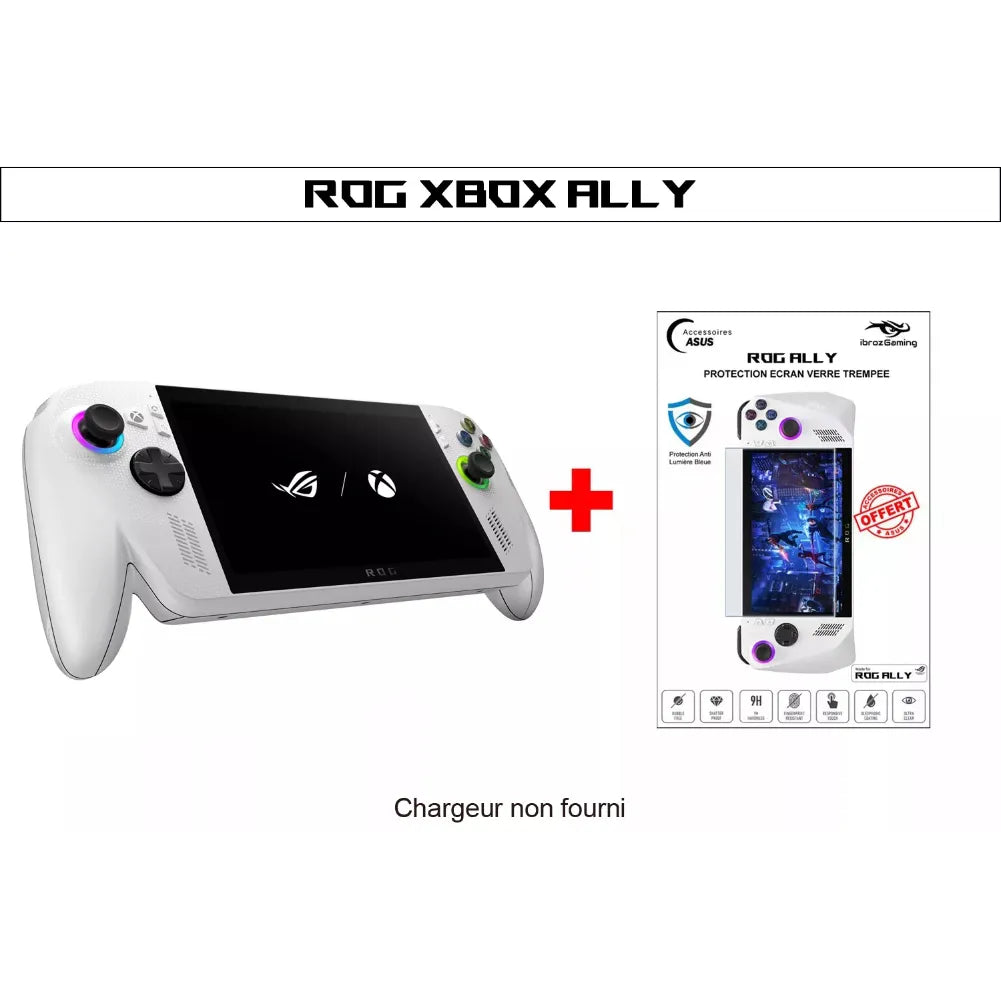
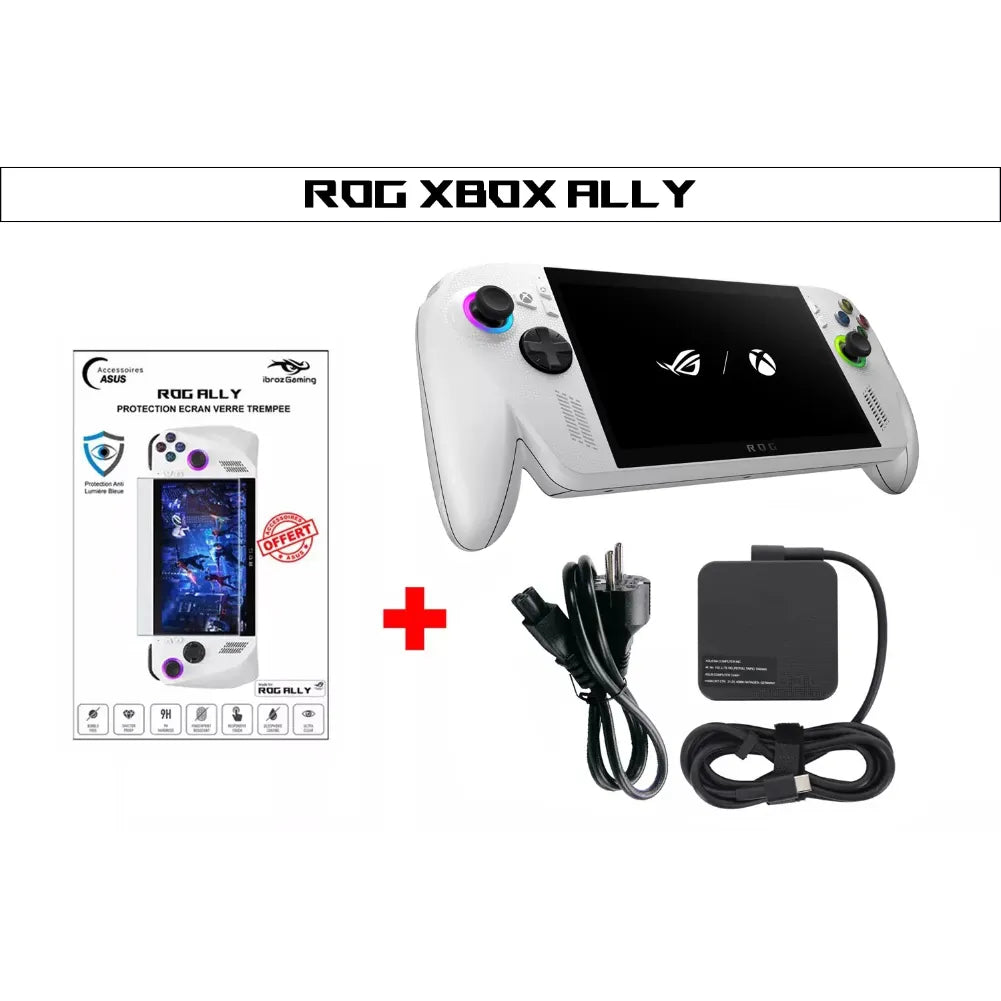
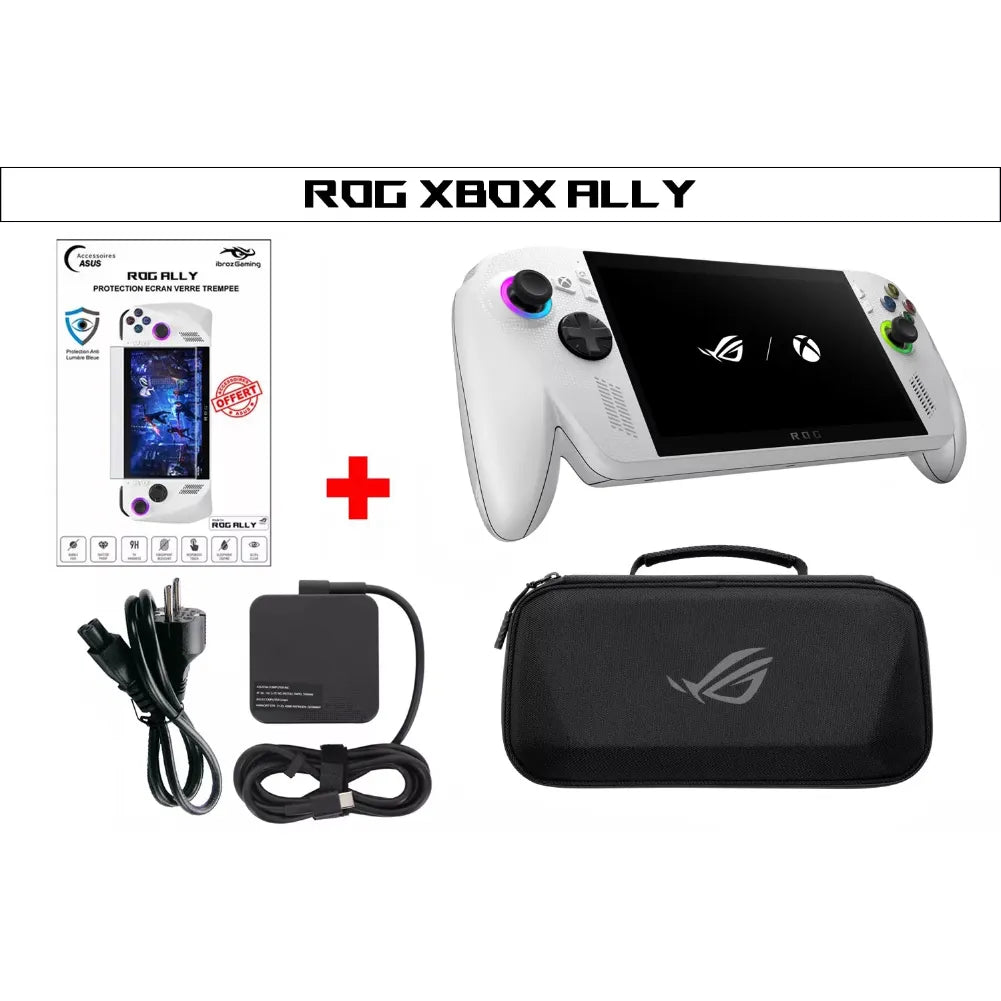
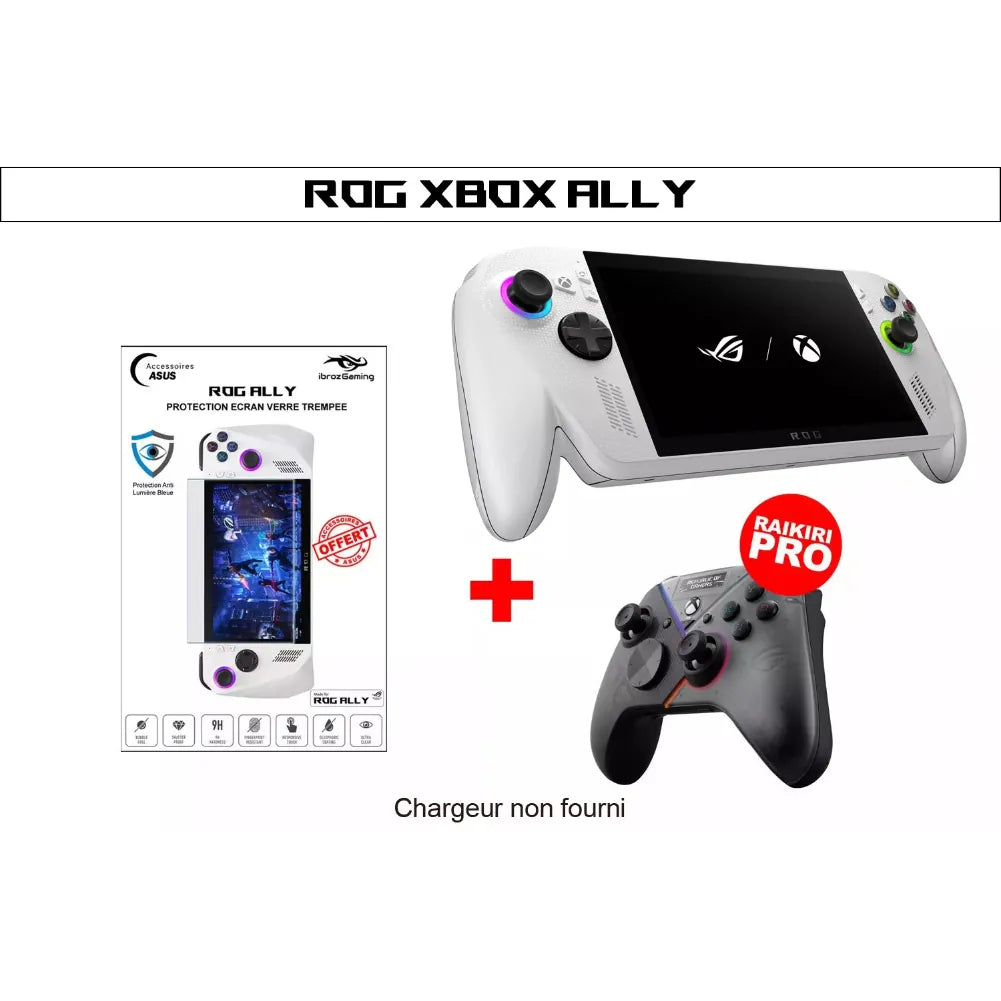
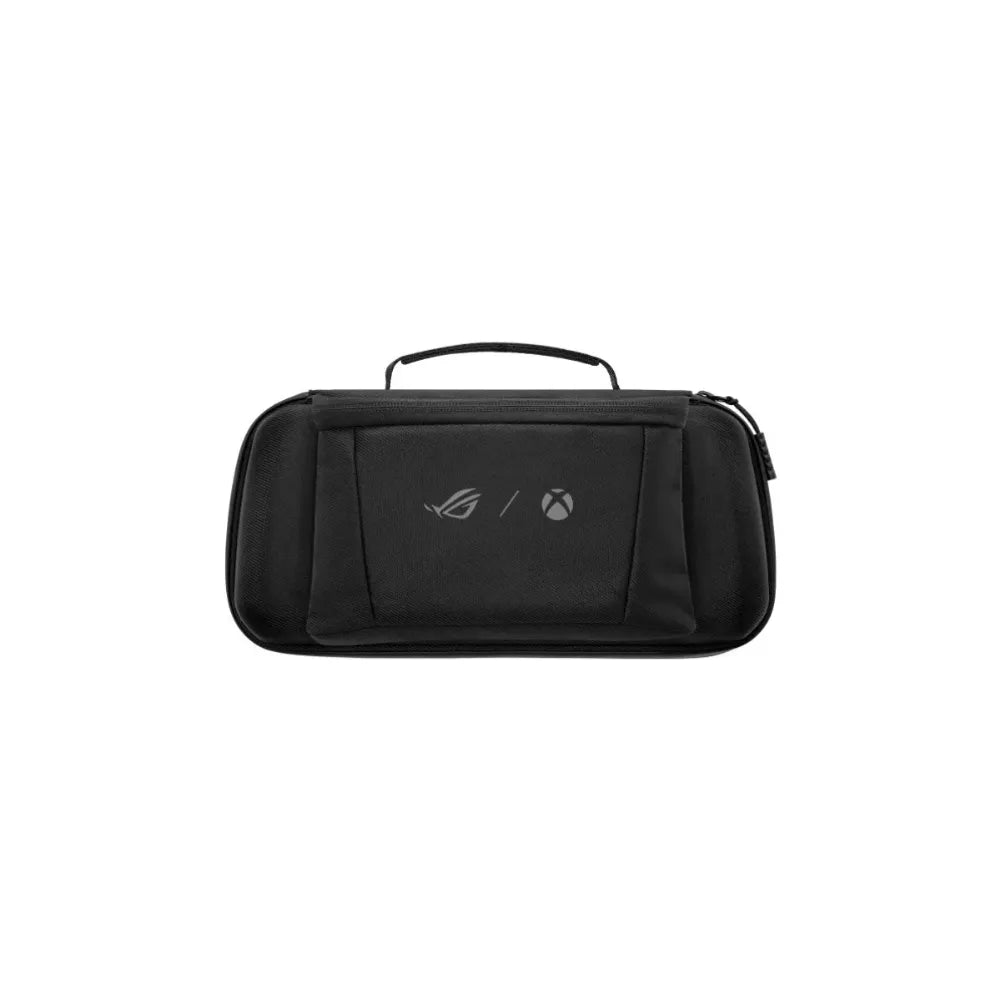


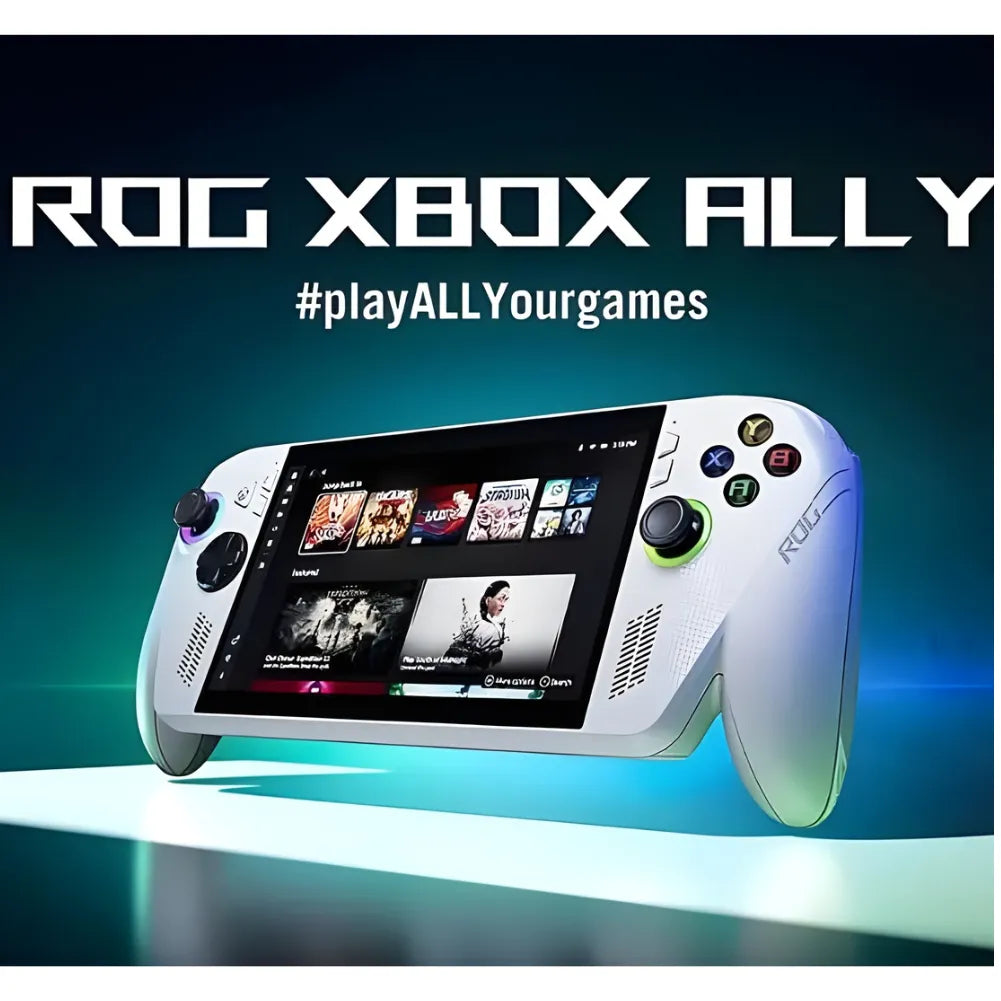
ROG Xbox Ally White – 7” 120Hz VRR Portable Console
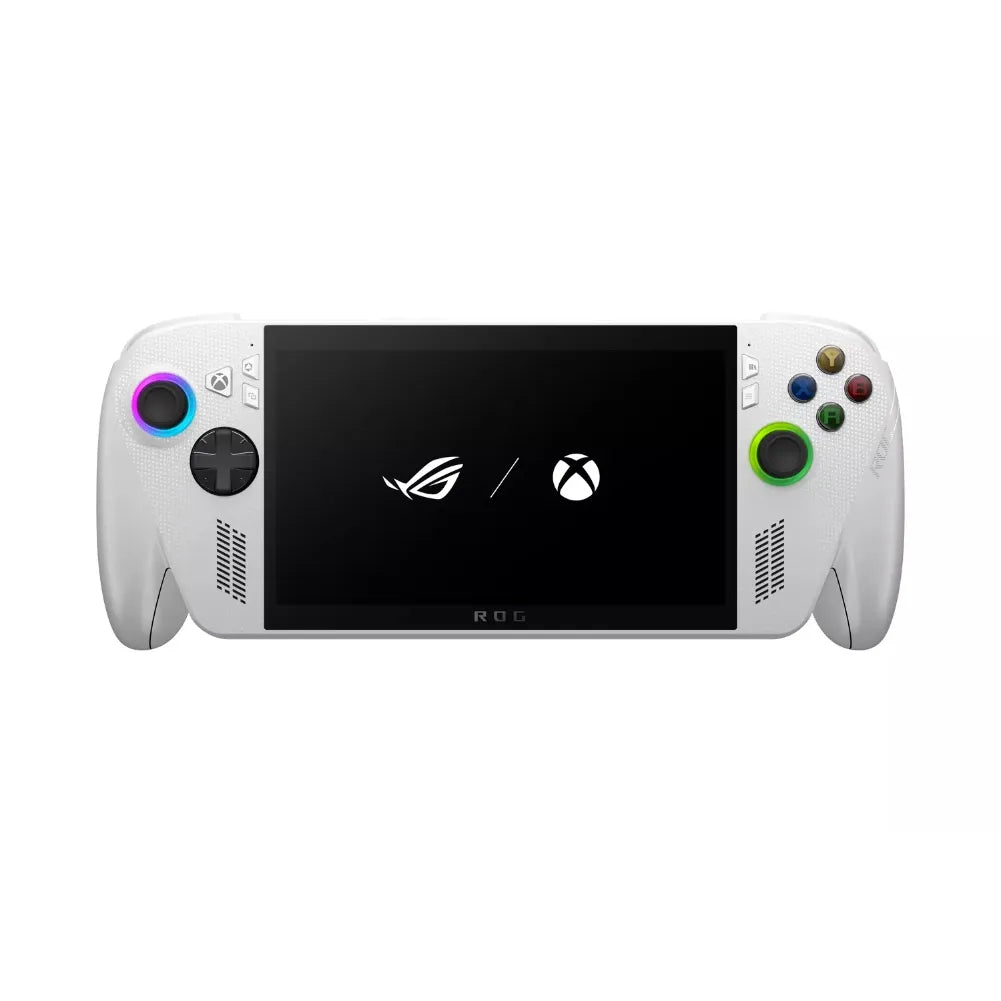
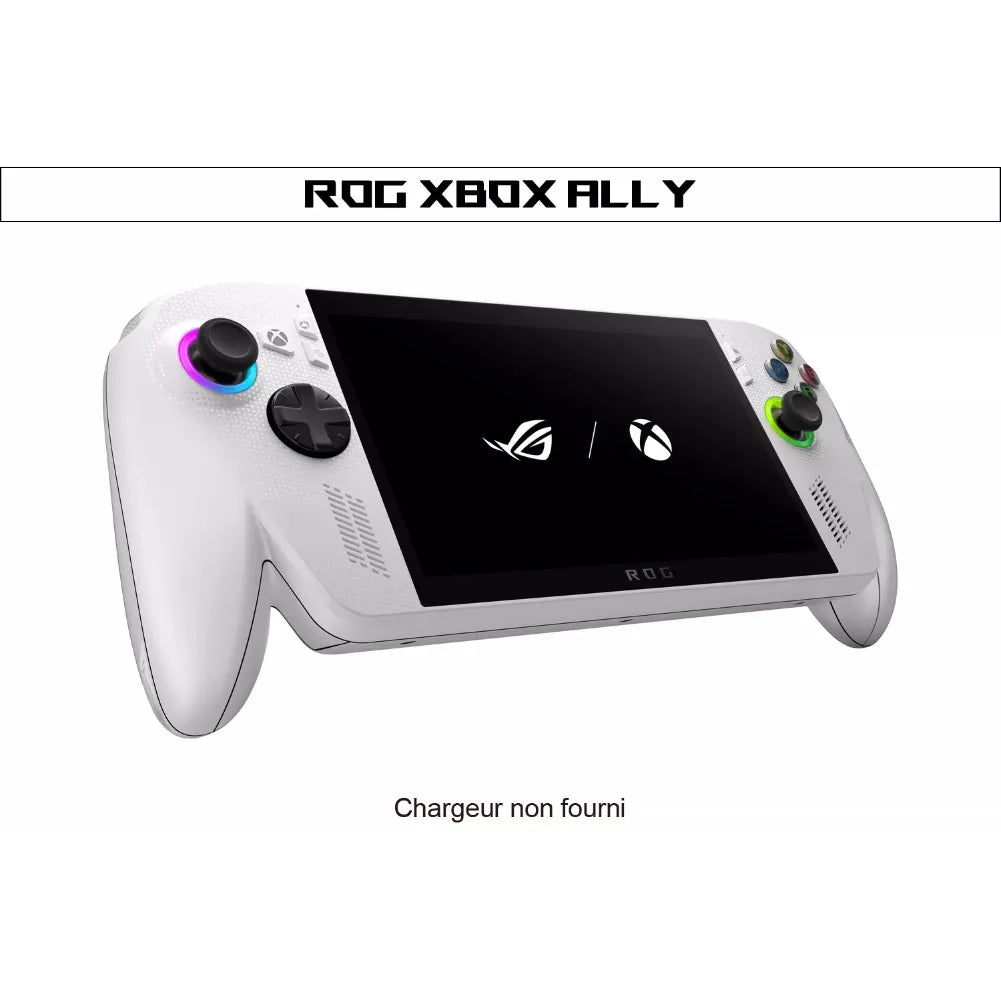
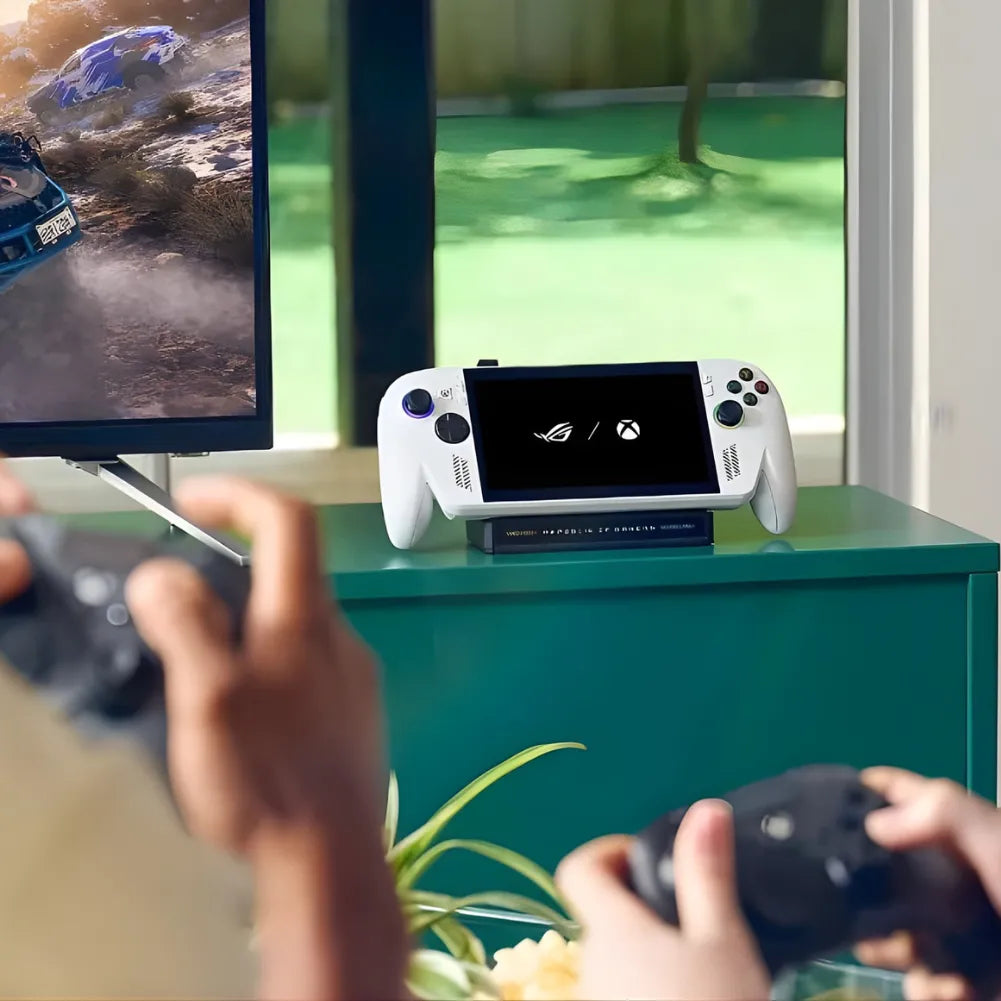
Designed for demanding gamers, the white ROG Xbox Ally combines mobility and performance: Ryzen Z2 A processor, 120Hz FHD display with VRR , and an optimized 60Wh battery . Running Windows 11 , access Game Pass , Xbox Cloud Gaming , Steam , and Epic Games to play anywhere, comfortably and responsively.
Strengths
- Fluidity 7” FHD 120 Hz VRR under Gorilla Glass Victus
- Efficient power: Ryzen Z2 A + 16GB LPDDR5X + 512GB NVMe
- Endurance & ecosystem: 60 Wh battery , Windows 11 , Game Pass
Why should I buy the white ROG Xbox Alliance?
Because it combines everything you'd expect from a modern Xbox handheld : a 120Hz FHD screen with VRR for ultra-smooth action, a 60Wh battery for long sessions, and the freedom of a Windows console compatible with Game Pass . You can access your games and saves anywhere, without compromise.
Technical specifications
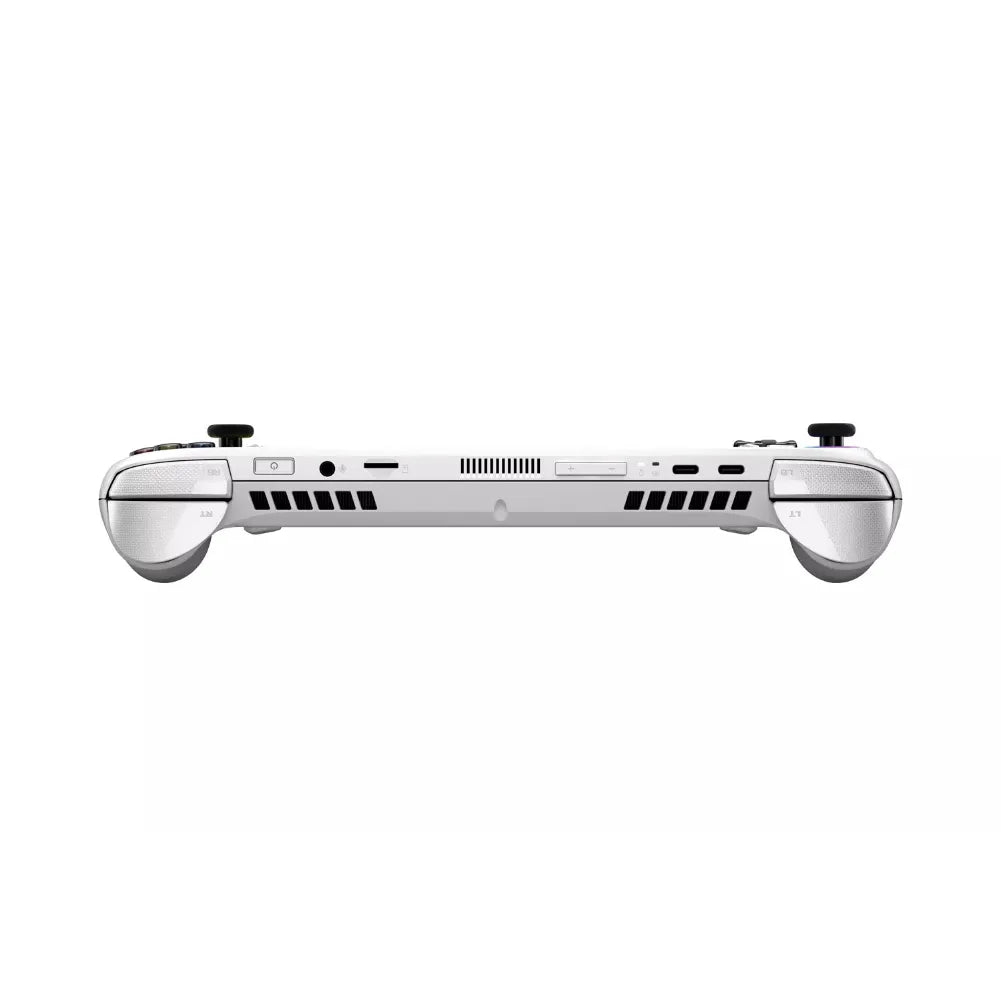
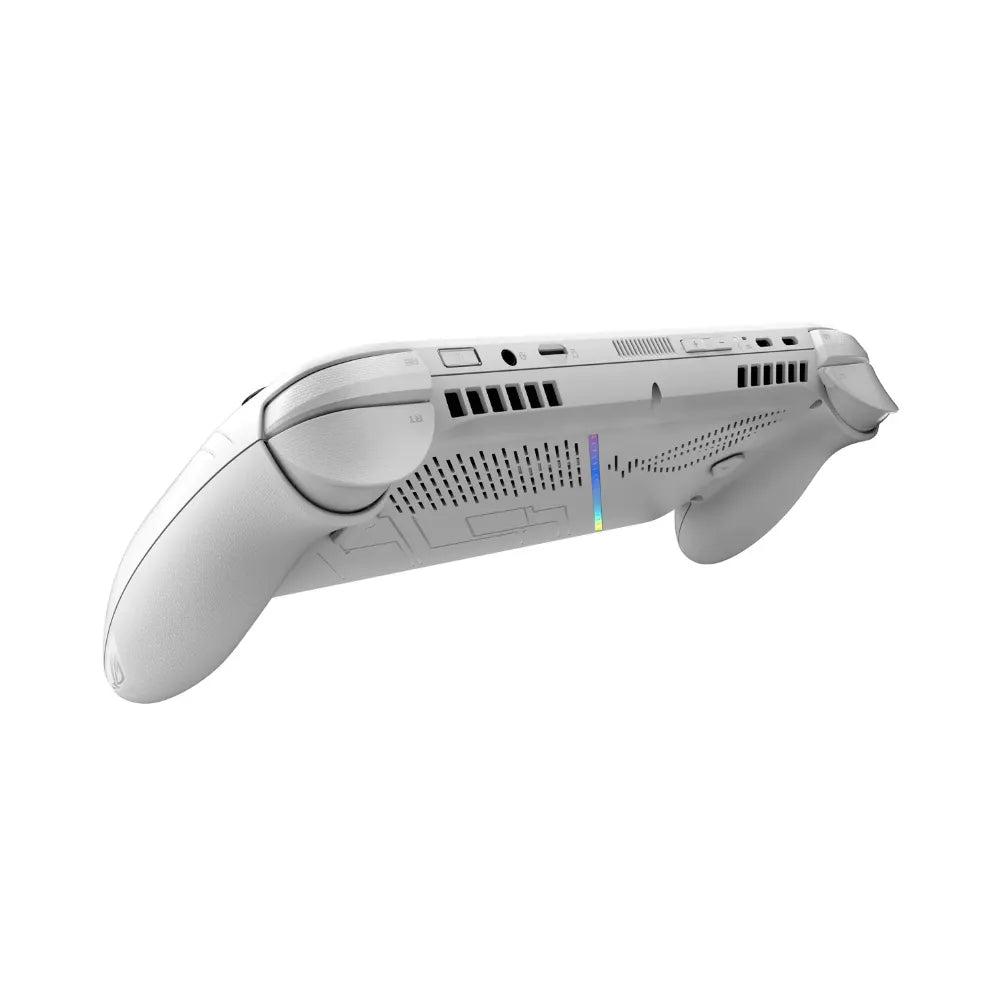
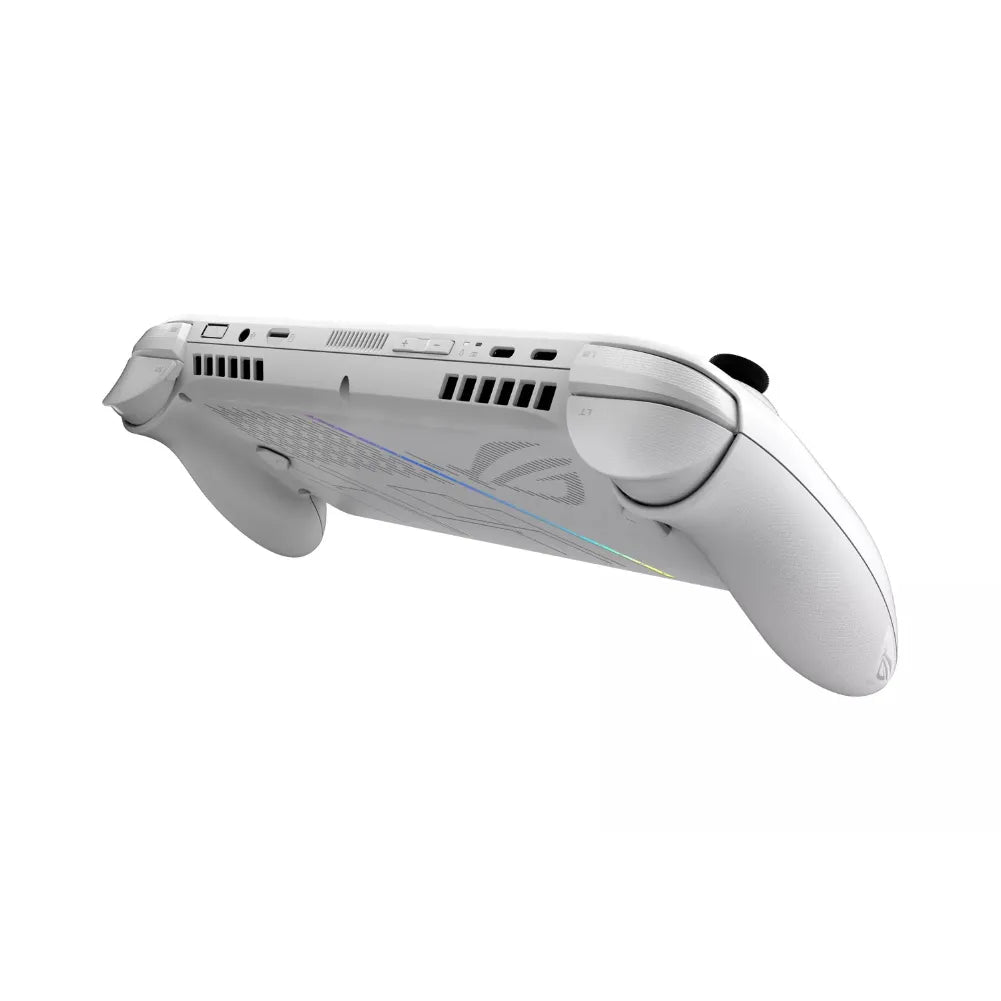
Xbox interface – Windows 11 with Armoury Crate SE. AMD Ryzen Z2 A processor (TDP up to 20 W ), 16 GB LPDDR5X 6400 MHz , 512 GB NVMe PCIe 4.0 SSD (M.2 2280). 7" 1920×1080 120Hz touchscreen with VRR , Gorilla Glass Victus protection. Tri-band Wi-Fi 6/6E and Bluetooth 5.4 . 2× USB-C 3.2 (DP 2.1, PD 3.0), microSD UHS-II , 3.5mm headphone jack. Dolby Atmos stereo audio, noise-canceling microphone, smart amplifier. Fingerprint reader . 60Wh Li-Ion battery ( USB-C charging, charger not included). 670g; 29.08 × 12.15 × 5.07cm. SAR (body/limbs): 1.65 W/kg.
Usage tips
When playing on the go, limit the frame rate to 60 FPS with VRR enabled and slightly lower the brightness to maximize battery life; when plugged in, use Turbo mode in Armoury Crate SE. Add a UHS-II microSD card to expand your library.
Product features
📊 Emulation performance
🖥️ Screen
🧭 Ergonomics
🔌 Ports and connectivity
🎮 Checks
⚙️ Technical specifications
| Storage | 1 TB M.2 2280 SSD (PCIe 4.0) |
| Battery | 80 Wh |
| RAM | 24 GB |
| RAM type | LPDDR5X |
| Architecture | x86-64 |
| Chipset | AMD Ryzen AI Z2 Extreme |
| CPU | Zen 5/5c – 8 cores / 16 threads |
| GPU | AMD Radeon RDNA 3.5 (16 CUs) |
| CPU Frequency | 2.0 GHz – 5.0 GHz (boost) |
| CPU Cores | 8 |
| CPU threads | 16 |
| GPU frequency | up to ~2.9 GHz |
Performance and responsiveness
The Ryzen Z2 A chip delivers a smooth experience with demanding titles, supported by 16GB of LPDDR5X memory and an NVMe SSD for fast loading times. The 120Hz FHD display and VRR ensure crisp, stable gameplay, from fast-paced roguelites to ambitious AAA titles.
Autonomy and nomadic design
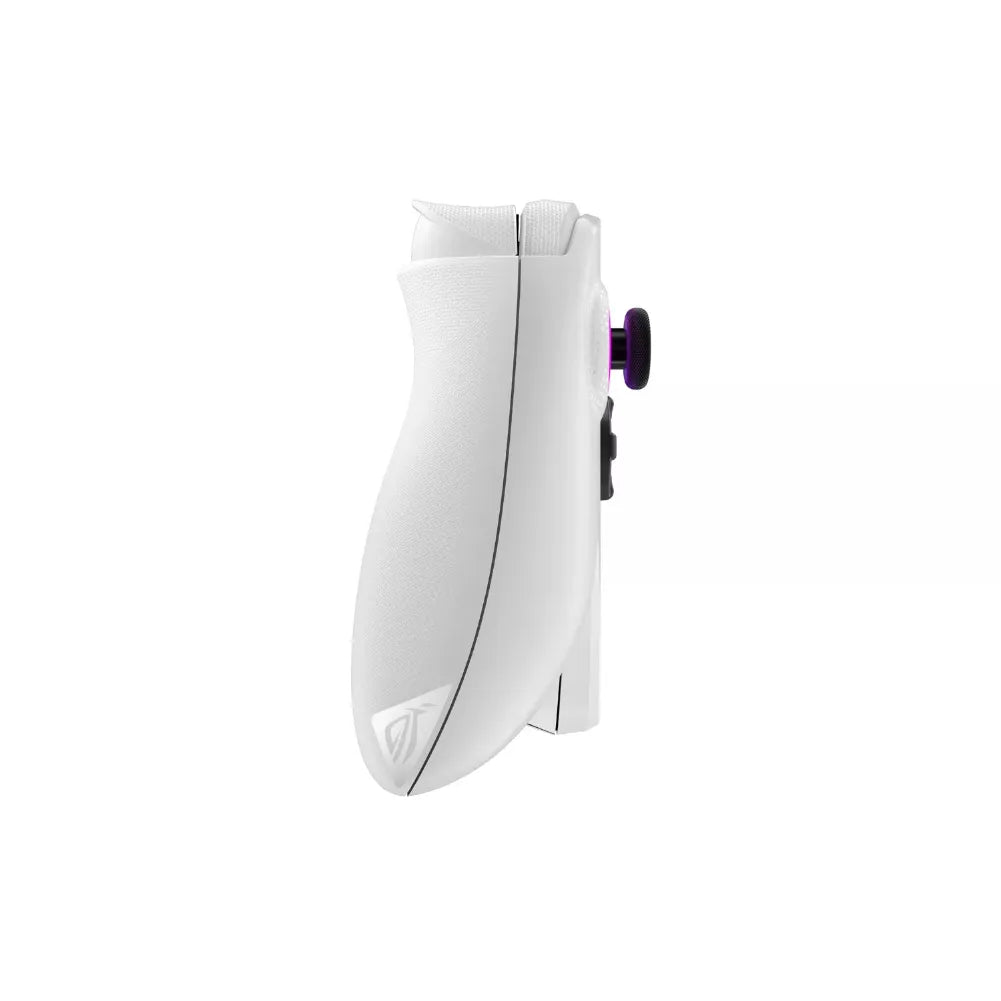
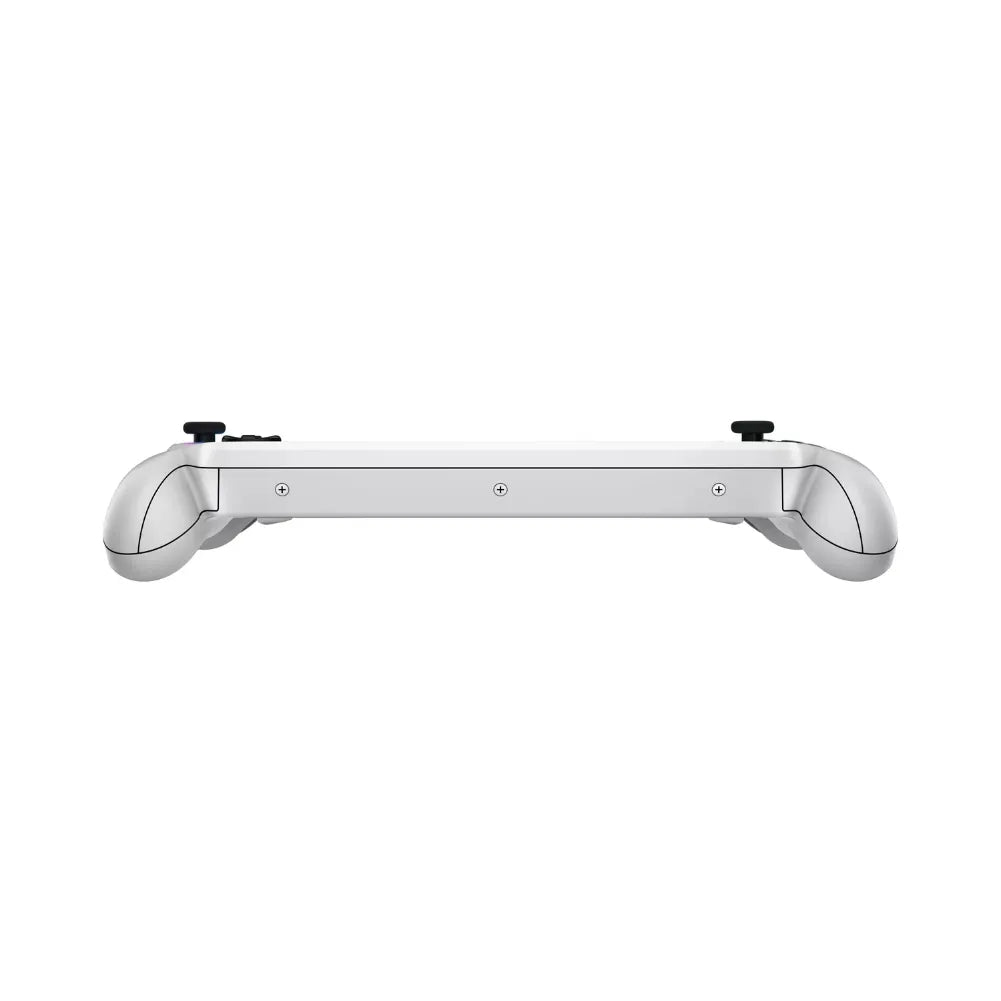
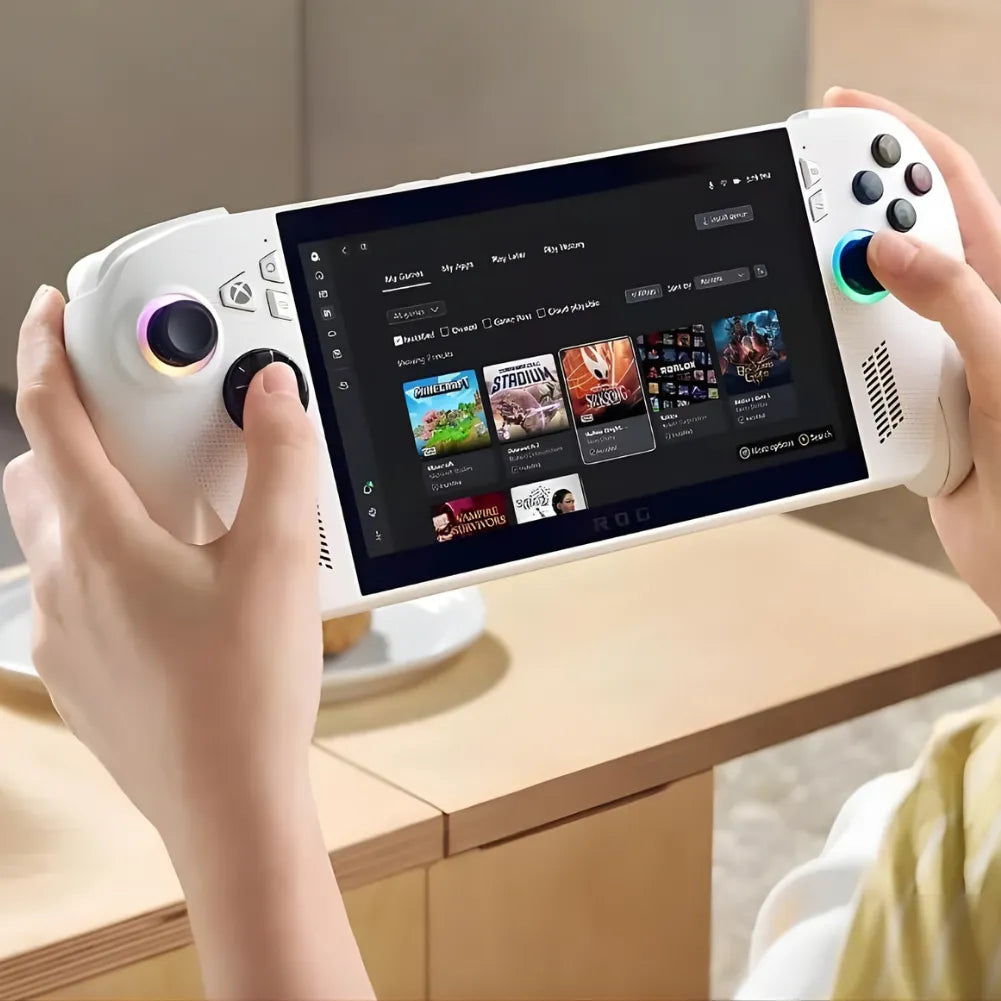
The 60 Wh battery extends gaming sessions, while the redesigned white chassis offers improved comfort and quieter operation. Gorilla Glass Victus protection and optimized ergonomics make gaming enjoyable both indoors and on the go.
Xbox & PC Ecosystem
On Windows 11, launch Game Pass, Xbox Cloud Gaming, Steam, and Epic. With Play Anywhere, you can seamlessly continue your progress between PC, Xbox, and Alliance. USB-C 3.2 ports, Wi-Fi 6/6E, and Bluetooth 5.4 make setups easy at home or on the go.
Frequently Asked Questions
❓ FAQ — ROG Xbox Ally white
🆕 What are the main characteristics?
ROG Xbox Ally white with AMD Ryzen Z2 A , 16GB LPDDR5X , 512GB NVMe PCIe 4.0 SSD , 7" FHD 120Hz touchscreen with VRR and Gorilla Glass Victus . Running Windows 11 , compatible with Game Pass , Xbox Cloud Gaming , Steam , and Epic . Features include Wi-Fi 6/6E , Bluetooth 5.4 , 2x USB-C 3.2 (DP 2.1, PD 3.0), UHS-II microSD card reader, fingerprint reader , and a 60Wh battery.
🎮 Can I play my Xbox and PC games?
Yes. On Windows 11 , launch your games via PC/Xbox Game Pass , Steam , and Epic , or use Xbox Cloud Gaming . With Xbox Play Anywhere (compatible games), resume your saves between Xbox, PC, and Alliance. Game Pass subscription sold separately.
⚡ Do 120Hz and VRR work in all games?
The screen supports up to 120Hz and VRR . The framerate depends on the game , graphics settings , and power/TDP mode . Many titles will target a stable 60fps to optimize battery life and heat.
🔋 What is the battery life of the 60 Wh battery?
The 60 Wh battery allows for long sessions, depending on the game type, screen brightness, and network load. Tip: When playing on the go, limit the frame rate to 60 fps , leave VRR enabled, and slightly lower the screen brightness. When plugged in, switch to Turbo mode in Armoury Crate SE.
💾 Can I expand the storage?
Yes, via the UHS-II microSD card reader. For the shortest loading times, prioritize installing demanding games on the internal NVMe SSD .
🖥️ Can an external monitor be connected?
Yes, via USB-C 3.2 with DisplayPort 2.1 (Alt Mode) . Use a compatible cable/adapter. The achievable resolution/refresh rate depends on the monitor and game settings.
🔌 Is the USB-C charger included?
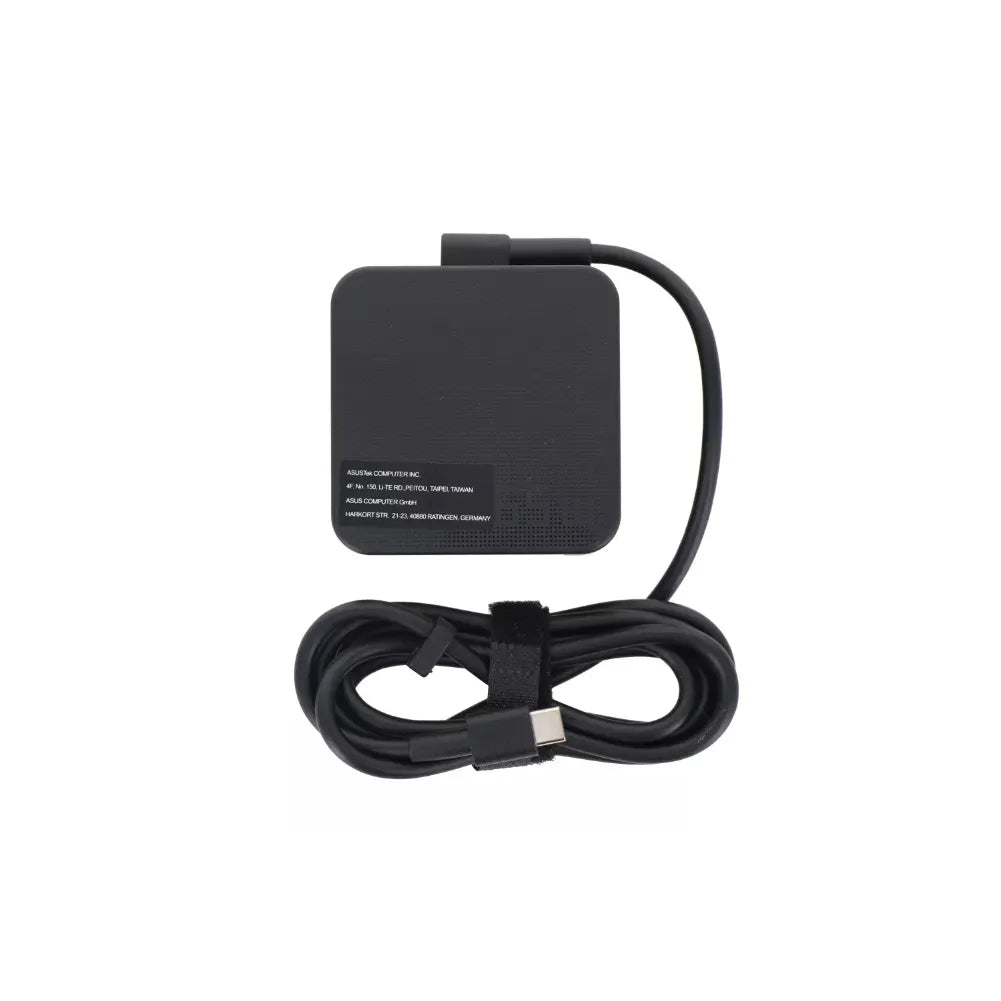
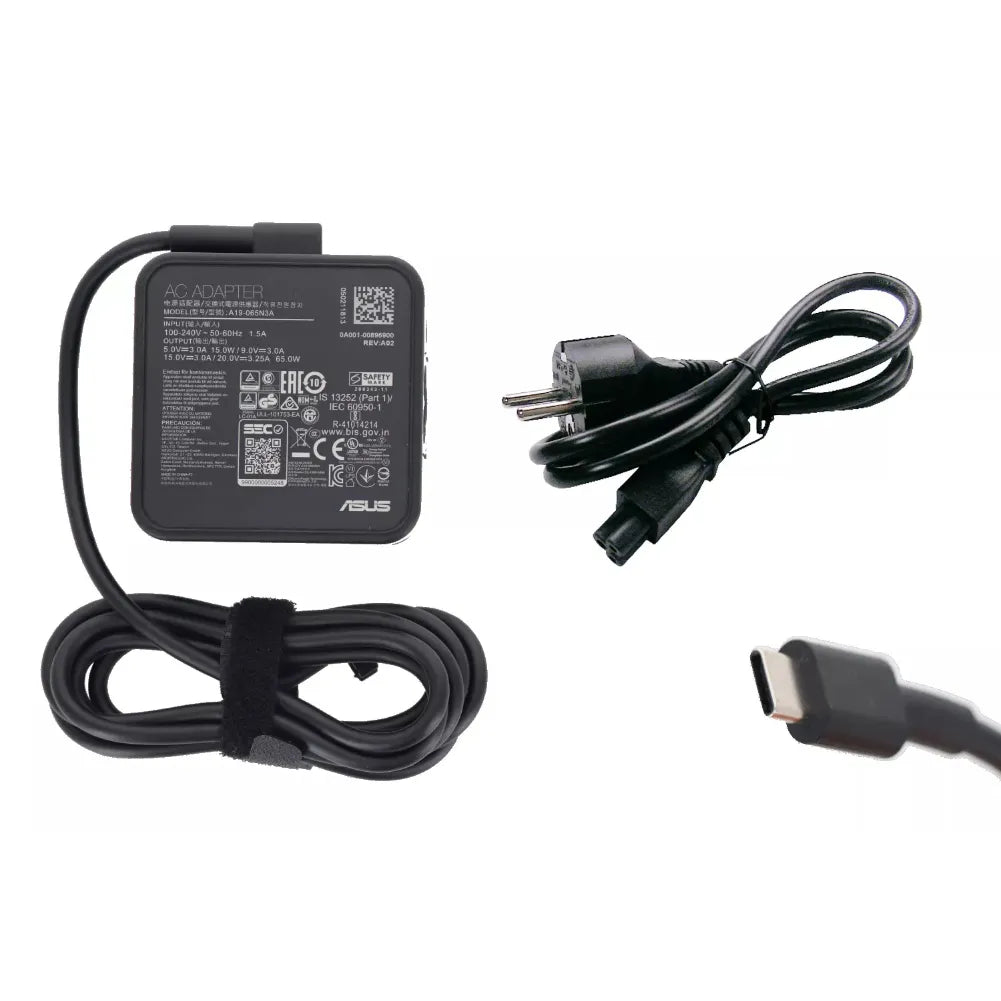
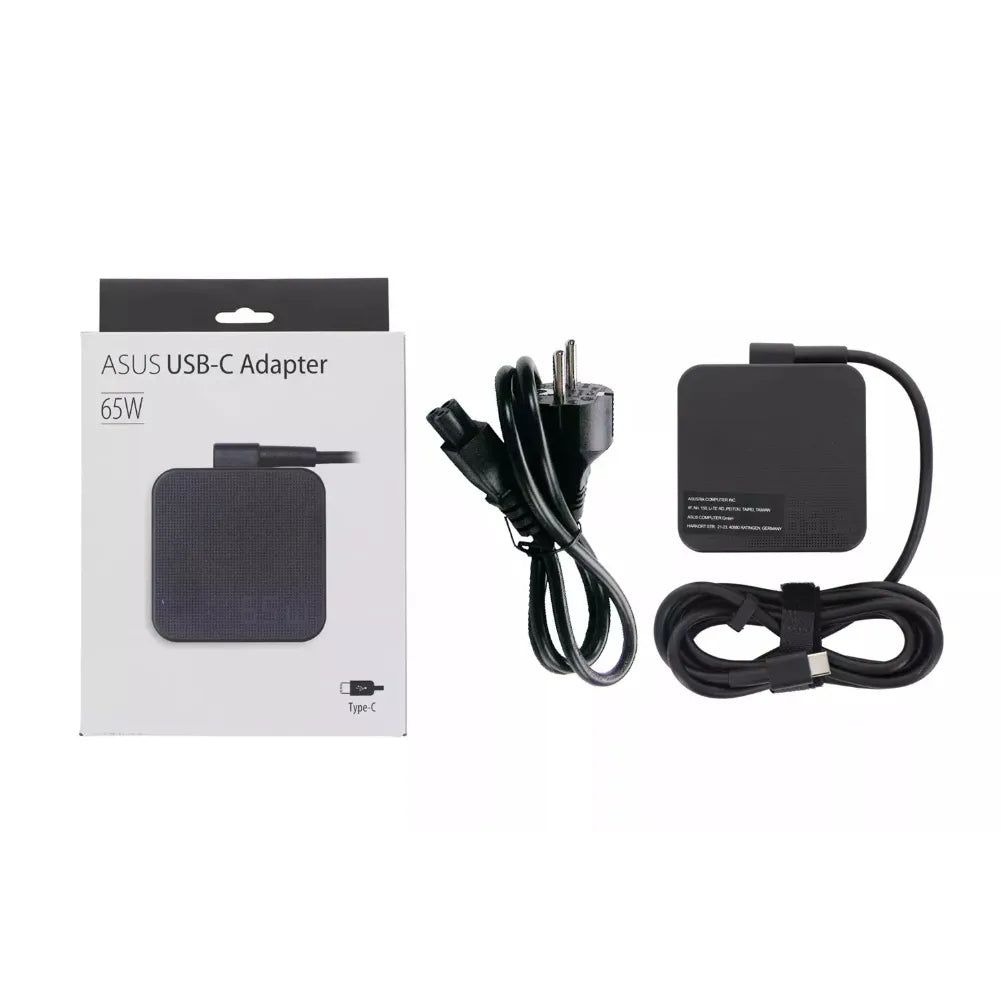
According to the specifications, the USB-C charger is not included . Choose a USB-C PD 3.0 adapter (65W recommended) for better performance and fast charging.
🎧 Wireless headsets and controllers: compatibility?
Bluetooth 5.4 connectivity supports a wide range of headsets and controllers (depending on profiles/firmware). A 3.5 mm jack is available for wired audio.
🛡️ Is the screen well protected?
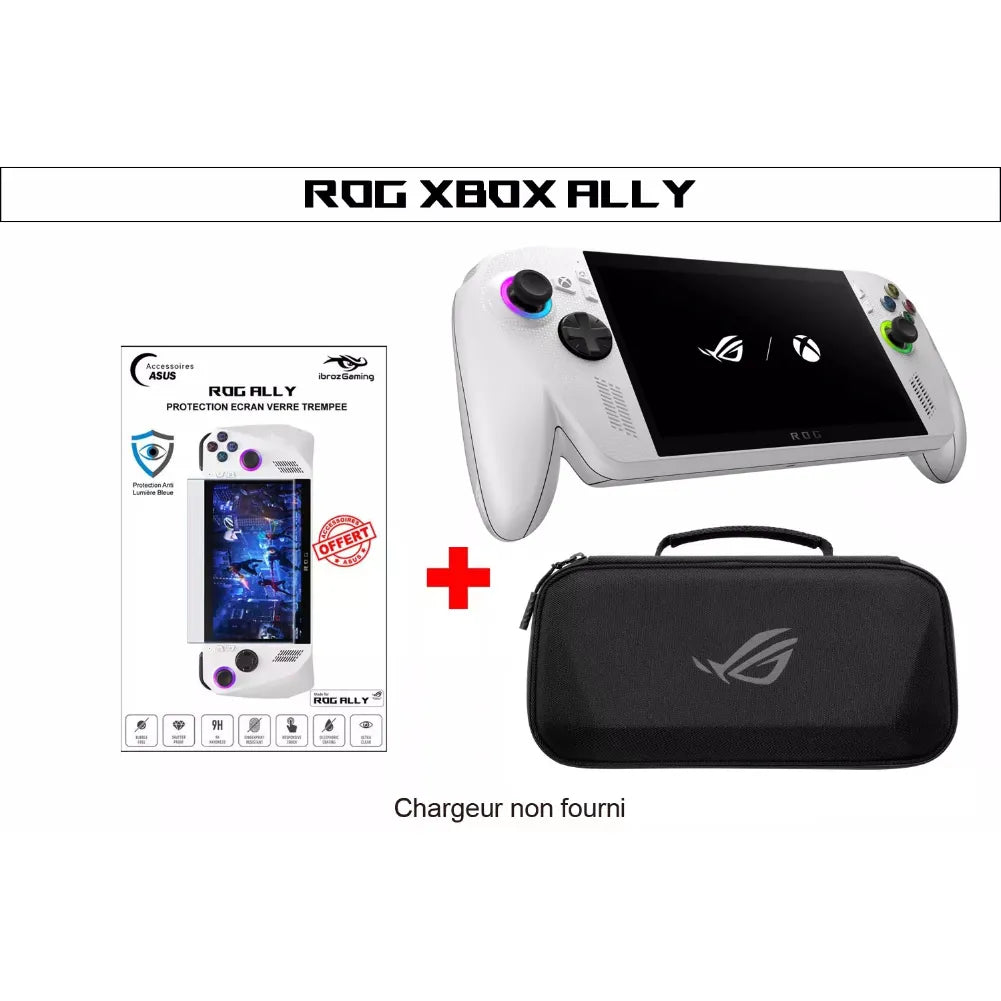
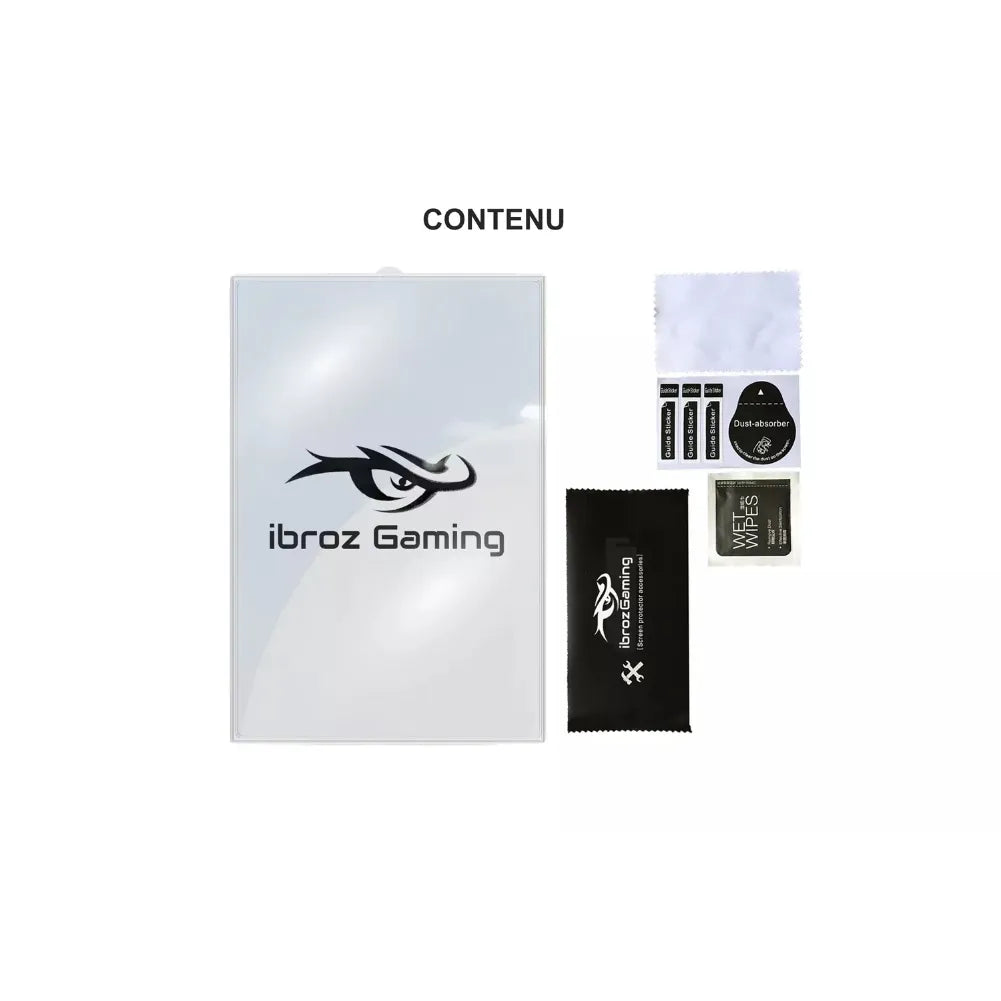
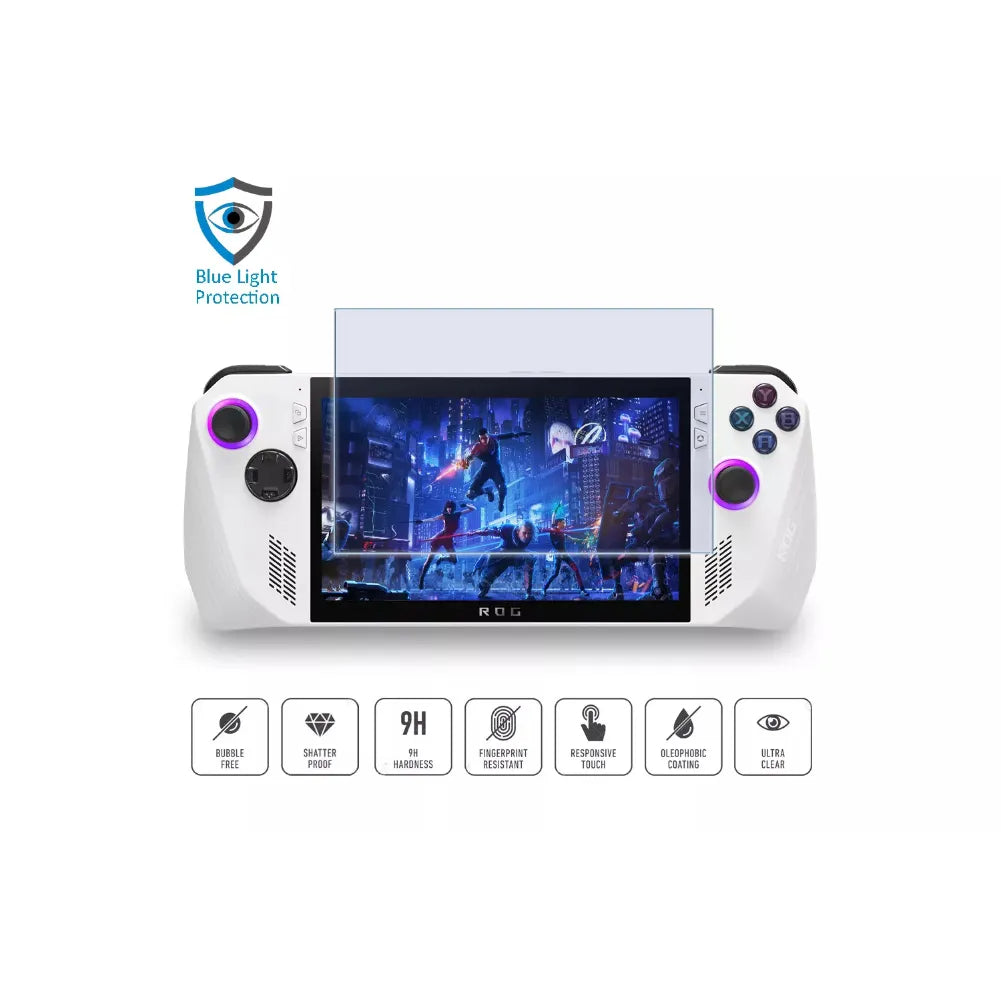
Yes, by Gorilla Glass Victus . For enhanced protection and visual comfort, a 9H tempered glass screen protector with blue light filtering (ROG Alliance compatible) can help filter certain wavelengths and limit scratches/impacts.
📦 What's in the box?
Contents may vary depending on the edition. Refer to the product page for a complete list (console, cables, documentation, etc.). USB-C charger: not included.
🛠️ Tips for optimal performance
- Capable of shooting at 60 fps and with VRR active on battery power to maintain good battery life.
- Update Windows , GPU drivers , and your games.
- Install the headlines on the internal NVMe SSD .
- When plugged into mains power, use Turbo mode in Armoury Crate SE for higher fps .
🔐 Security and accounts
Quick login via fingerprint reader ( Windows Hello ). A Microsoft account is required for the Store and Game Pass .